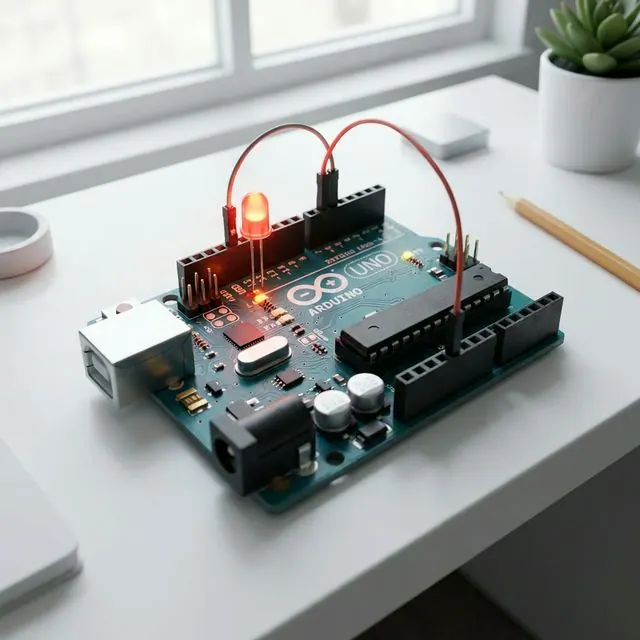
How to Program Arduino Easily in 5 Minutes
⚡
เตรียมของให้พร้อม!
โปรเจคนี้ต้องใช้: Arduino Uno Starter Kit
Programming Arduino isn’t as hard as you think! Today, we’ll start with the Blink project, which is like the “Hello World” of the Embedded System world.
Required Equipment
Coding Steps
- Open Arduino IDE
- Type the following code:
void setup() {
  pinMode(LED_BUILTIN, OUTPUT);
}

void loop() {
  digitalWrite(LED_BUILTIN, HIGH);   // Turn on LED
  delay(1000);                       // Wait 1 second
  digitalWrite(LED_BUILTIN, LOW);    // Turn off LED
  delay(1000);                       // Wait 1 second
}- Press the Upload button and see the result on your board!
Easy, right? Just like that, you’ve stepped into the world of IoT. If you want to do more complex projects, feel free to consult us!
อยากทำโปรเจคแบบนี้?
รับทำโปรเจค Arduino / IoT จบงานไว ส่งงานครบ พร้อมสอน
If you need Arduino project service or urgent IoT development, see full service details on the home page
ทักไลน์ @oqk3359x