I always run a print on my 3D printer and went to do other works. Sometimes my printer runs for a long time after finishing the print. And I don't know when my print finished, without being aware of the time.
That's why I make this mod for my 3D printer. When a print is completed, the printer head will move and press a push button of the device, and it will send a notification to the mobile phone via the Blynk IoT platform.
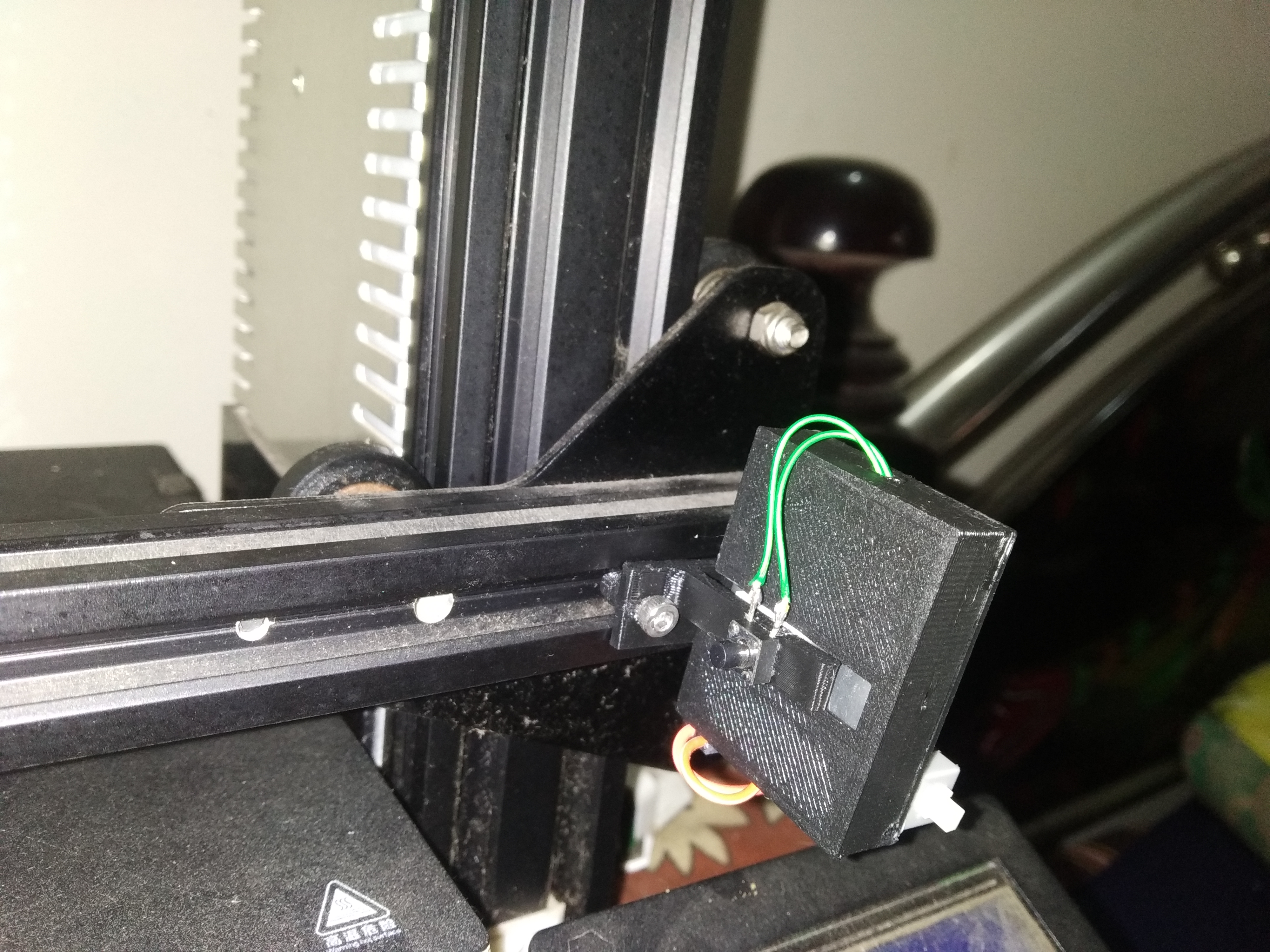
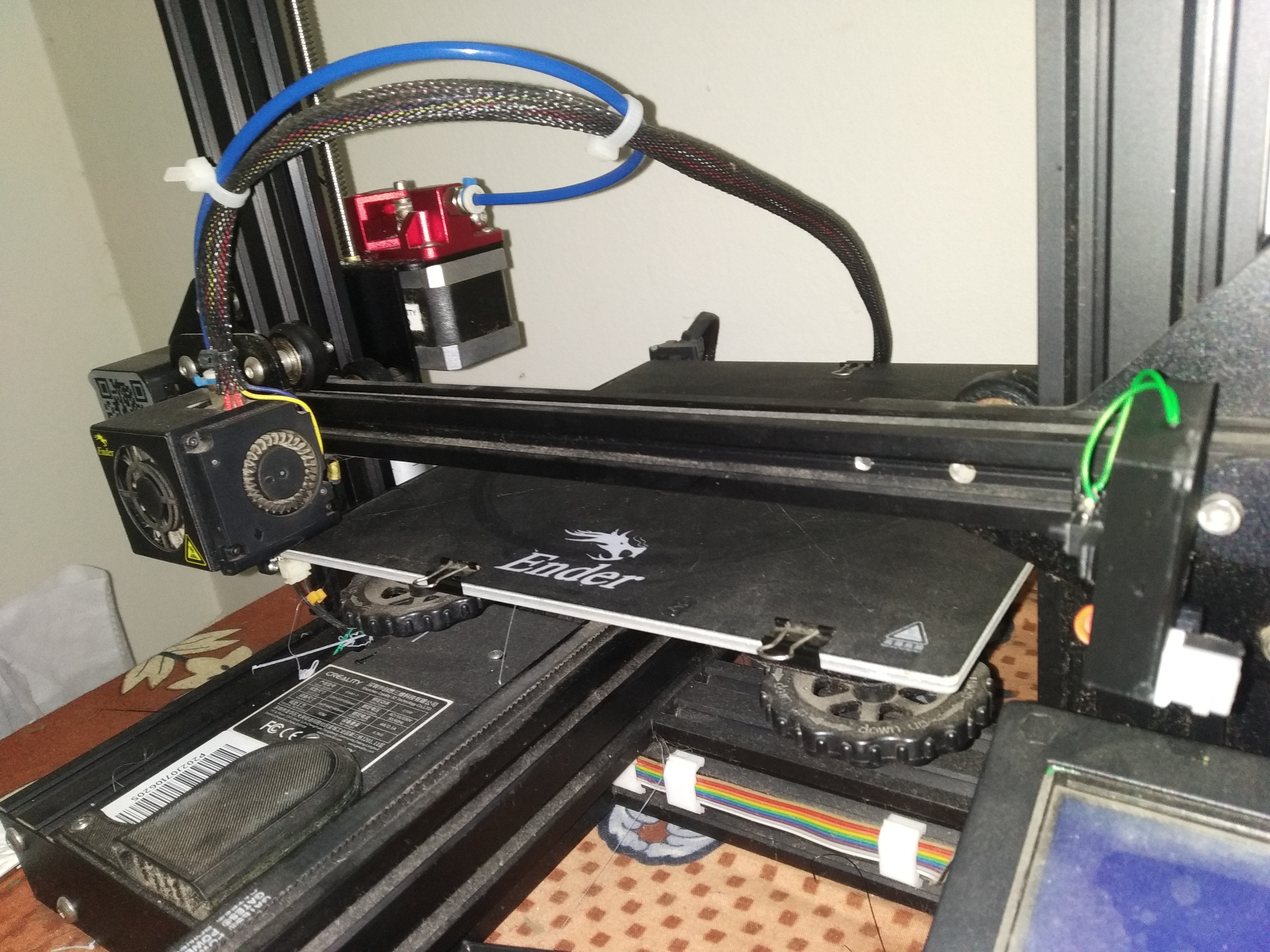
Hardware
On the hardware part, I use an ESP8266 (in ESP01 form-factor) as the brain for the system because of its built-in WIFI and small tiny size.
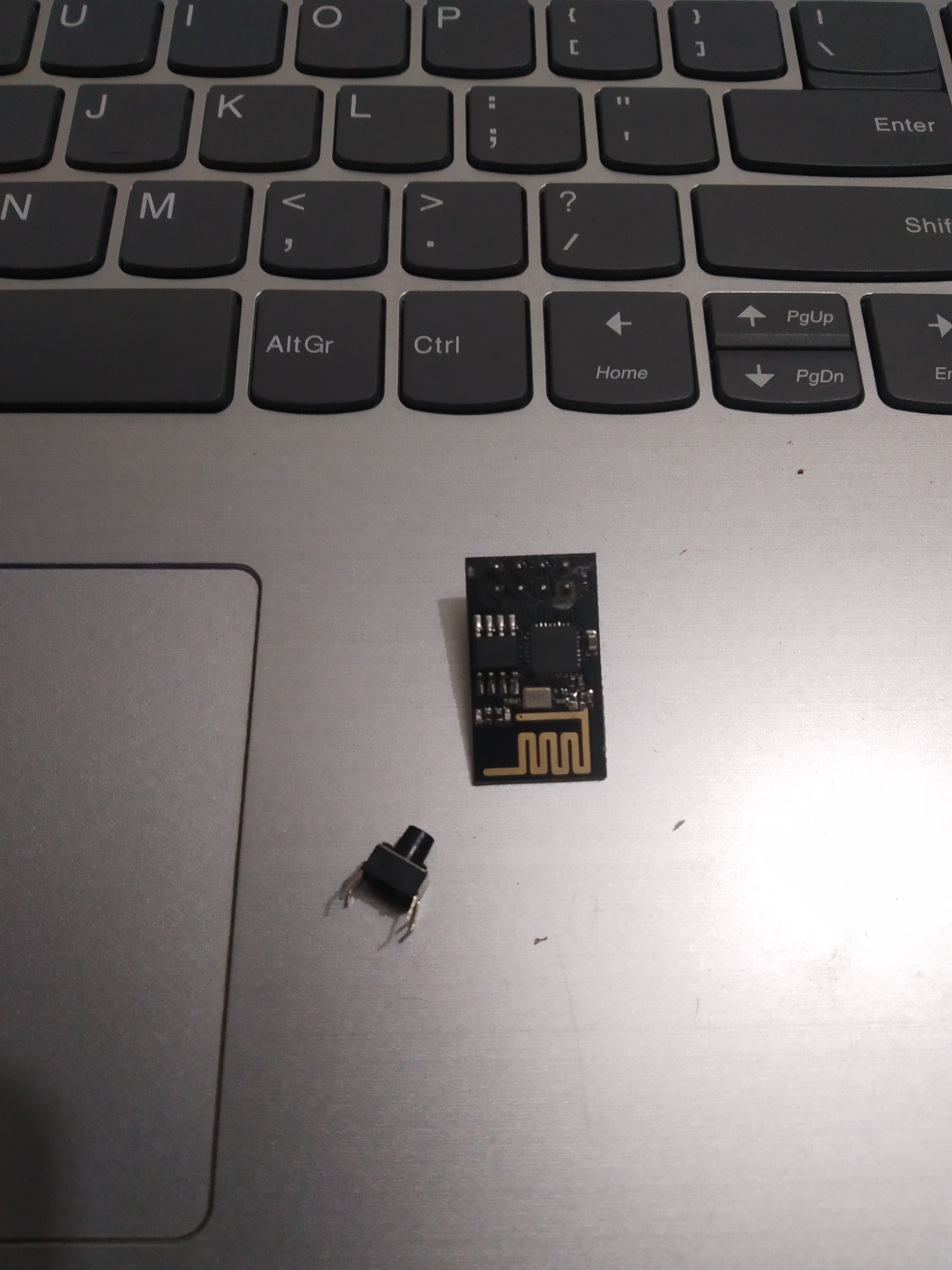
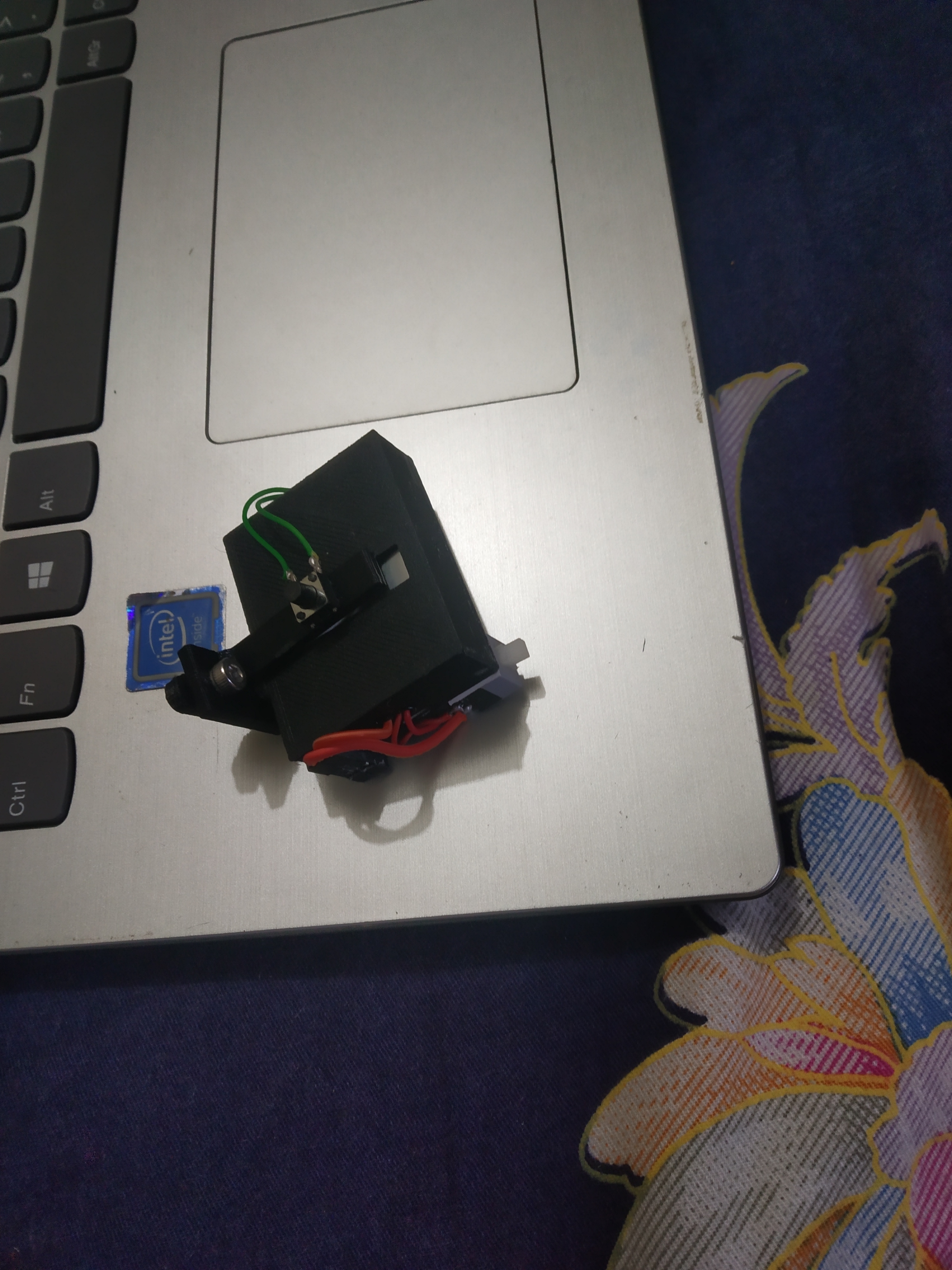
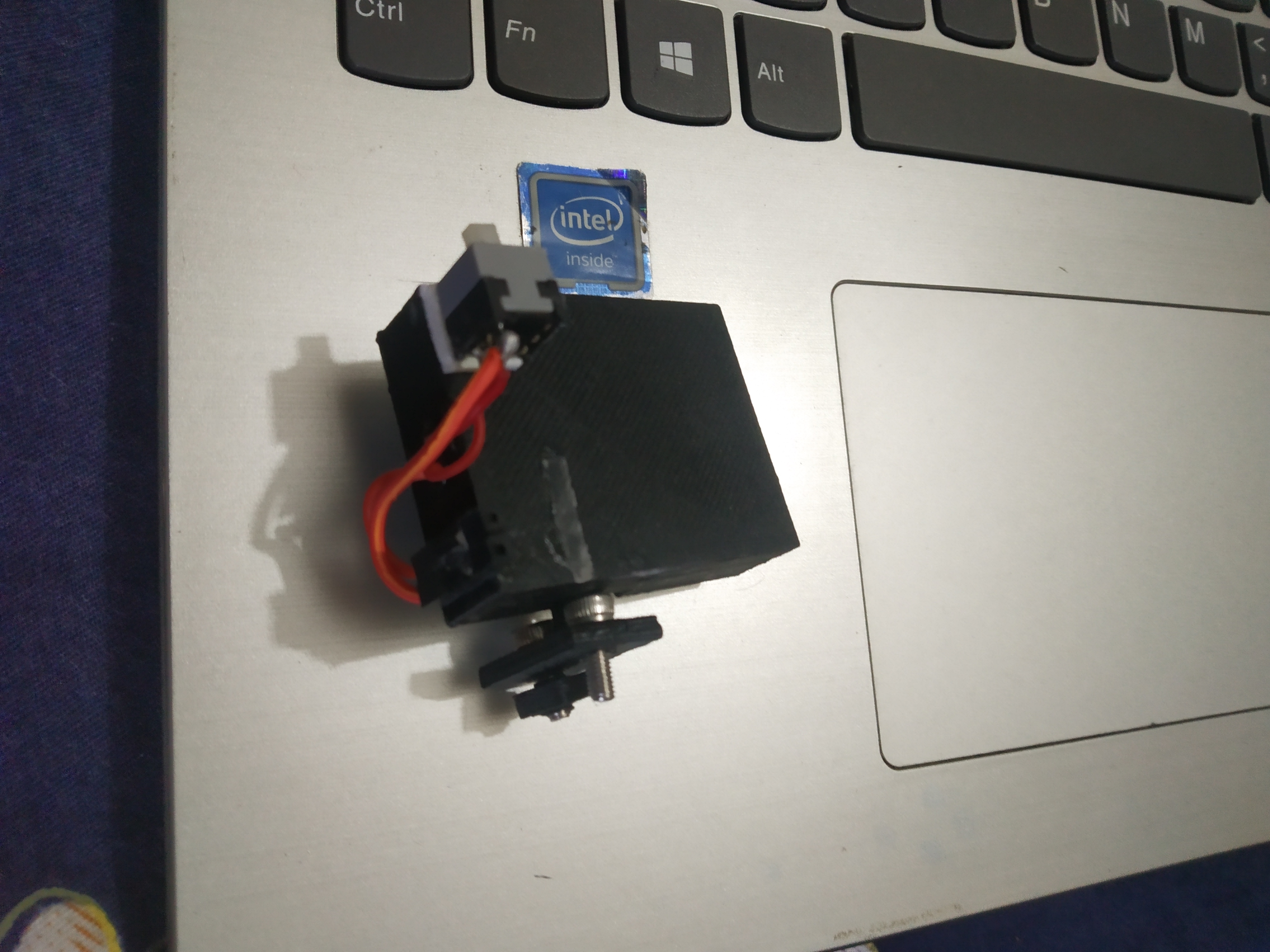
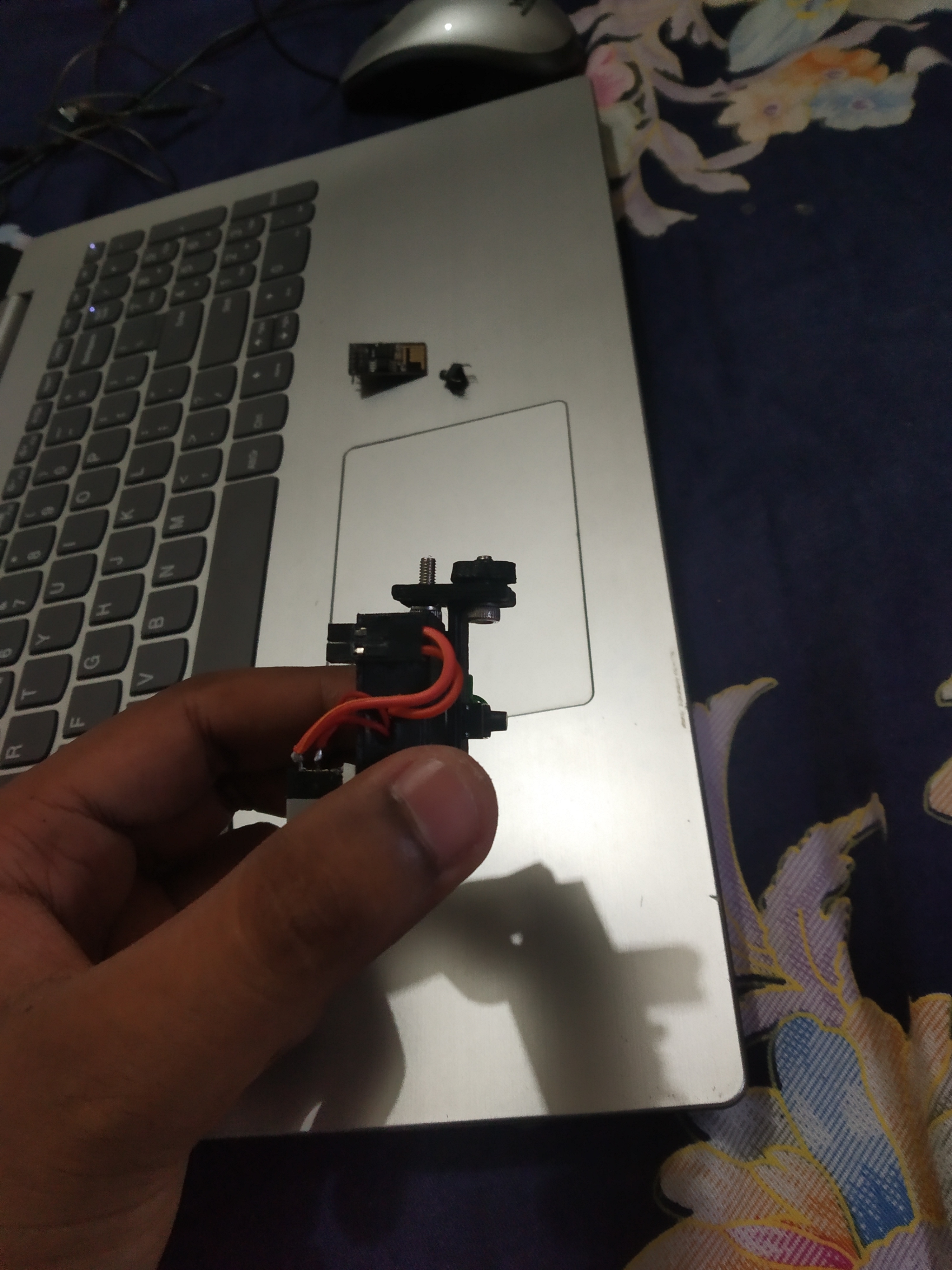
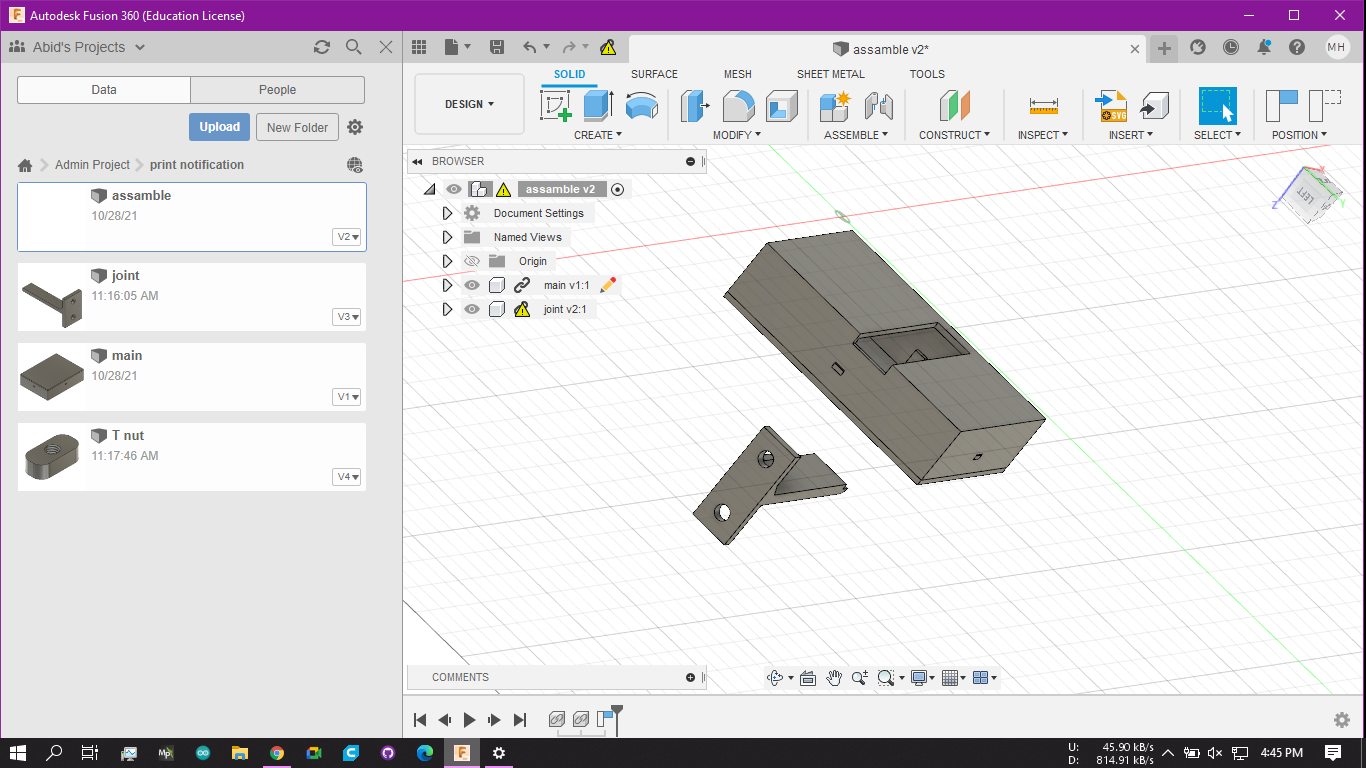
I design an encloser for the system in Fusion 360 and print it with PLA filament.
I use Arduino Nano to Upload the code to the ESP01 module.
To upload code to the ESP01 module the connection are given below,
ESP01 ---> Arduino Nano
TX ---> TX
RX ---> RX
GPIO0 ---> GND
GND ---> GND
Chip select pin ---> 3.3V
VIN ---> 3.3V
Arduino GND toArduino RST
After that, remove all the connections and connect as below,
GPIO2 ---> PUSH pin 1
GPIO2 + 10k Resistor + VIN
VIN ---> Chip select PIN
PUSH pin 2 ---> GND
Blynk Setup
After Downloading and creating the account on the Blynk platform, create a new project and choose Device as ESP8266 and connection type as Wi-Fi.
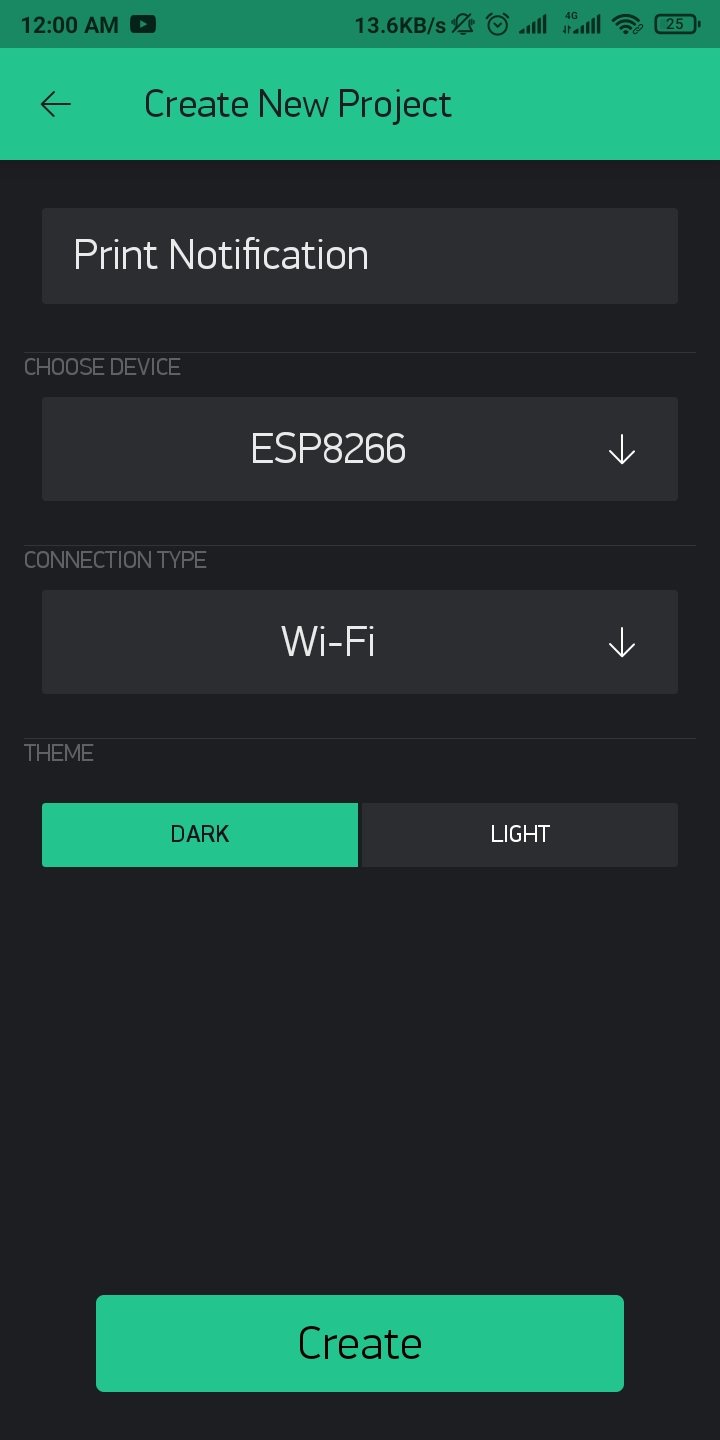
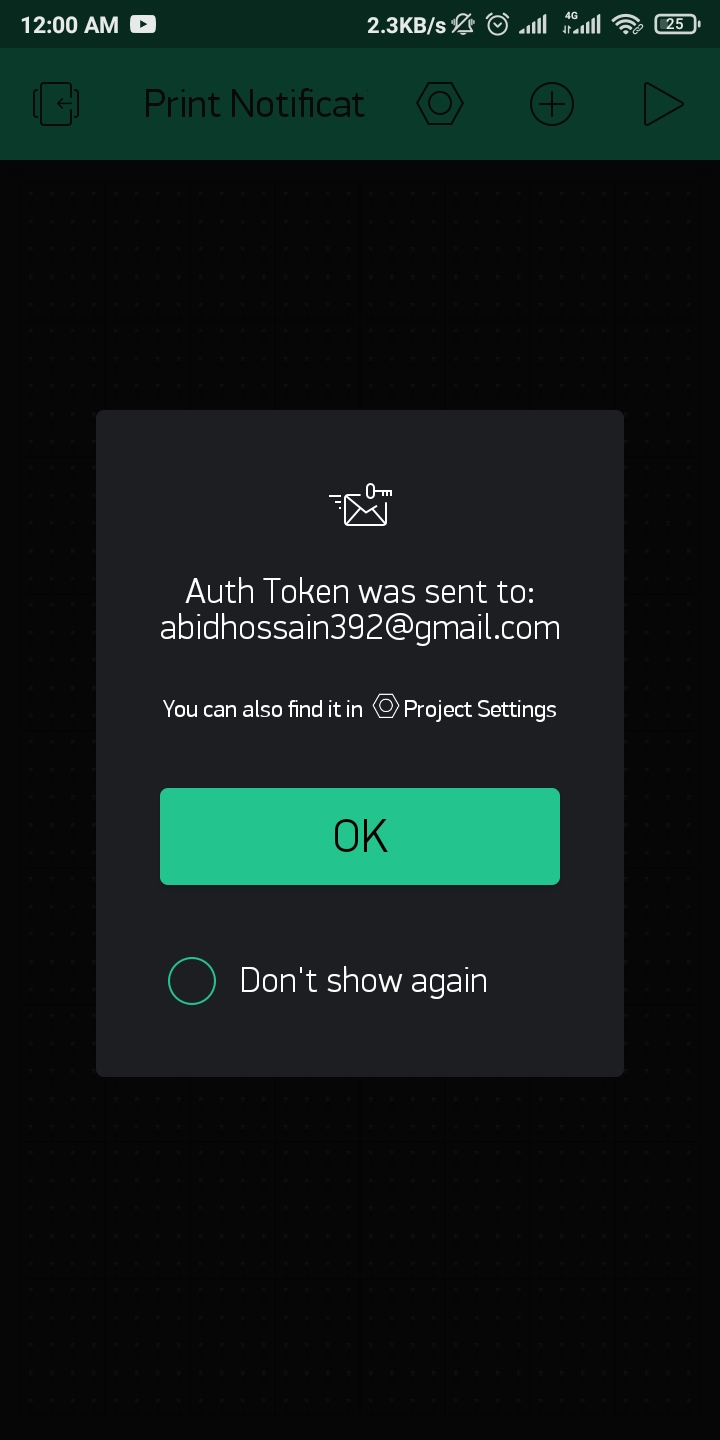
Then this message pops up. press ok, an Authentication token will be sent to your email address we need while programming.
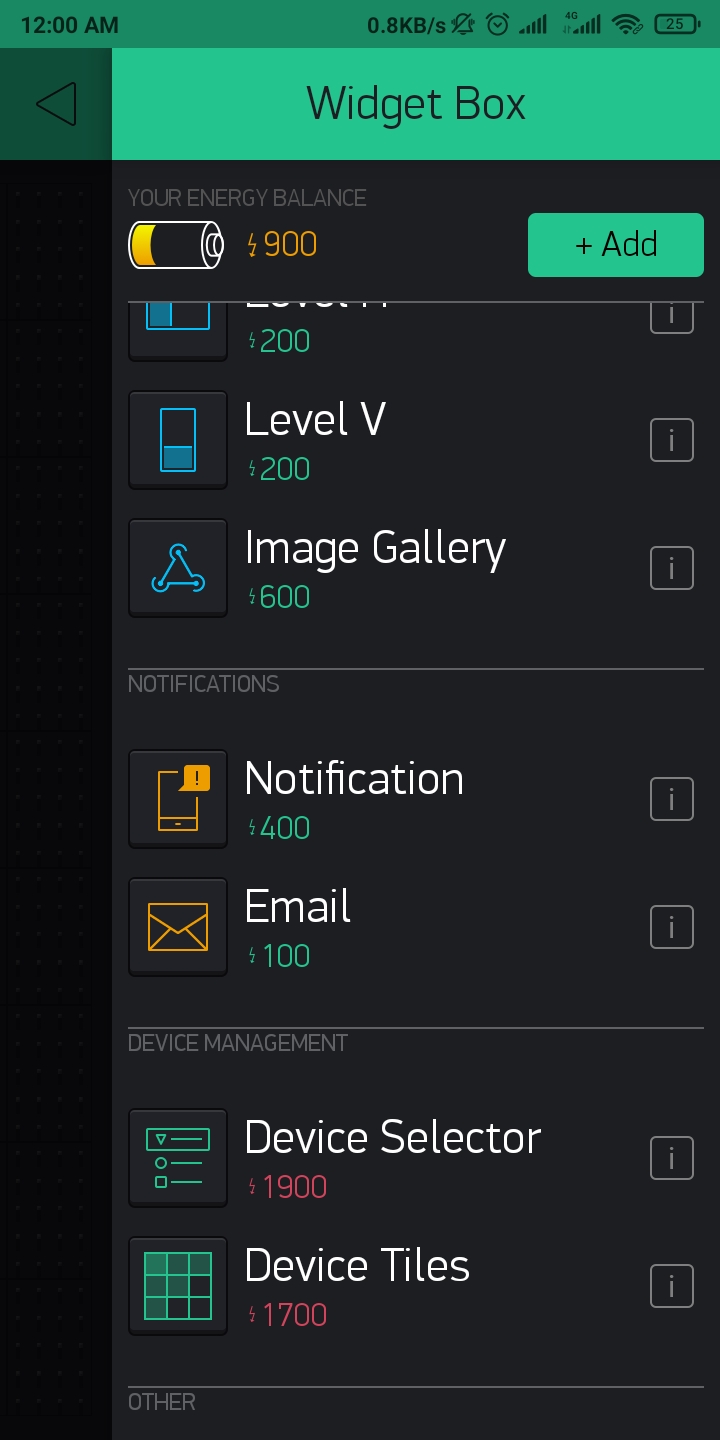
After that from the widget box, select notification widget, and everything is done here.
Code
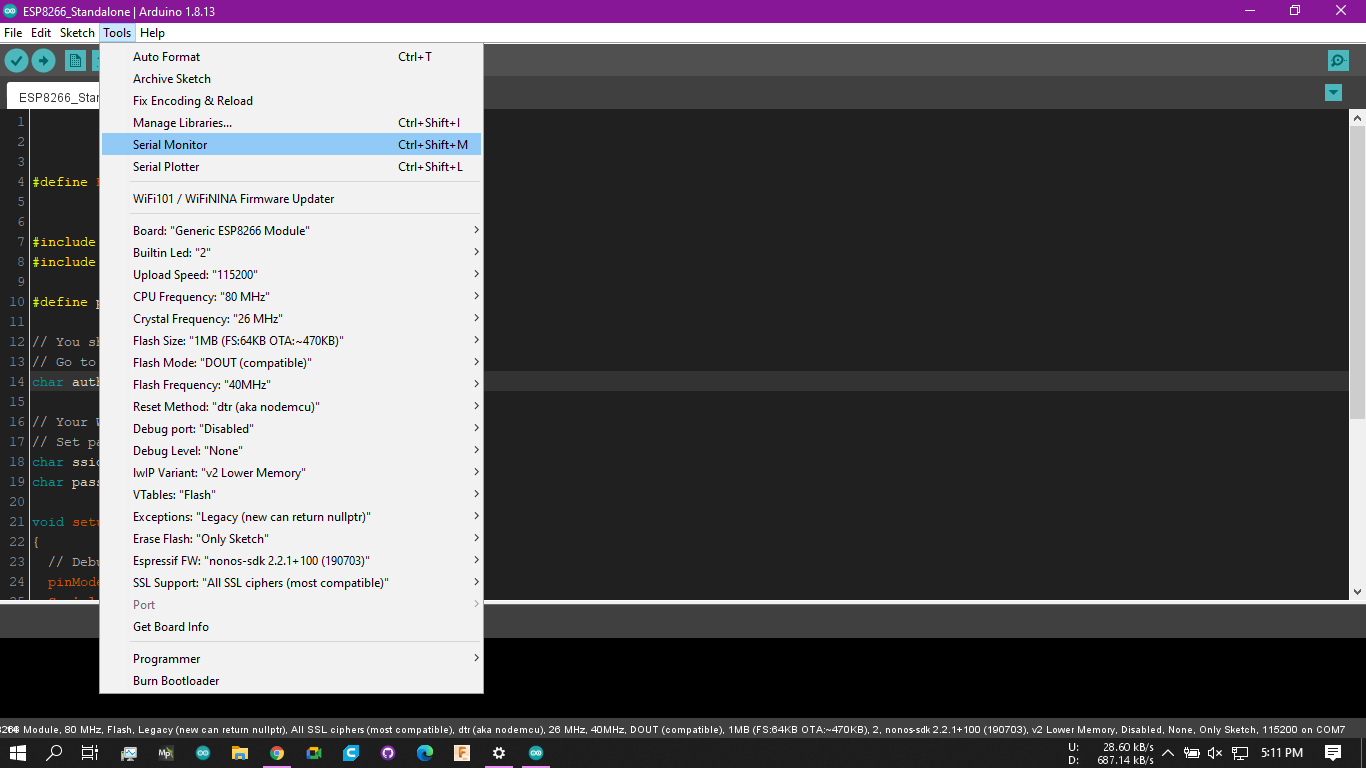
I use Arduino IDE to program the esp01 module. And Blynk IoT library to send notifications to the mobile. When the push button is pressed, the ESP module detects it and sends a notification to the mobile via Blynk App.
you need to install the Blynk library to run this code.
Use the auth token from your email in the auth [] of your code.
Video
EXPANDED TECHNICAL DETAILS
Industrial IoT Manufacturing Monitor
This mod cloud-enables any 3D printer, sending real-time progress updates and "Finish" alerts to your phone via the Blynk platform.
- G-Code Event Sniffing: The Arduino (ESP8266 or ESP32) is wired to the printer's controller (e.g., RAMPS or SKR). It monitors the M73 G-code signals or the "Heater Off" event to identify when a print is completed.
- Blynk Push-Notification Hub: When a print finishes, the Arduino sends a high-priority "Finish" event to the Blynk app, informing the user they can now clear the build plate.
Interaction
- Web-Based Dashboard: Displays the current "Nozzle Temperature" and "Remaining Time" (if available) on a mobile gauge, allowing the user to monitor their workshop from anywhere.