Introduction: Transforming the Physical World into the Digital World with a DIY 3D Scanner
In an era where 3D Printing and digital modeling play a crucial role in engineering and design, this 3D Scanner project was developed as a tool to transform real-world objects into 3D computer models. It achieves this by combining Arduino-family hardware and Processing software to create an accurate and affordable system.
This project is designed to scan objects with a maximum height of 27 centimeters, covering everything from collectibles and spare parts to engineering prototypes.
Hardware Details and Engineering Design (Hardware Components)
The core of a 3D scanner lies in the stability and accuracy of its drive system and sensors. The main components are as follows:
- Controller (Arduino): Serves as the main "brain" for controlling the motor's rotation sequence and reading values from the Distance Sensor.
- Stepper Motor & Driver: Used for rotating the turntable and moving the vertical axis (Z-axis). The advantage of Stepper Motors is their precise control over rotational angles (Step resolution), which allows for high-resolution Point Cloud data acquisition.
- Distance Sensor (Laser/ToF): Fires a light beam onto the object's surface to calculate the distance. This data is sent back to the Arduino for processing along with the rotational angle position.
- Power Supply 12V AC/DC 2A:The choice of a 12V 2A power supply is crucial. This is because Stepper Motors require a stable and sufficient current to maintain torque. If the current is insufficient, the motor may experience "Missed Steps," which can lead to distorted scanned models.
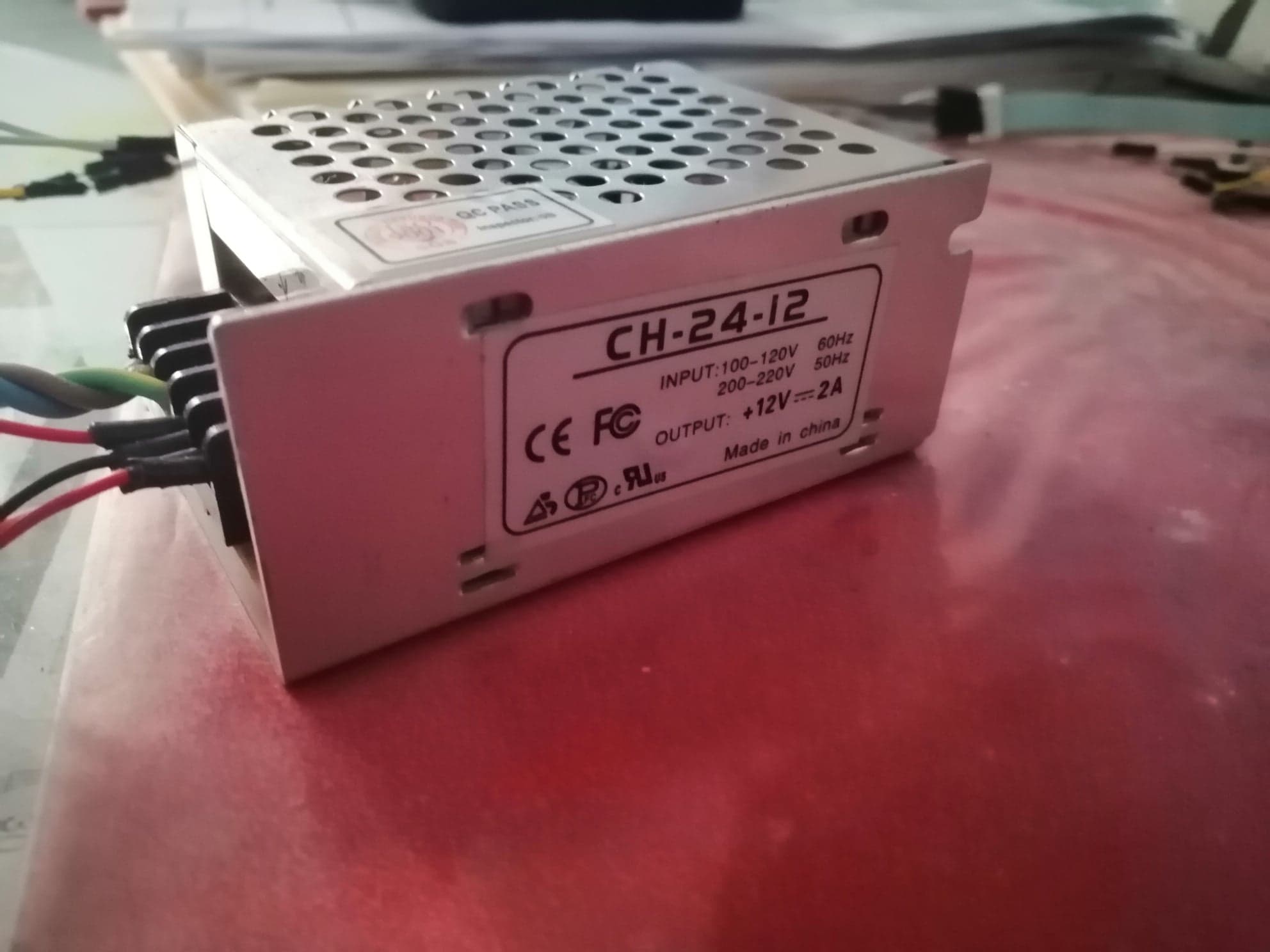
POWER SUPPLY 12V AC/DC 2A 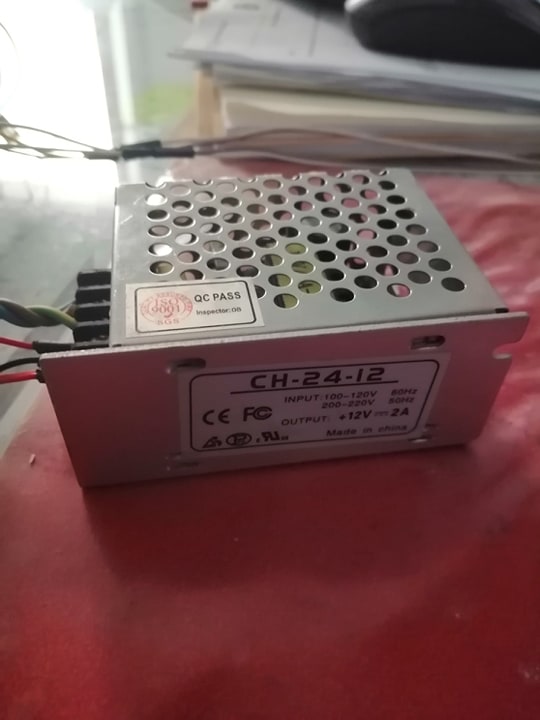
POWER SUPPLY 12V AC/DC 2A
System Operation Logic (Code Logic & Software)
The system's operation is divided into two main parts that coordinate via Serial Communication:
1. Arduino Section (The Data Collector)
The Arduino operates in synchronized loops:
- Step 1: Commands the Stepper Motor to rotate the turntable incrementally (e.g., 1.8 degrees per step).
- Step 2: At each step, the sensor measures the distance from the center to the object's surface.
- Step 3: Sends "Angle," "Height," and "Distance" values out via the Serial Port as String Data.
2. Processing Section (The Visualizer & Designer)
Processing receives raw data from the Arduino and subjects it to mathematical processing:
- Coordinate Conversion: Converts values from Polar Coordinates (obtained from the sensor) into Cartesian Coordinates (X, Y, Z) using trigonometric functions
sin()andcos(). - Point Cloud Rendering: Takes the calculated points and displays them on the screen in real-time, allowing users to see the object gradually form within the program.
- Data Export: Upon completion of scanning, Processing can group these points (Point Cloud) and export them as a standard file format that other 3D CAD programs can then utilize.
Capabilities and Limitations
This scanner model has been tuned (calibrated) to be suitable for small to medium-sized objects:
- Maximum Height: 27 centimeters
- Resolution: Depends on the motor's step settings and the sensor's sensitivity.
- Stability: With a separate 12V power supply, the system can operate continuously for extended periods without the motor overheating.
This project not only demonstrates the application of sensors and motors but also the integration of software to transform complex engineering problems into practical tools for 3D creation.