Scott, our son is now 17 years old. He is a non-verbal autistic. It has become very difficult to keep him occupied and happy. He likes flashing lights and different sounds, but all the toys in his hands don't last two minutes with him.
As parents, we wanted to find out if he could handle colours and understand action-reaction, so I made him this simple LED game. Or as I call it: Scott's Arcade
Although I developed this gaming platform for my son, I realised afterwards that it can do much more and can be used in different areas, whether for movement restrictions, whether congenital or caused by an accident. It can be used in rehabilitation, as the buttons don't require any strength and the games don't put you under any time pressure. This platform can also be useful in old people's homes or where there are intellectual impaired people.
It has various simple play modes, and is theoretically indestructible compared to stuff from the shops. Hopefully. This game is rather intended for children, teenagers or adults with are restricted in their movement or have mental limitations.
I am quite sure that there are a lot of areas of application, and unfortunately I do not know all the problems in this area.
The sensor buttons alone of this project can be used in many different ways
Here is a short video showing how the gaming platform works. I hope you like it. I used text2speech from https://elevenlabs.io/speech-synthesis for this video. Unfortunately English is not my native language and you didn't want to hear my horrible accent :)
I had this idea in my head for a very long time and it took me almost 3 months to realise this project in my free time.
I also tried to document the progress as quickly as possible, but the sequence of when and how I realised something is a bit back and forth. But in the end it all came together and I think you can see this one as a basic idea for other games. For example, a bigger or nicer case, or a higher resolution with more LEDs. For every person with special needs, and the name says it all, you have to build something customised. I hope that this prototype here will inspire the maker community to realise something. Nobody else will do it for us.
Why an LED display? The display of the games should be simple, so why an LCD panel. Firstly, they break too quickly due to vibrations and are a total overkill for simple games. It is also very cheap to build this or similar games. In addition, these materials are easy to obtain and your own ideas can be easily incorporated. Most organisations that work with people with mobility impairments or intellectual disabilities are not always in a good financial position, and all the special equipment is extremely expensive. That's why I try to help people with these ideas. Especially our son
Inclusive Tech: The Accessible LED Game
Traditional video game controllers with tiny buttons and twin thumbsticks are completely unusable for individuals with severe motor function limitations. This Accessible LED Game is an exercise in Human-Computer Interaction (HCI) design, building massive, high-contrast digital toys for therapeutic play.
Contrast and Responsiveness
The goal is immediate, highly visible feedback. The hardware uses large, easy-to-press capacitive touch buttons paired with bright WS2812B LEDs. The logic of games like "Simon Says" is designed for clarity: the system provides a clear visual cue (like flashing a ring of LEDs), and the user's successful touch triggers an immediate, rewarding response with sound and light, reinforcing the action-reaction principle.
Engineering For Durability
Unlike standard breadboard projects, this device must survive intense use. The enclosure is built from thick, rounded multiplex wood for stability and safety. The custom-designed capacitive touch buttons are sealed and easy to clean, avoiding the issues of mechanical buttons where debris can get stuck or components wear out from constant pressing. The internal electronics are securely mounted and protected.
Electronic
The game is based on an Arduino nano and WS2812b light emitting diodes. The sound is provided by a DF mini sound module that is controlled serially. The buttons are TTP223 capacitive sensor buttons. you can also use mechanical buttons, but they are not an option. Especially as sensor buttons require no effort to operate, which is a huge advantage for people with various physical limitations
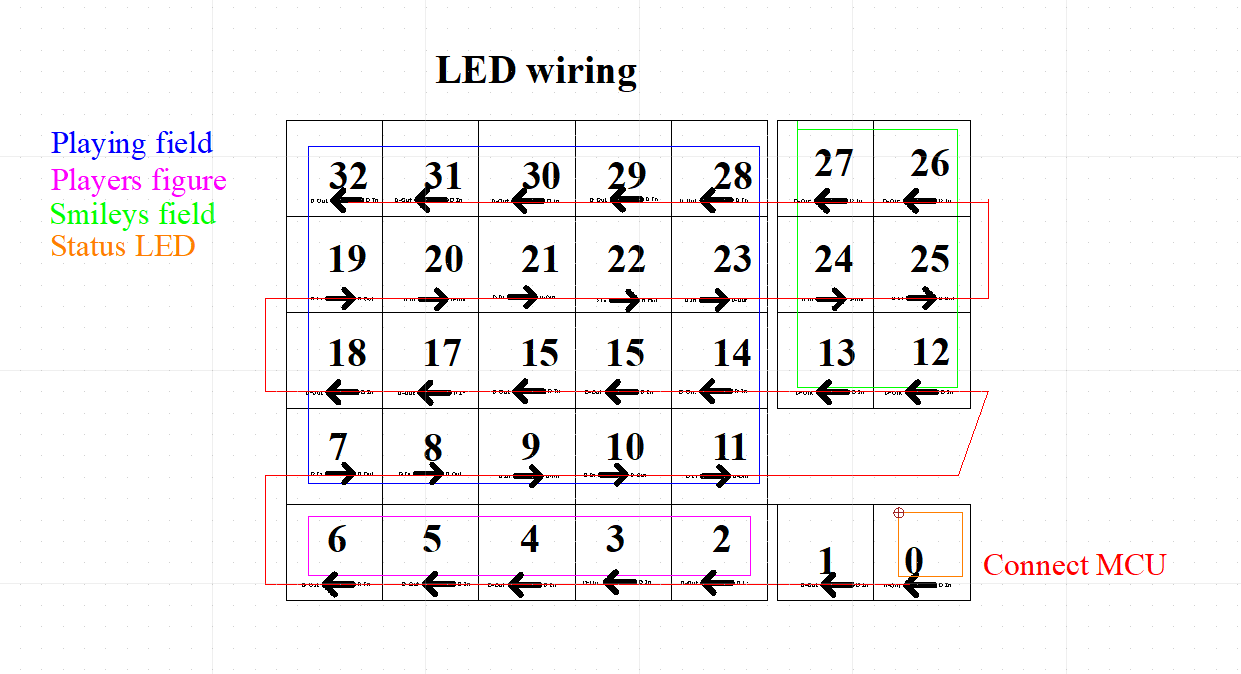
I have also drawn a plan for the correct order of the LEDs and grouping in the programming afterwards.
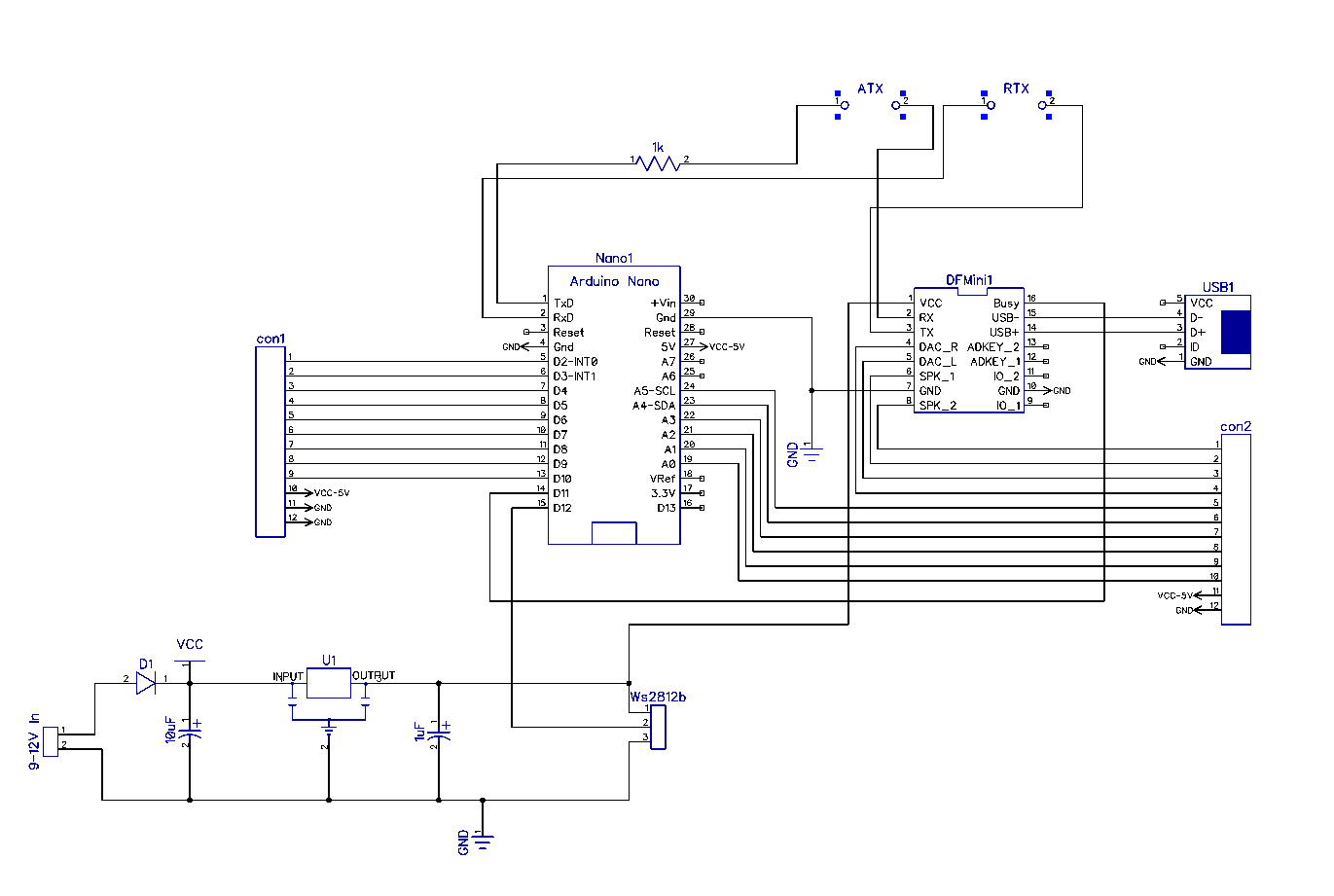
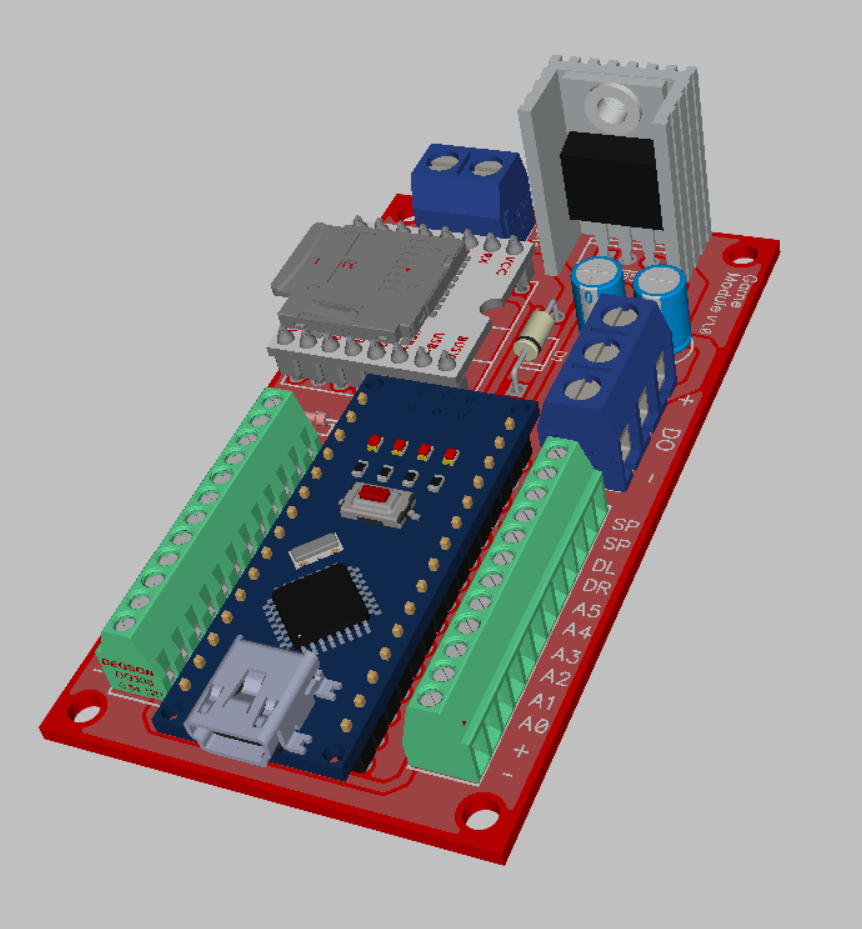
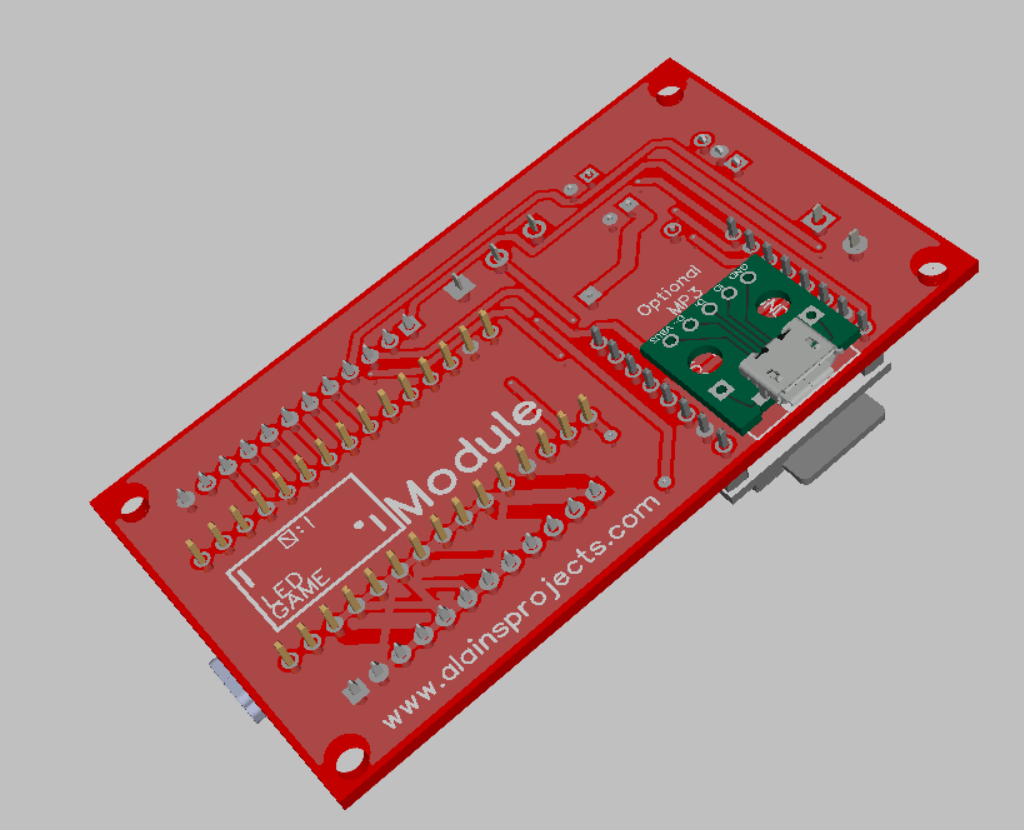
The PCB
So I created a circuit board with DipTrace. The USB port on the underside is not really necessary, but makes it easier to upload MP3s to the sound module
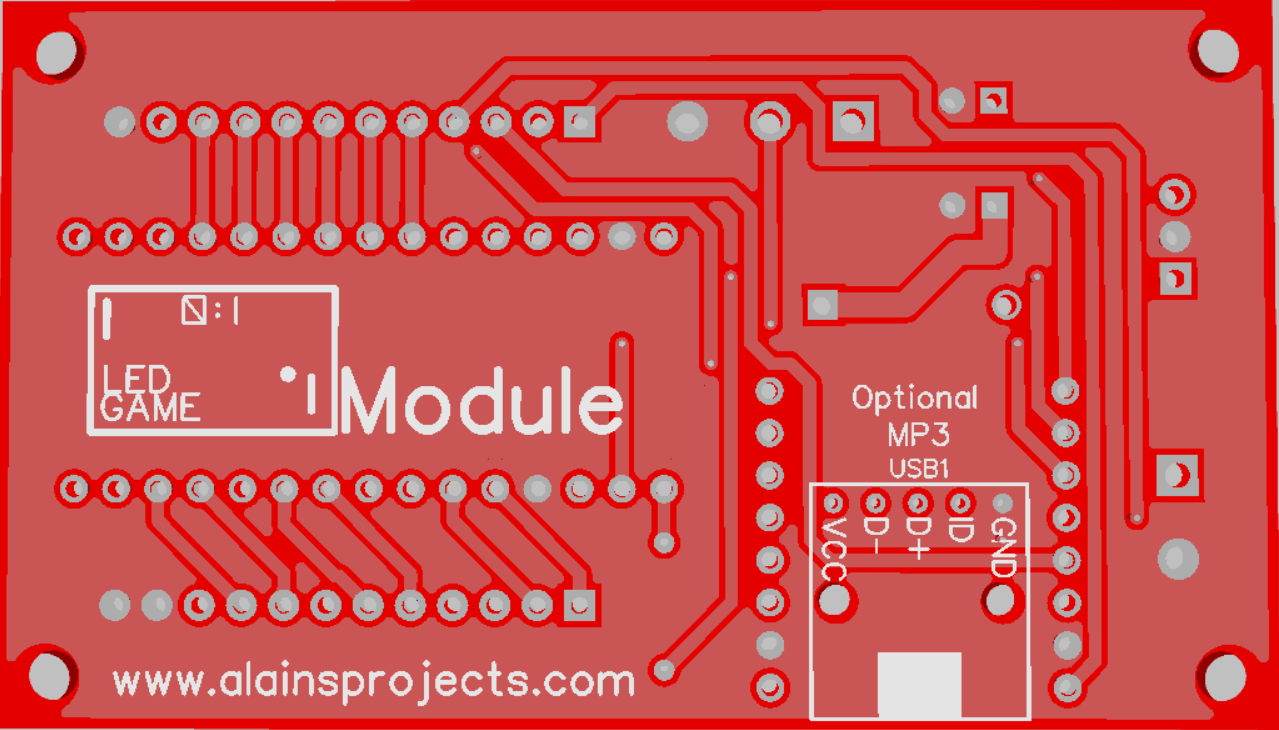
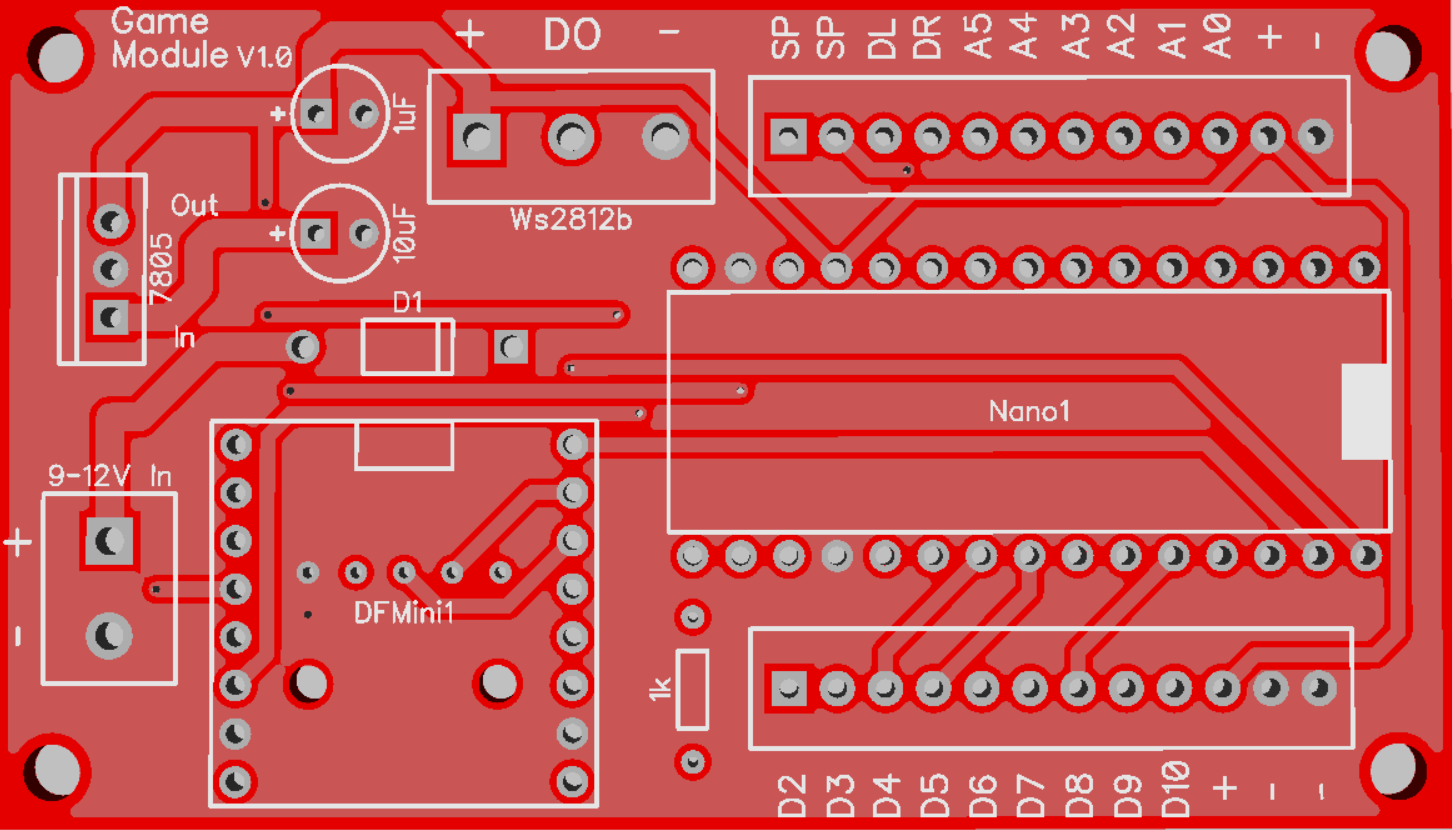
The Inner Box
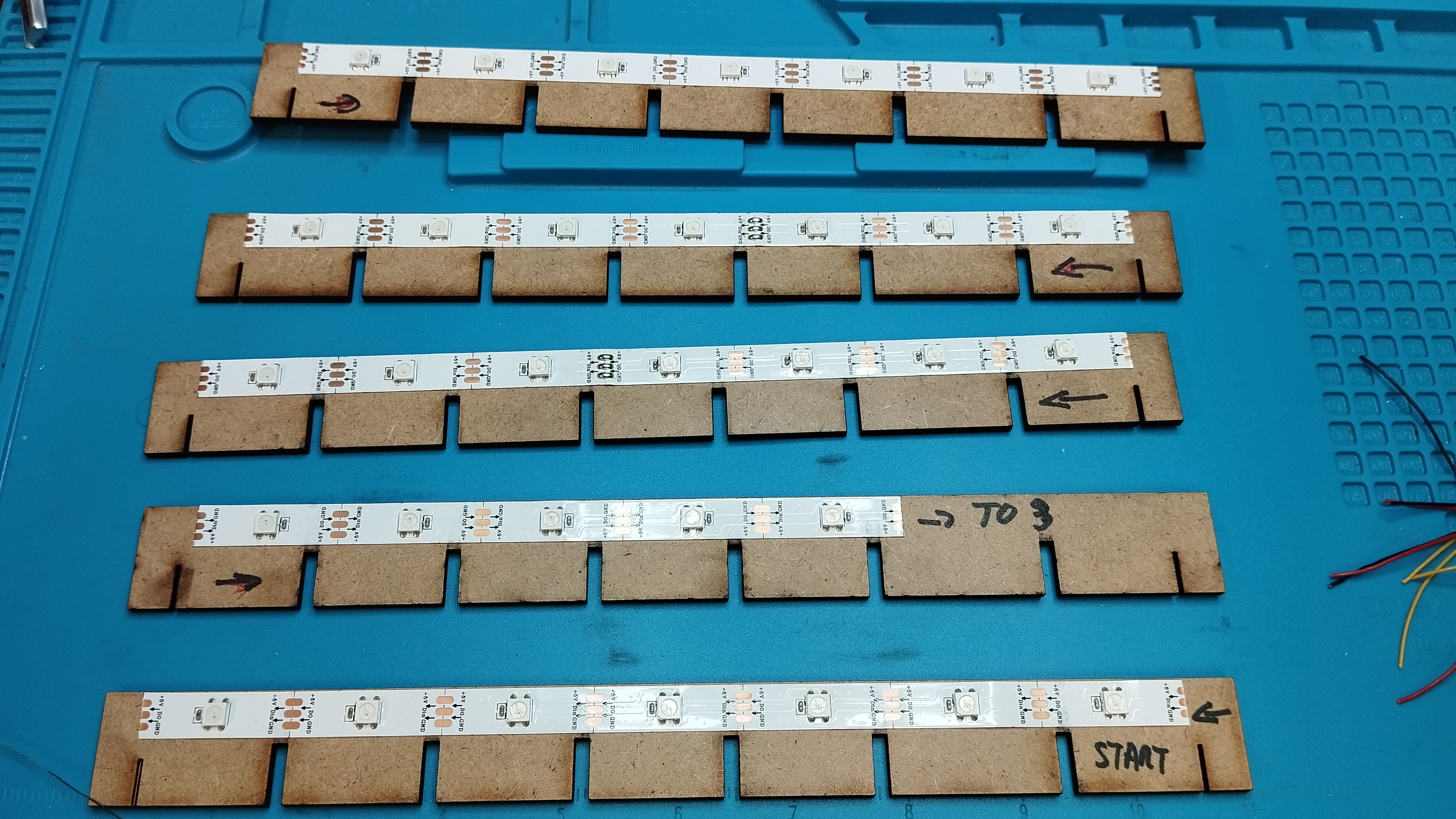
It is made of 3mm MDF. This was cut with a laser cutter, but it should also work with a saw and a drill. It would just be a longer work step. The side parts are simply inserted into the slots provided and glued with wood glue The other parts are simply plugged together in the shape of a circle after the LEDs have been glued on.Then simply insert the box construction and screw on the cover with the symbols after completion.
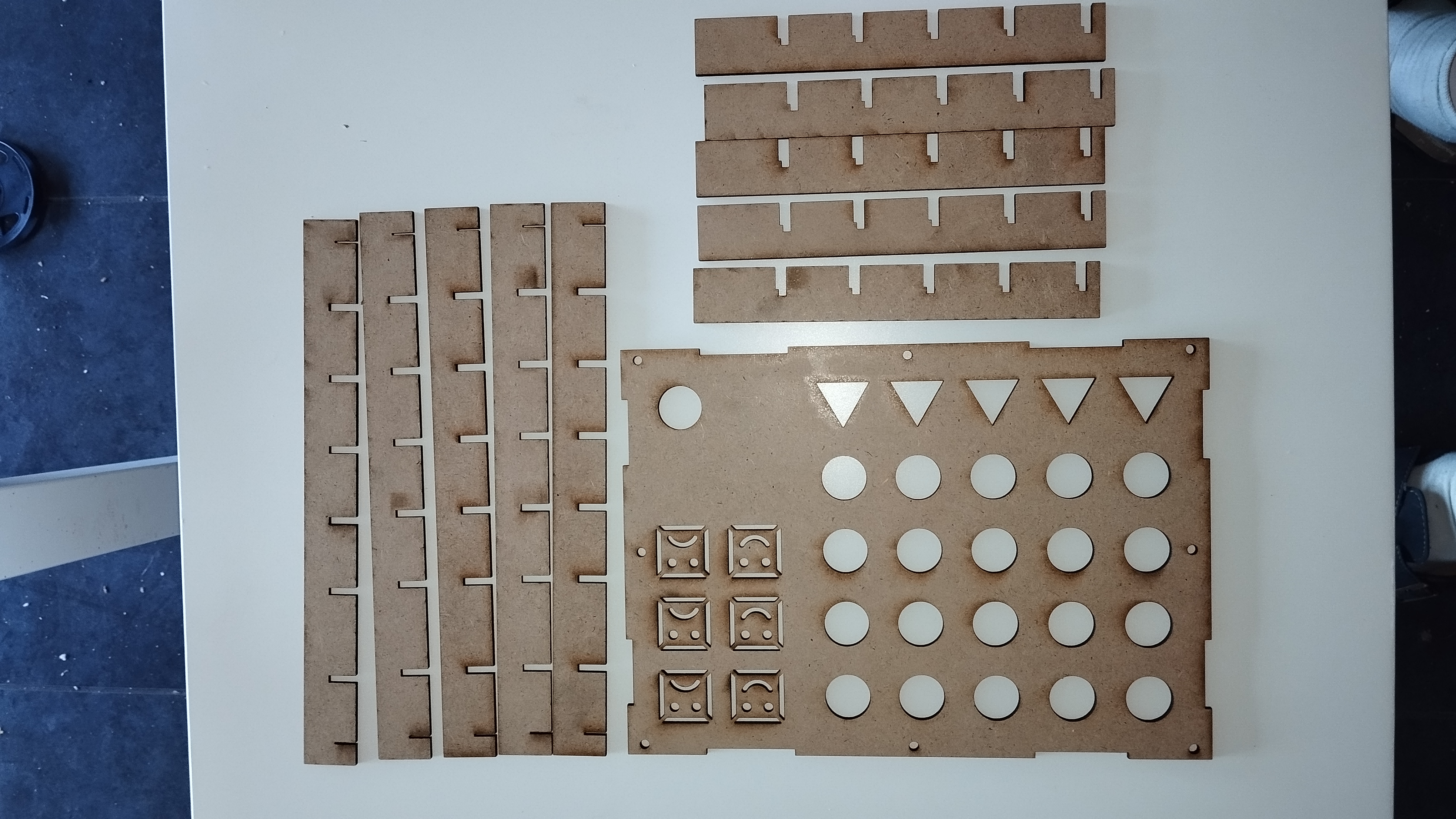
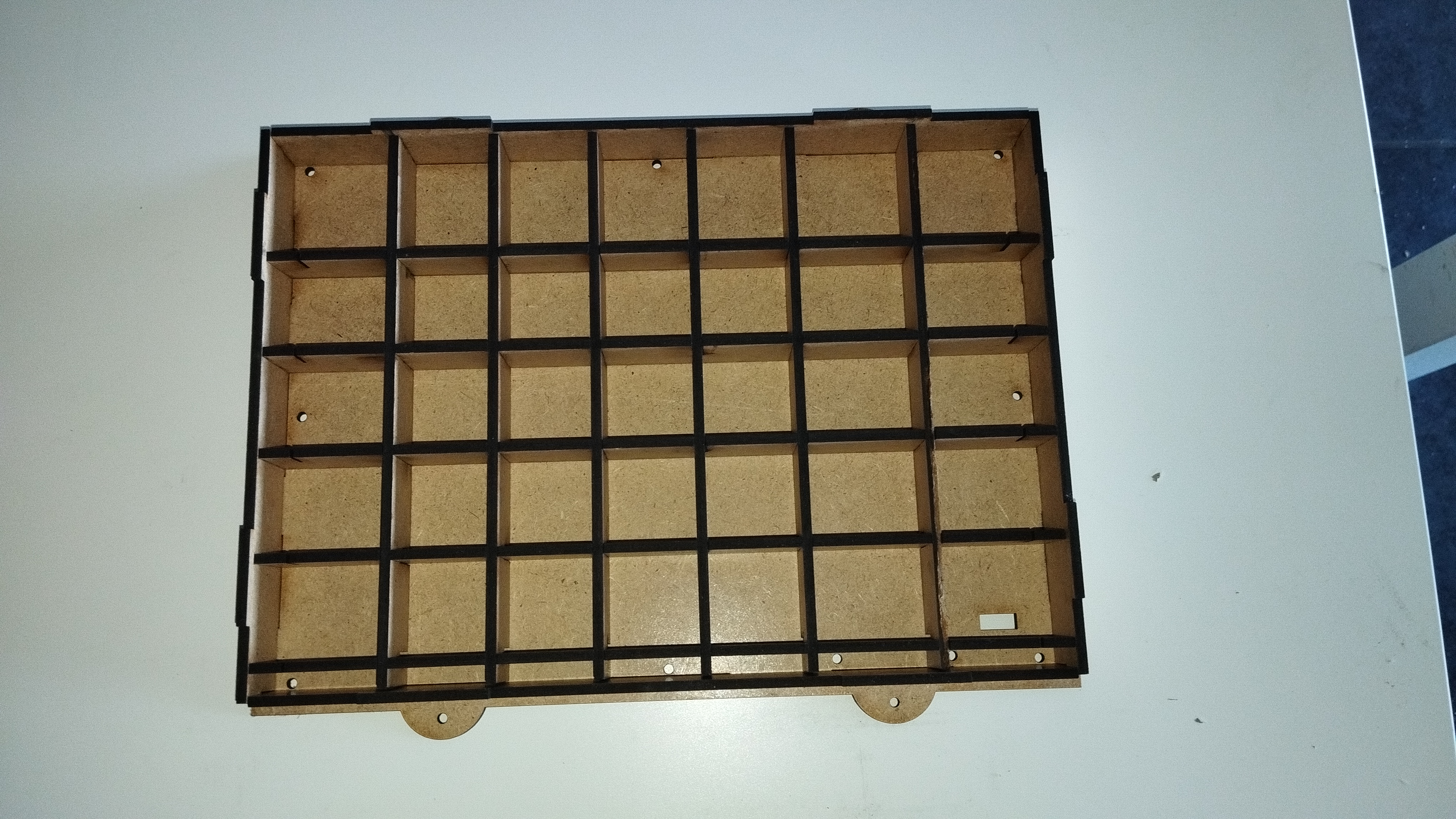
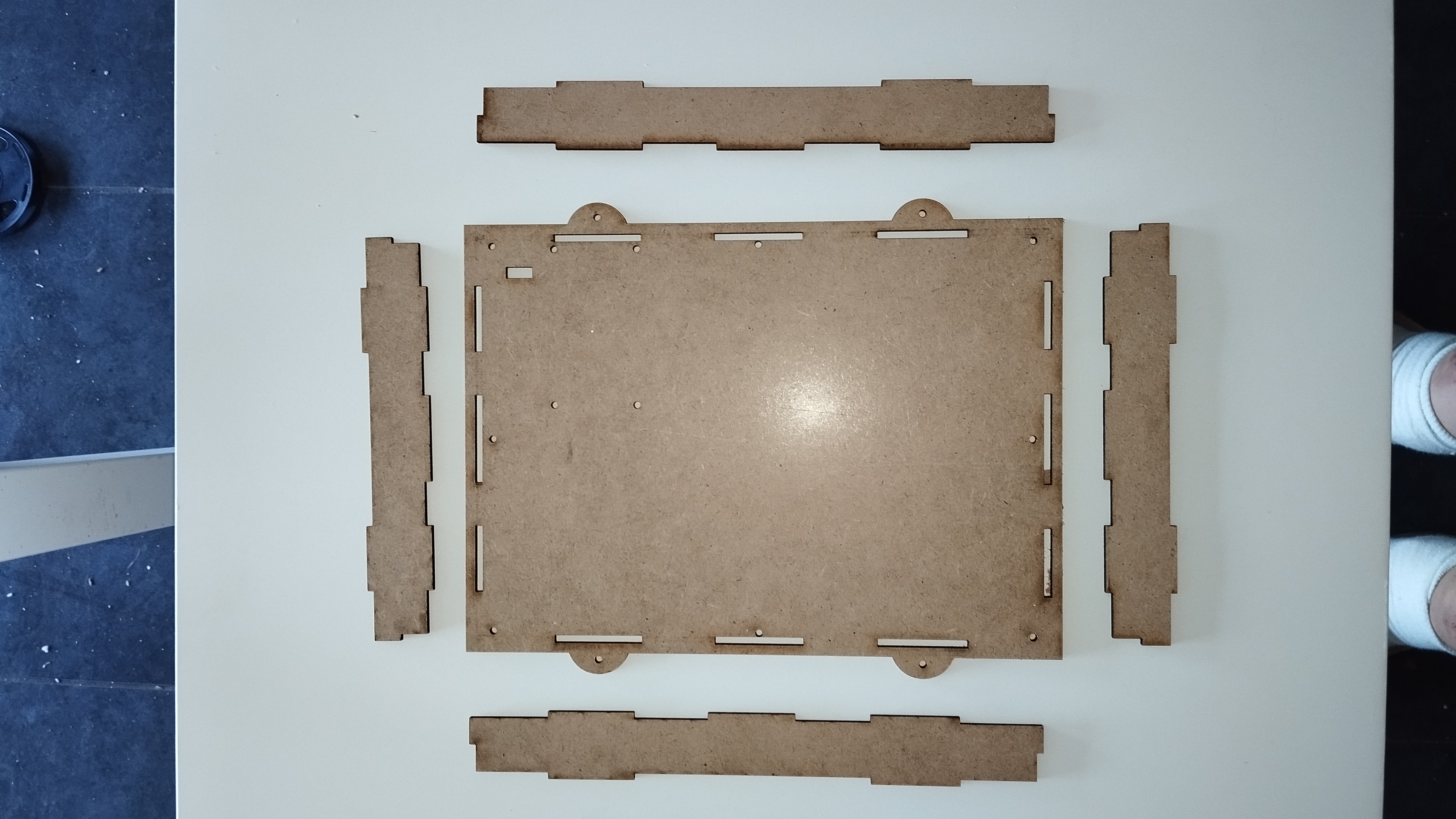
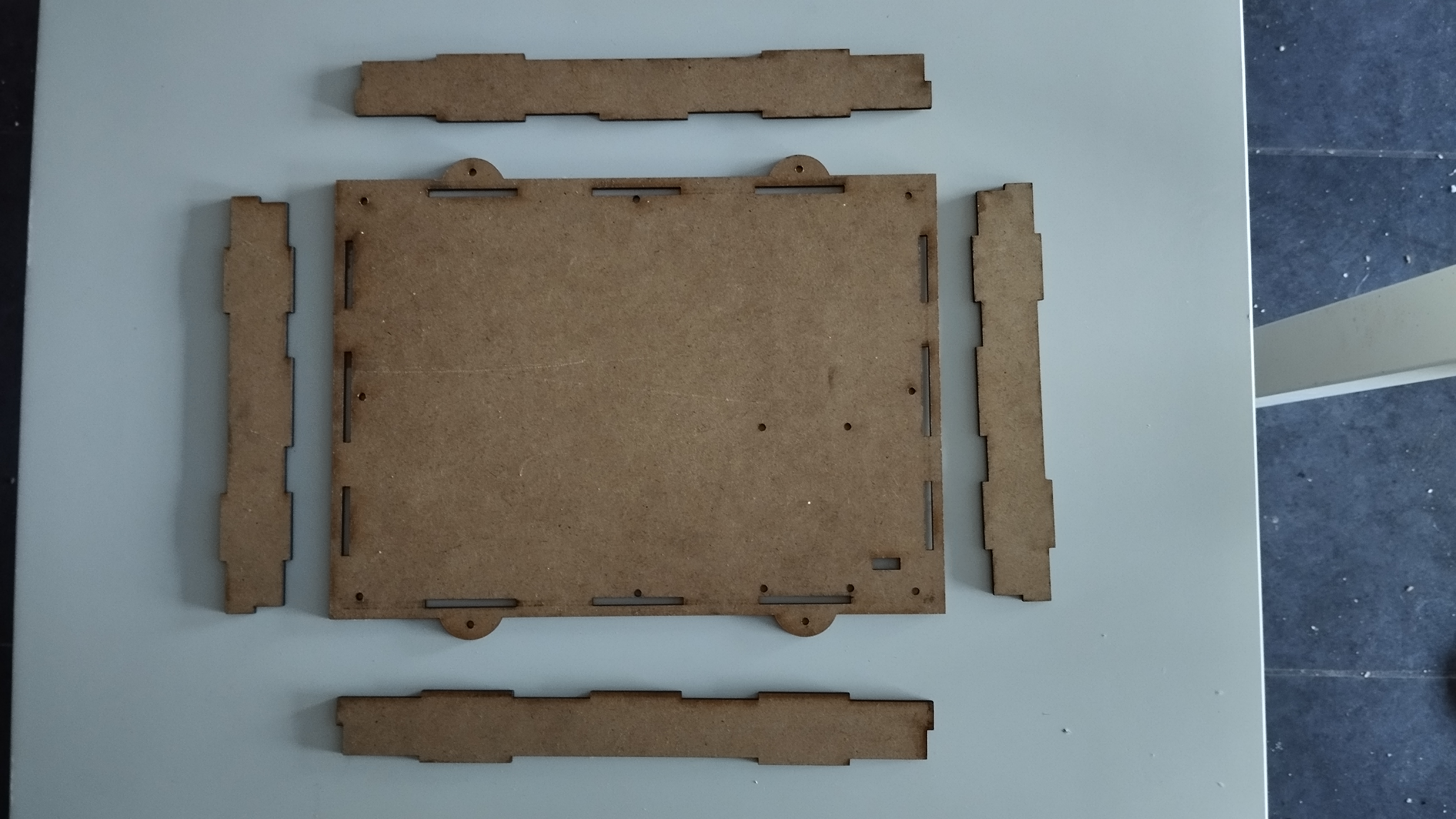
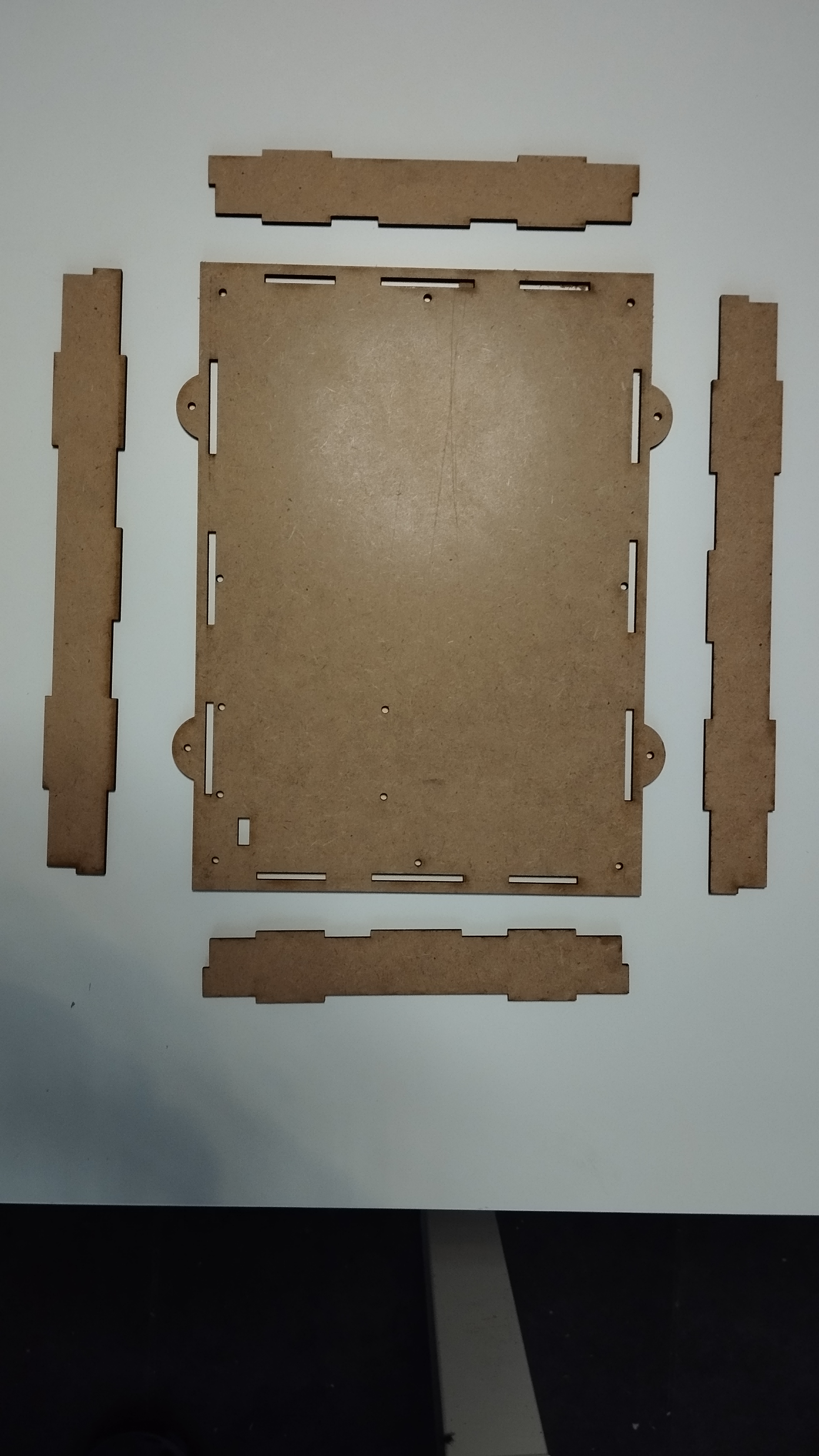
Installing the WS2812b LEDs
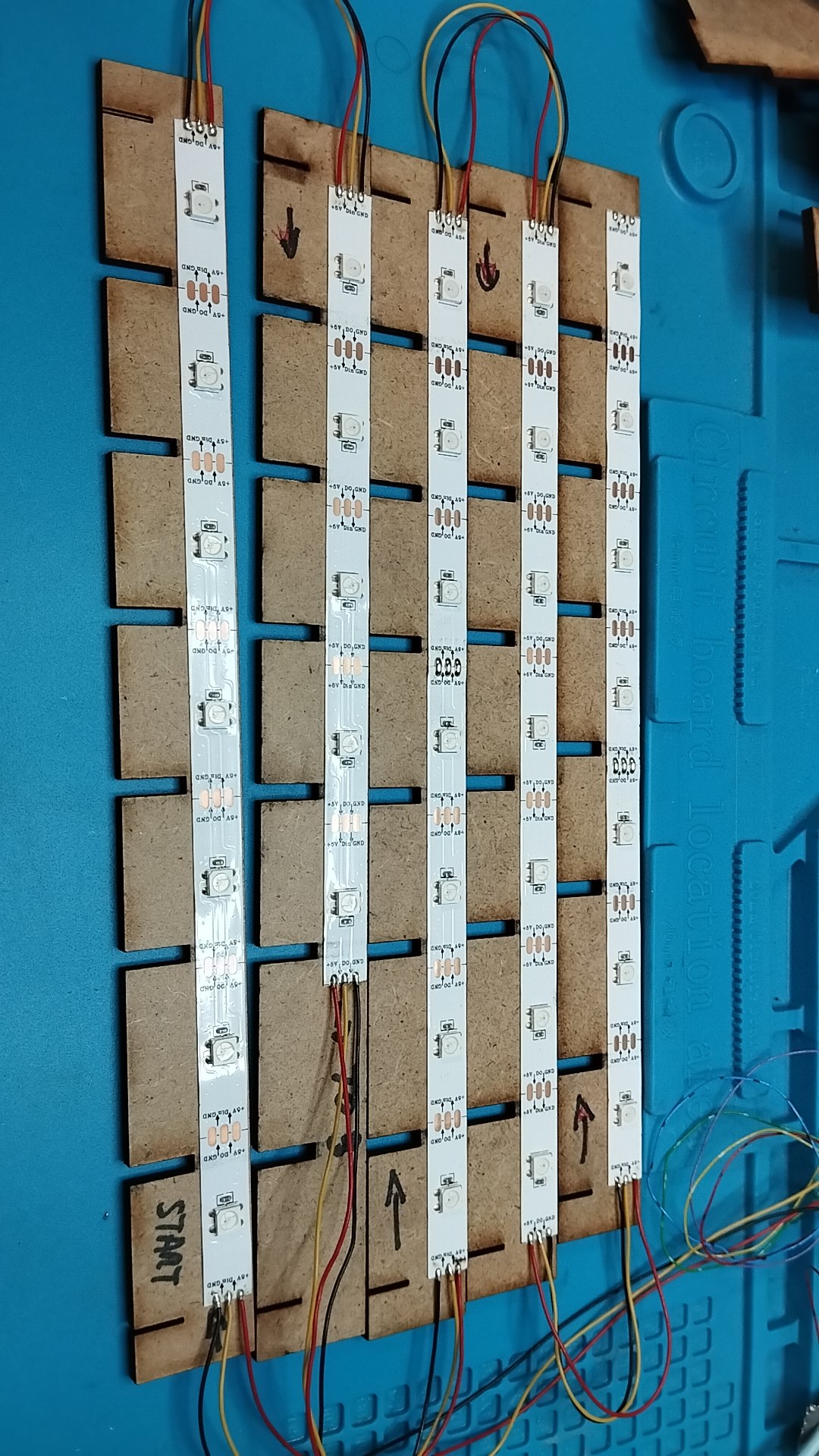
The LED stripe I bought is a 5 m long stripe with 150 LEDs. These have a distance of 33mm between the individual LEDs, which was used as an indication of the size of the game.
The stripes were glued onto the vertical parts and soldered. The first LED is at the bottom right. The second LED is not used. On one Part we need just 5 LED's.
The Main Enclosure
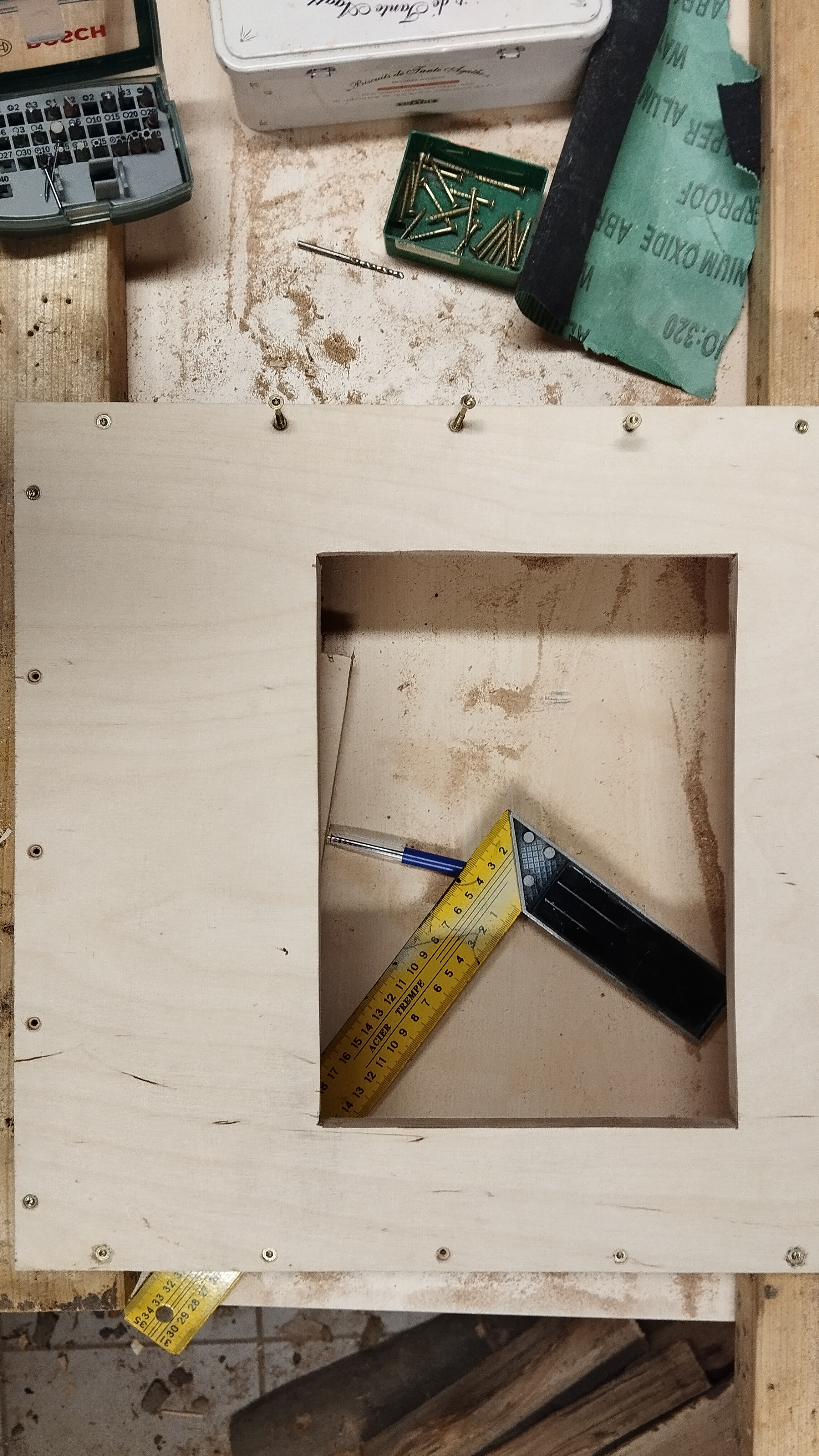
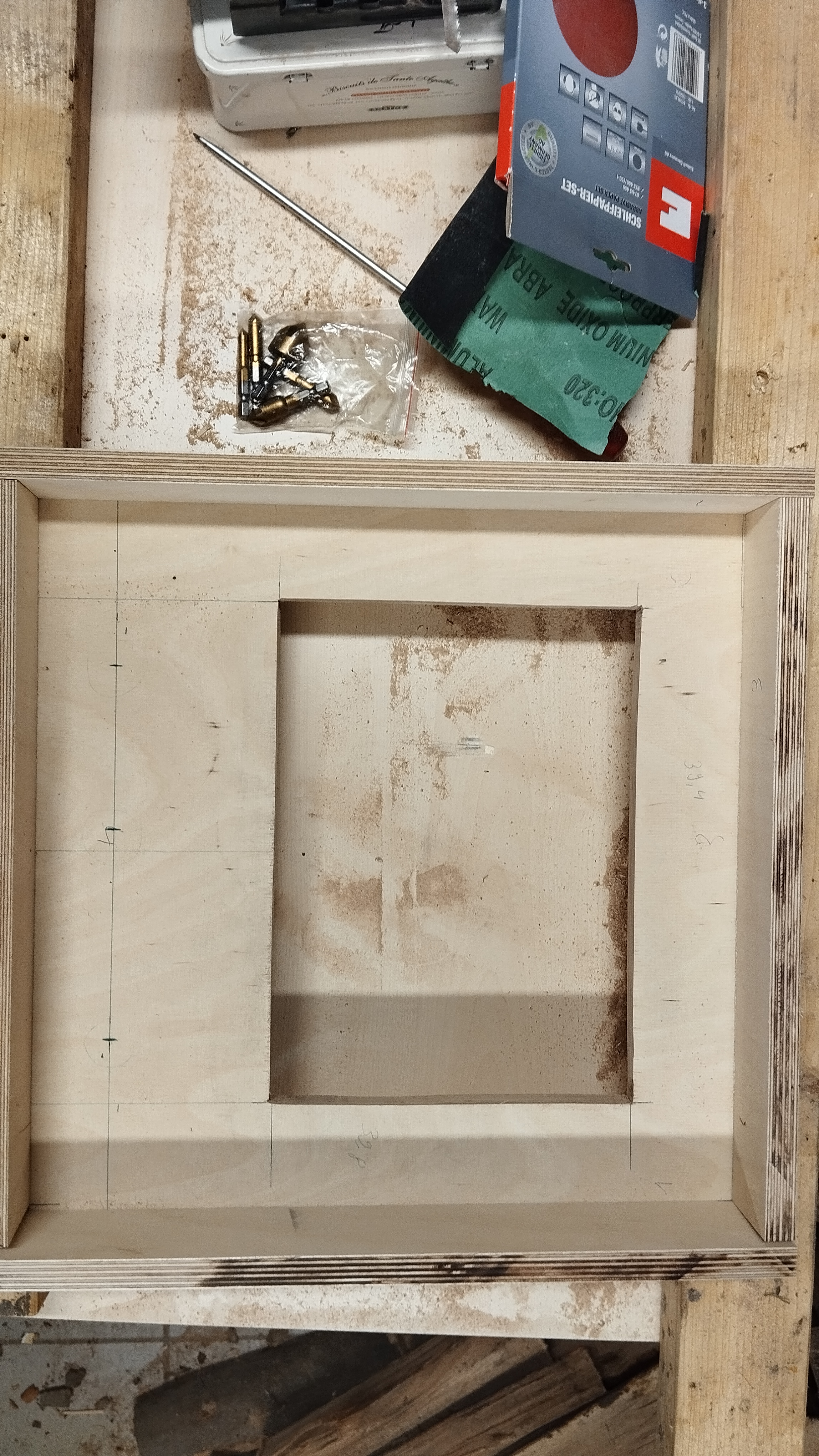
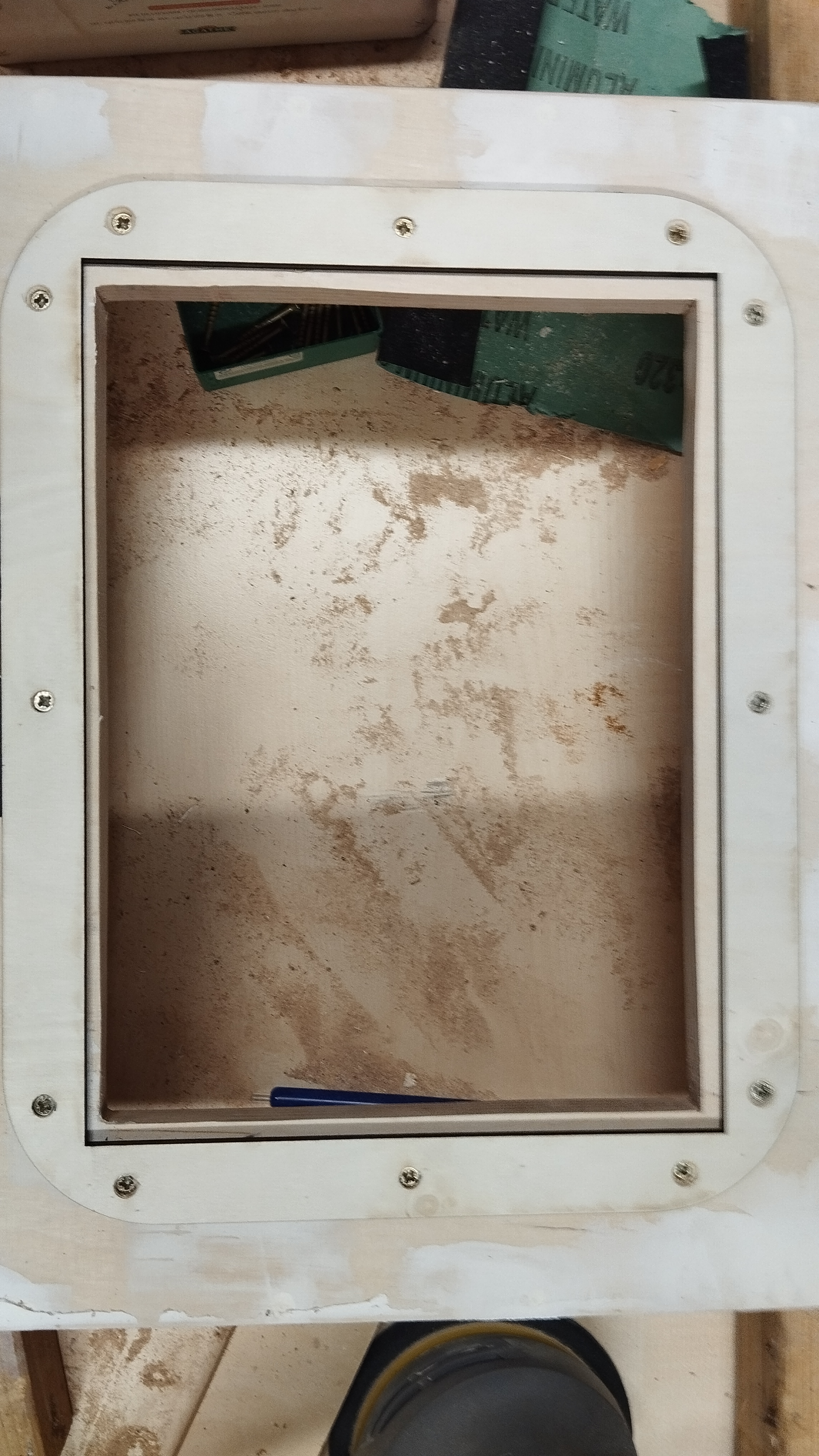
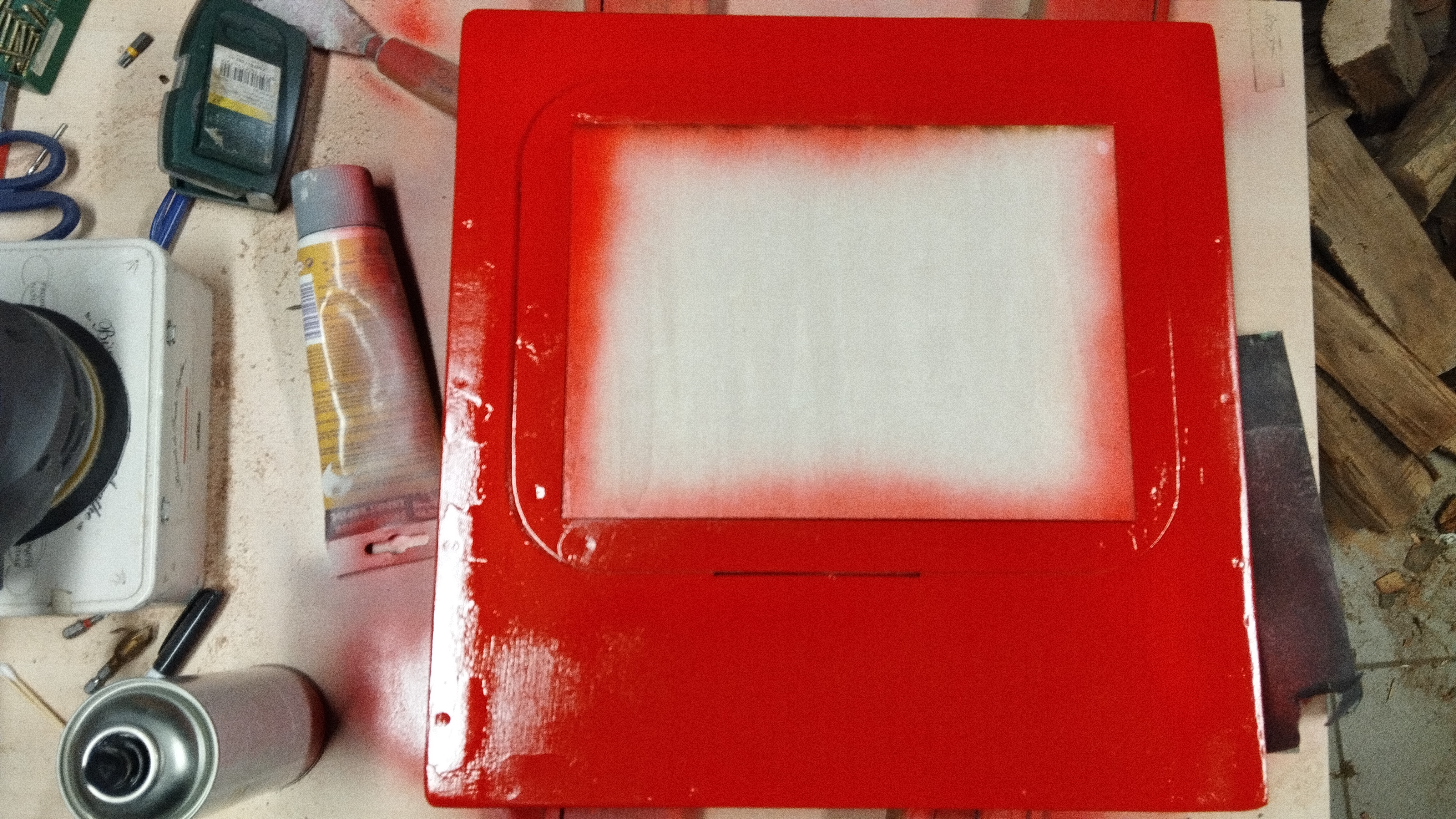
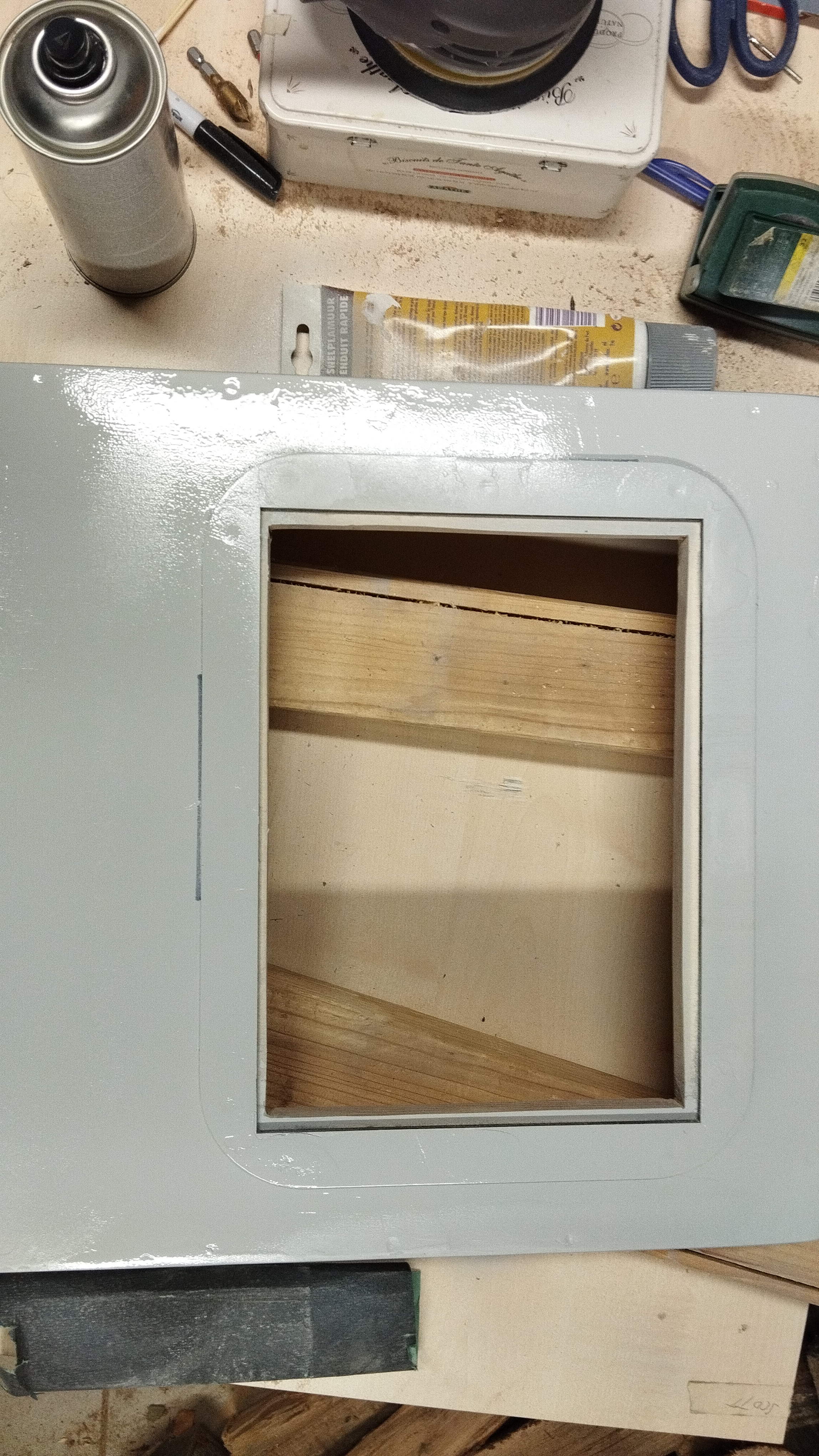
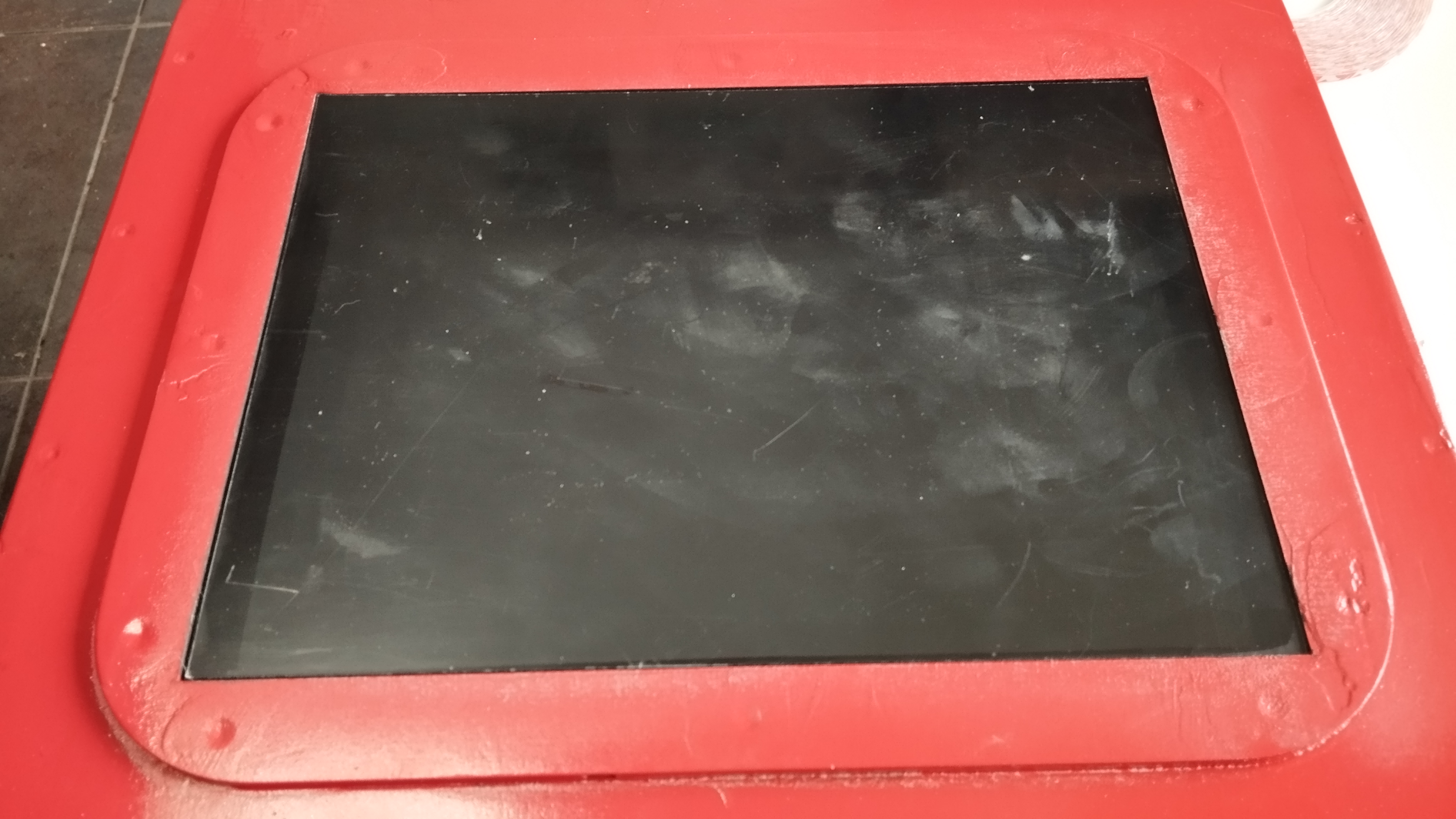
The outer casing must be stable, because young people have a lot of strength and they should not injure themselves or destroy the game. The main panel is made of 400x400x15mm multiplex. The side panels are two times 400x50mm and two times 385x50mm, also 15mm multiplex
The corners were all rounded and the screws were all filled with wood filler.
All plans and measurements can be found on my Github
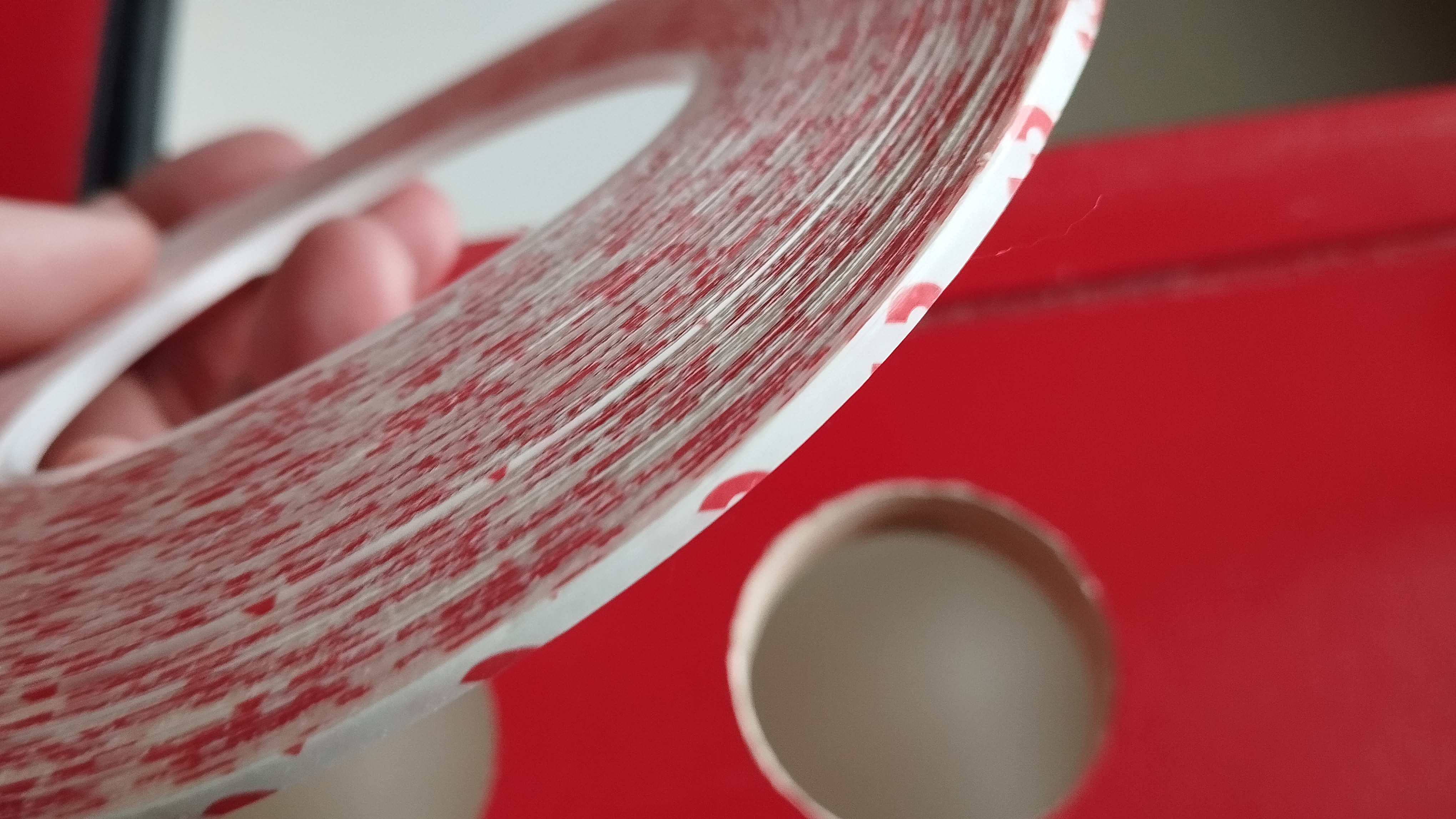
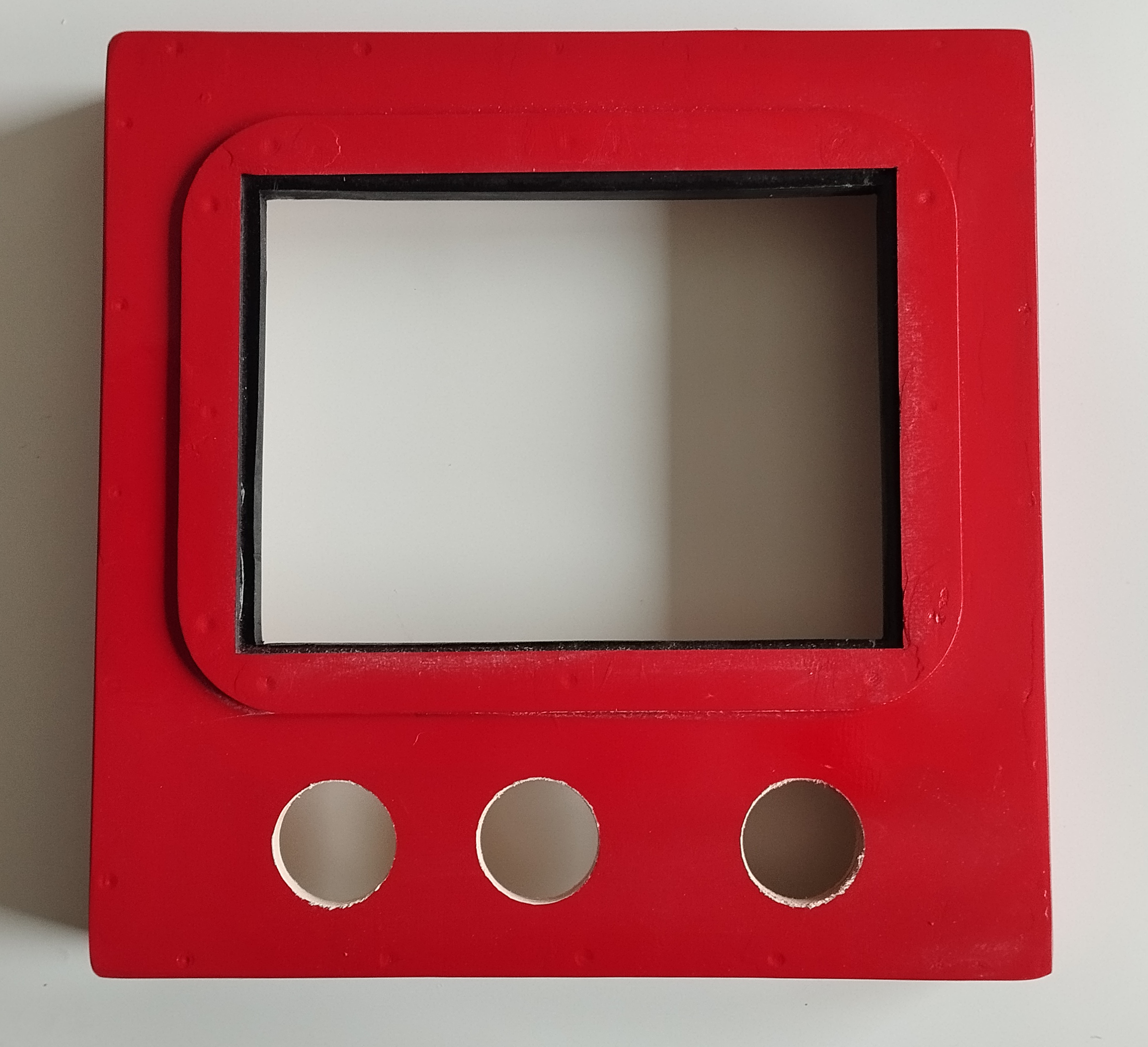
A frame was made from 4mm plywood and screwed onto the front to hold the plexiglass panels in place

The Touch Buttons
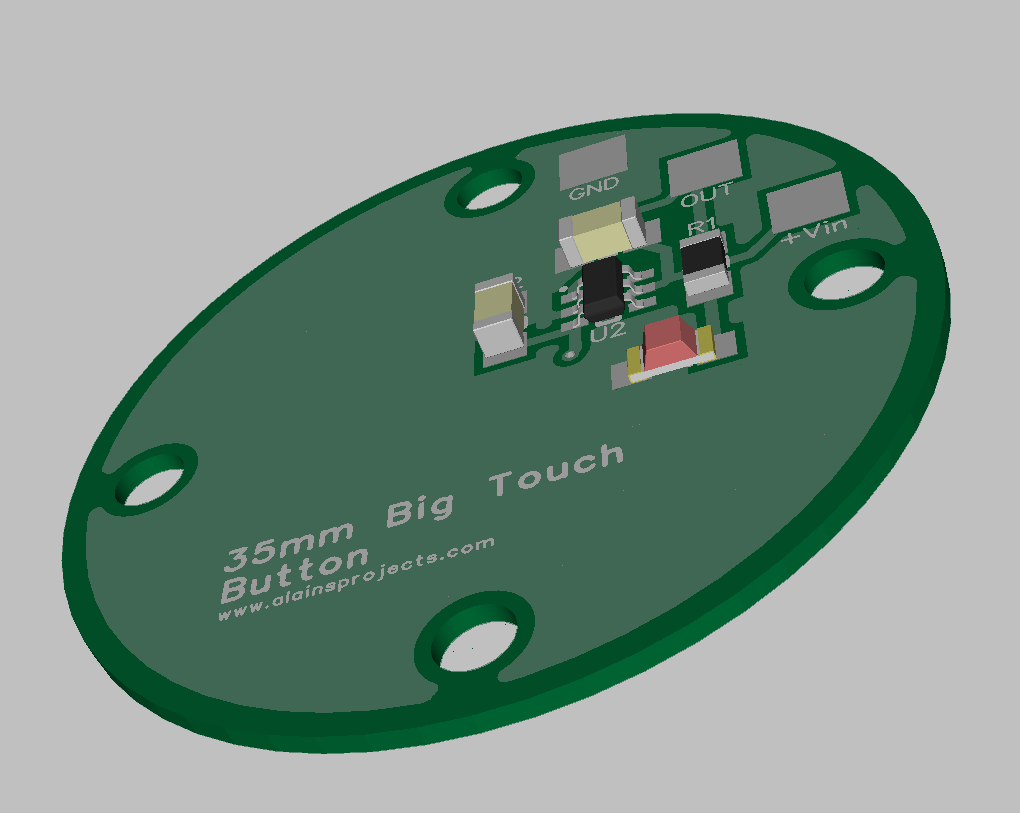
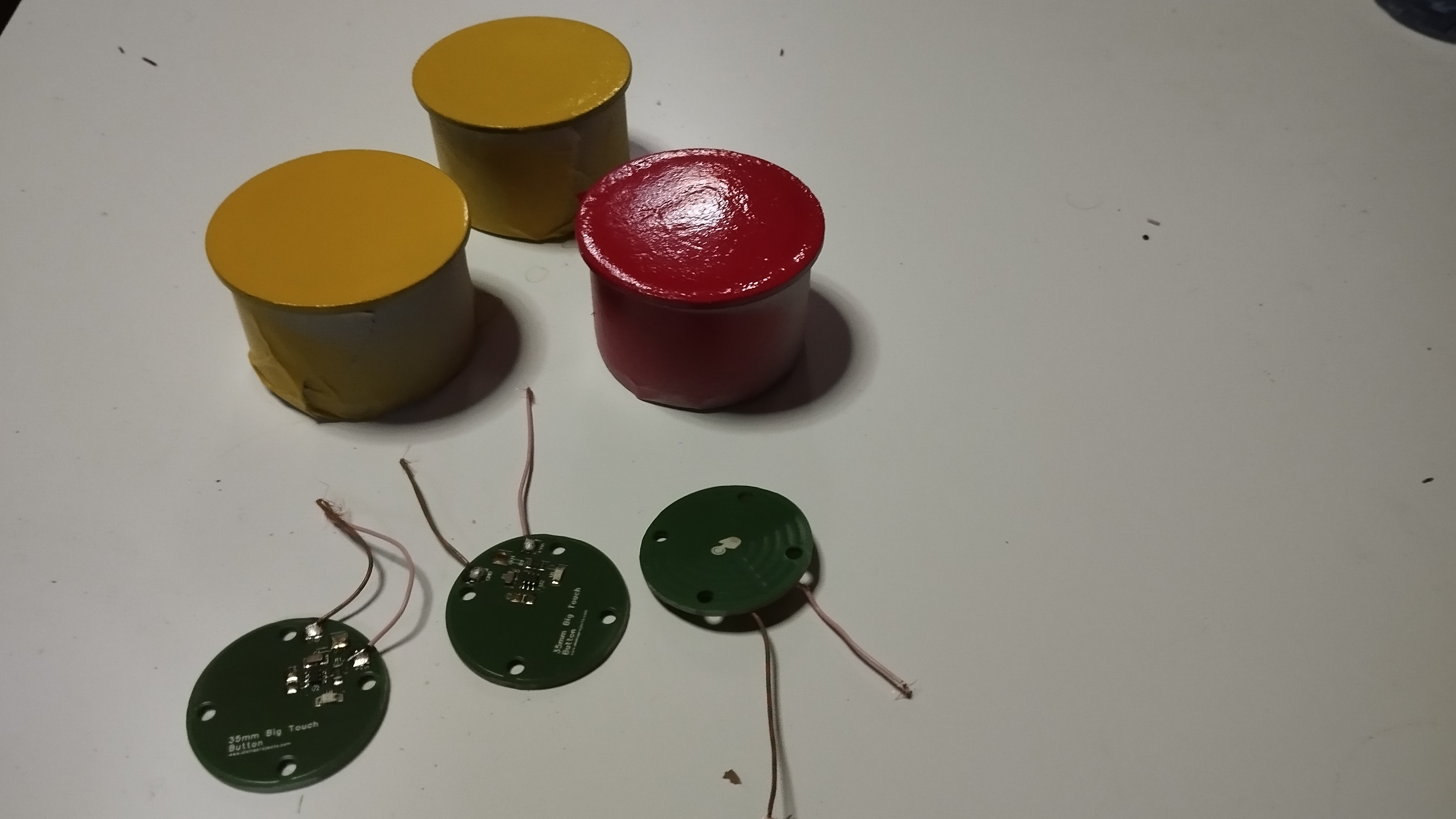
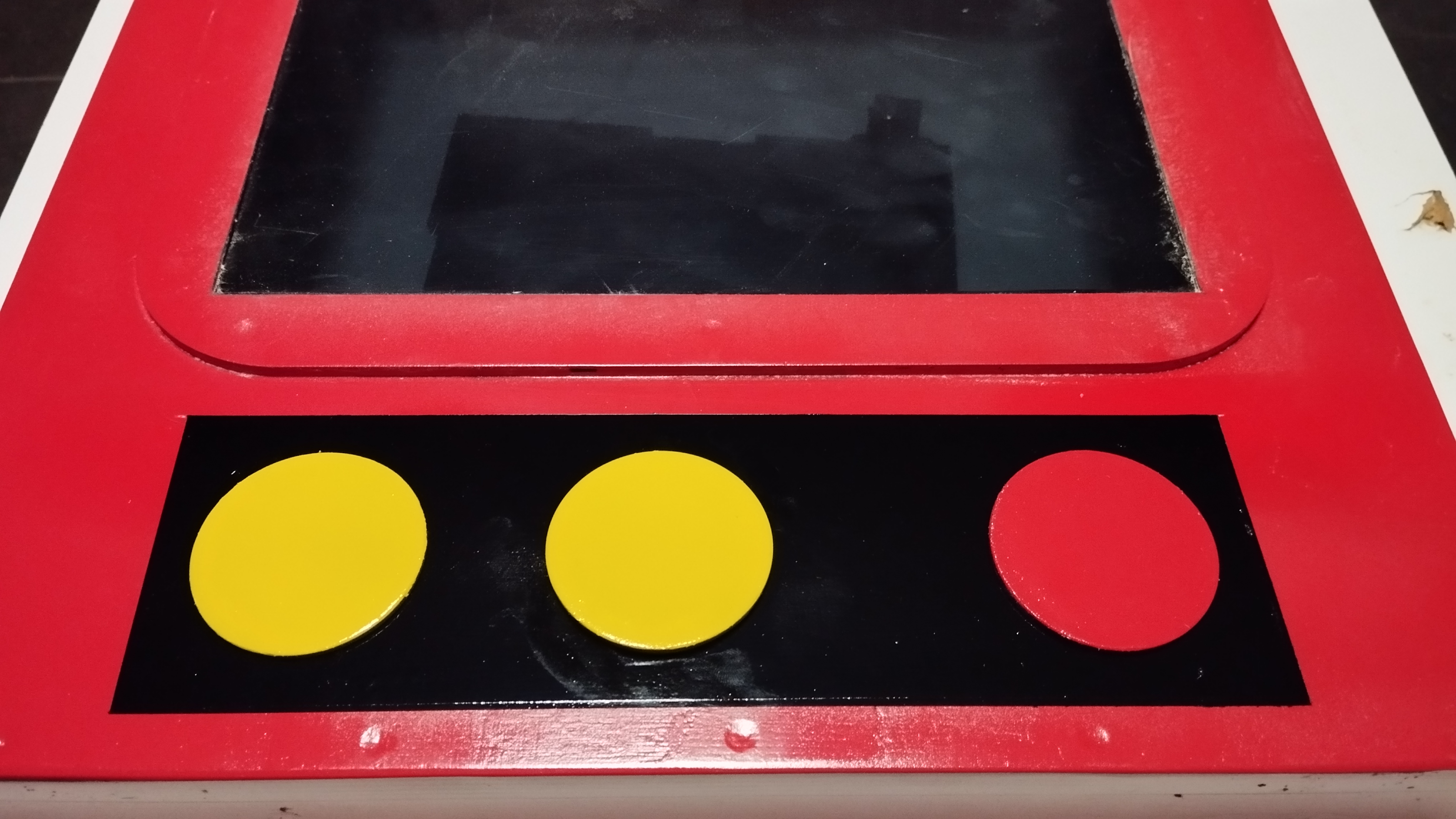
Why these buttons. Through my own experience with my son, I know that I need a surface that is easy to clean. With mechanical push buttons, "all sorts of things" get into the gaps and the buttons have to be replaced every time. The stereotypical constant pressing of buttons would also cause the best mechanical components to give up, after a few weeks.. There are also ready-made industrially encapsulated sensor buttons, but these are not visible enough for children and teenagers with special needs.
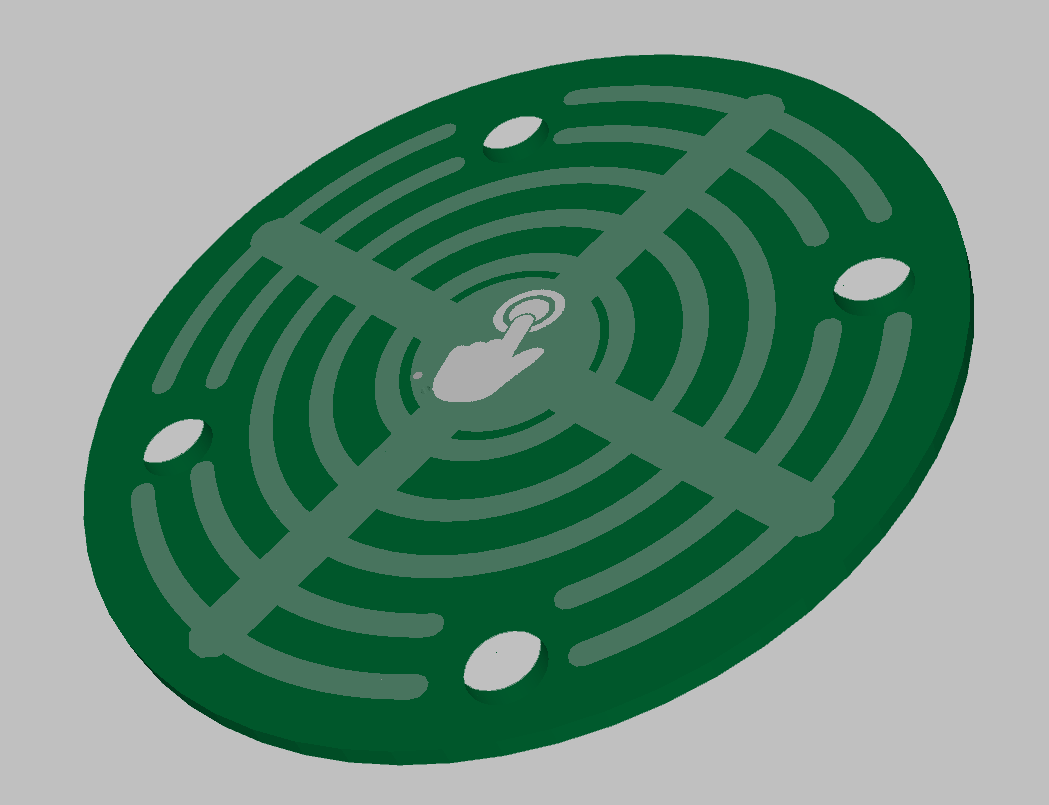
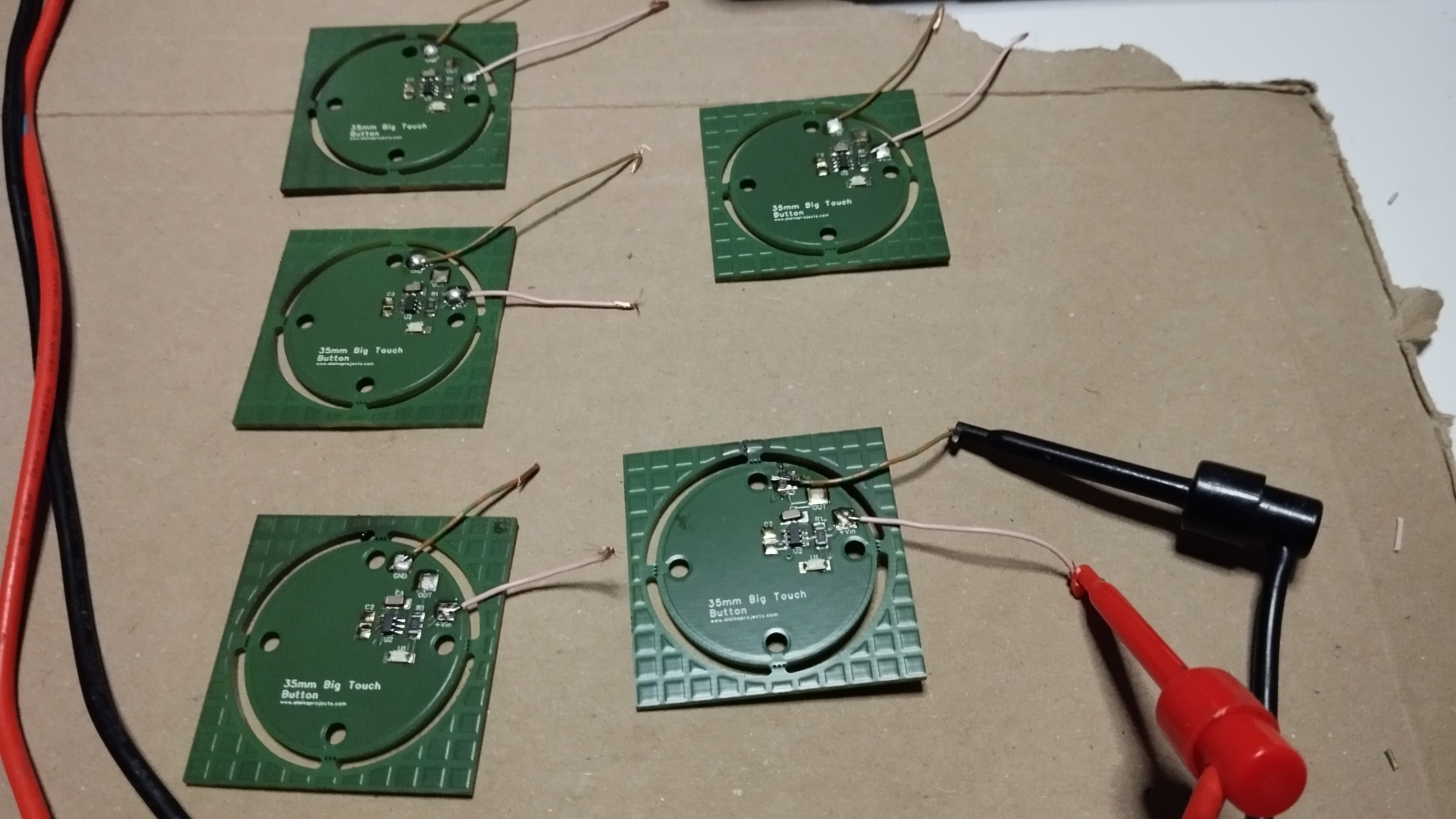
I had tried to operate the buttons with ready to use ttp223 pcb's, but they were too small in terms of the touch surface and enlarging the surface with copper foil caused them to trigger uncontrollably. So I had to design my own PCB, and it works perfectly. The circuit is also based on the ttp223 chip. The side with the components consists mainly of GND and in combination with the front side, which only has lines as a surface, this results in a capacitor that reduces the sensitivity and you really have to touch the button to trigger it. I also had no more unwanted triggers.
And as i already mentioned, sensor buttons do not require any effort to operate, which is a huge advantage for people with various physical limitations
The Software
First of all, some good news. No external libraries are used for this project. So no searching around and reinstalling. The only important thing is that it is an Arduino board with 16Mhz, otherwise the timing for the WS2812b LED's is not correct.
If you are wondering why there are so many INO files in each folder, that's because I use the TABS in the Arduino IDE to work more clearly. Just open any file in the folder and the IDE will open all TABS
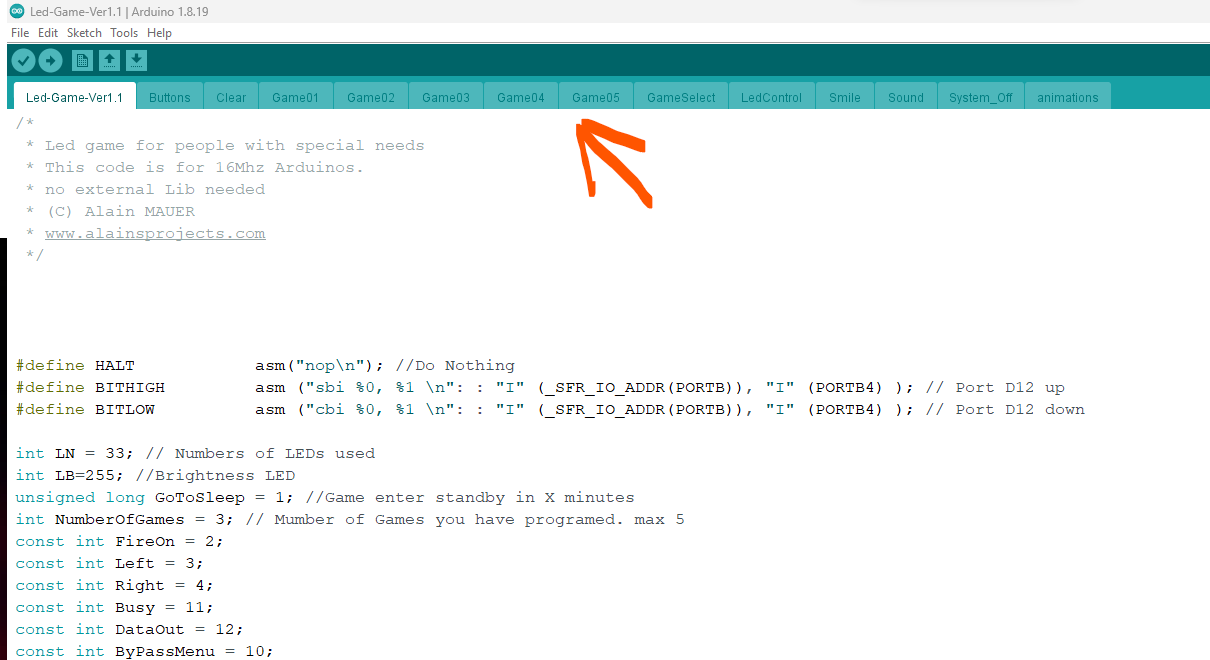
It is impossible to explain the programme step by step now, as it is already quite large. However, I have added explanations everywhere in the code itself. The individual games are also in tabs, so you can easily add more games without getting lost in the code. The tab LedControl is for the control of the led strip, therefore no extene lib.
EXPANDED TECHNICAL DETAILS: The software architecture is designed for clarity and expandability. Game logic is separated into different tabs within the Arduino IDE, making it easy to modify or add new games. A critical aspect of the code is implementing robust debouncing for the touch inputs. Since capacitive sensors can be sensitive, the code includes checks to ensure a touch is intentional and sustained, preventing false triggers. The LED control is written directly for the WS2812B protocol without external libraries to ensure precise timing and reliability on the 16MHz Arduino Nano.
The Sounds
The sound files are all on the micro SD card. They can either be loaded directly onto the card or via the optional USB port.
Important: The DF mini only plays the sound files when the USB connection to the sound module has been disconnected!
A folder with the name 01 must be created in the root of the micro SD card. All MP3s are then copied into this folder. The sound files must be numbered from 001-254.

ข้อมูล Frontmatter ดั้งเดิม
apps:
  - "1x Arduino IDE 2.0 (beta)"
  - "1x Audacity"
author: "alainsprojects"
category: "Gadgets, Games & Toys"
components:
  - "1x DFPlayer - A Mini MP3 Player"
  - "1x Arduino Nano"
  - "1x laser sheet cutting machine"
description: "Accessibility engineering! Build large, ultra-responsive tactile arcade buttons wrapped in flashing NeoPixels to create engaging logic games for physical therapy."
difficulty: "Intermediate"
documentationLinks: []
downloadableFiles:
  - "https://github.com/awall9999/Robust-LED-game/tree/main/Software"
encryptedPayload: "U2FsdGVkX18rNEcZjgteGYQPmyPPQQVLWGWwW/ihzhkhX7HvuuC8qe6V0/LkZHzv+alMAJPzmbBRY7teKIsAutVctk9grCoOO8VzrnGK4l3rKGGhUuSTrPKw+G+ejcEV"
heroImage: "https://cdn.jsdelivr.net/gh/bigboxthailand/arduino-assets@main/images/projects/a-led-gaming-platform-for-people-with-special-needs-d39122_cover.jpg"
lang: "en"
likes: 5
passwordHash: "34d57b08d7328bf1389fc32f0b0923a528bb03573923a8256357496914e103c7"
price: 700
seoDescription: "Custom LED Gaming Platform for special needs, supporting mobility and mental impairments with Arduino technology."
tags:
  - "Disability Reduction"
title: "A LED Gaming Platform For People With Special Needs."
tools: []
videoLinks:
  - "https://youtu.be/p7KceTKOyhQ"
views: 5974