Passive Income via Automation: The HID Reward Bot
Earning Microsoft Rewards points through daily Bing searches is a reliable way to get free gift cards, but the manual effort is tedious. The ABPC (Automatic Bing Point Collector) automates this entire process by turning an Arduino Leonardo into a hardware-level keyboard emulator. Unlike software scripts that can be detected by anti-bot measures, the Leonardo appears to the computer as a legitimate human-operated USB keyboard, making the automation virtually indistinguishable from manual typing.
HID Emulation: The Superpower of the Leonardo
Why use a Leonardo instead of an Uno?
- Native USB Communication: The Leonardo (ATmega32u4) features built-in USB communication. This allows it to act as an HID (Human Interface Device). Using the
Keyboard.hlibrary, the Arduino can "Press" keys, "Type" strings, and use computer-specific shortcuts likeCtrl+T(New Tab) orCmd+Q(Close). - Hardware vs. Software: Because the commands come from the USB port itself, the operating system treats them with high priority. The ABPC doesn't need to be "Installed" on the computer; you simply plug it in, and it starts working across any OS (Windows, Mac, or Linux).
The Automation Safety Loop
Automating keyboard inputs can be dangerous if the Arduino starts typing while you are in the middle of a private document. The ABPC includes several Quality-of-Life (QoL) safety features:
- Hardware Deadman Switch: Pin 2 is used as a physical trigger. The automation only runs if Pin 2 is connected to Ground. Pulling the wire instantly stops the scripts, giving the user total physical control.
- Status LED (Pin 13): A bright LED indicates the current state. If the LED is on, the "Ghost in the Machine" is active. The user is warned never to touch the mouse or keyboard while the light is red to avoid interrupting the sequence.
- Randomization for Stealth: To avoid being flagged for "Perfect" timing, the code uses
random()to vary the delay between keystrokes and the characters typed. This mimics the variable speed of human typing.
Step-by-Step Operation
To maximize effectiveness, the ABPC follows a strict routine:
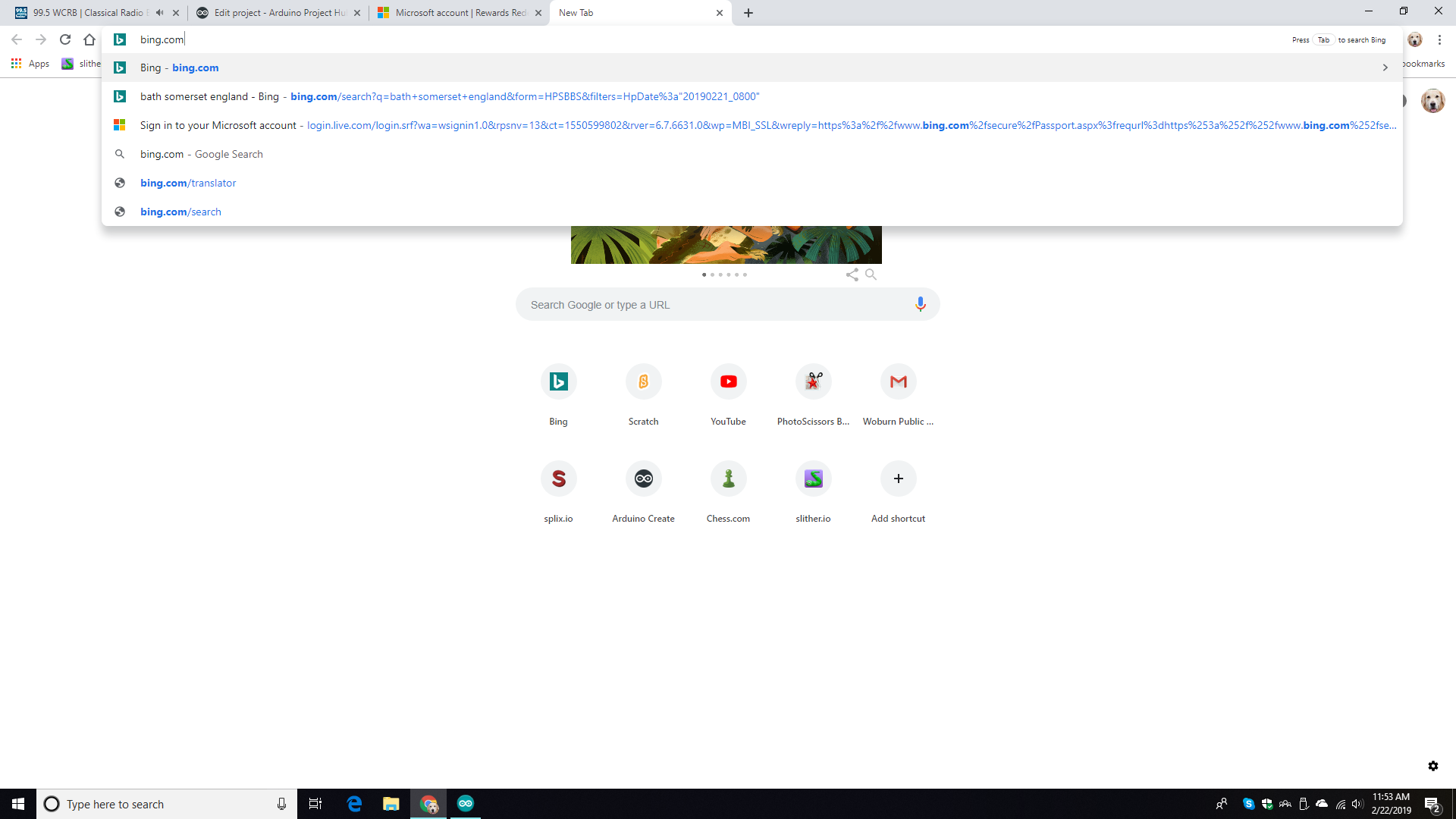
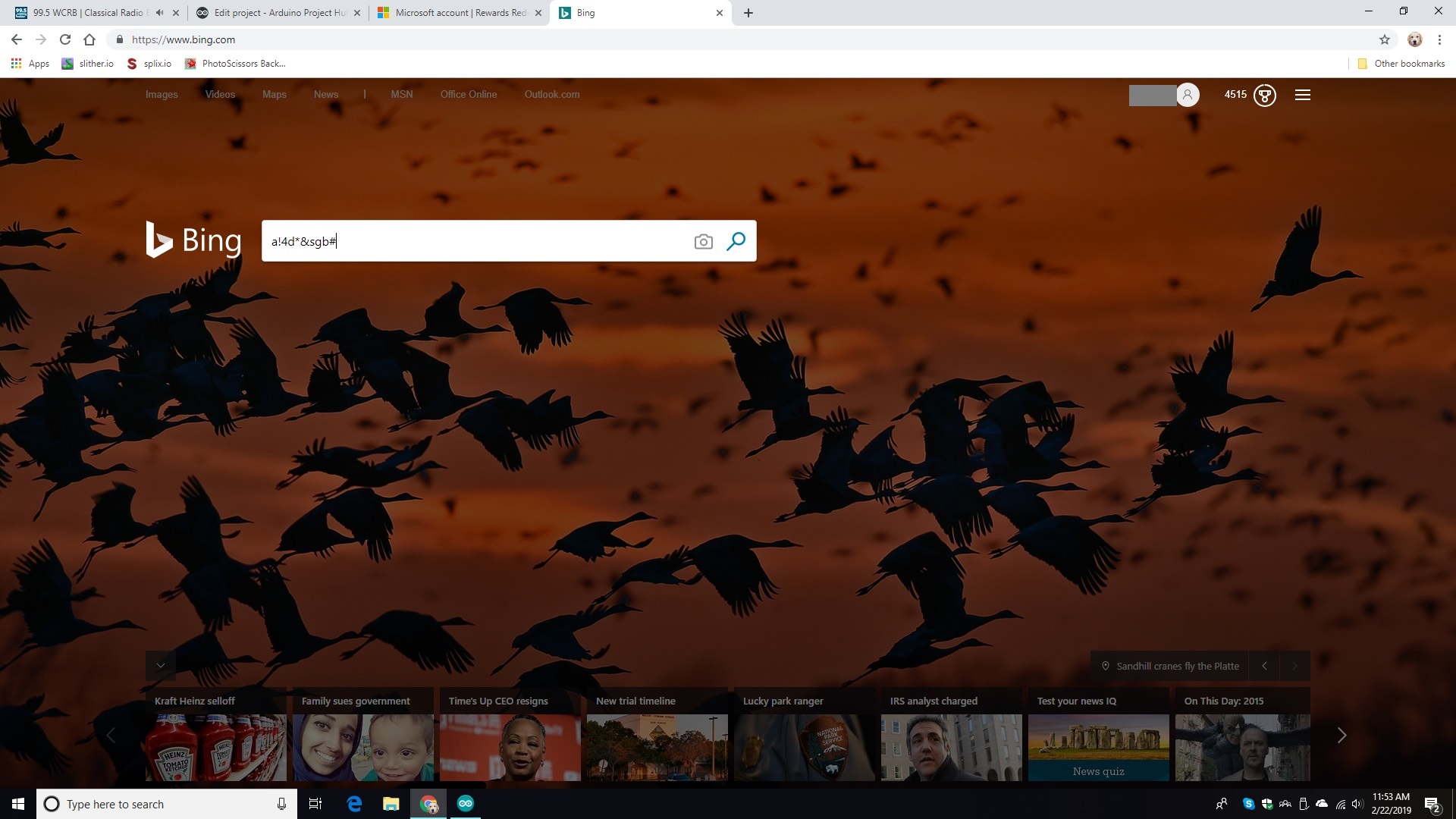
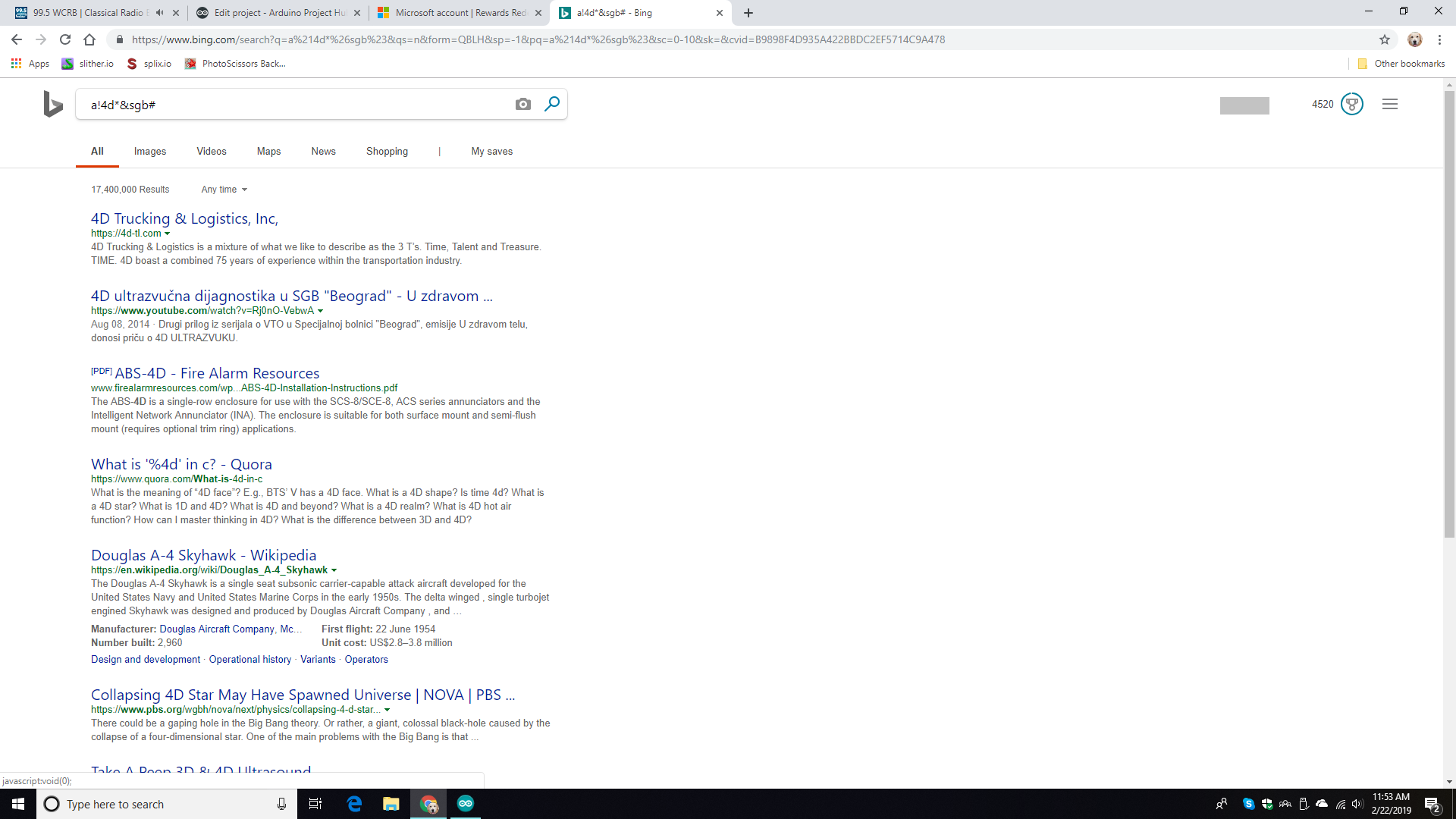
- The Search Sequence: It opens a new tab, navigates to Bing, types a random string, waits for the rewards server to log the 5 points, and then closes the tab via
Ctrl+W. - Daily Limits: Since Bing limits rewards to 150 points per day, the ABPC is designed to run until it hits this threshold (approx. 30 searches), effectively earning a $5 gift card every 43 days with zero manual effort.
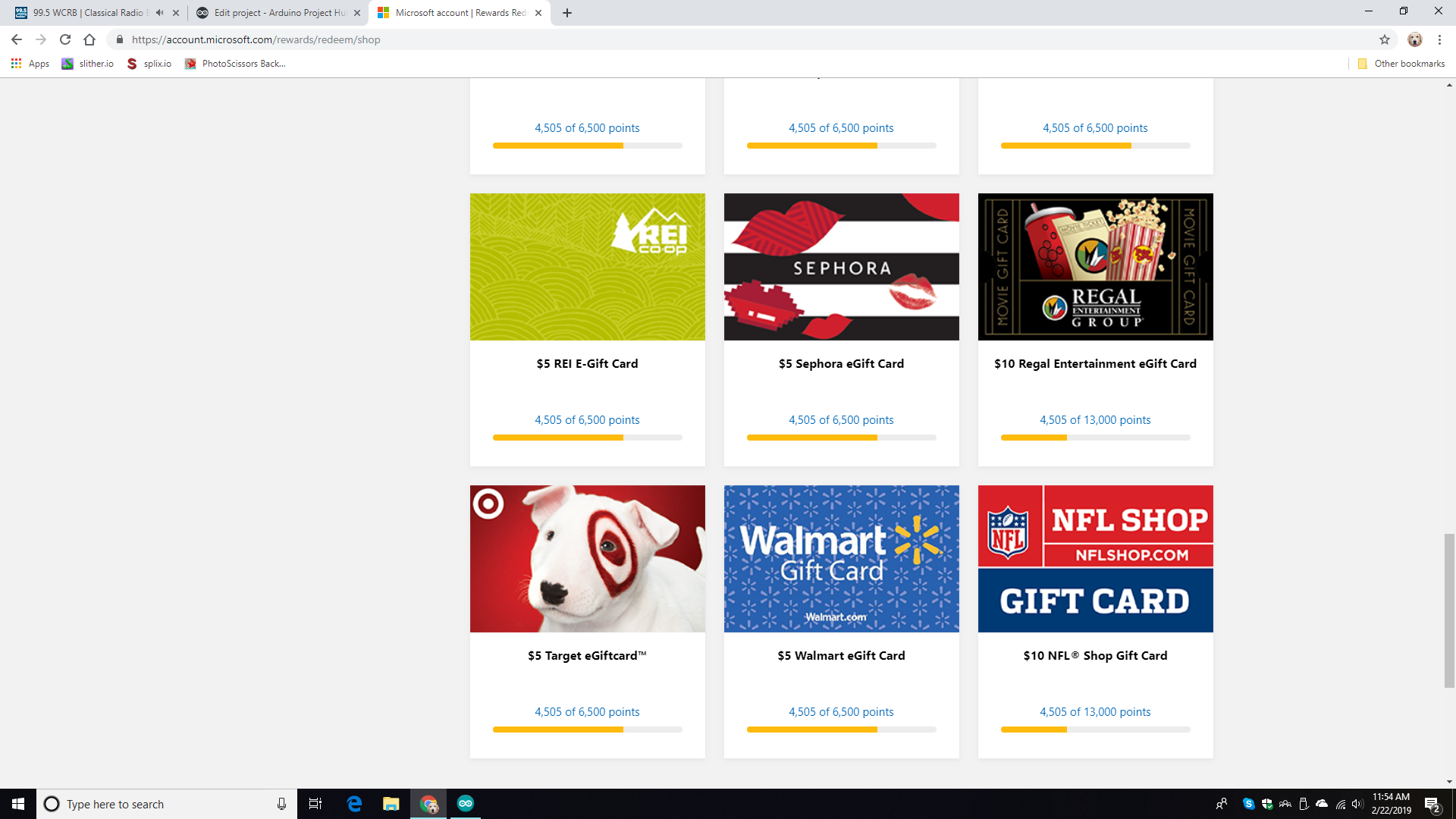
So I recently signed up for Microsoft Rewards. Microsoft Rewards is a program that promotes the use of Microsoft products and services. Once you have enough points, you can use the points you earned to enter sweepstakes for things like a Xbox 1S Fortnite bundle or a ASUS ROG Gaming laptop bundle, or, you can redeem the points for gift cards like a Target gift card or a Walmart gift card, for example.
You can use the Bing search engine to help you get points. Every time you search something up with Bing, you get 5 points. But most $5 gift cards cost 6500 points, which are going to take 1300 searches! That's going to take forever!
With the ABPC, it will only take 43 1/3 days to get 6500 points. (Due to the 150 point limit Bing rewards you with)
Using the ABPC
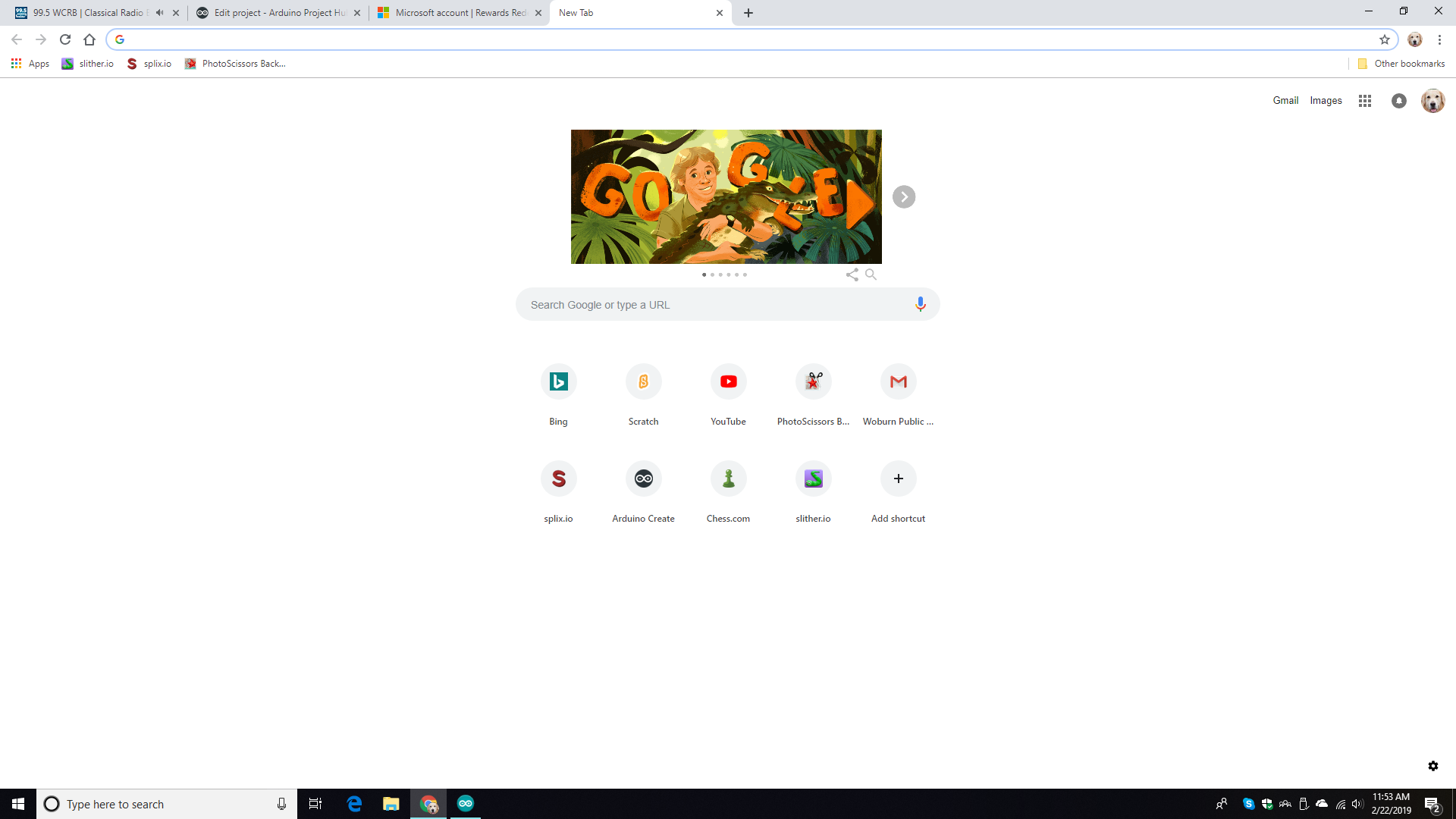
1. Open a browser (Chrome is highly recommend, but whatever runs fastest on your computer.)
2. Make your browser the active window by clicking on it.
3. Open a new tab. Although the ABPC wouldn't ruin your other tabs running, it's best to have a safety margin.
4. Connect digital pin 2 to ground and let it run. The ABPC status is displayed on the built in LED or a LED connected to pin 13. ON = Running. OFF = Stopped.
5. Once you are done, disconnect digital pin 2. DO NOT DO ANYTHING UNTIL PIN 13 IS LOW, (INDICATED BY THE BUILT IN LED OR A LED CONNECTED TO PIN 13) AS THE ARDUINO MAY STILL BE TYPING OR CLOSING A TAB AND THAT MAY PRODUCE UNEXPECTED RESULTS.
6. Repeat the next day.
How the code works
We first include the keyboard library. Then we declare what ctrlkey means. Make sure you declare the correct one based on your OS. For Mac OSX, use: char ctrlKey = KEY_LEFT_GUI; For Windows and UNIX-based OS, use: char ctrlKey = KEY_LEFT_CTRL; (Chrome OS and derivatives are UNIX-based.)
Then setup begins. We set the pin mdoes using pinMode(pin,mode);. Then we start the keyboard using Keyboard.begin();. Then we seed the random generator by using randomSeed(value);.
Loop starts. We check if pin 2 is LOW (Because of the internal pull-up). If it is LOW, then we open a new tab, go to Bing.com, then we type some random characters, wait for it to load and give us points, and then closes the tab. Then pin 13 is set LOW, indicating that the ABPC is done. We wait 100 milliseconds to give the computer time to react. Then we go back to the start of loop.