Urban Infrastructure: Advanced Traffic Lights
The Traffic Lights System is an excellent upgrade from the simple blinking LED. It introduces complex logic states, teaching you how to manage the interaction between multiple LEDs and, more importantly, how to prioritize them.
Multi-State Logic (State Machines)
A 4-way intersection cannot just randomly blink lights. If North-South is Green, East-West must be Red.
- State 1: NS Green / EW Red. Hold for 10 seconds.
- State 2: NS Yellow / EW Red. Hold for 3 seconds.
- State 3: NS Red / EW Red. Hold for 1 second (Clearance).
- State 4: NS Red / EW Green. Hold for 10 seconds.
- And repeat!
This linear sequence is best programmed using functions for each state to keep your loop() clean and readable.
Necessary Parts
- Arduino Uno/Nano: The intersection controller.
- LEDs (x12): 4 Red, 4 Yellow, 4 Green.
- 220-ohm Resistors (x12).
- Large Breadboard & Jumper wires.
The Ultimate Challenge: Pedestrian Crossing
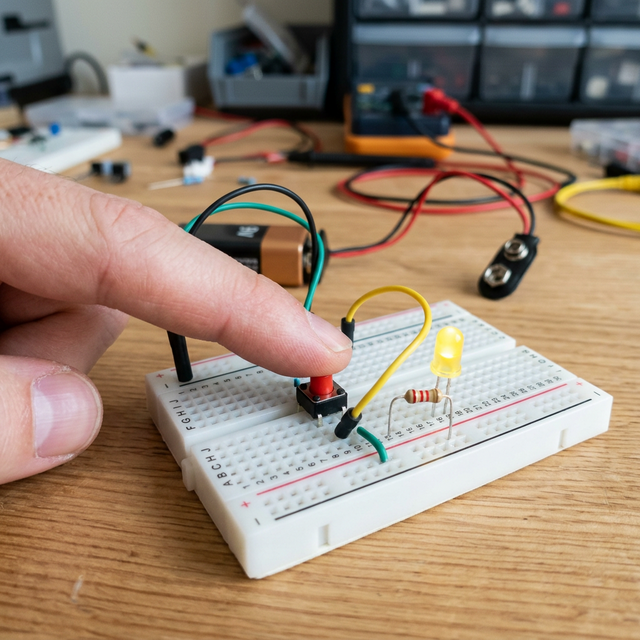
Once the main sequence works, the real programming challenge begins! You add a Push Button representing a pedestrian crosswalk. When the button is pressed, the Arduino cannot instantly turn the lights red (cars would crash!). The code must check where it is in the cycle, safely run through the Yellow sequence, stop all traffic with Red lights, and flash a new "Walk" LED before resuming the normal cycle. This requires abandoning delay() completely and utilizing millis() for non-blocking timers.