Ok.. so i'm getting to grips with the MIT app creator and one of my desires was to create an Android phone app to control an fm radio.
I used the RDA5807M connected to an ESP32 WROOM and used bluetooth to set the channel and the volume.
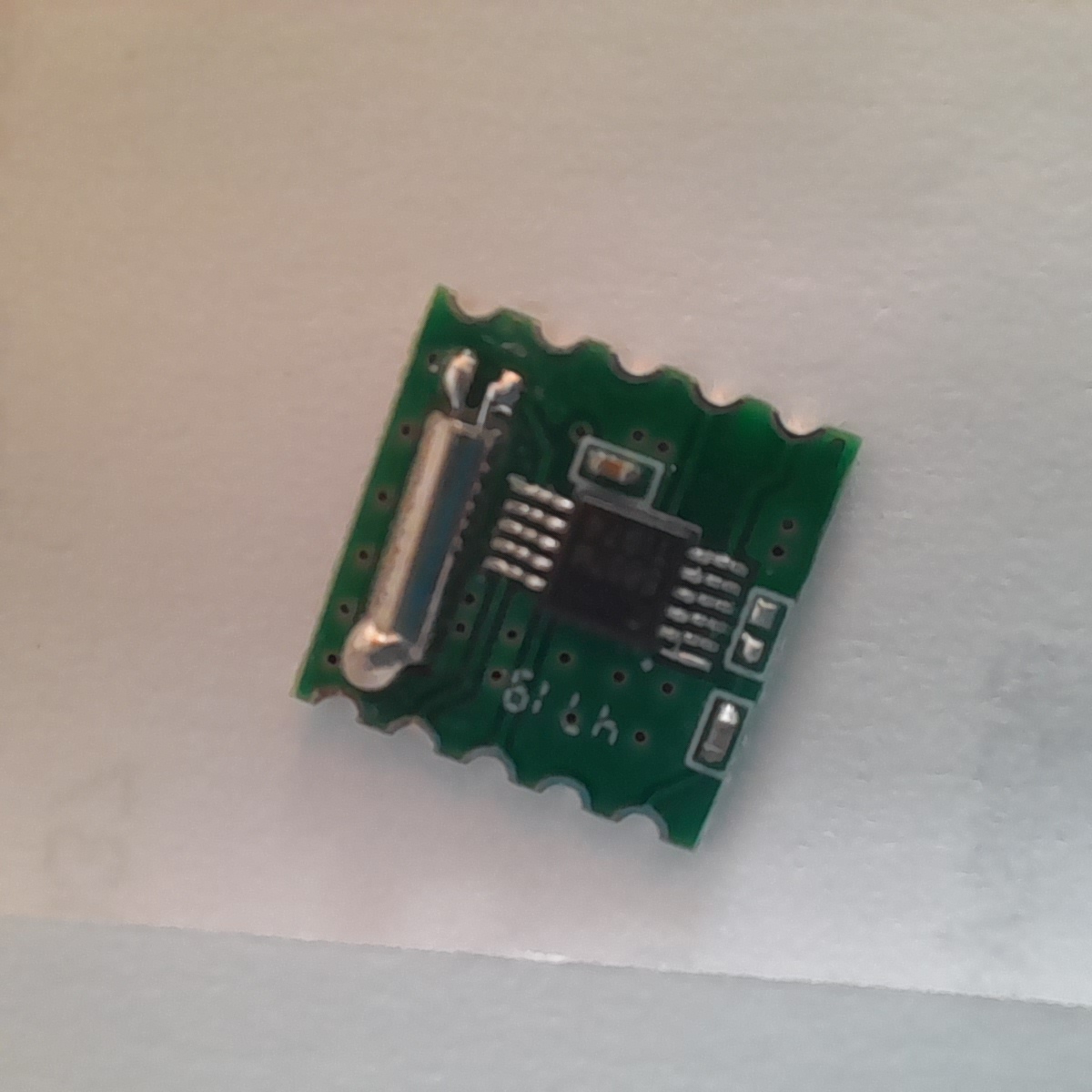
The circuit is pretty simple. The SDA to the SDA and the SCL to the SCL. The Radio module is 3.3v and requires an amplifier.
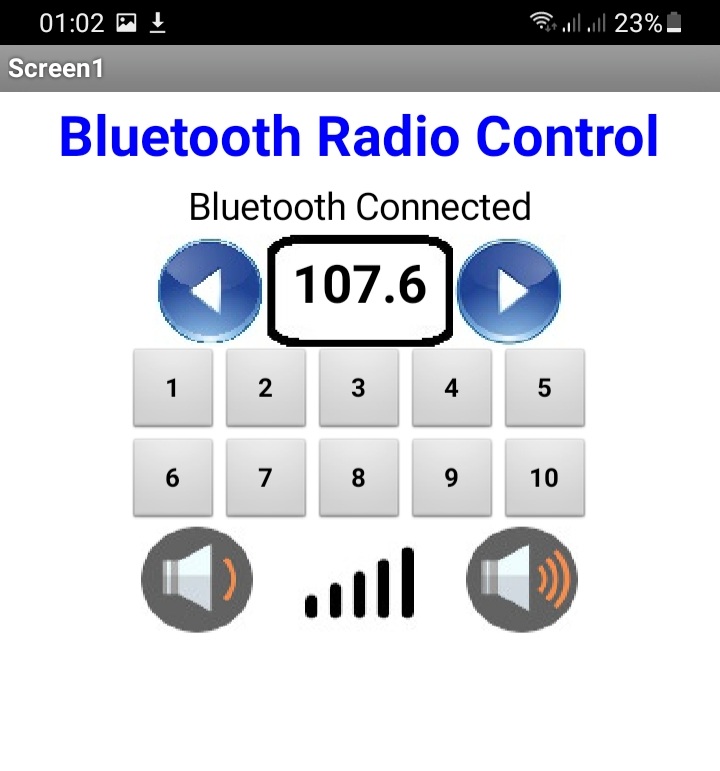
I've included the Android phone app that I made. After installation and before opening the app, switch on the phone's bluetooth and connect to ESP32FMRadio which is the name of the device. When you run the app, a popup list will appear for you to select the ESP32FMRadio connection of the phone.
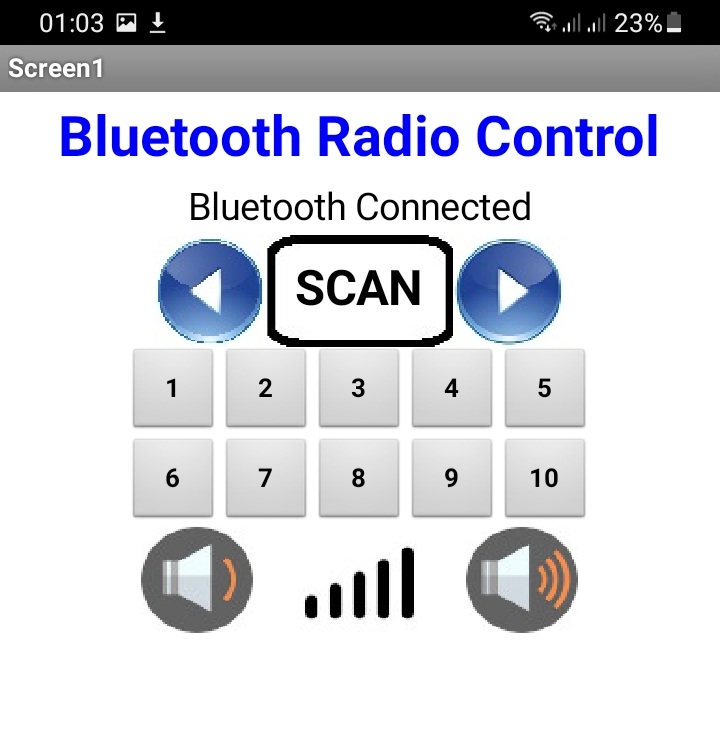
There is a list of 10 preset radio stations in the code. Edit them as these are my own area NW GB the scan function to assist for you to write them down and edit the .ino file .. (In this code the array is 1 - 10 not 0 - 9 so the first is probably ignored)
The word "SCAN" is a button that will reveal the current frequency
I'm still very new at all this so if you find any bugs.. let me know.
EXPANDED TECHNICAL DETAILS
Wireless Audio Control
This project integrates digital radio technology with mobile control.
- FM Module: Typically uses the TEA5767 or RDA5807 FM tuner module, which communicates with the Arduino over the I2C bus.
- Bluetooth Command Set: Commands from the Android app (e.g., "CH_UP," "VOL_DOWN") are received via an HC-06 module. The Arduino parses these strings and sends the corresponding hex commands to the FM module to change registers.
System Architecture
The output can be routed to a set of speakers via a small PAM8403 Class D amplifier, creating a fully wireless, smartphone-controlled digital radio receiver.