Auditory Arrays: Arduino Coffin Dance Theme
Identical in execution mechanics to the Home Alone project, the Arduino Coffin Dance Theme serves as the perfect, recognizable initiation into algorithmic frequency manipulation. It requires the programmer to map out the notoriously rapid, highly staccato EDM melody entirely through physical Hz output and meticulous delay() formatting.
Step 1: Requirements
Hardware
- Arduino Uno / Nano / Leonardo
- One 5V Passive Piezoelectric Buzzer
- Jumper cables
- 100-Ohm Resistor
Software
- Arduino IDE
- Arduino Tone Library
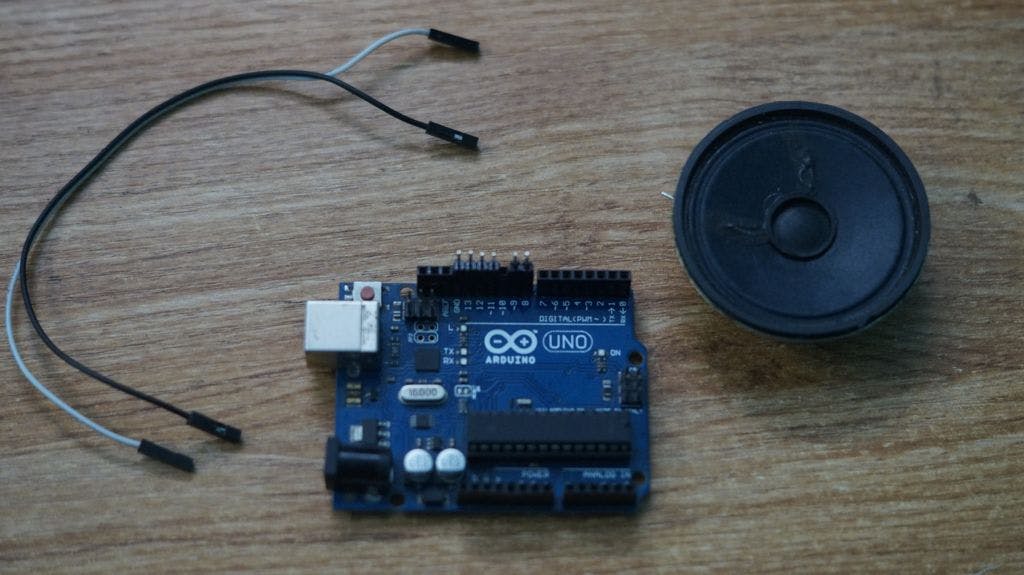
Step 2: Connections
Piezo Buzzer is connected to D8 pin of Arduino Uno. It is recommended to place a 100-Ohm resistor in series with the buzzer to limit current and protect the Arduino pin.
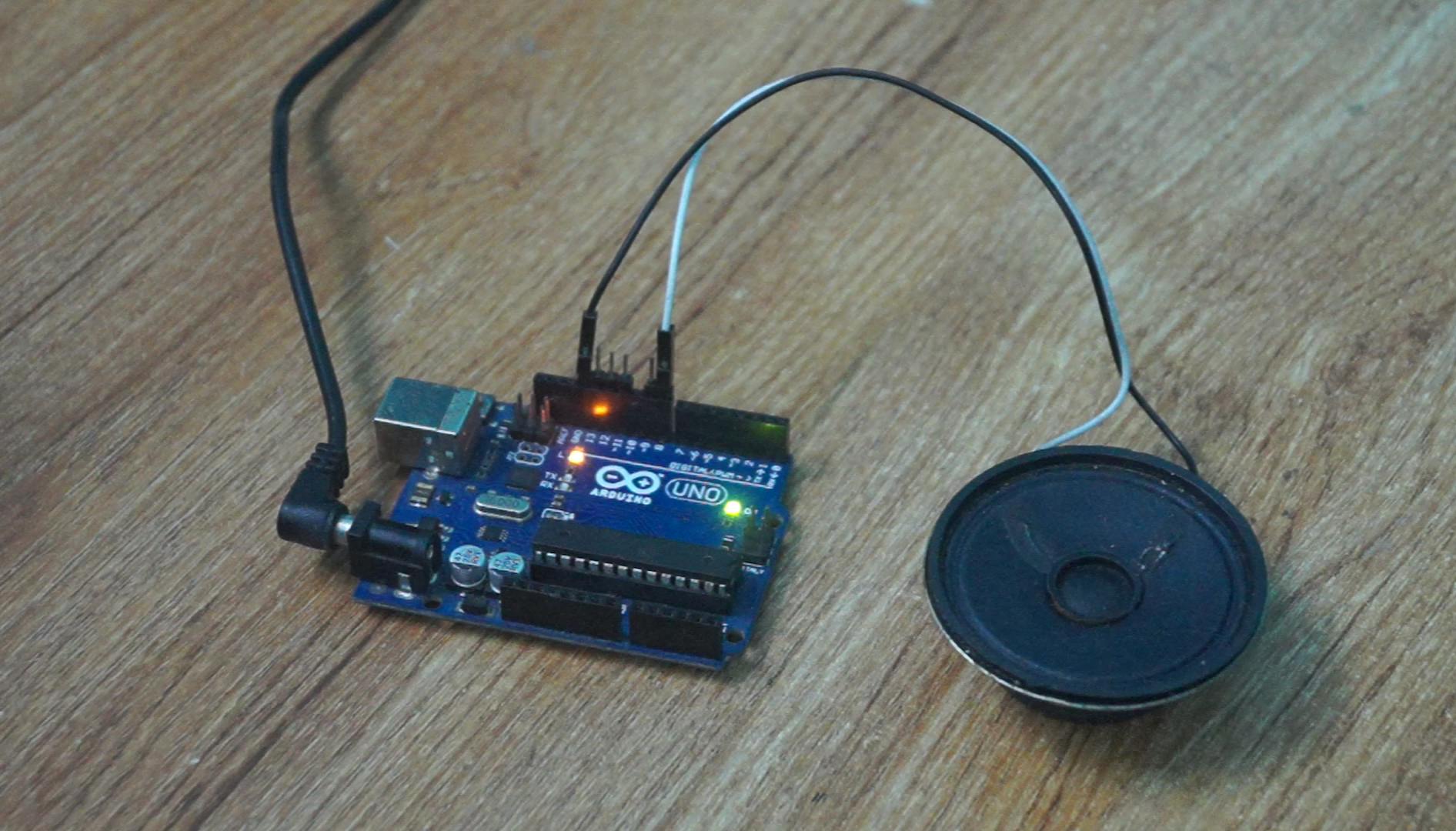
Connection Summary: Buzzer (+) ---> D8 (via resistor) Buzzer (-) ---> GND
Step 3: The Code & Technical Details
Before you play the sound, it is essential to install the Tone Arduino library if it is not already installed. This can be downloaded from Github. If you do not know how to install third-party Arduino libraries in your version of the Arduino IDE, reference the official guide on Arduino.cc.
Attached below, you will find a zip file that contains the Arduino code for Arduino Coffin Theme. Download it and unzip it somewhere on your computer. Open Coffin_dance_arduino.ino in the Arduino IDE and upload the code to your Arduino.
Project Repo: https://github.com/Rahul24-06/Arduino-Coffin-Dance-Theme/
EXPANDED TECHNICAL DETAILS
The Physics of Staccato
EDM music like the Coffin Dance theme cannot be played legato (smoothly). If two notes bleed into each other, the melody becomes a droning screech.
- A standard
tone()command will play continuously until told to stop bynoTone(). - The Execution Logic: You must mathematically calculate the exact length of the note (e.g., 200 milliseconds) and force the CPU to deliberately pause before hitting the next beat!
int noteDuration = 1000 / noteLengths[i]; tone(buzzerPin, melodyHz[i]); delay(noteDuration); noTone(buzzerPin); int silenceGap = noteDuration * 0.3; // The critical 30% gap delay(silenceGap); - This 30% gap between notes creates the characteristic "bounce" or staccato effect in the electronic dance track!
Managing Memory with PROGMEM
A complex electronic song contains thousands of array integers for notes and durations.
- If you declare
int melody[] = { ... }, the Arduino compiler stores the entire song in the Uno's tiny 2 Kilobyte SRAM. The chip will likely crash or freeze. - The solution is to use the
PROGMEMmacro:const int melody[] PROGMEM = { ... };. - This forces the system to store the song data in the 32 Kilobyte Flash Storage (like a hard drive).
- When iterating through the loop in your code, you extract the data slowly using
pgm_read_word_near(&melody[i]), preventing SRAM overload.
The final code requires a highly complex, nested C++ array containing all the transposed piano-roll MIDI data for the "Astronomia" (Coffin Dance) melody, structured for use with PROGMEM.
Step 4: Play Time!
And that's it! Once you power up, you should now be able to hear the corresponding notes played through the buzzer. If the note isn't accurate, you can adjust the note value in the Arduino sketch to set what value that the pitch is achieved. You can also change the scale that is played by uncommenting one of the few scales included, or make your own scale! If you make your own player, please comment and show us some pictures and videos.
Give a thumbs up if it really helped you and do follow my channel for interesting projects. :)
Share this video if you like.
Happy to have you subscribed: YouTube
Thanks for reading!