This is a project for building a high-performance Delta Robot controlled by the power of an Arduino Mega. It's not just an ordinary robot that moves around, but an automated system that seamlessly integrates Mechanics, Electronics, and Computer Vision.
System Overview
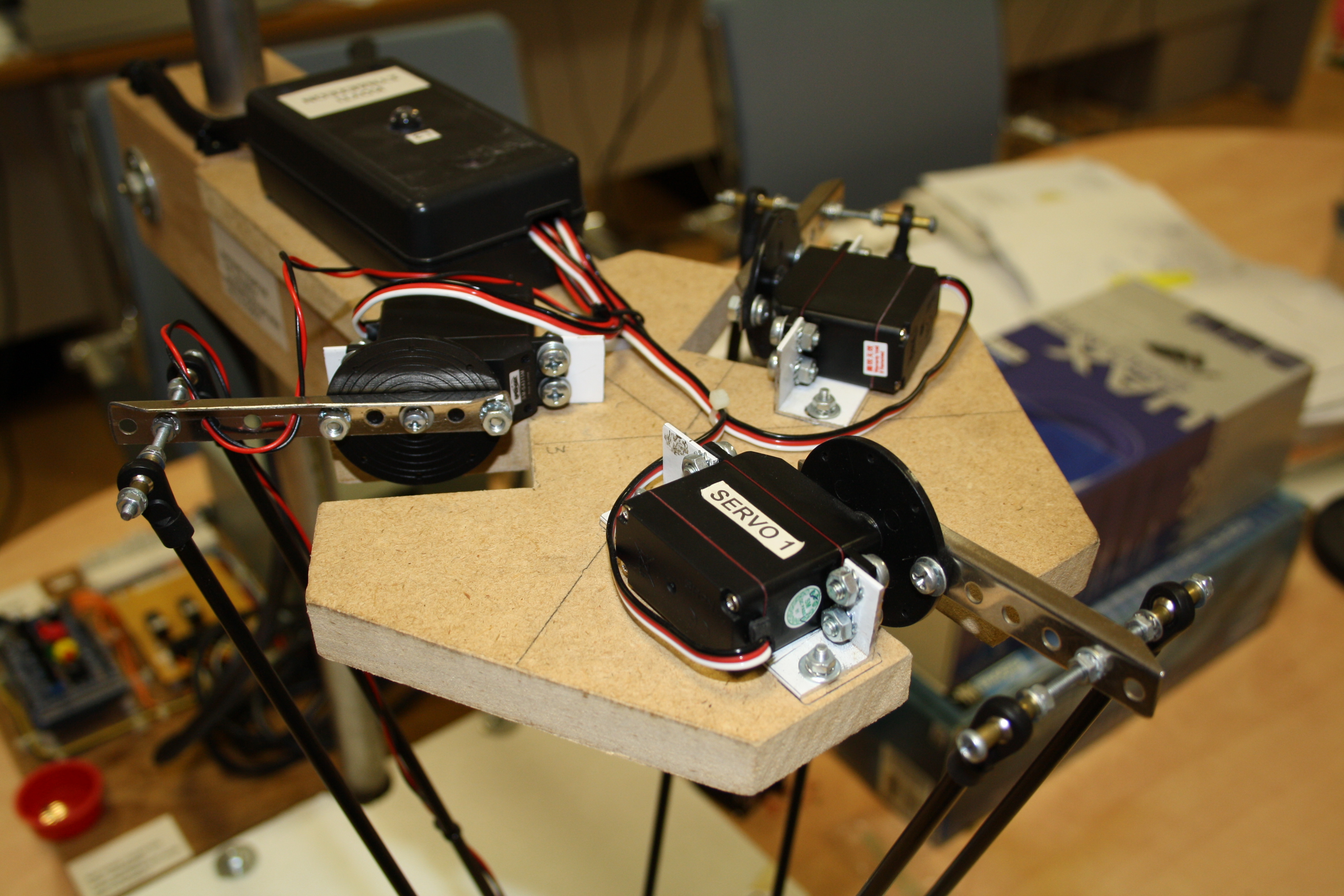
This Delta Robot is designed for fast and precise movement, characteristic of a Parallel Manipulator. An Electromagnet is installed at the end of its arm, serving as an end-effector to pick up and move objects with ferromagnetic properties or materials attracted by magnets.

Control Systems
The control system is designed to be highly flexible, supporting both Manual and Remote Control operations:
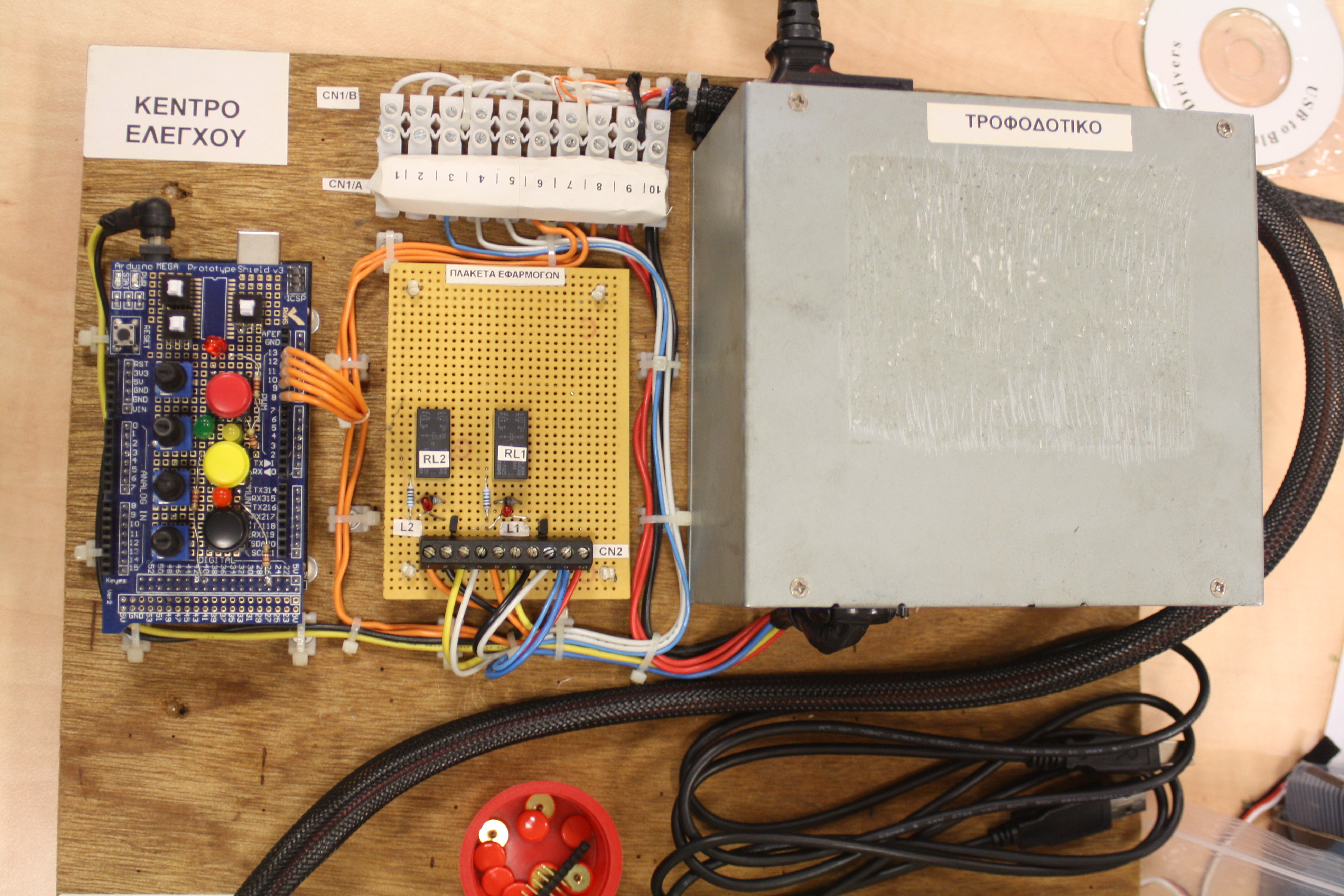
- Manual Control Panel: The control panel includes Buttons, Switches, and Potentiometers. Users can rotate these to adjust the robot head's coordinates to the desired position and instantly switch the electromagnet on or off directly from the front panel.
- Remote Control (Wireless via Bluetooth): The robot supports commands via UART Serial 1 port (PINs 18 and 19), which can connect to Bluetooth modules like HC-05 or HC-06, allowing wireless transmission of coordinates from mobile devices or computers.
Communication Protocol
To ensure accurate data transmission between external devices and the Arduino Mega, a specific Message Format is used:
Command Format: @xxxx, yyyy, zzzz, m$
- @ and $: These are the Start and End message delimiters to prevent errors due to signal interference or data loss.
- xxxx, yyyy, zzzz: These are the X, Y, and Z coordinates in ASCII format.
- m: This is the electromagnet status ('0' for off, '1' for on).
Code Logic:
In the Arduino Mega firmware, the Serial1.parseInt() function is used to extract numbers from the received ASCII codes. Once the system processes and moves to the destination, the character @ will be sent back to the source device as an Acknowledgment, indicating "ready for the next command."
Additionally, the robot sends its current coordinates and status to an external device via the UART port 0 (PINs 0 and 1) which is also connected to the USB port. Thus the user can see the output on the serial terminal of the Arduino IDE or on any other device with a serial port.
Monitoring & Feedback System
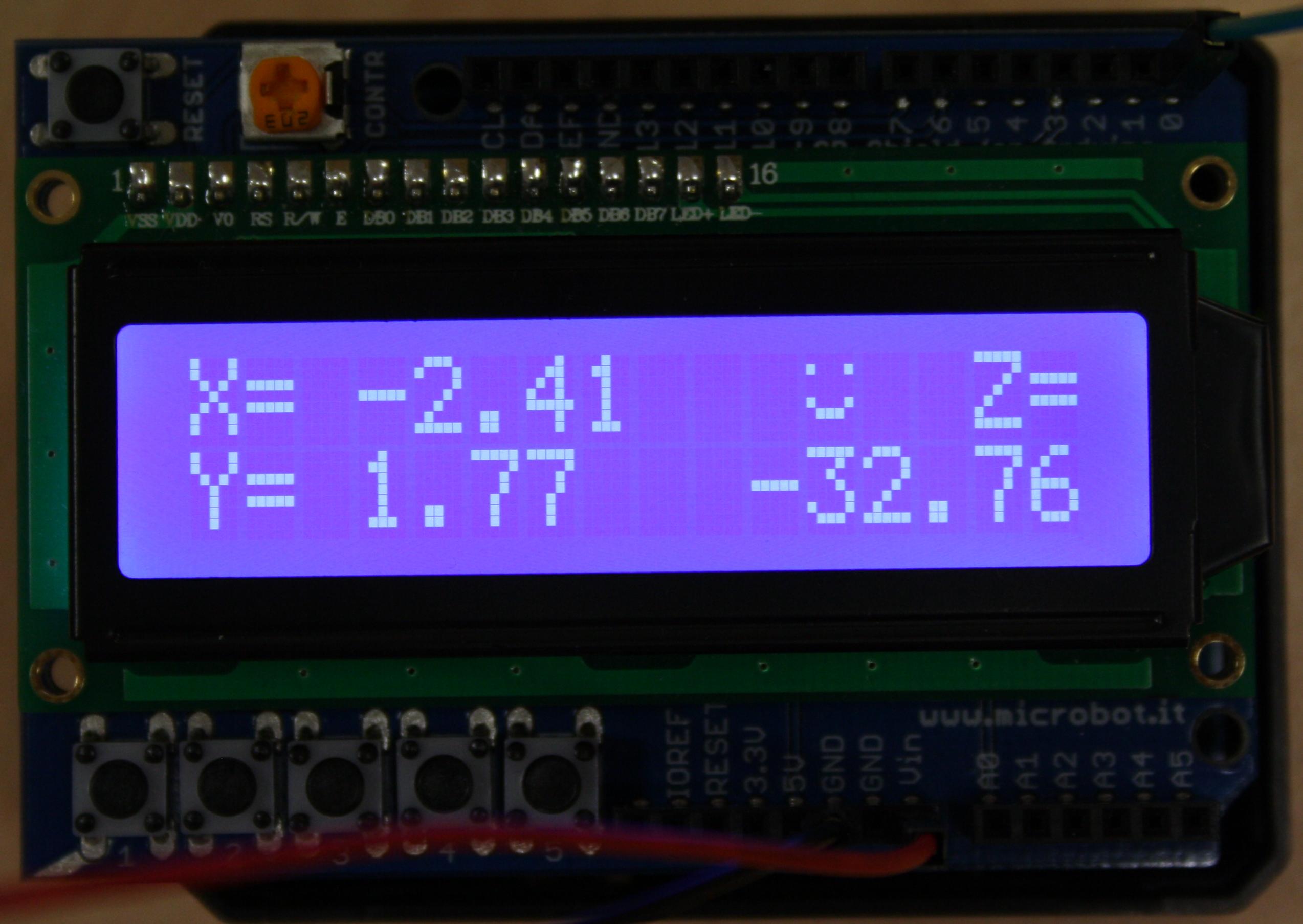
To capture this output, an Arduino UNO with an LCD screen shield is used as a separate Human-Machine Interface (HMI). It receives data from the Mega board's UART 0 port and displays the coordinates of the delta robot's head.
Validation Logic:
- If the transmitted coordinates are within the robot arm's Workspace, the LCD screen will display the current coordinates along with a "Happy Face" symbol.
- If the transmitted coordinates are outside the operating range (Invalid position), the robot will not move to prevent mechanical damage, and the screen will display a "Sad Face" symbol to alert the user.
Control via Android Application
For ease of use, an Android application was developed that can convert screen Gestures on a tablet into XYZ coordinates and send them directly to the robot via Bluetooth.
Download Application: https://play.google.com/store/apps/details?id=com.georgdag.arduinobaseddeltarobotremotecontroller

Advanced Application: Tic Tac Toe (X-O) Game
To demonstrate the true potential of this robot, a demonstration was created where the robot plays Tic Tac Toe against a human, with a Raspberry Pi 2 B+ serving as the front-end brain:
- Image Processing: A Pi Camera is mounted above to capture the board, and the OpenCV (C++) library is used to analyze the positions of the game pieces.
- Game Logic: When the Raspberry Pi decides on a move, it calculates the position and sends commands via UART to the Arduino Mega, instructing the robot to pick up and place the game piece.
- Anti-Cheating: The system is intelligent enough to detect if a human cheats. If an incorrect piece movement is detected, the robot will move the piece back to the last correct position and request a replay.
Demo Video (Delta Robot in Action):
This project demonstrates that the Arduino Mega is powerful enough to handle complex position control tasks like those of a Delta Robot. When combined with a good communication protocol and powerful external processing, this system can be widely applied in small industrial factories, for sorting products, or as service robots.