A good lighting set is more important than an expensive SLR camera. This project will help you build your own Portable Ring Light using Arduino and NeoPixel to elevate your portrait or product photography to a more professional level.
Things Used in This Project
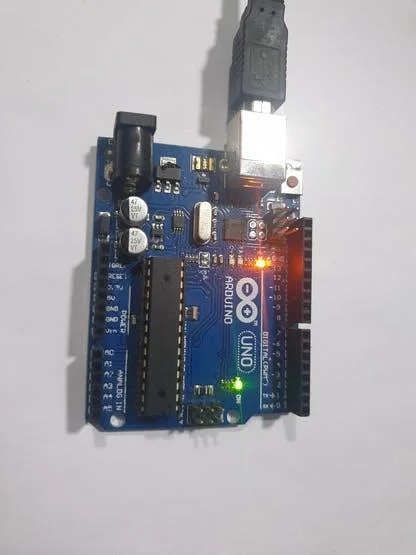
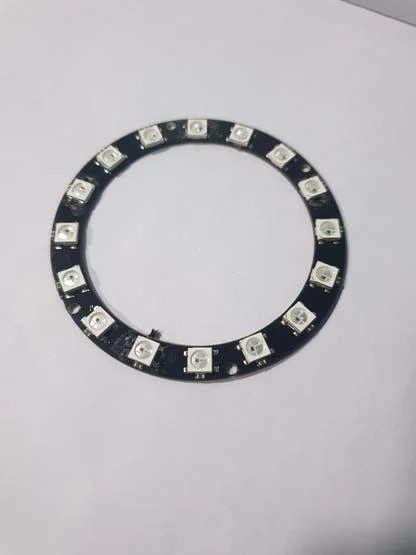
- Arduino UNO×1
- Adafruit NeoPixel Ring: WS2812 5050 RGB LED×1
- SparkFun Pushbutton switch 12mm×1
- 9V battery (generic)×1
- Dot board×1
Software apps and online services
- Arduino IDE
- Adafruit Neopixel Library - https://github.com/adafruit/Adafruit_NeoPixel
In-depth Look at Core Components
In terms of embedded engineering, the WS2812B NeoPixel is not just an ordinary LED. Inside each LED, there's a tiny integrated control circuit (IC) embedded, which receives serial digital data and then cascades that data to the next LED. This allows us to control dozens of LEDs using only a single signal wire.
The Arduino UNO acts as the Master, sending highly precise (timing-sensitive) pulse signals to set the brightness and color values of each LED according to the photographer's requirements.
Connections
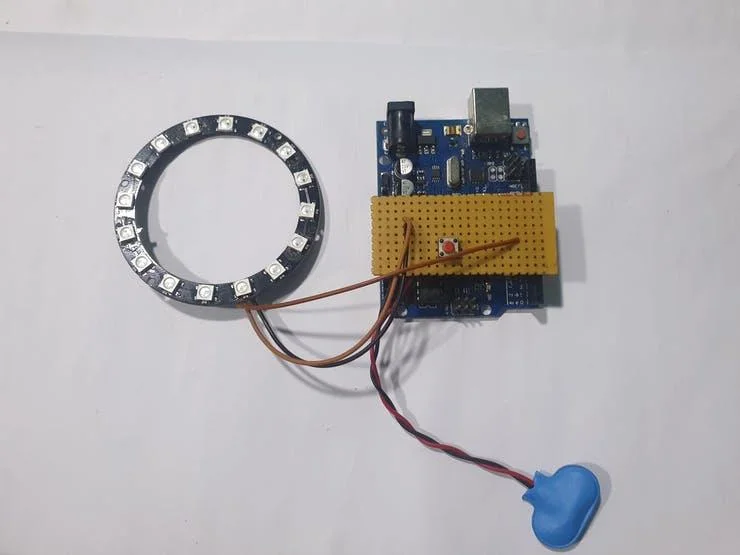
We need to connect the Neopixel WS2812B and the push button to the Arduino UNO.
1. NeoPixel Ring Connection:
- VCC → 5V: Positive power supply.
- GND → GND: Common system ground.
- DI (Data Input) → Digital Pin 7: Data signal pin for controlling the LEDs.
2. Pushbutton Connection:
- The Pushbutton is connected between Digital Pin 6 and GND.
- In the code, we will use
INPUT_PULLUPmode to reduce the need for an external resistor.
3. Power Supply:
We can power this project with a 9V battery as well as a micro-USB cable. For portable use, connect the +ve of the battery to the VIN of the Arduino and -ve to GND. The board's built-in Voltage Regulator will safely reduce the voltage to 5V to power the system.
Installing Neopixel Library
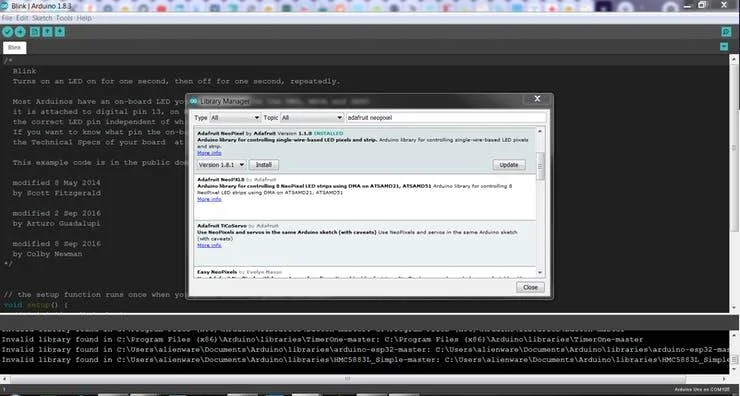
We can install Adafruit's Neopixel library from the Library Manager. Select the latest version and click Install.
Now open the example project and run it. Change the NUMPIXEL to the desired value based on the LED ring purchased. Here I've used a 16-pixel Neopixel LED ring.
Application and Code Logic Analysis
The core of this project is to create a simple "State Machine" to switch operating modes when the button is pressed. The operating principles are as follows:
- Input Sensing: The program continuously monitors the state of the Digital Pin (Input). If the value is detected as
LOW(because PULLUP is used), it signifies a button press. - Mode Switching: Each time the button is pressed, the
modevariable increments and wraps back to the beginning after reaching the last mode. - Light Effects: Different functions are called in each mode:
- Solid Colors: Displays red, green, and blue colors sequentially, used for adjusting White Balance or creating a specific photographic mood.
- Color Chasing: Creates a white, red, or blue chasing light effect, useful for creating motion blur or dynamic reflections.
- Rainbow Mode (VIBYOR): Displays rainbow colors by cycling through hues (Color Wheel), suitable for creative art photography.
You can use this device as a Ring Light attached to the front of a camera lens to eliminate shadows on faces (Fill Light) or create beautiful catchlights in the eyes.
Code
You can find the code on my GitHub repository. Link to the Project repo: https://github.com/Rahul24-06/Portable-RGB-Lighting-for-Photography-Selfie
To upload the code, choose Arduino UNO, and the Upload Speed to 115200.
Working
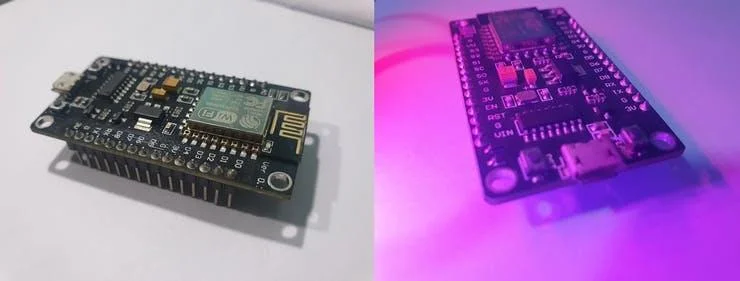
Before Lighting & After Lighting Pictures are shown above.
Voila! We finally did this project successfully. This project is a great example of applying Embedded Systems knowledge to art and photography. If you have any questions or wish to expand on this, such as adding a brightness adjustment knob (Potentiometer) or Bluetooth control, feel free to ask me. Please do suggest new projects that you want me to do next.
Give a thumbs up if it really helped you and do follow my channel for interesting projects. :)
Happy to have you subscribed: https://www.youtube.com/@electroverse_ai?sub_confirmation=1
Share this video if you like. Thanks for reading!