Musical Maker: The Arduino Piano
The Electronic Piano project is a fun way to explore the physics of sound. By mastering frequencies and duty cycles, you can turn a few simple buttons into a melodic instrument.
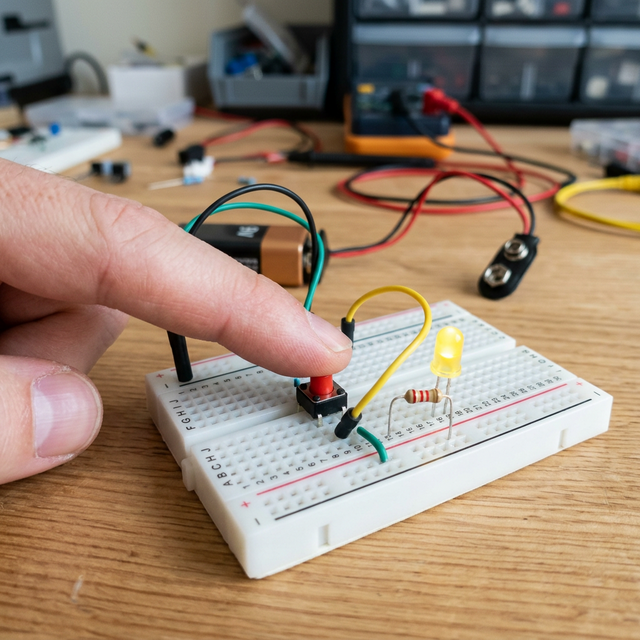
The Tone() Function
The heart of this project is the tone() function in the Arduino IDE.
- Frequency: Every musical note has a specific frequency (e.g., Middle C is 262 Hz).
- The Process: When you press a button, the Arduino sends a square wave at that specific frequency to a piezo buzzer, which vibrates to create the sound.
Hardware Components
- Arduino Uno/Nano: The frequency generator.
- Push Buttons (x7): One for each note (Do-Re-Mi-Fa-So-La-Ti).
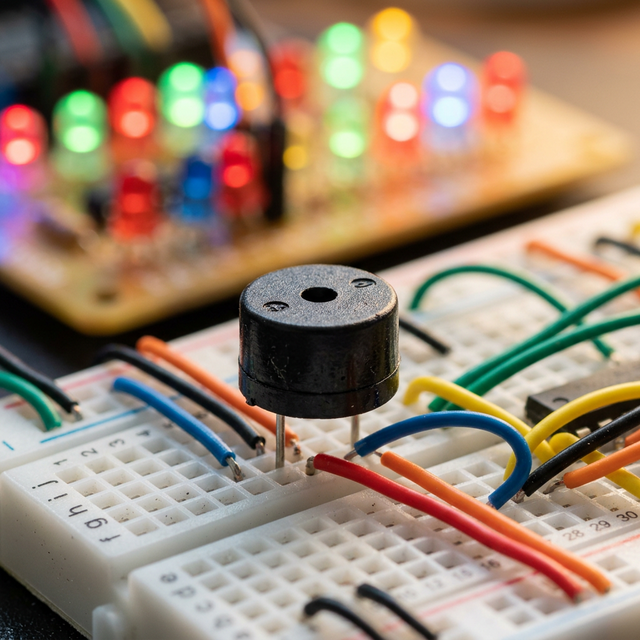
- Piezo Buzzer: The speaker/output device.
- 10k-ohm Resistors: For stable button inputs.
Expanding the Piano
Once you have the 7 basic notes working, you can add a Potentiometer to change the octave (making the notes higher or lower) or add more buttons to create a full chromatic scale. This project is a gateway into the world of digital synthesizers and MIDI controllers.