Velocity Check: The Arduino Speedometer
How fast is that toy car? The Arduino Speed Detector uses the basic physics formula Speed = Distance / Time to give you accurate real-time velocity readings.
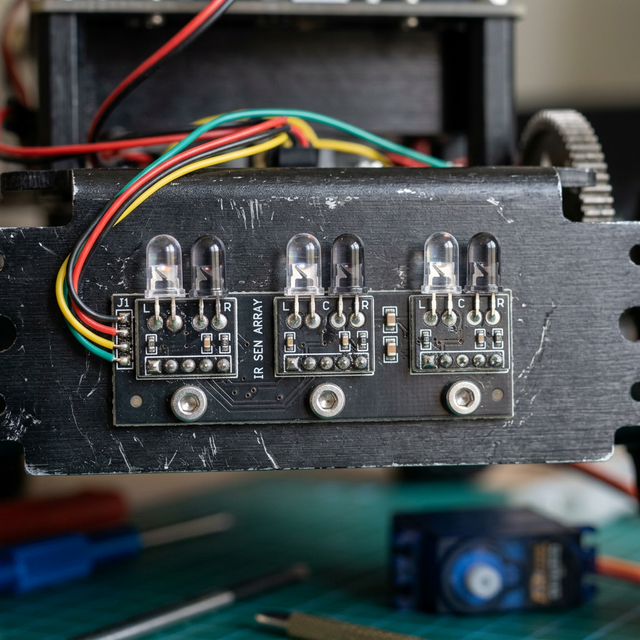
The Measurement System
The setup involves two IR Speed Sensors placed at a known, fixed distance from each other (e.g., 10cm or 20cm).
- Start Timer: When the object passes the first sensor, the Arduino records the current time (in milliseconds).
- Stop Timer: When the object passes the second sensor, the Arduino calculates the elapsed time.
- Calculation: The code divides the distance by the recorded time difference to find the speed.
- Display: The final speed is displayed on a 16x2 LCD or via the Serial Monitor.
Components Needed
- Arduino Uno/Nano: To handle the high-speed timing.
- IR Obstacle/Speed Sensors (x2): The start and stop triggers.
- 16x2 LCD Screen: For displaying the results (km/h or m/s).
- Track or Enclosure: To keep sensors perfectly aligned.
Optimization: The Micros() Function
For very high speeds, the standard millis() function isn't precise enough. Makers use the micros() function, which provides a resolution of one-millionth of a second, allowing you to measure the speed of even the fastest small-scale models.