Data Visualization: Joystick to Processing
The Serial Monitor is boring to look at. The Thumb Joystick to Processing project bridges the gap between hardware (Arduino) and software (Processing IDE). It completely replaces the text output with beautiful, real-time 3D graphical representations.
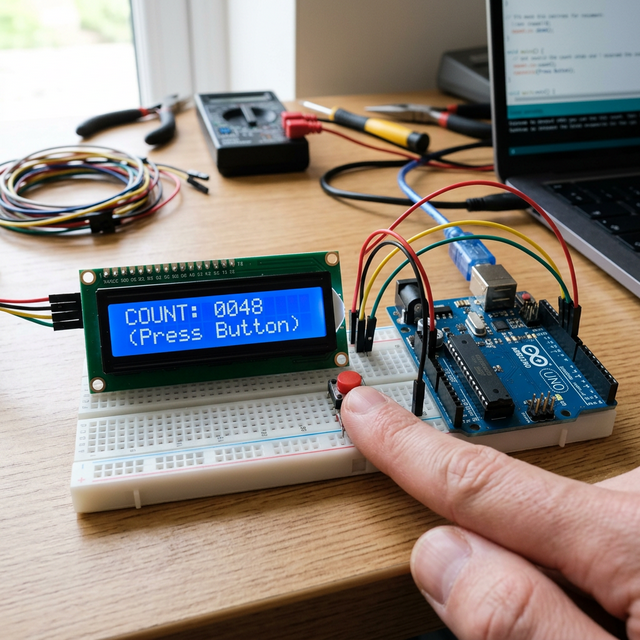
The Arduino Sender (Hardware)
The hardware side is incredibly basic.
- You connect a standard 2-axis Thumb Joystick (
VRx,VRy) to Arduino Analog pins A0 and A1. - The Arduino
loop()reads the two numbers (0-1023). - The Arduino formats the data into a comma-separated Serial string:
512,512\n. It shoots this string over the USB cable at9600 baud.
The Processing Receiver (Software)
Processing is a visual coding language built on Java. It looks exactly like the Arduino IDE.
- In Processing, you write a script that opens the computer's COM port and listens for the Arduino string.
- Processing splits the string at the comma, grabbing the X and Y numbers.
- You write a
draw()loop:ellipse(X, Y, 50, 50);. - As you physically move the joystick in your hand, a colored circle moves continuously across your computer monitor in perfect synchronization!
System Elements
- Arduino Uno/Nano: The analog data aggregator.
- Standard Analog Thumb Joystick.
- Micro-USB Data Cable.
- Processing IDE installed on a PC/Mac.
This foundation is crucial for building custom dashboards to visualize radar sweeps, temperature graphs, or 3D IMU cube rotations!