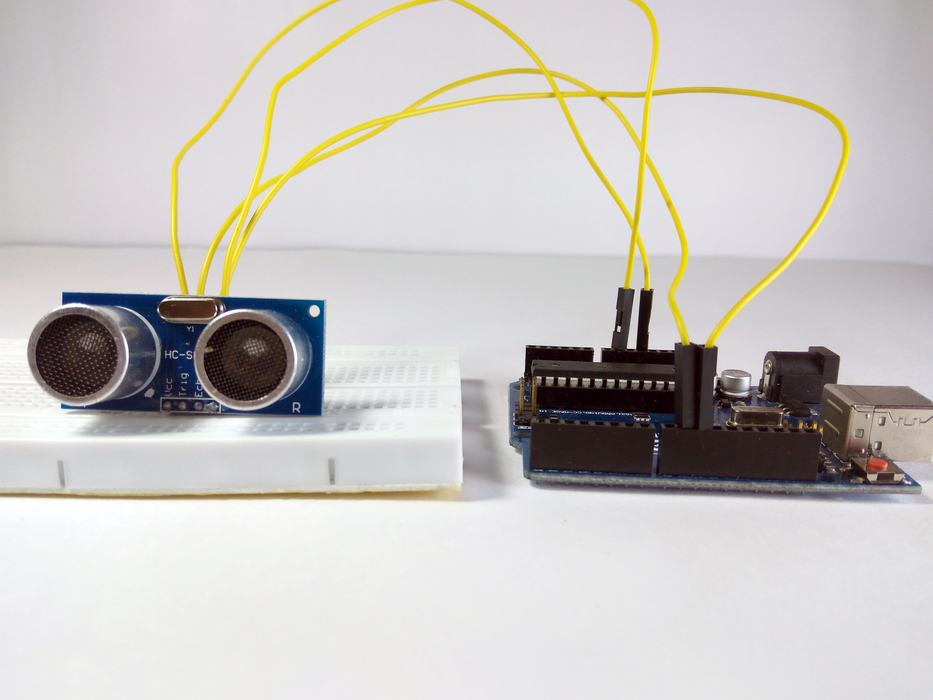
An Ultrasonic Sensor is a device that measures distance to an object using Sound Waves. It works by sending out a sound wave at ultrasonic frequency and waits for it to bounce back from the object. Then, the time delay between transmission of sound and receiving of the sound is used to calculate the distance.
It is done using the formula Distance = (Speed of sound * Time delay) / 2
We divide the distance formula by 2 because the sound waves travel a round trip i.e from the sensor and back to the sensor which doubles the actual distance.
The HC-SR04 is a typical ultrasonic sensor which is used in many projects such as obstacle detector and electronic distance measurement tapes. In this Instructable I'll teach you how to interface the HC-SC04 with an Arduino Uno.
Add TipAsk QuestionCommentDownload
Step 1: Components Required
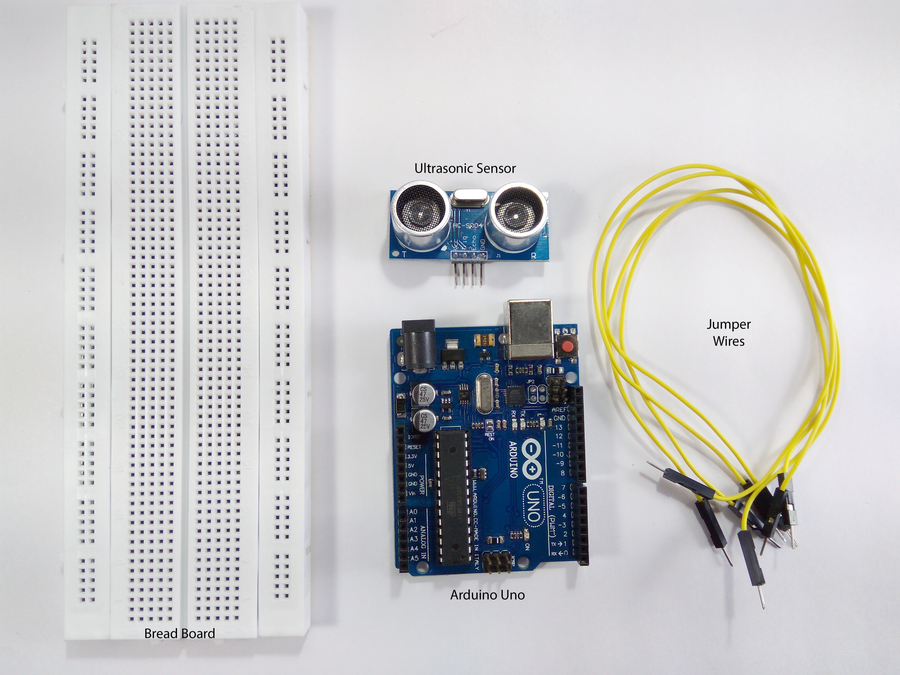
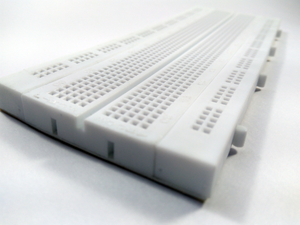
To interface an Ultrasonic Sensor with an Arduino and view the distance on the serial monitor you'll need:
- Arduino Uno
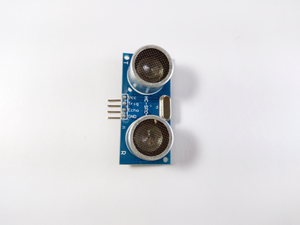
- HC-SR04 Module
- BreadBorad
- Jumper wires
You'll need a laptop or a PC to upload code to the Arduino and view the Distance on the Serial Monitor.
Add TipAsk QuestionCommentDownload
Step 2: A Little About HC-SR04
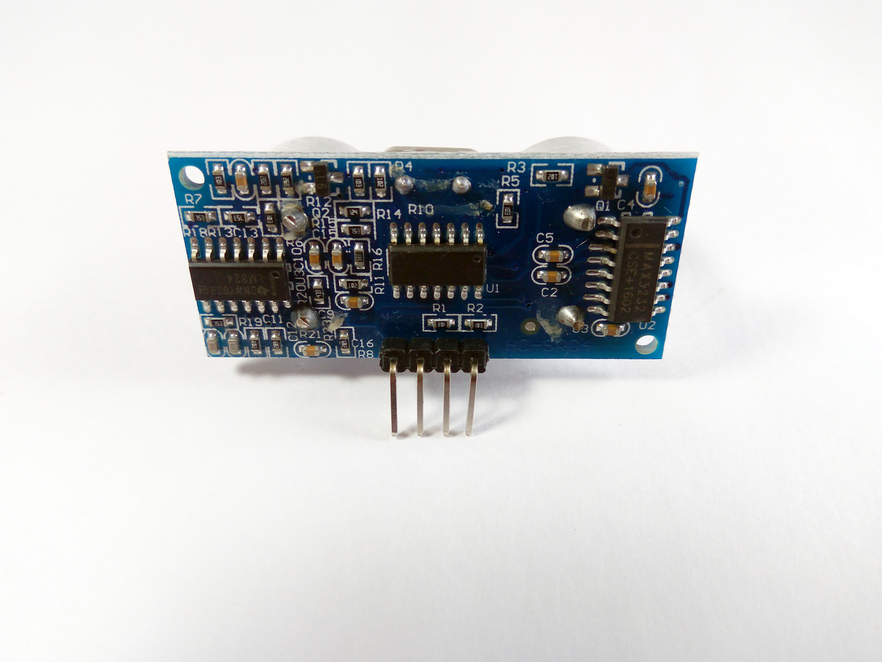
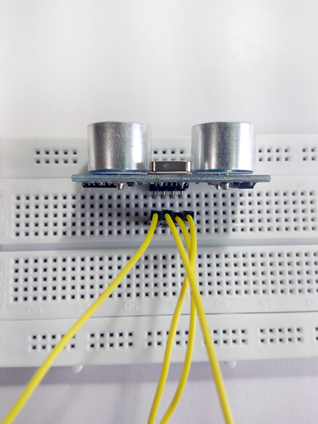
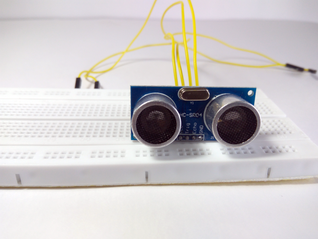
The HC-SR04 is an ultrasonic ranging module. This economical sensor provides 2cm to 400cm of non-contact measurement functionality with a ranging accuracy that can reach up to 3mm. Each HC-SR04 module includes an ultrasonic transmitter, a receiver and a control circuit.
There are Four Pins on the HC-SR04. They are :
- Vcc (5V supply)
- Gnd (Ground)
- Trig (Trigger)
- Echo (Receive)
The key features to be noted are:
- Operating Voltage: 5V DC
- Operating Current: 15mA
- Measure Angle: 15°
- Ranging Distance: 2cm - 4m
Add TipAsk QuestionCommentDownload
Step 3: The Arduino Serial Monitor
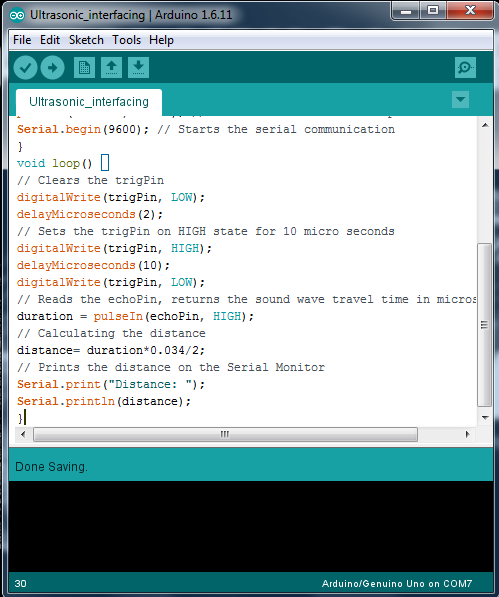
The Serial Monitor is a part of the Arduino IDE. It is also available in the Web IDE. It allows you to send and receive data from the board connected via USB. This is using the concept of Serial Communication.
You can send the commands by typing in the window on the top and pressing 'Enter' or clicking 'Send'. The data from the board is displayed below that.
This is very useful when debugging the code, or if you need to give inputs to the board, This is probably the most useful tool in the IDE. The more you use it, the better you get at testing complex projects that takes inputs and provides consequent outputs.
Add TipAsk QuestionCommentDownload
Step 4: The Circuit
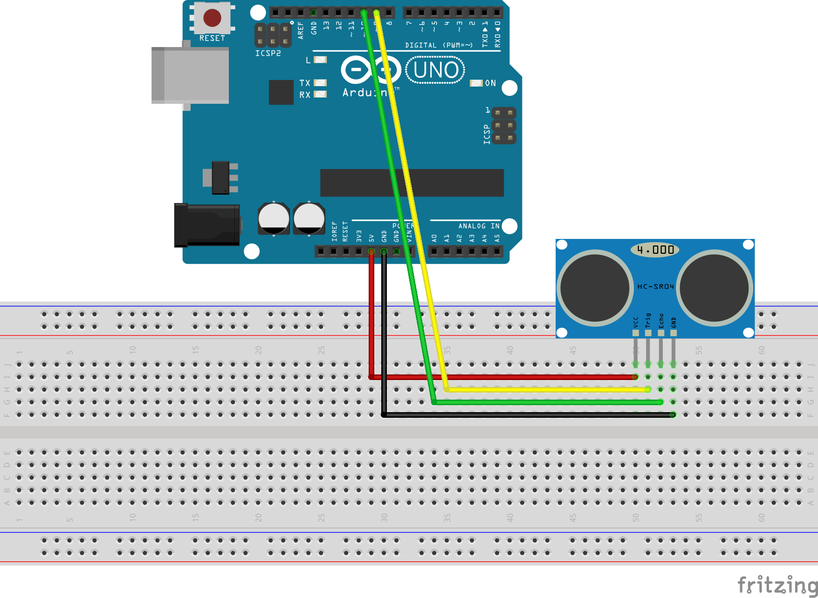
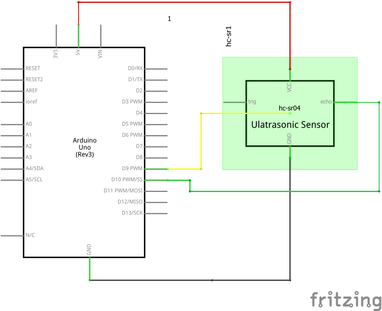
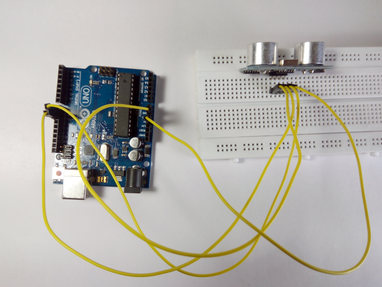
The connections are as follows:
- Vcc to 5V Pin of the Arduino.
- Gnd to Gnd Pin of the Arduino.
- Trig to Digital Pin 9.
- Echo to Digital Pin 10.
Refer to the schematics above for more clarity on the connections.
Few things to remember while building the circuit:
- Avoid placing the sensor on metal surfaces to avoid short circuits which might burn the sensor.
- It is recommended to put electrical tape on the back side of the sensor.
- You can also directly connect the Ultrasonic sensor to the Arduino with jumper wires directly.
🛠️ Deep Dive into the Operation (Deep Dive / Technical Analysis)
The HC-SR04 Ultrasonic Sensor is a fundamental tool for distance measurement in electronics. Its operation is based on the principle of echolocation, similar to how bats navigate. Understanding its technical workflow is key to effective implementation.
How It Works: Signal Timing and Calculation
The sensor's operation is a precise sequence of electronic pulses:
- Trigger Pulse: The microcontroller (Arduino) sends a short 10µs HIGH pulse to the sensor's Trig pin.
- Transmission: The HC-SR04 internally emits a burst of 8 ultrasonic pulses at 40 kHz.
- Echo Reception: The sensor's receiver listens for the reflected sound wave. When detected, it sets the Echo pin HIGH.
- Timing Measurement: The Arduino measures the duration the Echo pin remains HIGH. This is the time-of-flight for the sound wave's round trip.
- Distance Calculation: Using the formula
Distance = (Speed of Sound * Time) / 2, the distance is computed. At room temperature (20°C), the speed of sound is approximately 343 meters per second or 0.0343 cm/µs. Therefore, the formula simplifies toDistance (cm) = (Time (µs) * 0.0343) / 2.
Essential Hardware Details
- Arduino Uno/Nano: Provides the 5V power and digital I/O pins for precise trigger and echo timing.
- HC-SR04 Module: Contains the ultrasonic transducer pair and the control circuitry that handles the complex timing of pulse transmission and echo detection.
- Breadboard & Jumper Wires: For creating a stable and testable circuit without soldering.
Application Notes
Accuracy Factors: The sensor's accuracy can be affected by the temperature and humidity of the air (which changes the speed of sound), the angle and texture of the target object, and electrical noise. For higher accuracy, temperature compensation can be added to the code.
Typical Use Cases: Beyond simple distance measurement, the HC-SR04 is commonly used in robotics for obstacle avoidance, in automation for liquid level sensing, and as a proximity detector.