The Story
The inspiration for creating this MIDI Controller arose after I witnessed the potential of Softpots (tactile position sensors) when used in conjunction with Arduino and various types of musical instruments. I found many interesting applications, but what was missing in the market was an instrument that wasn't just a guitar imitation or merely an added Pitch control pad for existing keyboards.
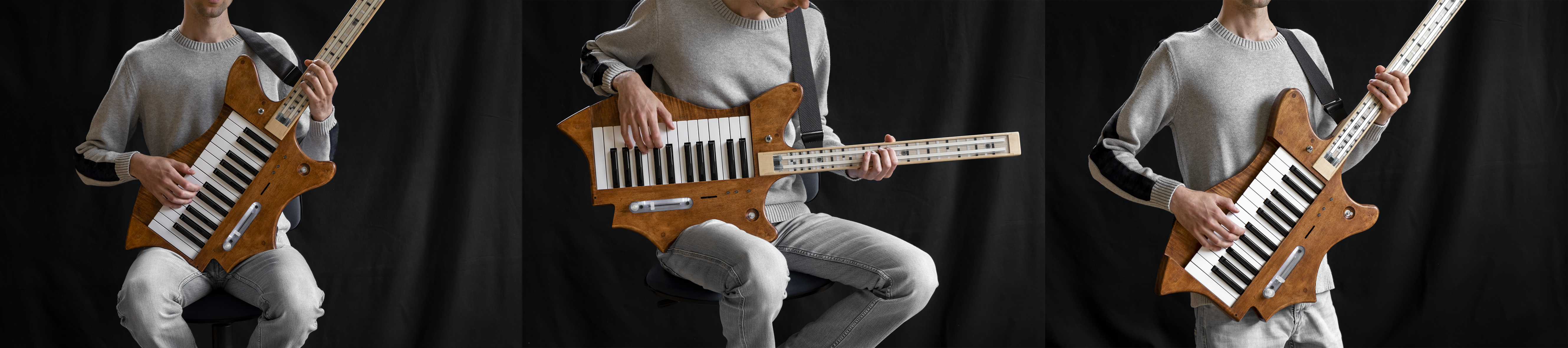
Therefore, I decided to create an instrument that allows musicians to play two different sounds on separate MIDI channels with both hands (similar to playing a dual-layer Synthesizer), but with novel control for one hand. The primary goal was not to simulate a guitar, but to offer a new dimension of control for Virtual Synths or Hardware Synths in a distinct yet familiar format for musicians.
To ensure the instrument met both functional and ergonomic requirements, I chose a guitar shape because it can be held and played both standing and sitting. Especially, a high playing angle allows the right hand to play the keyboard most naturally. This structure took almost a full year of spare-time development to become ARKeytar, a blend of the words Arduino and Keytar.
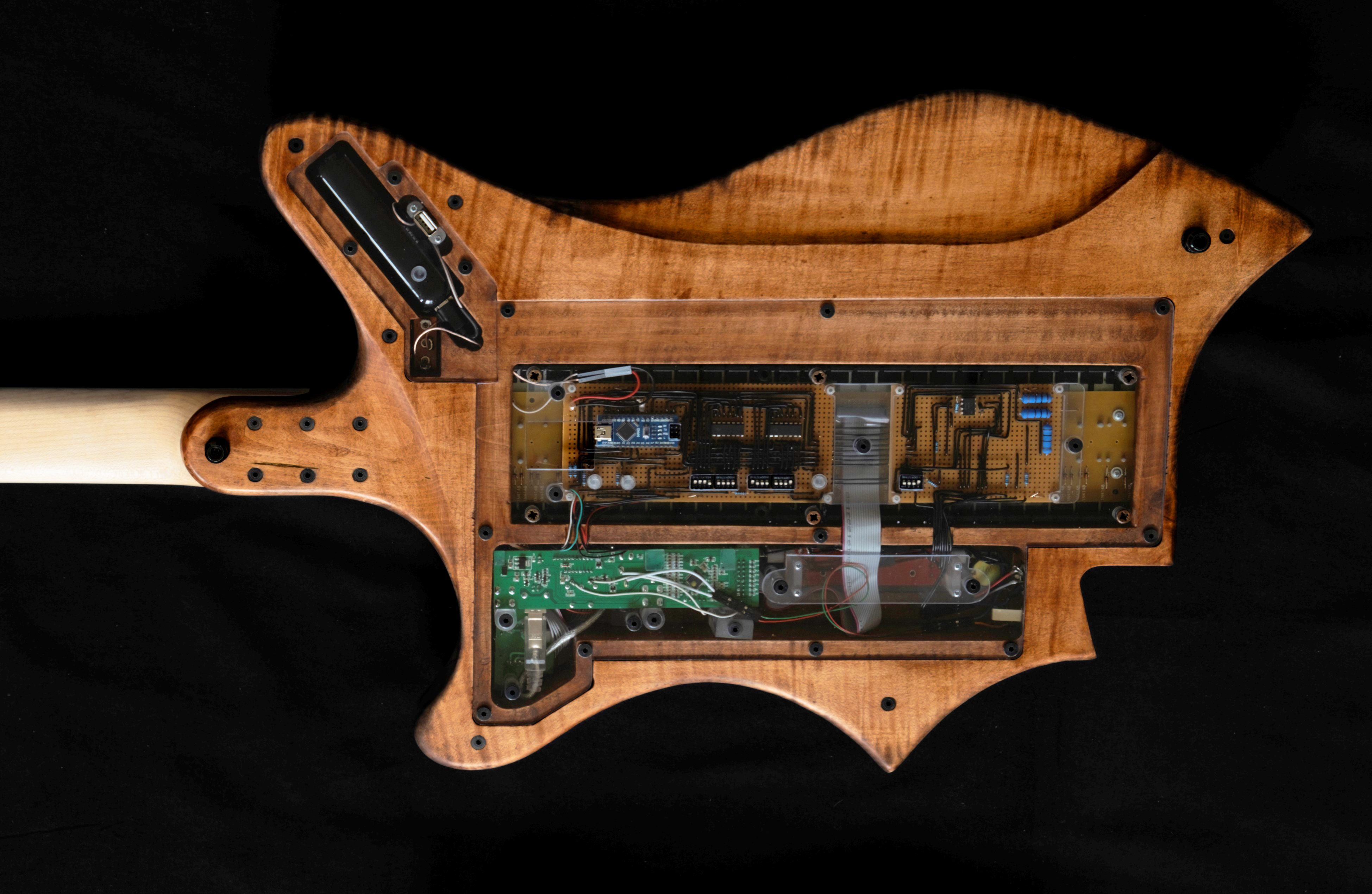
The Arduino Circuitry and Code Logic
The heart of ARKeytar is an Arduino Nano, which acts as the central processing unit. It receives values from sensors, generates MIDI messages (Note On/Off and Pitch Bend) based on the position and touch characteristics on the Softpots, and also receives MIDI data from the original keyboard. It then sends all signals out to the MIDI Out port to control external Synths.
In this design, I chose not to alter the original keyboard's circuitry at all, but rather to connect the keyboard's MIDI Out to a MIDI In circuit connected to the Arduino's Serial RX port for combined processing.
Logic Breakdown
In the loop() function, the program continuously reads Analog values from two Softpots:
- Touch Detection: When a Softpot is pressed, the system sends a Note On message, using the
map()function to convert the voltage value (Analog Value 0-1023) into a MIDI note number according to the predefined range on the instrument's neck. - Pitch Bend and Expression: As long as there is sustained pressure and finger movement, the system sends Pitch Bend messages to continuously control the pitch. Players can select a Pitch Bend range between ±12 or ±24 via a control switch.
- Pitch Snap Function: One challenge with using Softpots is accurately stopping a finger precisely on a note's pitch. I therefore developed a Pitch Snap algorithm, which "snaps" the pitch to the nearest note if the finger is within a defined tolerance. Players can adjust the snap sensitivity from 0 (100% fluid, following the finger) to 1 (changing pitch in steps like semitones).
- To reduce the computational burden on the Arduino Nano, I created pre-computed Lookup Tables for precise Pitch values for both ±12 and ±24 ranges, using a Python script to calculate these values.
For data communication, since the Serial Port is shared, the loop continuously checks the Serial Buffer for incoming messages from the keyboard. If messages are present, the Arduino immediately "prints" or forwards them to the Serial TX port, ensuring no MIDI messages are dropped or lost (Data Integrity).
Additionally, I used two 74HC165 Shift Registers to read values from multiple Dip Switches simultaneously using only a few Arduino ports. These switches set the MIDI Channel for the Softpots and assign the Control Change (CC) targets for the two Potentiometers located on the instrument body.
The Maple Body and Neck
The main structure of ARKeytar is crafted from Maple Wood for both the Body and Neck, providing strength and a professional, aesthetically pleasing look.
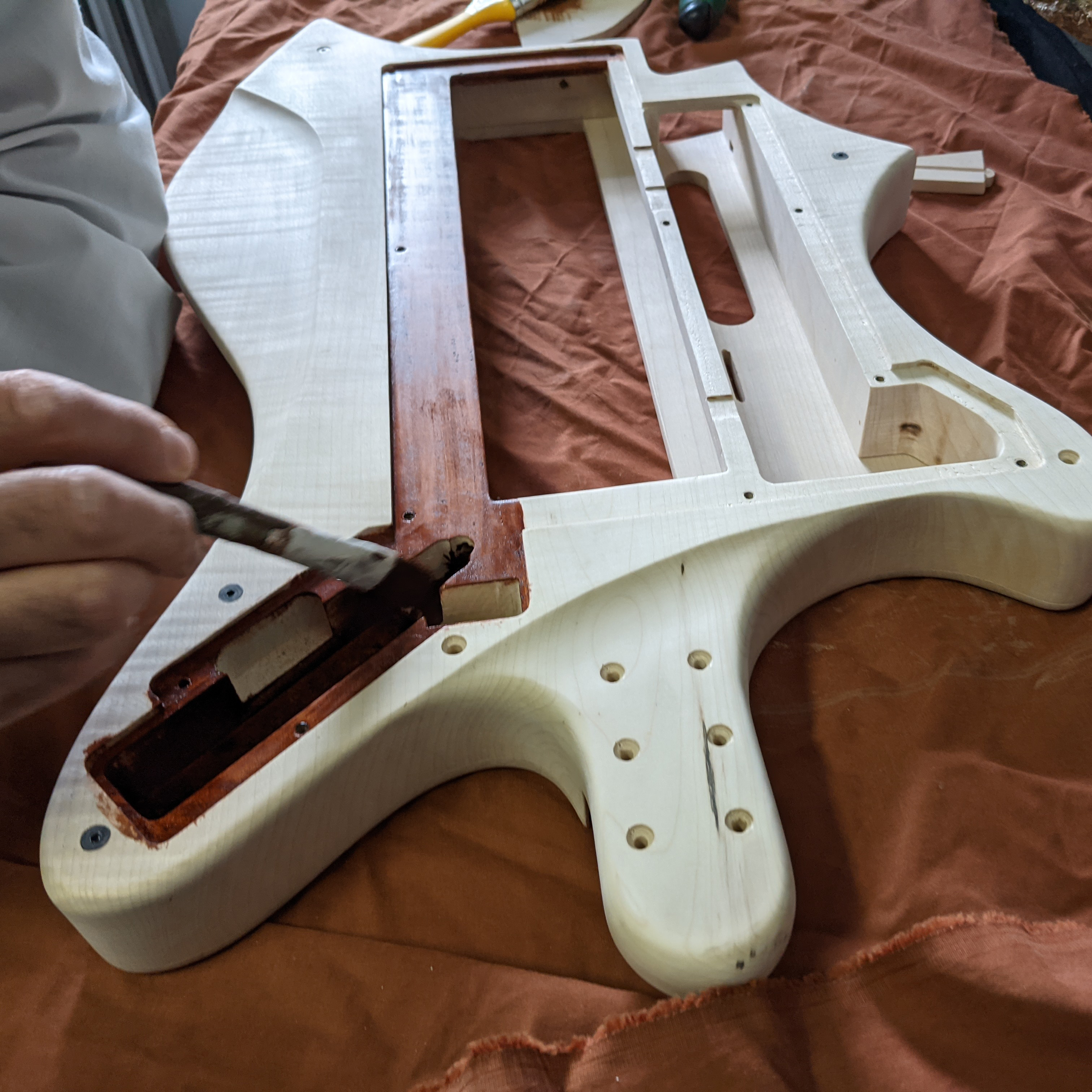
I started with a thick 6.5 kg Maple wood slab and gradually shaped it to suit the ergonomics and the placement of electronic components, particularly concealing the main circuitry beneath the keyboard assembly to save space.
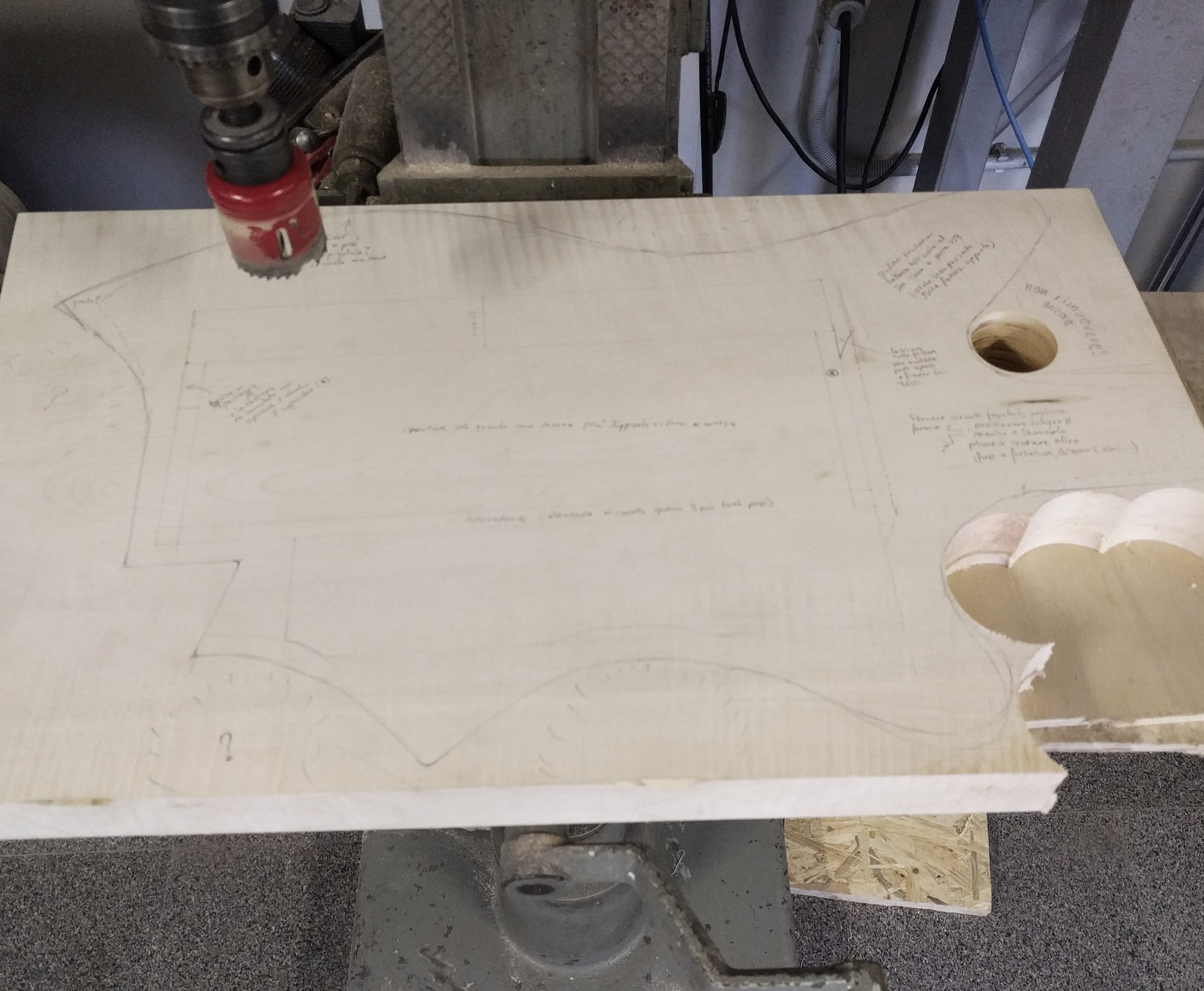
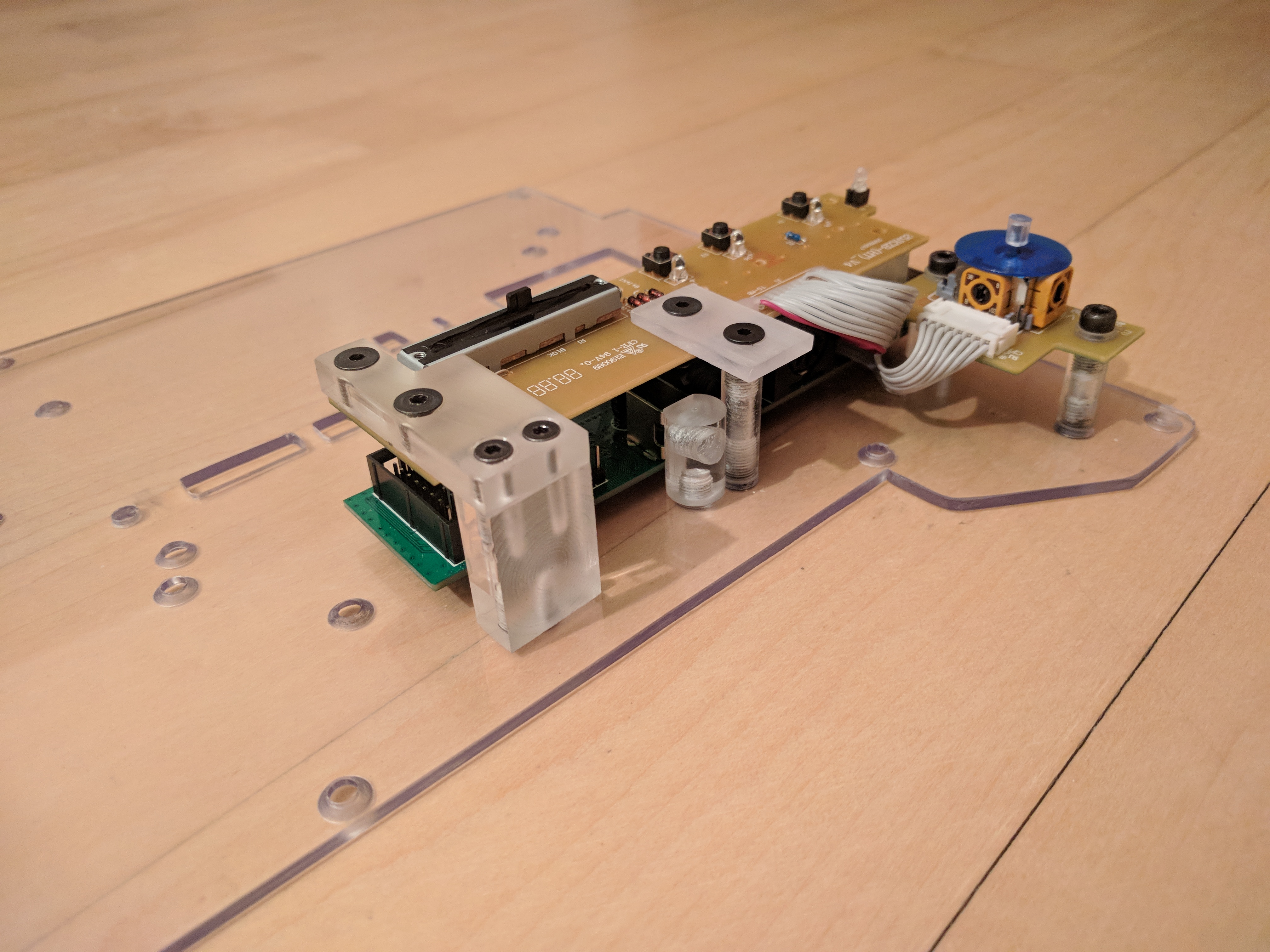
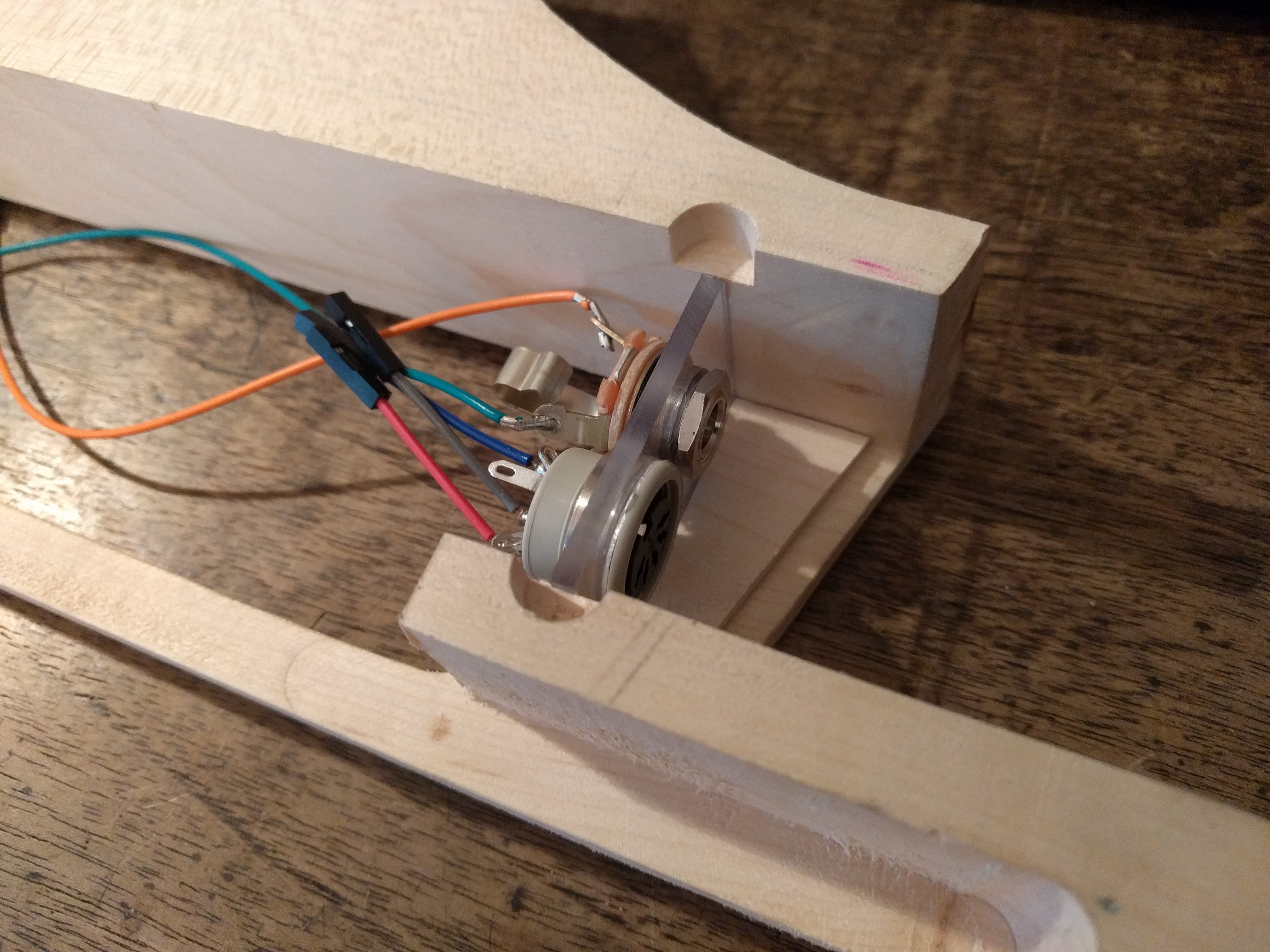
The milling and sanding processes were carried out carefully to create internal cavities for the battery (Powerbank) and the Polycarbonate sheet, which serves as the base for all circuits.
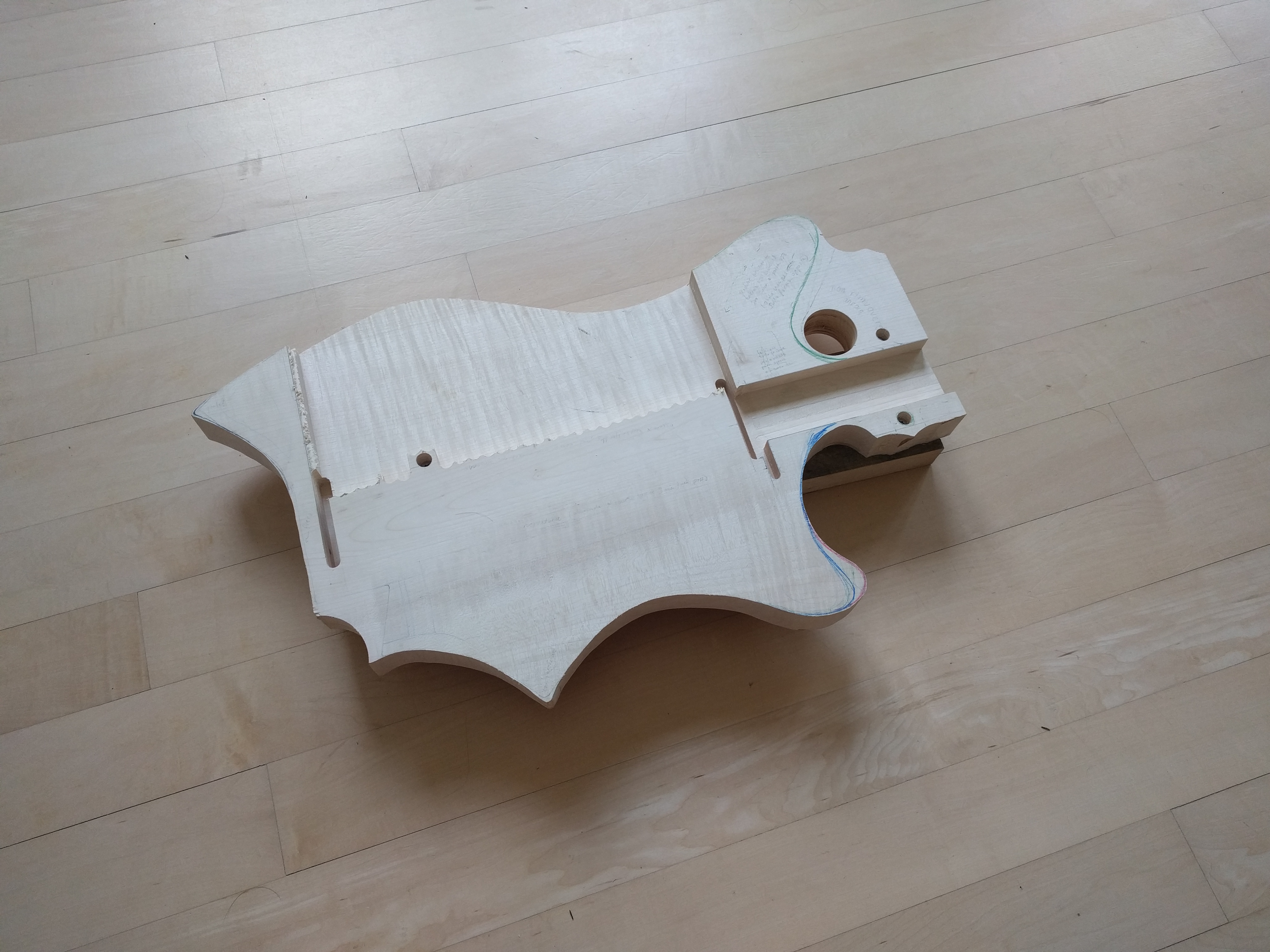
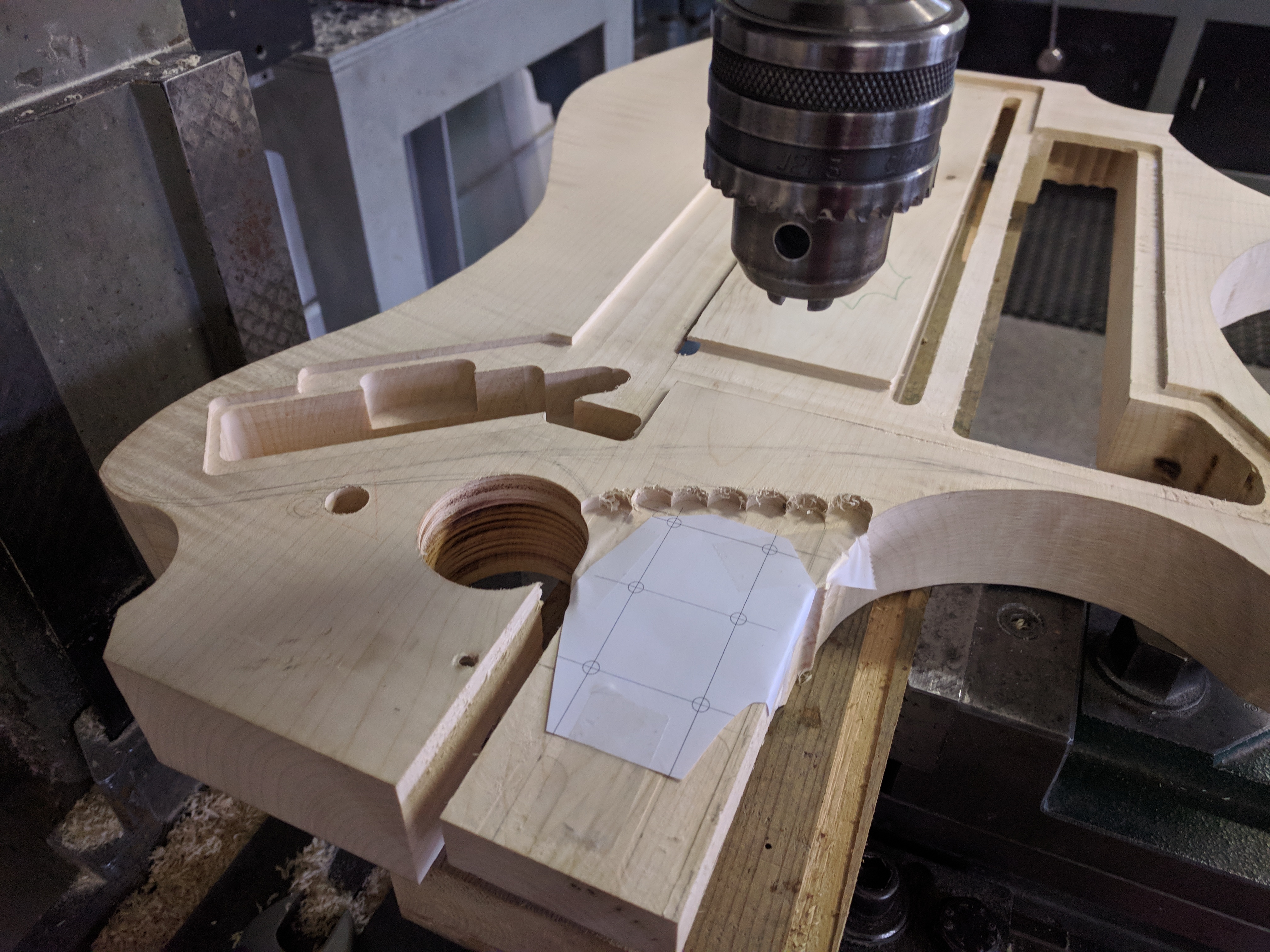
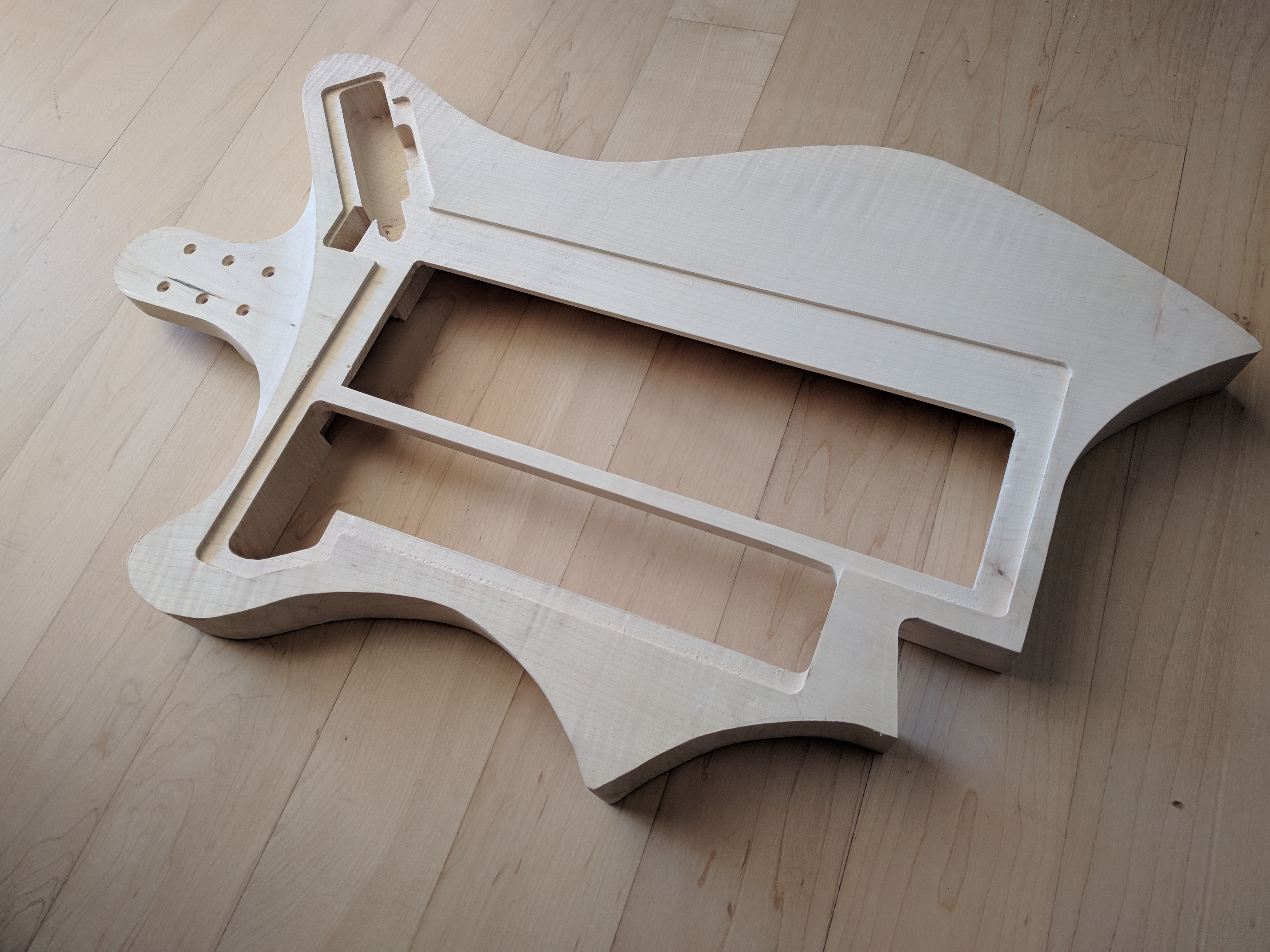
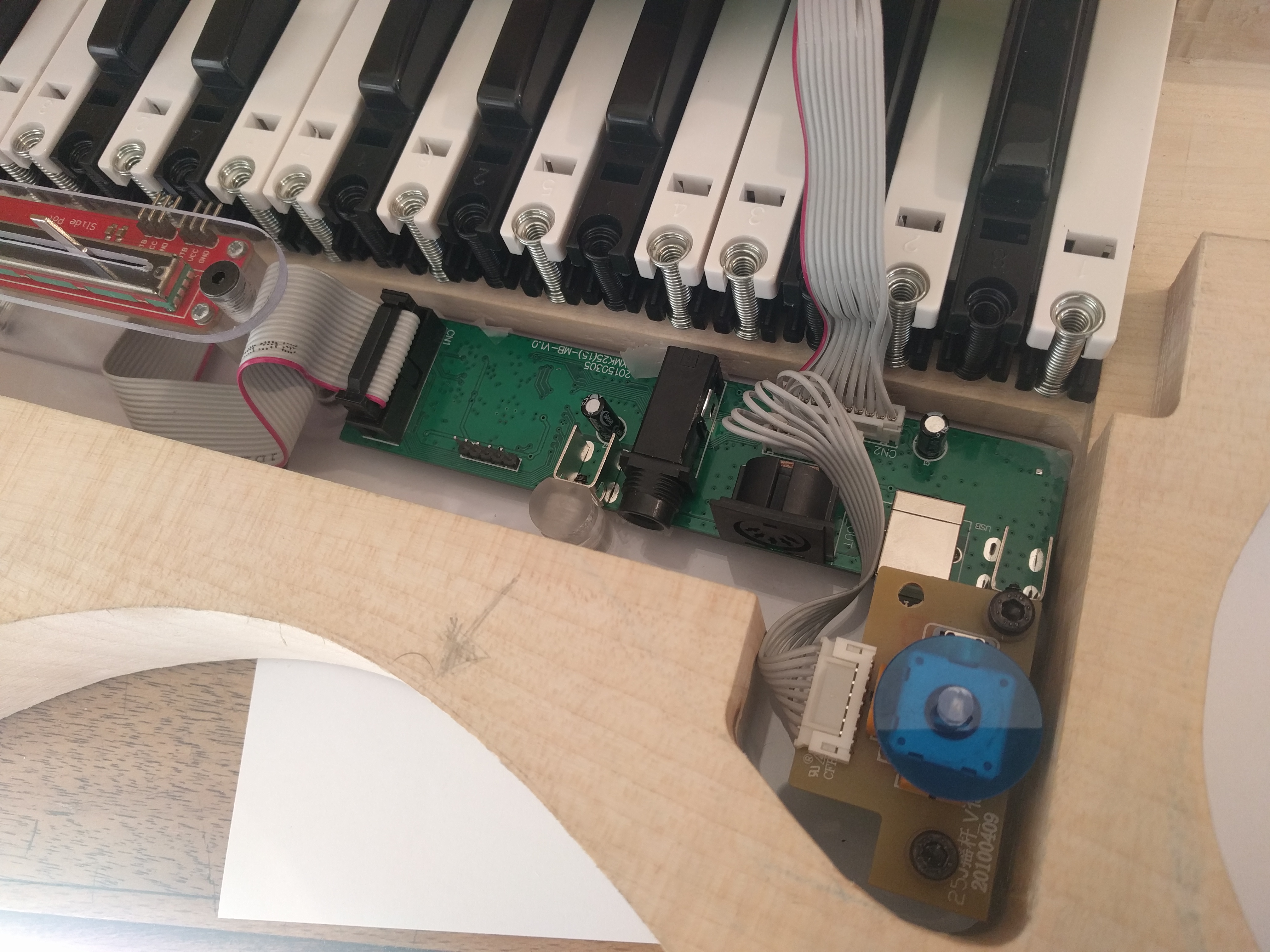
For the circuit assembly, I chose to mount the main circuit and keyboard onto a transparent Polycarbonate sheet before inserting it into the wooden body. This facilitates future maintenance; if circuit modifications are needed, the entire panel can be removed without dismantling the wooden structure.
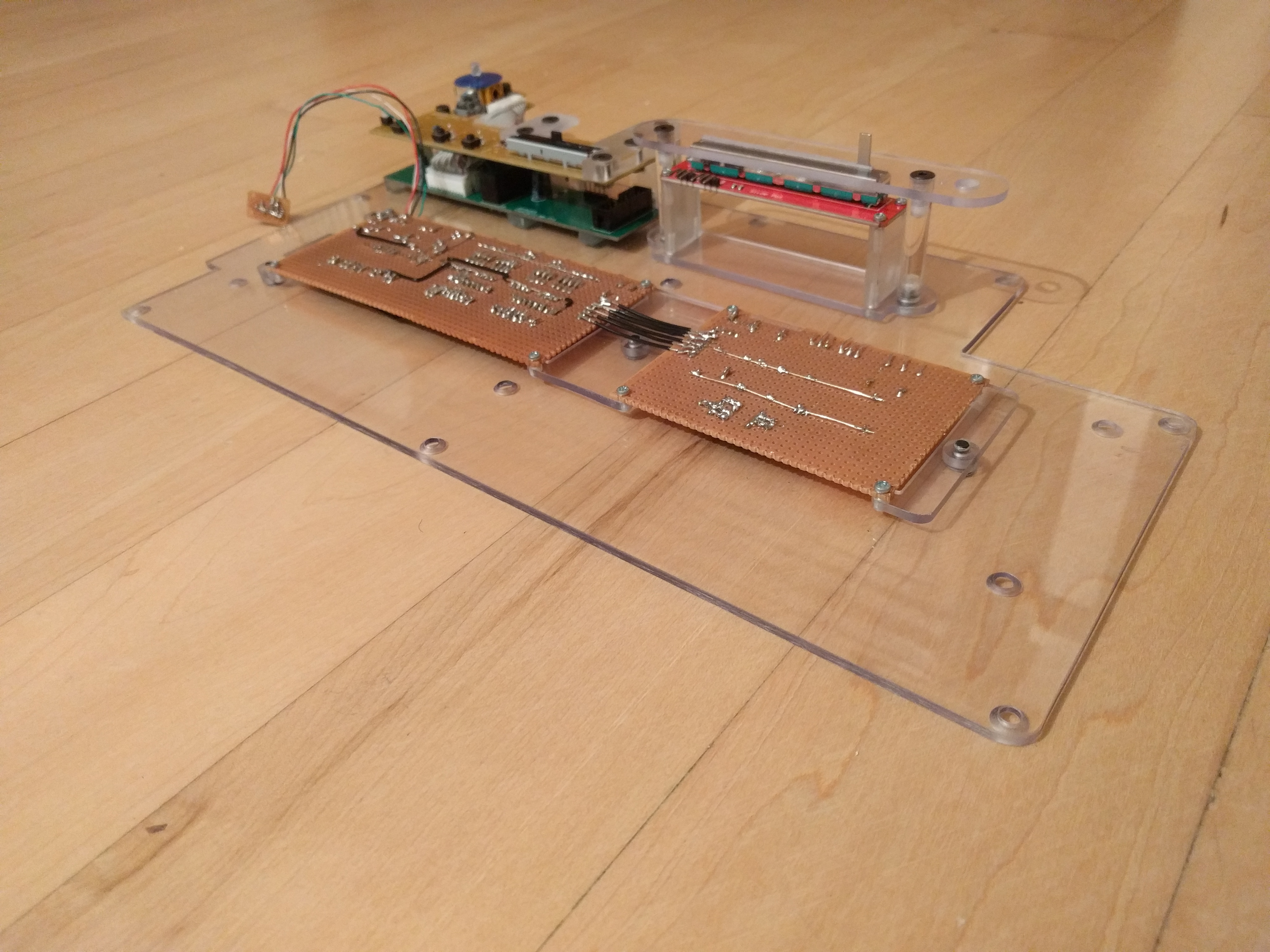
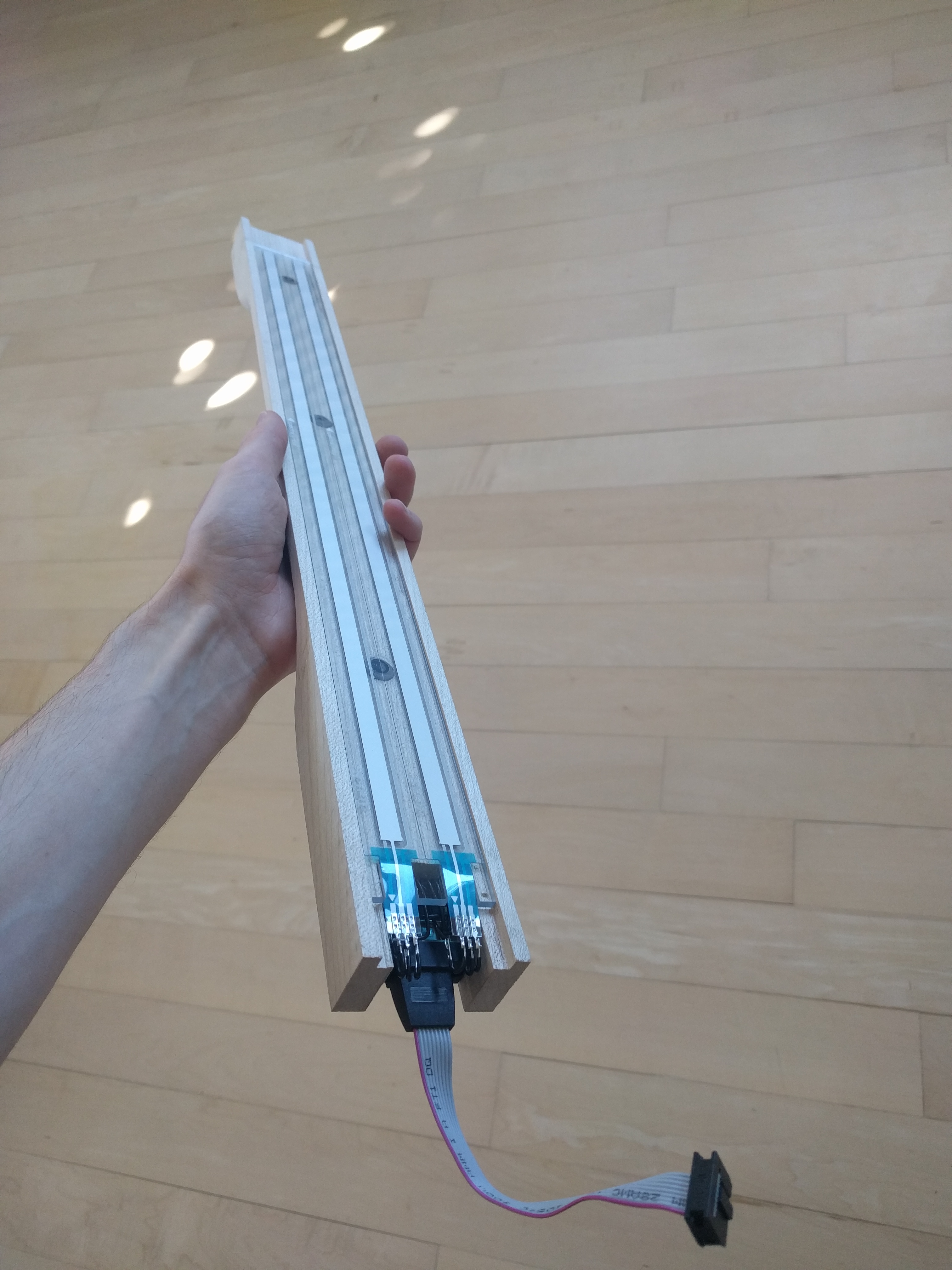
The ARKeytar's Neck is special in that it can be detached from the body, using a 9-pin (DB9) connector sourced from an old computer. Soldering the Softpots' pins requires extreme caution, as excessive heat can damage the internal carbon layer of the sensor. Therefore, I opted for the quickest and most precise soldering technique.
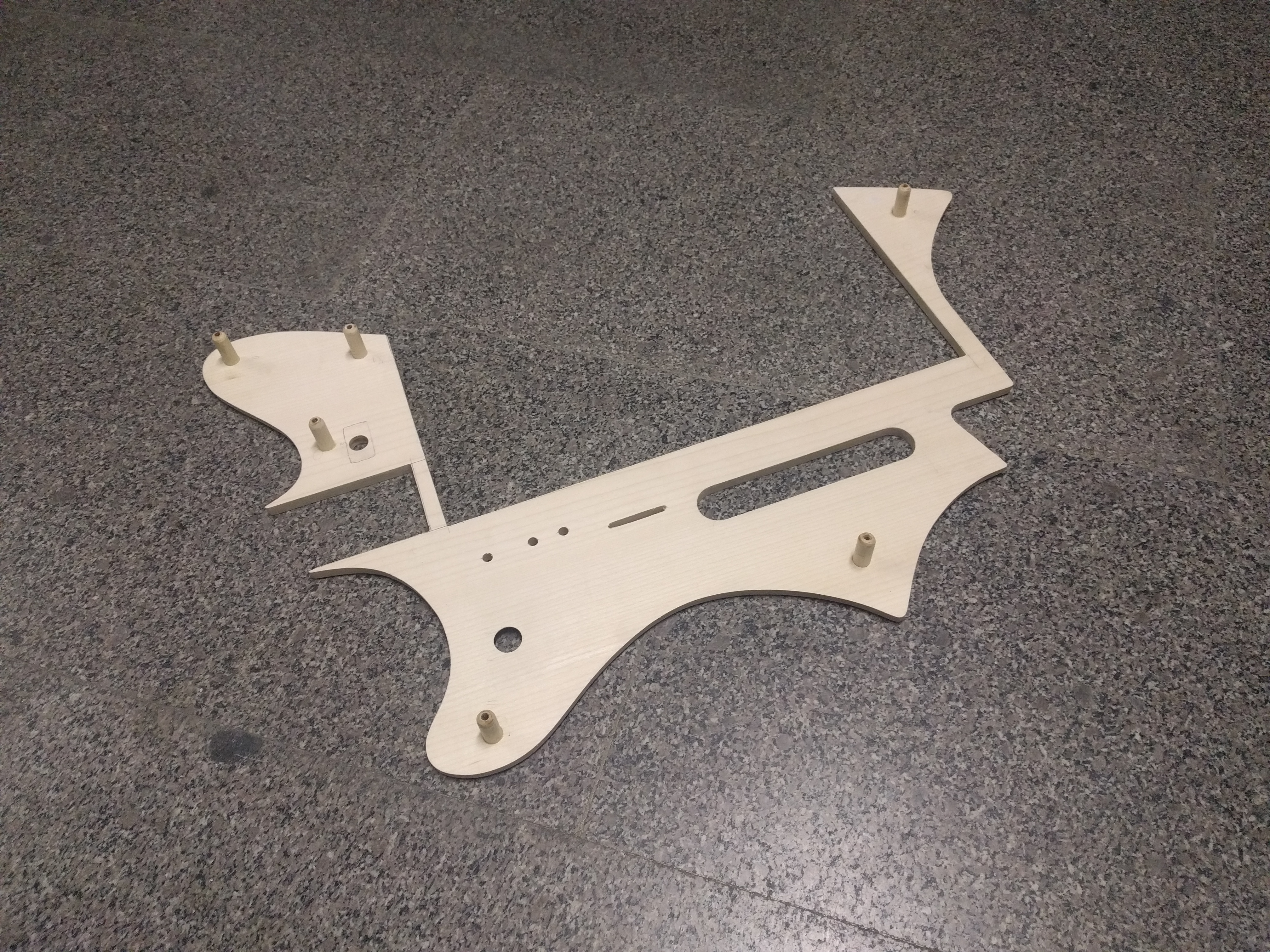
The instrument body is finished with a precisely cut Maple wood cover, crafted with a fretsaw, and holes drilled for the keyboard's original function buttons, as well as a slot for the main power switch.
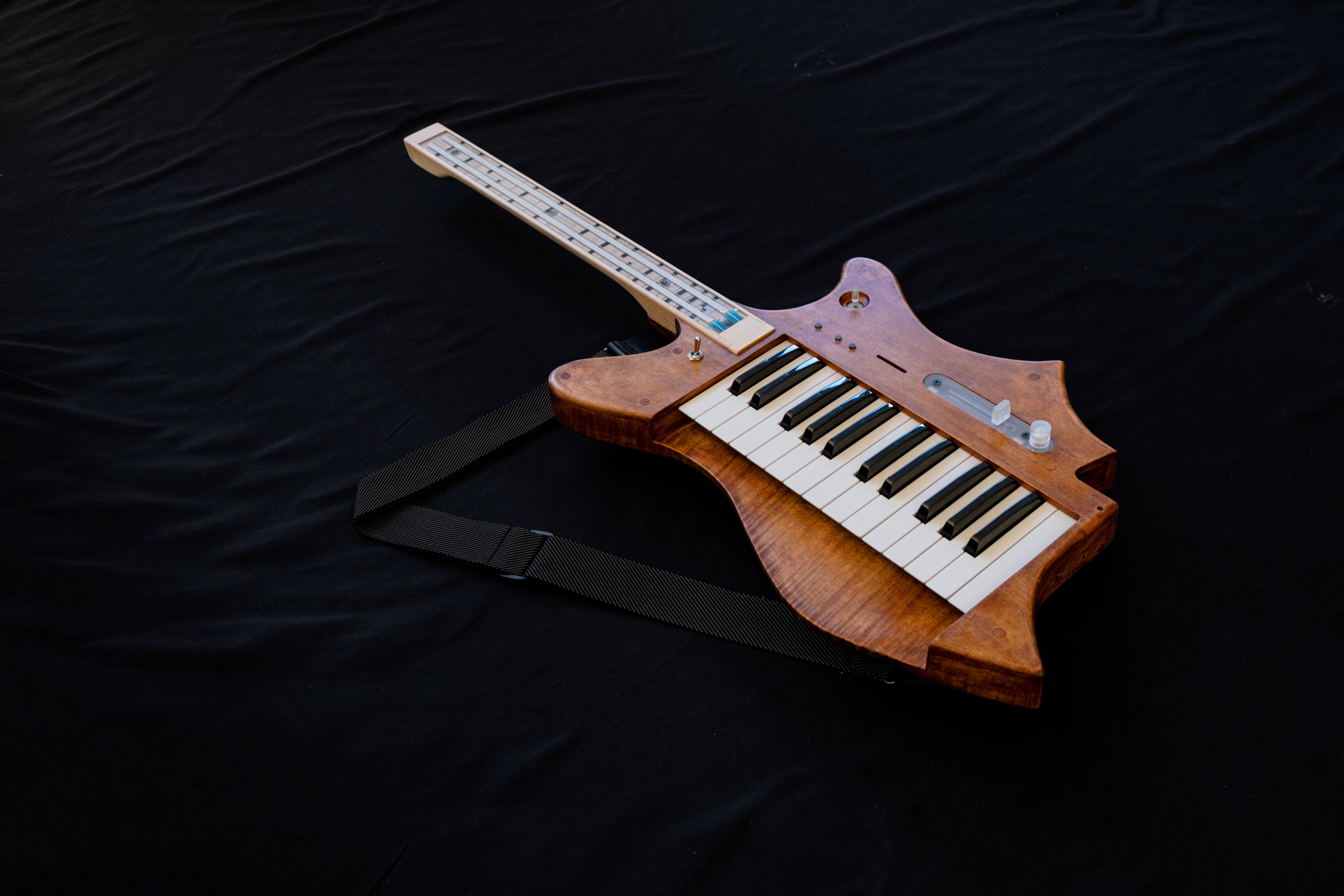
After final assembly and fine sanding, I coated the body with Colored Oil to enhance the wood grain and used Transparent Oil for the neck. The total weight of the instrument is approximately 4.5 kg, similar to a typical electric guitar, making it comfortable for extended playing sessions.
The Result and Performance
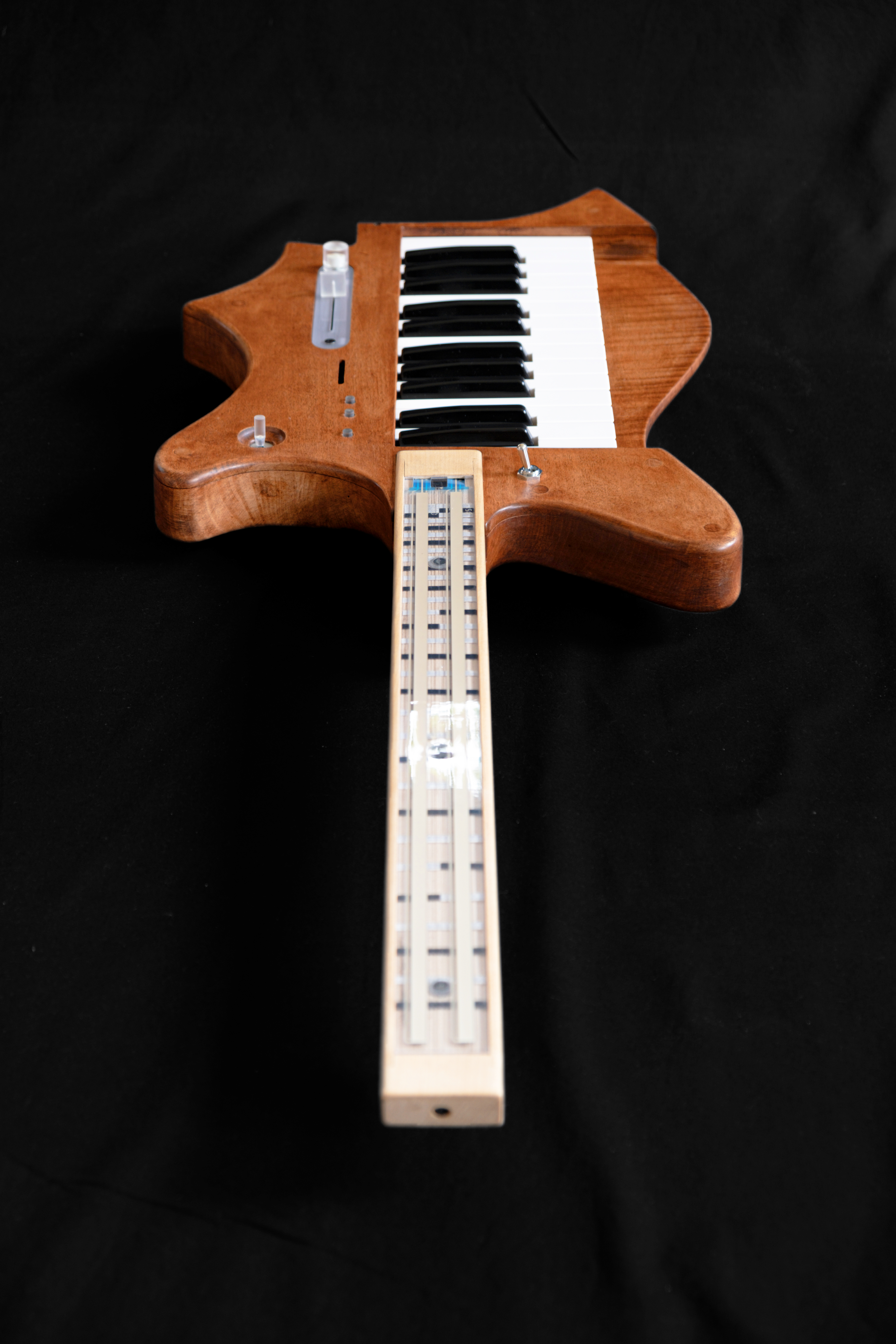
ARKeytar is a complete MIDI Controller. It has no internal sound source but serves as a "bridge" connecting the player's imagination to the world of VSTs or Physical Synths. In the demo video, I performed Dream Theater's Octavarium, a piece Jordan Rudess once played on an instrument called the Continuum.
The Continuum-style playing, which requires fluid note slides, is perfectly suited for ARKeytar. I used the keyboard to play String sounds from a Motif XS7 and the Softpots on the neck to control Vital VST, creating powerful lead sounds with delicate Pitch control.
To further expand the scope of