Smart Cooling System
The Automatic Temperature-Adjusting Fan is a practical home automation project that demonstrates the use of analog sensors to control mechanical actuators. Instead of a simple ON/OFF switch, this fan scales its speed based on how hot the environment is, saving energy and providing comfort.
Core Functionality
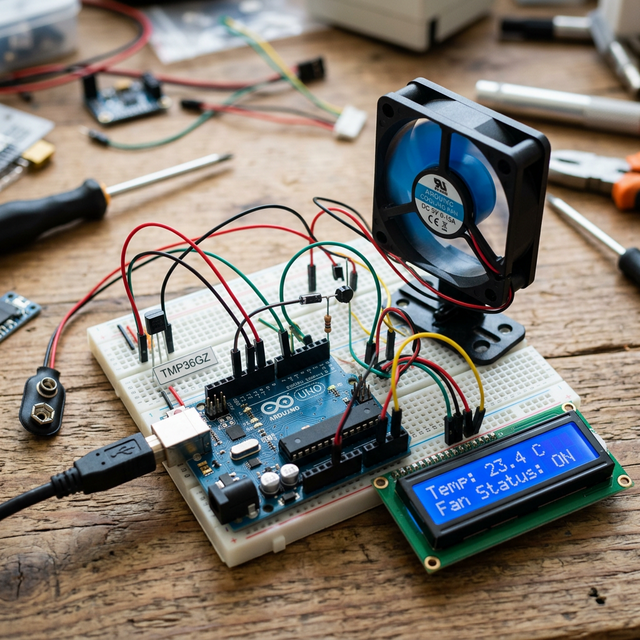
The Arduino continuously reads the voltage from the TMP36 temperature sensor. This analog voltage is converted into a temperature in Celsius. The code then maps this temperature range (e.g., 25°C to 35°C) to a PWM (Pulse Width Modulation) duty cycle (0 to 255).
Key Features
- Dynamic Speed Control: The hotter it gets, the faster the fan spins.
- LCD Status Display: Shows current temperature and fan status in real-time.
- Low Power Threshold: The fan stays completely off if the temperature is below a certain comfort level (e.g., 24°C).
Hardware Breakdown
- Arduino Uno: Central controller.
- TMP36 Sensor: Low-voltage precision temperature sensor.
- DC Motor & Blade: The cooling element.
- NPN Transistor (2N2222): Required to allow the Arduino to control the higher current required by the motor.
- 16x2 LCD Display: For user feedback and debugging.
Troubleshooting and Calibration
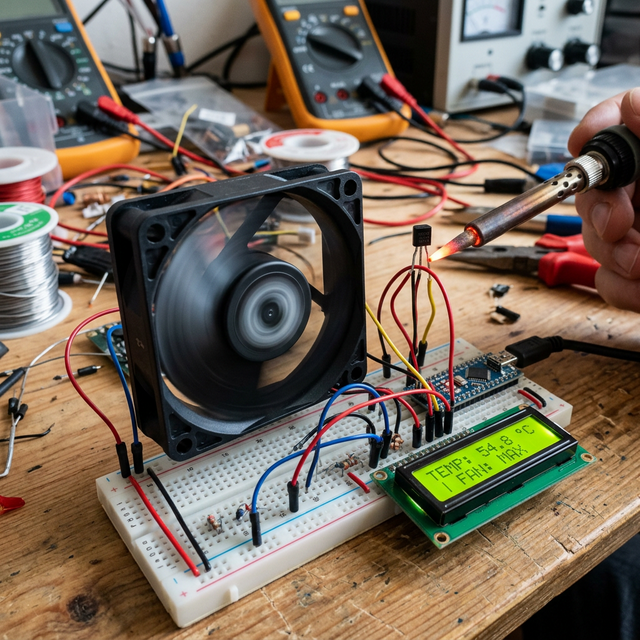
Because the TMP36 is an analog sensor, it can be sensitive to noise in the power supply. For more accurate readings, consider:
- Smoothing: Taking the average of 10 readings in the code.
- Decoupling: Adding a small capacitor across the VCC and GND of the sensor.
This project is a great foundation for building a smart greenhouse controller or a desktop workstation cooler.