Virtual Peripherals: Mastering the 1Sheeld Ecosystem
Traditional Arduino hacking often involves buying dozens of physical shields (GPS, GPRS, Accelerometers, LCDs). The 1Sheeld revolutionized this by turning your smartphone into a massive library of virtual shields. This project demonstrates the "Hello World" of the 1Sheeld ecosystem: controlling physical LED hardware from a virtual mobile dashboard.
Shielding via Bluetooth
The 1Sheeld works as a communication bridge between the Arduino and the smartphone app:
- Hardware Link: The 1Sheeld sits on top of the Arduino Uno, handling all the complex Bluetooth handshake and pairing logic internally.
- The API Power: By including the
OneSheeld.hlibrary, the Arduino can "ask" the phone to display specific UI elements or read from the phone's built-in sensors. - The GamePad Utility: In this project, the GamePad Shield is activated within the app. Each digital button on the phone's screen (Up, Down, Left, Right, Orange, Green, Blue, Red) is mapped to a specific function in the Arduino code.
Logic Flow and Physical Feedback
The project follows a simple but powerful command loop:
- App Integration: The user opens the 1Sheeld+ app on their Android or iOS device and selects the "GamePad" from the shield list.
- Hardware Trigger: Pressing the "Red" button on the screen sends a proprietary serial command packet to the 1Sheeld.
- Execution: The Arduino interprets this packet and instantly toggles the corresponding pin on the breadboard, lighting up the physical LED.
Expanding the Horizon
While this project focuses on LEDs, the same 1Sheeld hardware can be used to control complex robots, send tweets, or log data to a Google Sheet using your phone's internet connection. It serves as an essential stepping stone for anyone wanting to build complex hardware projects without the cost and bulk of multiple physical sensor modules.
This project is a very easy way to learn how 1Sheeld+ Bluetooth shield works. It simply connects to your Android (or IOS) device and can be used for multiple things.
To turn leds on and off, open 1sheeld app. In the app, tap on the Game Pad icon to select the shield. After that, tap on the shields on the top right corner. There will be a little, red Arduino icon. Tap that and make the correct leds be on the right color button.
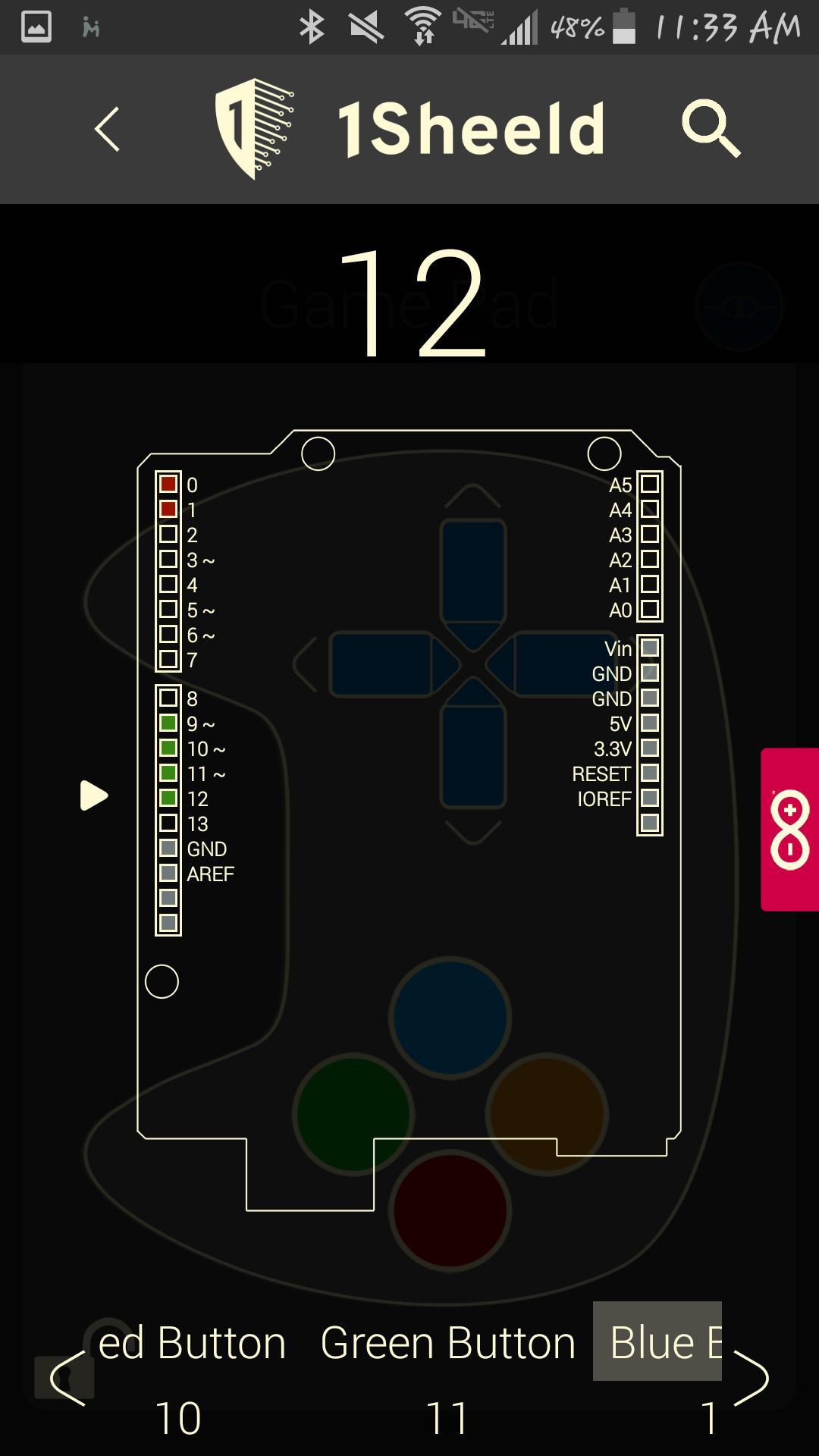
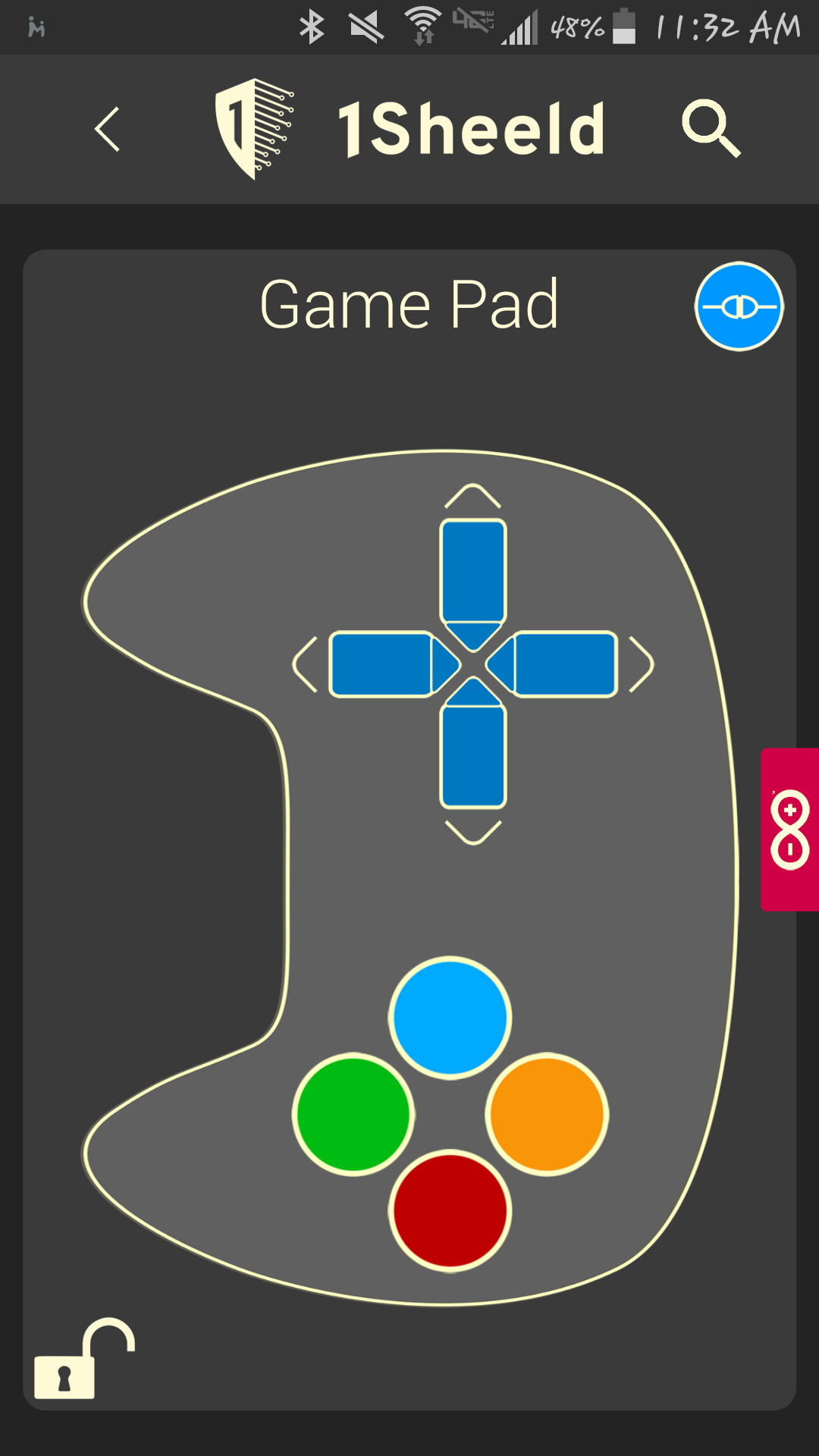
All done! Simply tap each colored button to control the corresponding light!