Algorithmic Symphony: Synthesizing 'Bella Ciao'
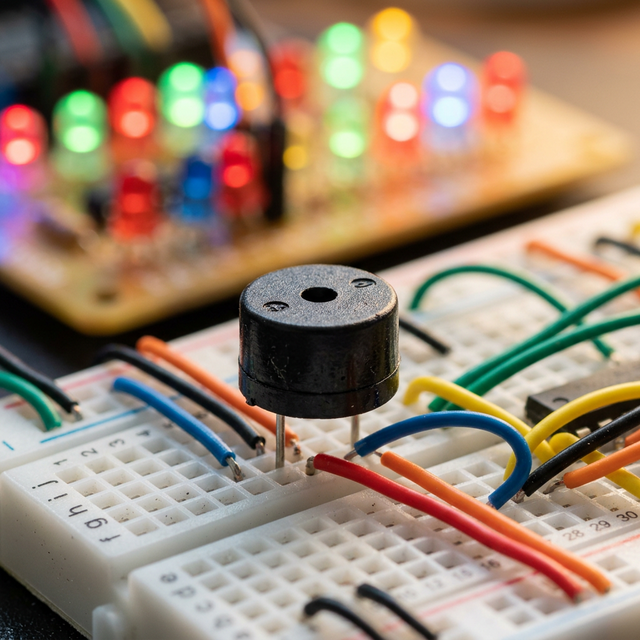
An Arduino absolutely cannot handle heavy compressed .mp3 files natively; its tiny 8-bit brain possesses neither the RAM nor the Digital-to-Analog Converter (DAC) needed. The Bella Ciao Buzzer Music project operates upon aggressive, raw physical acoustic synthesis! By mapping exact literal mathematical integer frequencies (e.g., Note C4 = 261 Hertz) explicitly to the legendary tone() function, the Arduino perfectly utilizes an onboard Timer module to aggressively shake a ceramic piezoelectric disc instantly back and forth, vibrating the atmosphere entirely into an intricate, recognizable algorithmic melody!
Structuring Output: The Melody and Duration Arrays
You CANNOT efficiently type tone(8, 261); delay(500); 300 times in a row! You must explicitly structure dual one-dimensional arrays holding the terrifyingly complex sheet music data sequences!
- The
melody[]Array: Contains the absolute physical Hertz frequencies (The Pitch). - The
durations[]Array: Contains mathematically precise timings (4 = Quarter note, 8 = Eighth note).
#include "pitches.h" // A massive text file indexing ALL musical notes to Ints!

// The Bella Ciao specific sequence of explicit musical math!
int melody[] = { NOTE_E4, NOTE_A4, NOTE_C5, NOTE_B4, NOTE_A4, NOTE_E4 };
int durations[] = { 4, 4, 4, 4, 4, 2 }; // The beat lengths corresponding exactly to the notes!

void setup() {
  for (int i = 0; i < 6; i++) {
    // Math: 1000ms divided by duration! (e.g., 1000/4 = 250ms per Quarter Note!)
    int noteDurationMatrix = 1000 / durations[i];

    tone(8, melody[i], noteDurationMatrix); // Hit the physical string!

    // Create incredibly small 130% padding gaps between identical notes so they don't slur!
    int pauseBetweenNotes = noteDurationMatrix * 1.30;
    delay(pauseBetweenNotes);

    noTone(8); // Halt vibration completely prior to striking the successive integer!
  }
}
Creating The pitches.h Header File Architecture
Instead of randomly guessing what frequency the note F#5 (F-Sharp) generates, developers exploit an absolute included header file!
- Opening a new Tab in the Arduino IDE to create
pitches.h, you literally map thousands of#definestatements to raw integers natively. - Example:
#define NOTE_A4 440(The exact global tuning standard!). - This completely abstracts the terrifying frequency math, allowing you to transcribe ordinary piano sheet music directly into the raw silicon arrays cleanly without a calculator!
Acoustic Component Necessity
- Arduino Uno/Nano (Handling the high-speed Timer loops perfectly!).
- Passive Piezo Buzzer (Wait, WARNING! Do NOT buy an "Active Buzzer" with a black dot on it! An active buzzer produces heavily locked 2000Hz beeps irrespective of
tone(). You absolutely MUST use a "Passive" Buzzer which allows arbitrary square wave oscillations natively!). - Pitches.h Code library (Essential for human-readable transcription workflows).
- 100-Ohm Resistor (Optional, but inserting this physically in series dramatically softens the violent screeching square waves, creating an infinitely more pleasant tonality!).