The Dino Jump Challenge
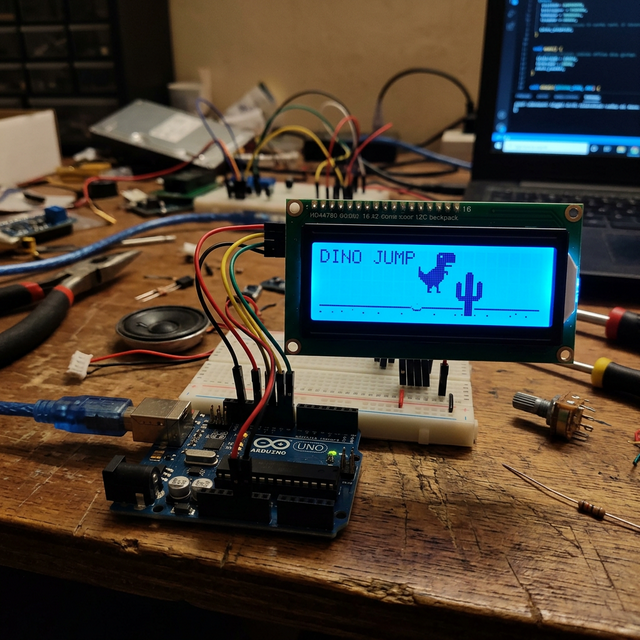
We've all been there: the internet goes down, and suddenly we're controlling a pixelated T-Rex jumping over obstacles in our browser. The Chrome Dino Game on Arduino brings this addictive experience to a physical device, using an LCD screen as the display and a tactile button as the physical input.
Game Mechanics
Even with limited hardware, this project captures the essence of the original game:
- Scrolling Obstacles: Cacti move from right to left across the bottom row of the 16x2 LCD.
- Jumping: When you press the button, the dino "jumps" to the top row for a set amount of time.
- Collision Detection: If a cactus position overlaps with the dino's position while it's on the bottom row, the game ends.
- Score Tracking: The score increases the longer you survive, displayed right on the screen.
Building the Console
This is a great beginner project because it requires very few parts and uses the LiquidCrystal library, which is a staple of Arduino learning.
Components:
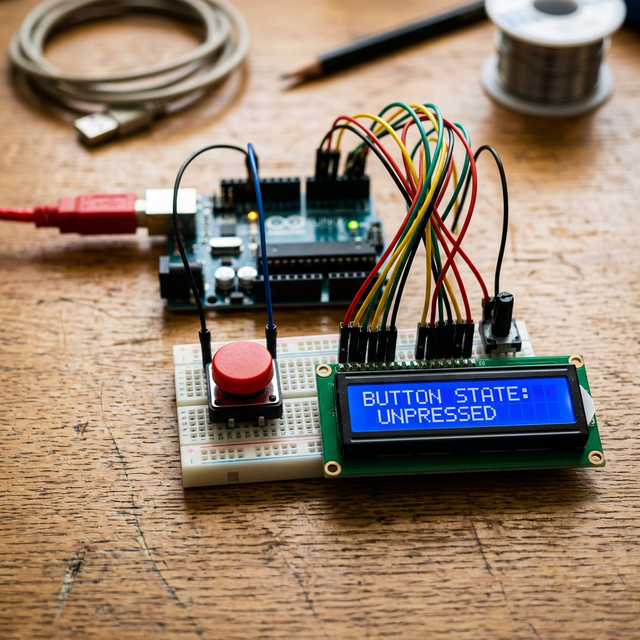
- Arduino Uno: To run the game engine.
- 16x2 I2C LCD: Displays the game graphics.
- Tactile Push Button: The "Jump" controller.
- Jumper Wires: To connect everything together.
Why It's a Great Project
Building a game on an Arduino teaches you about frame rates, non-blocking code (using millis() instead of delay()), and custom character creation for LCDs. Since the 16x2 LCD only has 32 cells, you have to get creative with character maps to draw the dino and the cacti. It's a masterclass in optimization and creative coding!