So far I have made several weather stations that display local values as well as internet data, which you can view on my playlist
This time I will present you a way of making a very interesting desktop weather station that displays the values of the three basic weather parameters, Atmospheric Pressure, Air Humidity, and Temperature on three separate Oled Displays. The idea is to resemble a classic retro weather station that has three separate instruments, one for each parameter.
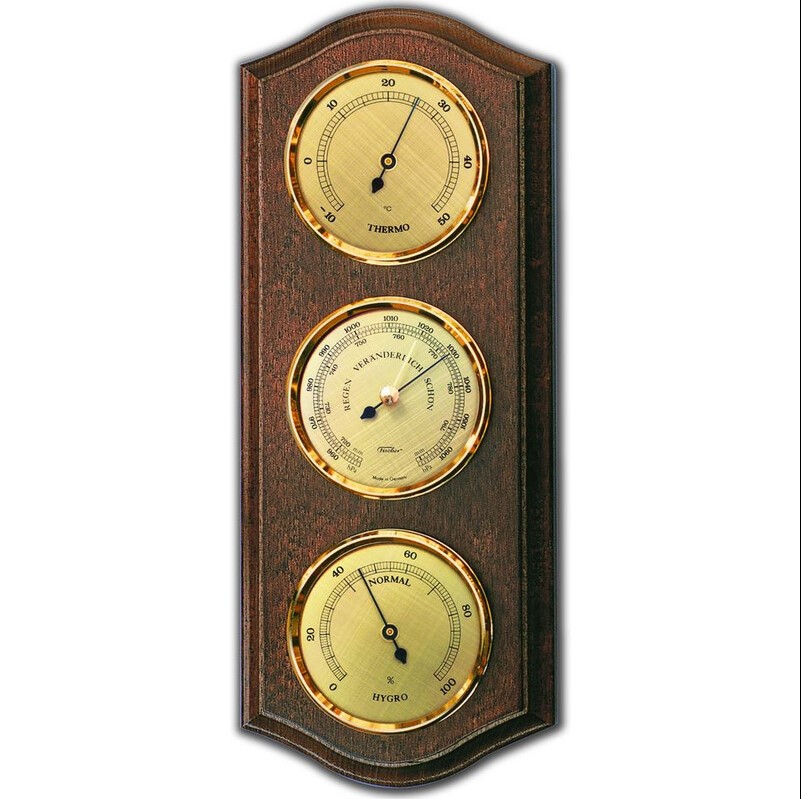
Due to the small size and readability of the displays, this station would represent an ideal useful gadget on any desk.
As for the way of making, this device is extremely simple and suitable for beginners.
The device consists of several components:
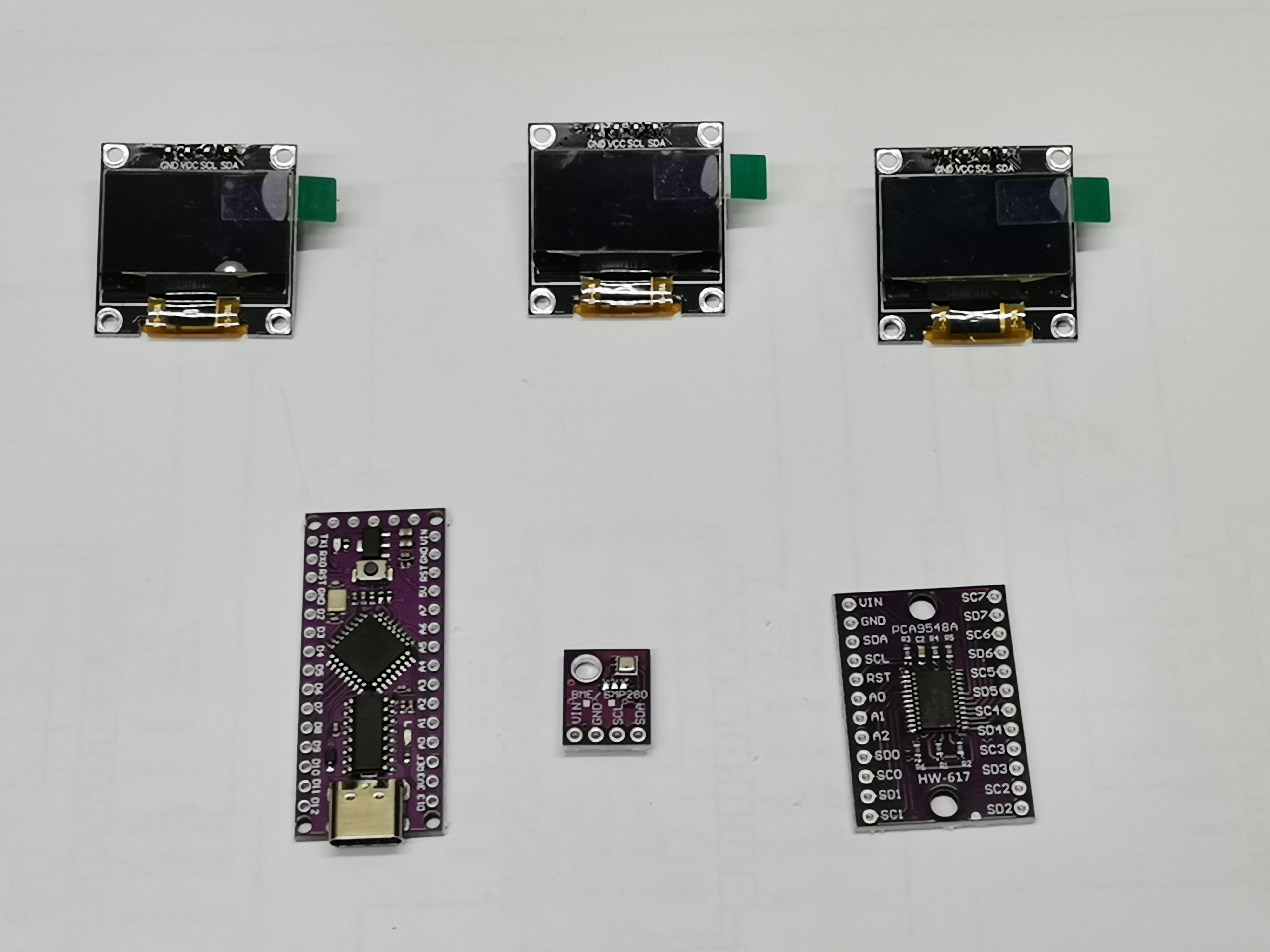
- On the back there is a power input connector, a switch as well as a BME280 sensor module
- Arduino Nano Microcontroller
- Three SSD1306 OLED displays with I2C communication
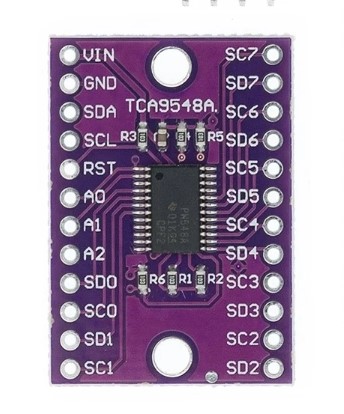
- and TCA9548a multiplexer module
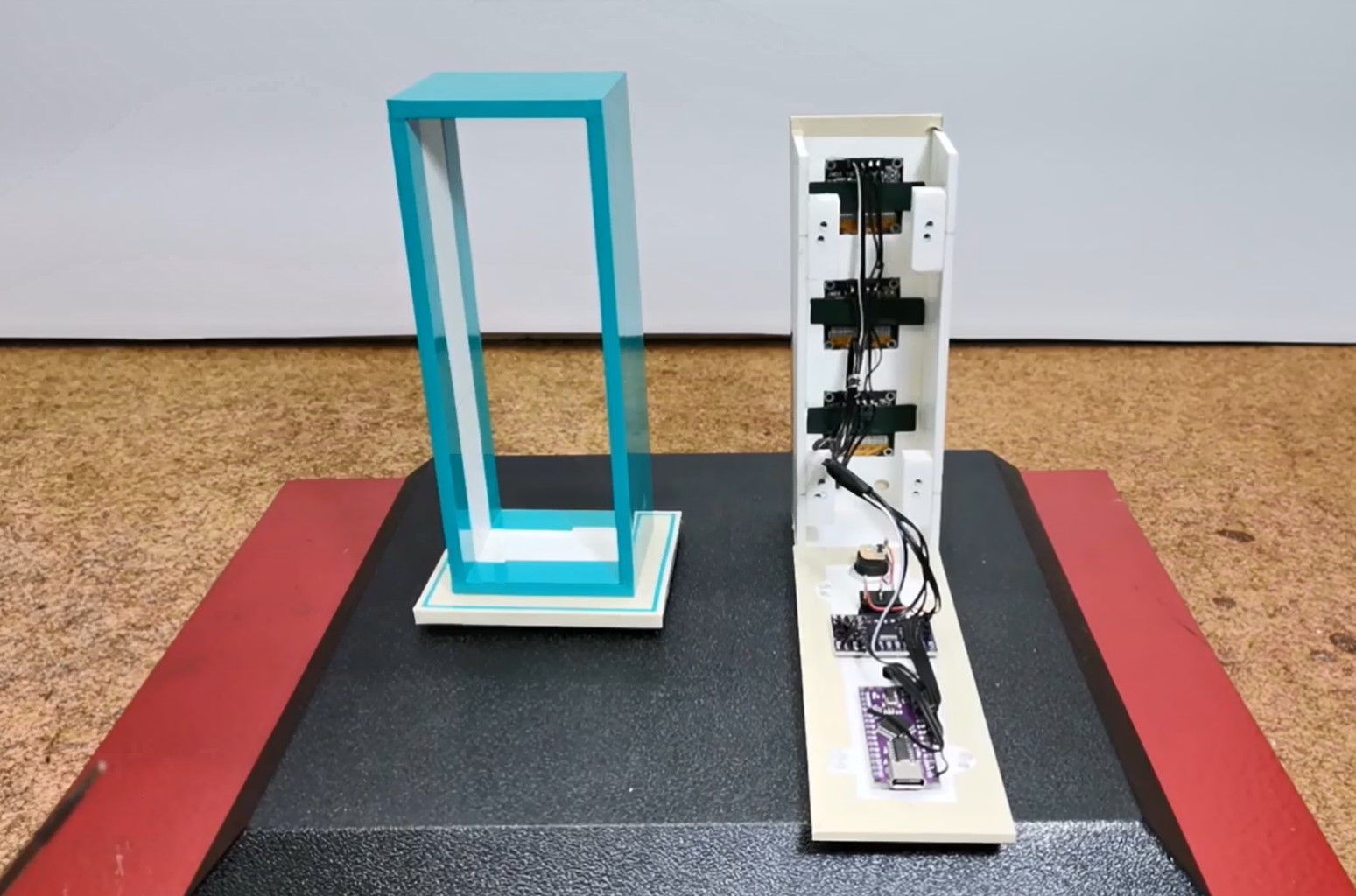
Multi-Screen Dashboards: Classic Weather Station
Most Arduino projects cram too much data onto a single screen, rendering it completely unreadable. The Classic Style Weather Station draws inspiration from vintage analog airplane cockpits. By utilizing the advanced I2C bus addressing system, it routes distinct environmental data streams natively into three entirely separate glowing OLED displays.
Mastering the I2C Multiplexer (TCA9548A)
Every common 0.96" OLED screen has the exact same hardcoded I2C hardware address (usually 0x3C).
- The Conflict: If you plug three OLED screens into the Uno's SDA/SCL pins, the Arduino will send the word "Temperature", and ALL THREE screens will print "Temperature" simultaneously. You cannot talk to them individually.
- The Hardware Solution: You must wire an I2C Multiplexer (TCA9548A) between the Arduino and the screens.
- The Multiplexer acts like a train switch operator. It has 8 output channels.
- The C++ code:
tcaselect(0); display1.print(Temperature);— The chip physically closes the electrical connection to screen 2 and 3, forcing the data exclusively into screen 1!
In fact, by making this device I wanted to show the function of such a multiplexer. Namely, the Arduino Nano has only one I2C input (A4 and A5), and when it comes to connecting an I2C display to the Arduino, we are limited to only one screen. In special cases, when the display itself has the option to select one of two different I2C addresses, we can connect a maximum of two displays. In a case like this, when there is a need for more displays, then it is most practical to use this multiplexer module, which can connect up to 8 I2C devices to one microcontroller.
Environmental Data Parsing (BME280)
To get three different data streams, we use the gold-standard environmental sensor.
- The BME280 Sensor measures Temperature, Humidity, and precise Barometric Air Pressure all on a single microchip.
- The Arduino queries the chip.
- It translates the data to the displays:
- Screen 1: Draws a massive thermometer icon and prints
24°C. - Screen 2: Draws a raindrop and prints
65% Hum. - Screen 3: Draws an altimeter dial and prints
1013 hPa.
- Screen 1: Draws a massive thermometer icon and prints
Meteorological Build Manifest
- Arduino Nano (Perfect for embedding behind a wooden dashboard).
- Three 0.96" SSD1306 OLED Displays.
- TCA9548A I2C Multiplexer Breakout Board.
- BME280 Environmental Sensor Module.
- A fabricated mahogany or 3D-printed enclosure bezel to mount the three screens cleanly in a row.
If you want to make a PCB for this project, or for any other electronic project, PCBway (https://www.pcbway.com/?from=MirkoP ) is a great choice for you. PCBway is one of the most experienced PCB manufacturing company in China in field of PCB prototype and fabrication. They provide completed PCB assembly service with worldwide free shipping , and ISO9001 quality control system. Also, on their site there is an online gerber viewer where you can upload your gerber and drill files to render your board.

Writing the code is quite simple, and it is necessary to indicate the number of the I2C output of the multiplexer and the content that should be displayed on the screen connected to that output.
And now let's see how this device works in real conditions.
Immediately after turning on the device, in the first few seconds, the parameter that will be displayed appears on each screen in large letters. After that, the values for the current temperature, pressure and air humidity are displayed with two decimals. And again, on the yellow bar, but this time in small letters, it shows the parameter and the unit whose value is shown on the corresponding display.
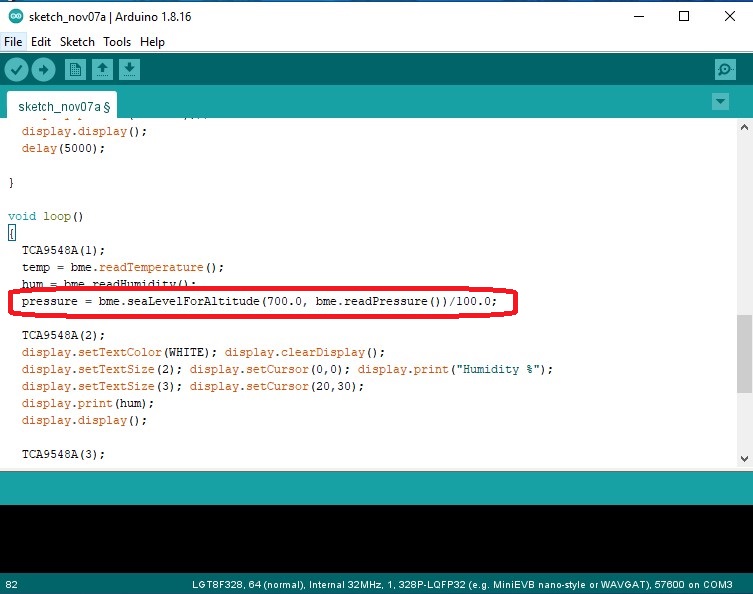
If we want to display the Relative value of Atmospheric Pressure specifically for the area in which we live, we should in the part of the code
pressure = bme.seaLevelForAltitude(700.0, bme.readPressure())/100.0;
to put the appropriate altitude (in my case it is 700m). I also made a version of the code where the values are displayed in larger digits, but without decimals.
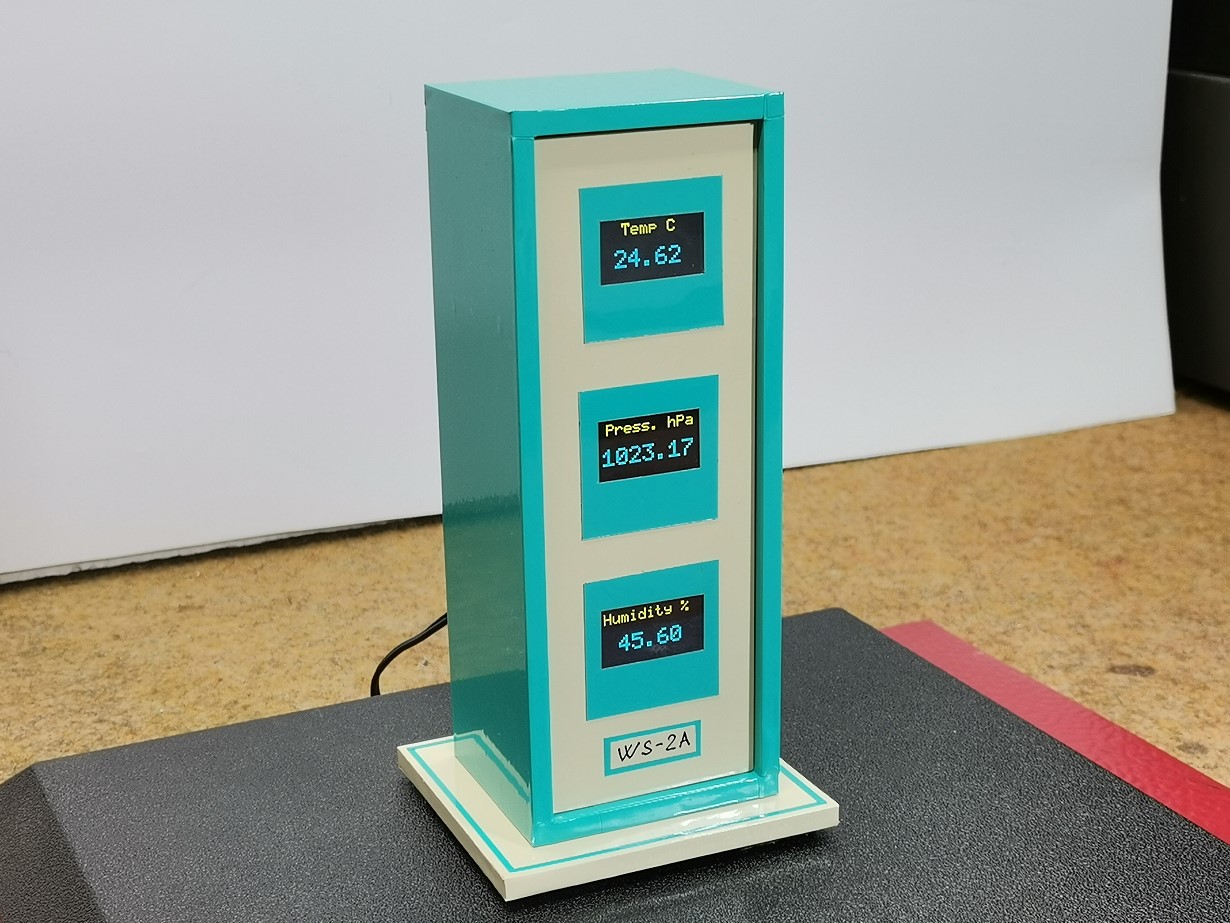
And finally, a short conclusion. This is a very simple visually effective, but also very useful device that accurately displays the three basic meteorological parameters using only one inexpensive sensor. It is installed in a suitable plastic housing made of PVC material, and coated with colored self-adhesive wallpaper.