Precision Motion: Button-Controlled Servos
Controlling the position of a motor is a fundamental skill in robotics. While DC motors just spin, Servo Motors can be commanded to go to a precise angle (typically 0 to 180 degrees). This project shows you how to trigger those movements using simple buttons.
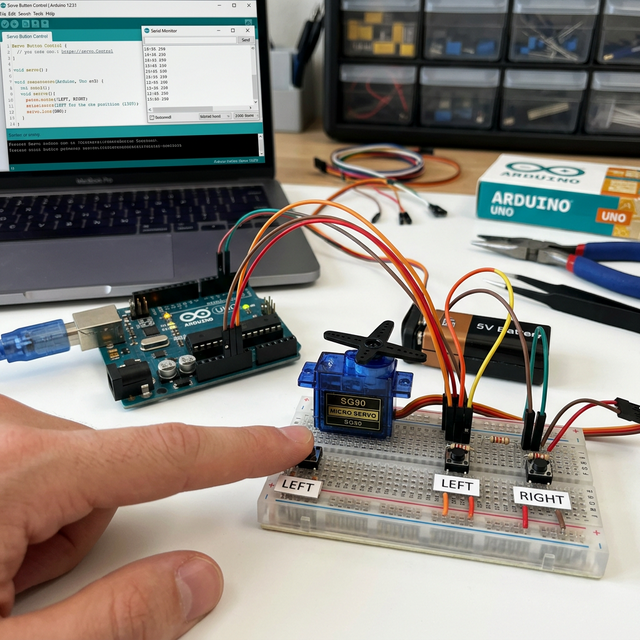
The Control Logic
We use two push buttons to tell the Arduino what to do with the servo:
- Button A: When pressed, the Arduino increments the servo angle (e.g., moves towards 180 degrees).
- Button B: When pressed, it decrements the angle (e.g., moves towards 0 degrees).
- Default Position: You can also code "hotkeys" where one button moves the servo to exactly 90 degrees instantly.
Hardware List
- Arduino Uno/Nano: The PWM (Pulse Width Modulation) source.
- SG90 Micro Servo: High torque in a tiny package.
- Push Buttons (x2): For user input.
- 10k-ohm Resistors: For stable pull-down configurations.
- Breadboard and Jumper Wires.
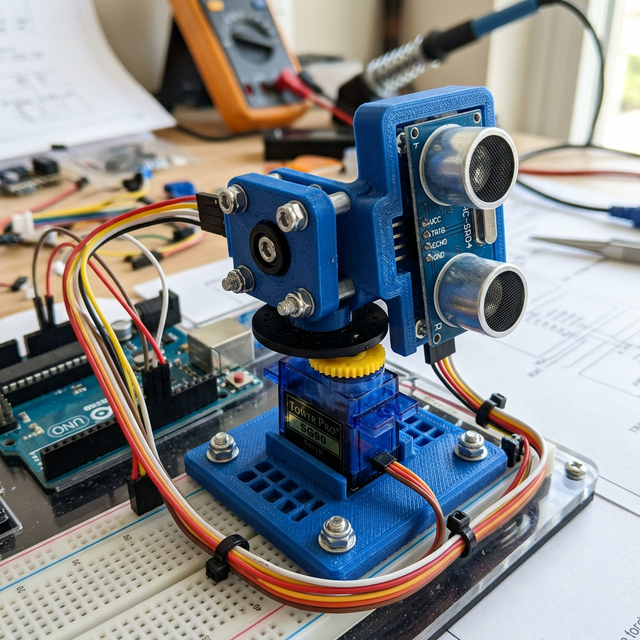
Why Servos?
Servos are used everywhere in electronics—from the steering in RC cars to the joints in humanoids and the gimbals in camera drones. Building this project helps you understand how the Servo.h library works and how to translate digital inputs into precisely timed electrical pulses.