Welcome robot friends :)
We decided to create this little robot to have an interdisciplinary subject in our studies. This project turned into a journey lasting over three years and two things always stayed the same...fun and Arduino UNO ;) Drawing, lasercutting, soldering, 3D-printing, programming an arduino library, a python package, an android and a windows app, etc....it is turning in a never ending story. With the help of a community (this means you) it could be a world wide educational project. Working on this project is a lot of fun. Learning something about the different topics and share it with the world is realy great. Be part of it...
Our four One's welcome you with a short clip...
...keep smiling :)
Delta-Robot One
Delta-Robot One is a smart open-source robotics project designed to bridge the gap between hobbyist builds and industrial automation. By combining 3D printing, laser cutting, and advanced software, "One" provides a complete ecosystem for learning about parallel kinematics and high-speed pick-and-place operation.
Delta-Robot One is mainly designed for students and makers with an educational thought. Everyone who likes to learn something about robotics can take a look at different fields - electronics, mechanics and informatics.
Let's introduce this smart little robot. His name is „One“ because he combines a lot of technical topics in one single system. This kind of robot is called delta and it belongs to the family of parallel robots.
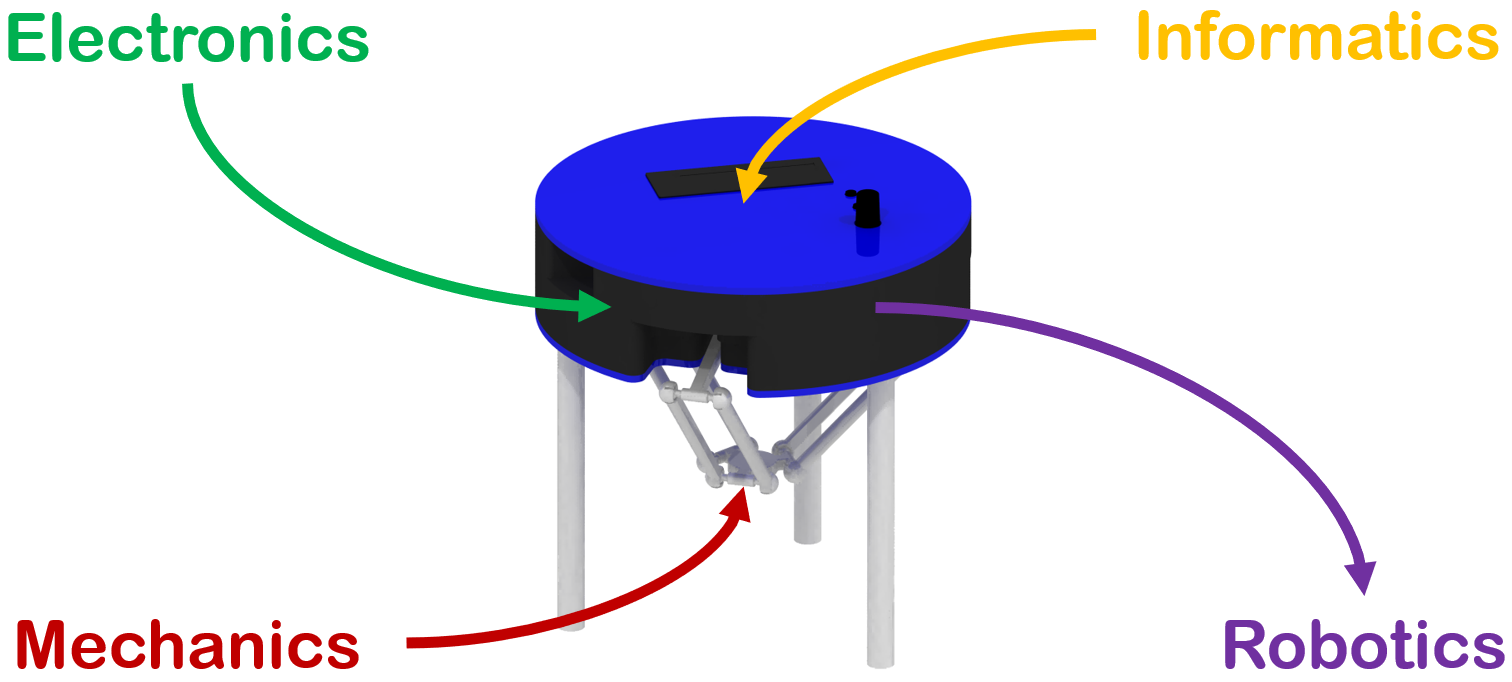
High-Performance Parallel Robotics Overview
The Delta-Robot One is a masterpiece of interdisciplinary engineering. Unlike traditional serial robotic arms, a Delta Robot uses three parallel arms connected to a shared base, providing incredible speed, precision, and rigidity. This project is a comprehensive toolkit for mastering Forward and Inverse Kinematics, Cross-Platform Software Development (Qt), and Mechanical System Integration. It is a scalable platform suitable for everything from classroom STEM education to light industrial sorting tasks.
Social Media
Instagram: @deltarobotone #deltarobotone
Facebook: Deltarobotone
Youtube: deltarobotone
Arduino Library
The arduino based system helps you to do the first steps easily. It is quite easy to start, so everyone is invited to have some time with this smart robot. If you would like to go more into detail you can do this without any problem because the software is open source.
Sourcecode: >>>One System Library<<<
Install the library usingArduino IDE librarymanagerandchoose...
->OneSystemLibrary
This library comes with 20 examples to provide functions of theinterface
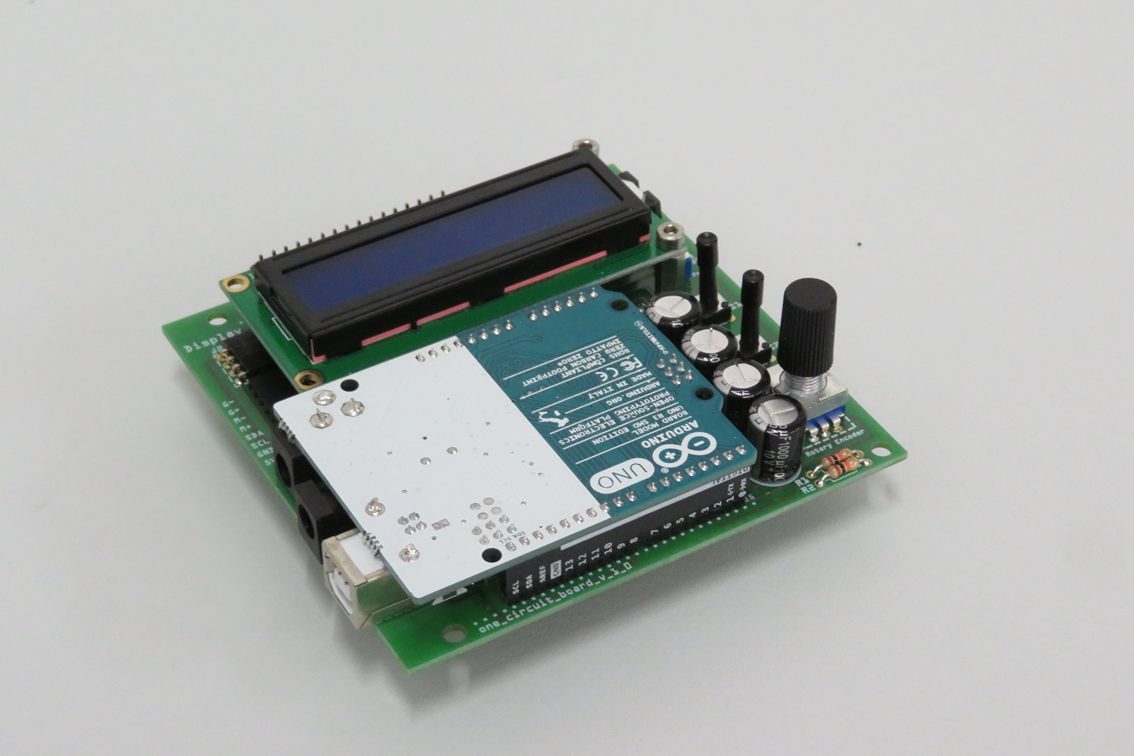
A full system demo (found in examples) is integrated. If you start the robot at the first time use this example to check out how Delta-Robot One works. It provides a lot of functions and you can use the robot like a stand alone system and check out the mobile and dektop application first.
If you want to use arduino code directly check out the examples. Here a short example how easy the programming interface is:
Move robot -> move.ptp(position x, position y, position z)
//Create the DeltaRobotOne-Object
DeltaRobotOne robot(0, 0, 0, 0, 0, 0, 0x27);
void setup()
{
//Robot setup
robot.setup();
//Power main circuit
robot.power.mainOn();
//Move the robot to the home position (X=0.0,Y=0.0,Z=85.0)
robot.move.ptp(home);
}
void loop()
{
//Move Z-Axis up
robot.move.ptp(0.0,0.0,70.0);
//Move Z-Axis
robot.move.ptp(0.0,0.0,100.0);
//Wait for 2 seconds
robot.functions.waitFor(2000);
}
Python package
Delta-Robot One recieves data using a very simple structure. This structure is called the one easy protocol. Have a look at this easy protocol to understand how it works. A Python package provides this communication protocol with a high level interface to control Delta-Robot One from other systems. So you can control your robot easily from a system like a Raspberry Pi via USB. Use python package manager to install one-easy-protocol on your system:
#Python 2
pip install one-easy-protocol
#Python 3
pip3 install one-easy-protocol
Sourcecode, Tutorials and Documentation of One Easy Protocol:
>>>One Easy Protocol Python<<<
For C++ version of One Easy Protocol have a look at:
>>>One Easy Protocol C++<<<

Robot assembly
Delta-Robot One is designed as a Kit. The layer system of the body and a clickable mechanical solution make the assembly fast and easy. A structured circuit board makes the soldering more comfortable. Choose the colour of some parts to give the robot an individual look. All in all building the robot provides you with a short practical, educational and interesting experience. Now it‘s time to build your own One!
How to build your robot? No worrys we create a wiki...
Wiki: >>>How to build you robot<<<
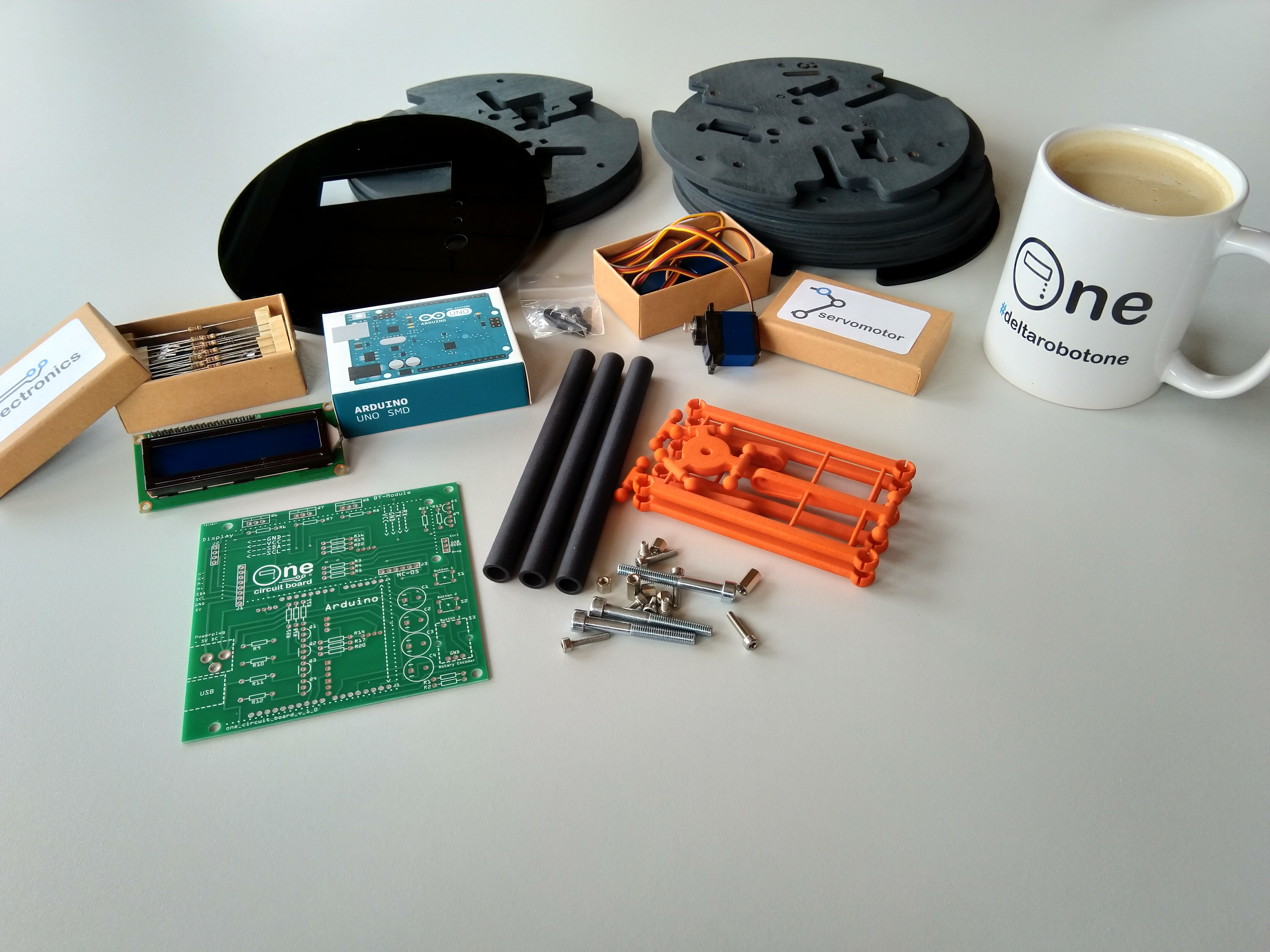
Robot assembly video clip
Layers
>>>Documentation<<<
>>>Files<<<
How to get the layers? There are many ways...
- You can use a lasercutter in a Techshop/Makerspace or your School/University
- We ordered from cutcraft a few times so we can recommend this service
- We don't try it but with a 3D-Printer it has to be possible to create the layers too
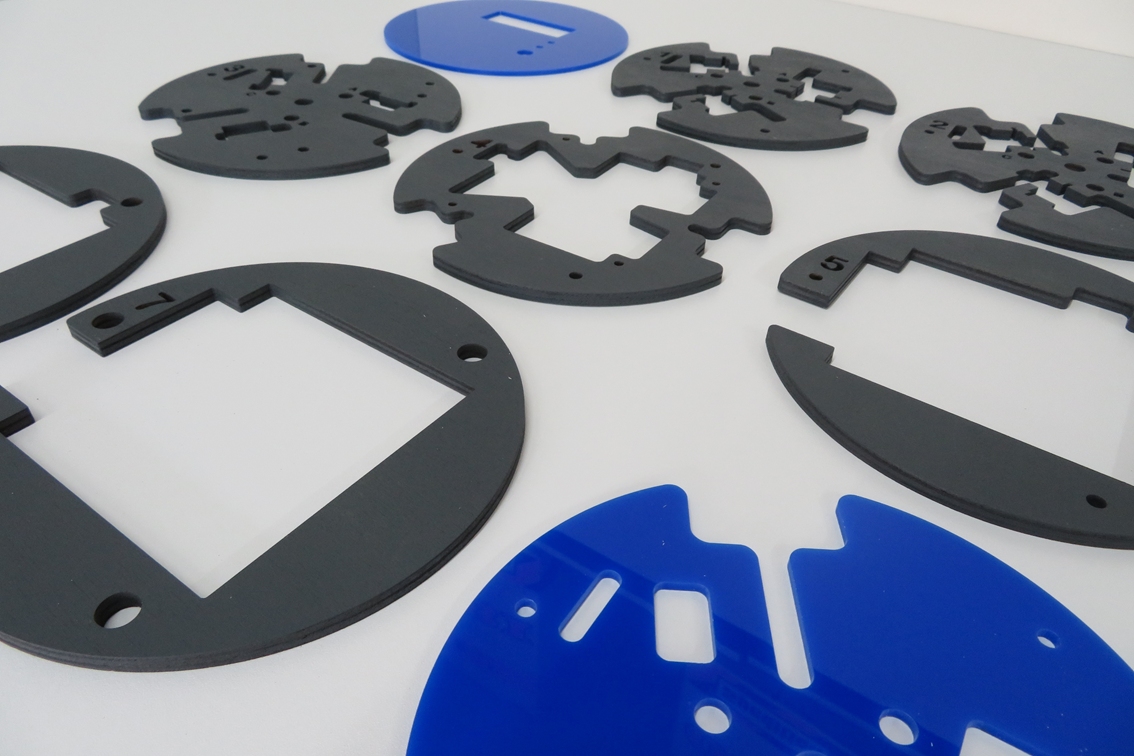
Be creative and choose your own design to build an individual robot. Make the world of robots more colourful...
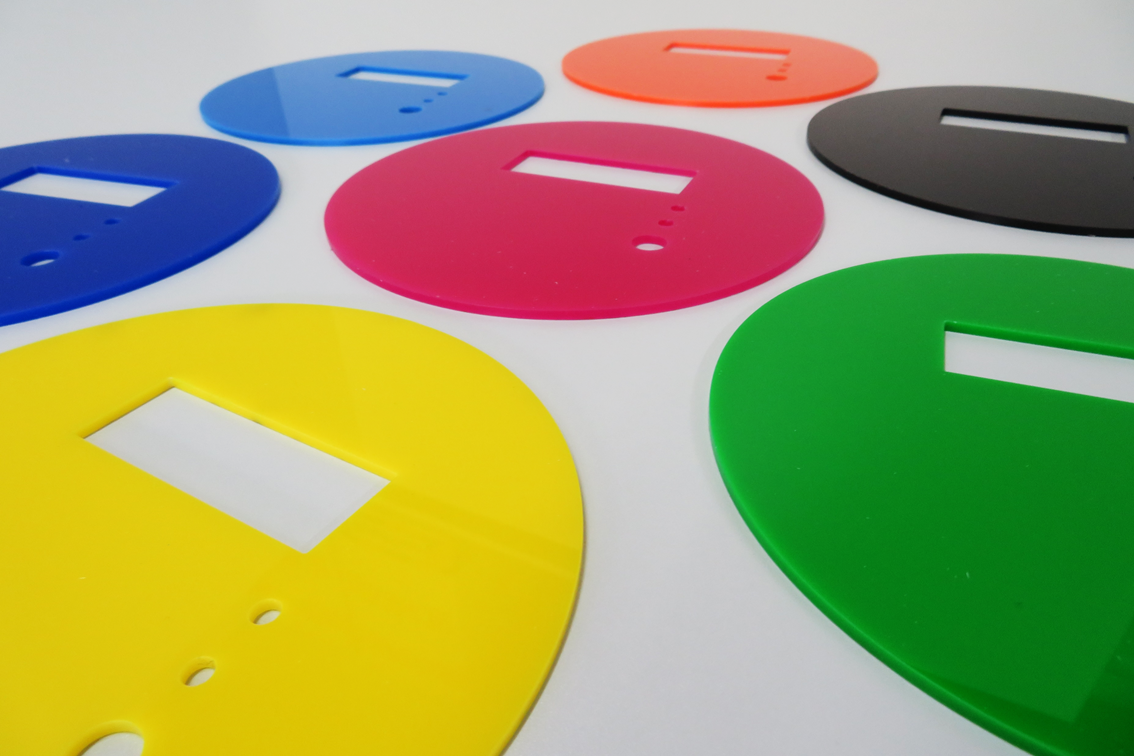
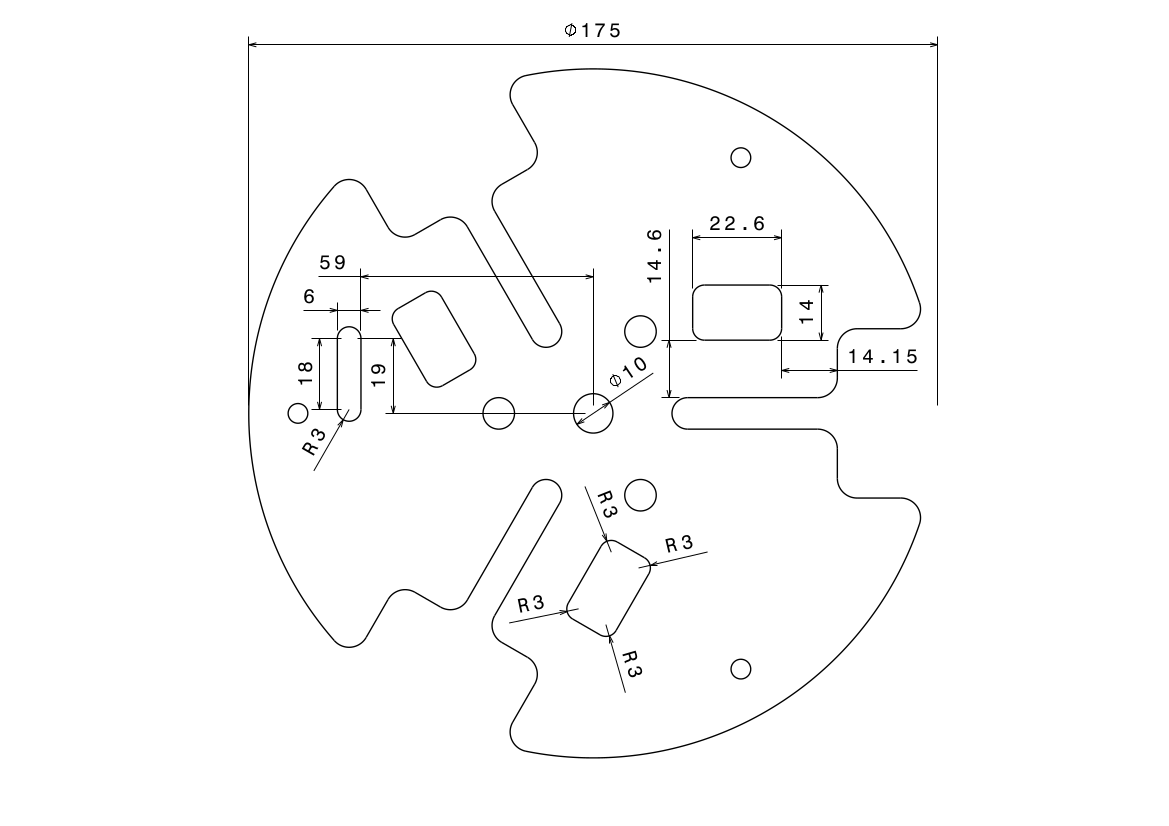
All drawings of the layer system are availible...
>>>Drawings<<<
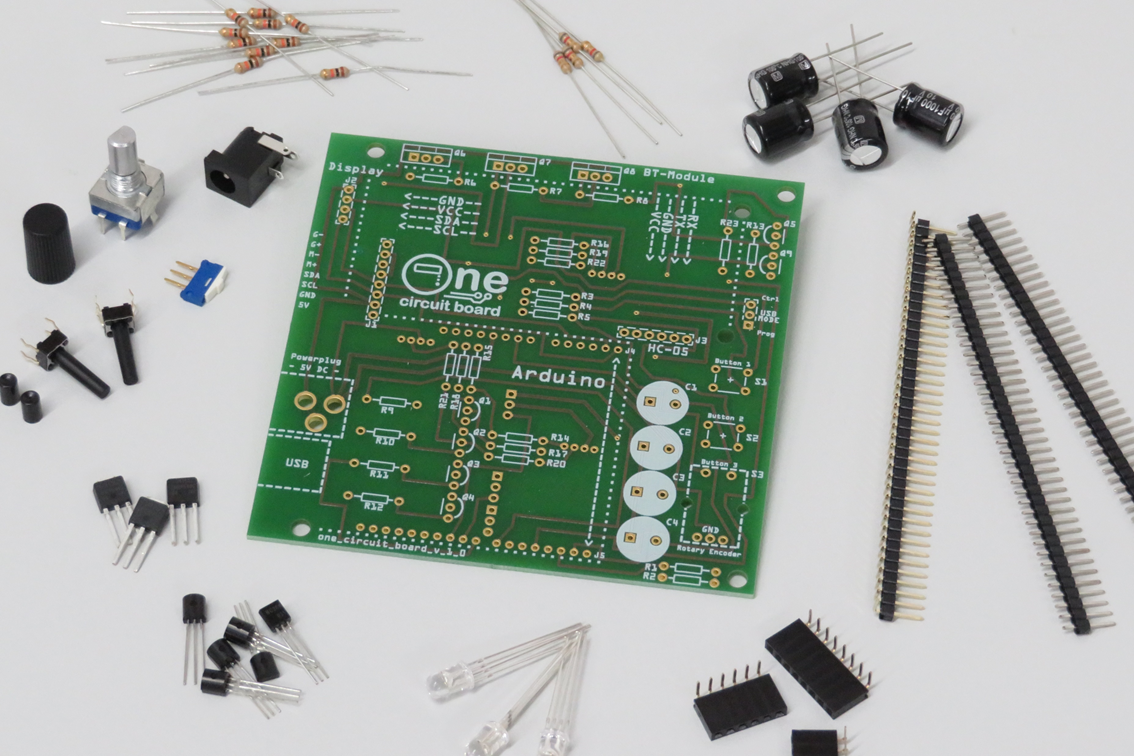
Electronics
>>>Partlist<<<
>>>Files<<<
How to get the board? No problem...
...we uploaded our board to the aisler.com page. So you only have to follow this link and create an account to order the board for a good price.
Shop link: >>>One Circuit Board<<<
How to get the parts? All of this are standard parts...
- You can check your own maker stock first ;)
- Use the partlist on the link above and check the recommended shops
- A lot of shops and maybe your school or university have this parts availible
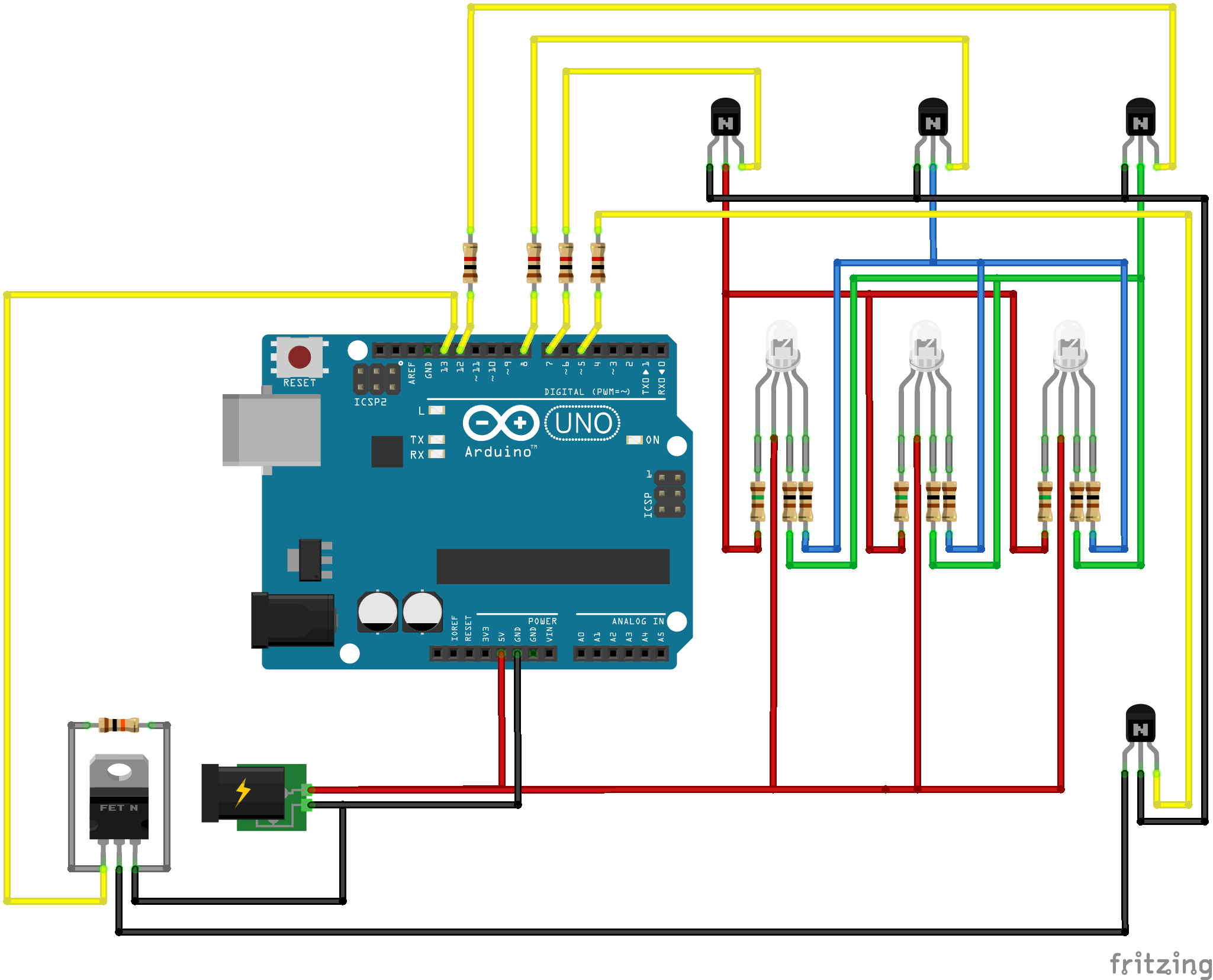
All Schematics are availible also in a fritzing version...
>>>Schematics<<<
Mechanics
>>>Documentation<<<
>>>Files<<<
How to get the parts? No problem...
...we tested i.materialise.com and created some shop items so you can easily order the required parts using this links:
>>>Kinematics Package<<<
>>>Pillar Package<<<
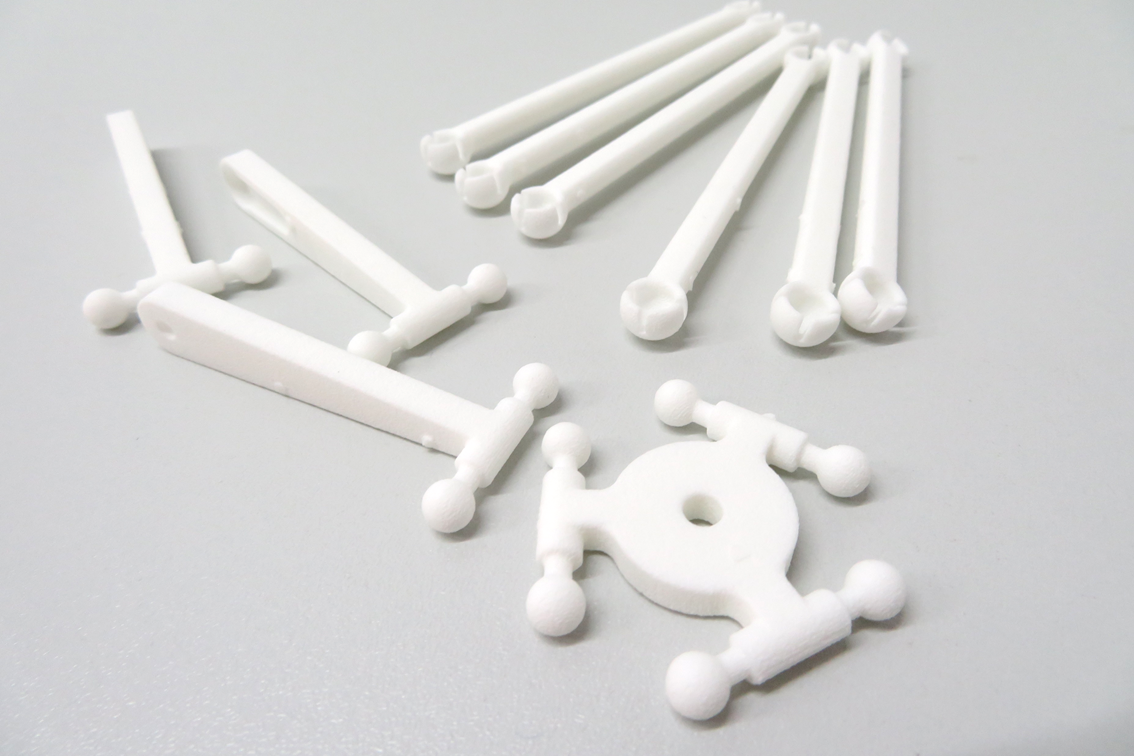
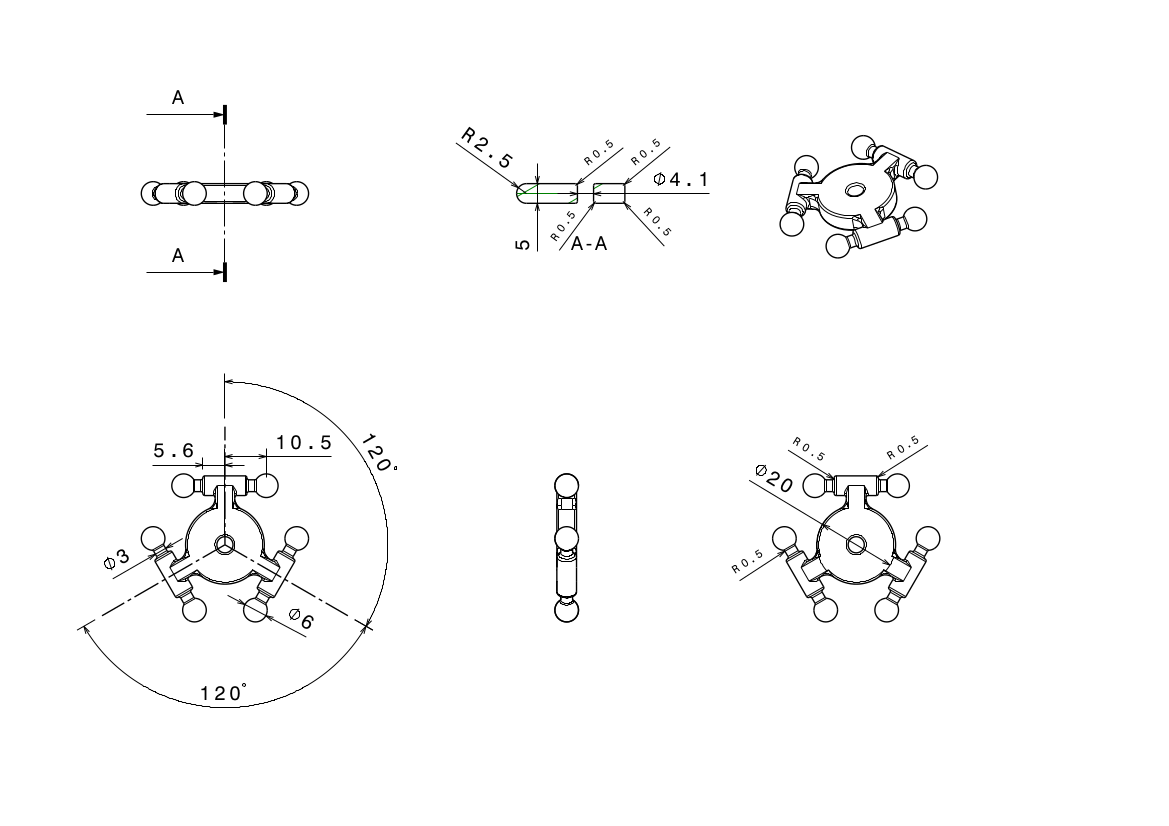
All drawings of the mechanics are availible...
>>>Drawings<<<
Hardware Infrastructure & The Kinematic Tier
- Arduino UNO: Functions as the "Real-Time Motion Controller." It runs the specialized
OneSystemLibrary, which calculates the complex trigonometric positions required to move the robot in 3D space (XYZ) using rotational servo movements. - Metal-Gear Servos (MG92B): The actuators. These provide the high torque and fine resolution needed to maintain the robot's accuracy during rapid "Pick-and-Place" maneuvers.
- Composite Body (Acrylic & 3D Printed Parts): The robot utilizes a layered "Delta Design" that is both lightweight and structurally sound. The click-lock mechanics ensure that the parallel linkages move smoothly with minimal friction.
- Communication Hub (HM-10 Bluetooth): Allows for low-latency wireless control from smartphones or desktop computers using the "One Easy Protocol."