Multi-Tasking Basics: Two LEDs and Two Buttons
Controlling one light is easy, but managing two introduces the concept of Simultaneous State Management. This project shows you how to program an Arduino to react to different inputs independently.
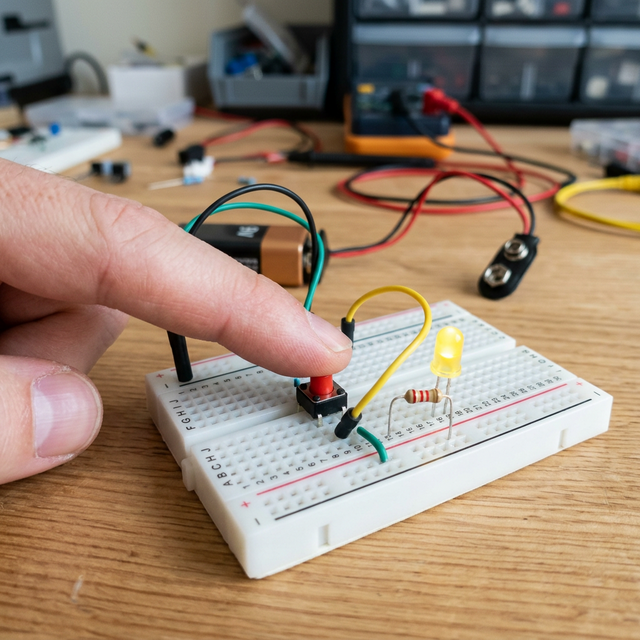
Interaction Modes
Typically, this project is programmed in two ways:
- Direct Mode: Button A turns on LED A. Button B turns on LED B.
- Opposite Mode: Button A turns on LED A but turns OFF LED B. This demonstrates how to create exclusive logic in your code.
- Toggle Mode: One tap of a button flips the state of its corresponding LED from ON to OFF and vice-versa.
Hardware List
- Arduino Uno/Nano: The logic brain.
- LEDs (Red and Green): Two independent visual outputs.
- Push Buttons (x2): Two independent physical inputs.
- 220-ohm Resistors (x2): For the LEDs.
- 10k-ohm Resistors (x2): For the button pull-down circuits.

What You'll Learn
This project is essential for understanding Conditionals (if/else statements) and Debouncing. When you press a button, it doesn't just create one clean signal; it "bounces" electrical noise. Your code must learn to distinguish between a real press and interference, a skill that is vital for building any reliable user interface.