Register at IFTTT and create you own applet
- First, go to IFTTT website and create a free account.
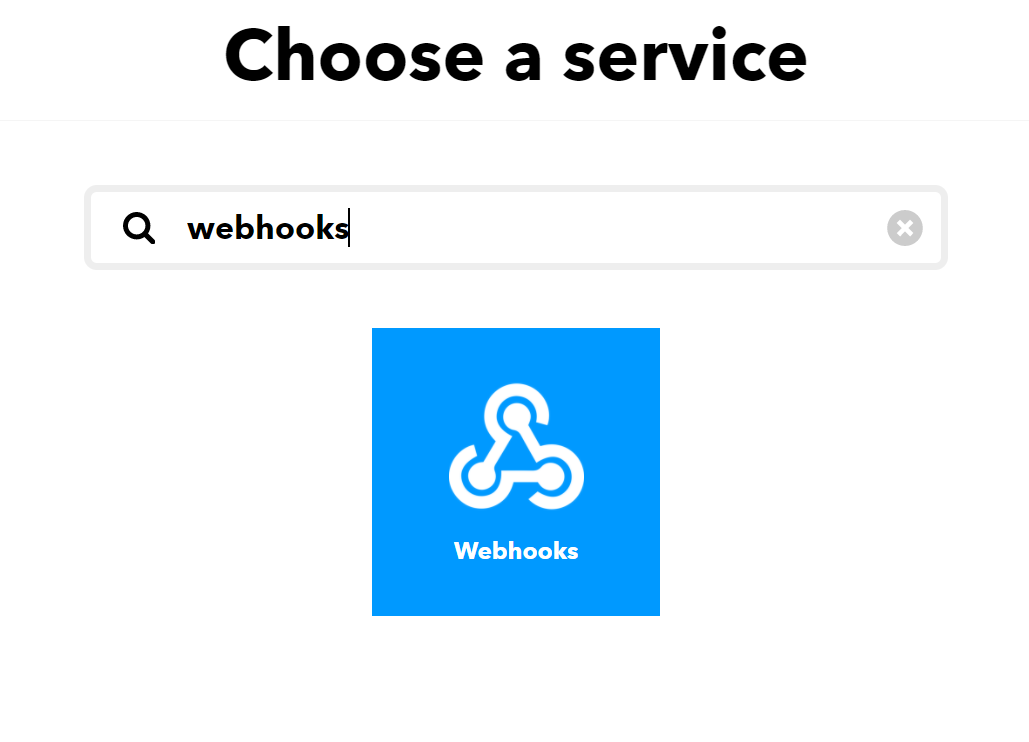
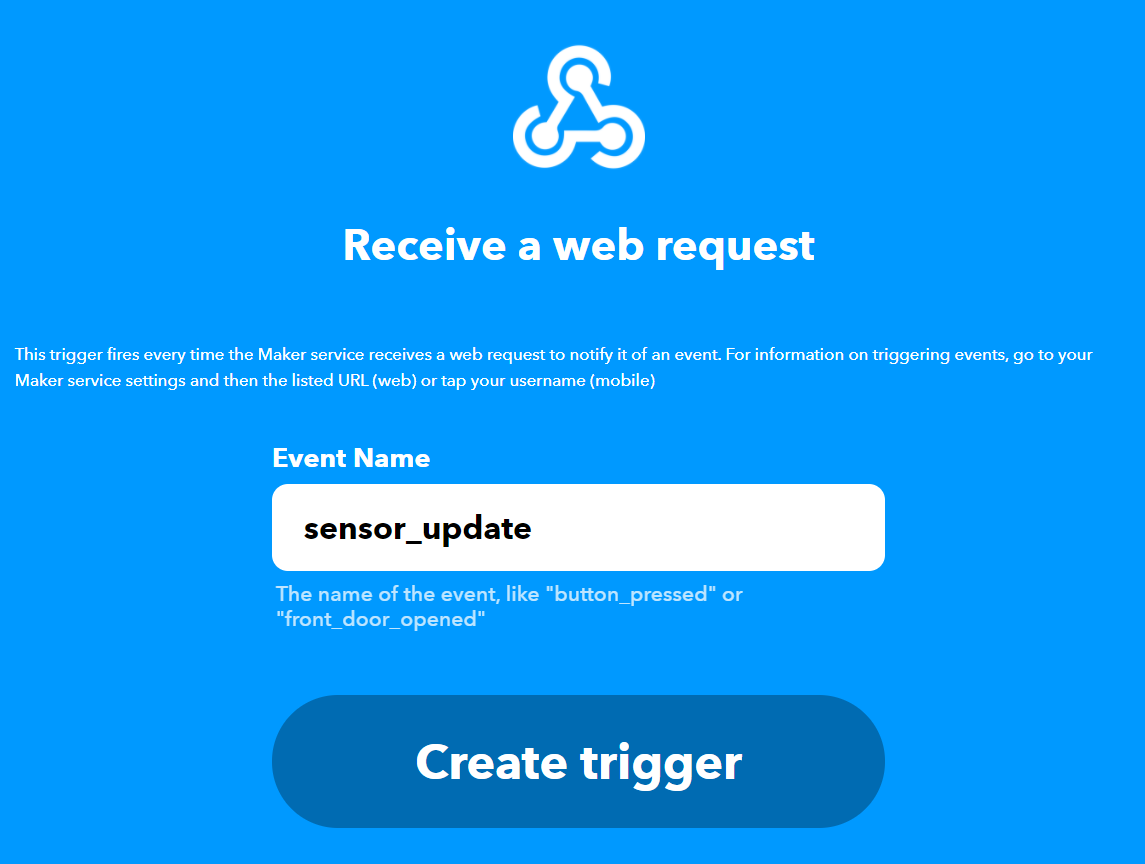
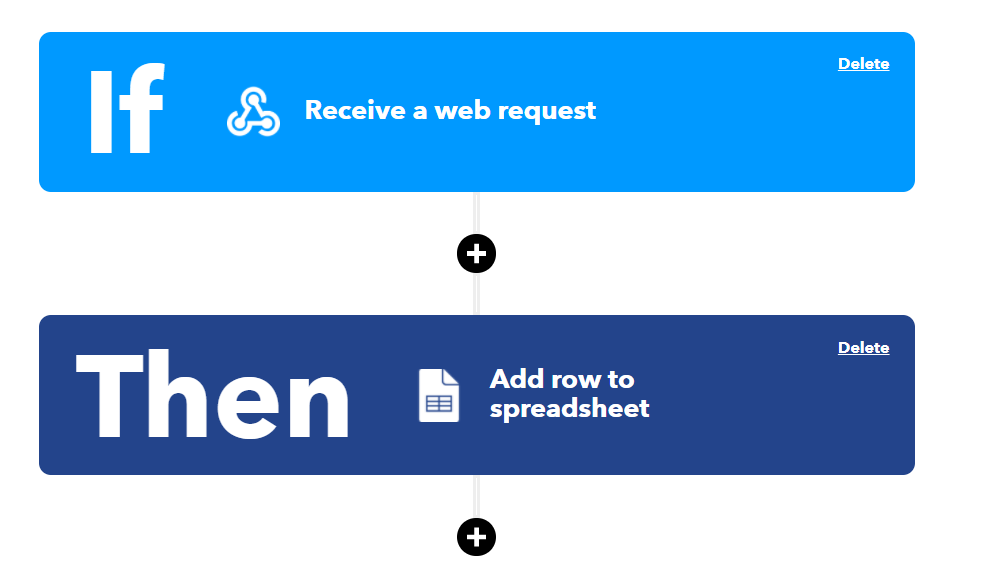
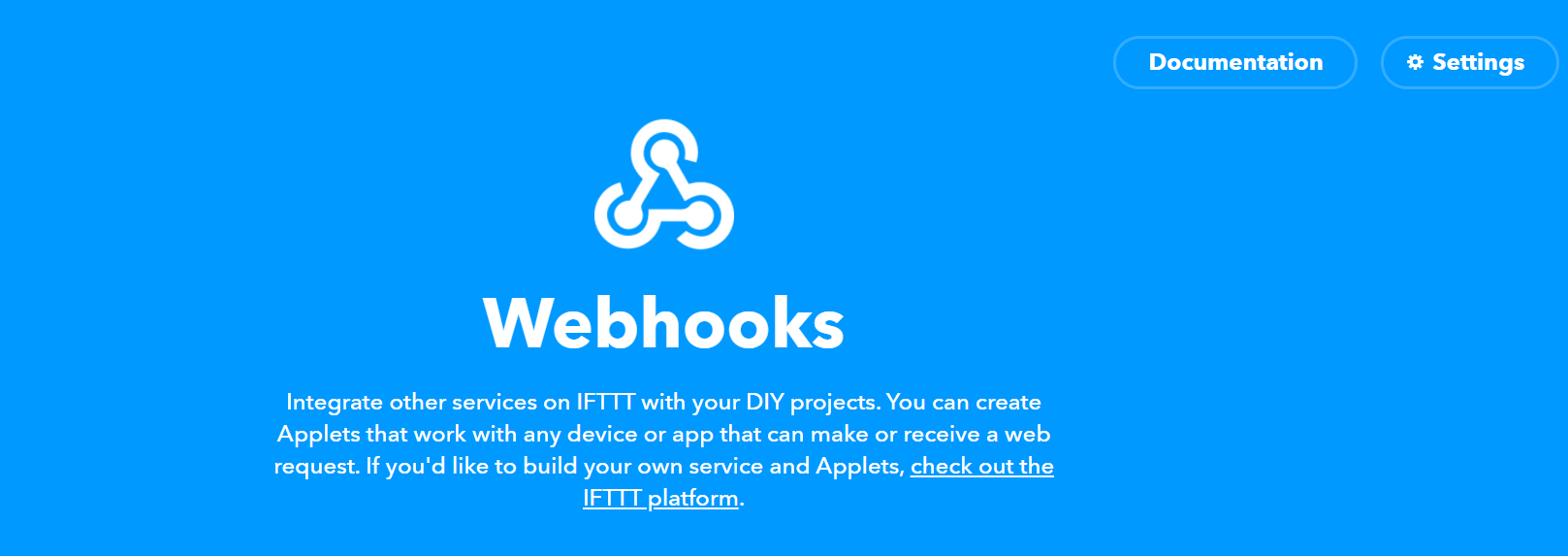
- Then, create your first applet by connecting the input service as webhooks (figure 1) and give it a name (figure 2).
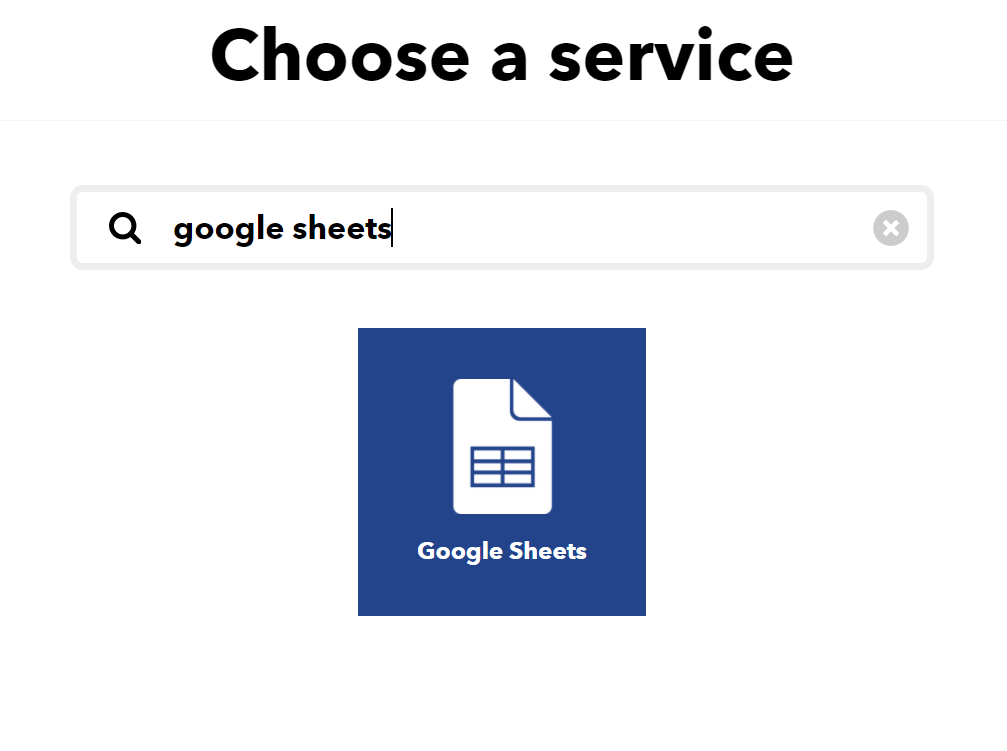
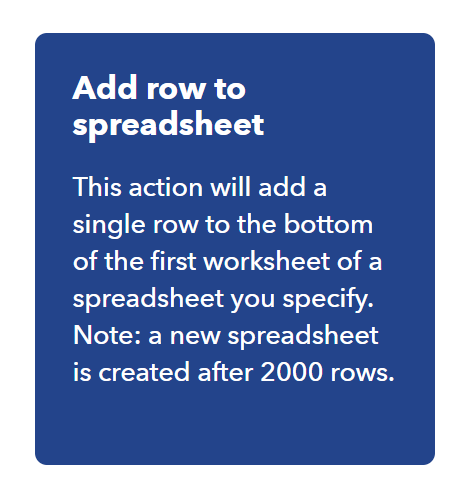
- Finally, choose the output service as Google sheets (figure 3) and select the option "add row to spreadsheet" (figure 4). You will then have to give some authorizations for IFTTT to access your Google drive.
- You should now see similar information as figure 5.
Set up your MKR1000
- Connect the sensors as described in the schematic below
- Update the code with your parameters: WIFI name and password as well as IFTTT event name and API keys (a good practice is to do it in a arduino_secret.h separated file). Note the event name is what you defined in figure 2 and the API key can be found as described in figure 6.
- Upload the code to MKR1000 and check that everything is working smoothly with the serial monitor
If you have troubles with IFTTT parameters, check their Webhooks FAQ.
Customize your your Google sheet
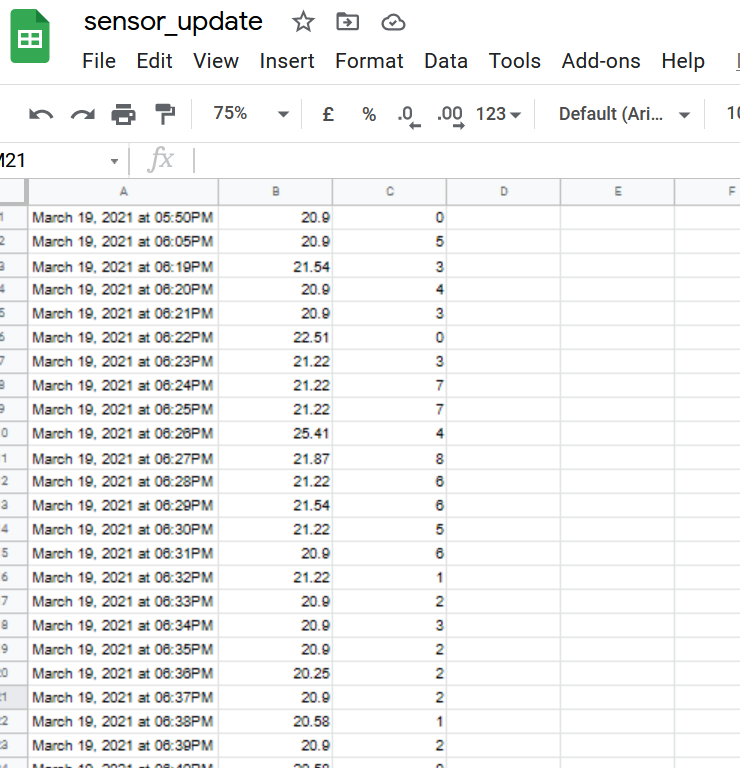
- Connect to your Google drive and check that the data are collected at the wanted frequency (figure 7).
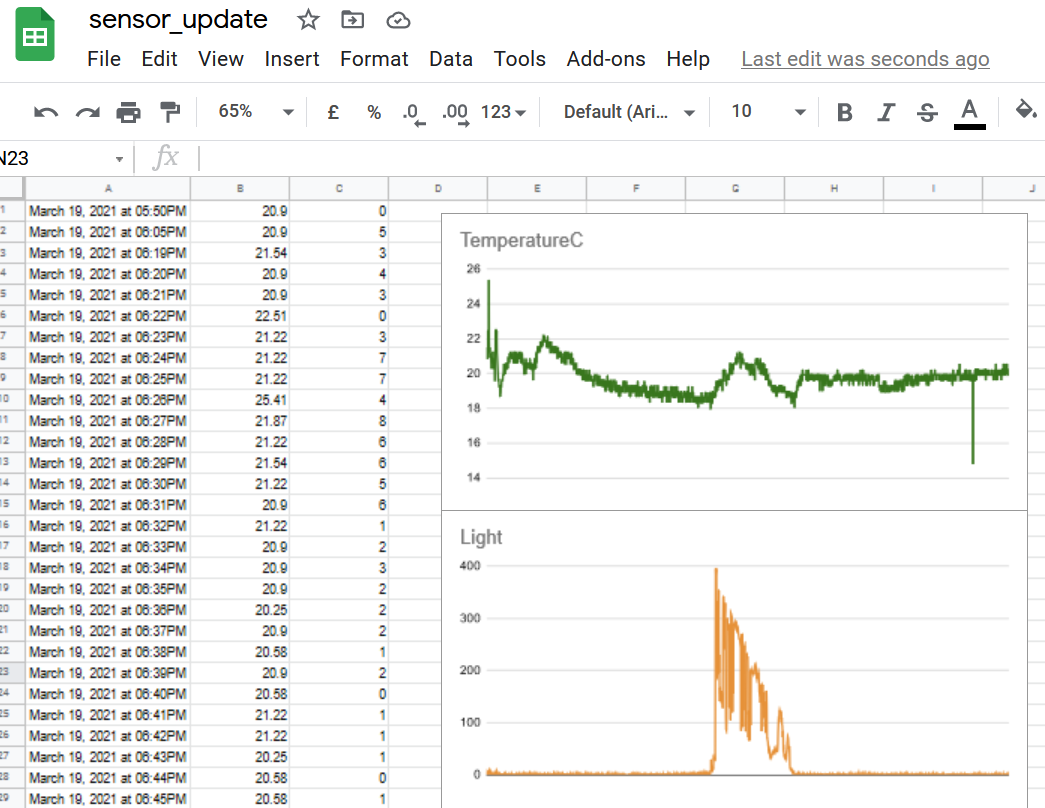
- Add some line graphs by selecting the all column (e.g. instead of A1:A345 in the series definition you should give A:A).
- Enjoy dynamically updated graphs! See figure 8 for an example. Note that you can also access this document through the Google sheets app if you are on your way.
Last thoughts and possible extensions
LIMITATIONS
- IFTTT free account do not allow more than three values to be log and you cannot have more than three applets running (important for scaling up).
- Google services are free and handy to use but be aware of data privacy issues.
- Google sheets are limited to 2000 rows and a new file will be automatically created to enter new values, which can be a challenge to copy paste graphs between documents. You may have to recreate them.
FURTHER WORK
- Here, we only have a temperature and light sensor but feel free to be creative! In the limit of three values log by IFTTT free account. Humidity or/and sound sensor can be interesting alternatives.
- For an easy manipulation of large volume of data, it is recommended to store them in SQL format or similar.
- Note that with IFTTT you can also have email or SMS sent instead of collecting the data. You can explore which services they have available.
Last but not least, let me know if you see typos or needed modifications. Thanks!
EXPANDED TECHNICAL DETAILS
Cloud-Native Environmental Telemetry
An enterprise-grade IoT project that logs critical environmental data into a shared Google Sheets document for global accessibility and analysis.
- MKR1000 Secure-WiFi Handshake: Utilizes the ECC508 crypto-chip on the Arduino MKR1000 to perform secure HTTPS requests. This ensures the data stream to the cloud is encrypted and protected from interception.
- IFTTT Maker-Webhook Bridge: The Arduino sends a JSON-formatted HTTP POST request to an IFTTT Webhook. IFTTT then acts as the liaison, automatically appending the data as a new row in the user's Google Spreadsheet.
Efficiency
- Event-Triggered Notifications: (Features) Besides logging, the IFTTT bridge can be configured to send a high-priority "Temperature Alert" to the user's phone if a specific threshold is exceeded.