title: "Reaction Master: An Agility Training Game Project with Remote Control and Arduino"
This project began with a heartwarming inspiration from my daughter, who, after watching a reaction-testing video game, asked me to create one for her to play. Although initially intended as a collaborative effort, it ultimately became a dedicated father's mission that I successfully completed. This project marks my fourth creation and the first one I've decided to share with the Arduino developer community.
Concept & Design
The core of this game is "speed reaction." Players must press the correct button on an infrared (IR) remote control corresponding to the symbol displayed on the LCD screen at a precise moment. If pressed correctly, the score increases, but if pressed incorrectly or at the wrong time, the score decreases, potentially leading to a Game Over.
A unique feature of this project is its "Dynamic Key Learning System." I didn't want the code to be limited to a single remote control model, so I designed the program to learn IR codes from any remote during the initial setup phase. You simply teach the game which buttons correspond to Up, Down, Left, or Right, eliminating the need to search for the Hex Code of each remote on a computer and modify the code every time.
Gameplay Mechanics
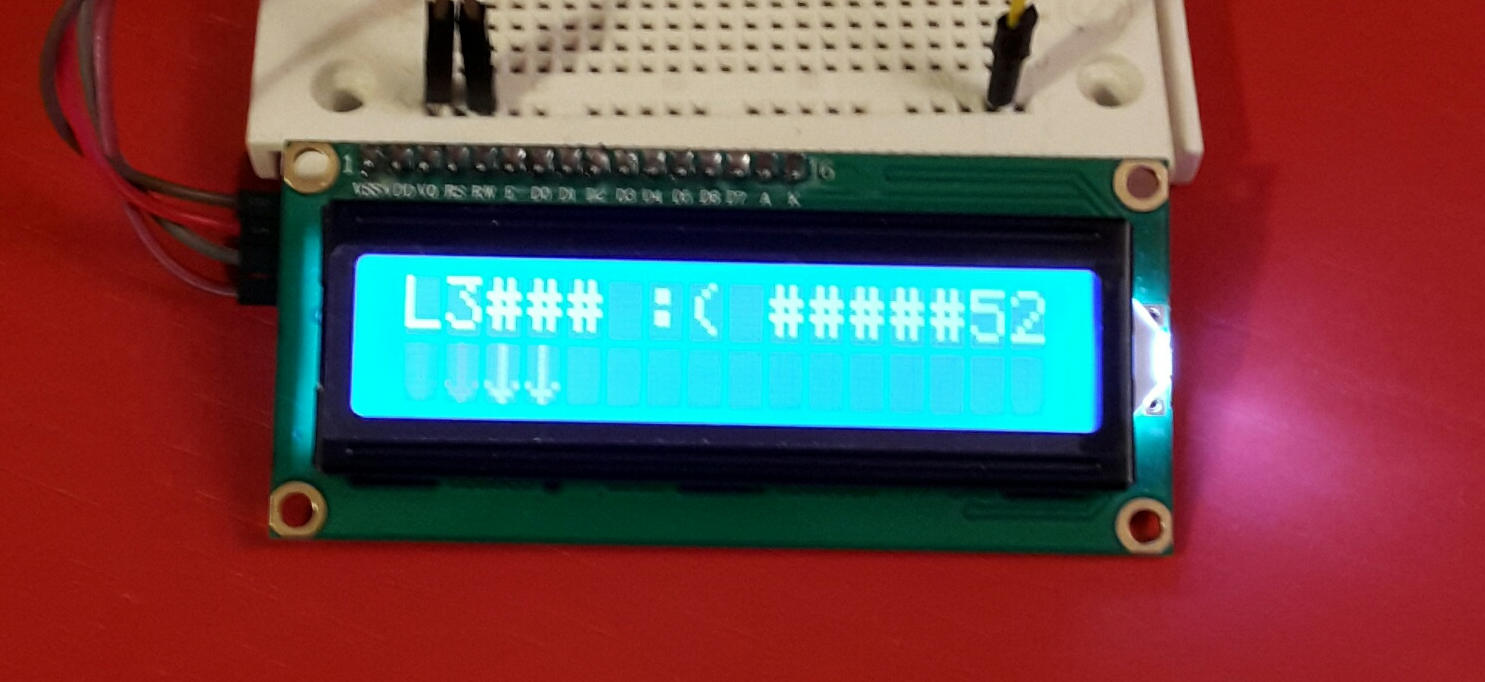
When the game starts, various symbols will scroll across the LCD screen from one side to the other. The player's task is to press the button on the remote control that corresponds to the displayed symbol.
- Scoring: You earn points by pressing the correct button when the symbol moves into the designated "Fence" position on the screen.
- Losing Points: If you press the wrong type of button, or press it when the symbol has not yet reached the fence, or has already passed it, points will be deducted.
- Difficulty Level: The game increases in Level, which affects the speed at which objects move. The higher the level, the more precise and rapid your reactions must be.
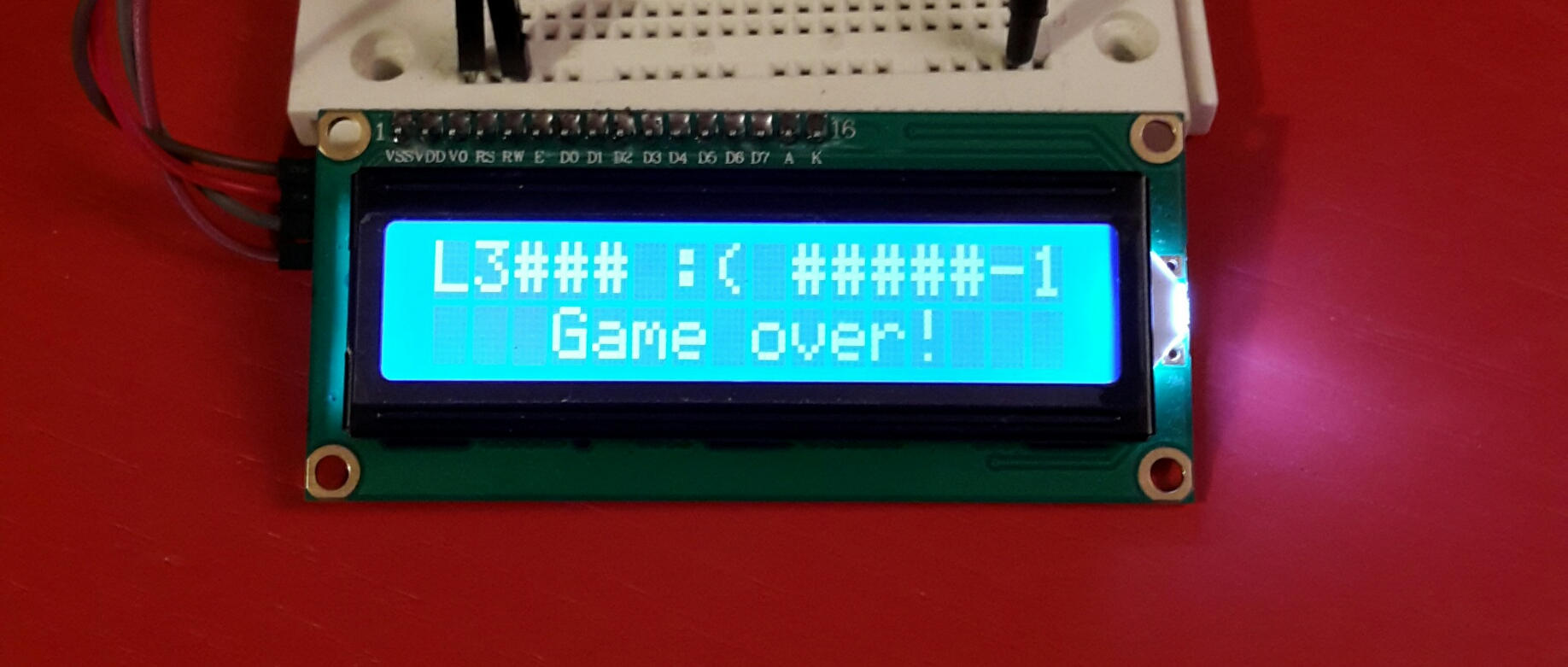
- Game Over: If your score drops below zero (Score < 0), the game ends immediately.
Technical Components
From an engineering perspective, this project utilizes the coordination of three main components:
- Arduino Board: Serves as the central brain, processing the game's logic and controlling the timing.
- IR Receiver (TSOP Series): The infrared signal receiver, responsible for receiving 38kHz signals from the remote and converting them into Digital Pulse codes for the Arduino to decode.
- LCD Display (16x2): Displays graphics using Custom Characters (self-created arrow symbols), utilizing a 16-column, 2-row area.
Code Logic Analysis
The core of the program is divided into 3 main interdependent parts:
1. IR Learning Phase
In the setup() function, the program calls a routine to wait for a signal from IrReceiver.decode(). When the player presses a button as indicated on the screen (e.g., "Press Up"), the program records the results.value into the variables keyUp, keyDown, keyLeft, keyRight respectively. This method allows the game to support all remote brands worldwide that use common IR standards.
2. Custom Character Generation
Since standard 16x2 LCD screens lack attractive arrow symbols, I used the lcd.createChar() function to create custom 5x8 pixel Byte Array symbols, making the on-screen visuals more game-like.
3. Game Loop and Collision Detection
The program manages time using millis() (to prevent the program from halting like when using delay()).
- Movement: Every X milliseconds (depending on the level), the character's column position is updated.
- Input Check: When a remote button is pressed, the program immediately checks if
IrReceiver.decodedIRData.commandmatches the learned button and if the character's position is within the defined column range (Fence). - Score Update: Scores are calculated and the screen is updated immediately upon events (Event-driven).
Future Roadmap
This project has significant room for further development:
- Sound Effects: Adding an Active Buzzer for a "Beep" sound when scoring points or a warning sound for Game Over (this section is commented out in the code, awaiting additional hardware connection).
- Output Code System: I have an idea to create an "Input Code" system, where, for example, if a certain score level is reached, the game would output a secret code. This could be used for Geocaching or Exit Room type games, requiring players to win the game to unlock a passcode for a mystery box.
If anyone has ideas for further development or improvements, feel free to share your thoughts and ideas!