A frequency meter is a device that measures the frequency of a periodic signal. In combination with an alarm, it can be an invaluable tool for applications where it is crucial to monitor and control the frequency of certain signals. Using Arduino, it is possible to build a precise and versatile frequency meter that, in addition to measuring the frequency, activates an alarm when it falls outside a predefined range.
Electronic components of the project
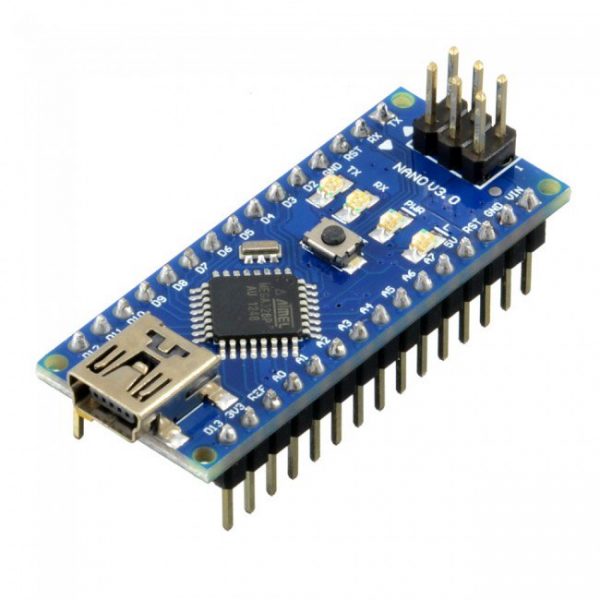
Arduino Nano
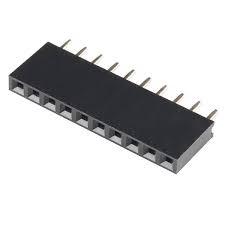
female pins
Display oled sh1106
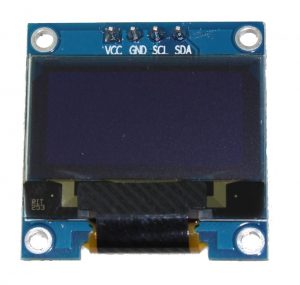
It is a 128x64 dot monochrome OLED display module with I2C interface. It has several advantages compared to LCD screens, and we can highlight its high brightness, very good contrast, a wider viewing angle, and low consumption. of energy. It is compatible with Arduino Rasberry Pi and PIC microcontrollers among others. It works with logic levels from 3.3V to 5V and has a viewing angle greater than 160 degrees. Screen Size is 1.3 inches. It is powered with a voltage of 3.3V to 5V. It can be used in applications such as smart watches, MP3s, thermometers, instruments, and various projects, etc.
Characteristics
Interface: I2C(3.3V / 5V logic level)
Resolution: 128 x 64
Angle of view: >160 degree
Display color: Blue
Display size: 1.3 inch
Driver IC: SH1106
Power supply: DC 3.3V~5V
Operating temperature: -20~70’C
Application: smart watch, MP3, thermometer, instruments, DIY projects, etc.
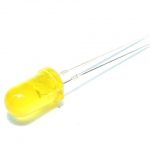
Un led de 5 mm
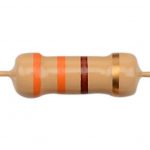
A 330 Ohm resistor
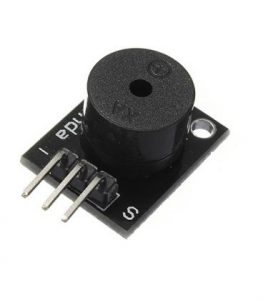
Module Buzzer
PCB
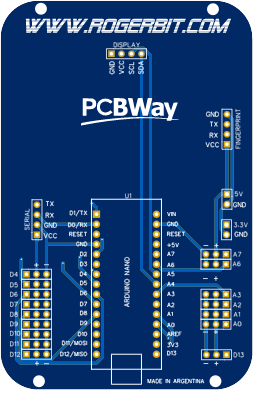
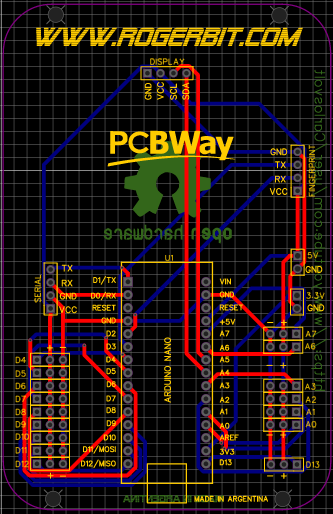
electronic pcb diagram
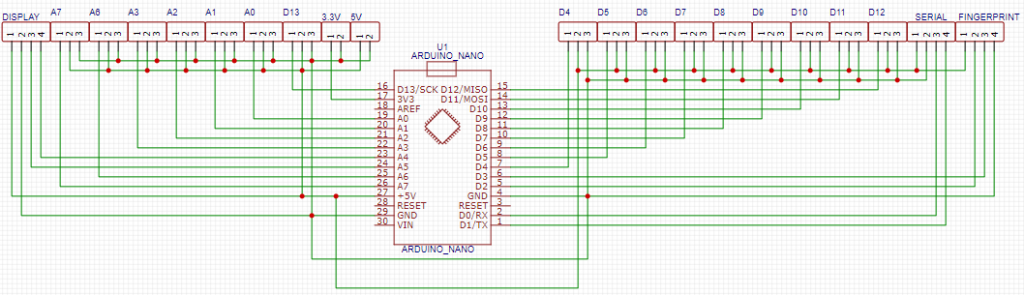
More info https://rogerbit.com/wprb/2024/05/frecuencimetro-alarma/
EXPANDED TECHNICAL DETAILS
Precision Pulse-Temporal Analytics
A professional-grade frequency counter that monitors incoming digital signals and triggers an alarm if the frequency deviates from a safe operating range.
- Interrupt-Driven Period Measurement: The Arduino uses a "Rising-Edge" interrupt to measure the exact time (in microseconds) between two incoming pulses. The firmware then calculates the frequency ($1/T$) with high precision.
- Failsafe Monitoring Window: (Features) Users can define a "Frequency Window" (e.g., 50Hz - 60Hz). If the incoming frequency drifts outside this window (indicating a machinery fault), the Arduino instantly triggers a 100dB piezo siren.
Performance
- LCD Status Dashboard: Provides a real-time readout of the frequency on a 16x2 display. Includes a "Peak Frequency" memory that records the highest detected value during the session.