The Story:
The GameBox is an Arduino portable console, equipped with LCD and fully reprogrammable.
This project was born with the aim to verify the Arduino potential, giving me the opportunity to create "simple" games easily controllable with external pushbutton, such as true console!
How is it possible?
Project Perspective
GameBox - The Arduino LCD Console is an innovative and creative retro gaming platform project. By focusing on the essential building blocks—the 16x2 LCD and four tactile switches—you'll learn how to communicate and interact using specialized game logic and a robust hardware setup.
Technical Implementation: LCD Animation and Graphics
The project reveals the hidden layers of retro game development on a character-based display:
- Graphics layer: Using the LiquidCrystal Library, the Arduino can individually control each of the 32 character blocks (16 columns by 2 rows) to create simple animations.
- Custom Character Interface layer: The Arduino uses
createChar()to define custom 5x8 pixel "bitmaps" for your player, enemies, and items. - Physics and Collision Logic layer: The Arduino code constantly updates the X and Y (row and column) coordinates for all moving objects and checks for overlaps to detect collisions.
- Audio Feedback layer: A Piezo Buzzer gives a playful and historical audio alert for each successful "Jump" or when a "Game Over" occurs.
Hardware Infrastructure
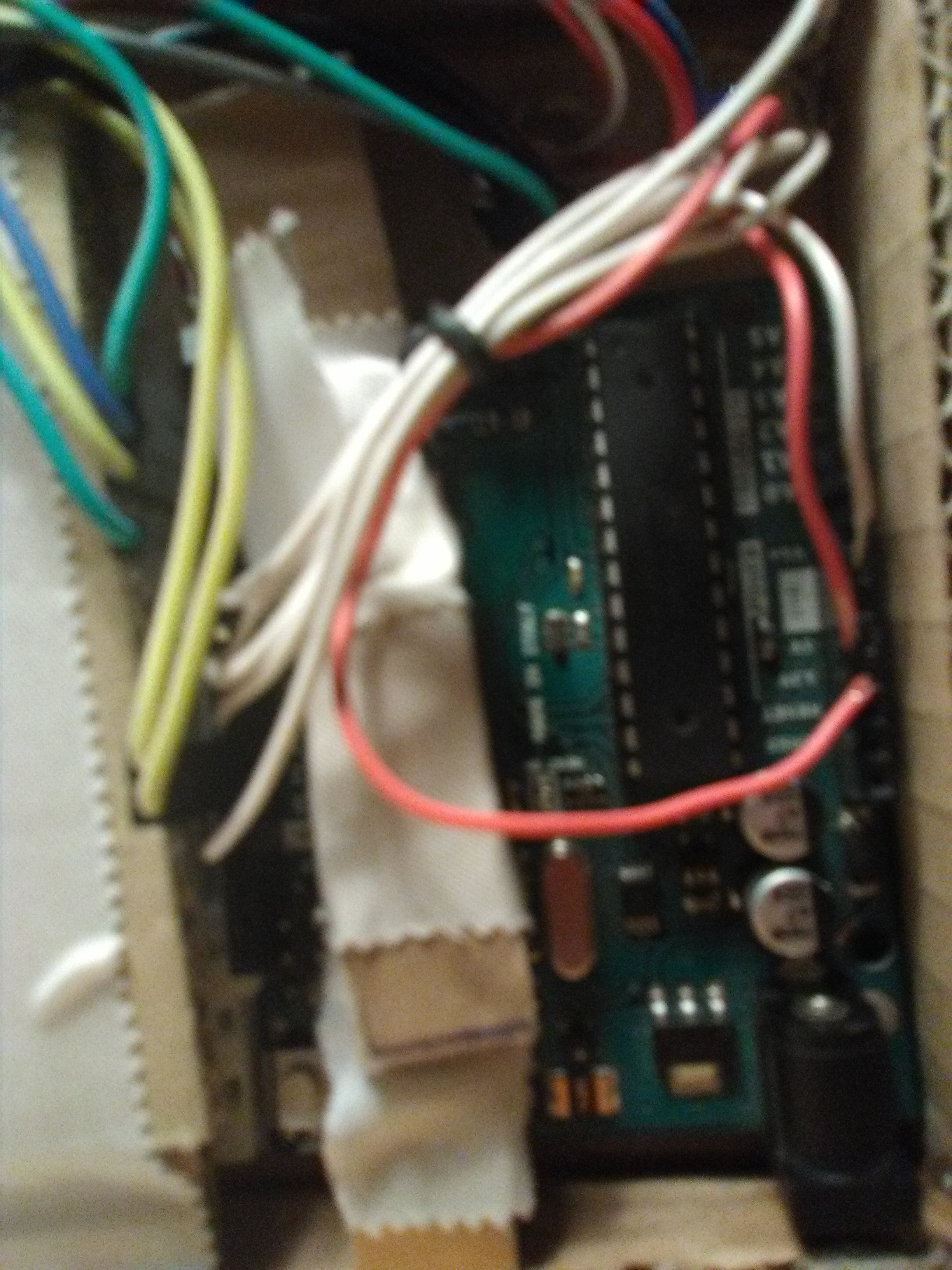
- Arduino Uno: The "brain" of the console, managing the display logic and coordinating all user input and physics tasks.
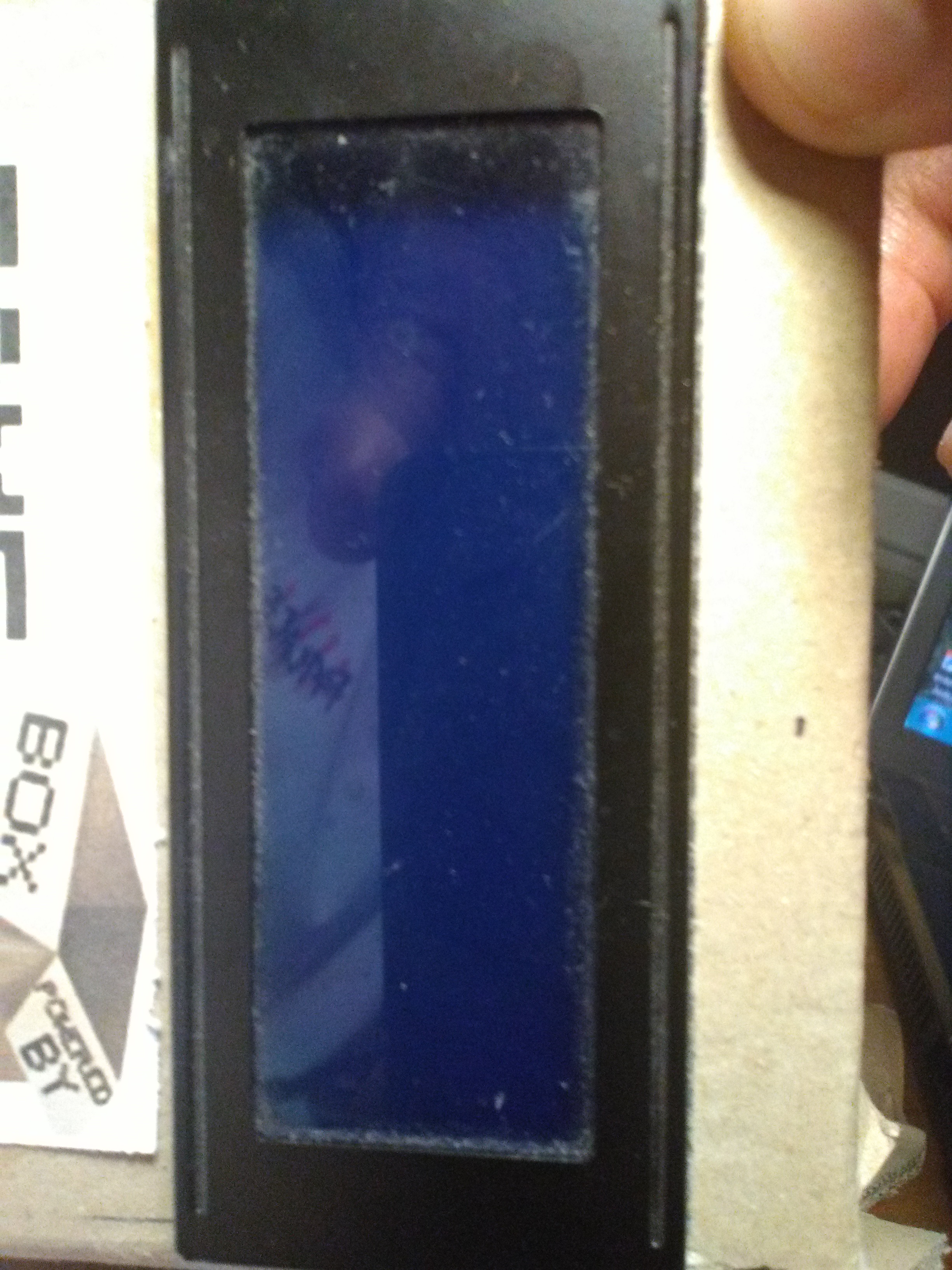
- 16x2 Alphanumeric LCD: Providing a clear and playful visual feedback for your characters and instructions.
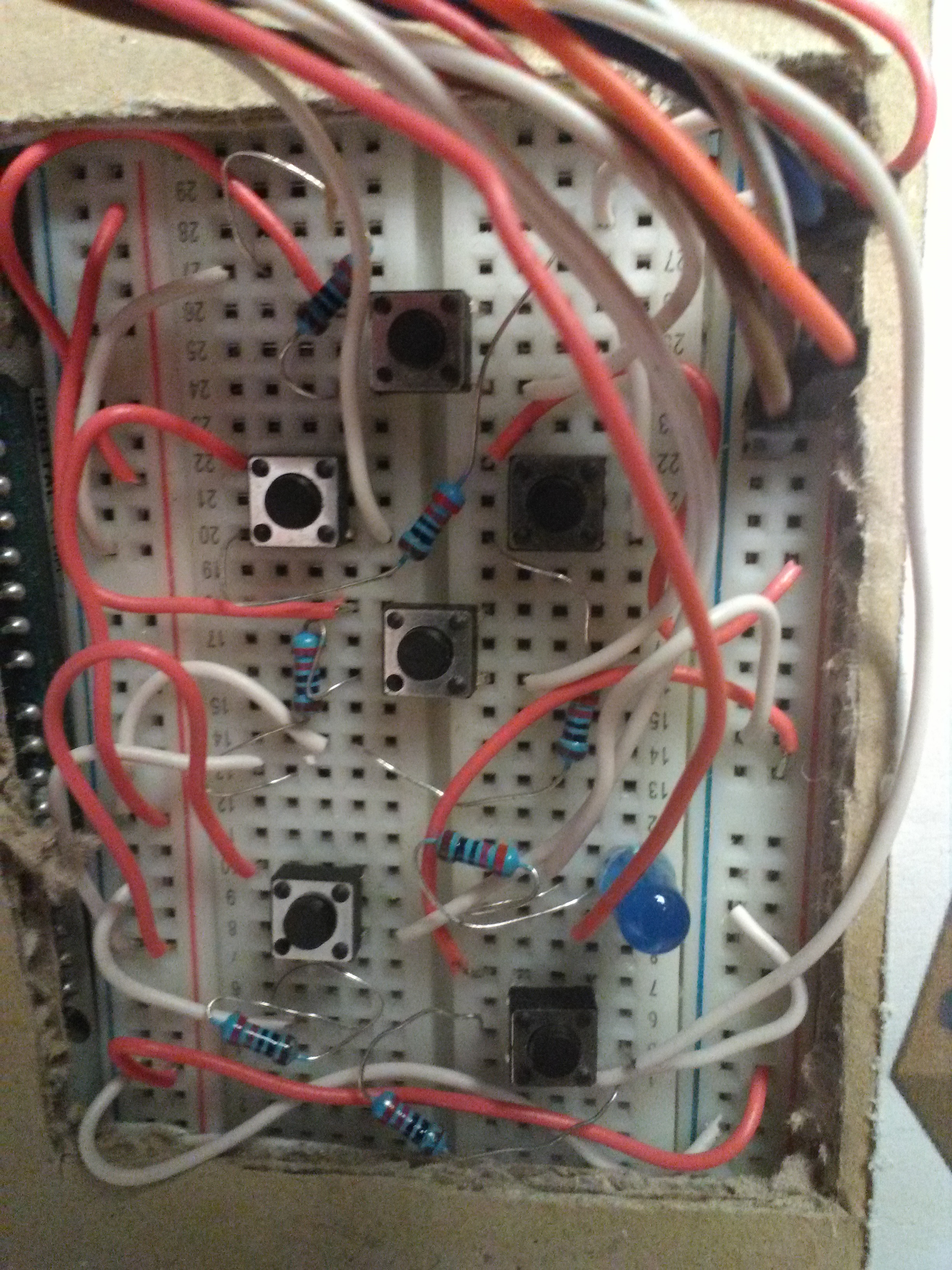
- Tactile Switches: These four robust and common electrical switches provide a satisfying tactile click for "Left," "Right," "Up/Jump," and "Start."
- Piezo Buzzer: Provides a playful and historical audio feedback for the game's sound effects and melodies.
- Breadboard: A convenient way to prototype the console circuit and connect all components without soldering.
- Micro-USB Cable: Use to program the Arduino directly from your computer for power and code.
Step 1:
I took a cardboard box that I modeled and carved to make it look like a portable device.

Step 2:
I cut out spaces to place the LCD display and the breadboard.
Step 3:
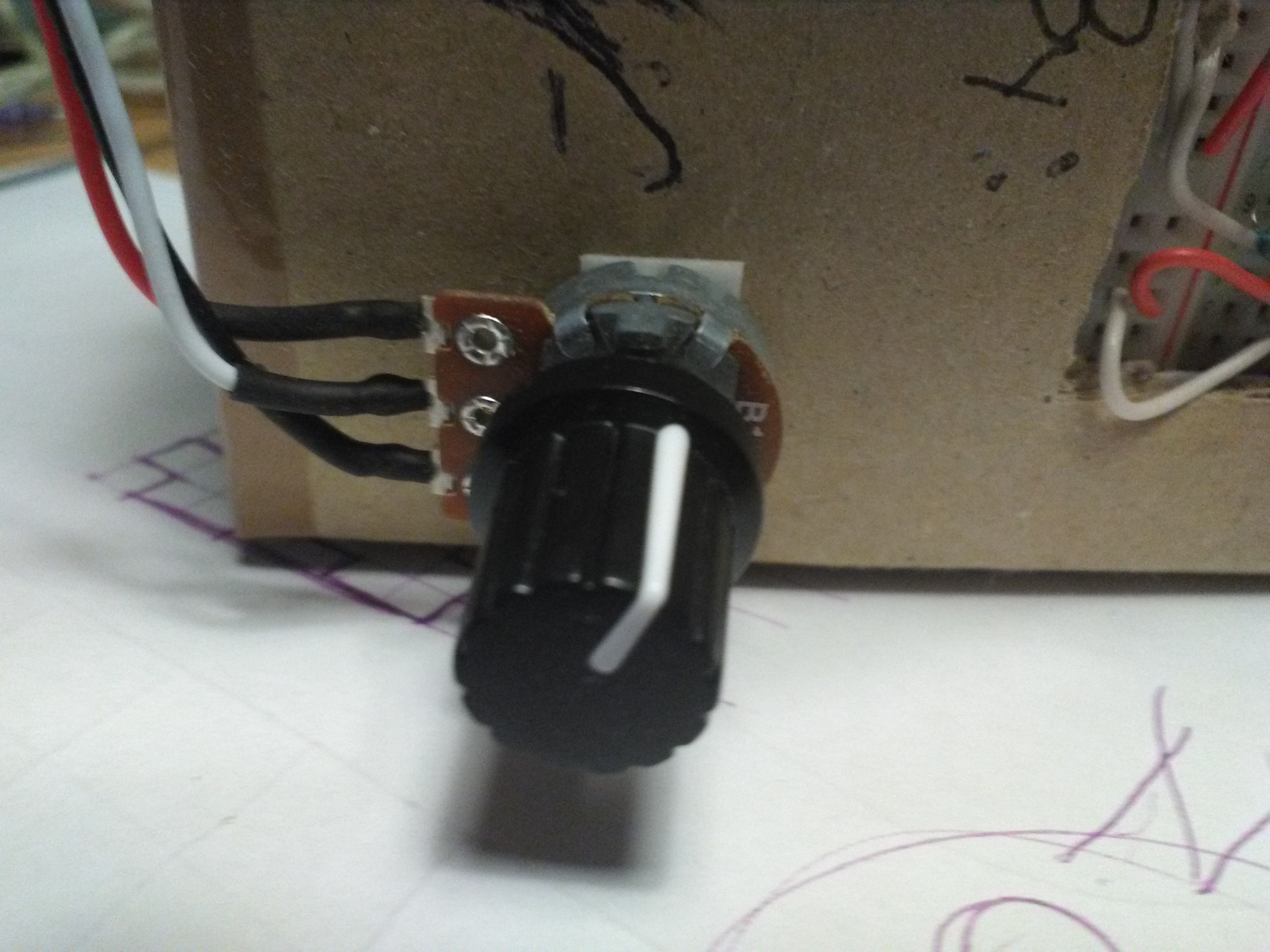
Then I proceeded with the connection and wiring of all components.
Gameplay and Interaction Step-by-Step
The gaming experience is designed to be very engaging:
- Initialize Display: SETUP the Arduino to communicate with the 16x2 LCD and load your custom "Player" and "Enemy" characters into memory.
- Poll Controls: The Arduino values your four tactile switches and triggers a movement or jump action if a button is pressed.
- Execution Loop: The Arduino constantly updates the positions of your player and the obstacles in real-time.
- Visual and Audio Feedback Integration: Watch as your score updates on the LCD each time you dodge an obstacle, with a celebratory buzzer sound for each point.
Step 4:
Gaming and Have Fun!
Step 5 (Optional):
Personalize It!

Future Expansion
- OLED Status Dashboard Integration: Add a small OLED display to show a larger life bar and the "Current High Score" for each session.
- Cloud Interface Registration Support Synchronization: Add a WiFi module (ESP8266/ESP32) and link to a cloud leaderboard to track your scores globally.
- Multi-Player Serial Sync: Connect two GameBox consoles via serial (RX/TX) to allow for a coordinated multi-player experience.
- Advanced Velocity Profile Customization Support: Add a small slider or potentiometer to manually adjust the game's speed or difficulty level while playing.
GameBox - The Arduino LCD Console is a perfect project for any electronics enthusiast looking for a more interactive and engaging retro tool!