Once, I wanted to control my home lights using my Mobile phone. I searched on google, Youtube for help but these biggest platform disappointed me due to not a proper guidance.
Then, I decided to learn all this and helps to learn you and others in this world.
So, here I am going to explain you How to Control Lights using Mobile Phone.
I am going to explain you through a video because you can see Step by Step physical process in video.
Before learning if you want to learn daily basis Electronics stuff- You can follow us @ElectronicsUniversity
https://www.instagram.com/electronicsuniversity/?utm_medium=copy_link
So let's Come to our main topic
Are You ready?
Let's begin our learning
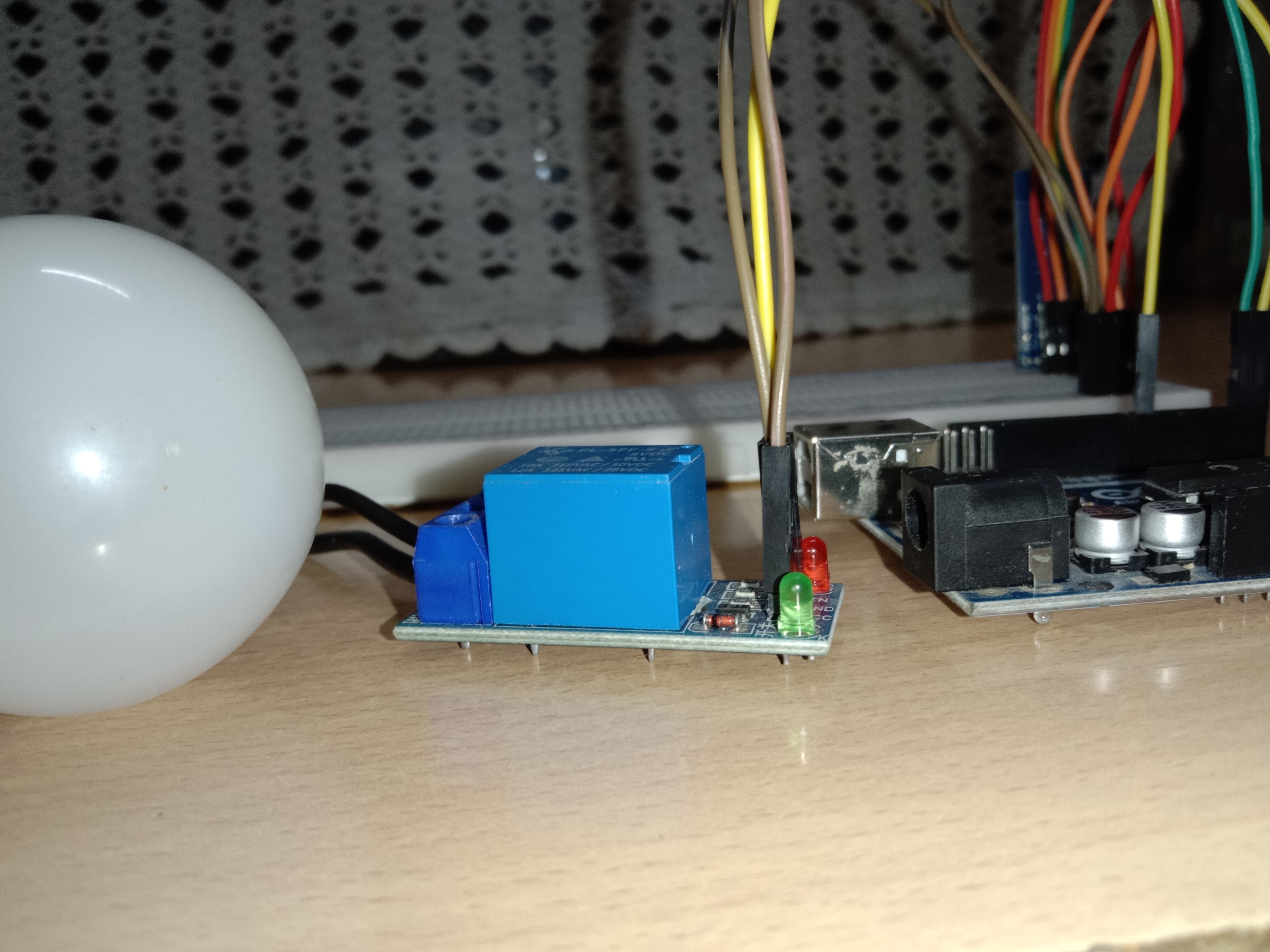
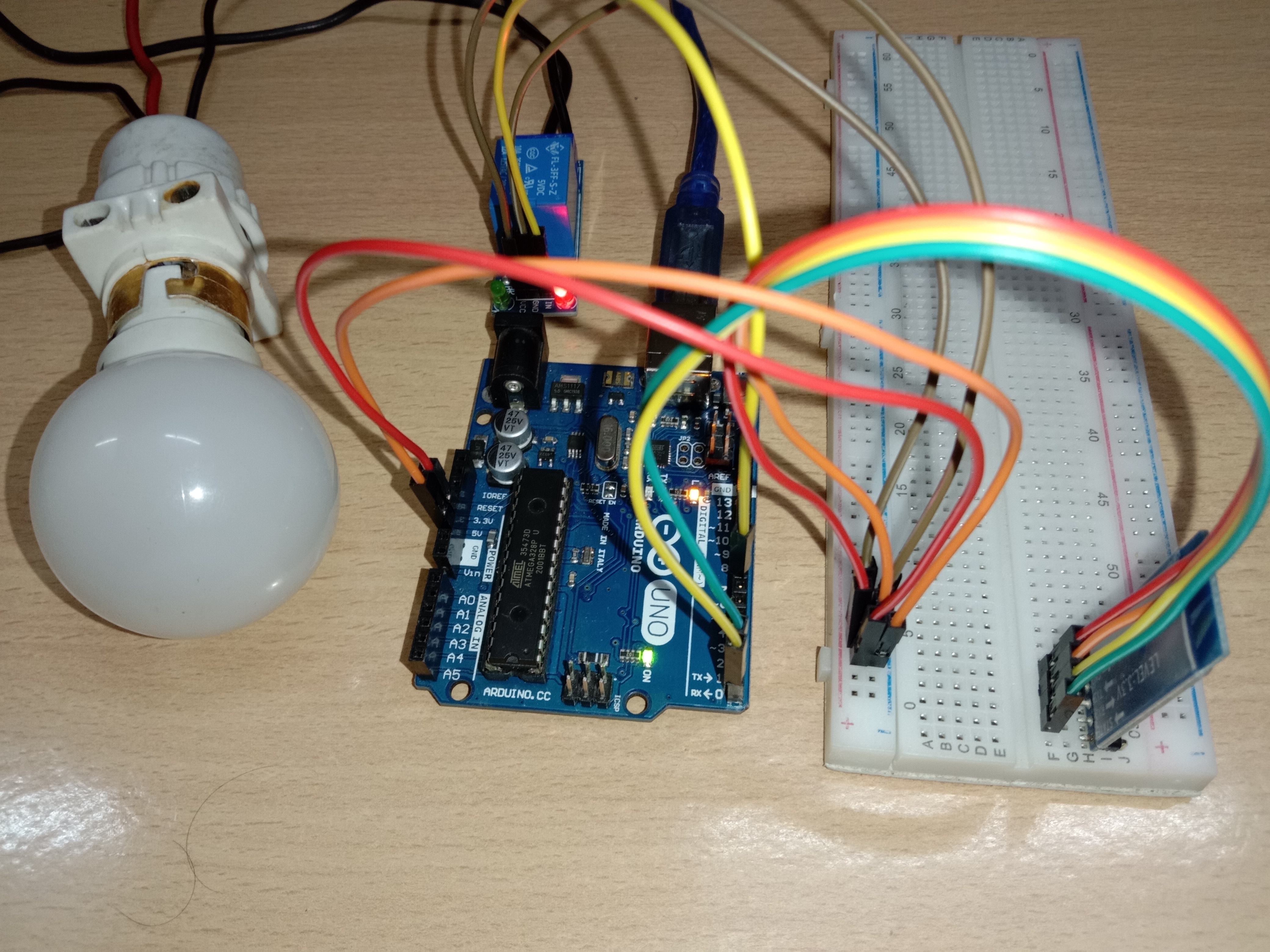
Here, I am attached a video for your help.
Let's watch it
Wireless Control: Bluetooth Home Automation
The Bluetooth Relay Dashboard is the quintessential maker project. It serves as the perfect bridge between writing smartphone software and controlling physical, high-voltage hardware.
Serial Communication Protocol
The core of this project is understanding UART Serial Communication.
- The App: You use a custom Android App (often built with MIT App Inventor) or a generic Bluetooth Terminal.
- The Button: When you press the "Lamp ON" button on your phone, the app sends a single character over Bluetooth: the letter
'A'. - The Receiver: The HC-05 module passes the
'A'to the Arduino's RX pin. - The Switch: The Arduino code uses a
switch/casestatement.case 'A': digitalWrite(relay1, HIGH); break;.
Hardware Components
- Arduino Uno/Nano: The command center.
- HC-05 or HC-06 Bluetooth Module: The wireless link.
- 4-Channel 5V Relay Module: Perfect for controlling up to 4 separate appliances.
- Jumper wires and Breadboard.
Safety Warning
When connecting the relay to main 110V/220V AC wiring, ensure the Arduino is completely unplugged from your PC. Use proper junction boxes, secure your screw terminals tightly, and always respect high-voltage safety practices!