Hi guys we have made an Arduino gamepad to play games that steps u would read in further detail.
Before story:
I was kind of bore plus what I found on the net was that there is no Arduino Uno based gamepad or controllers but there were about pro micro or Leonardo, I was really frustrated that the keyboard library doesn't work with Arduino so I gone on the internet and found that there is code just to try it was about only processing ide based but was it good to join with Arduino so it was fun to even think about that so, I did that and what I made u all can see in my video.
All the codes are here and for more info see the video.
What do u need:
- Arduino Uno or any other type of boards
- Processing Ide
- Some cables
- Breadboard
- 210k ohm resistorsand2buttons
- And last see my video so u know what to do etc
Video:
Project images for help:
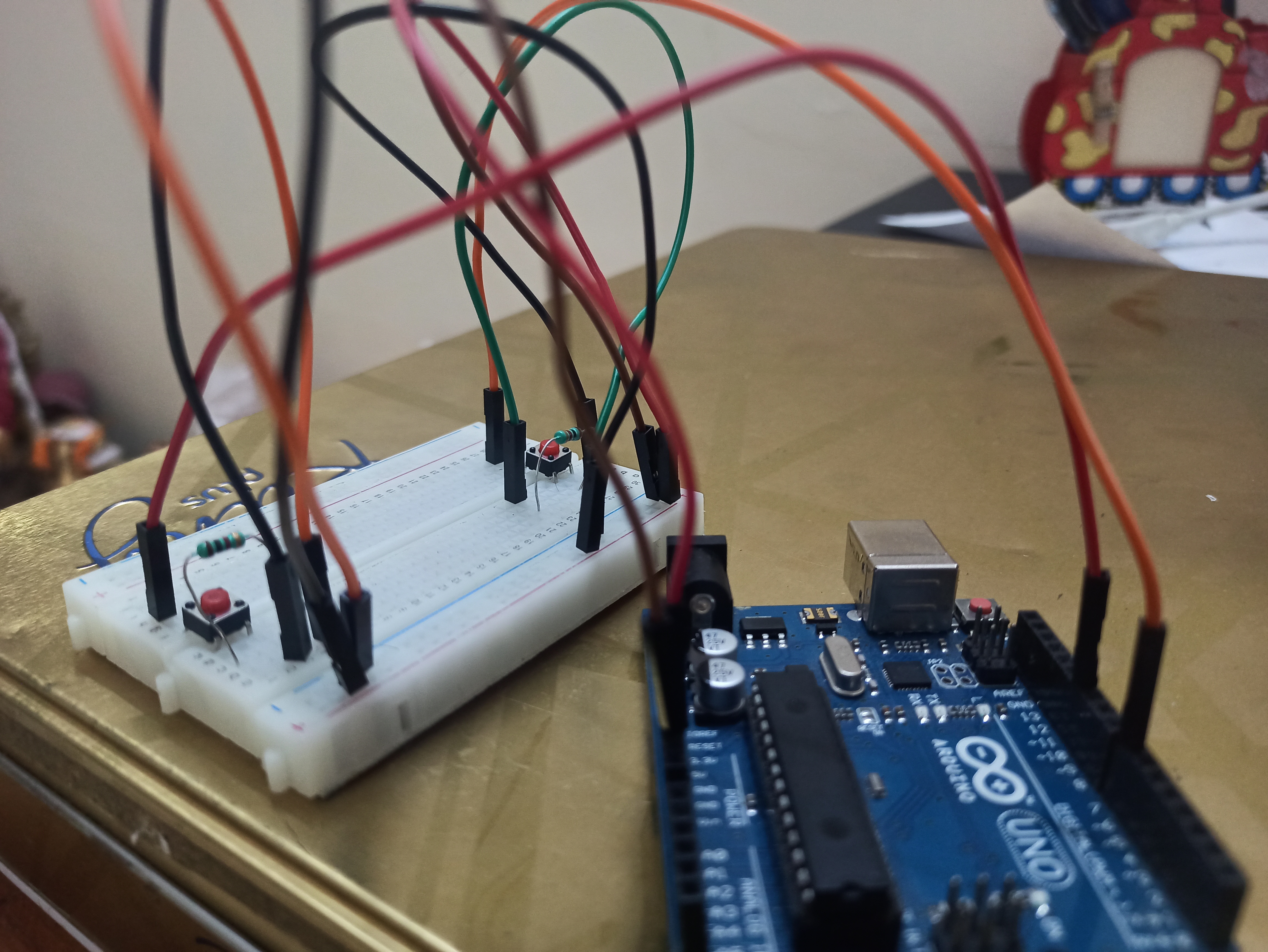
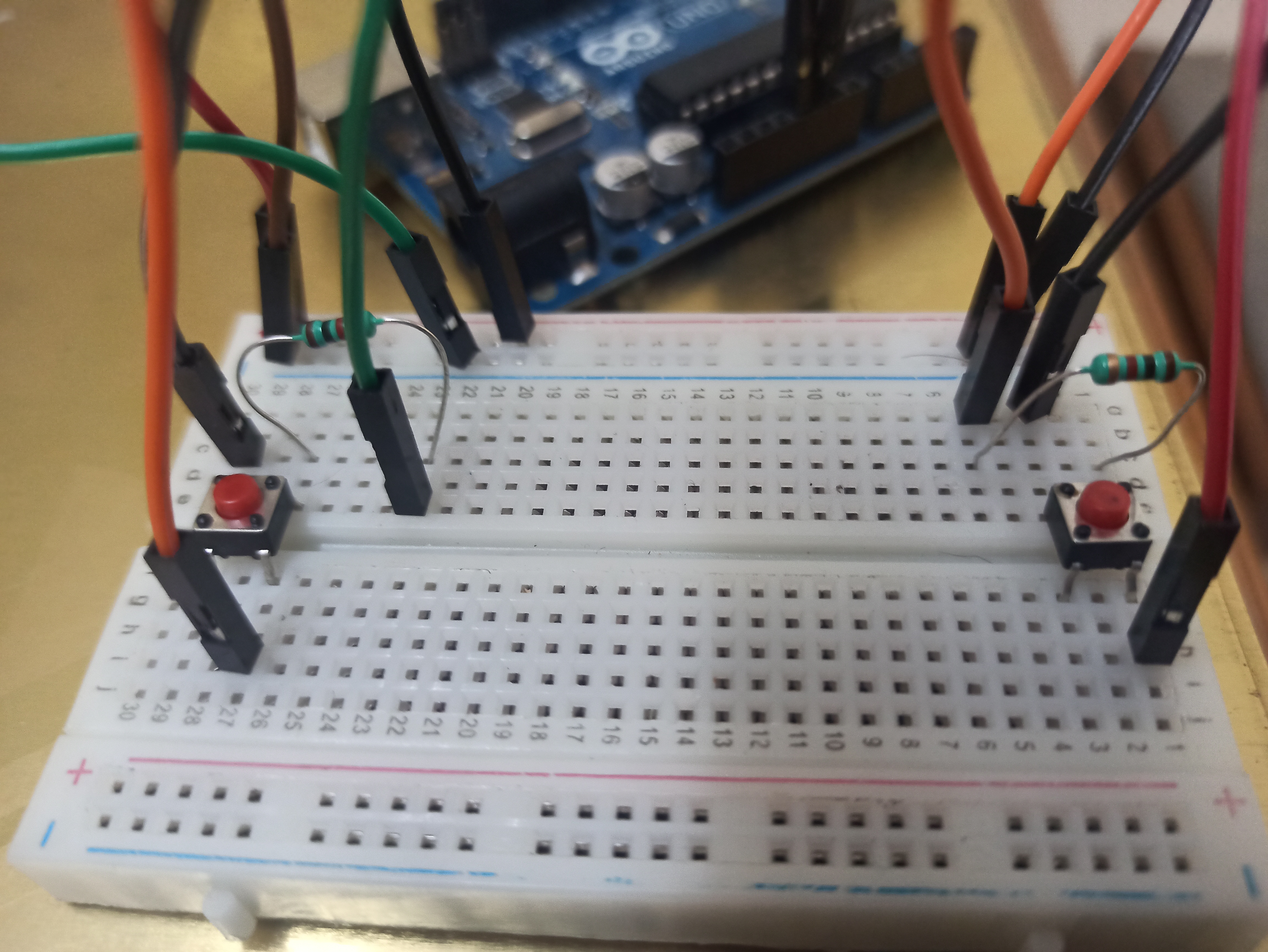
Thnks guys seeing my video and pls like this project and sub our channel bye.
EXPANDED TECHNICAL DETAILS
Ergonomic Gaming Hardware
This project enables gamers to build their own custom, high-speed input devices using standard Arduino components.
- Button Matrix Topology: Uses a series of high-quality tactile buttons. The Arduino polls these inputs at high speed, ensuring zero perceptible lag during intense gameplay.
- Serial Game Controller Protocol: The Arduino sends button states as a continuous data stream over USB-Serial.
Universal Compatibility
- Software Bridge: This hardware is paired with a PC-side script (often in Processing or Python) that translates the Serial data into virtual keystrokes or joystick movements, making it compatible with almost any modern PC game or emulator.