Hi in this video I show you how to control your PC volume with a little circuit named Digispark hope its be useful and help you, you can support this channel with like and subscribe and if you have problem about this circuit just comment for me.
full tutorial on my youtube channel
what you need :
1.Digispark
2.rotary encoder
3.switch
4.resistor 1k
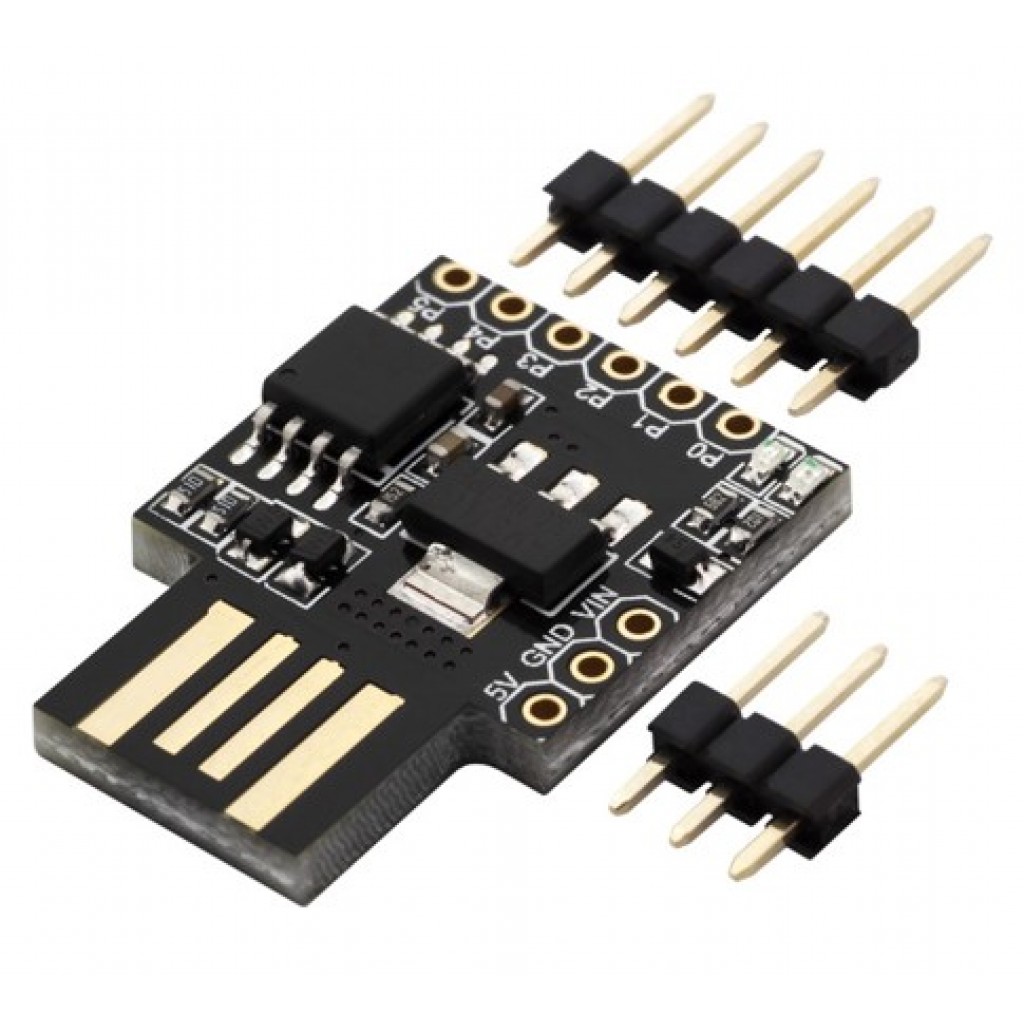
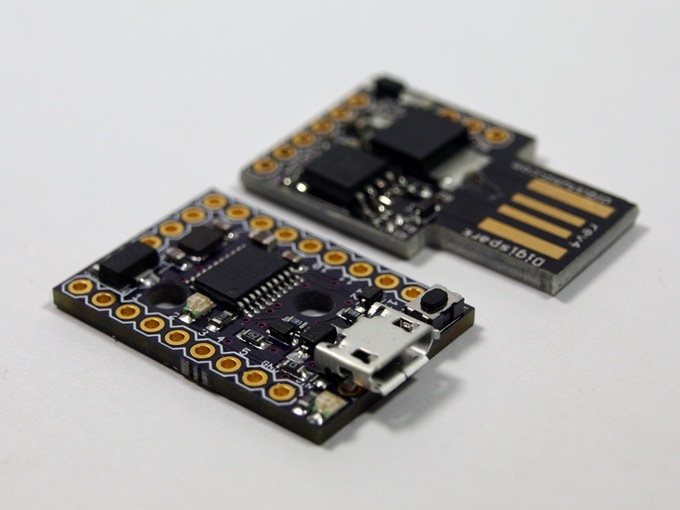
What is digisaprk ?
Digispark is an ATtiny85 based microcontroller development board come with USB interface. Coding is similar to Arduino, and it use the familiar Arduino IDE for development.
Subscribe to my youtube channel
Follow me on instagram
features:
- Support for the Arduino IDE 1.0+
- Power via USB or External Source - 5v or 7-35v
- On-board 500ma 5V Regulator
- Built-in USB
- 6 I/O Pins
- 8k Flash Memory
- I2C and SPI
- PWM on 3 pins
- ADC on 4 pins
- Power LED and Test/Status LED
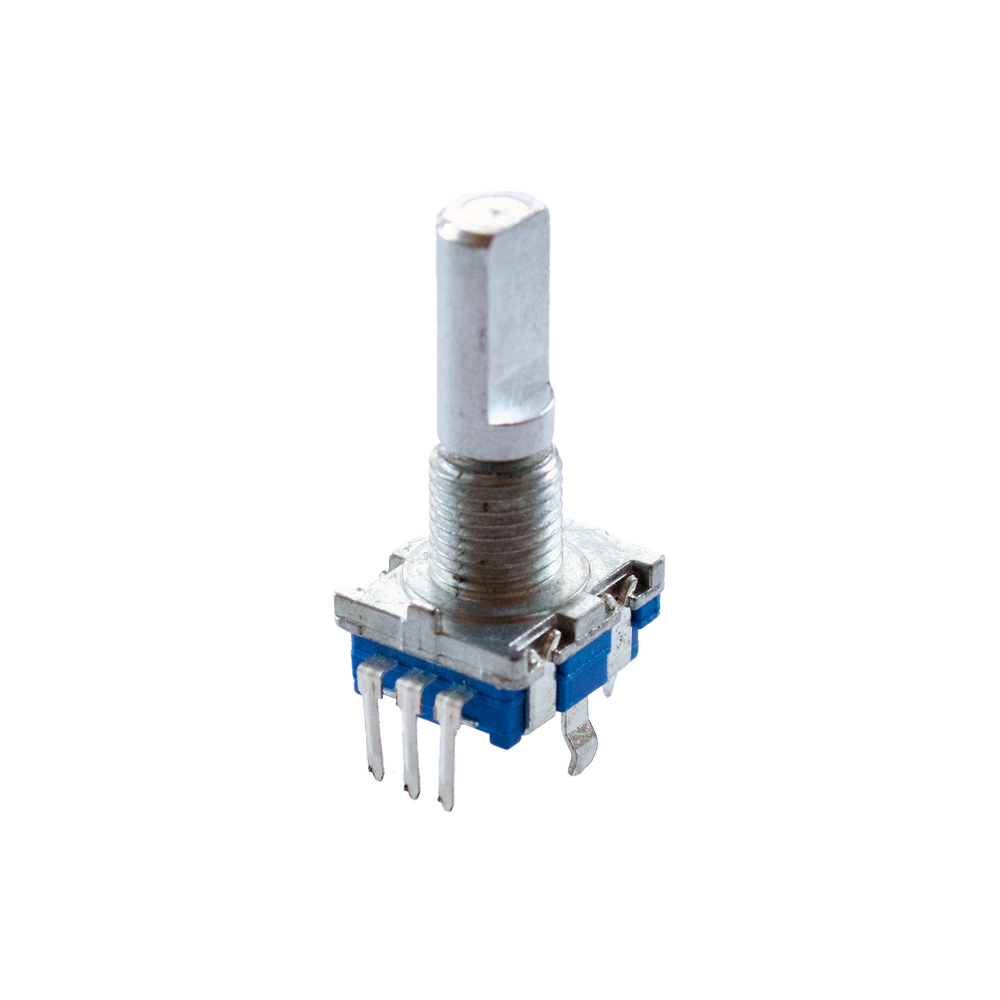
What is Rotary Encoder ?
rotary encoder or shaft encoder, is an electro-mechanical device that converts the angular position or motion of a shaft or axle to analog or digital output signals.

Subscribe to my youtube channel
Follow me on instagram
SPECIFICATIONS:
- Flat top
- Push-button capability
- Pulses per rotation: 20
- Unlimited Rotations
- Pins are right-angle to the knob, but you can connect them to a breadboard using male-female jumper wires
- Standard pin spacing: 2.54mm (0.1")
- Dimensions
- Total Shaft Dimensions: 20mm (0.79") height x 6mm (0.24") diameter
- Turning Portion of Shaft Dimensions: 12.5mm (0.49") height x 6mm (0.24") diameter
- Weight: 6.43g (0.23oz)
Subscribe to my youtube channel
Follow me on instagram
EXPANDED TECHNICAL DETAILS
USB HID Emulation
The Digispark (ATTiny85) is unique for its ability to simulate a USB keyboard or mouse directly (V-USB logic).
- HID Protocol: The Arduino code uses the
DigiKeyboardlibrary to register the device as a "Media Keyboard" on any computer. - Input Logic: A Rotary Encoder or Potentiometer is connected to the analog input. As it turns, the Digispark sends a
KEY_VOLUME_UPorKEY_VOLUME_DOWNscancode over the USB link.
Plug-and-Play Implementation
Because it uses standard HID drivers, no software is needed on the PC. It behaves exactly like the volume buttons on a professional keyboard, providing a compact, physical hardware knob for digital audio workstations or general media consumption.