Arduino Project Hub is a community dedicated to discovering how fun and rewarding tinkering with electronics and software can be, so any project made with Arduino boards is welcome!
Every day the Arduino Team will select some of the best tutorials and highlight them on our social channels.
Arduino Project Hub is also a great place to keep your projects and easily share them with your friends, students and community!
How to submit your project:
- Create an Arduino ID here
- Log in on Arduino Project Hub and remember to add an Arduino/Genuino board to your components list ;-)
- Click ' New Project ' button on the header
You can post different types of content according to your work:
- Tutorial: You've added detailed instructions so that anyone could replicate your project. ( See Example )
- Showcase: You just want to show the final result and have written no or partial instructions. ( See Example )
- Work in progress: Your project isn't yet complete but you still want to share and document it as you go. ( See Example )
- Protip: You describe how to solve a single problem. ( See Example )
- Teardowns/unboxings: You take a deeper look at a piece of hardware or software.
- Getting started guides: You explain how to get started with a specific piece of hardware or software. ( See Example )
At the end of the submission process you’ll be able to choose one of these categories for your content. For each project, remember to be accurate setting the difficulty level, and to add a maximum of three tags (choose wisely!). This way people in the community will easily find something that fits their interest and skillset.
Project Hub has been designed specifically for projects made with Arduino and Genuino boards, so don't forget to fill the Hardware and Software tabs.
Choose a great cover image for your project
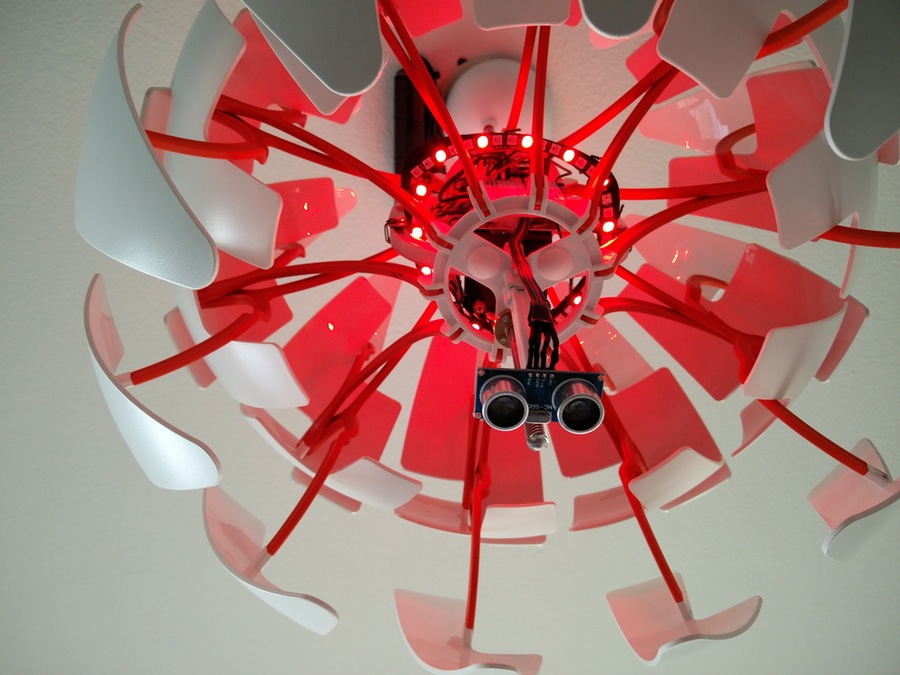
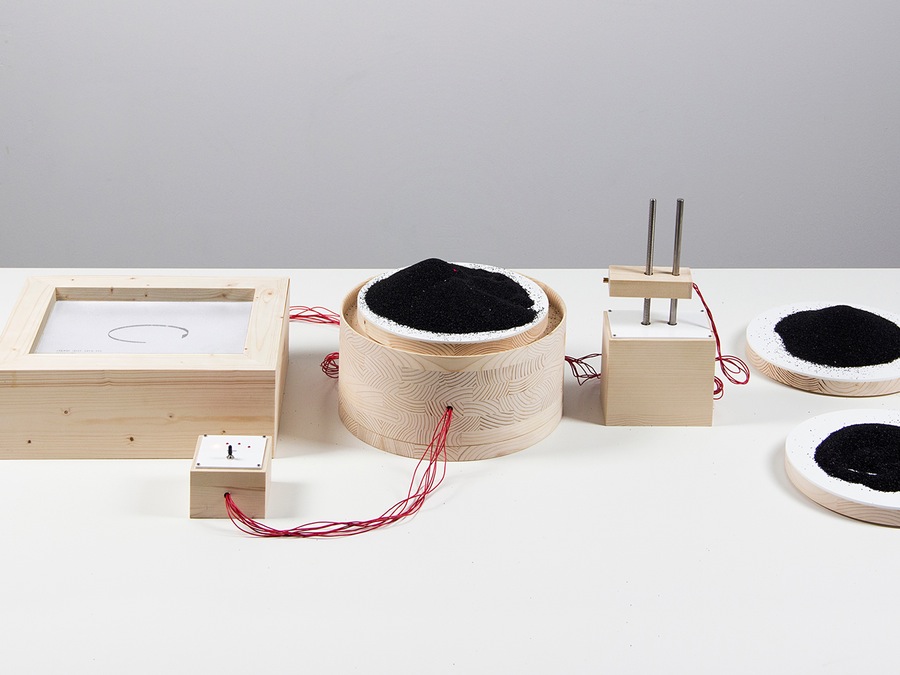
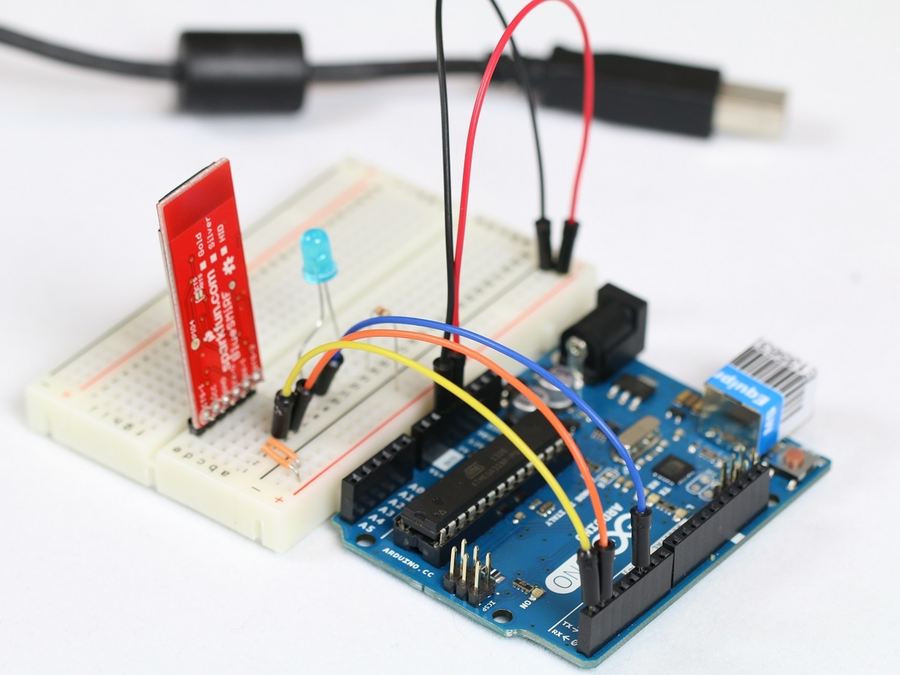
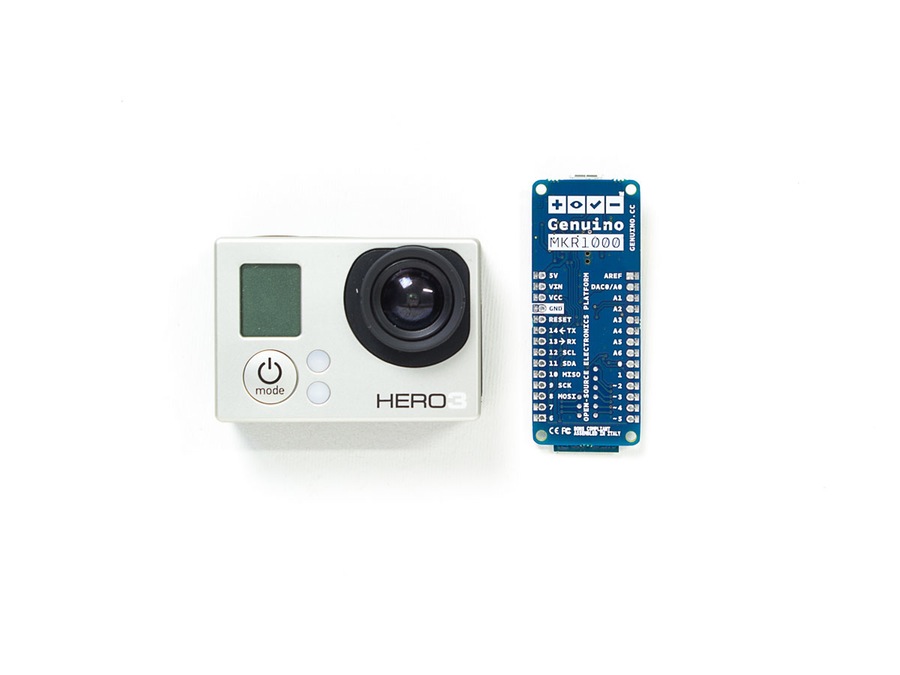
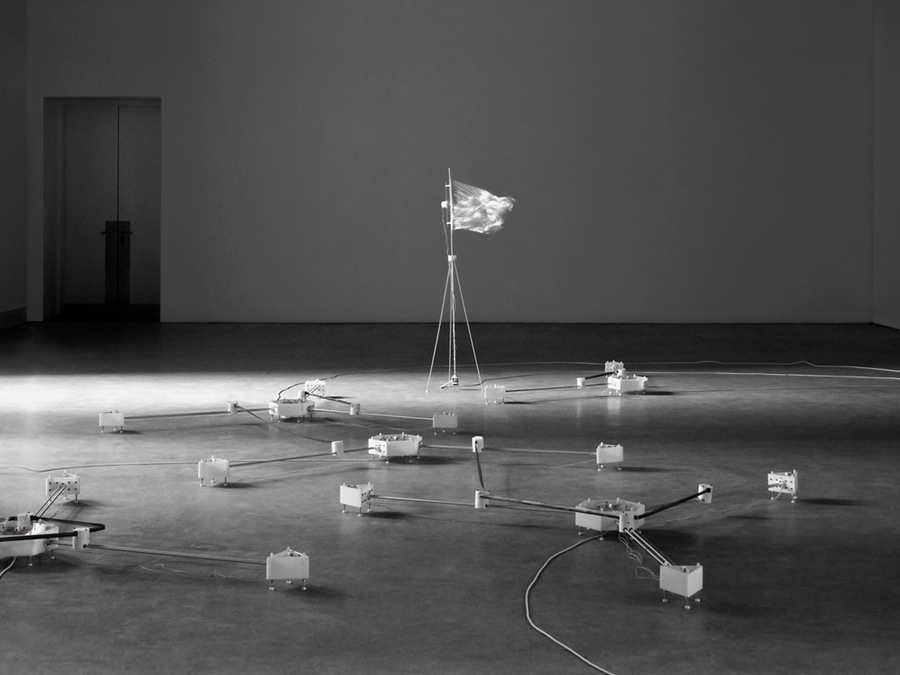
This should be your nicest picture for this project. Make sure it really stands out. We recommend you use natural light (being close to a window makes all the difference), or in a well lit environment.
Please keep it simple! While it might be tempting to add banners or extra text to your image, we recommend avoiding it. Cluttered images are harder for the eye to process.
Your image will be cropped to 4:3 format. 1200x900px or higher recommended.
Here are some Cover Images we love: Vinyl Record Frame Mp3 Player With Screen project, Control and monitor the Digitech Brian May Pedal via phone! or the DART-E.
Embed your code with a link in the Software section
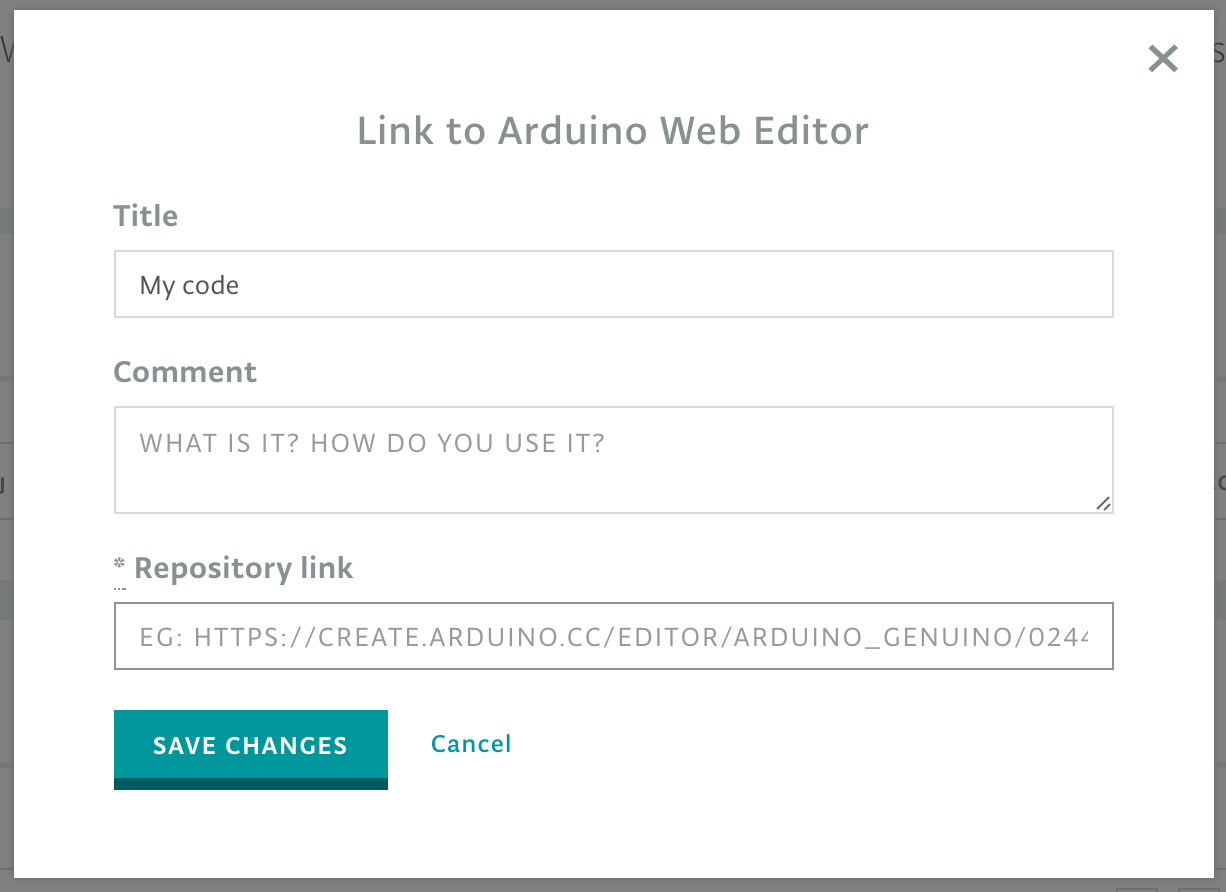
If you have access to the Arduino Web Editor things are really easy! Every sketch you create has a unique URL, similarly to GDocs. If you give the URL to someone, they will be able to see your code , add it to their Sketchbook in the Cloud or download it. Add the link in the Software section, your code will be embedded and will always be up-to-date.
For now the content you submit for publication goes through a manual moderation process, so don't worry if you don't see it published right away. Plus, be sure to fulfill all the content guidelines. As always, if you encounter a bug or you want to share an idea, please write us on the Forum .
Thanks again for all your contributions and we look forward to seeing all your amazing projects! So what are you waiting for? Get started !
EXPANDED TECHNICAL DETAILS
Documentation and Ecosystem Engineering
This project provides a meta-guide on how to effectively share and document open-source hardware projects for a global audience.
- Metadata Optimization: Explains how to select effective Tags and Categories to ensure your project is discoverable by the right engineers. It highlights the importance of creating a clear, concise "Bill of Materials" (BOM) for reproducibility.
- Visual Storytelling: Focuses on the integration of high-resolution breadboard diagrams (using Fritzing) and narrated video demonstrations, which are essential for community verification and "Certified" project status.
Technical Standards
- Firmware Portability: Includes tips for writing "Clean" code—specifically using comments for pin-mapping and library dependencies—making it easy for others to port your project to different Arduino boards.