For the last 2 1/2 months I've been learning Arduino. After practicing some RTC, LCD and Temperature and Humidity projects I was eager to make my first build. I guess we have all been there at some point! That's where I am. As a result of all the projects here and tutorials on YouTube I was ready to give a basic Lego clock a go. I know its been done and overdone, but I like Arduino and I like Legos, so why not?!
LEGO-ARDUINO CLOCK
Legos and Arduino-A perfect combination
WHAT I DISCOVERED
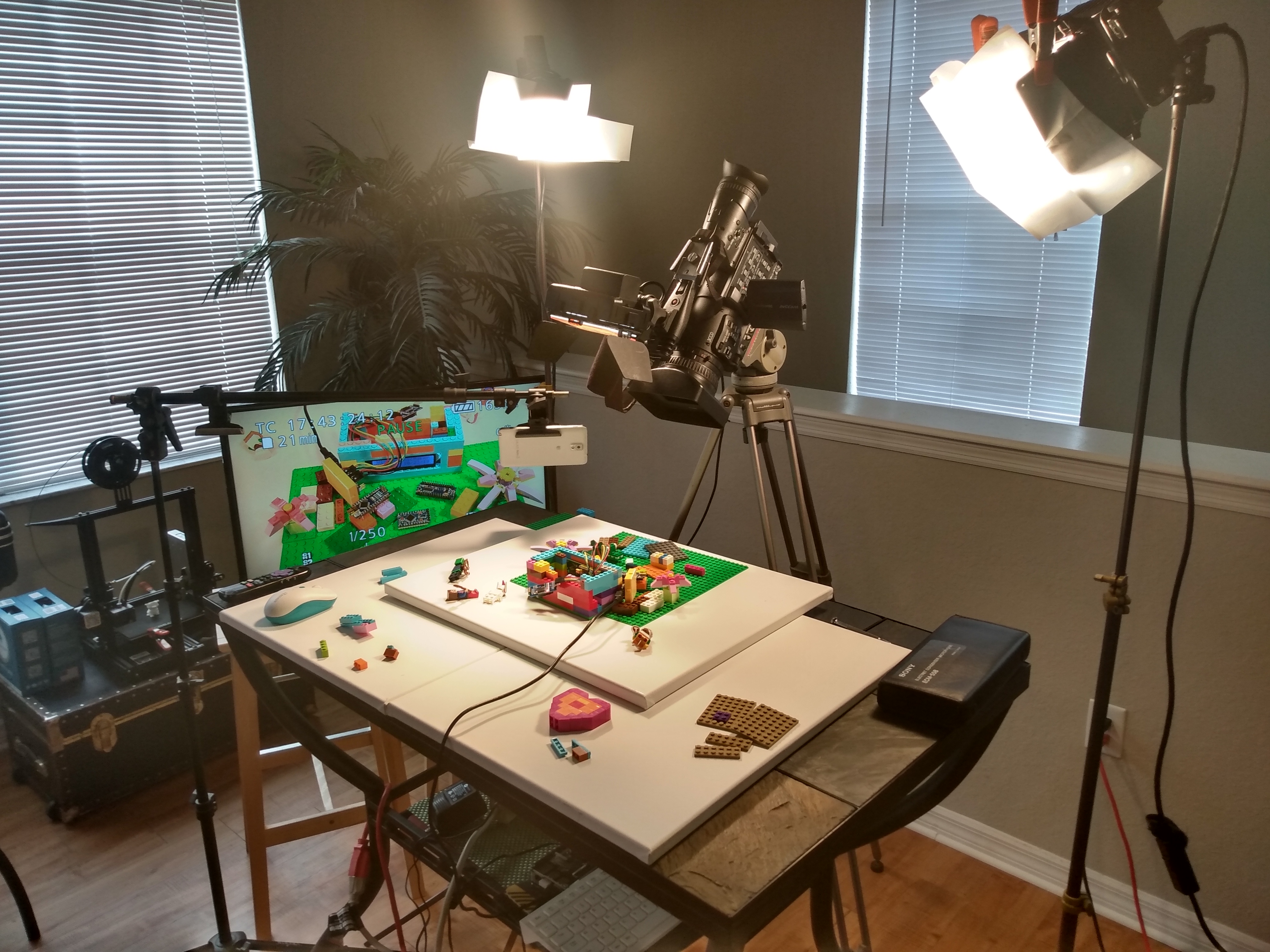
As I began preparing to build this Lego clock today I realized how practical it was to use Legos for an Arduino project. It's a great way to prototype!
SETUP

EXPANDED TECHNICAL DETAILS
Kinetic Brick Chronometry
This creative project combines the modularity of LEGO bricks with high-precision timekeeping hardware to create a unique desk clock.
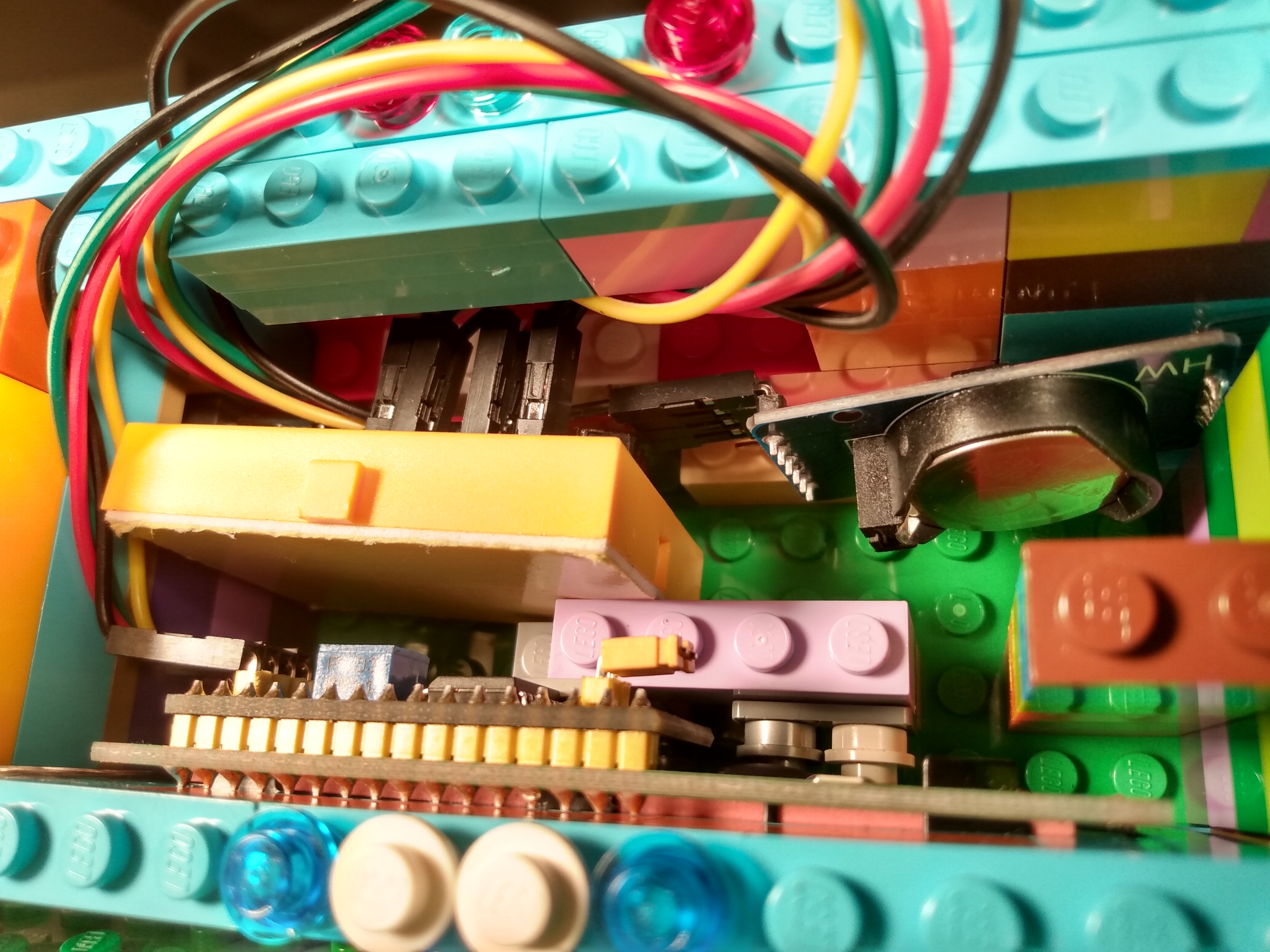
- I2C RTC Integration: Uses the DS3231 Real-Time Clock module. This module provides temperature-compensated timekeeping, ensuring the clock remains accurate to within seconds per year.
- Integrated LCD Dashboard: Captures the time data via the I2C bus and renders it on a 16x2 LCD. The firmware includes a "Blinking Colon" animation to indicate active seconds.
Design
- Mechanical LEGO Integration: The electronics are designed to slide into a custom-built LEGO frame, protecting the wires while providing a playful, modular aesthetic that can be easily customized.