Hi there!
My name is Jack Daly and I'm a 20-year-old Maker, Student and founder of Microcade! If you love what you see here and want to grab a kit, check out the playmicrocade.com website and you'll find out how you can make your very own console! As always, if you have any questions, please don't hesitate to get in contact - I'm here to help!
Best regards,
Jack!
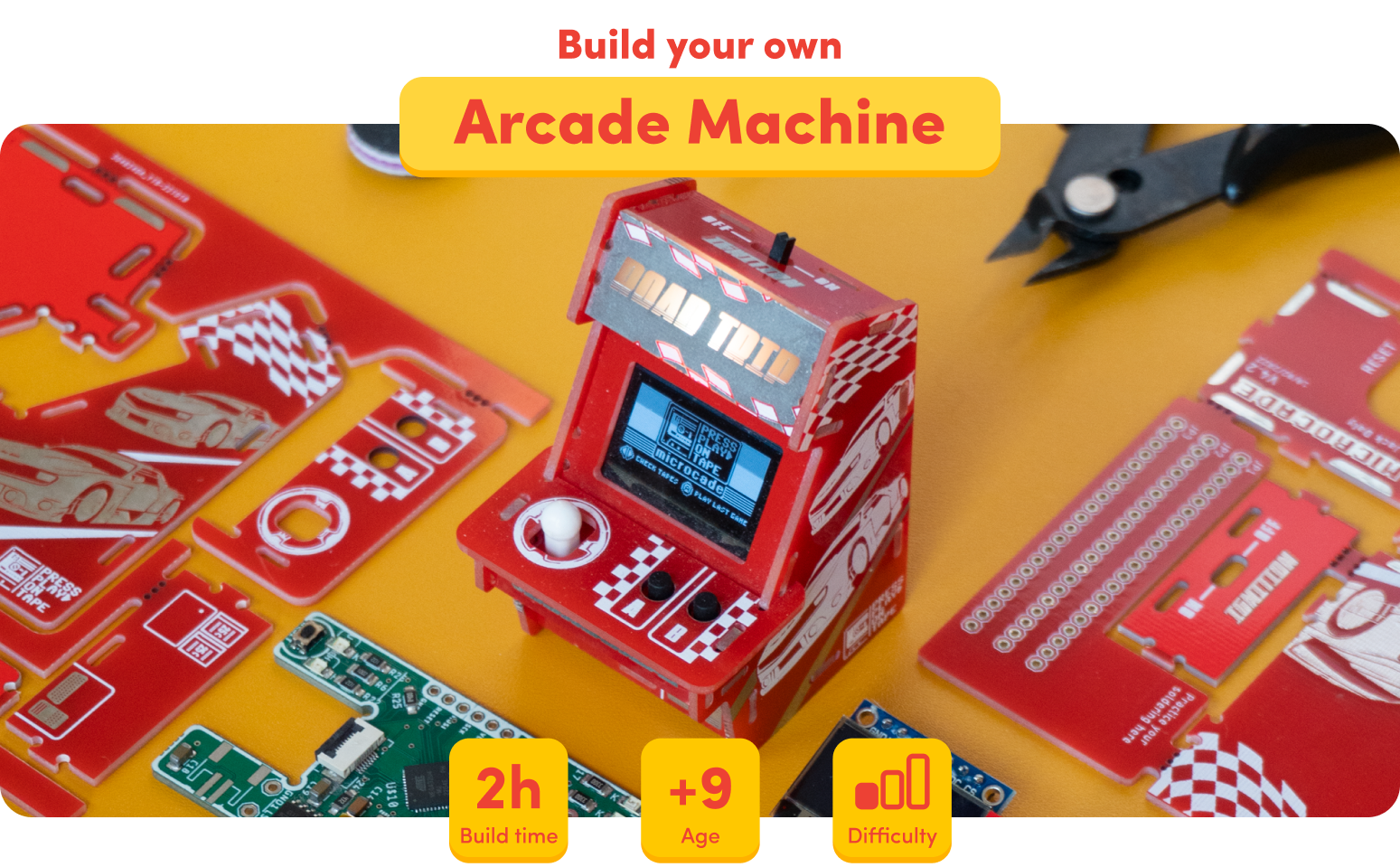
Microcade is a 100% circuit board game console which comes in a kit so you can learn how to assemble and build your very own console.
So how does it work?
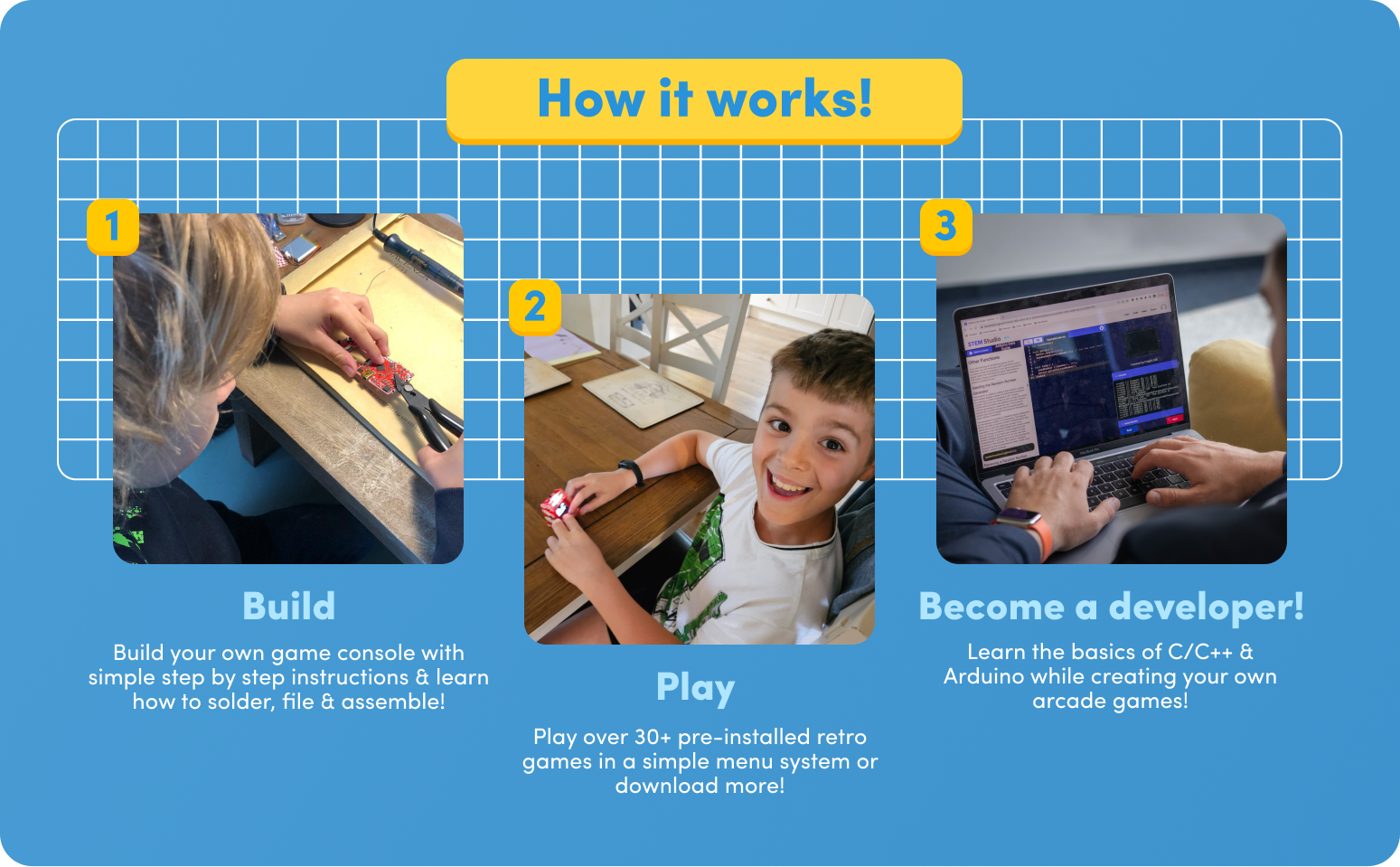
More importantly, how did I make it?
How it was made!
When I finished my A Levels, over the summer, I started playing around with PCBs, what their limitations are and how I can stretch that. Thats when I came up with the first ever prototype for microcade which allowed traces to go from 1 panel in 1 axis, to another in a completely different axis. In this case, it was the motherboard to the control panel, allowing the button inputs to travel across PCB to the processor.
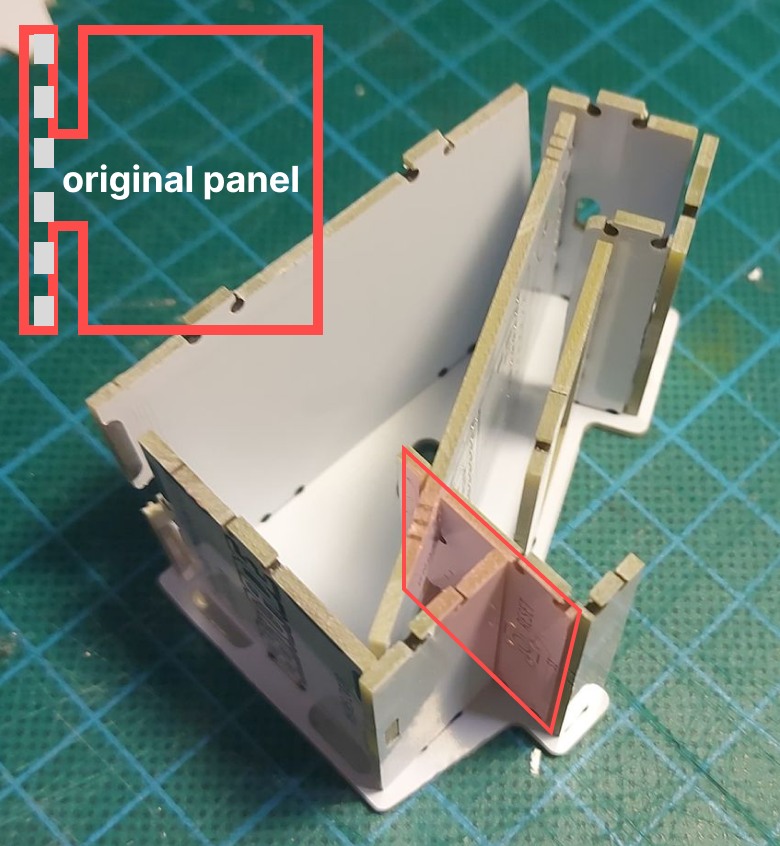
I thought this was awesome and started exploring how I could make the mini console look as close to the real cabinets as possible – and the biggest thing was the art! I started exploring how you can use solder mask, copper, FR4 and silkscreen in combination to create a colour palette of 5 colours that can then be used to create art. This led to the creation of the space invader cabinet. For obvious reasons, this is not for sale due to copyright however, I am trying to get the license as I think it would be awesome to have the original art on the microcade!
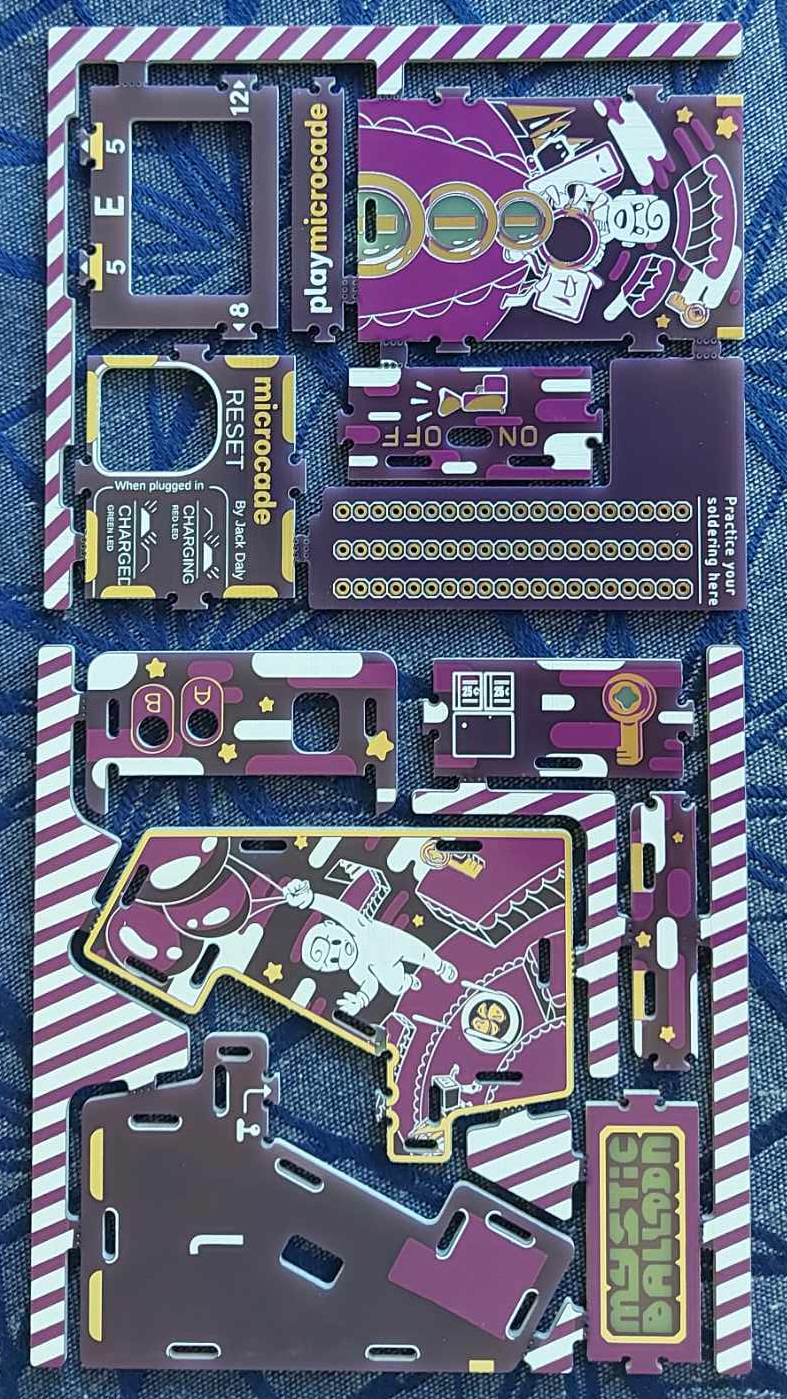
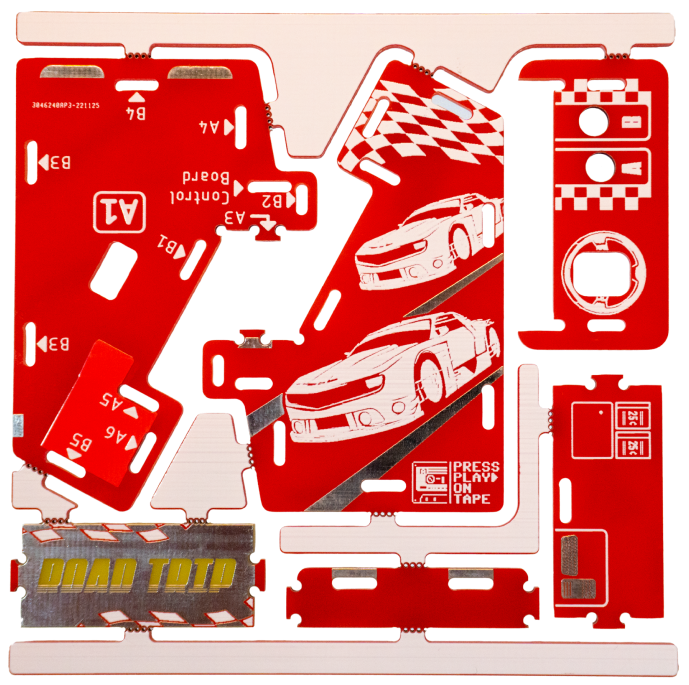
Art is such a big aspect of microcade that we even have our own Artist Handbook that goes over everything an artist would need to know if they were designing for the microcade. Everything from what PCB art is, the available colour palettes available to how to create custom splash screens for the menu system – it truly is 100% customizable.
In light of this, the first console needed to reflect that. I reached out to 2 members of the Arduboy community called Filmote, an Australian software developer, & Vamprics, a Canadian graphic designer, who created Press Play On Tape (PPOT). Together they have coded over 35 titles for the Arduboy platform as well as 23 for pokitto. To celebrate this, I decided to reach out to them and create the Road Trip edition. It took one of their popular games, Road Trip, and allowed Vamprics to create awesome themed panel art as well as collate their 35 titles into the PPOT game cart allowing you to play all of their great titles on the Road Trip.
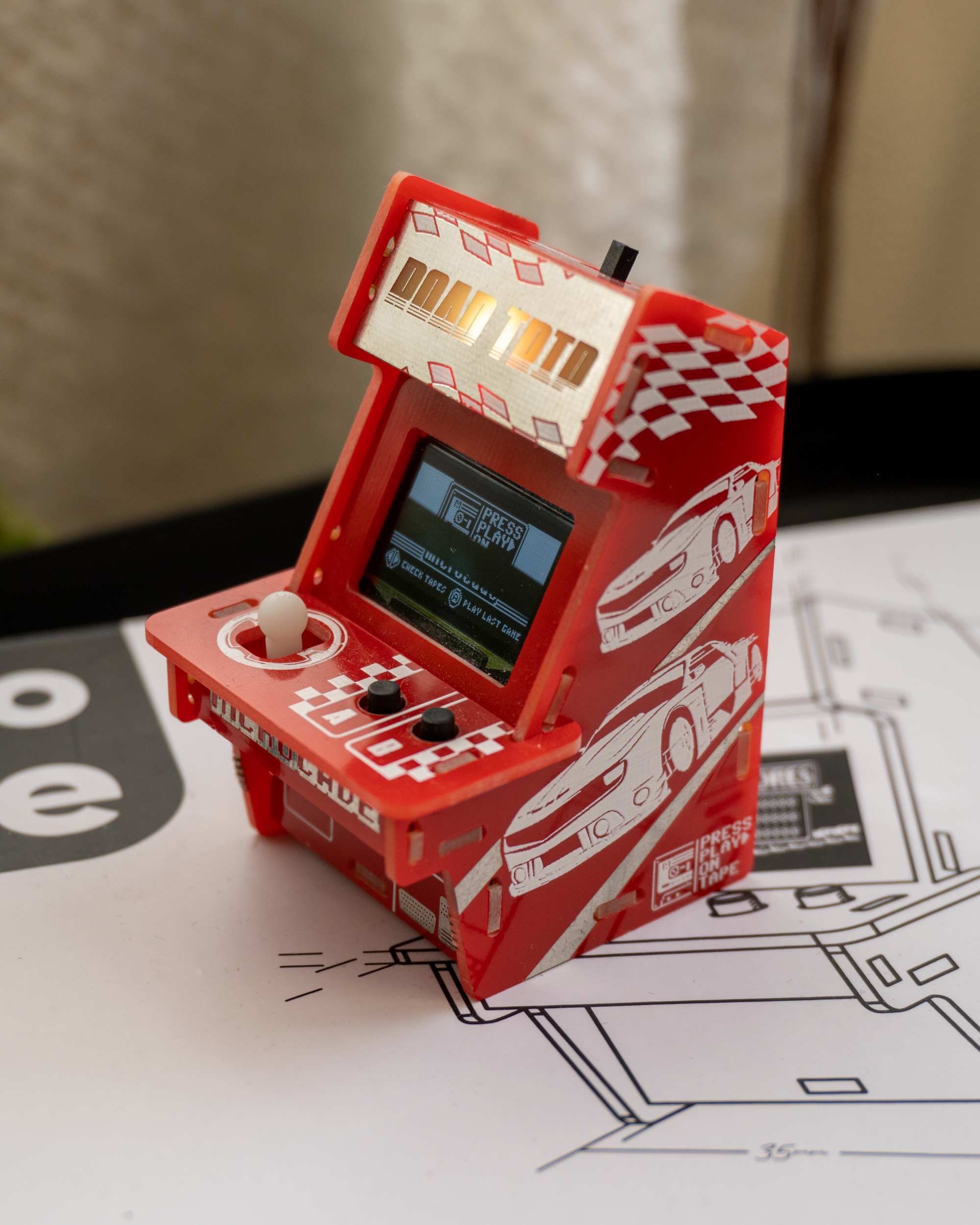
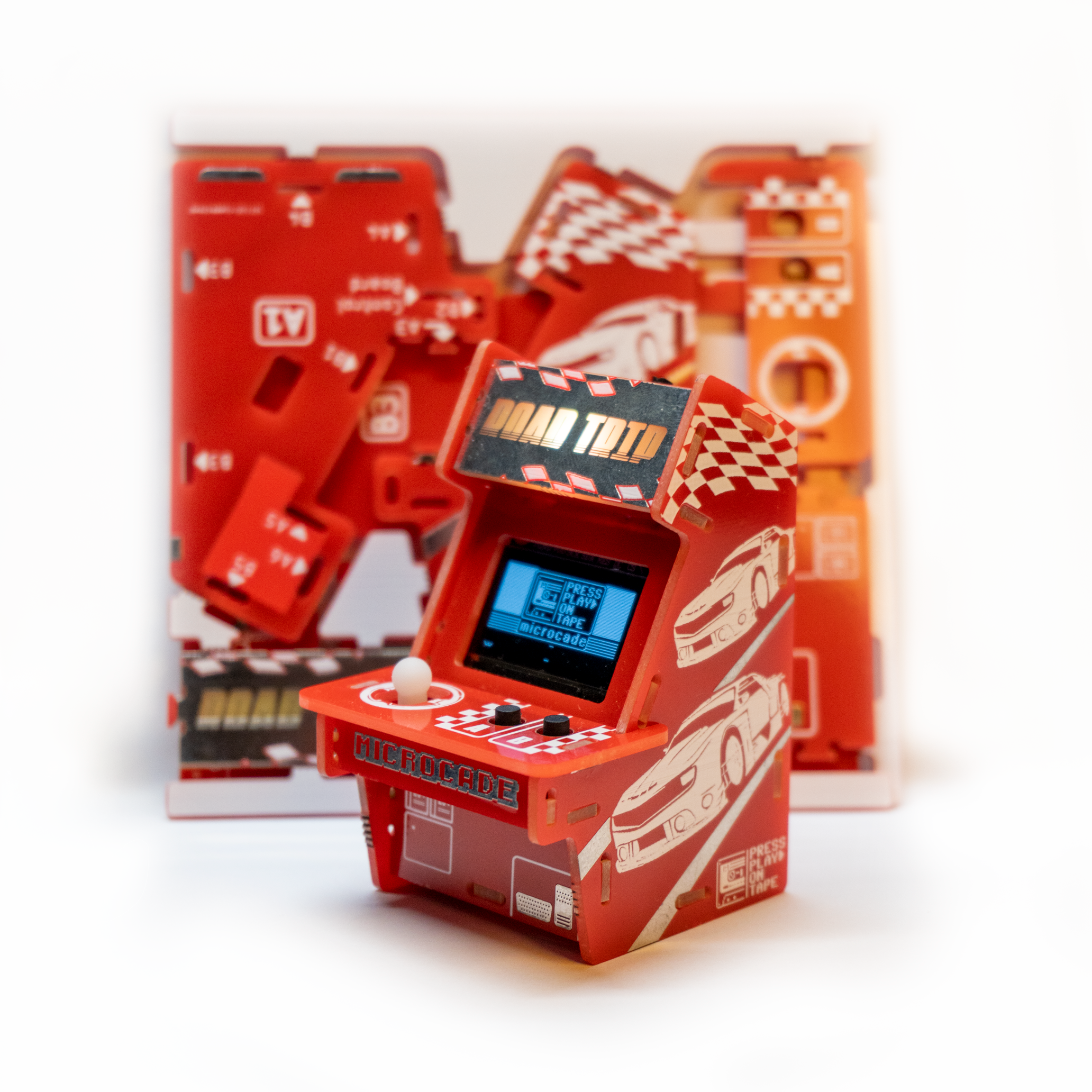
For me, it was an awesome way to celebrate these two creators and give the fans something tangible to showcase their love for these titles.
In addition, Mstr Blinky, the creator of the homebrew, helped adjust the software to allow for the marque to be lit and to make it much easier to program in Arduino!
Its awesome mentioning all these people that believed in the idea, supported and helped bring it to life.
PCB Engineering: The Custom Microcade
The Microcade is the ultimate graduation project regarding Arduino gaming. Instead of using a messy breadboard with jumping wires, this project requires you to design a custom printed circuit board (PCB) that houses the screen, buttons, battery, and ATmega chip all in one sleek handheld device.
Moving Beyond the Uno Board
To build a professional device, you leave the blue Arduino board behind.
- The Brain: You buy an ATmega328P-PU chip (the black rectangle chip on an Uno) separately.
- The Clock: You solder a 16MHz crystal oscillator alongside it to set its speed.
- The PCB Design: You use software like EasyEDA or KiCad to draw the circuit layout, sending the files to a fab house to get a beautiful custom board printed.
- The Screen: You embed a high-res 1.8" Color TFT screen or a 0.96" OLED directly into your PCB design.
Game Engine Design
The code structure requires building a central Menu Hub to select between installed games (Pong, Snake, Tetris). You have to deeply understand memory constraints (PROGMEM) because loading multiple full-color sprites into a tiny 32KB chip requires massive optimization.
Core Component List
- ATmega328P Chip + 16MHz Crystal.
- 1.8" Color SPI TFT Screen.
- Micro Push Buttons (x5 or x6): The D-Pad and Action buttons.
- TP4056 Lipo Charging Module: To allow the device to run on and recharge a lithium cell battery safely.
- Piezo Buzzer.
Learning to code:
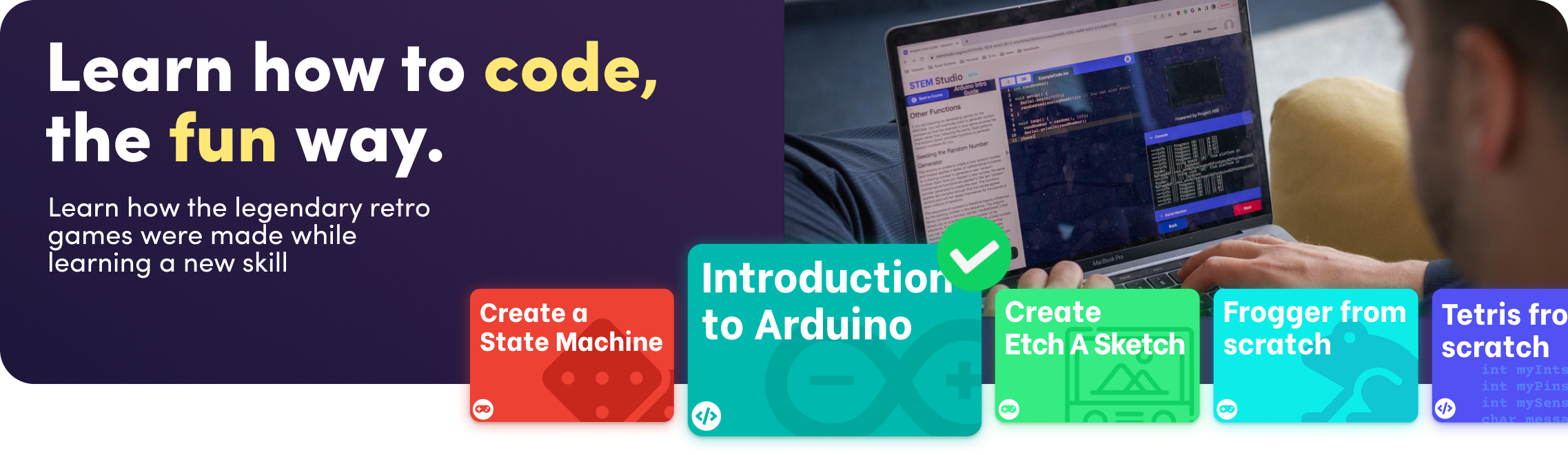
I also worked with an amazing team to create stemstudio.org
A Learning platform around the microcade focused on teaching arduino and programming in a fun, arcade way. Here we have 6 courses, some are focuse don features like a state machine, others are focused on makeing full games. Such as the intro to arduino teaches space invaders or the frogger project!
Im all ears for feedback so please comment below if I've missed anything or what you feel I can add!
You can learn more here: