

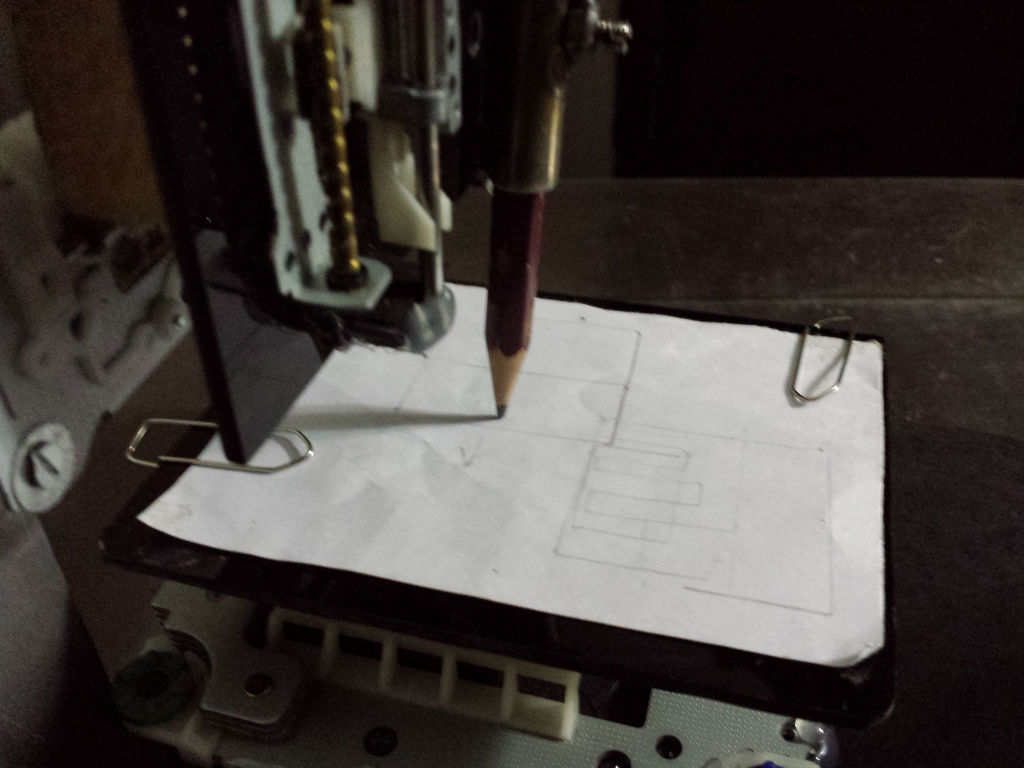
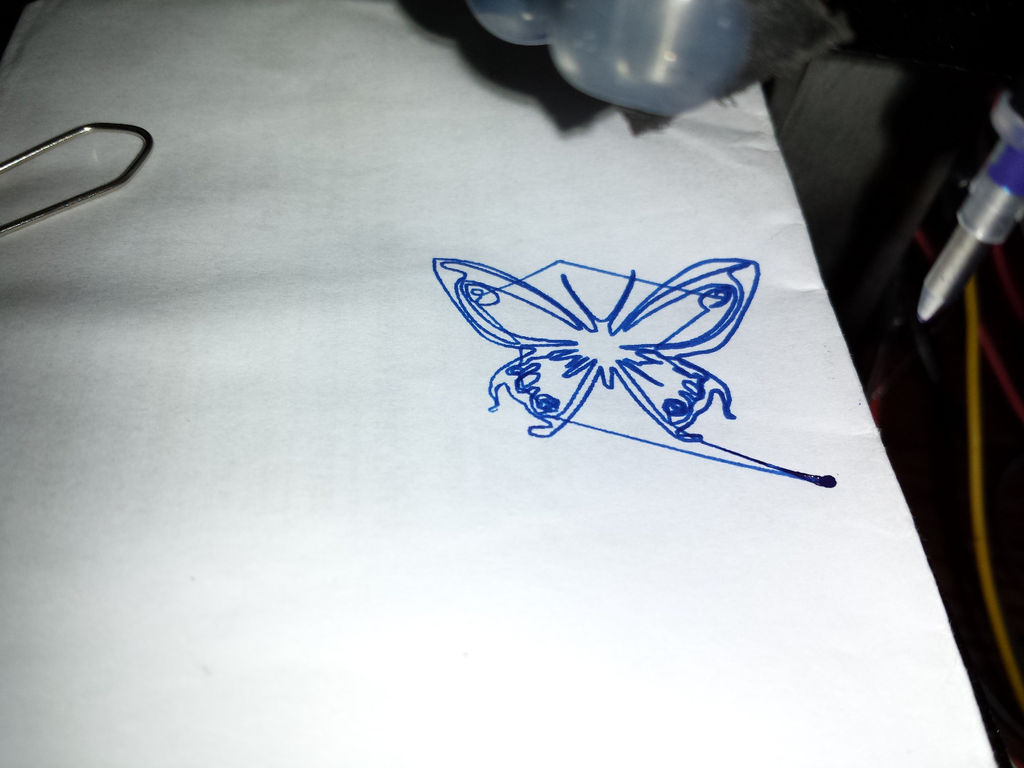
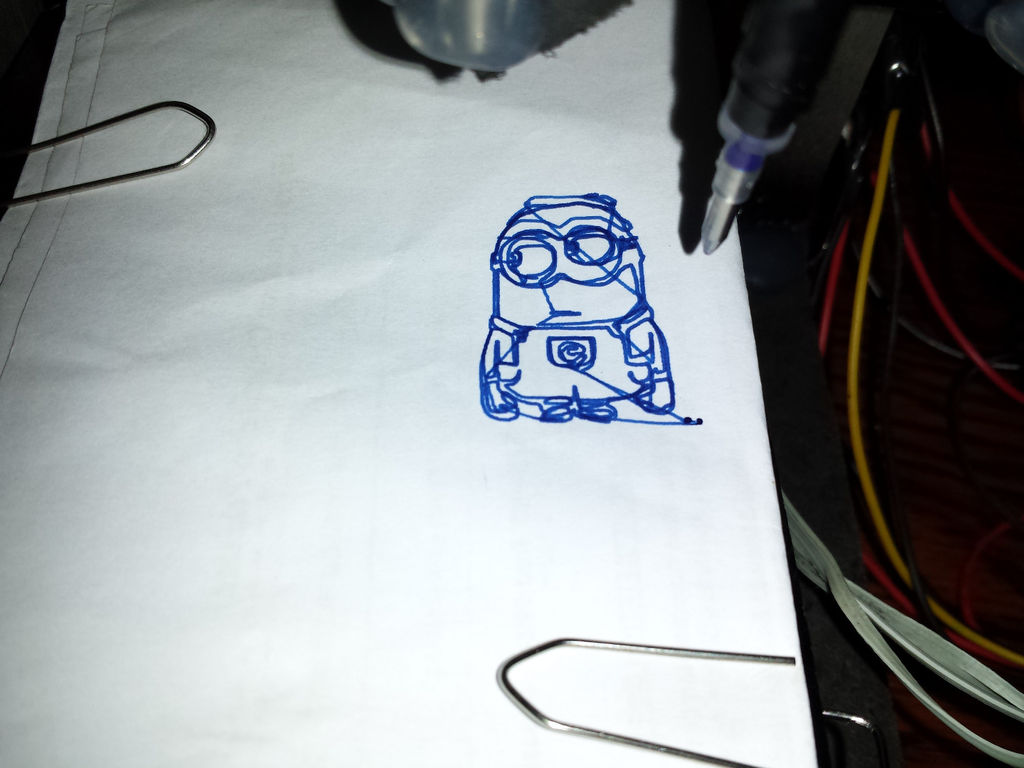
This project shows you how to build a cheap and easy, but very small CNC using Arduino UNO. A commercial CNC costs thousands. The **Mini Arduino CNC**, built from discarded DVD drives, is a gateway into G-Code mathematics and mechanical kinematics. It draws pictures or mills soft materials using a tiny, incredibly accurate computer-controlled chassis.
Step 1: PARTS YOU NEED
For this project you will need:
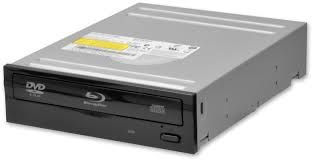
3 x old CD/DVD-Roms
1 x Computer power supply
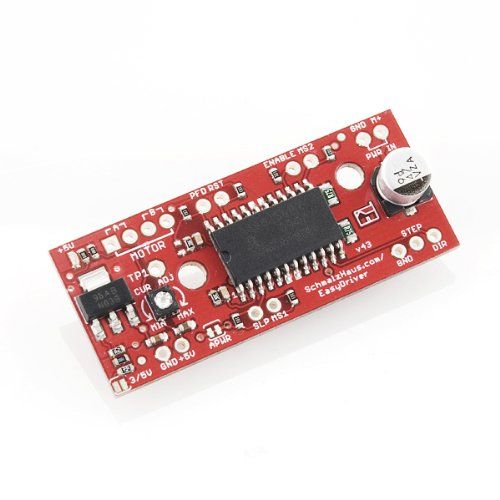
3 x Easydriver boards
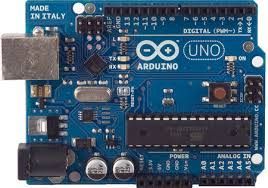
1 x Arduino Uno
2 x pieces of Wood
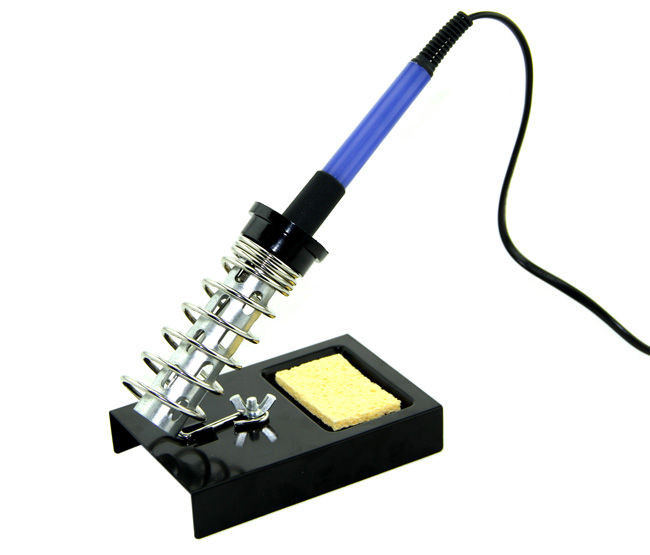
1 x Soldering Iron
1 x Soldering Wire
Scavenging the Necessary Hardware
You will need to gather the following core components:
- Arduino Uno (Loaded with GRBL firmware).
- Stepper Motor Driver Modules (x3) - such as the A4988 or the Easydriver boards mentioned in the parts list.
- Micro Bipolar Stepper motors salvaged from old DVD/CD-ROM "sled" mechanisms (x3).
- A reliable 12V 2A power supply unit, like a repurposed computer power supply.
How to use Inkscape?
There are a lot of videos on you-tube which will guide you to how to use this software and generate Gcodes. For quick guidance see this link. Inkscape and Serial Transfer
Step 2: Using the DVD CD-ROM, get stepper motors
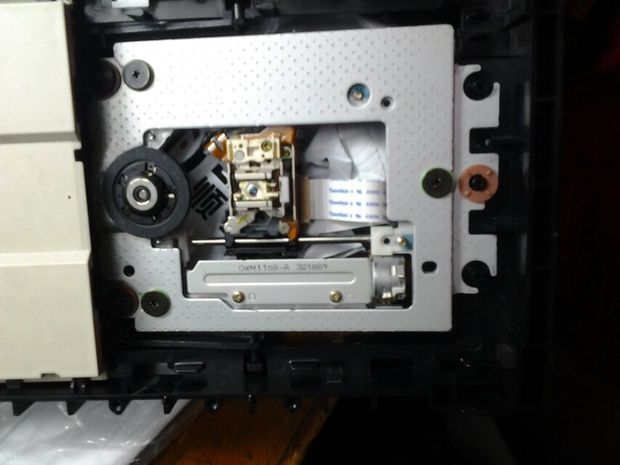

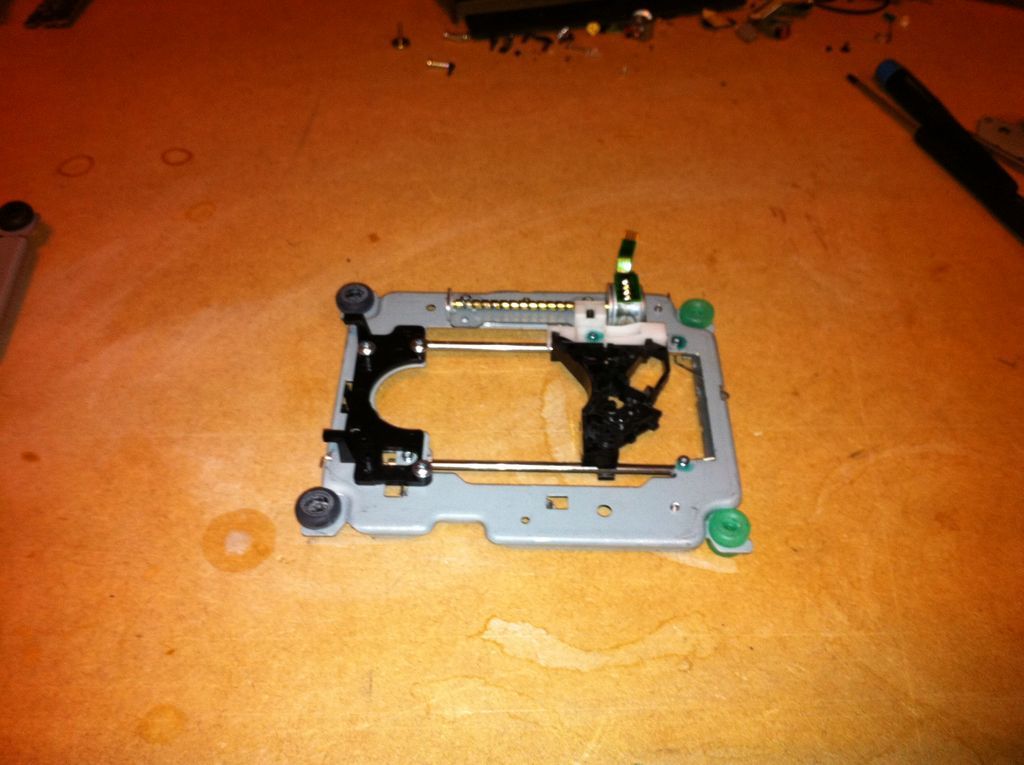
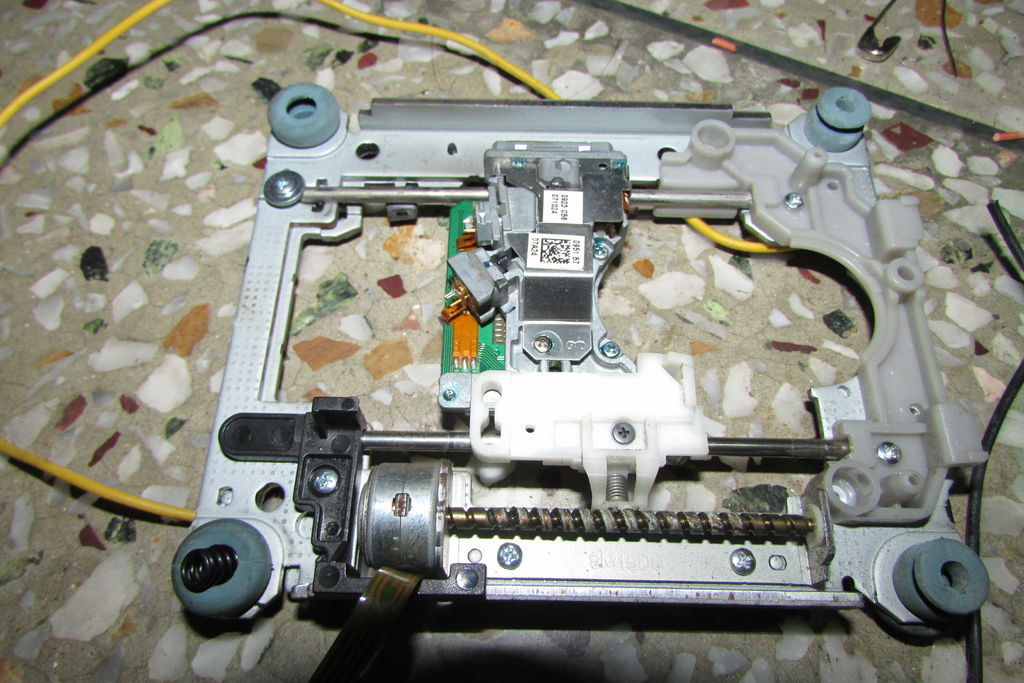
I took three wasted DVD-drives apart because we need the steppers (XYZ axis). Each DVD slider mechanism uses a tiny Bipolar Stepper Motor.
Step 3: Assemble and Build the structure
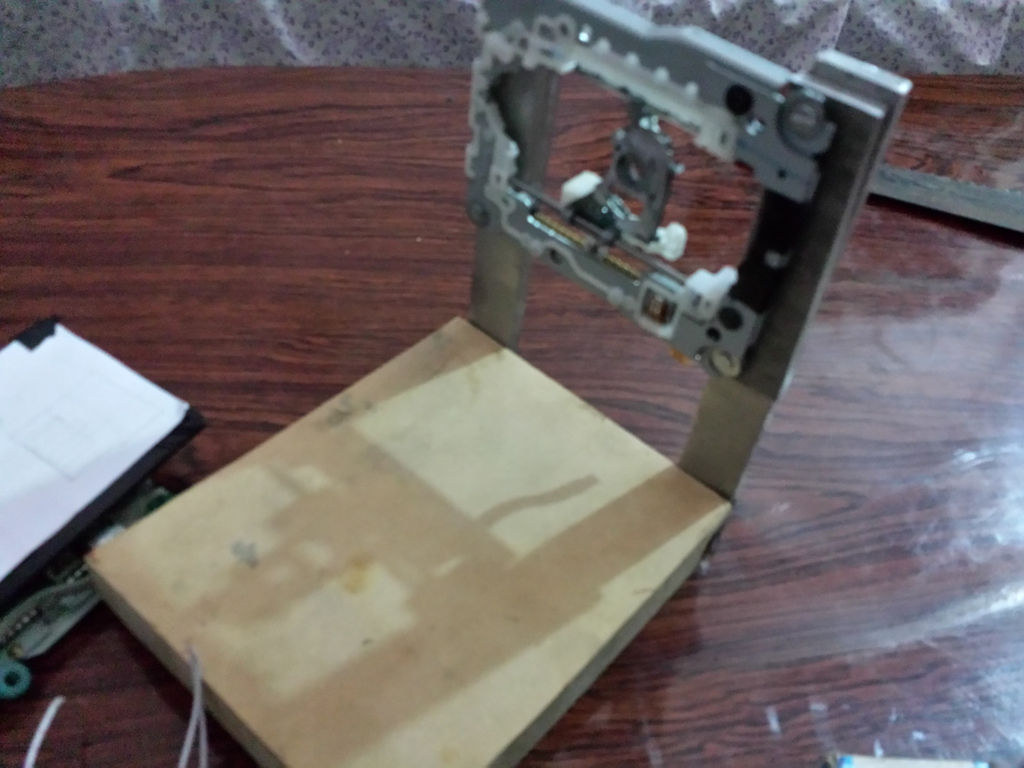
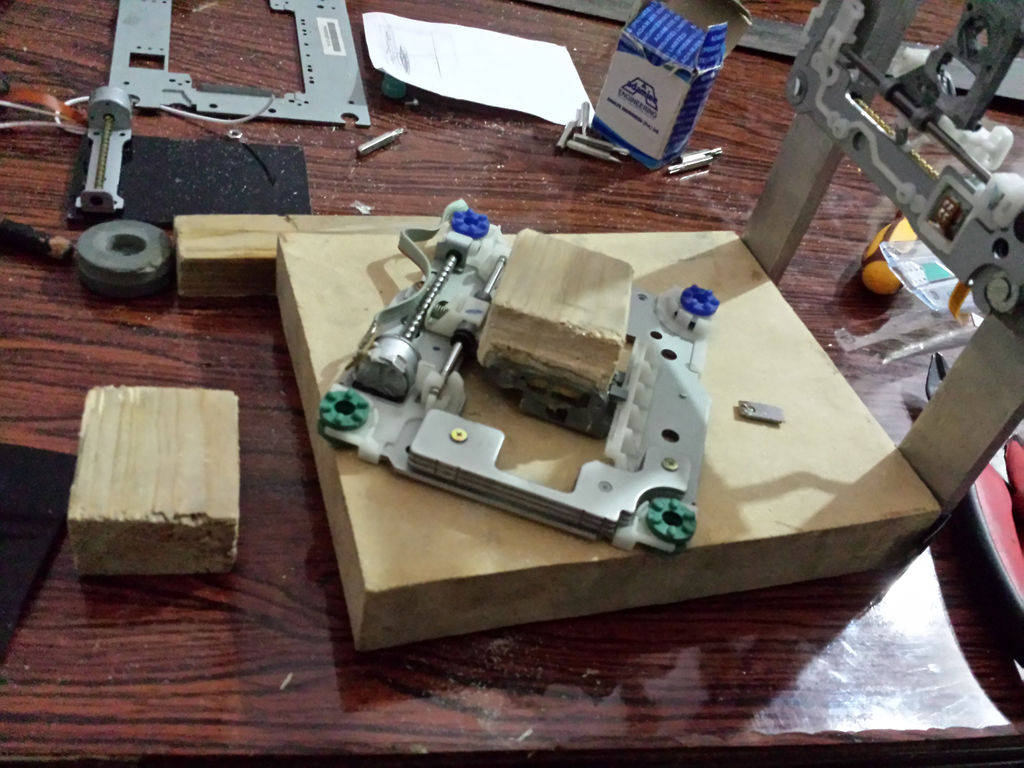
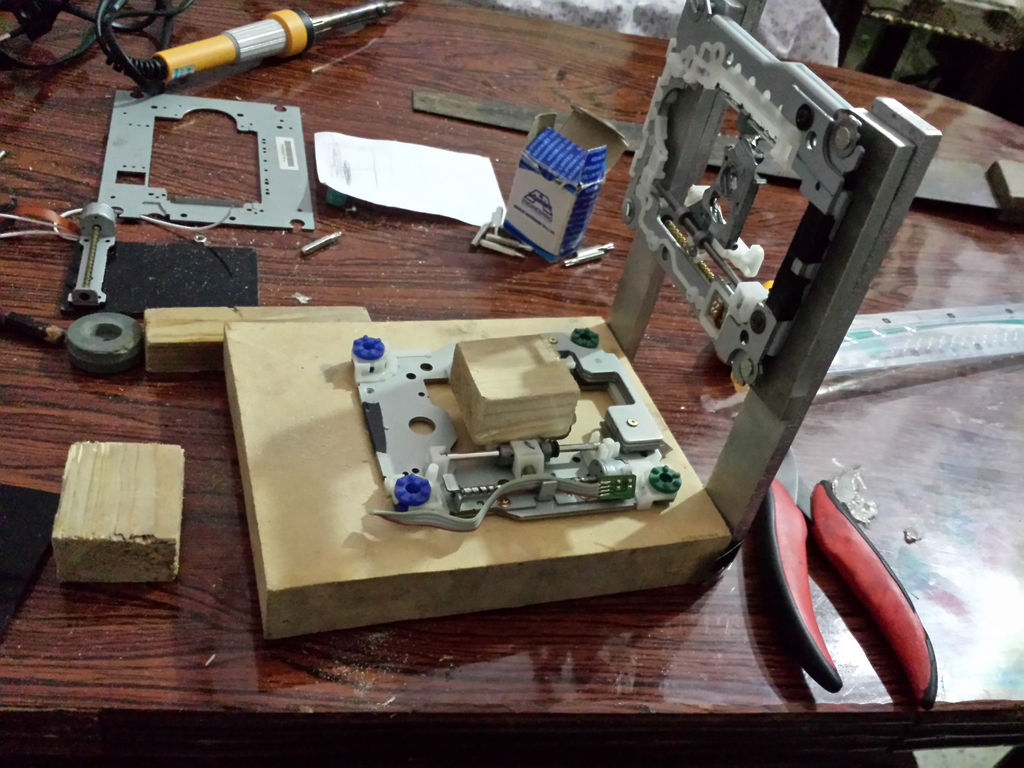
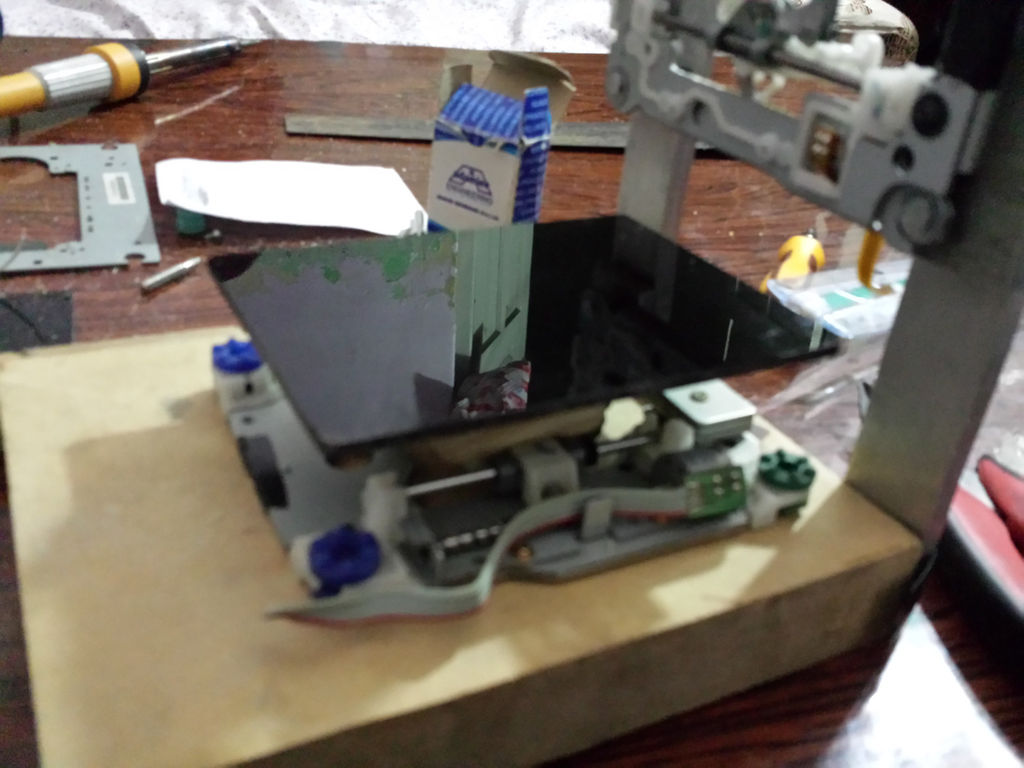
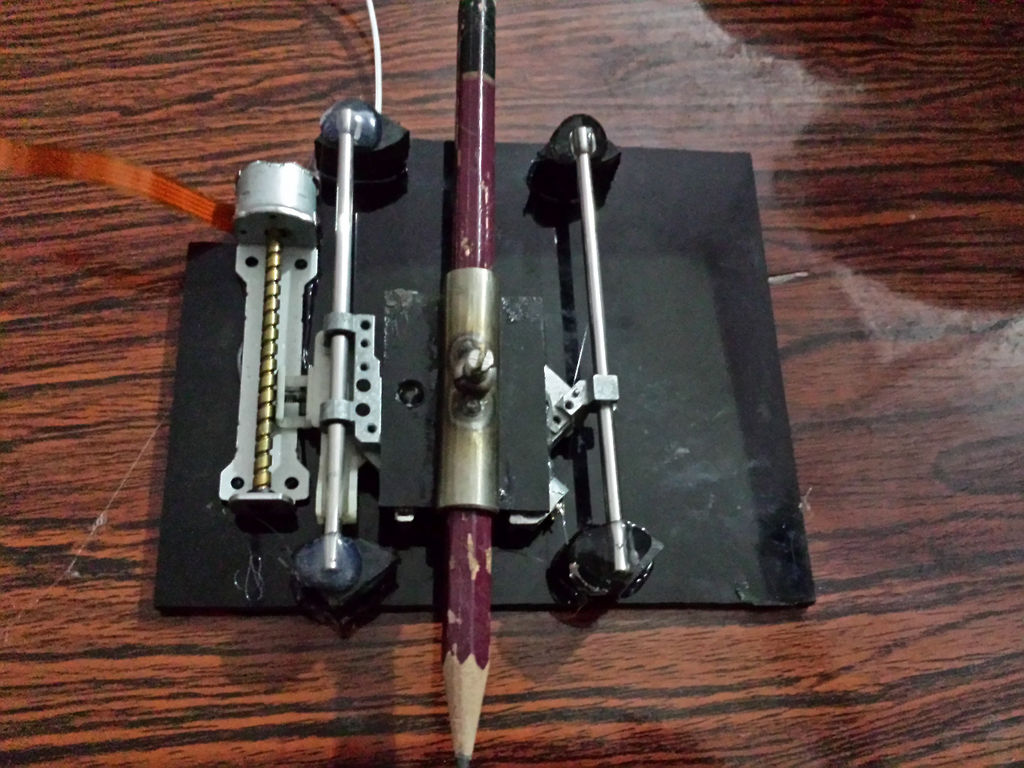
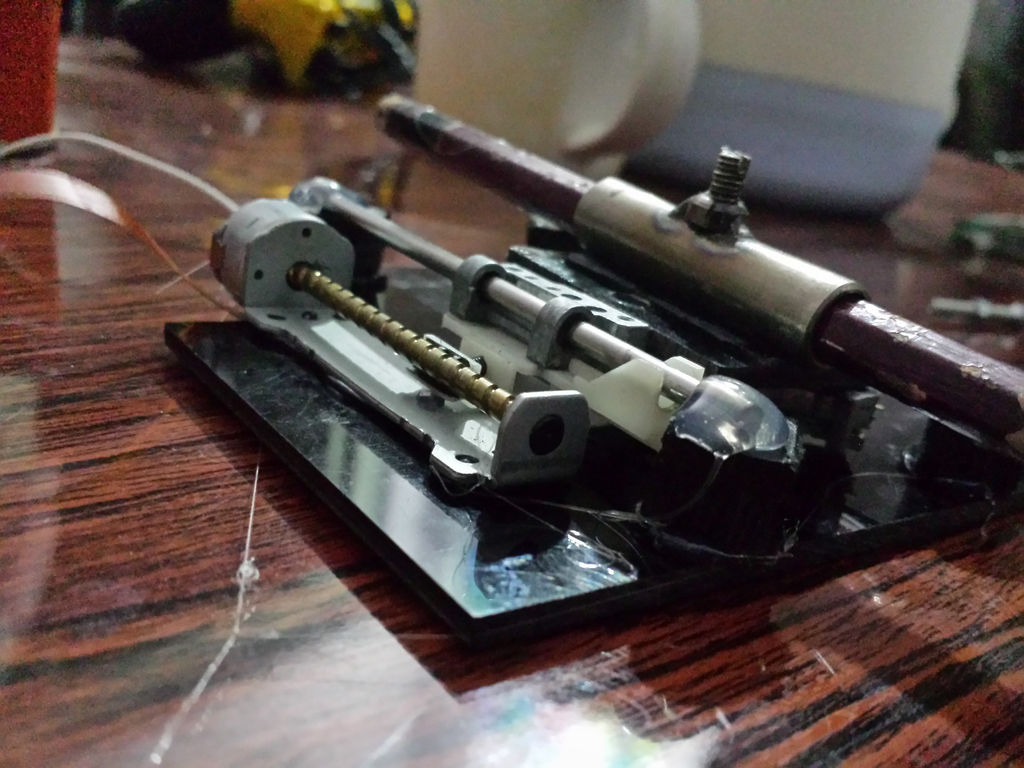
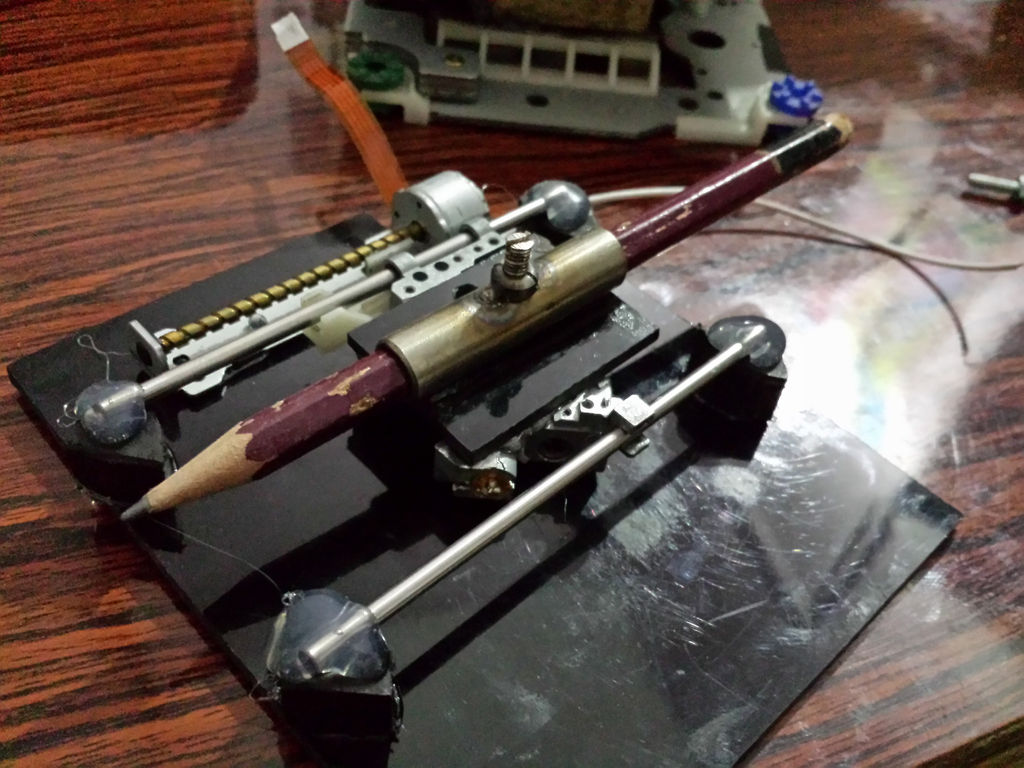
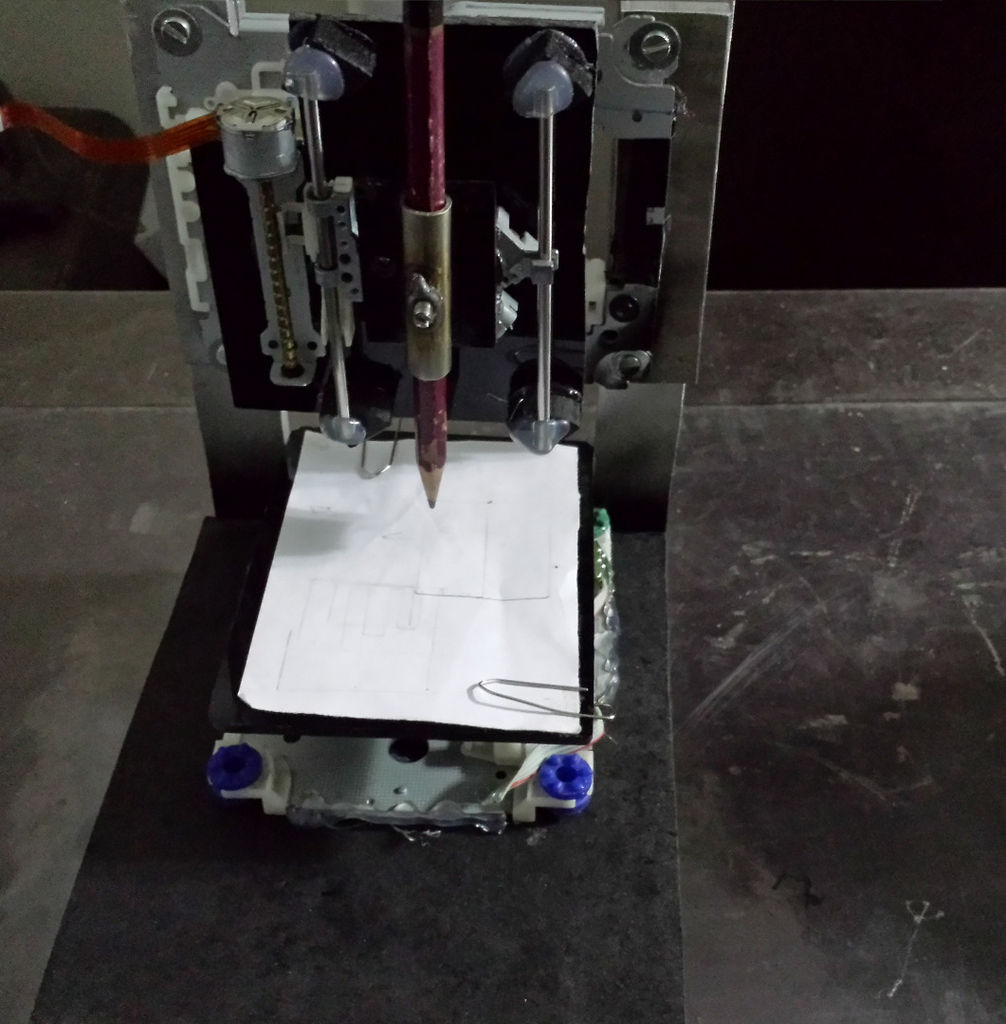
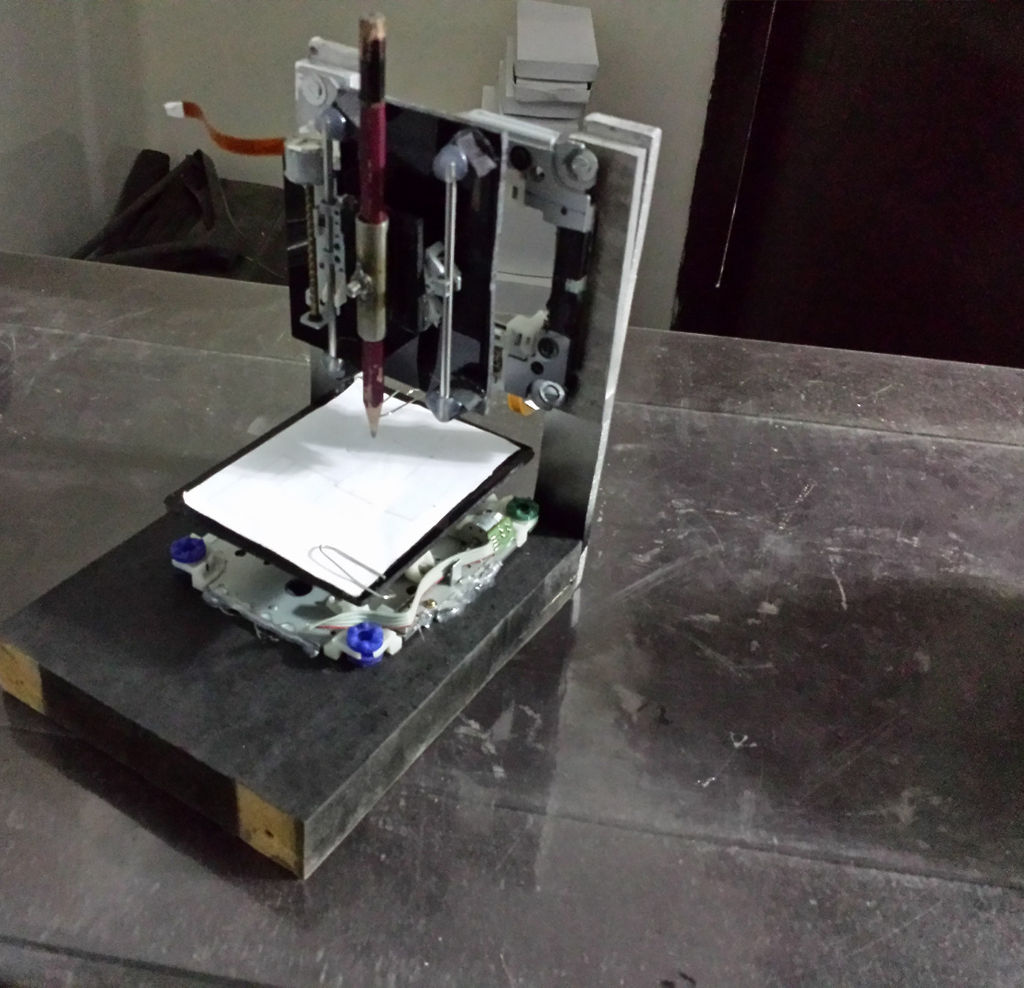
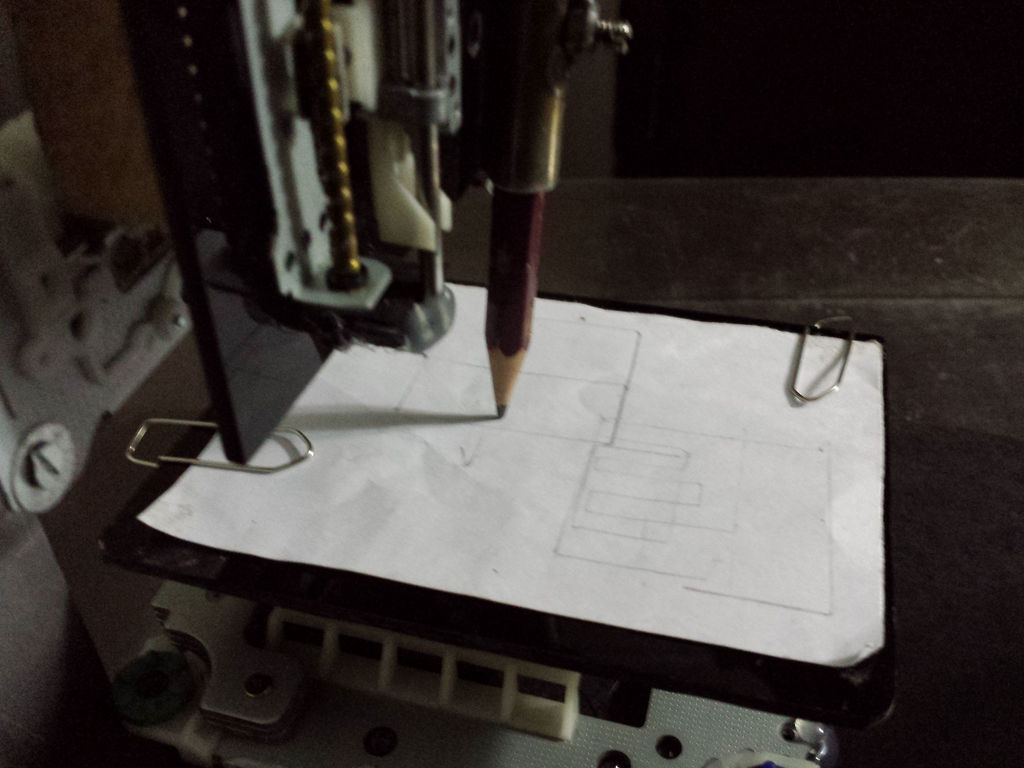
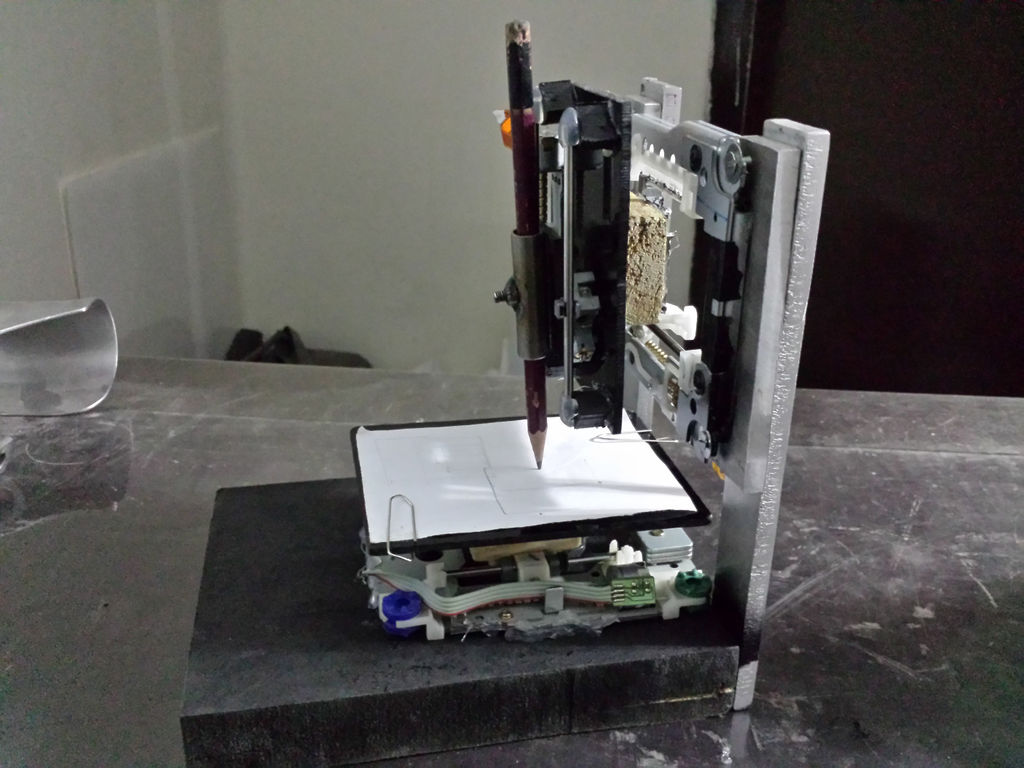
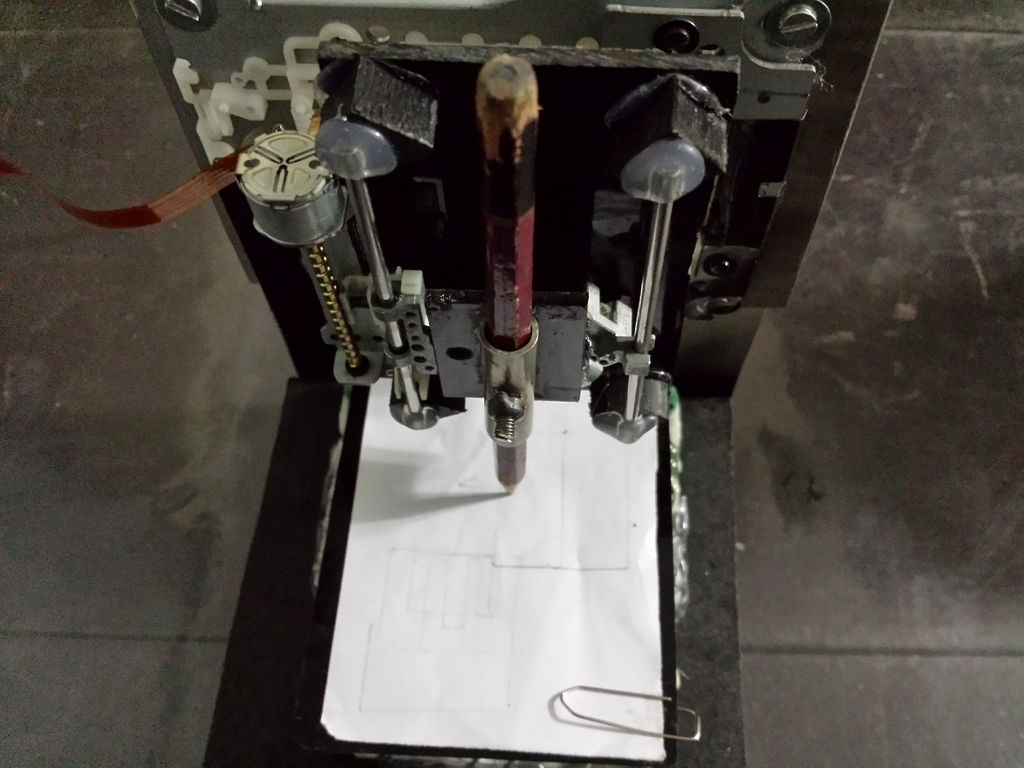
For this part just need a base platform and two pillars. I made the base from wood and pillars are of aluminum. Now simply screw the wooden base withe your Pillars as shown in first Figure.
Place the X axis across the pillars and Y axis onto the wooden base as shown in figures.I used glue to assemble all the axis. Just make sure that all the axis are exactly perpendicular to each other, they must be at right angle.
Step 4: Soldering and wiring

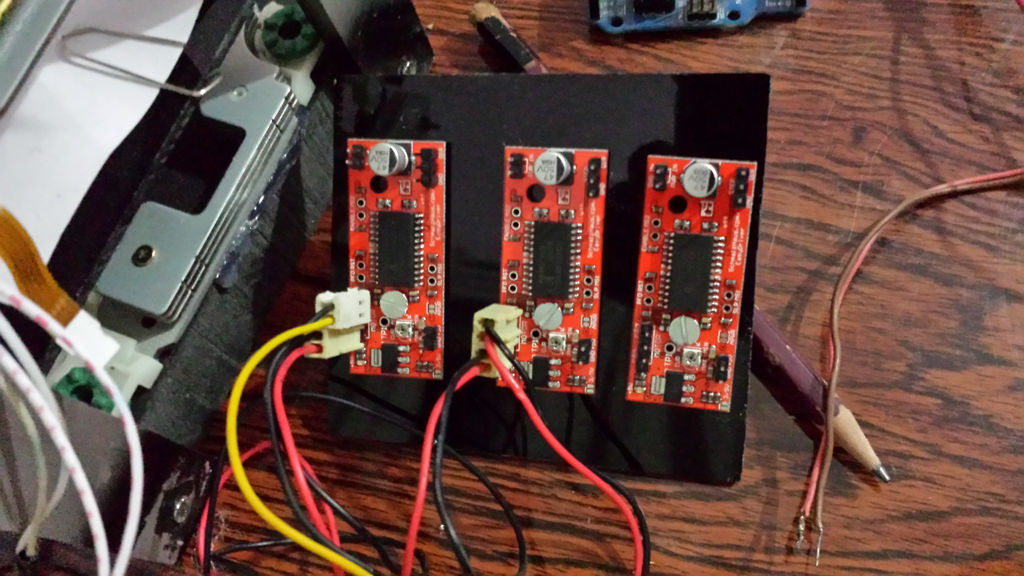
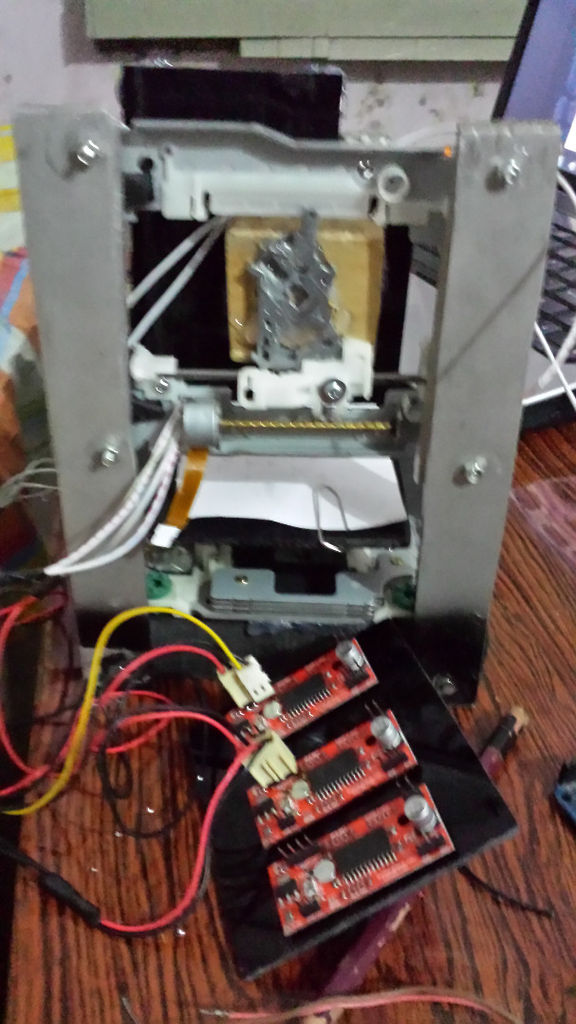
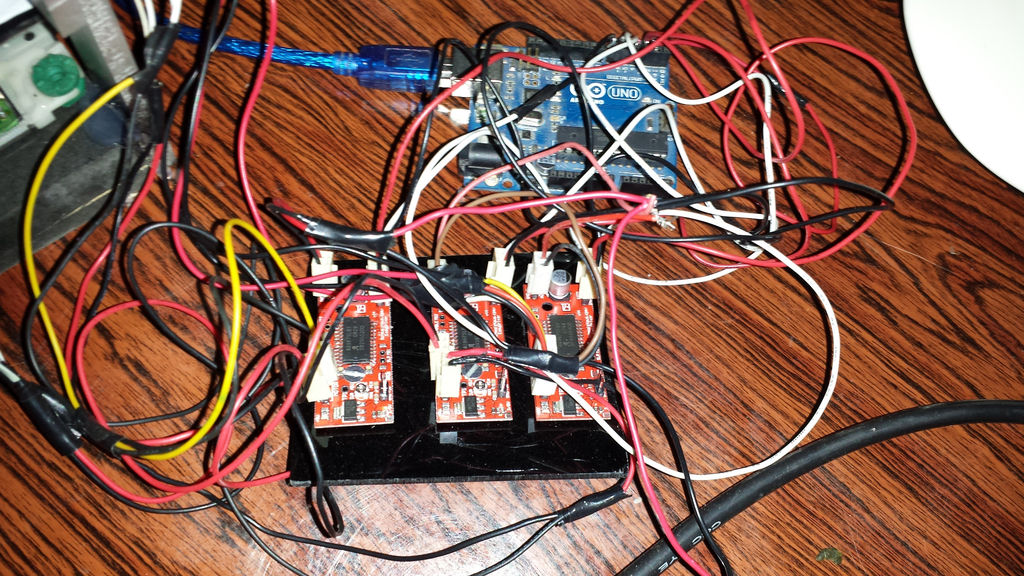
This is also not a very complicated step. You just need to solder wires with your stepper motor. Be careful while soldering and don't use high watt solder as it can burn the wires of stepper, mine was 30W and it was OK. After that, simply sold all the connectors in easydrivers and connect the wires as given in figure.
Step 5: The software

The GRBL Firmware Environment
You do not write `digitalWrite()` code for a CNC machine. The geometric math required to draw a perfect circle on two linear axes simultaneously is far too complex.
- The Flash: You completely erase your Arduino Uno and upload the GRBL Firmware via the IDE. The Uno is now a dedicated, industrial-grade G-Code interpreter.
- The Hardware Hub: While this project uses individual EasyDriver boards, a common alternative is to snap a CNC Shield V3 directly onto the top of the Uno. This board provides organized slots for the massive amperage requirements of the motors.
A4988 Stepper Driver Control
Each DVD slider mechanism uses a tiny Bipolar Stepper Motor.
- You install three stepper motor drivers (like the A4988 or EasyDriver) onto your board (representing X, Y, and Z coordinates).
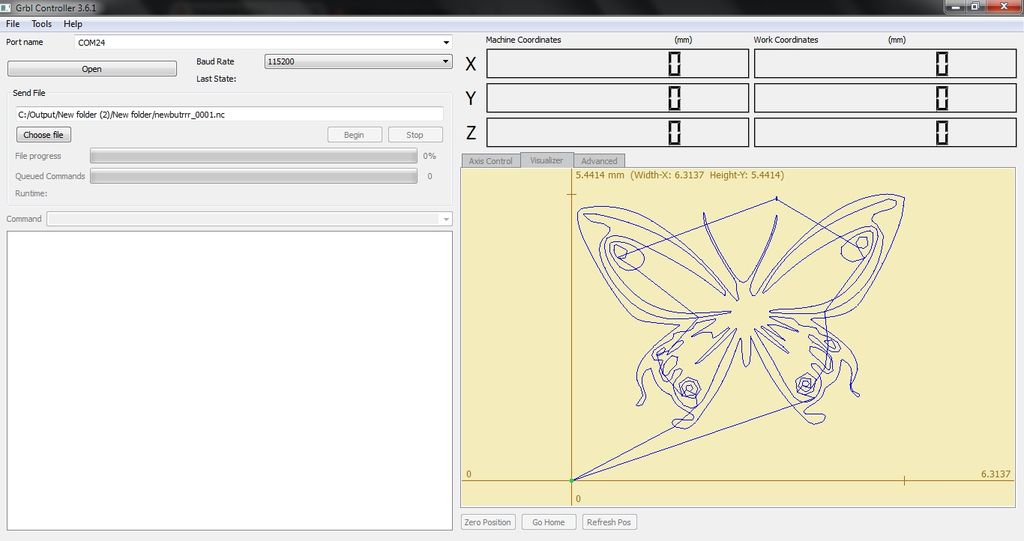
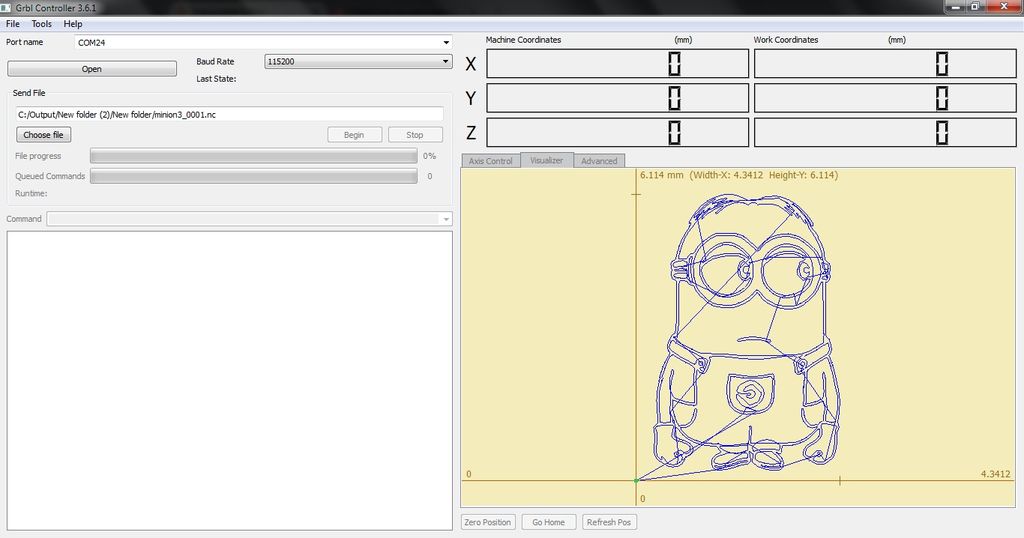
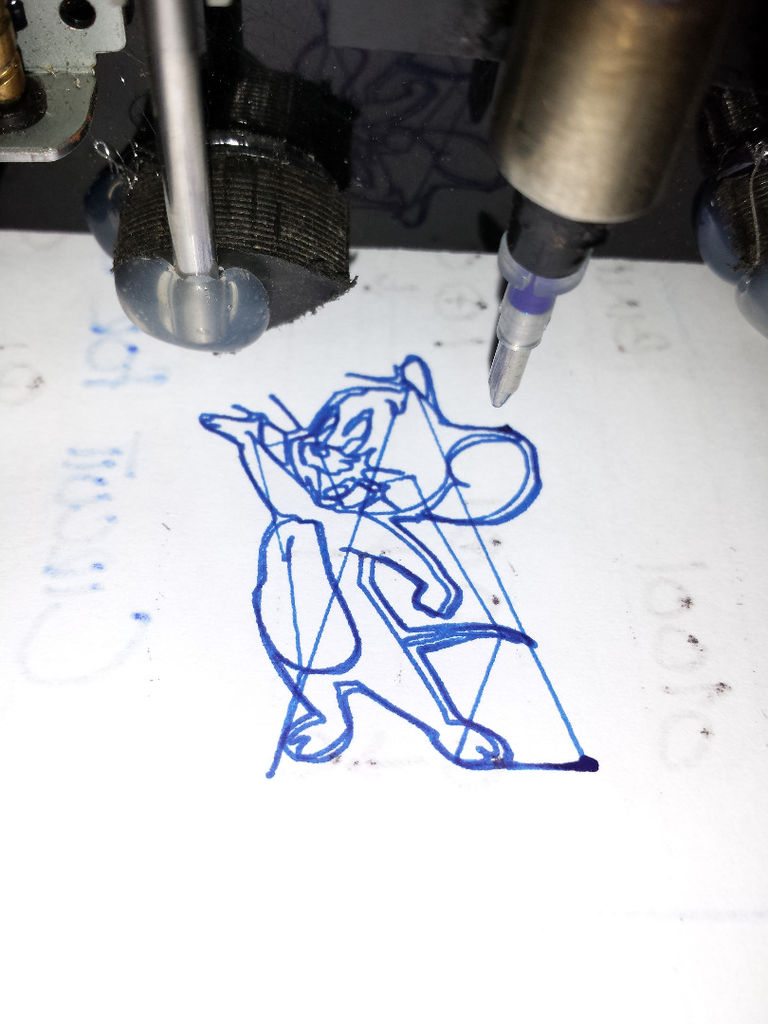
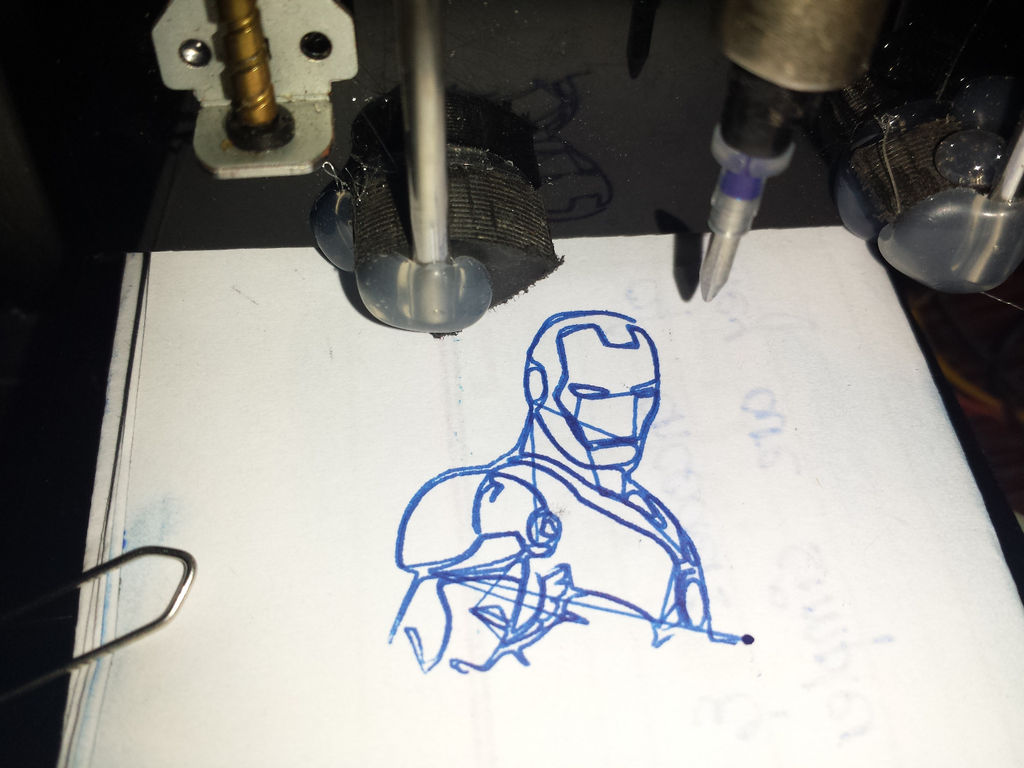
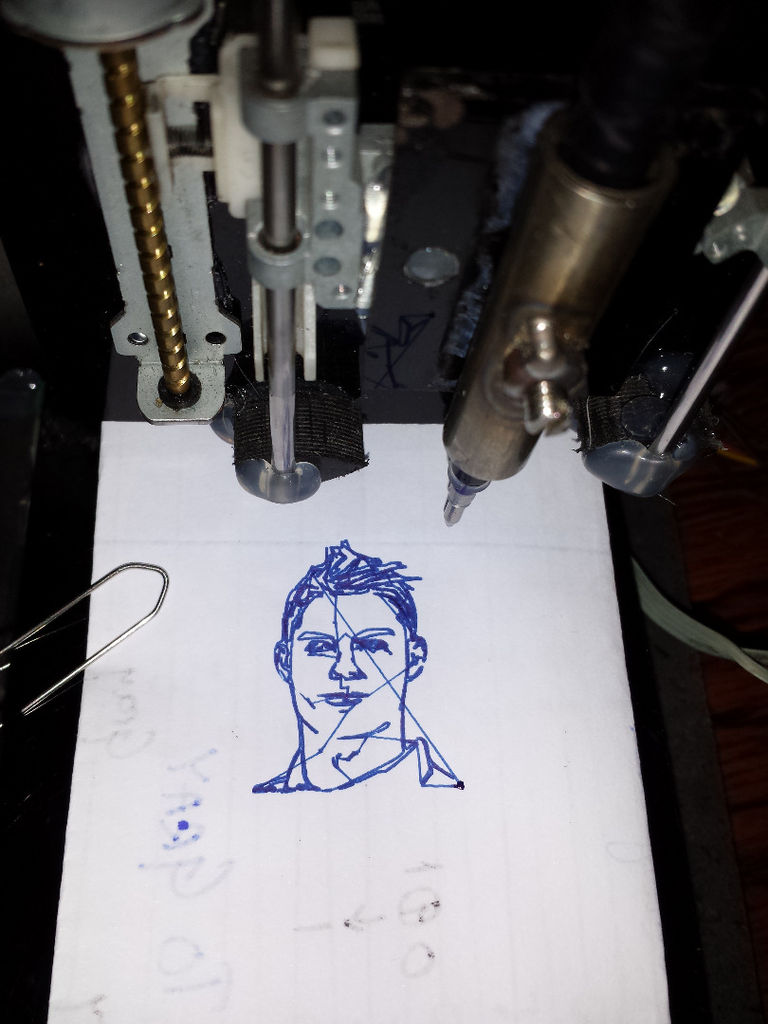
- The PC Software: You use a program like Universal G-Code Sender (UGS) or the Grbl Controller on your PC to load a vector file (e.g., an SVG picture of a star).
- The PC sends raw coordinates like `G01 X50.5 Y25.2` over the USB cable.
- The GRBL firmware on the Arduino catches the string and pulses the three motor drivers thousands of times a second to physically push the pen across the paper exactly `50.5mm` to the right!
1. download and install the Arduino Software, the grbl library and the Grbl controller .
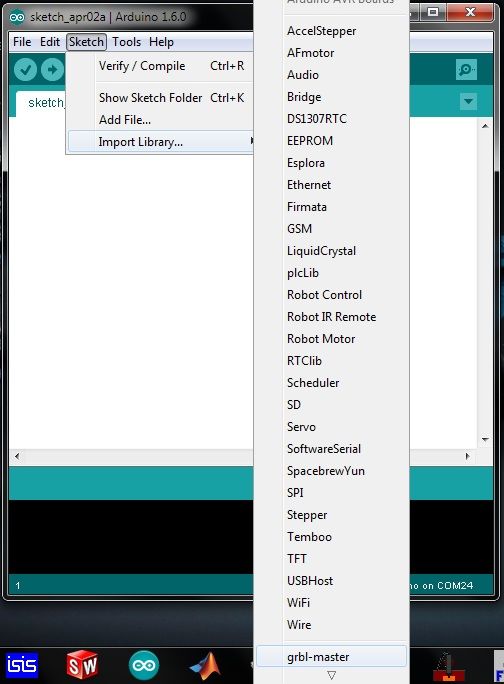
2. After downloading the Grbl library, you have to click sketch --> import library --> add library in the Arduino software and select the zip file you just downloaded.
3. Upload the library to your Arduino.
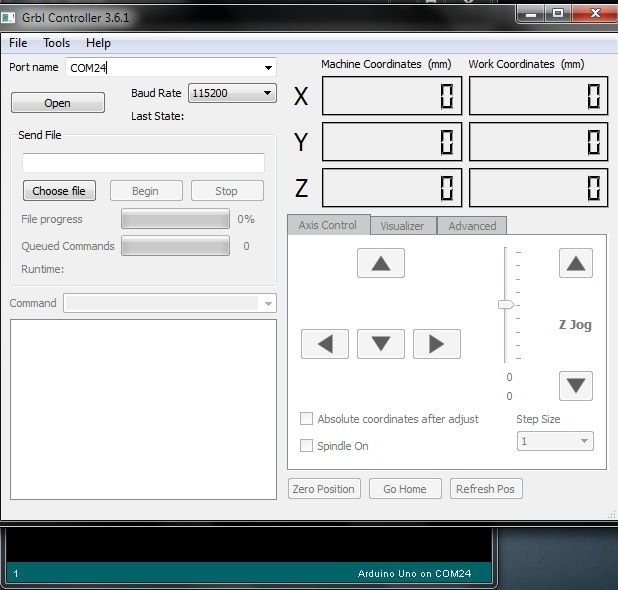
4. After you installed Grbl on your Arduino open the Grbl controller and select the port to which your Arduino is connected. Press the open button.
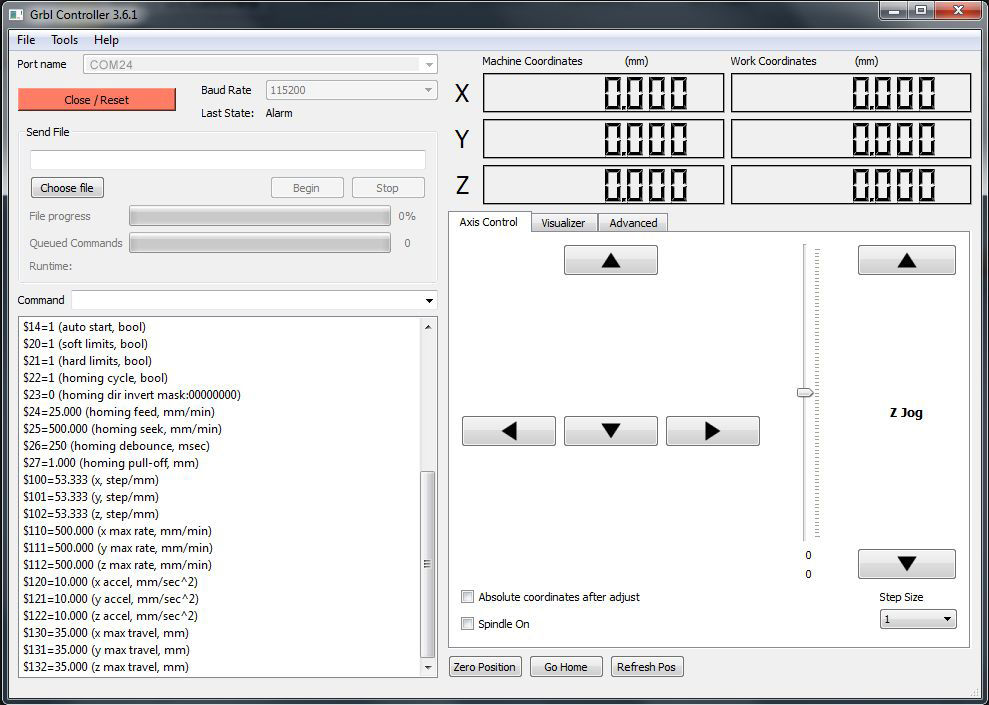
5. A list of options appears in the command screen. You have to change a few of these options, by entering the number of the option (the numbers with a $) = and the new value (For example $130=35.000).If your motors are moving into the wrong direction, go to Tools --> Options --> Axis and click the axis you want to invert.
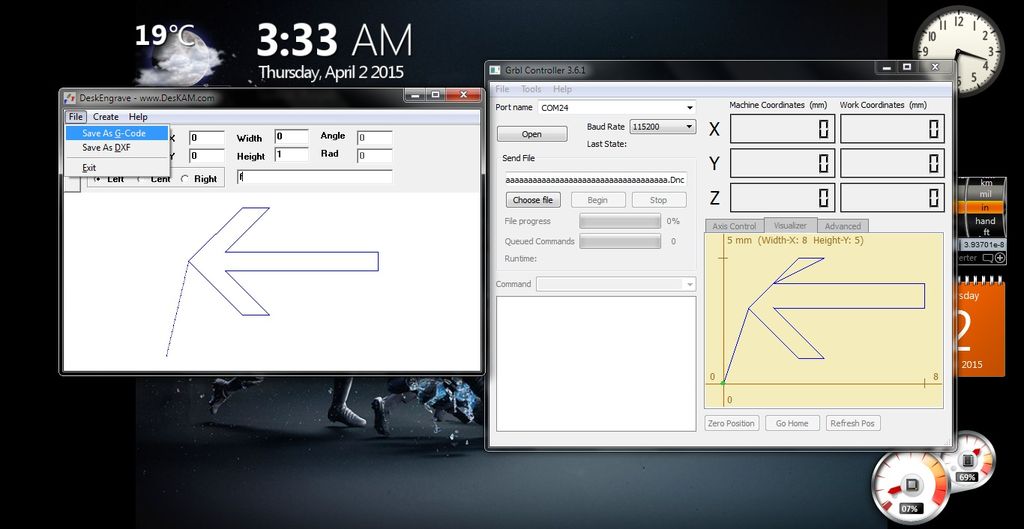
6.You can use any Gcode Generator software to make gcodes.I download DeskEngrave software which is also a gcode generator, here is a link deskEngrave
UPDATE:
Watch the new video Mini Arduino CNC Part 2 of this mini CNC plotter. I have increased the feed rate for sketching. I was using Deskengrave and many other softwares just to check the working of the machine, the results was not satisfactory because some Gcode generated codes were not supported by the GRBL library. After searching n the internet i found Inkscape software. Inkscape is a free and open-source vector graphics editor; it can create or edit vector graphics such as illustrations, diagrams, line arts, charts, logos and even complex paintings. By using this software i can import Dxf, Dwg, JPG, SVG etc files and can convert them into GCODE. You can download Inkscape by clicking below link.Download Inkscape
ข้อมูล Frontmatter ดั้งเดิม
apps:
  - "1x Universal G-Code Sender"
  - "1x GRBL"
  - "1x Inkscape"
author: "me_zain"
category: "Motors & Robotics"
components:
  - "3x stepper motor"
  - "1x Arduino UNO"
  - "1x Big Easy Driver"
  - "1x 12V Power supply"
  - "1x Jumper Wires"
description: "Desktop manufacturing! Repurpose CD-ROM stepper motors to construct a 3-axis mini milling or plotting machine capable of tracing vector art automatically."
difficulty: "Intermediate"
documentationLinks: []
downloadableFiles:
  - "https://github.com/grbl/grbl"
encryptedPayload: "U2FsdGVkX1/S9WxoT8I9KVJXELhonWLnnafp1eRYFyWYOXYzkmfmYqknKqKWadaaXpX9SV8B9STEyTLC2TojOltg4DLmHSVpAwfH/qWKM7SU9s60ht5aDXy/rTuci8gJXqDm/JyTqX1UbKksukmLUQ=="
heroImage: "https://cdn.jsdelivr.net/gh/bigboxthailand/arduino-assets@main/images/projects/mini-arduino-cnc-798da6_cover.jpg"
lang: "en"
likes: 73
passwordHash: "4858f82180bde5889d4313aa8e93e7d7f2a5193fd8ba7cacdae456131dac7965"
price: 2450
seoDescription: "Build a cheap and easy Mini Arduino CNC Plotter using Arduino UNO. A step-by-step guide for a compact and affordable DIY project."
tags:
  - "cnc"
  - "robot"
  - "art"
  - "robotics"
  - "cnc hack"
title: "Mini Arduino CNC"
tools: []
videoLinks:
  - "https://www.youtube.com/embed/EZZg1QBYzJA"
  - "https://www.youtube.com/embed/t_3yQZxXm-Q"
views: 141112