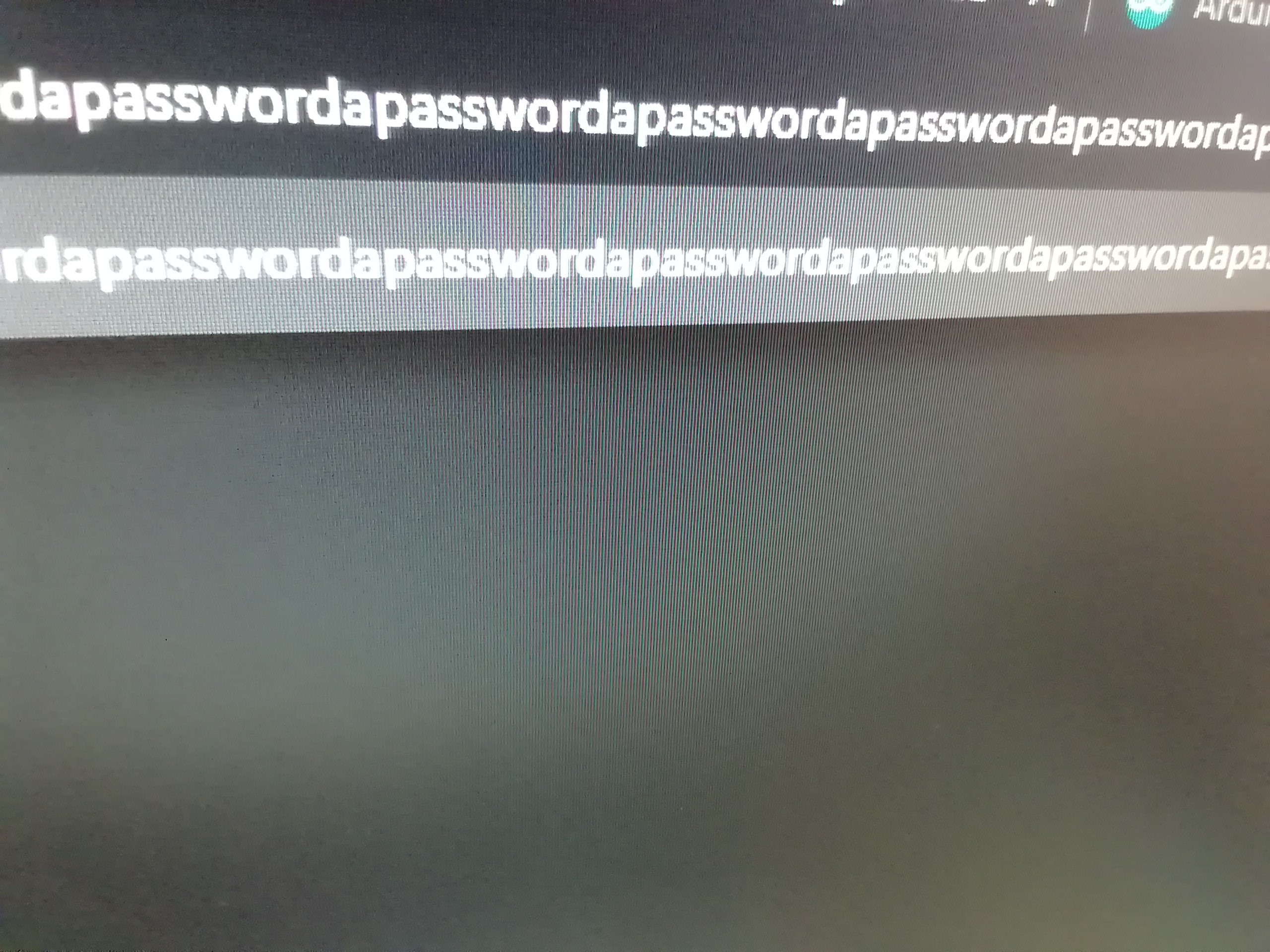
Streamlined Security: The Hardware Auto-Typer
In an age of complex passwords and two-factor authentication, the friction of daily logins can be significant. The Password Typer is a physical automation tool that utilizes the unique capabilities of the Arduino Leonardo to act as a native USB keyboard, injecting credentials with a single physical action.
HID Emulation: The Keyboard Library
Unlike many other Arduino boards, the Leonardo (and Micro) features a built-in USB controller that allows it to be recognized by any OS (Windows, Mac, Linux) as a Human Interface Device (HID).
- Native Injection: By using the
Keyboard.hlibrary, the Arduino sends scancodes directly to the computer, just like a standard mechanical keyboard. This makes it driverless and universally compatible. - Speed and Precision: The device can type at speeds exceeding human capability, while ensuring zero typos. It can also handle complex keyboard combinations like
ALT+TABorCOMMAND+Lto navigate to the address bar before typing.
Hardware Build and Portability
The project is housed in a compact, durable project box, making it a portable "key" for your most frequent logins.
- Chassis Preparation: Using a cordless drill, ports are created for the Micro-USB cable to ensure a flush, secure fit.
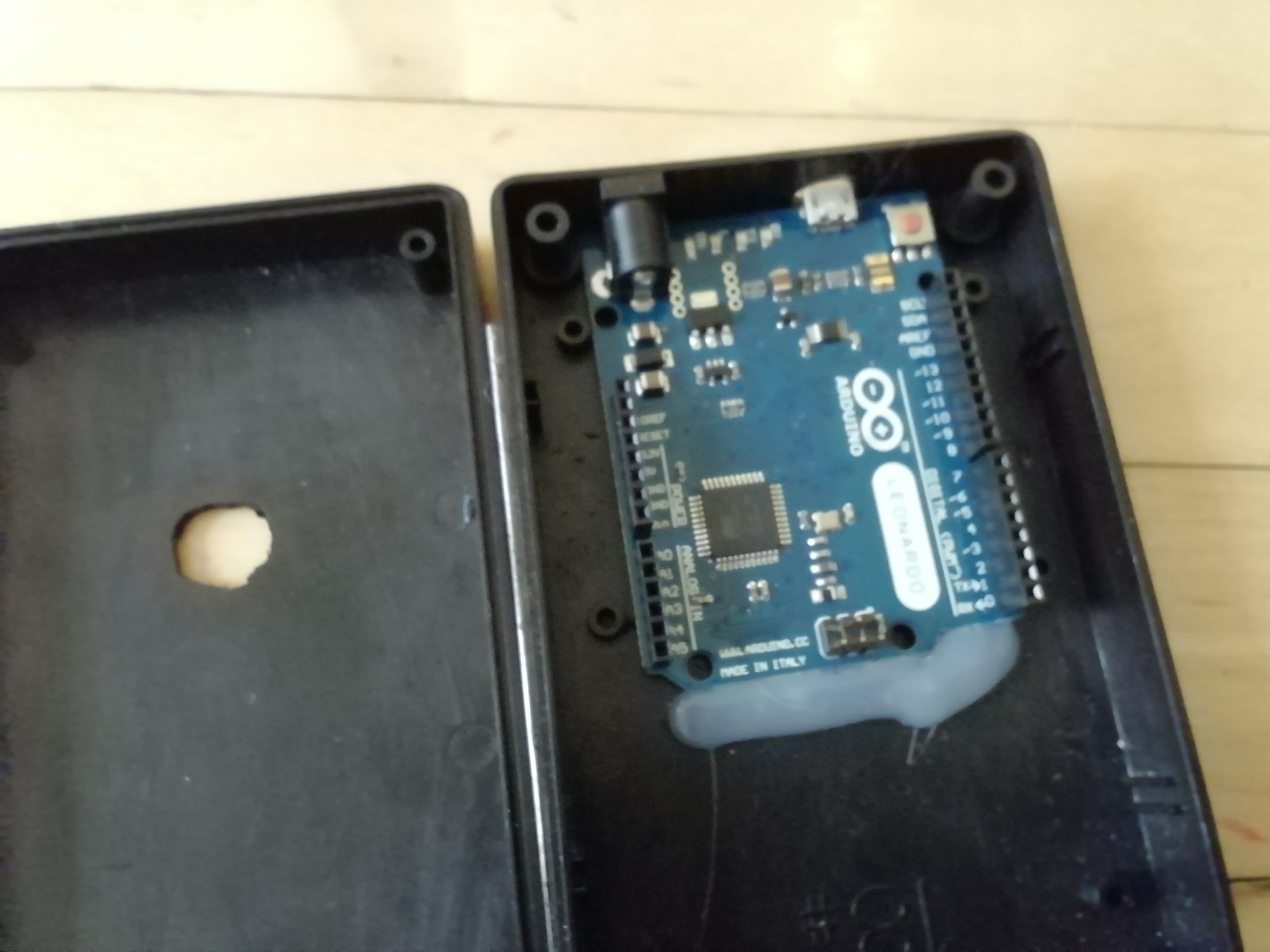
- Internal Assembly: The Leonardo is hot-glued inside to prevent internal movement during transit.
- Physical Triggering: While this basic version triggers upon being plugged in, the logic can easily be expanded to include a physical button or a fingerprint scanner for an added layer of biometrically-locked hardware security.
Security and Best Practices
While this device provides extreme convenience, it is a powerful tool. Users are encouraged to:
- Environment Awareness: Use this in private home or office settings where physical access to the device is controlled.
- Hybrid Security: Consider storing only the "hard part" of your password on the device, while you manually type a short PIN to complete the login, creating a unique two-factor hardware system.
Passwords can be tiring to type in. This gadget types in passwords for you!
First, drill two holes in the enclosure - one for the USB connector and one circular hole on the front.
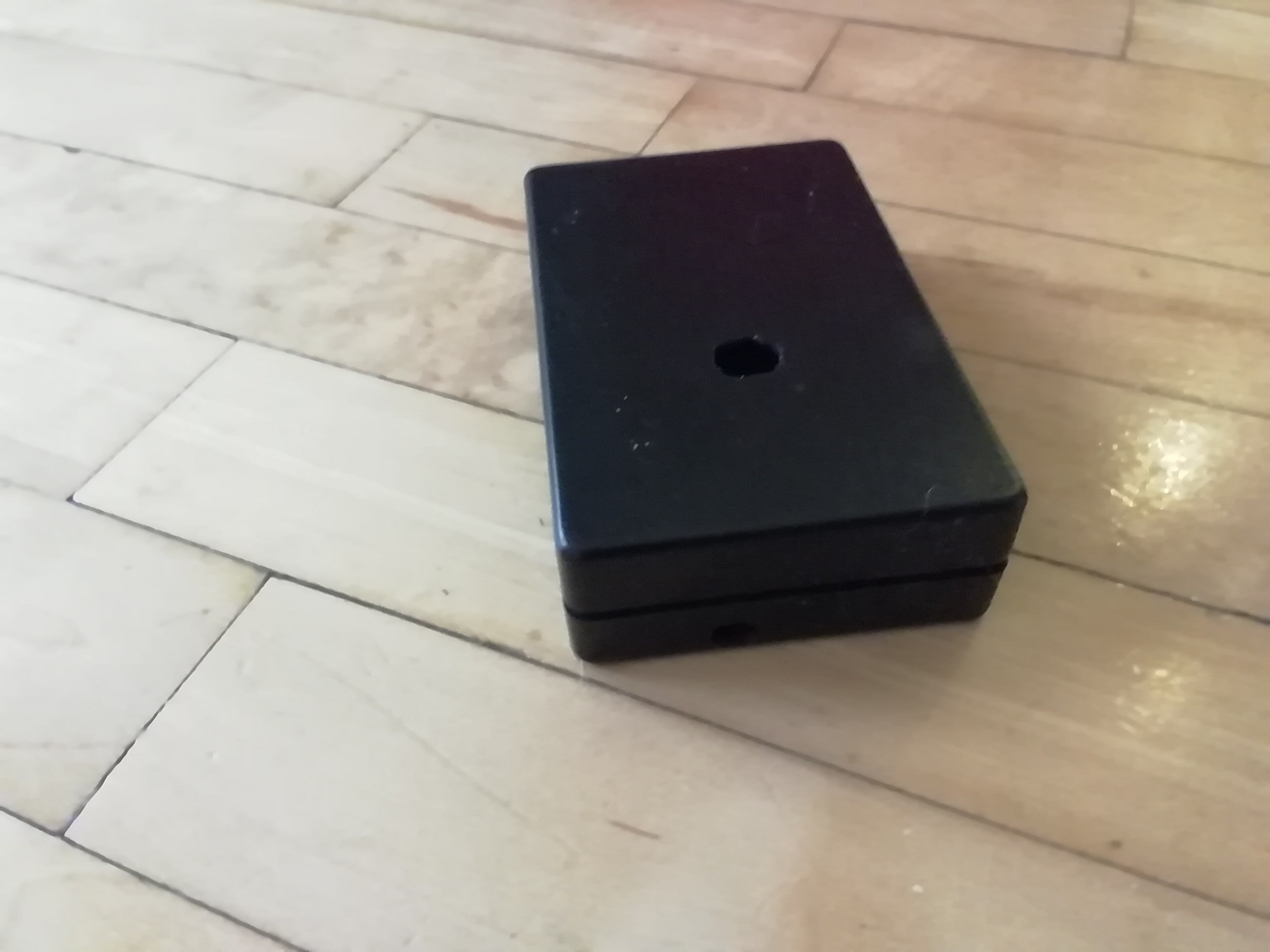
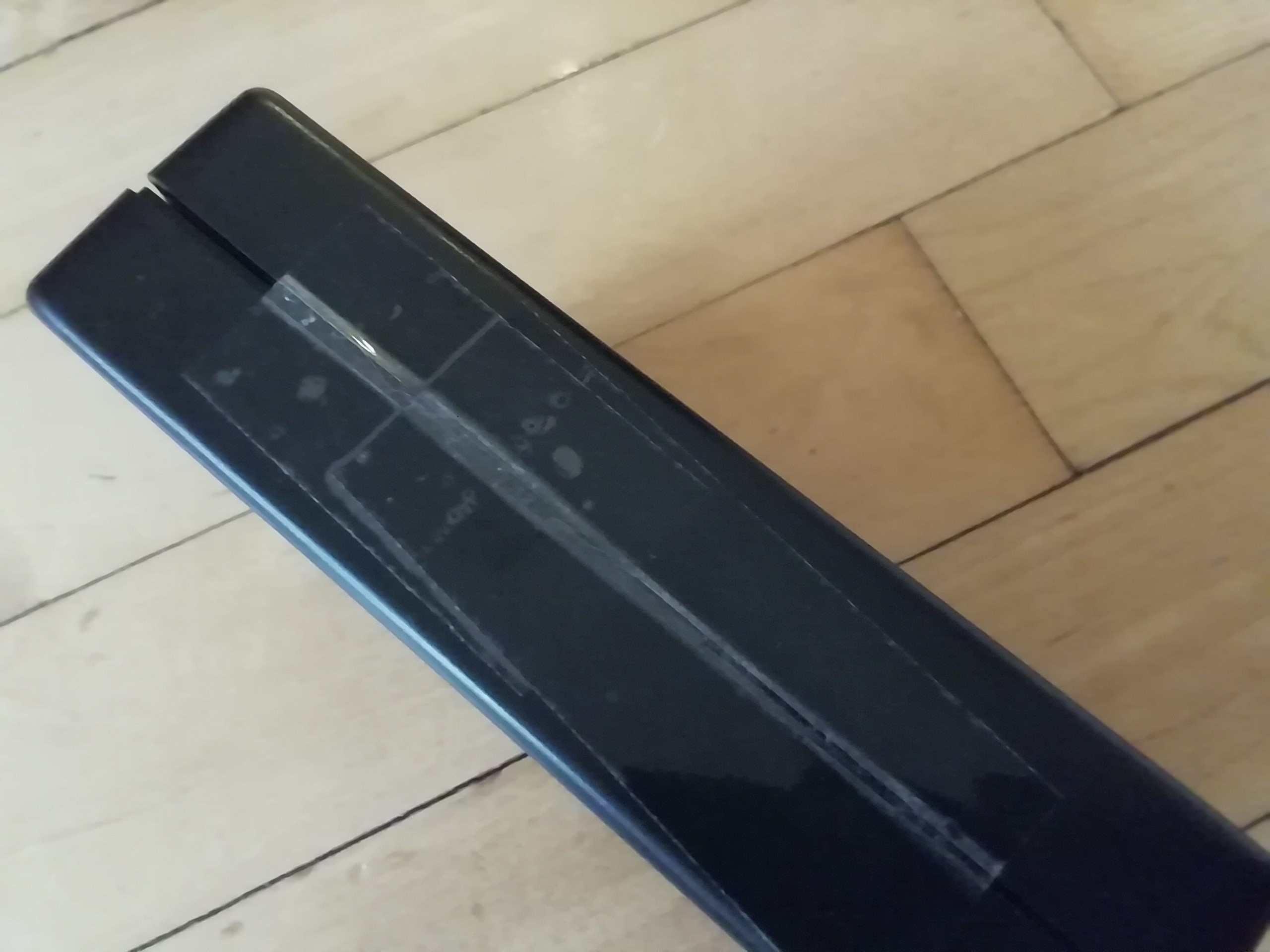
Next, for convenience, tape one side of the box shut so that it opens like a flap. Then, using hot glue, stick the Arduino Leonardo down inside the box, its USB port in sight through the USB hole (also make sure it is reachable by a USB cable).
Let's code!
Plug the Arduino Leonardo into your computer via USB. Then download the Password_Typer.ino sketch. Replace "apassword" with your password. Upload the sketch to your Arduino then unplug the cable so it doesn't start typing in passwords! Then, navigate to the place where you want to type in your password then plug the Arduino back in. Your password should be typed!
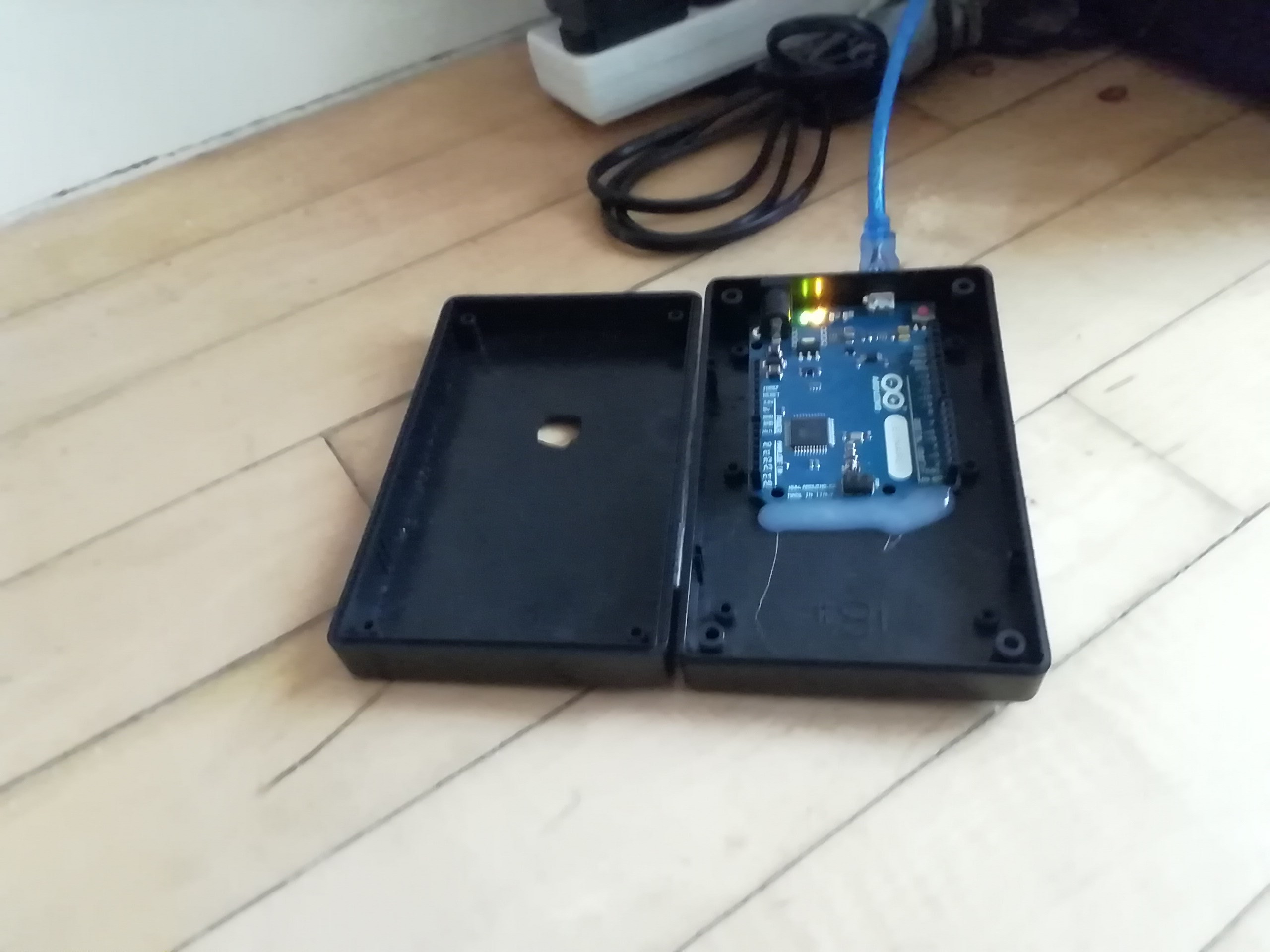
Then, if you want to close your enclosure, then tape the other side or put in screws (I taped it because I couldn't find the right screws).
And we're done! Plug in the Arduino and watch your password appear!