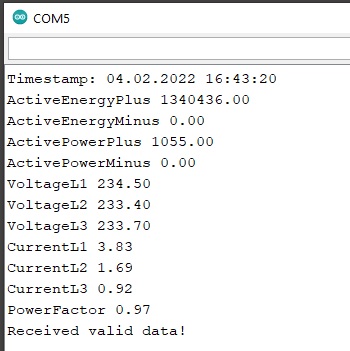
Electricity meters with a so-called P1 interface contain a rudimentary MBUS master that periodically outputs the (electricity) meter data in encrypted form. Meters with such interfaces are common in many European countries, such as Austria and Norway. In order to read the counter, an MBUS slave is required. In this example I would like to show how you can read and decrypt the data of such counters using our MBUS slave shield for Arduino MKR boards and Portenta.
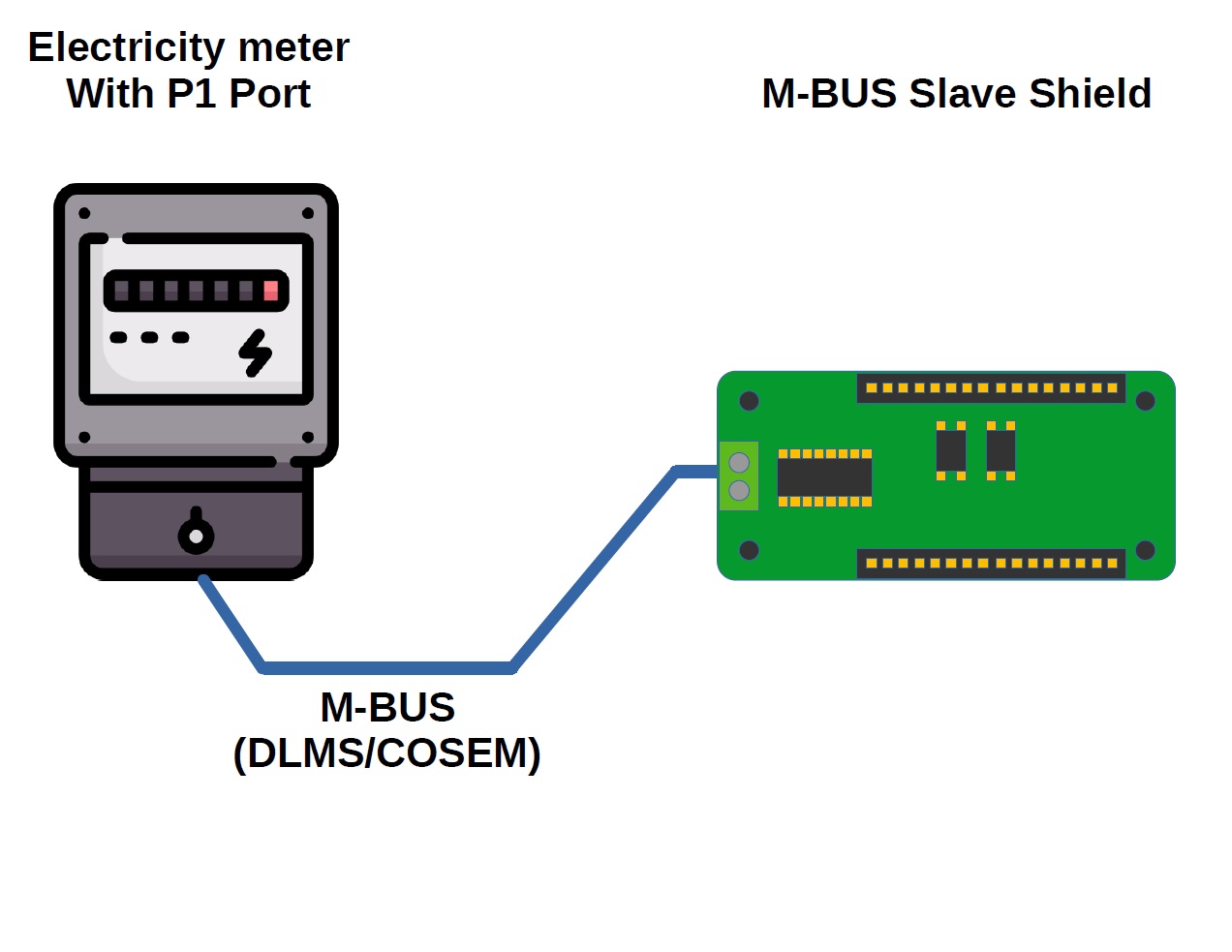
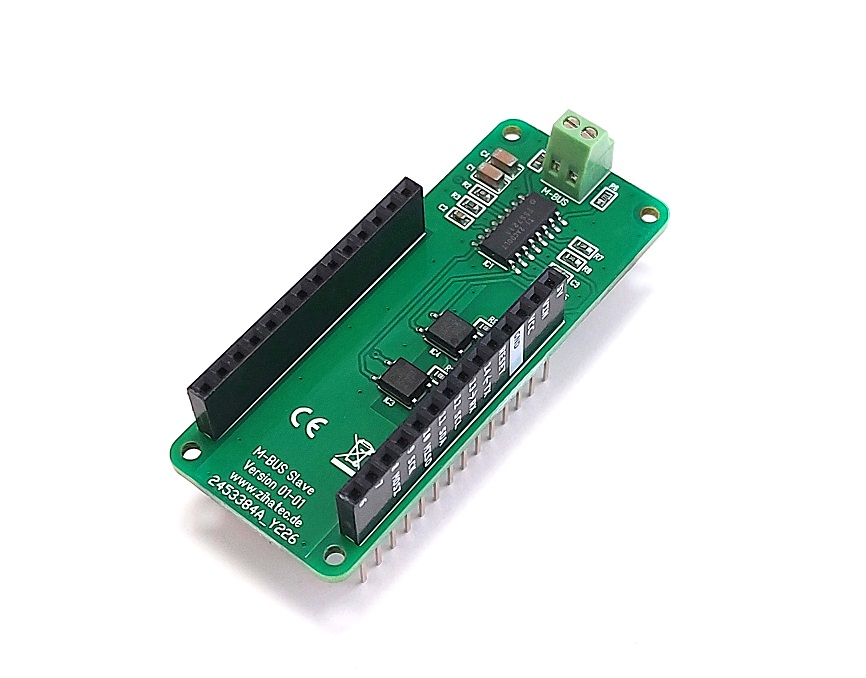
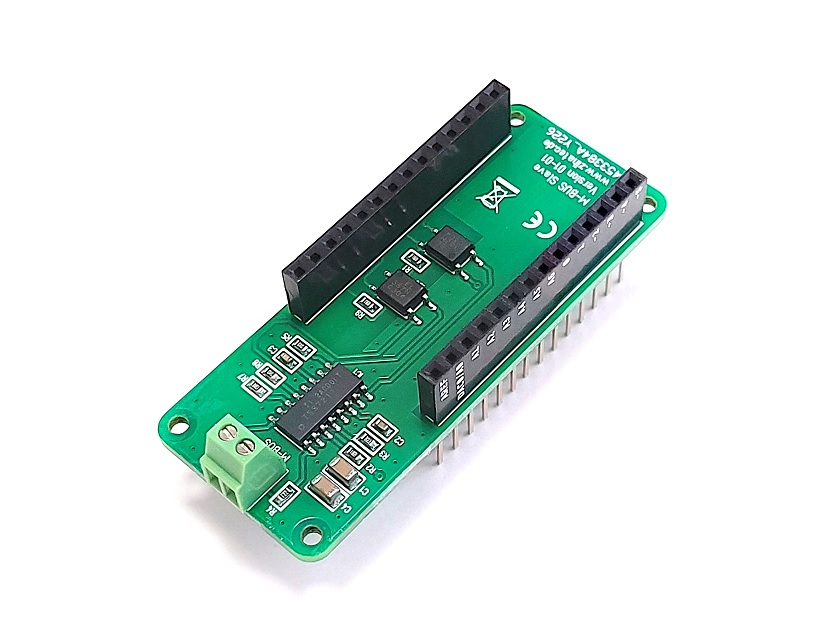
Connection with the meter:
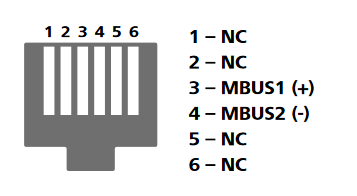
On many electricity meters, the MBUS is provided via an RJ12 Jack. The MBUS is brought out on pins 3 and 4. The two MBUS signals must be connected to the terminal block of the MBUS-Slave wing or shield. The polarity does not have to be taken into account since the MBUS on the slave has no polarity.
Key for decryption
The user data in the MBUS protocol is encrypted. For decryption you need a corresponding key from your energy supplier. The 16-byte key is usually provided as a hex string. This string must be stored as a byte array in the key.h file.
For example key from supplier: 36C66639E48A8CA4D6BC8B282A793BBB
in key.h:
static const unsigned char KEY[] = {0x36, 0xC6, 0x66, 0x39, 0xE4, 0x8A, 0x8C, 0xA4, 0xD6, 0xBC, 0x8B, 0x28, 0x2A, 0x79, 0x3B, 0xBB};
Additional libraries
Install the following library through Arduino Library Manager
Arduino Crypto Library by Rhys Weatherley
EXPANDED TECHNICAL DETAILS
This project utilizes the M-Bus (Meter-Bus) protocol, a European standard (EN 13757) for remote reading of utility meters. The P1 port on your electricity meter acts as a master, periodically broadcasting encrypted data frames. The Arduino, equipped with the MKR MBUS Slave Shield, acts as a slave device on this bus, listening for these broadcasts.
The decryption process is crucial. The 16-byte AES-128 key provided by your supplier is used to decrypt the payload within the M-Bus data frame. The Arduino Crypto Library handles the complex AES decryption algorithms, allowing the sketch to extract human-readable values for energy consumption (kWh), current power draw (kW), and other meter-specific data (like voltage or phase information) from the decrypted data block.
Once decrypted, the data can be processed for local display or transmitted to a cloud service. For IoT integration, the Arduino MKR WiFi 1010 is an excellent choice. It can natively connect to the Arduino IoT Cloud, pushing variables like real-time power and cumulative energy to a cloud dashboard. This allows for the creation of a professional, historical data-logging dashboard on your computer or phone, providing insights into your home's energy expenditure over days, weeks, or months.
Remarks
The code was tested with Kaifa MA309M and Sagemcom T210-D (both data Lower Austria). In other countries and regions (e.g. Vorarlberg, Austria) the structure of the user data may differ and an adjustment of the program may be necessary.