Synesthetic Art: Mapping Color to Masterpieces
Can a color evoke a specific era of art history? The RGB Sensor Arduino project explores this synesthetic connection by creating an interactive bridge between physical color and digital imagery. Using an Adafruit TCS34725 sensor, the system "Sees" a physical object and instantly projects a famous painting onto a computer screen that matches the dominant hue, turning raw data into an educational art experience.
The Precision of the TCS34725 Sensor
Unlike simple photoresistors, the TCS34725 is a sophisticated digital sensor:
- Integrated IR Filter: Most light sensors are blinded by infrared light. This sensor features an on-board IR blocking filter that ensures the Red, Green, and Blue readings reflect exactly what the human eye sees.
- 16 Million Colors: With a 3,800,000:1 dynamic range, the sensor can distinguish between subtle shades of red or blue that would look identical to a cheaper sensor.
- I2C Protocol: The sensor communicates via Wire.h (I2C) using SCL and SDA pins, making the wiring simple despite the high-resolution data it generates.
The Arduino-to-Processing Bridge
The project relies on a seamless Serial Communication chain to handle the graphics:
- Arduino Data Stream: The Arduino reads the raw R, G, and B values and sends them to the Serial port as a comma-separated string (e.g.,
255,10,40). - Processing Listener: A script running in Processing (a visual programming language) listens to the COM port. It parses the string back into individual color integers.
- Heuristic Mapping: Processing uses a "Dominant Color" logic. If the Red value significantly outpaces Green and Blue, it triggers the display of a specific painting (e.g., a Tintoretto). If Blue is dominant, it might show a work by Monet or Barthes.
Educational Design and Feedback
To provide a complete feedback loop, the project includes an RGB Common Cathode LED. When the sensor detects a color, the Arduino pulse-width modulates (PWM) the LED to glow in that exact same color. This "Optical Confirmation" assures the user that the sensor is working before they look at the computer screen. This project is a perfect Final University Project as it demonstrates proficiency in sensor integration, cross-platform data relaying, and user-centric interaction design.
This in my university final project using Arduino UNO board and Adafruit RGB sensor.
First, I soldier the RGB sensor then I have connected it to an Arduino UNO board (see image below).
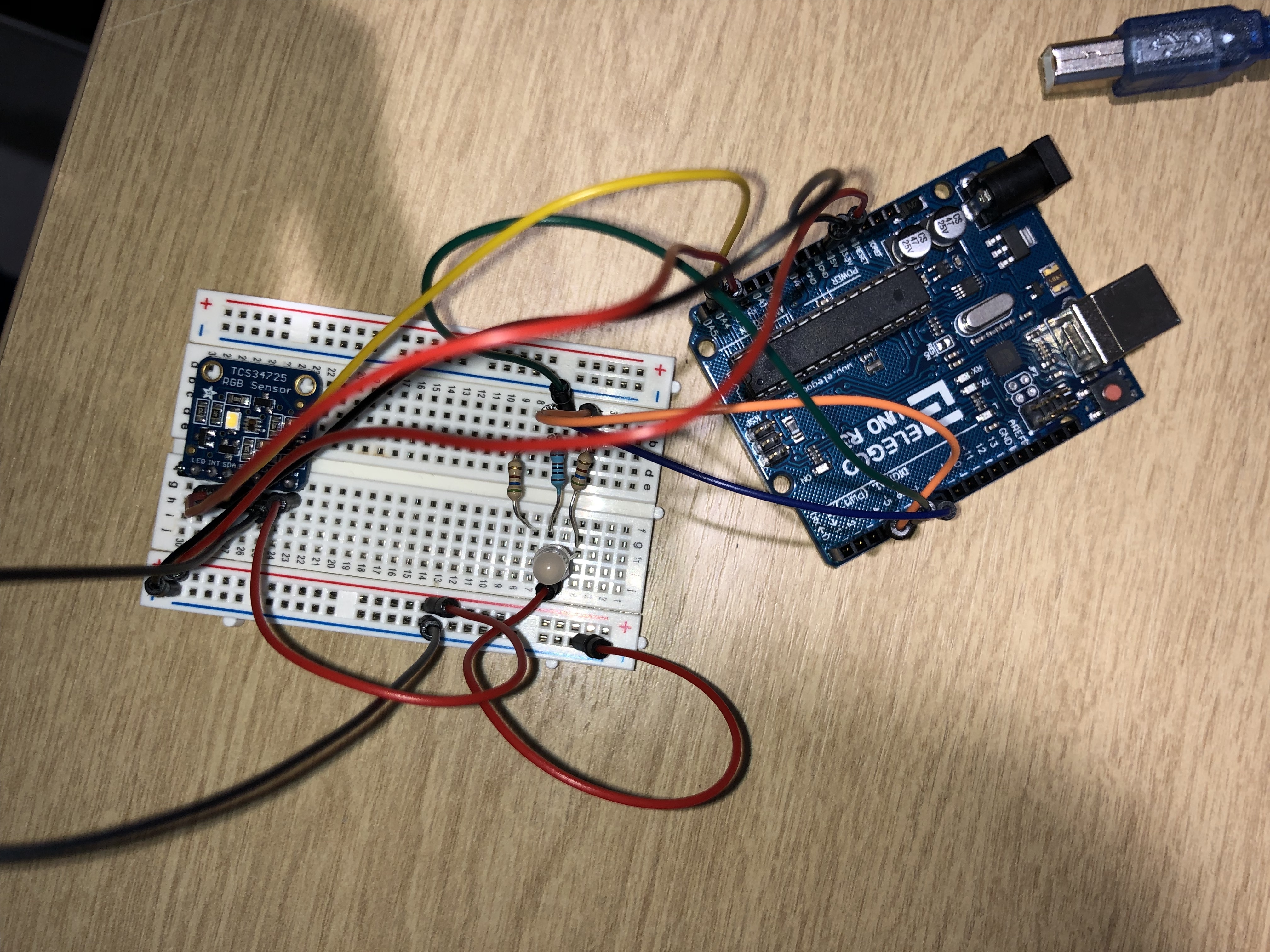
Using this code I was able to recognize any values of RGB colors (more than 16 millions).
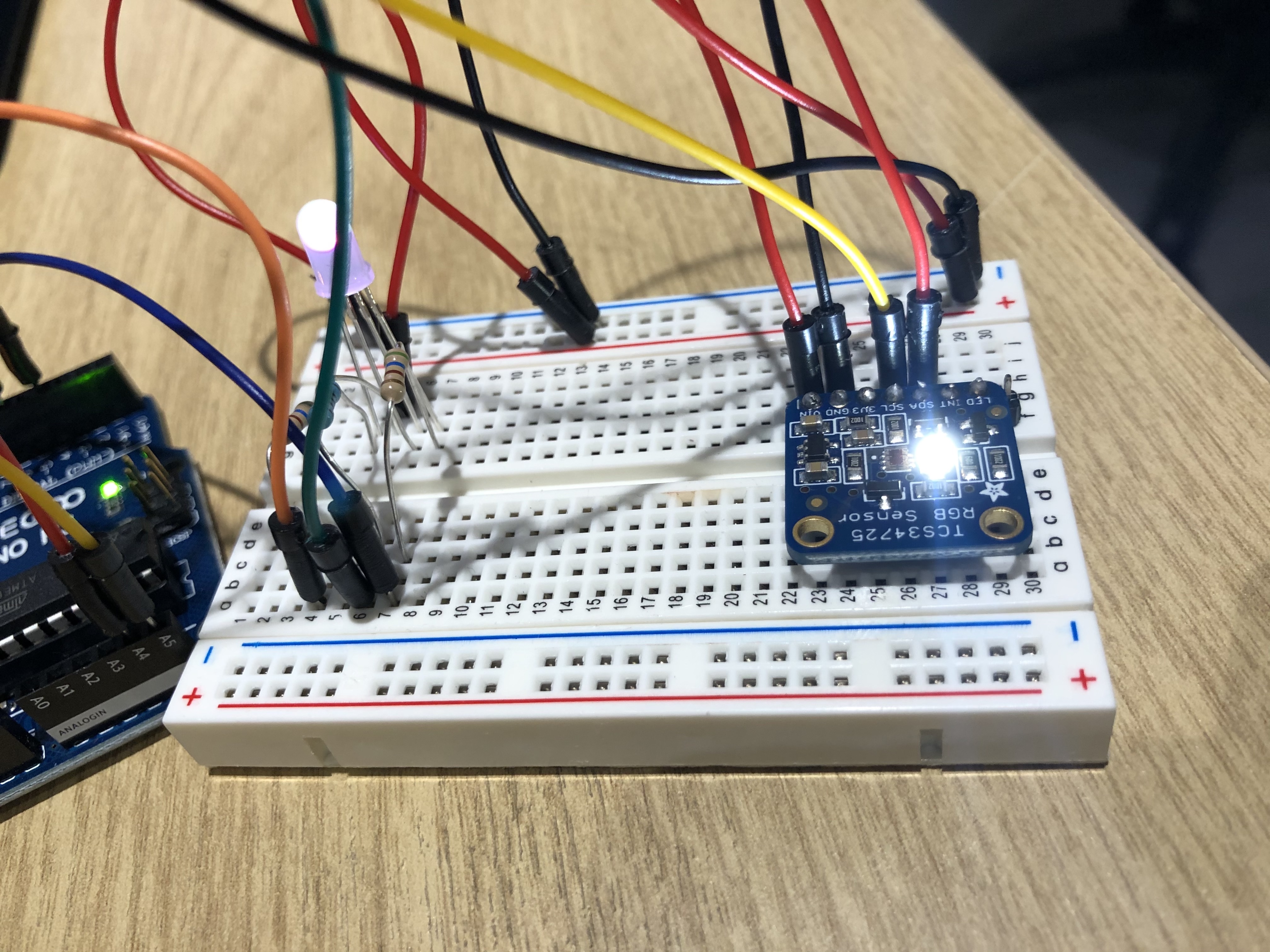
To show images correlated to the RGB colors I decided to use Processing that use the same code system of Arduino using this code:
I then set up the condition as you can see in the code above in order to show three different painting correspondent at 3 different colors, red green and blue.