This project is to demonstrate how to create timer outputs
#include "SerialTimer.h"
//* Objects
Timer clock1(3);
Timer clock2(4);
Timer clock3(13);
First add the library and define our objects (outputs)
void timer_switch(int isPin, float Time, bool serial_on_off, int mode) //Funcion para los multiples timers
{                                                                      //los casos son a necesidad del usuario
 unsigned long past = millis();
 switch (mode)
 {
 case 0:
   Serial.println("\
The timer has started");
   switch (isPin) // Aqui puedes agregar los casos que necesites
   {
   case 1:
     clock1.set_timer(Time, past);//asignacion de tiempo
     break;
   case 2:
     clock2.set_timer(Time, past);
     break;
   case 3:
     clock3.set_timer(Time, past);
     break;
   default:
     Serial.println("Error");
   }
   break;
 case 1:
   switch (isPin) // aqui tambien debes añadir el numero de casos necesarios
   {
   case 1:
     clock1.switch_pin(serial_on_off);//cambio de estado
     Serial.println(clock1.get_pin());//lectura de estado
     break;
   case 2:
     clock2.switch_pin(serial_on_off);
     Serial.println(clock2.get_pin());
     break;
   case 3:
     clock3.switch_pin(serial_on_off);
     Serial.println(clock3.get_pin());
     break;
   default:
     Serial.println("Error");
     break;
   }
   break;
 default:
   Serial.println("Error");
 }
If you need to use more than 3 outputs you should edit this part and add them as cases
void setup()
{
    Serial.begin(9600);
    menu();
}
It's very important initialize the Serial and add the menu function
void loop()
{
    rx_menu(3); //mainn menu
    clock1.get_valor(); // read if the time is complete
    clock2.get_valor();
    clock3.get_valor();
}
In the loop, you only need to declare the function "rx_menu" and "get_valor" for each object's timer to run
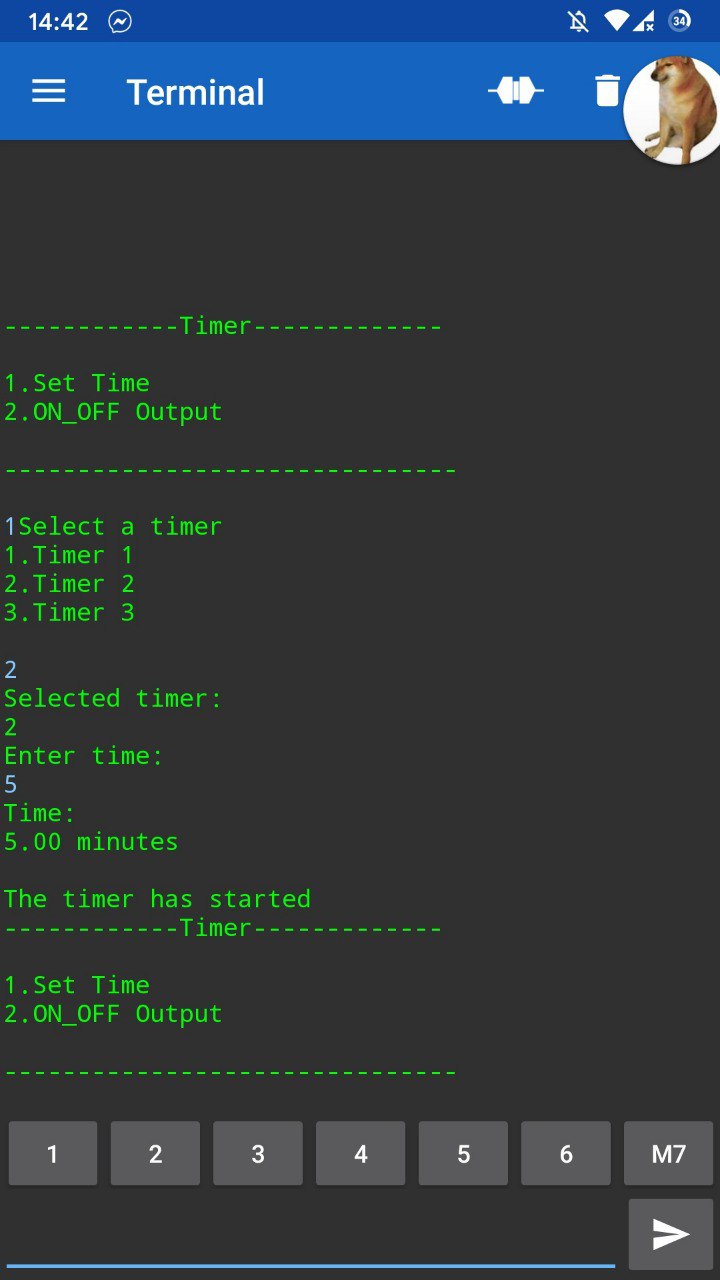
You can use an HC05 or other Bluetooth module and use the "Serial Bluetooth" application to send commands
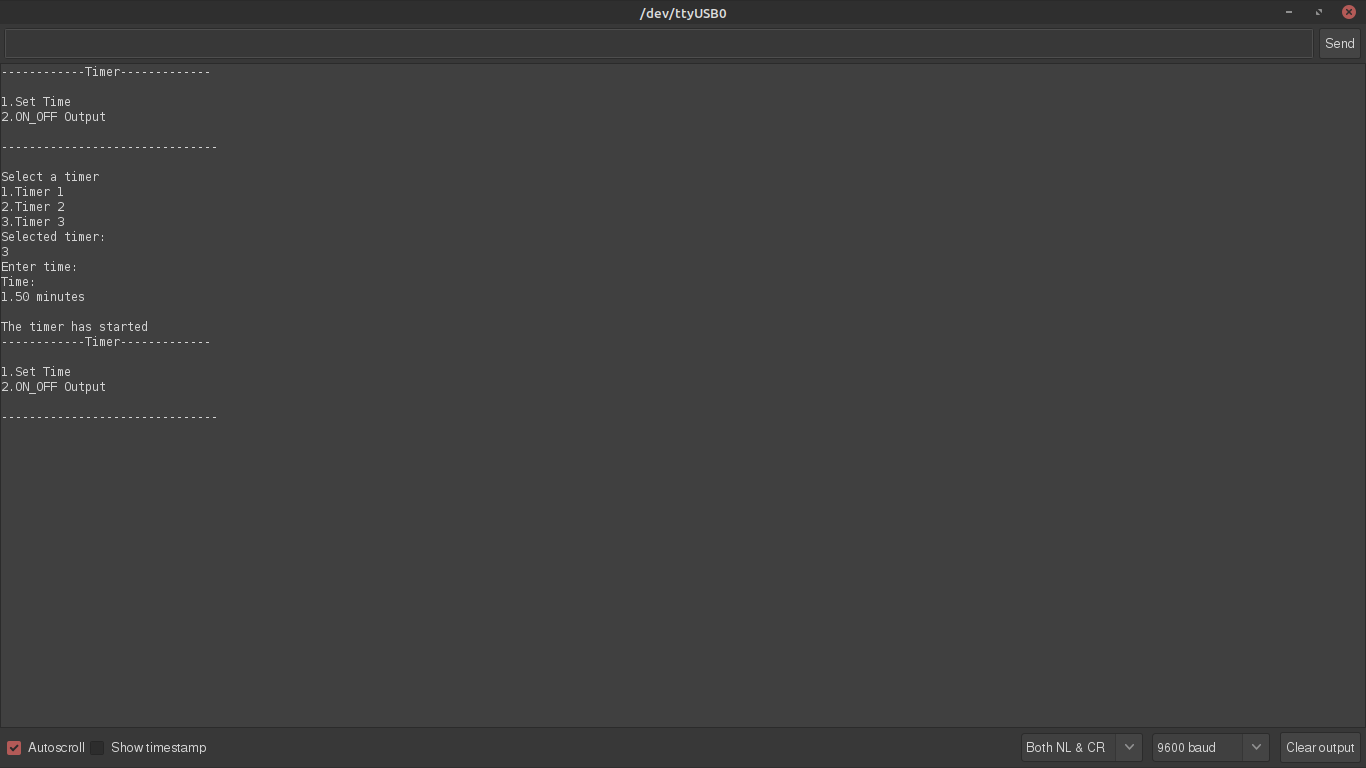
EXPANDED TECHNICAL DETAILS
Microsecond-Level Code Execution Profiling
The Serial Timer is a vital diagnostic tool designed to measure the exact execution time of specific code blocks, helping developers optimize their firmware.
- Hardware-Based Elapsed Tracking: Uses the
micros()function to record the timestamp before and after a target function. The Arduino calculates the difference and reports the "Delta" (in microseconds) to the Serial Monitor. - Loop Frequency Analysis: (Advanced version) The timer can calculate the "Average Loop-Time" over 1,000 cycles, providing a statistical baseline for identifying bottlenecks in real-time control systems.
Practical Use Case
- Efficiency Benchmarking: Ideal for comparing the speed of different algorithms (like Bubble Sort vs. Quick Sort) directly on the physical target hardware.