Security at Your Fingertips: The MKR Touchscreen Codelock
Modern access control systems are shifting from mechanical keys to intuitive, digital interfaces. This project utilizes the Arduino MKR Zero and the ArduiTouch wall-mount enclosure to create a professional-grade codelock system. Featuring an ILI9341 SPI color display, it serves as a robust foundation for more complex home automation and security projects.
The MKR Advantage: Power and Precision
While traditional Arduinos are excellent for prototyping, the MKR Zero brings several enterprise-level features to this codelock:
- ARM Cortex-M0+ Architecture: Provides significantly more processing power for rendering graphics on the TFT screen compared to 8-bit boards.
- Internal SD Card Slot: This allows the project to be expanded into a "Logging System," recording every access attempt (both successful and failed) to a CSV file for security audits.
- Compact Footprint: Fits perfectly into the ArduiTouch PCB housing, allowing for a vertical, wall-mounted installation.
Graphical User Interface (GUI) Mechanics
The core of the project is the interaction between user touch and digital response:
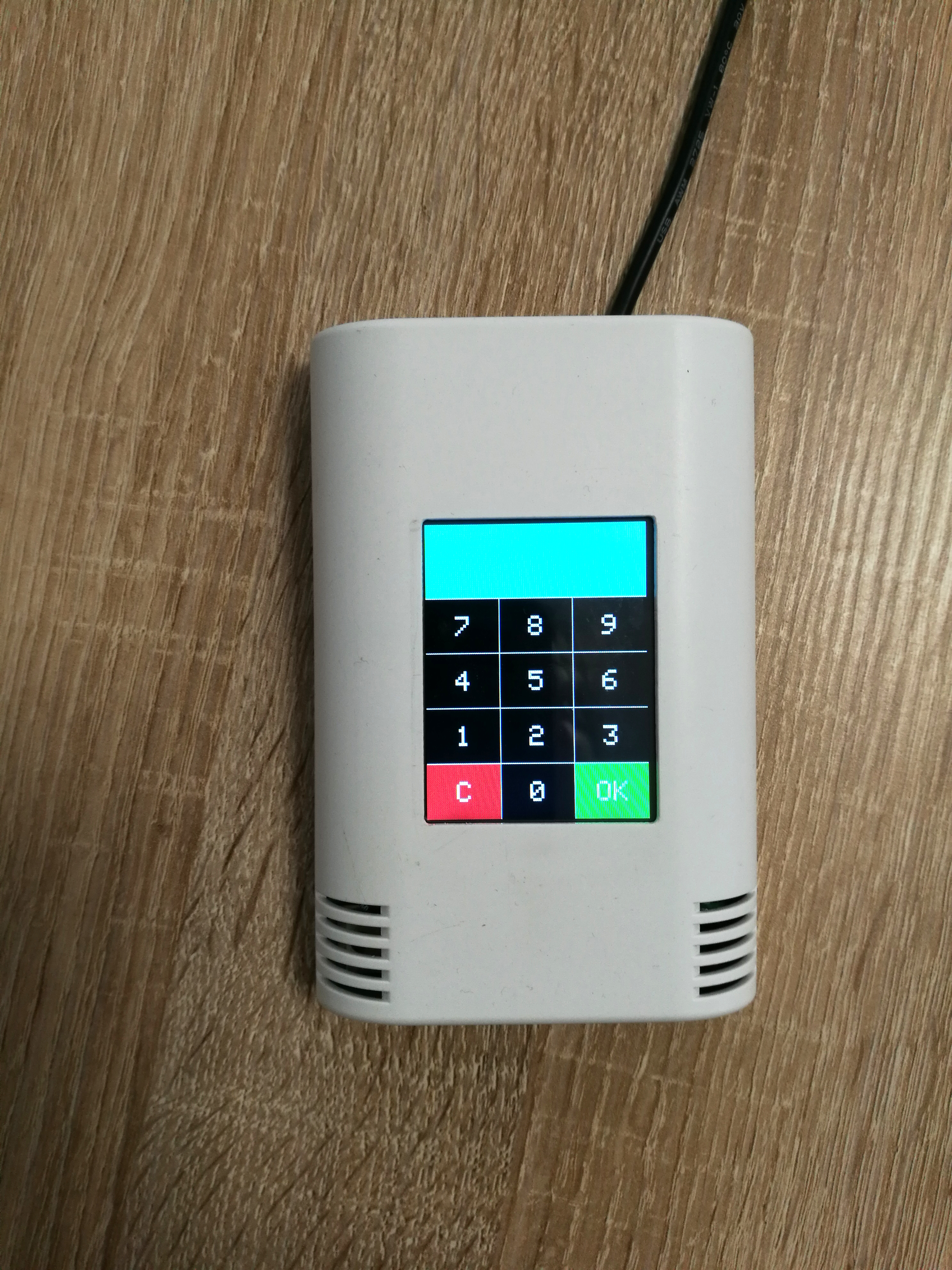
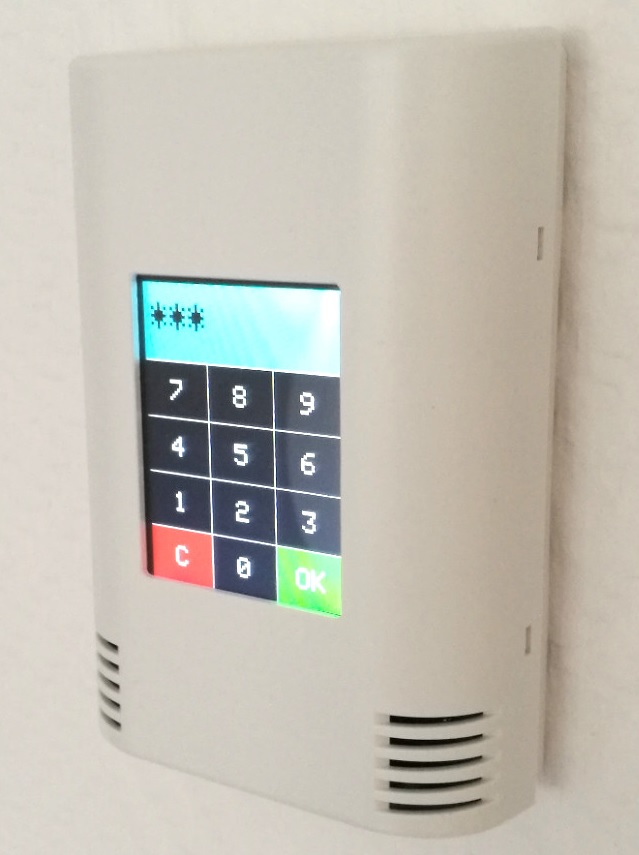
- Rendering with Adafruit_GFX: The code uses the standard Adafruit GFX and ILI9341 libraries to draw a 12-button keypad (0-9, CLEAR, OK) on the 2.4-inch screen.
- Touch Sensing with XPT2046: Theresistive touch layer is controlled by the XPT2046 chip. When the user presses a "Button" on the screen, the Arduino translates these raw analog coordinates into a specific key value based on the pre-defined button map.
- Authentication Logic: The security logic is based on a pre-defined
codenum. Users can enter a numeric string of varying lengths; upon pressing "OK," the system validates the input and triggers a built-in piezo buzzer or an external relay to unlock the door.
Professional Implementation
By utilizing the ArduiTouch kit, the project moves from a "messy breadboard" to a finished product. The integrated power supply (accepting 12V-24V) makes it easy to integrate into existing home electrical systems, providing a reliable, always-on security gateway that looks at home in any modern interior.
A lot of customers asked us for a very simple code example for ArduiTouch to test their work and also as starting point for own developments. This very simple codelock will demonstrate the basic functions of ArduiTouch without any bells and whistles.
Assembly:
Please follow for the assembly of the ArduiTouch MKR our construction manual for ArduiTouch MKR.
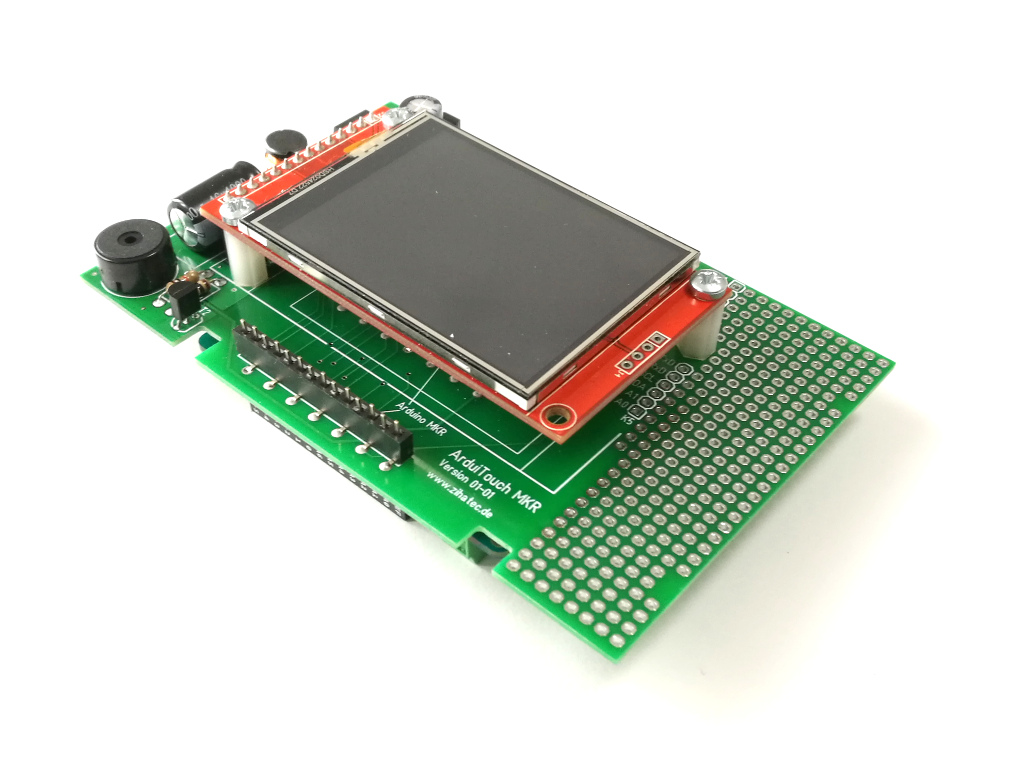
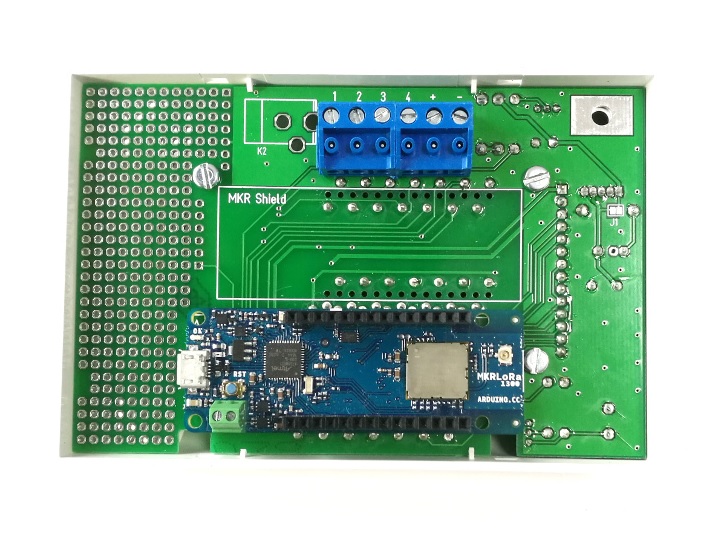
We have to plug the Arduino MKR board into the marked slot on the backside of the ArduiTouch PCB:
Installation of additional libraries:
Please install the following libraries through Arduino Library Manager.
XPT2046_Touchscreenby Paul Stoffregen
You can download the library also directly as ZIP file and uncompress the folder under yourarduinosketchfolder/libraries/
After installing the Adafruit libraries, please restart the Arduino IDE.
Custom settings:
In the source code you can set the code number :
#definecodenum 42
42is the answer for everything, but you can change this to any number between 0 and 999999.
Furthermore you can set the switching time of the optional relay there:
#definerelay_on_time40
Run the demo:
Please open this sample in the Arduino IDE. After compilation and upload you will see the keypad. Now you can enter a code number and confirm with„OK“ button.