I have hens that are not at the same place as I live. They have an automatic door that can open and close on time I set, but the hens are living creatures, not machines. They sometimes don‘t get in in time. That means that I have to travel for about 15 minutes to the hen-coop, open the door manually and then travel back home. I thought there must be a better solution, something I can open/close not only in time but on my demand too. But there isn’t. Well, there wasn’t… Because I made the solution myself… behold the Smart Hen Coop! And it comes with far more than just opening and closing door at demand, it can turn on/off heater based on inside temperature, notify you when hen is possibly closed outside and also check if your automatic water feeder isn’t malfunctioning and oberflowing!
SENORS
Open/close door switch
I use micro switches to know if the doors are opened or closed
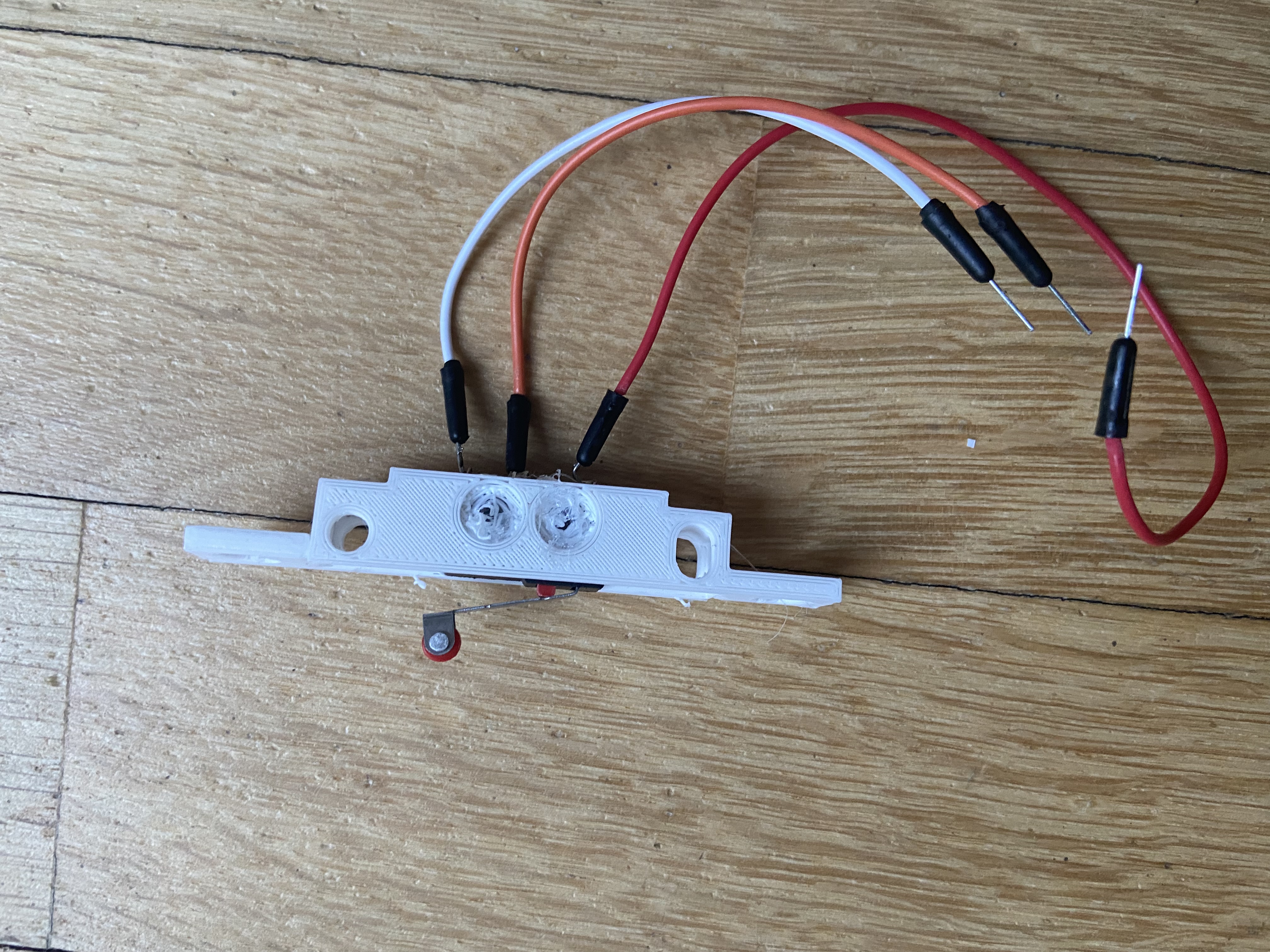
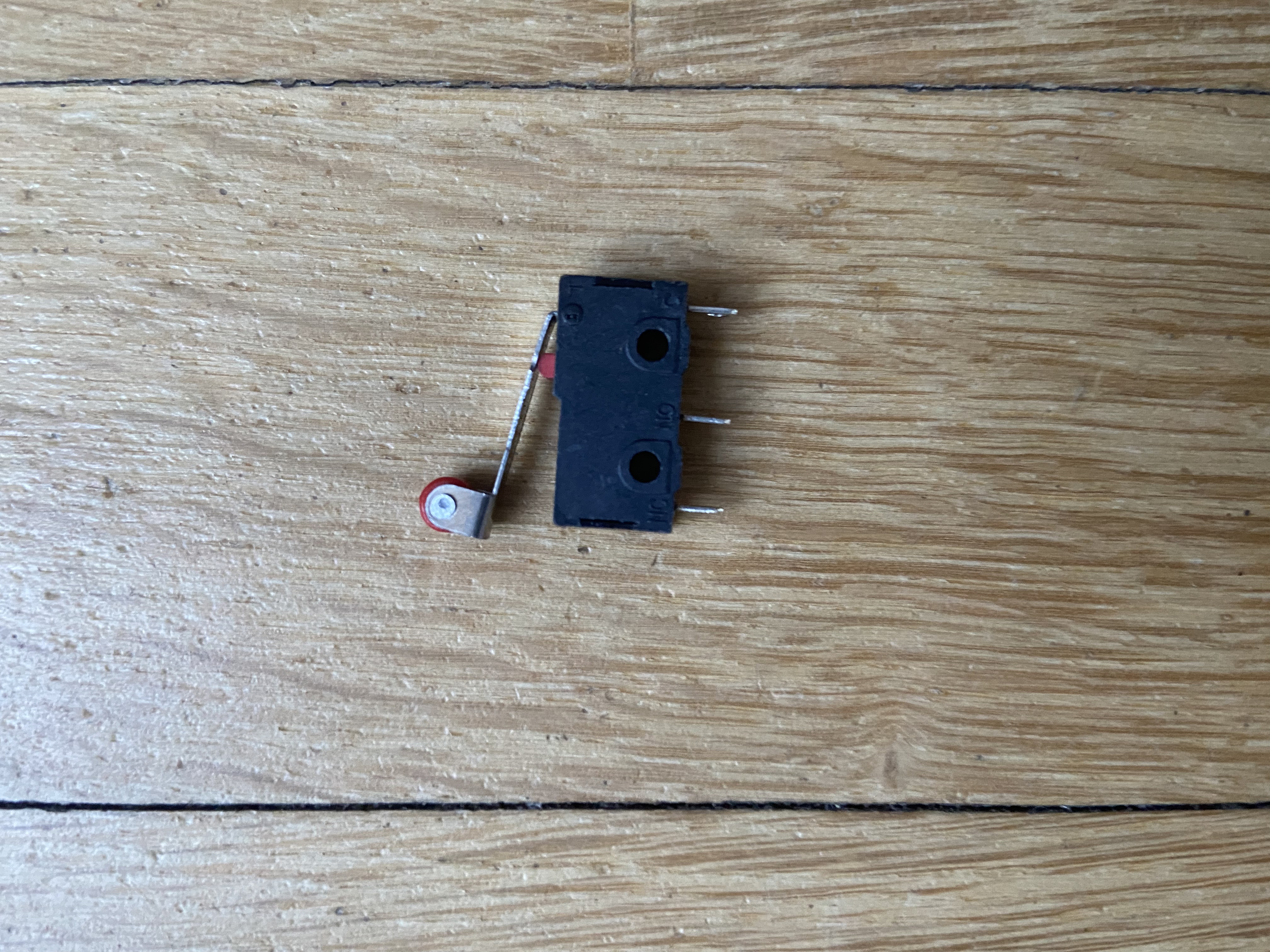
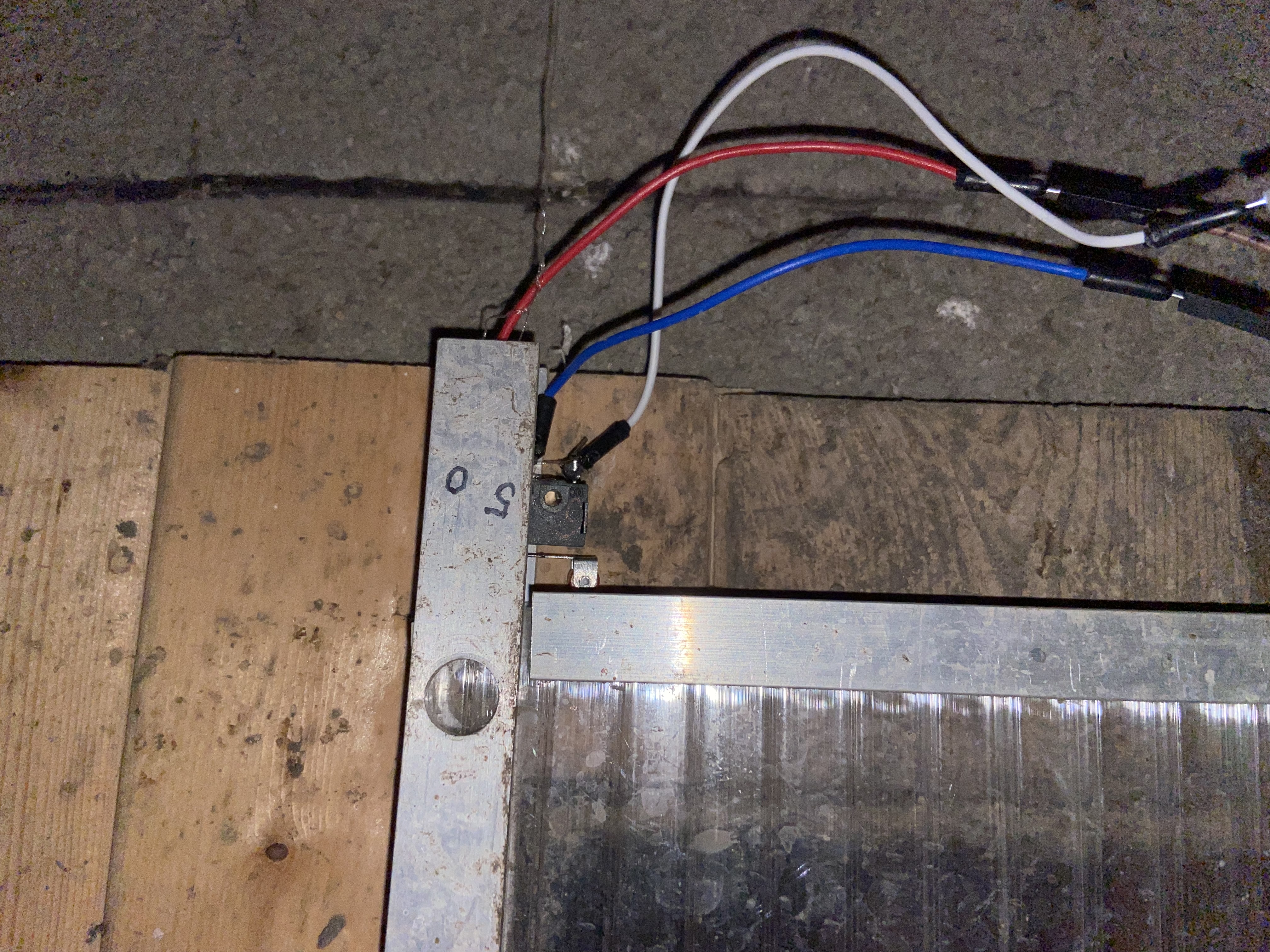
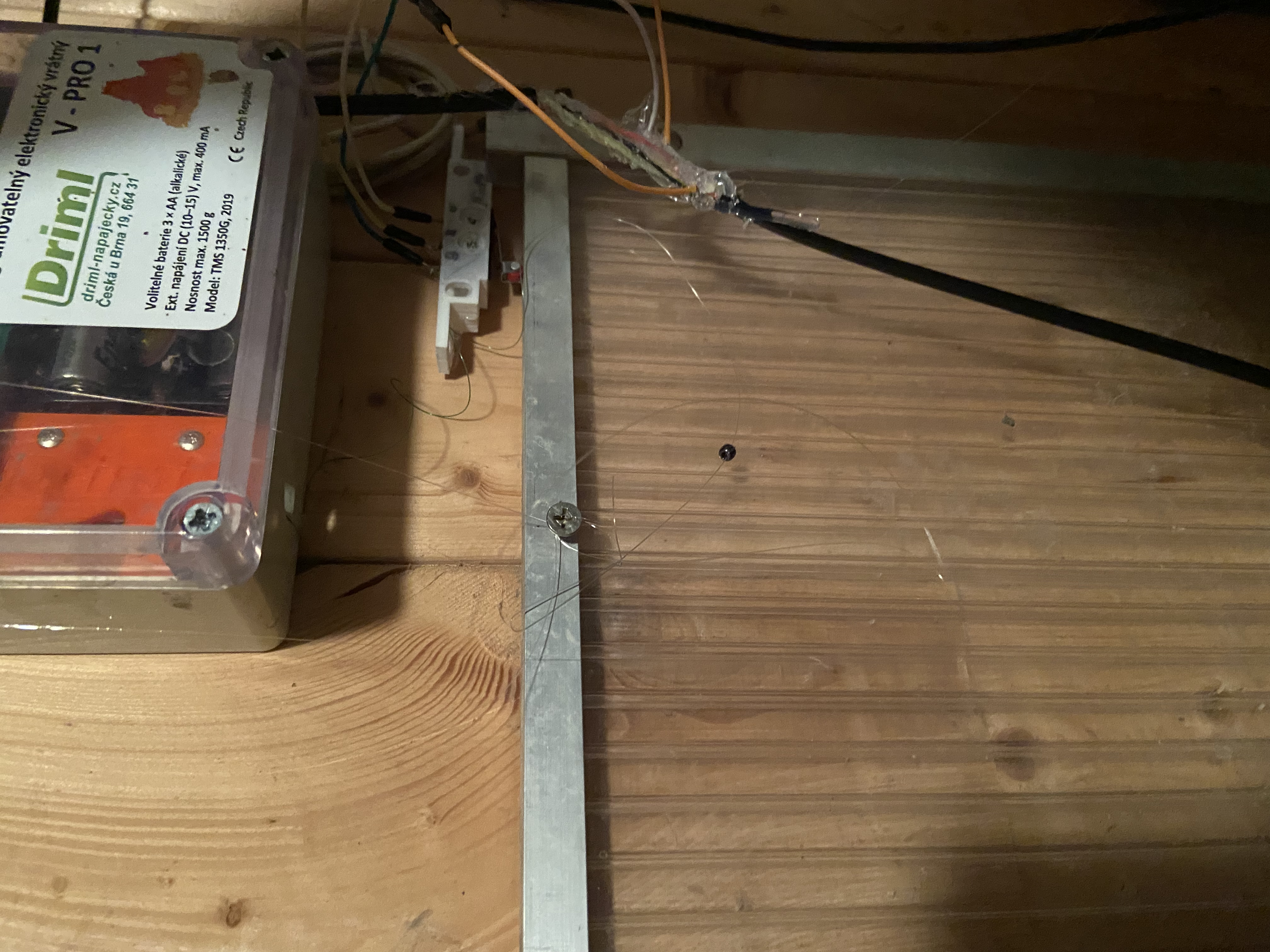
Movement sensor (PIR SENSOR)
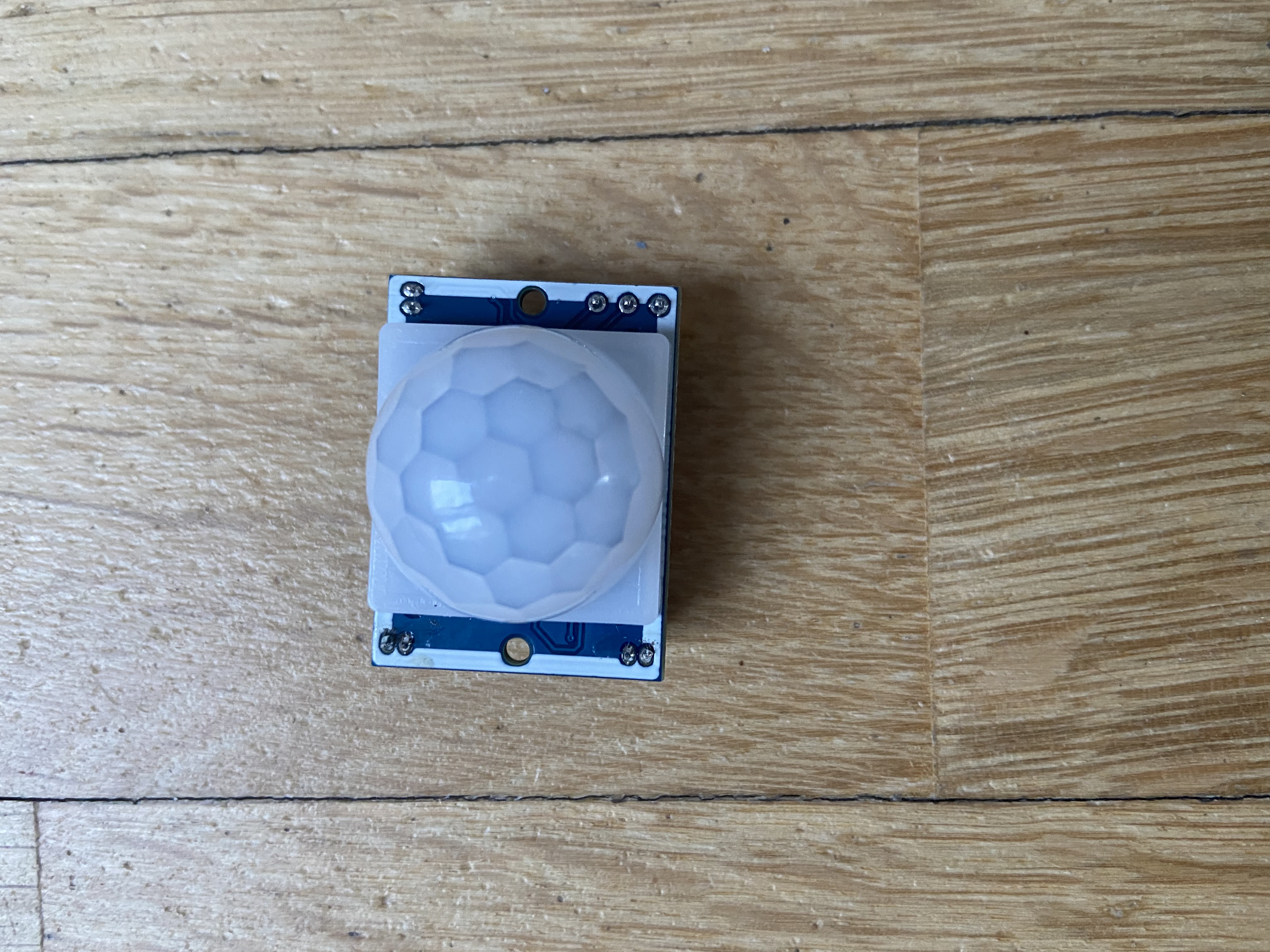
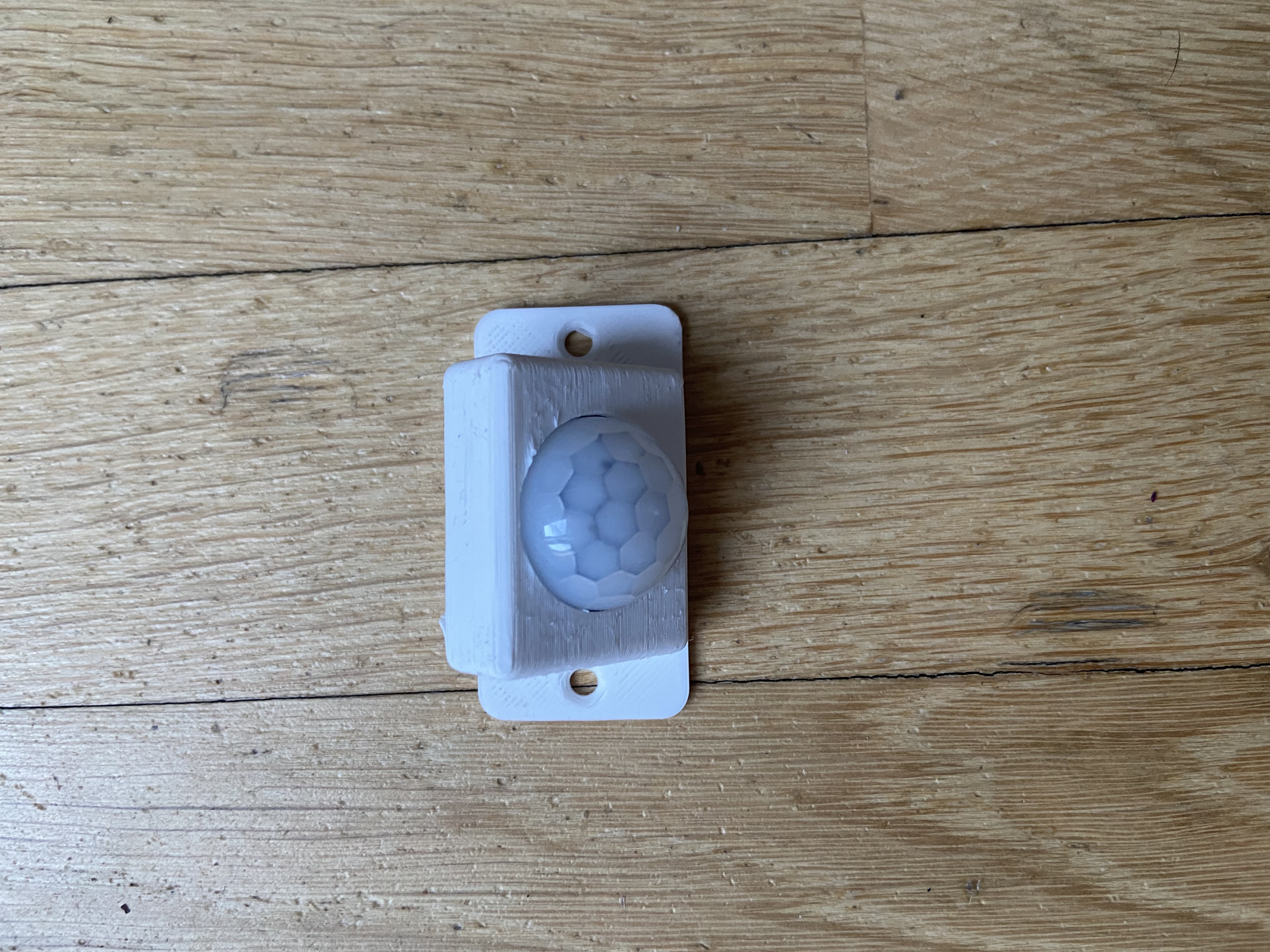
Waterlevelsensor
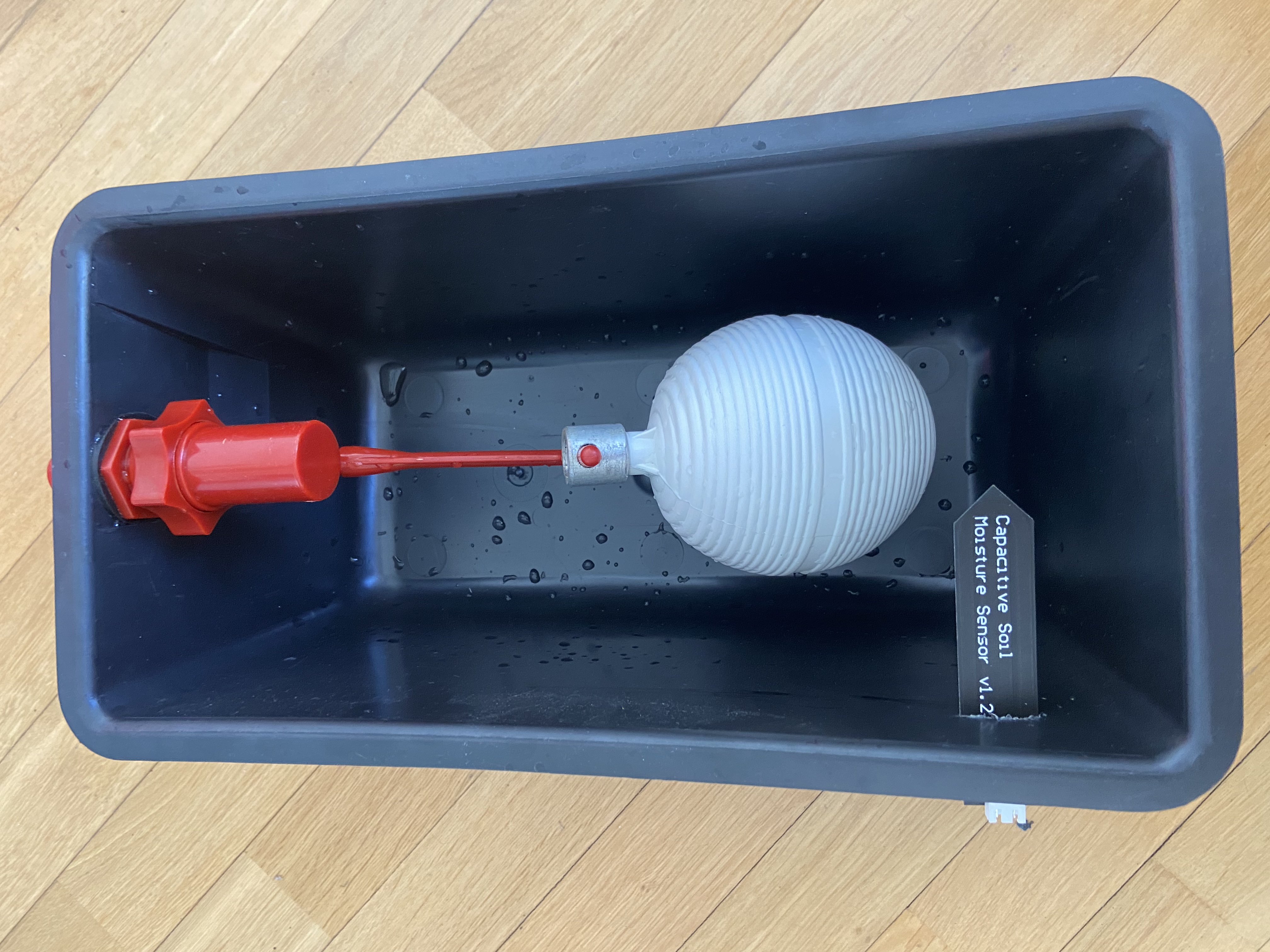
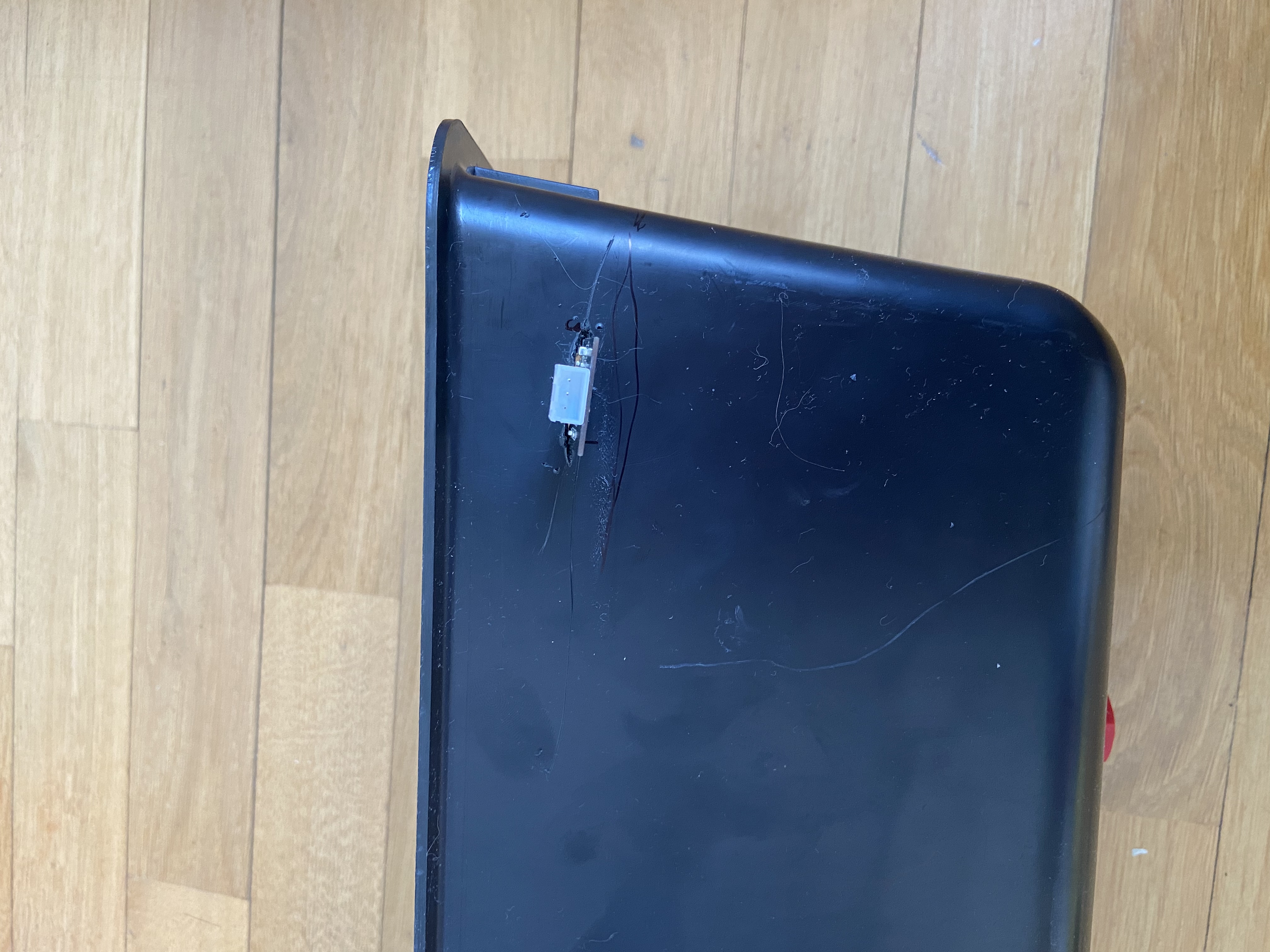
In my case, the only problem I had was that the water in the automatic filling system could fail and I wanted it to notify me if it does, so I cut a hole the tank and put the soil oplá kit moisture sensor in. So when the water gets to it, it triggers.
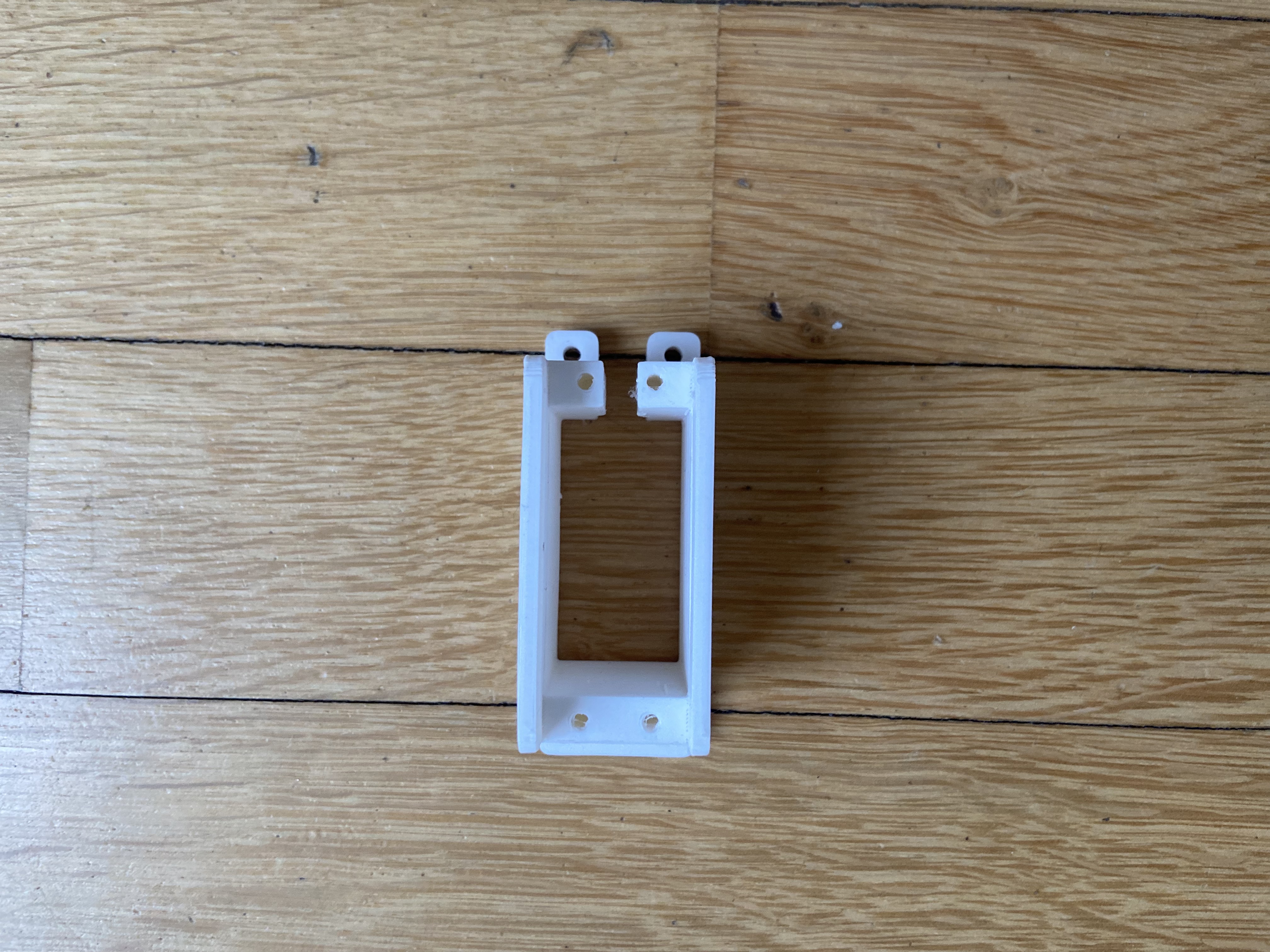
Door servo
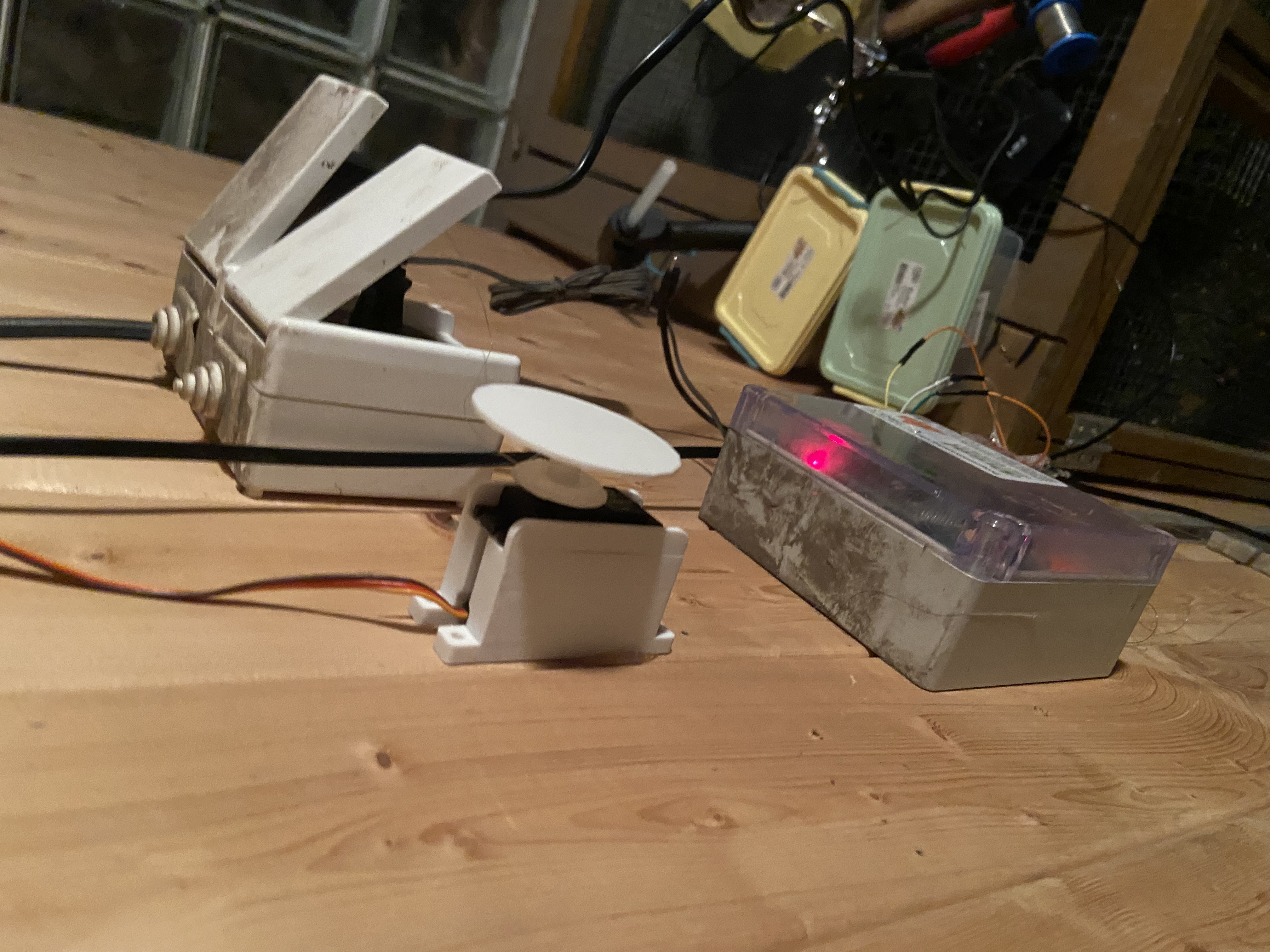
Temperature sensor
Unfortunately, I couldn’t find a photo of the temperature sensor I used
Relay
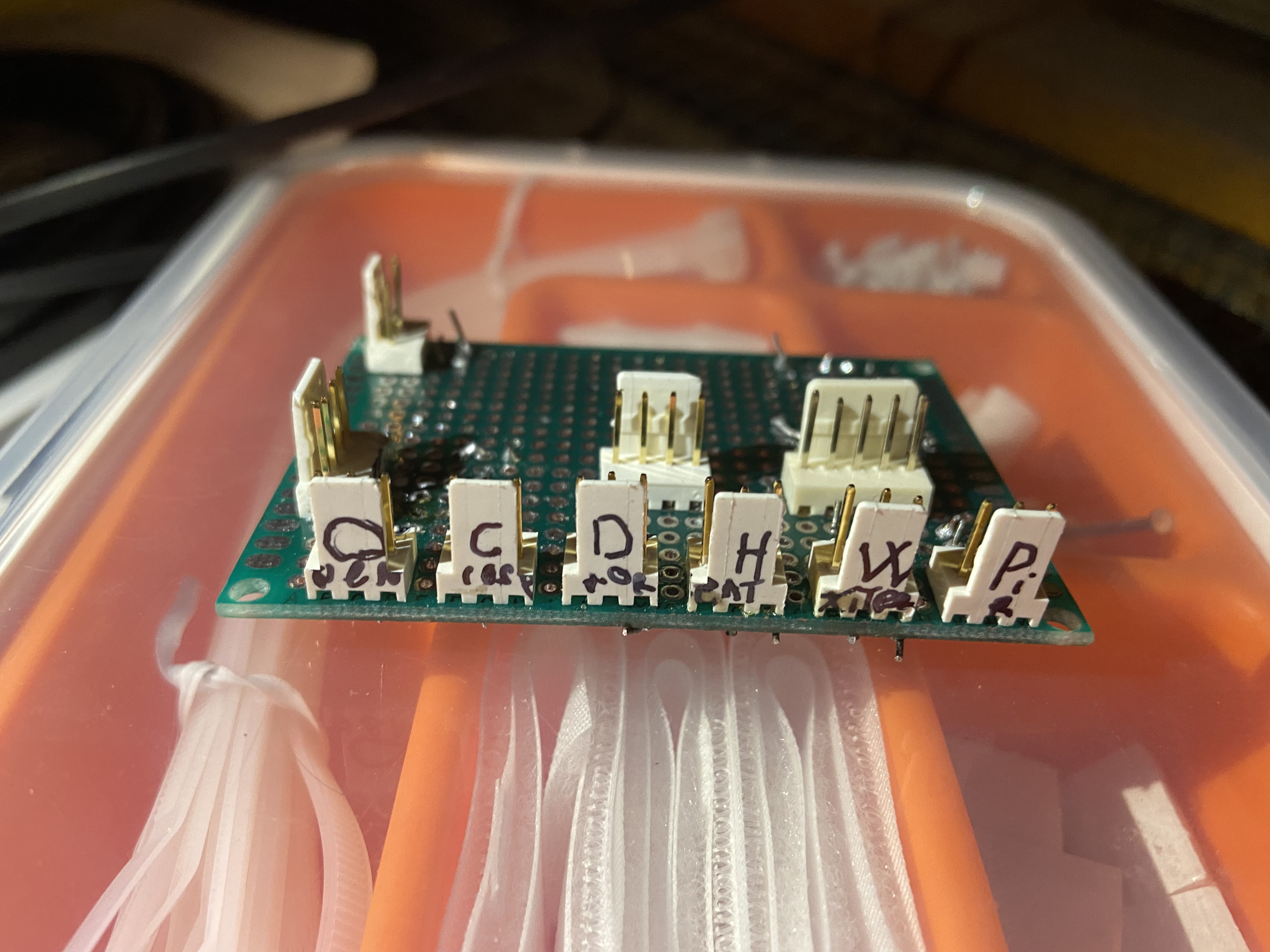
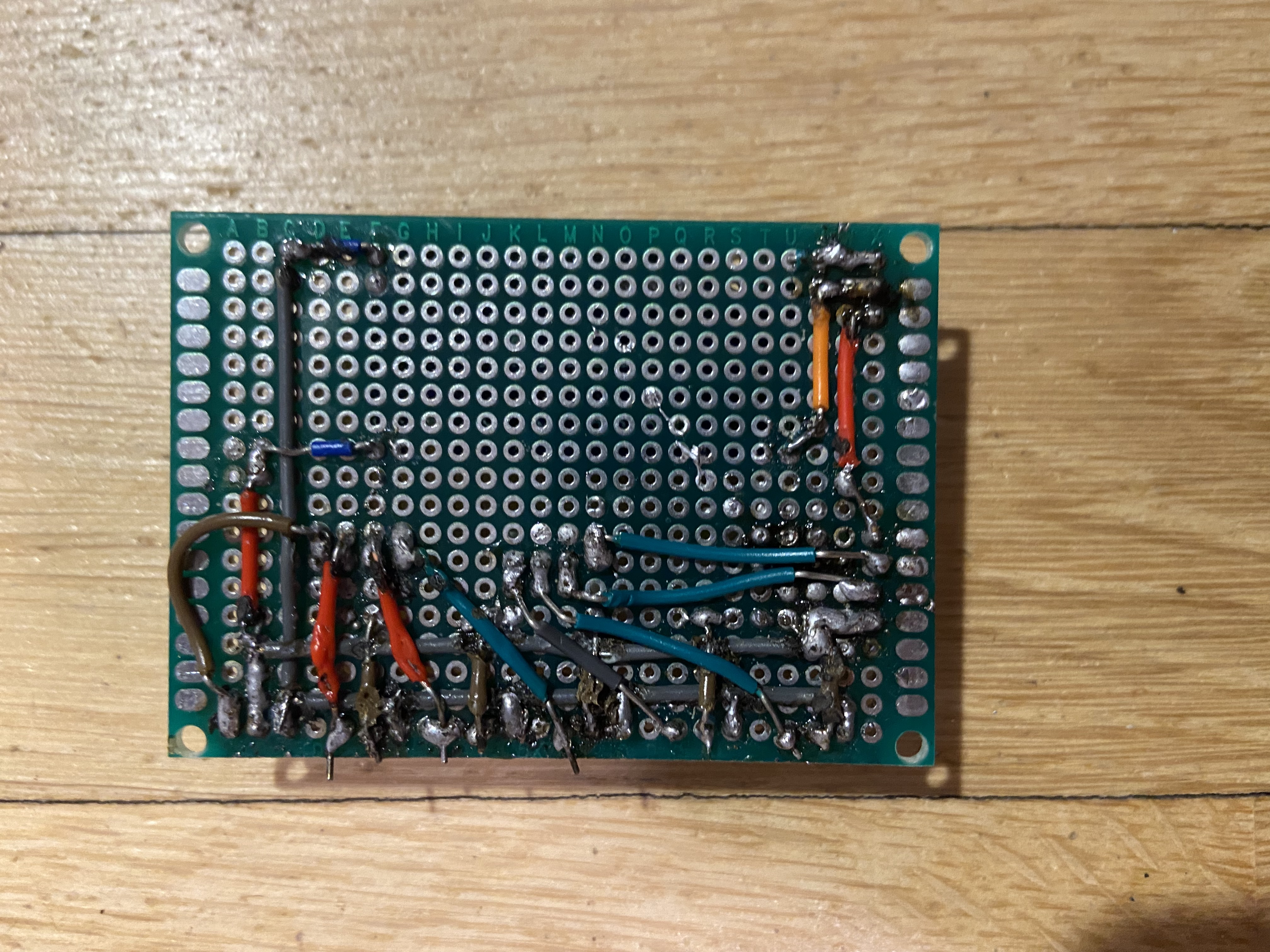
Now we connect everything according to the schematic
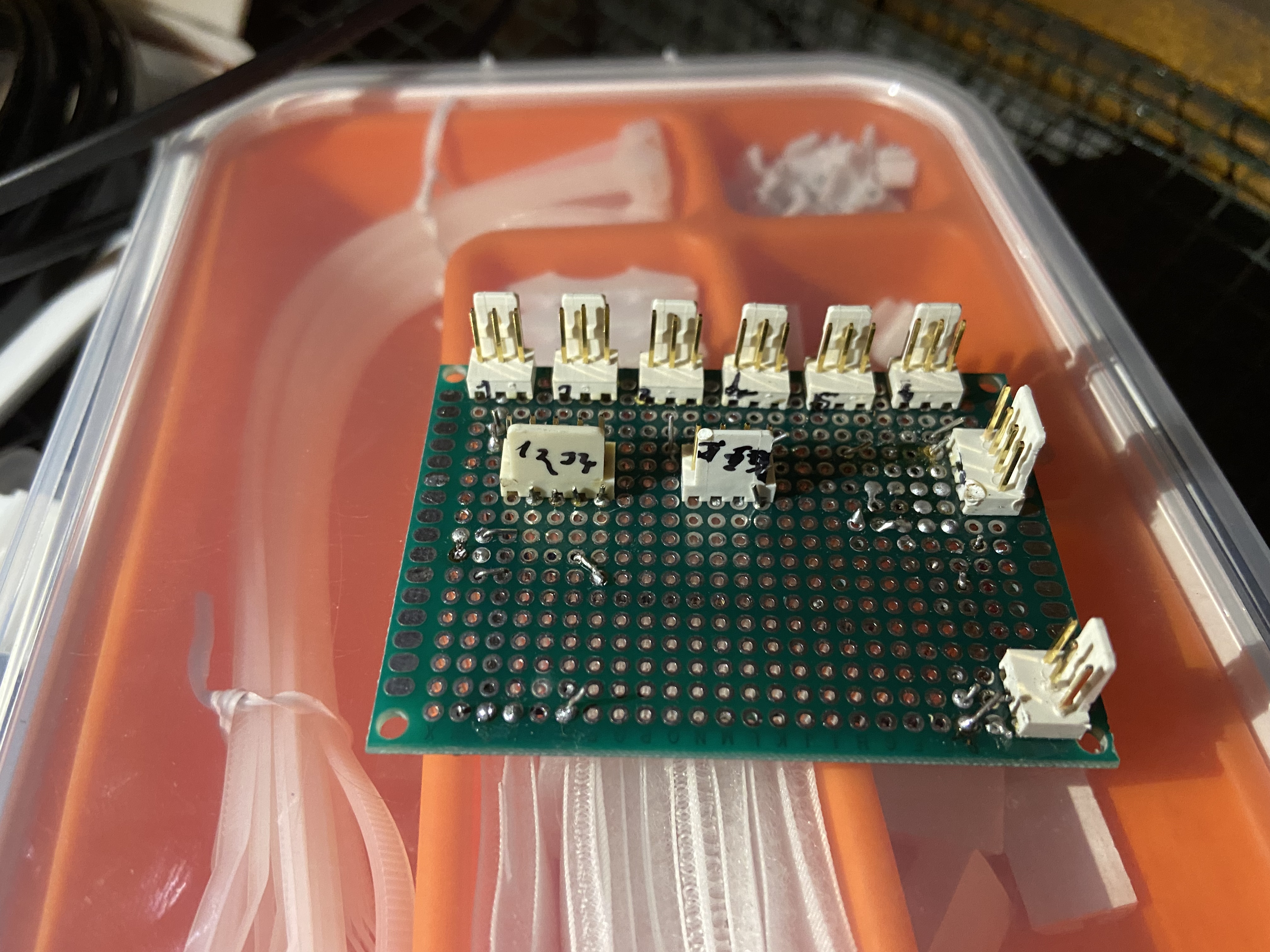
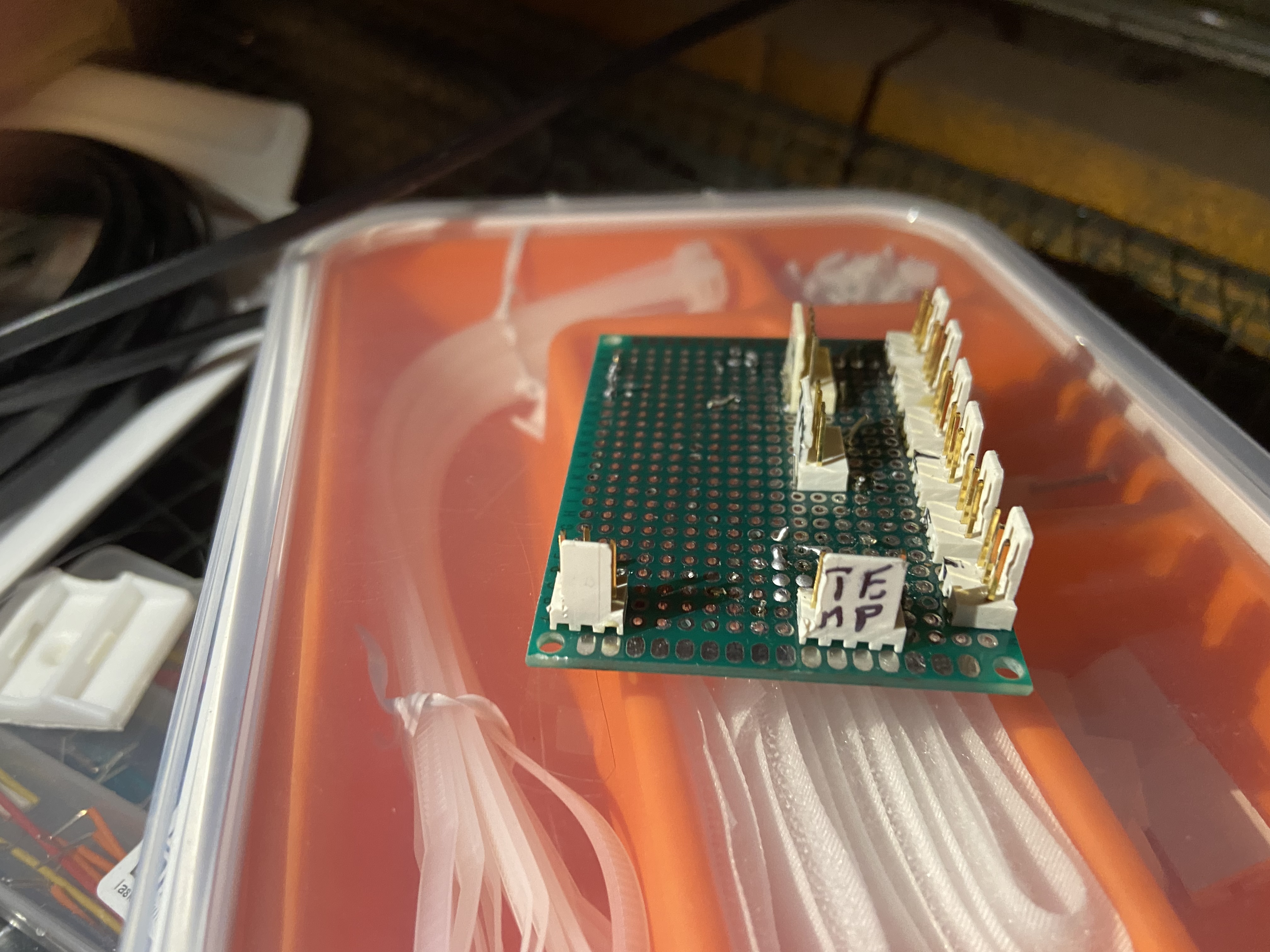
PCB
IoT Cloud setup
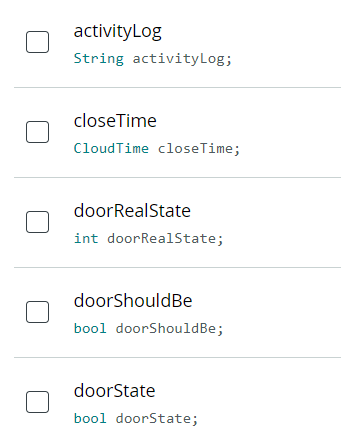
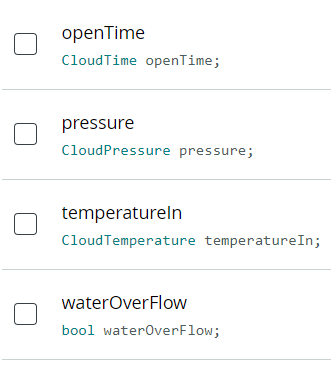
activityLog - Character String, Read Only, On change
closeTime - Time, Read & Write, On change
doorRealState - Integer Number, Read Only, On change
doorShouldBe - Boolean, Read & Write, On change
doorState - Boolean, Read Only, On change
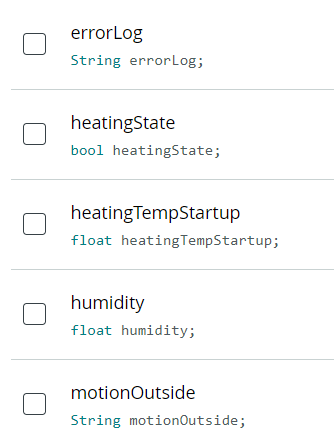
errorLog - Character String, Read Only, On change
heatingState - Boolean, Read & Write, On change
heatingTempStartup - Floating Point Number, Read & Write, On change
humidity - Floating Point Number, Read Only, Periodically (30s)
motionOutside - Character String, Read Only, On change
doorState - Boolean, Read Only, On change
openTime - Time, Read & Write, On change
pressure - Pressure, Read Only, Periodically (30s)
temperatureIn - Temperature, Read Only, Periodically (10s)
waterOverFlow - Boolean, Read Only, On change
IFTTT Notifications (requires IFTTT Pro+)
First we create new applet and add webhook trigger with JSON payload to it.
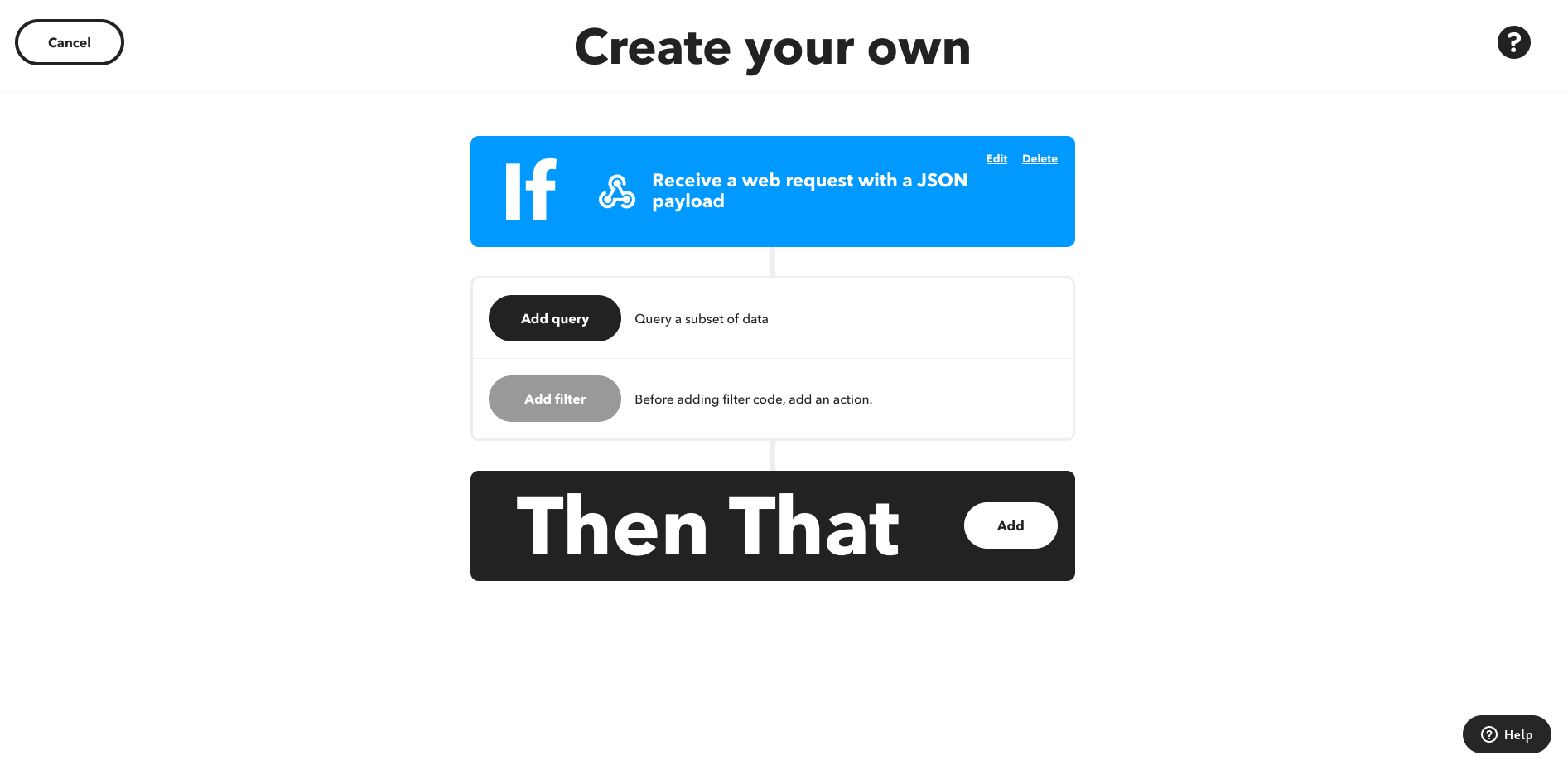
Then we add what the trigger should do. I chose notification, but you can choose email and other things.
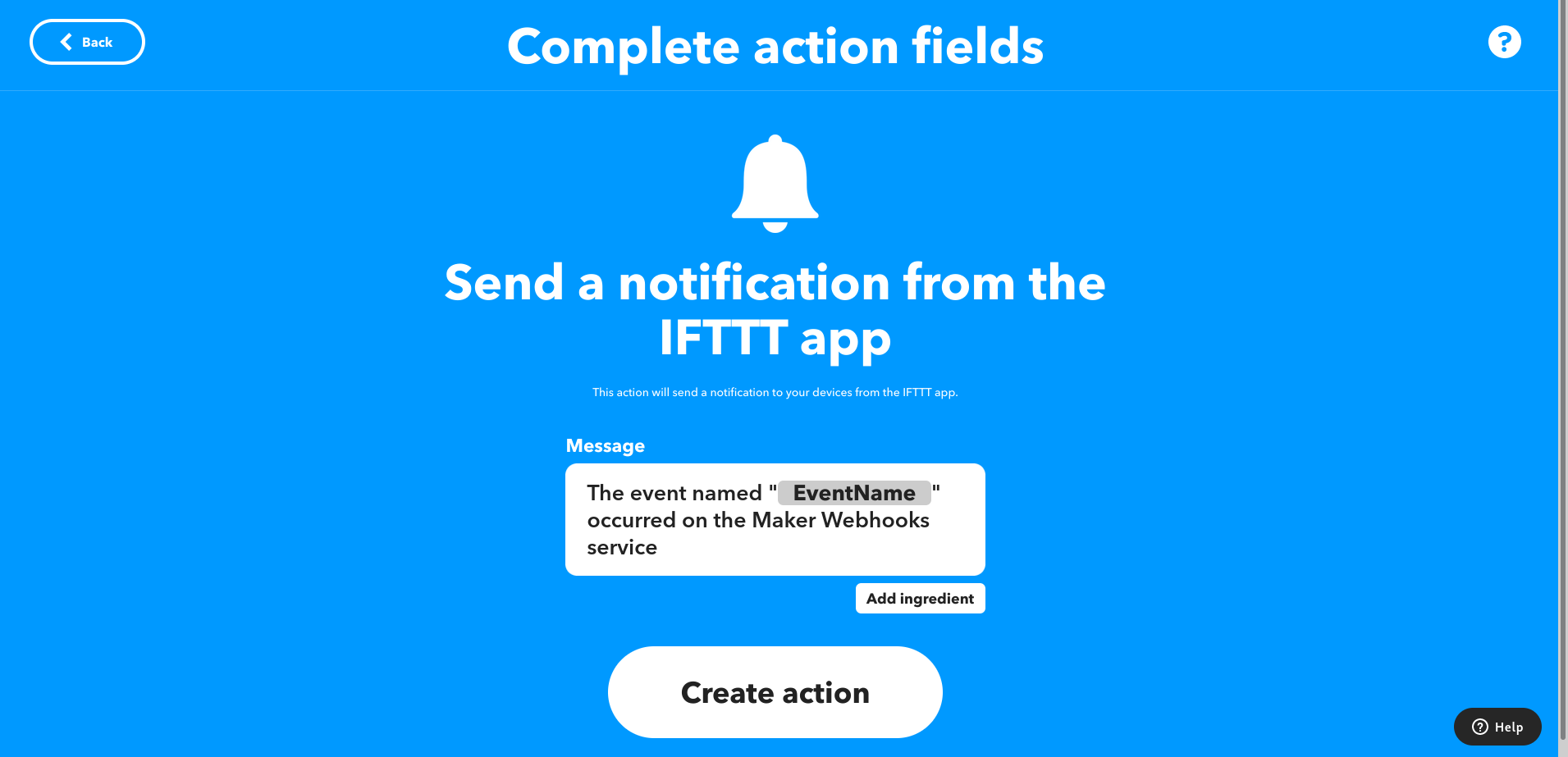
Then we add filter
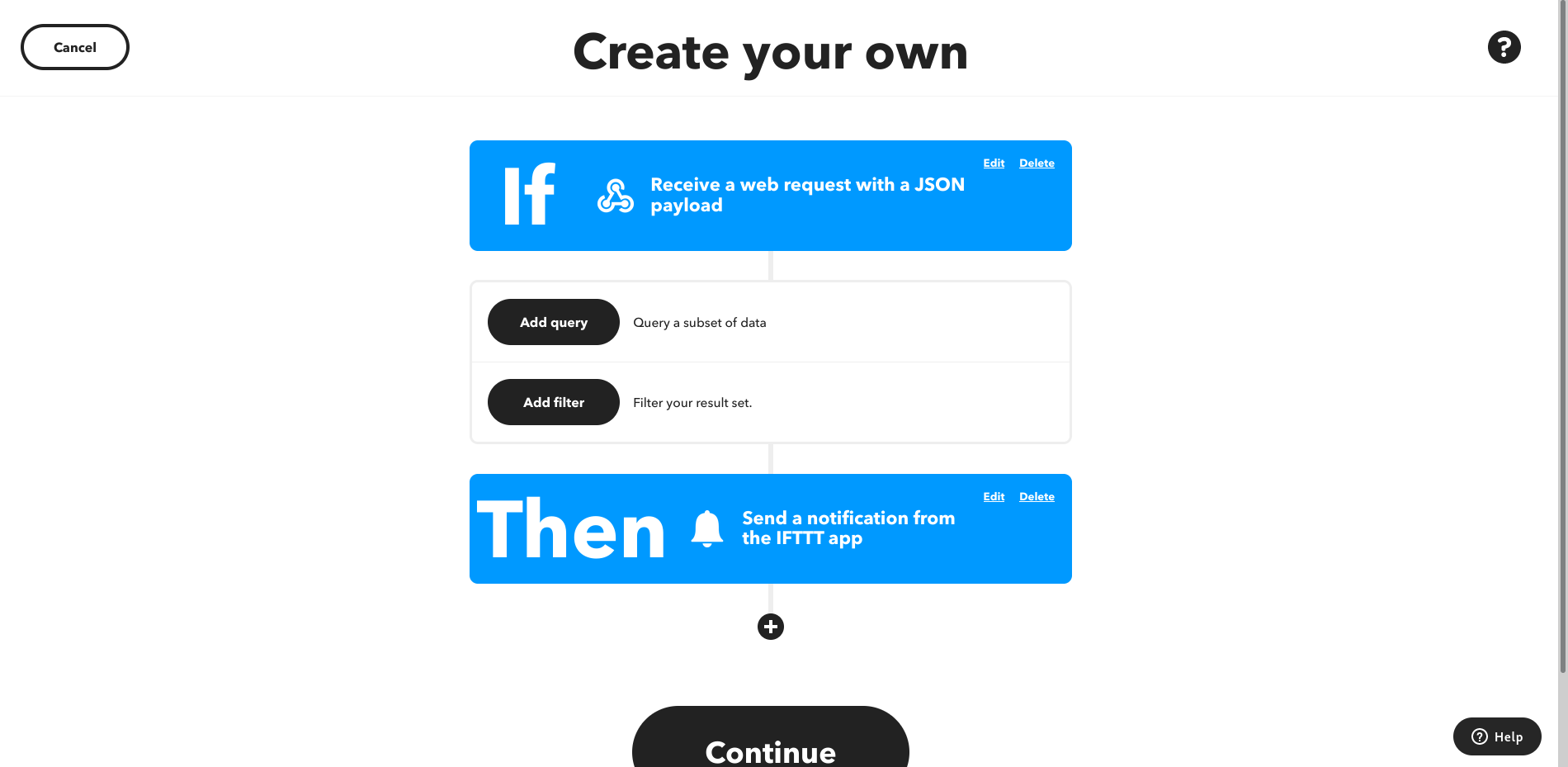
and paste this to the filter code
var payLoad = JSON.parse(MakerWebhooks.jsonEvent.JsonPayload);
if (payLoad.value1 == "motionOutside"){
 if (payLoad.value2 == "Motion outside detected!"){
   IfNotifications.sendNotification.setMessage("Motion outside detected!")
 }else{
   IfNotifications.sendNotification.skip();
 }
}else if (payLoad.value1 == "waterOverFlow"){
 if (payLoad.value2 == "true" || payLoad.value2 == "1" || payLoad.value2 == "True" ){
   IfNotifications.sendNotification.setMessage("Water is overflowing!")
 }else{
   IfNotifications.sendNotification.skip();
 }
}else if (payLoad.value1 == "errorLog"){
 IfNotifications.sendNotification.setMessage("Error! Check errorLog!");
}else if (payLoad.value1 == "heatingState"){
 if (payLoad.value2 == "true" || payLoad.value2 == "1" || payLoad.value2 == "True" ){
   IfNotifications.sendNotification.setMessage("Heating turned on...")
 }else{
   IfNotifications.sendNotification.skip();
 }
}
else{
 IfNotifications.sendNotification.skip();
}
Then we continue and finish.
Now under the profile icon we click My services and find webhooks
Open the documentation.
We change the {event} in trigger with JSON payload to our trigger name and copy it.

Then we go back to Arduino IoT Cloud and click set webhook.
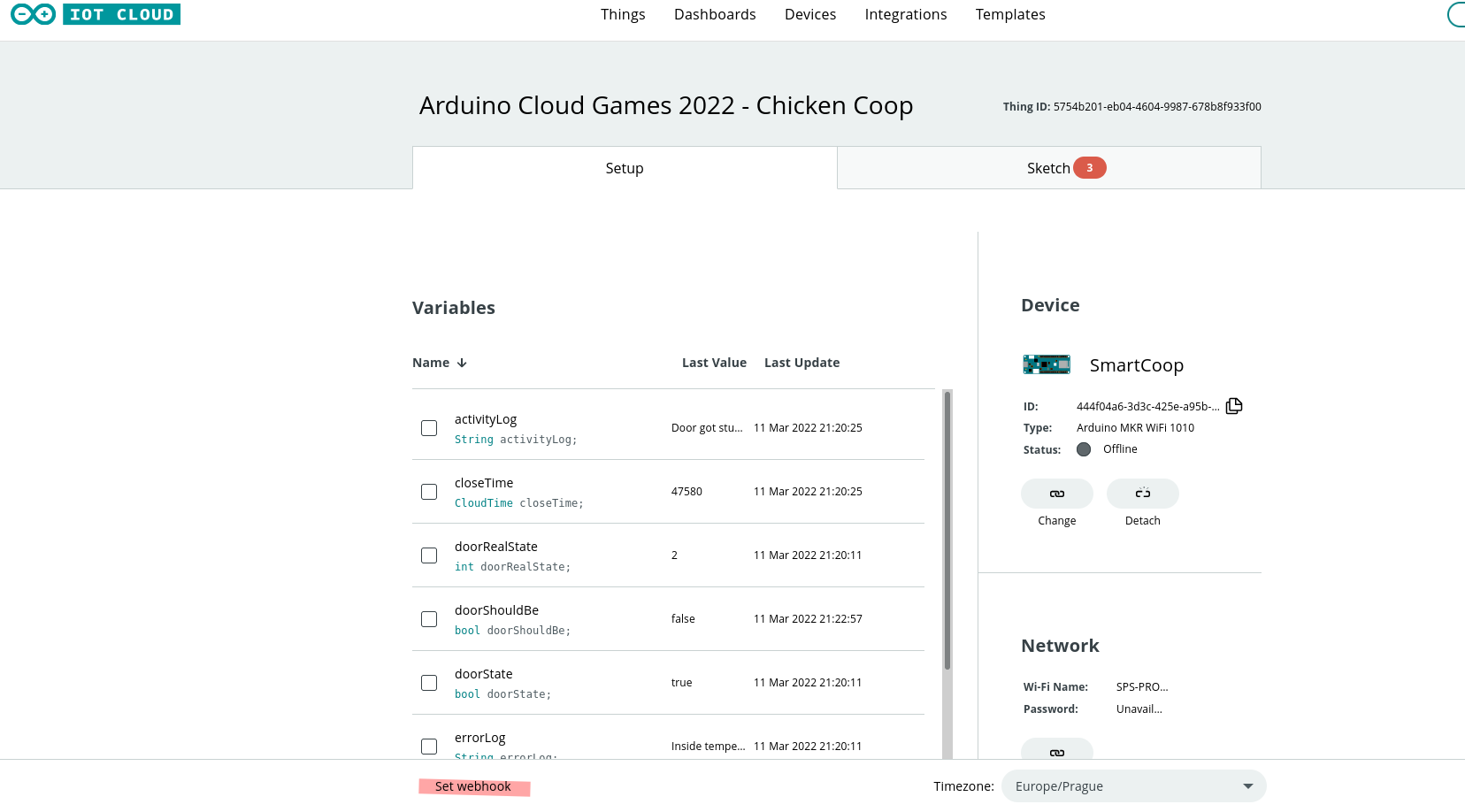
We paste there our link add it and thats it!
3D printed parts
Unfortunately, I couldn't find where I downloaded most of the models so adding it here without credit would be plagiatorism, but I'm sure you can find models that are right for you!
DASHBOARD
You have lots of options on the dashboard with this project, so make it yourself-friendly!
EXPANDED TECHNICAL DETAILS
Livestock Safety Automation
Created for the #ArduinoCloudGames2022, this project focuses on the total automation of a chicken coop to ensure flock safety.
- Smart Door Actuation: Uses a High-Torque Stepper Motor or Linear Actuator to open/close the door based on sunrise/sunset data synced from the web.
- Internal Monitoring: Includes a PIR sensor to detect intruder movement (predators) and a weight sensor (Load Cell) to count the number of hens inside the coop.
Cloud Dashboard
- Arduino IoT Cloud: Provides a real-time web interface. If the door fails to lock at night, the system triggers a "Critical Alert" to the farmer's phone, allowing for immediate remote intervention.