About the project
Problem :
We don't have a lot of options for smart soda machines. They usually don't work with smart homes. The ones we can buy are way too expensive and hard to maintain.
Soulution :
That's why i came up with an cheap DIY alternative. It works With Alexa. In this page you will find all the instructions to make it.
Result :
At the end you will have an amazing low cost soda machine that you will be able to connect to any smart home device by triggering routines. In Alexa app you can also set times to triger them. Soo you can set it to make you sodas at every morning! It will make your life way easier! You will be able to control it from anywere, because it's connected to arduino cloud.
Also you will learn new things/skills about IoT and Arduino! This will be a lot of fun!
My YouTube video
If you are an complete beginner
Here's some resources for beginners :
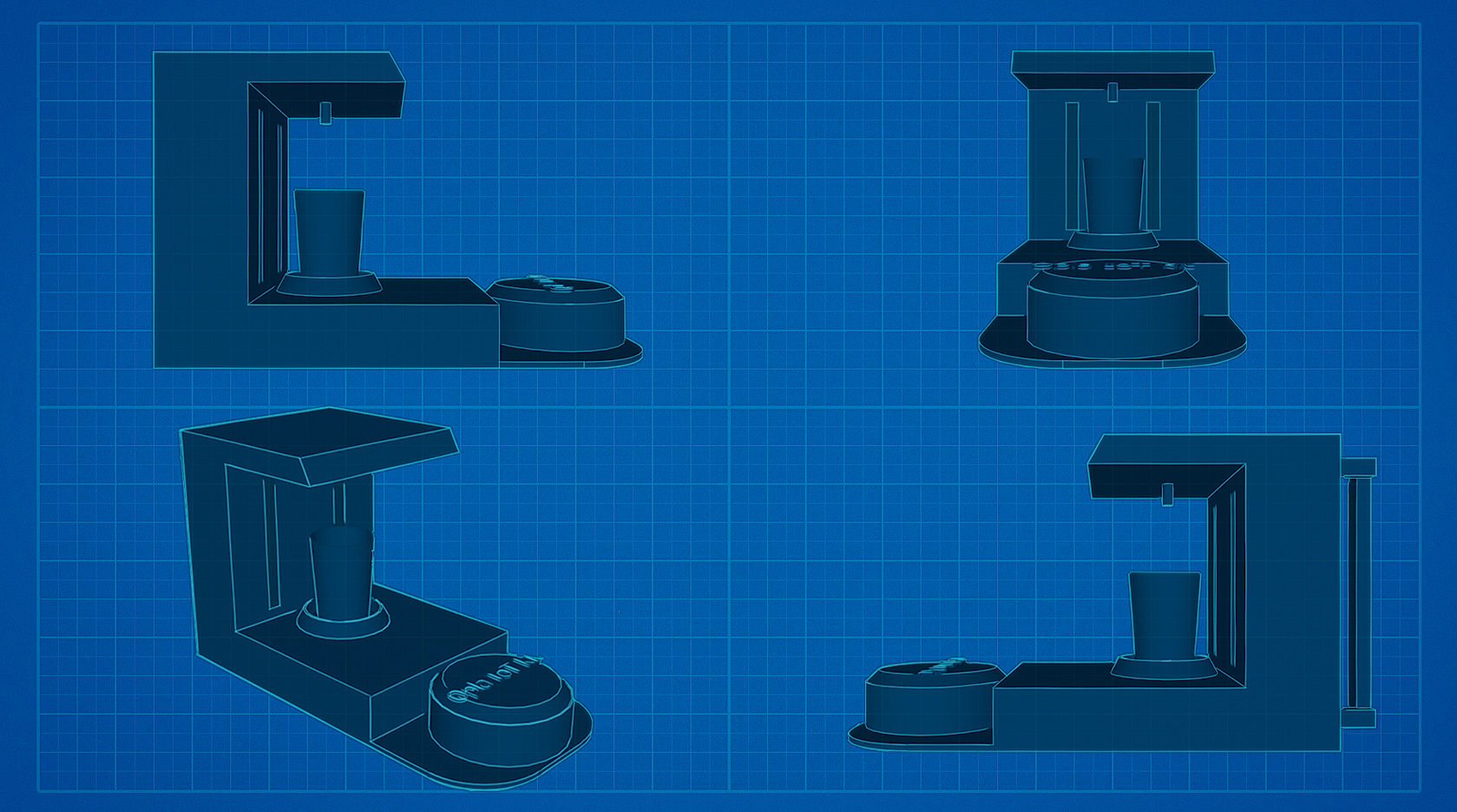
The frame
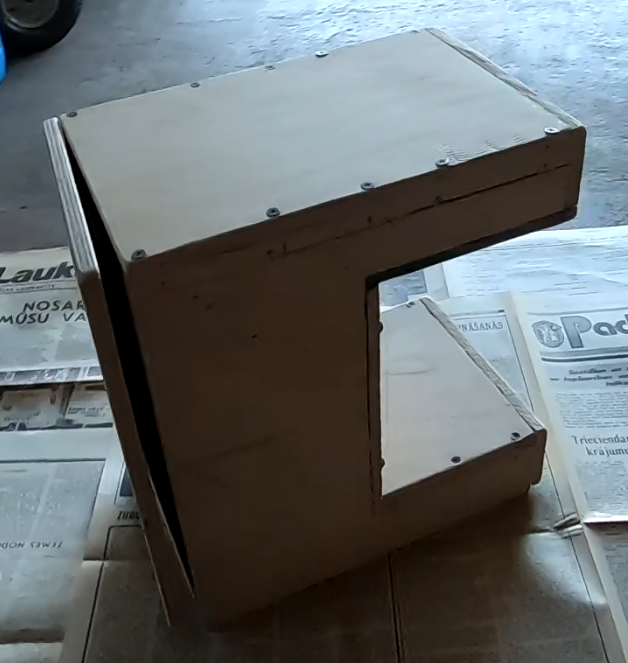
At first, make a frame. I chose wood as the material because it is easy to saw and paint.
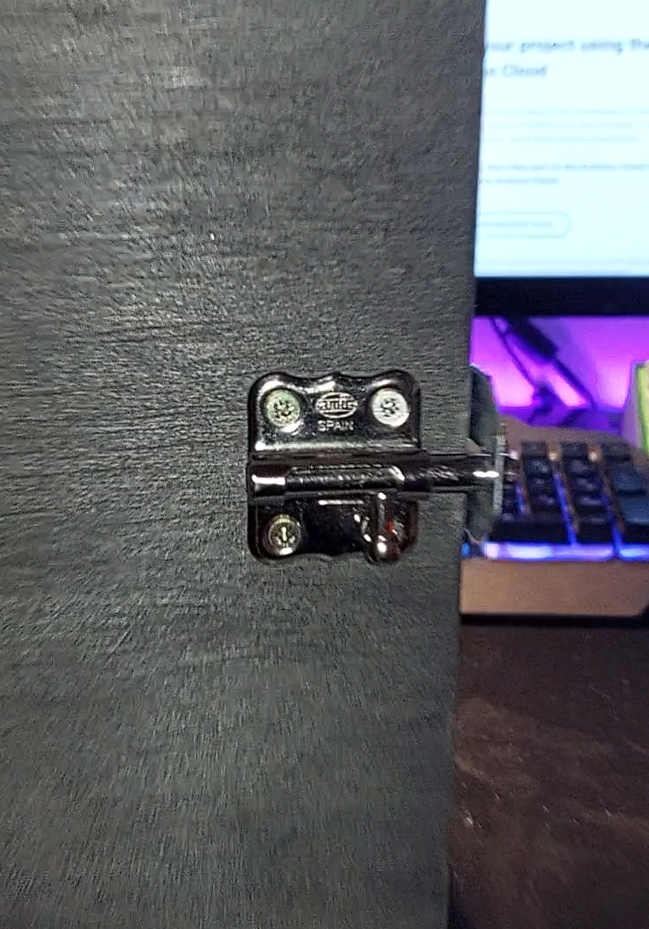
At the end i also added some plexiglass, soo it looks way cooler. I also added some lights.
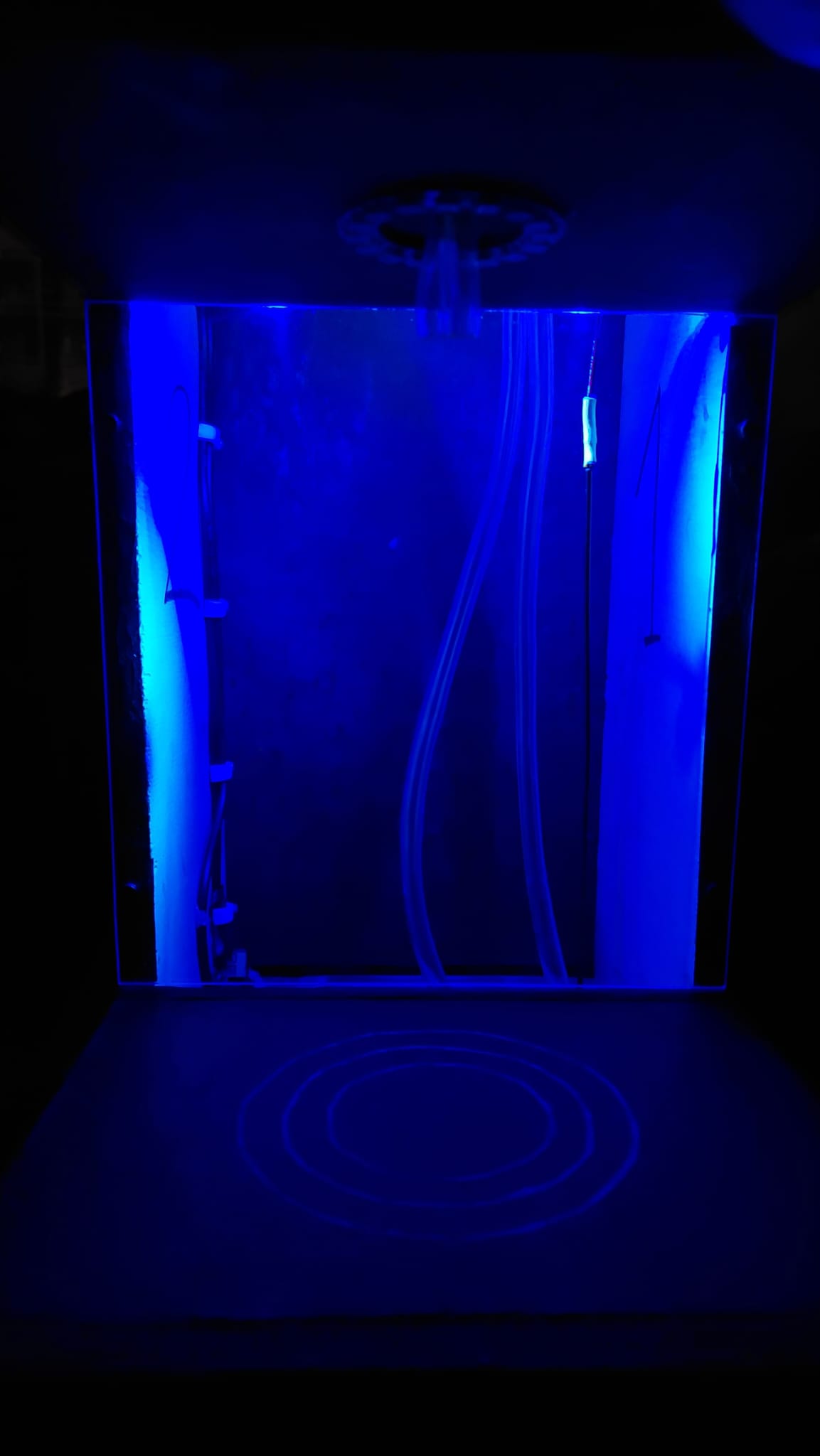
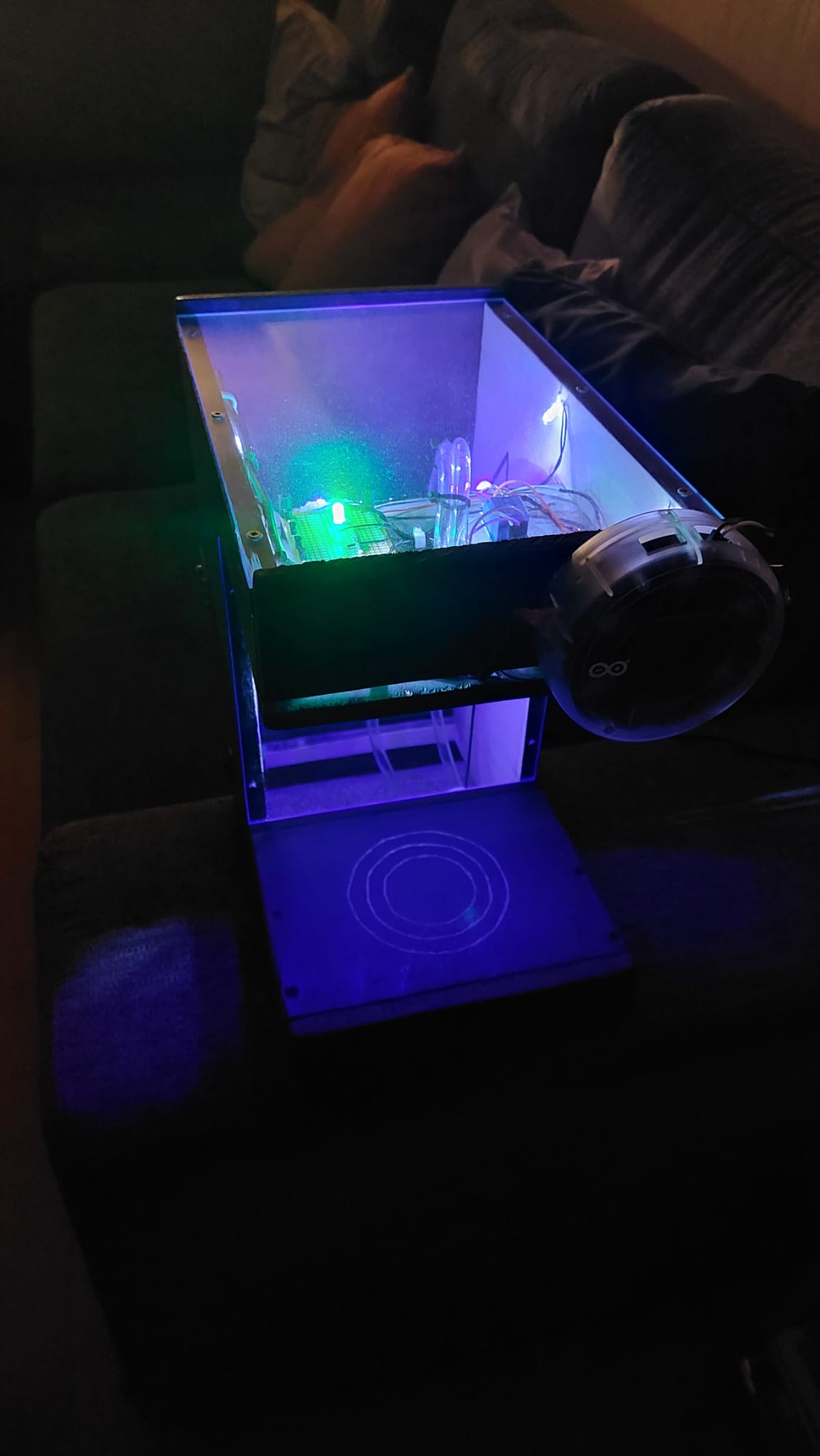
When you have finished making and painting it. Now you need to drill a hole for the tube.
Pumps
Then you need to think if you are going to go with peristaltic or air pump. Then drill 1 or 2 holes for the tubes.
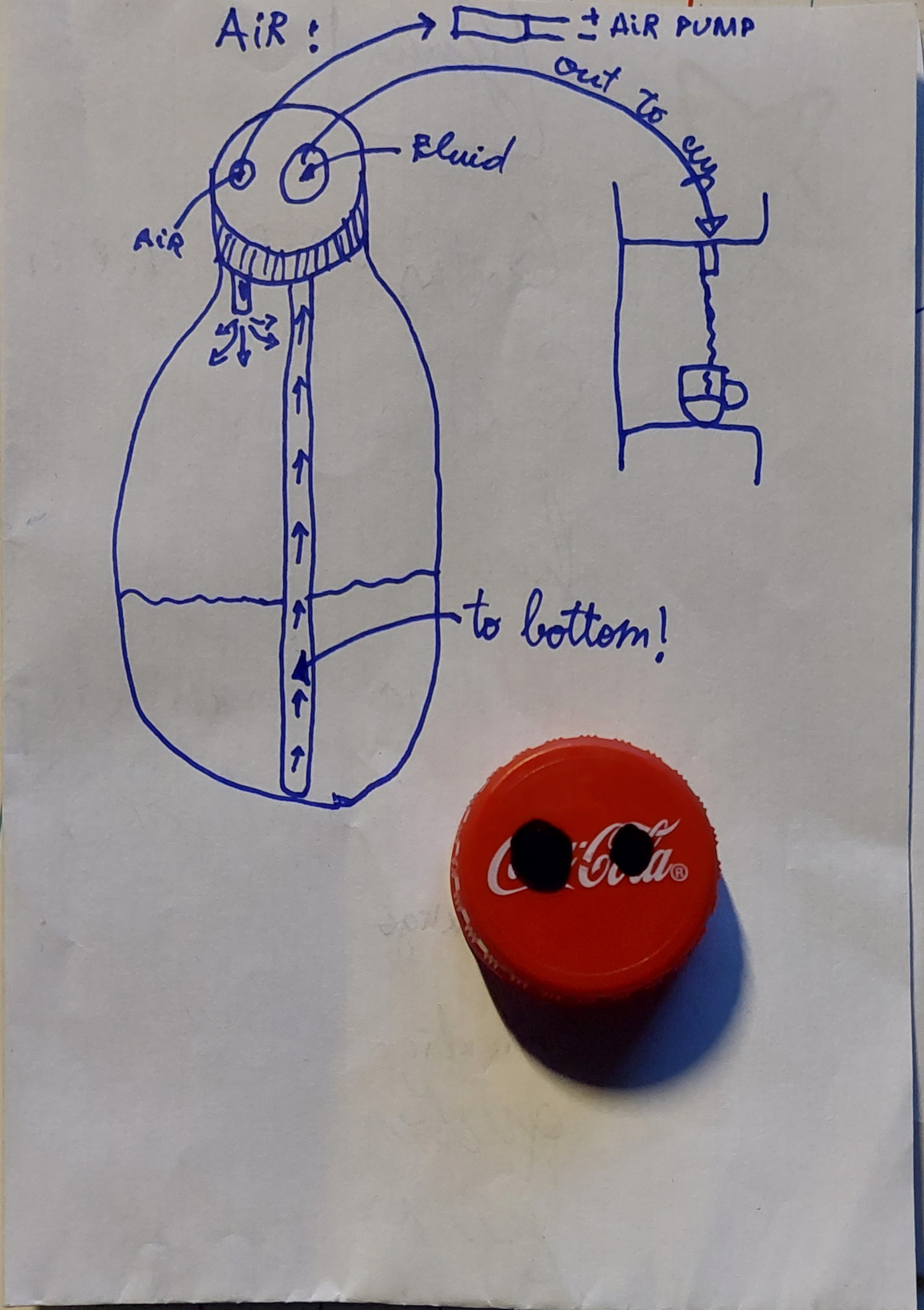
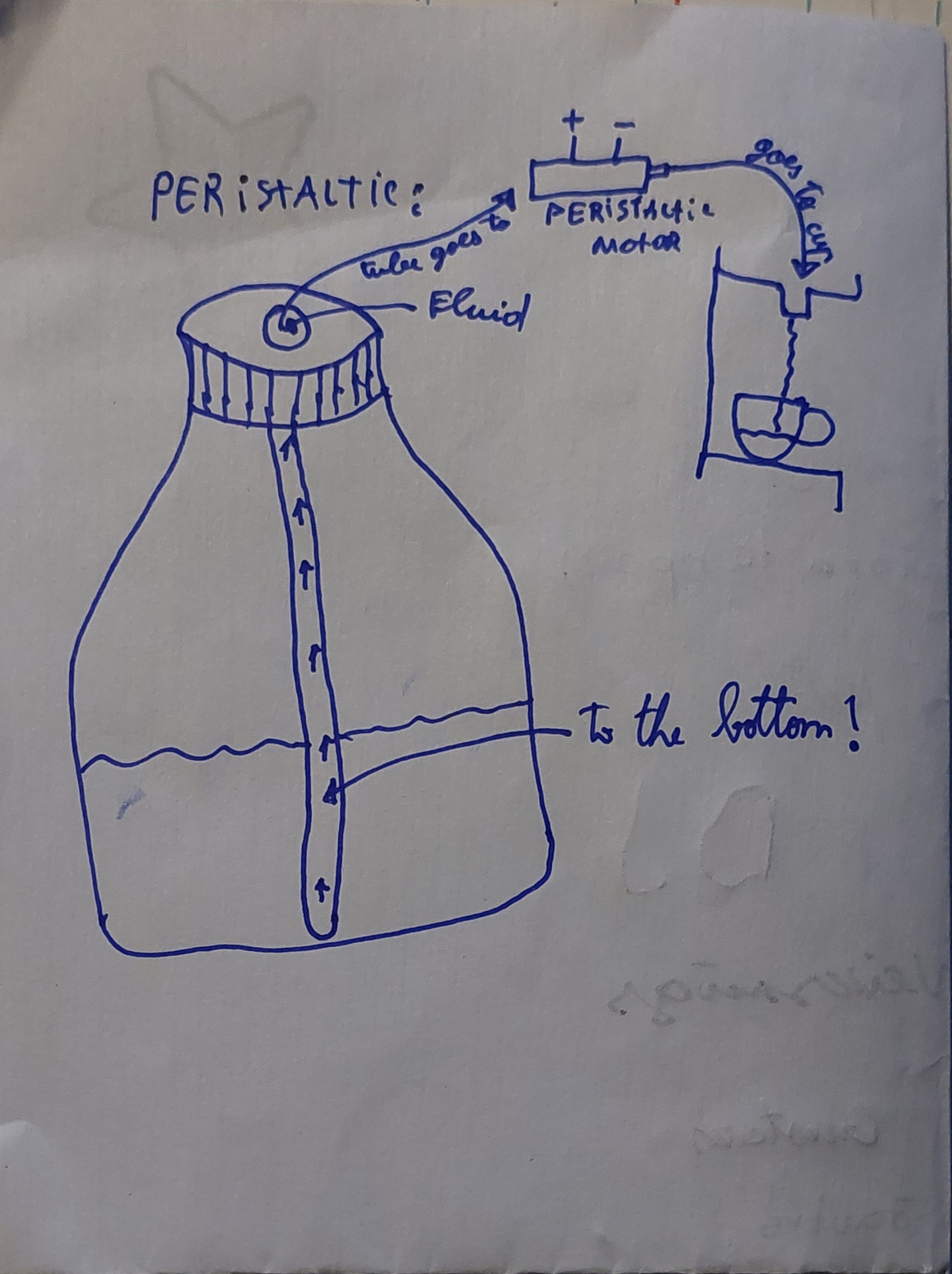
Tubing
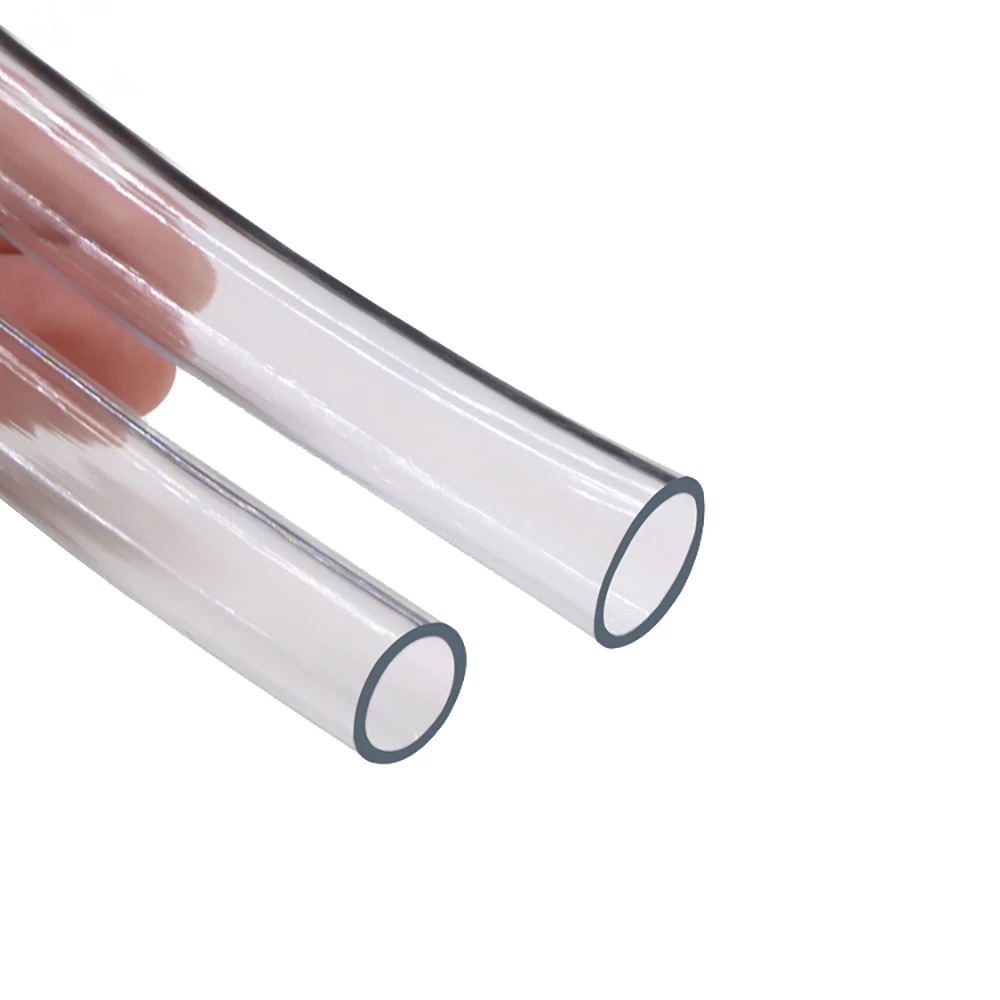
You will need few tubes to pump the liquid. I woud recommend theese soft transparent tubes.
Fittings
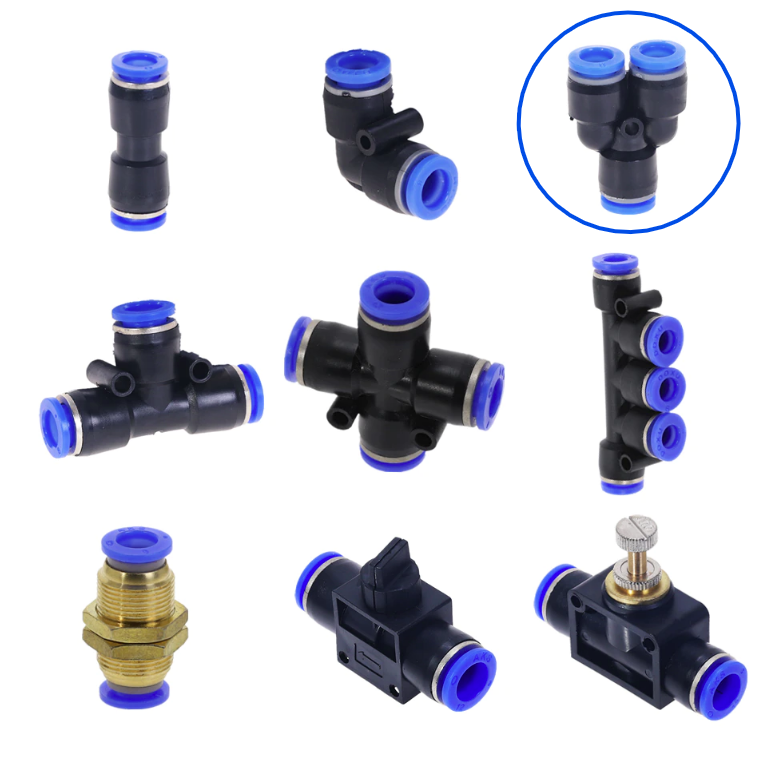
If you want to combine the 2 outputs from into one, i would recommend theese fittings.
Opla
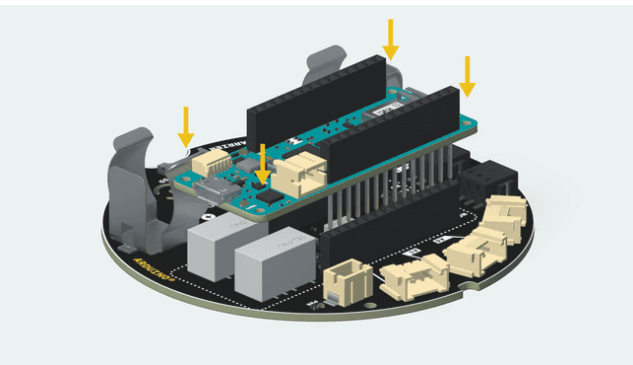
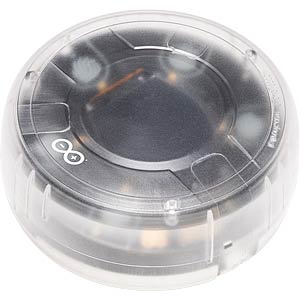
Then assemble opla. And put it in the case.
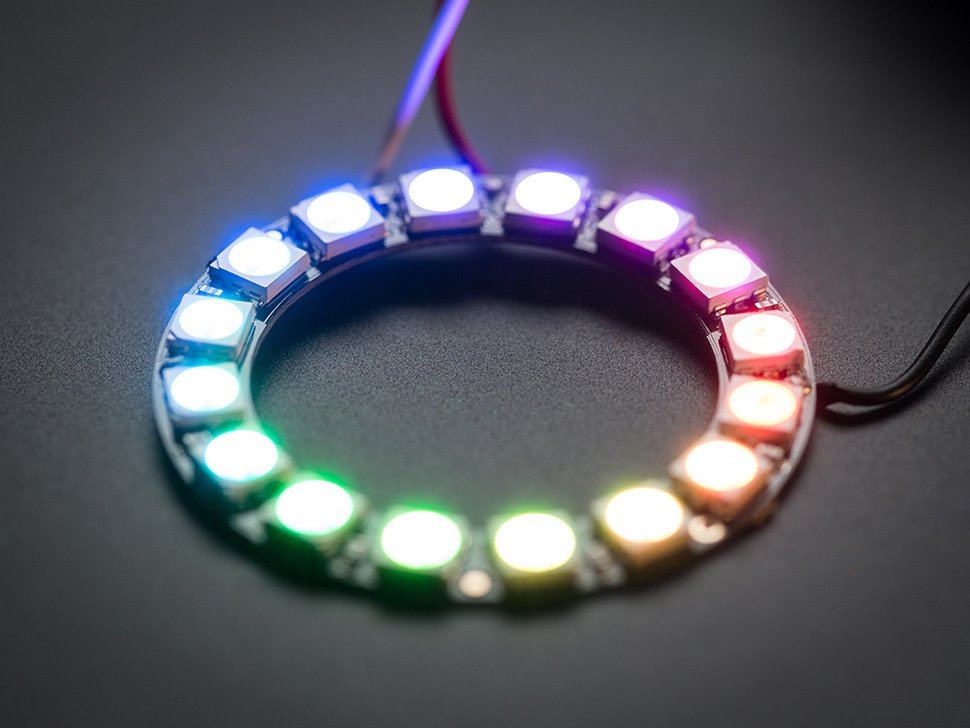
Neopixel ring
I also added an neopixel ring. Its an adressable ring that has rgb leds. This project uses 16 led ring.
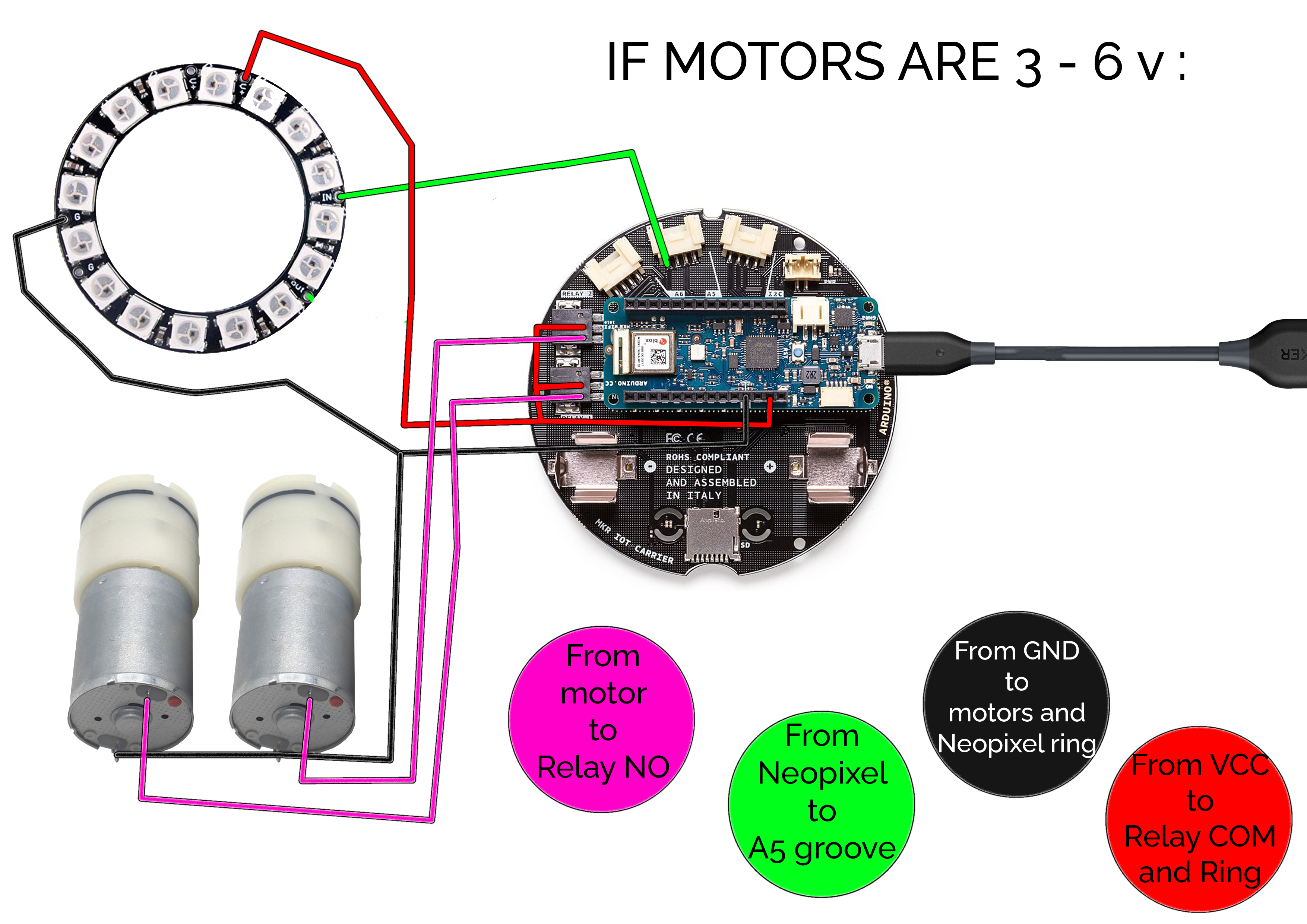
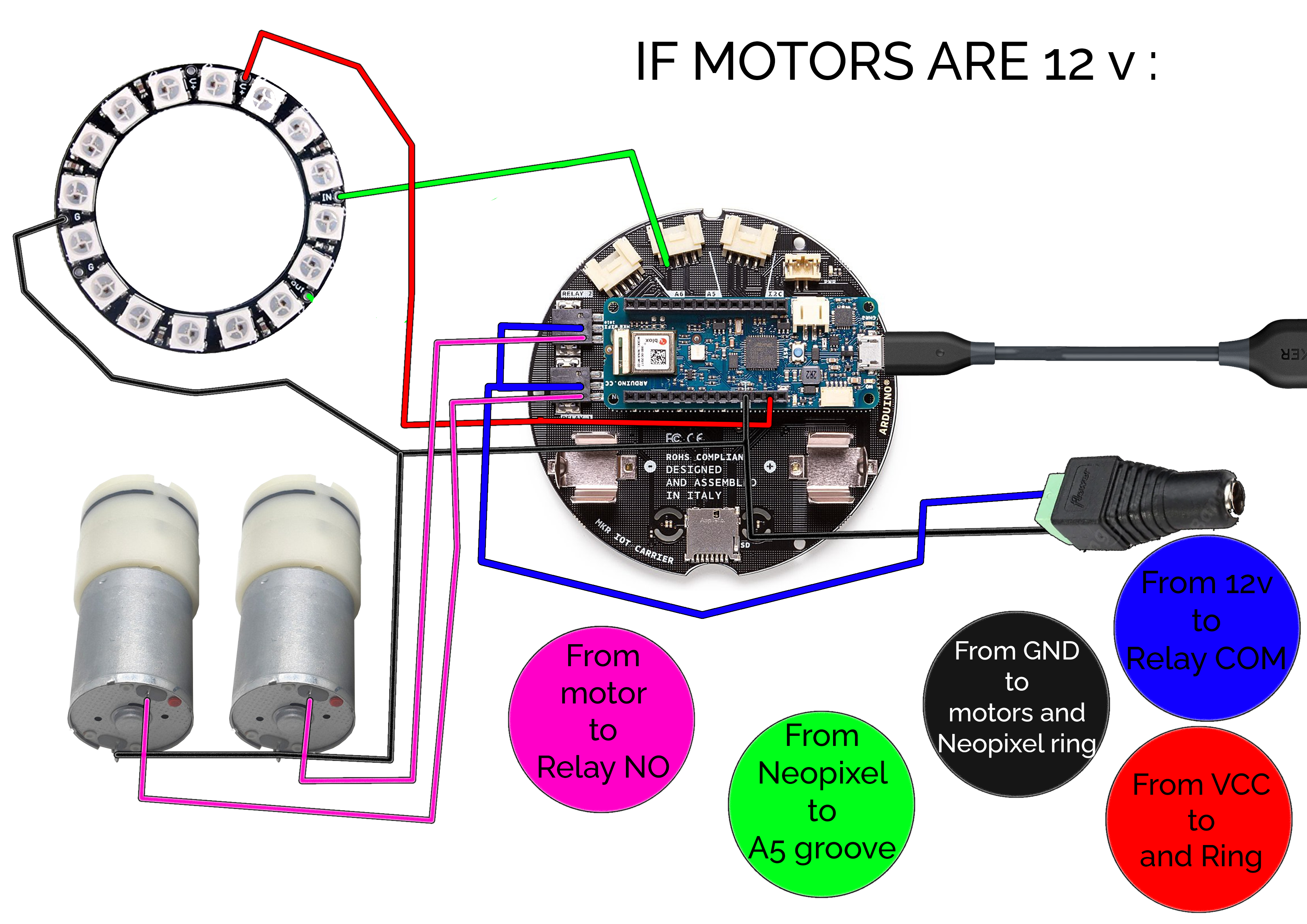
Wiring
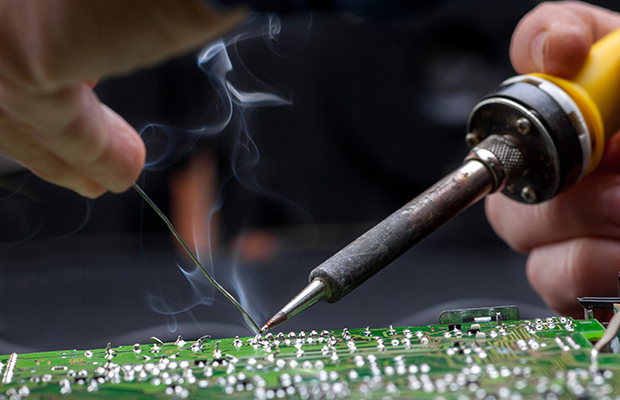
Then you just solder everything together like this :
Hardware-IoT Infrastructure
The project's core is built on a reliable hardware-IoT stack:
- Arduino MKR WiFi 1010: The "brain" of the project, managing multi-directional WiFi communication and coordinating the Alexa cloud sync.
- Relay Module (4-Channel): Providing a high-precision and reliable "Power Link" for each drink pump.
- 12V Diaphragm Pumps: Providing the high-capacity physical interface for dispensing the beverages.
- Amazon Alexa Skill: Essential for providing a clear and energy-efficient voice interface.
- Soda Machine Cabinet: Provides a professional physical interface and protects the internal components.
- Micro-USB Cable: Used to program the Arduino and provides the primary interface for the system controller.
Arduino IoT Cloud
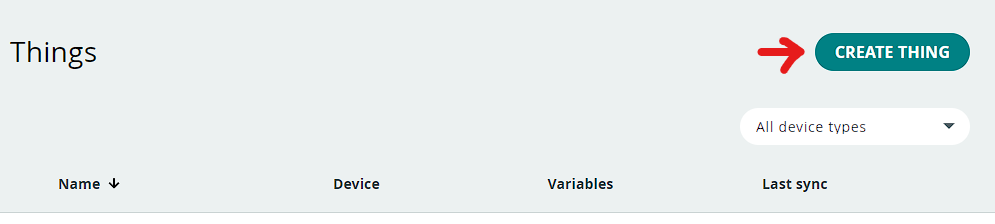
When that's ready we can start setting up cloud. Go to Arduino Cloud. Then login. Go to the things tab and make a new thing ("CREATE THING").
Start by pressing "Select Device". Then "Set up a new device" and configure it. Then when that's ready below "Network" press "Configure". Lets start adding variables.
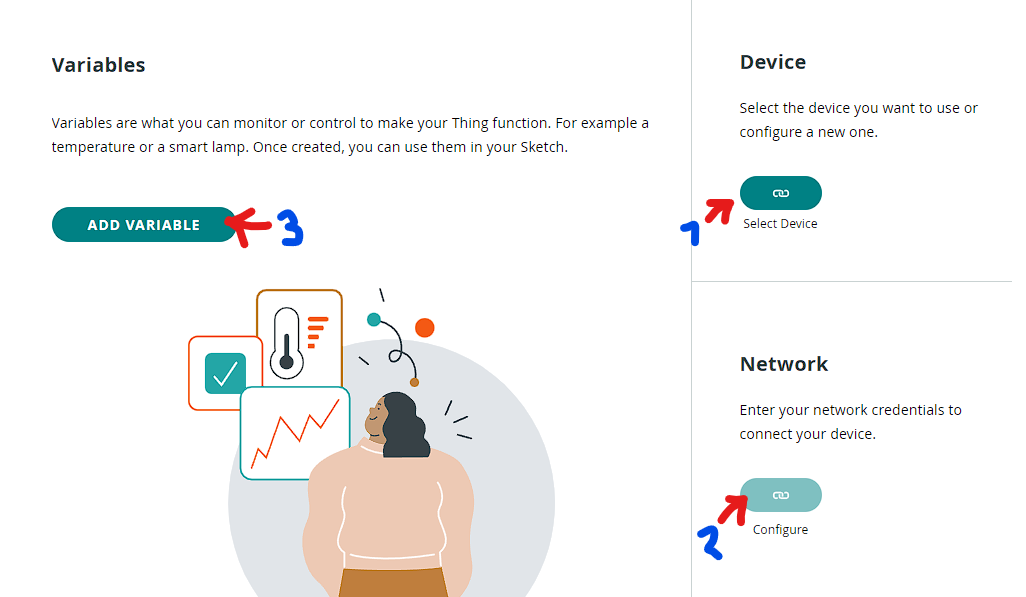
Press "Add variable" and make these variables (You have to write them exactly like in the pictures!) :
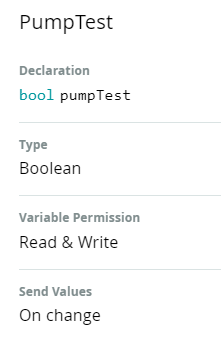
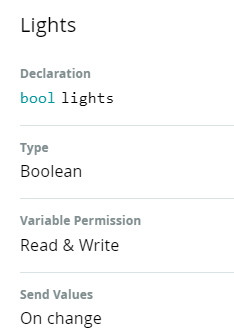
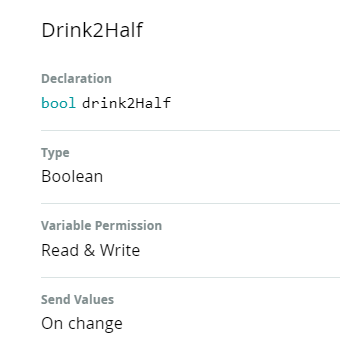
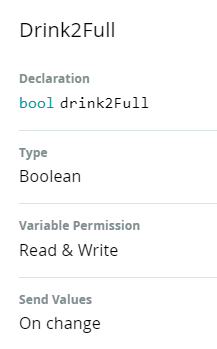
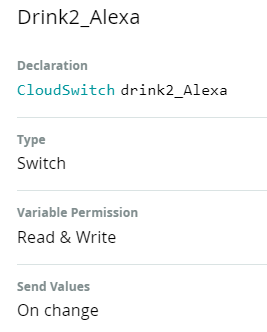
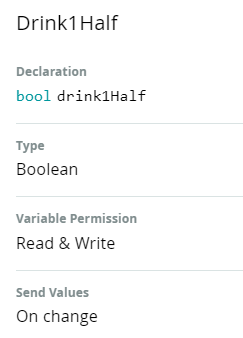
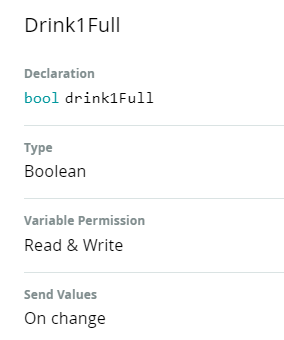
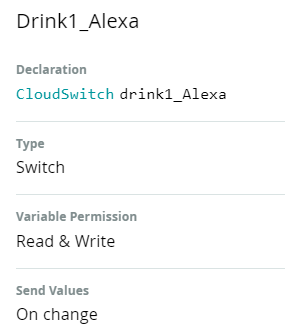
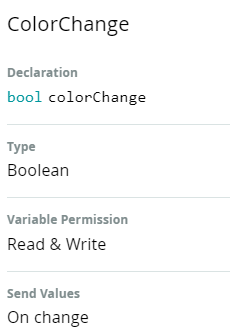
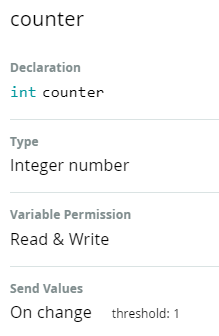
When that's done go to "Dashboards" and press "Build dashboard". In the Dashboard add five buttons, two switches and a gauge.
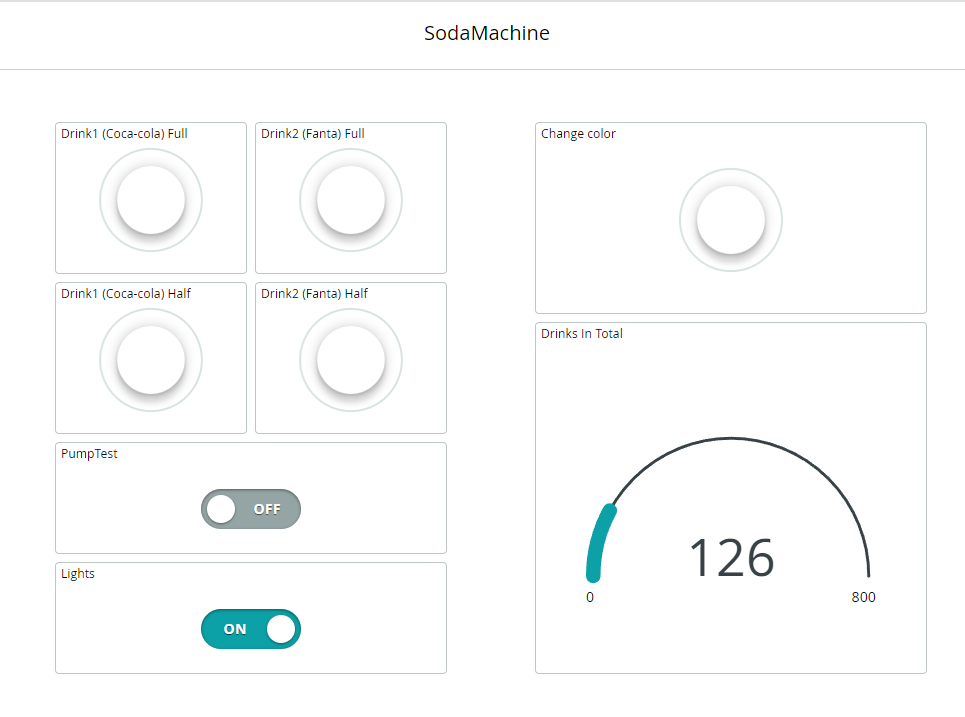
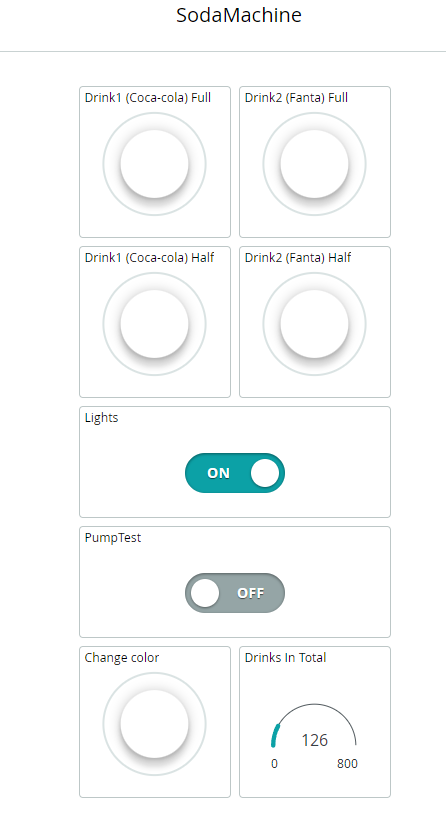
Now lets configure the widgets. Go into edit mode and press on the tree dots. Press "Edit settings". Now you need to press "Link Variable" and link all the widgets like in the pictures.
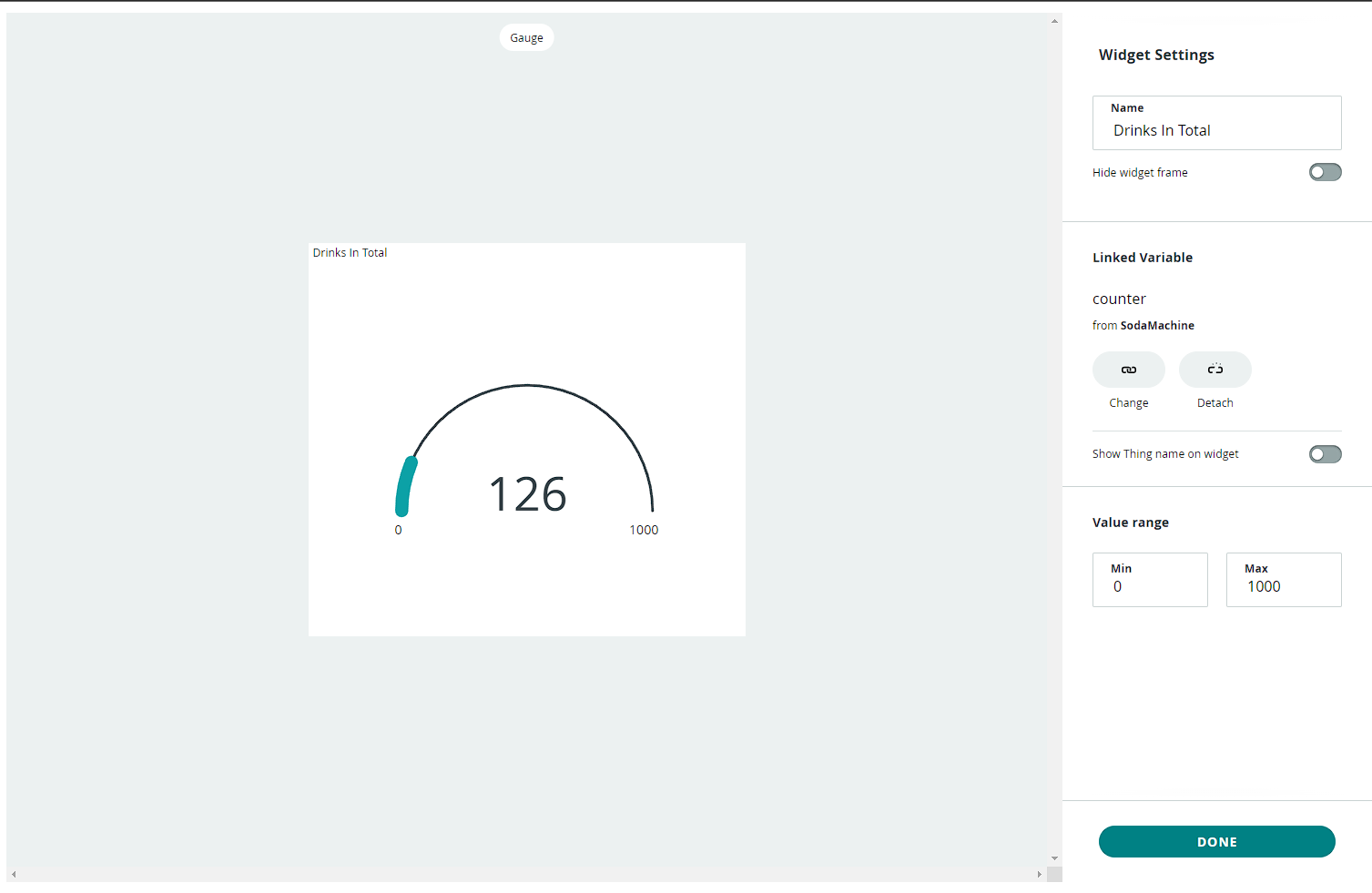
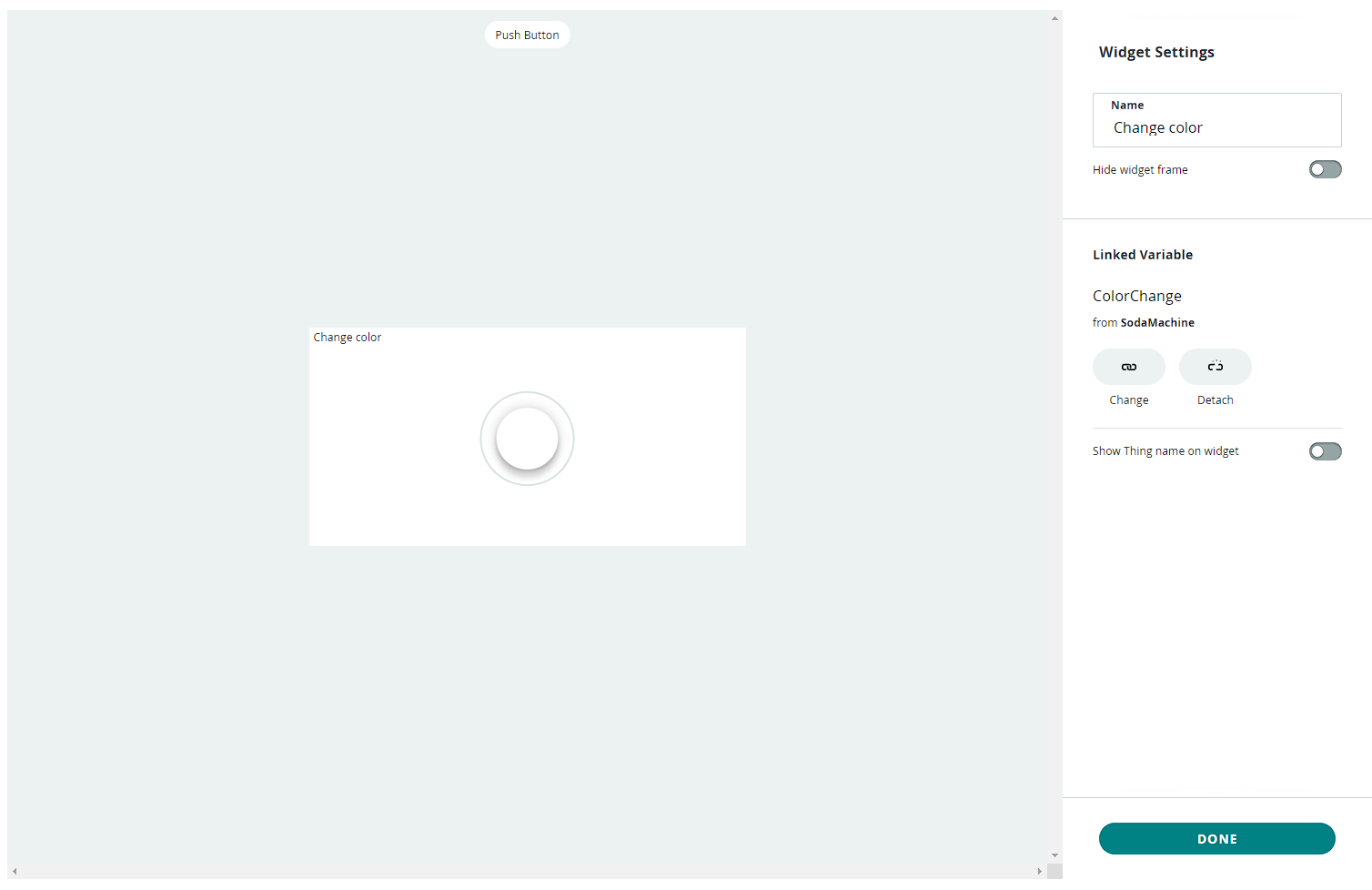
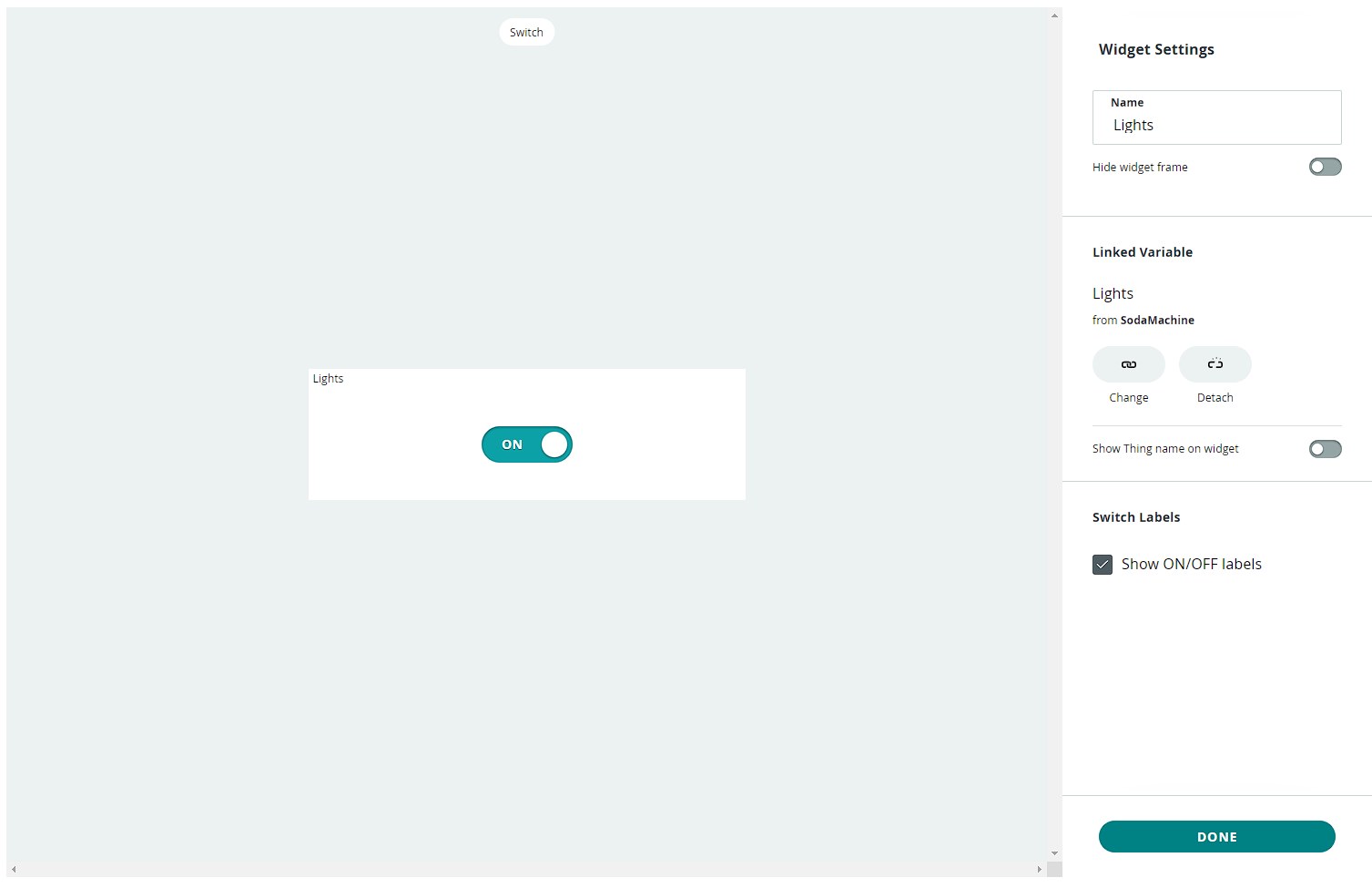
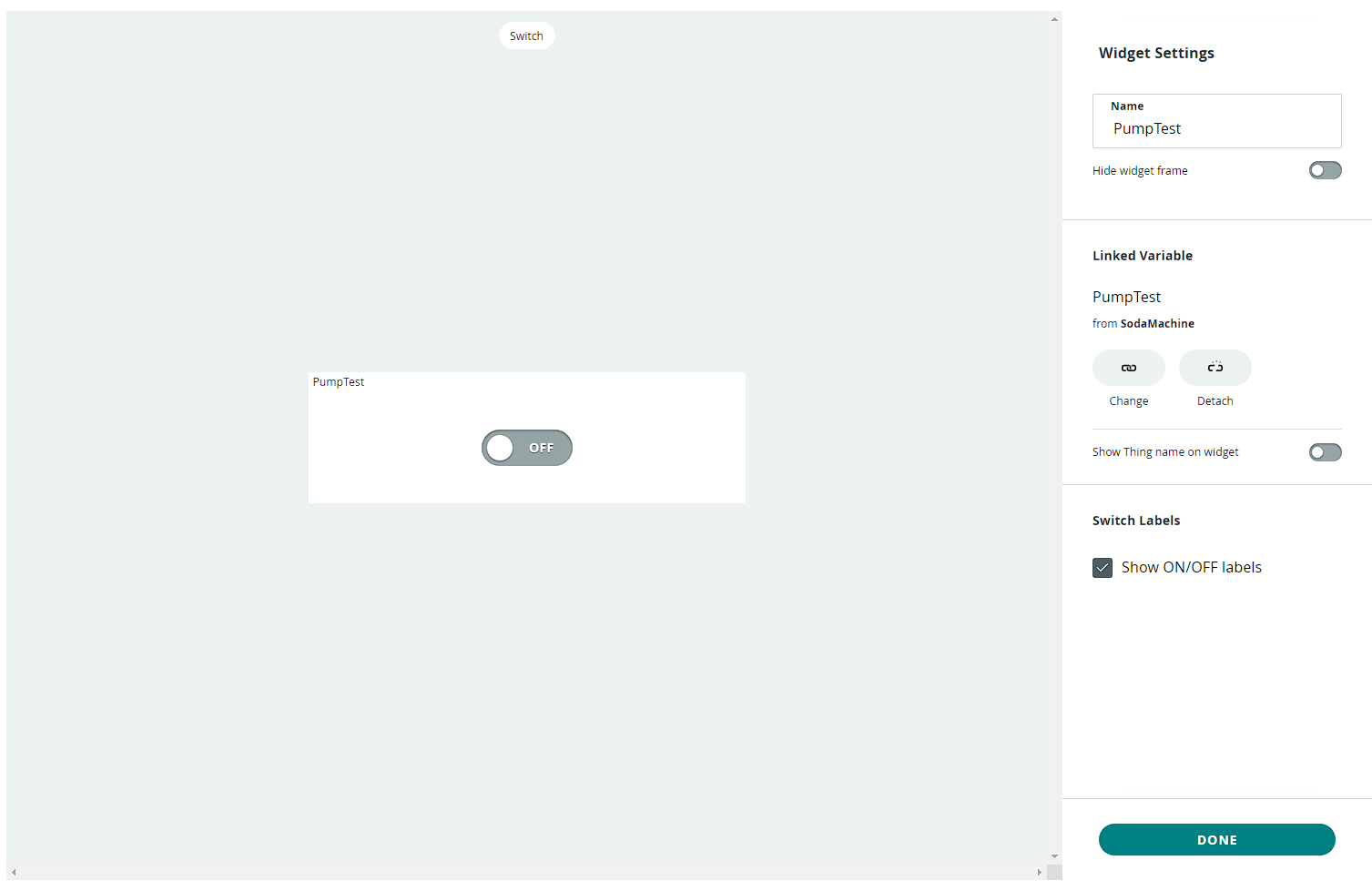
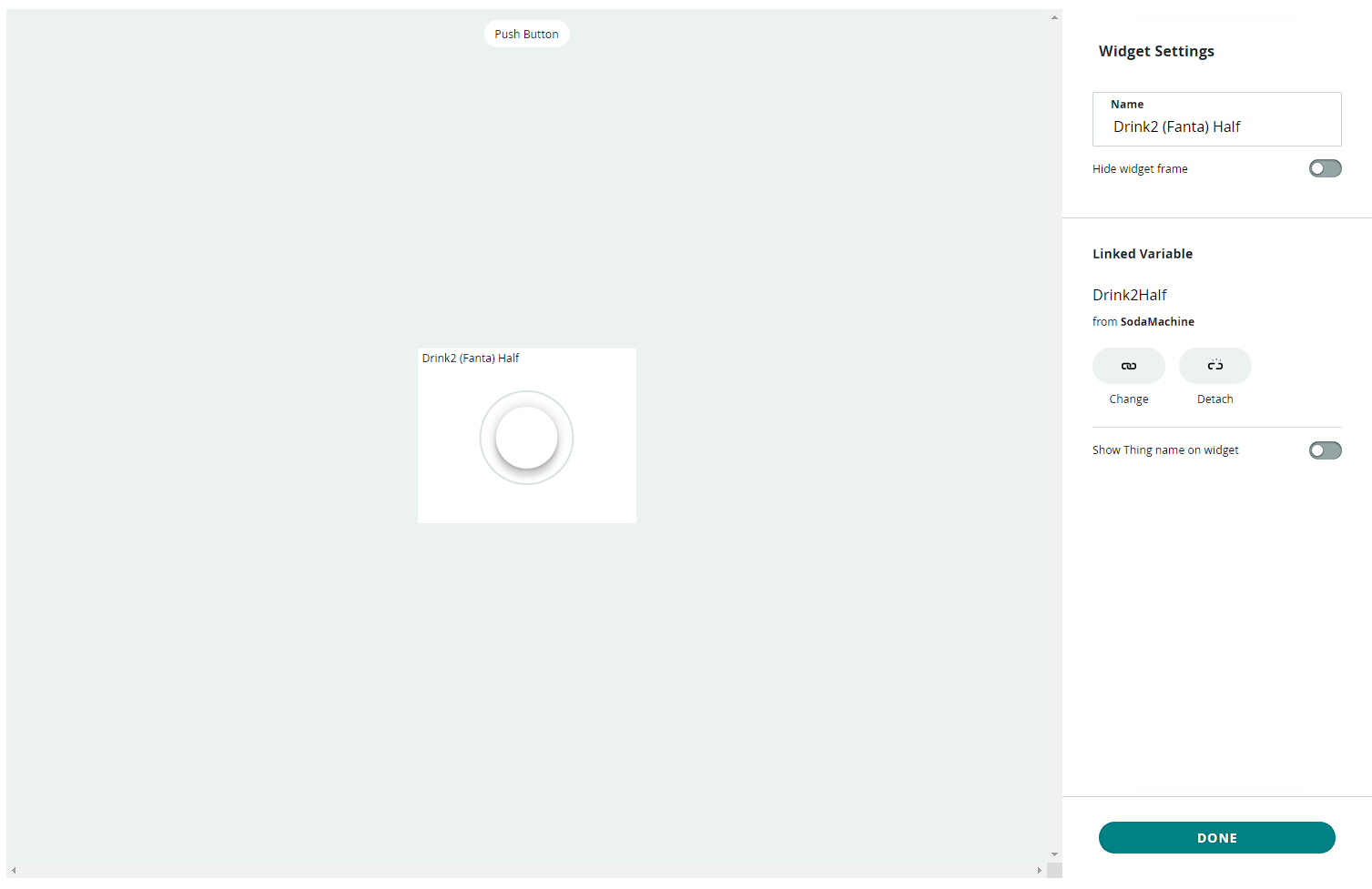
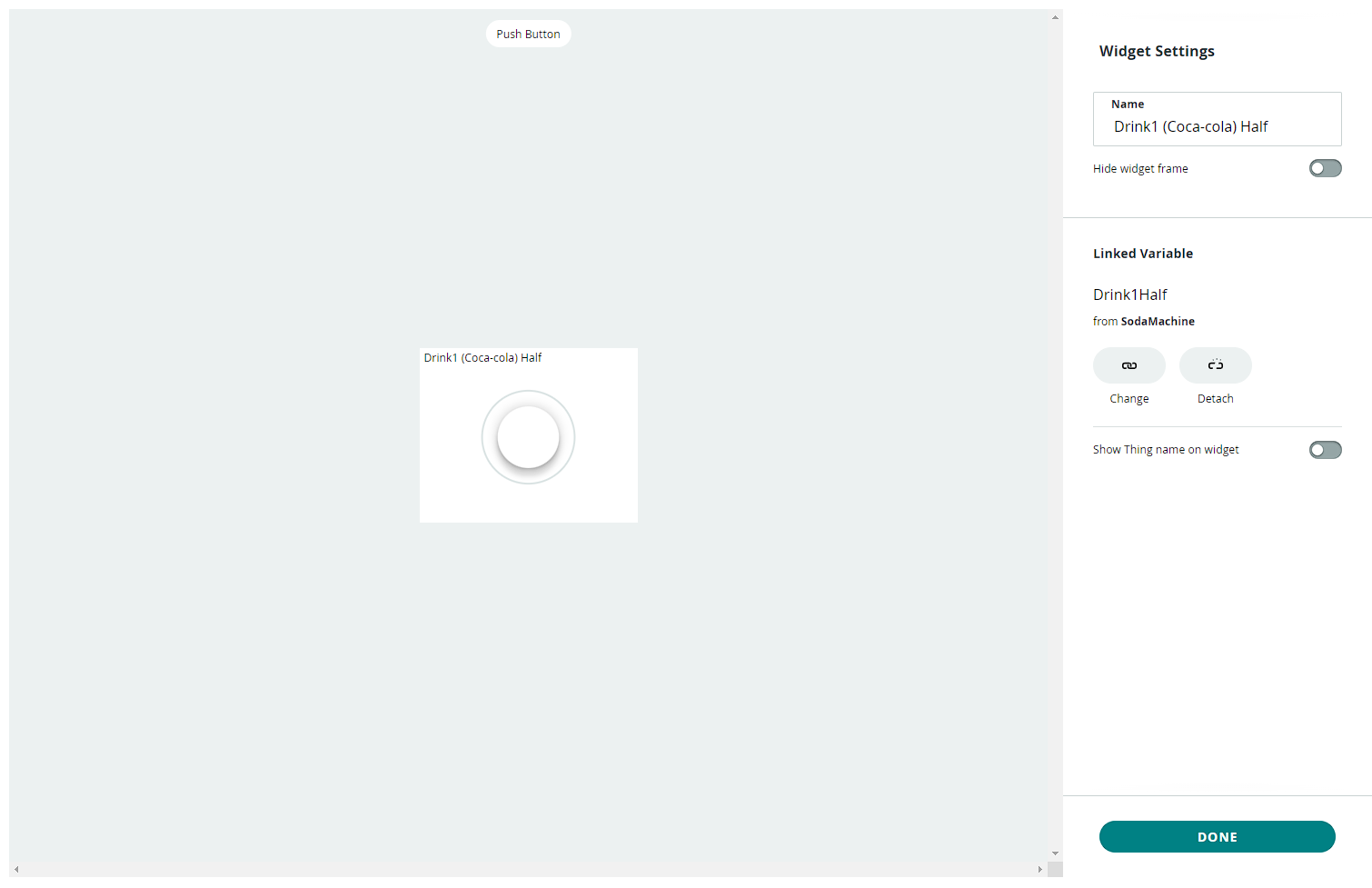
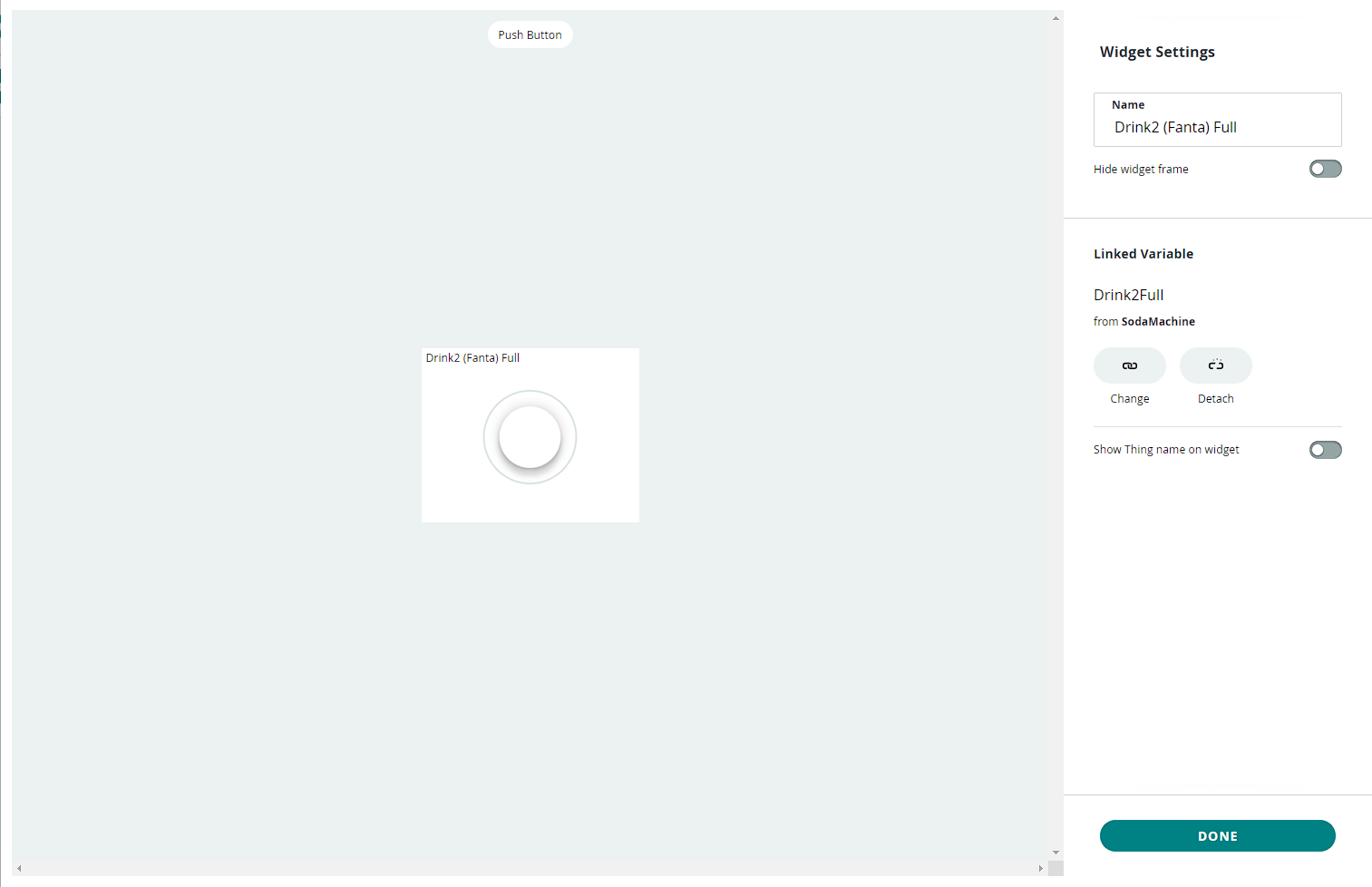
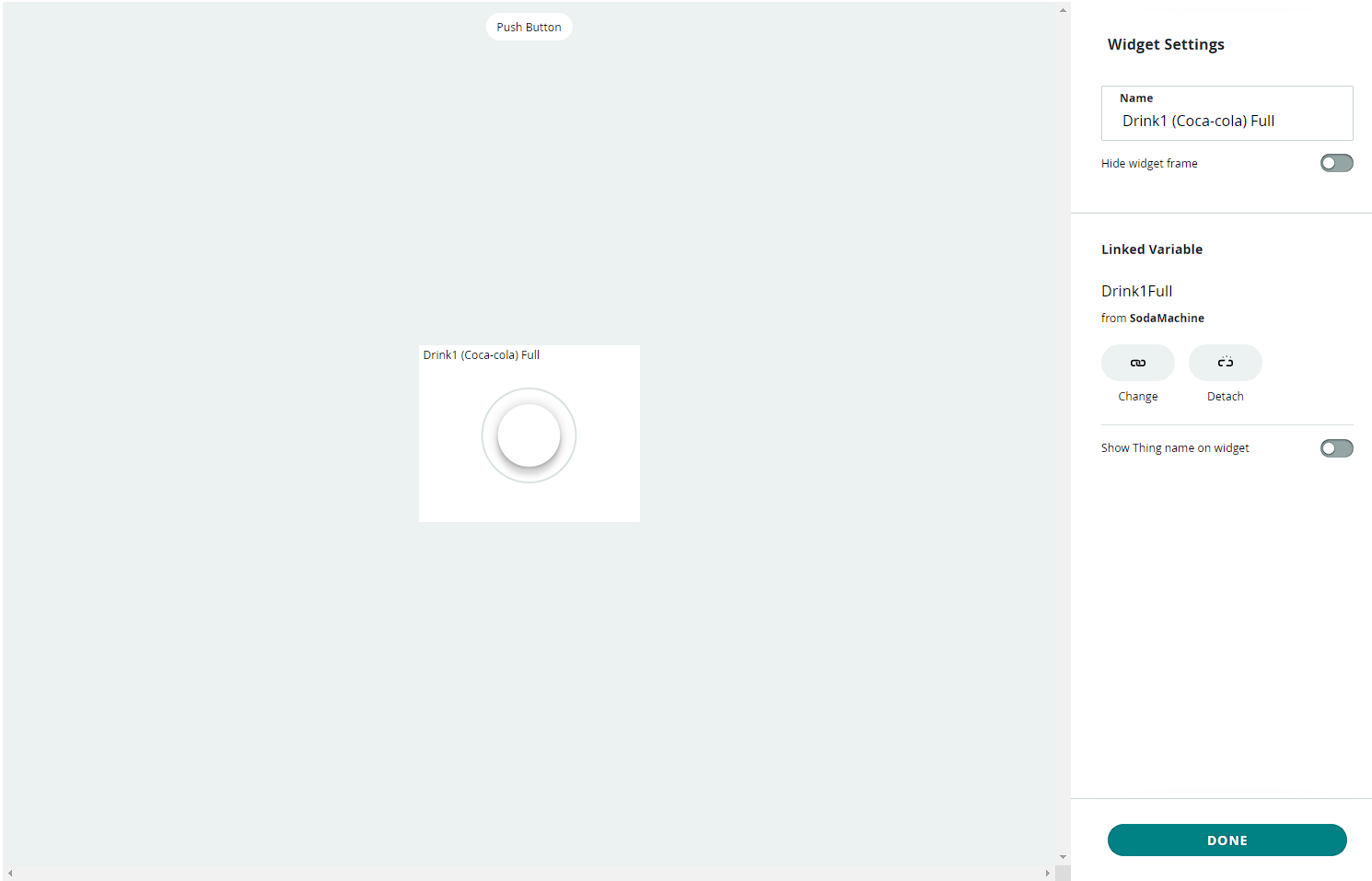
Now the cloud is set up! We can now move to the final part that is code.
Technical Implementation: Voice Triggers and Cloud Relays
The project reveals the hidden layers of the simple sensing-to-pour interaction:
- Identification layer: The Amazon Alexa Device acts as a high-resolution acoustic interface, interpreting voice commands (e.g., "Alexa, pour me a soda") and relaying them to the cloud.
- Conversion layer: The system uses the high-speed WiFi protocol (via the WiFiNINA firmware) to receive data packets and coordinate mission-critical tasks.
- Cloud Interface layer: The Arduino IoT Cloud acts as a high-definition data dashboard for checking soda machine status (e.g., Pump ON/OFF).
- Processing Logic layer: The Arduino code follows a "cloud-sync" strategy: it interprets voice-defined variables from the cloud and matches them to relay states to provide safe and rhythmic beverage dispensing.
- Communication Dialogue Loop: Telemetry strings are sent rhythmically to the Serial Monitor during initial calibration to coordinate status.
Code
Now we can start coding. First you have to go to "Things" tab (In the IoT Cloud). Then open the thing you set up. Then press on "Sketch". Then press "Open full editor".
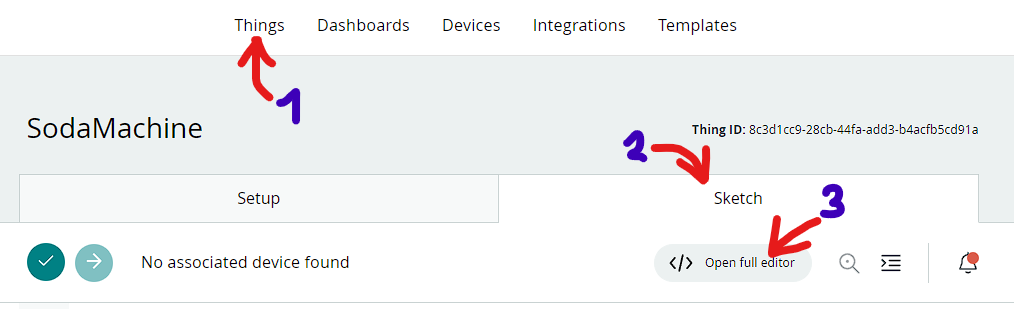
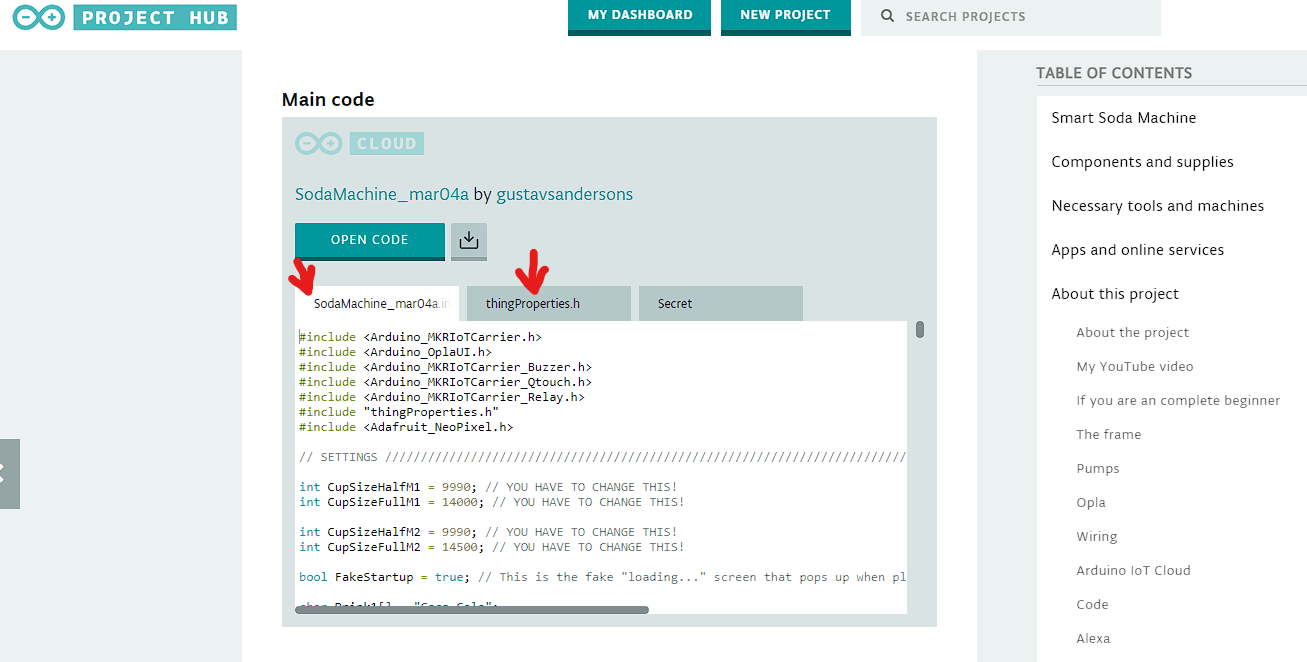
Now you can just grab my code below this page. You need to copy "SodaMachine" and "thingProperies" code in your tabs. The "Secret" will set automaticly.
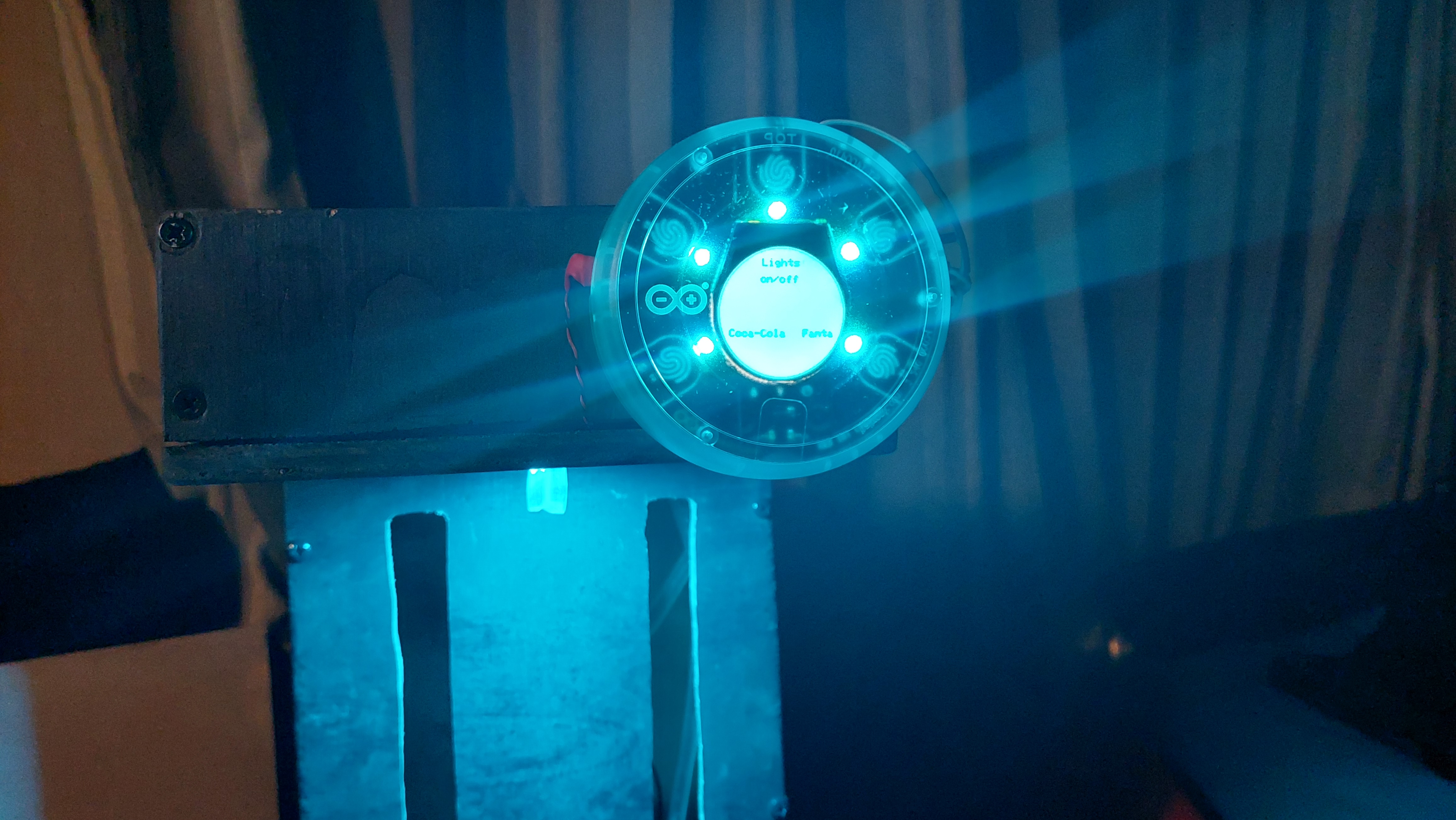
Now you can set "// settings" at the top of my code. Now you have to set cup sizes. You need to connect pumps to electricity and with a timer time how long does it take to pour "half" and "full". M1 is motor 1 and M2 is motor 2. Its timed in milliseconds! You can also set the name for the drinks in 19 and 25 line. You can also set the light color in 29 line. It will change the entire theme of the interface.
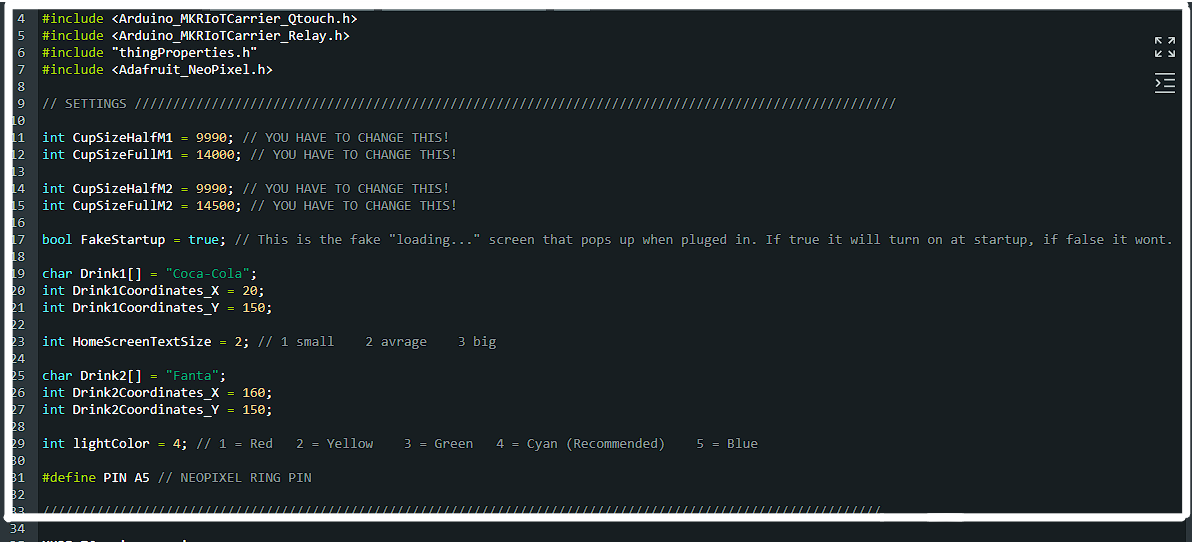
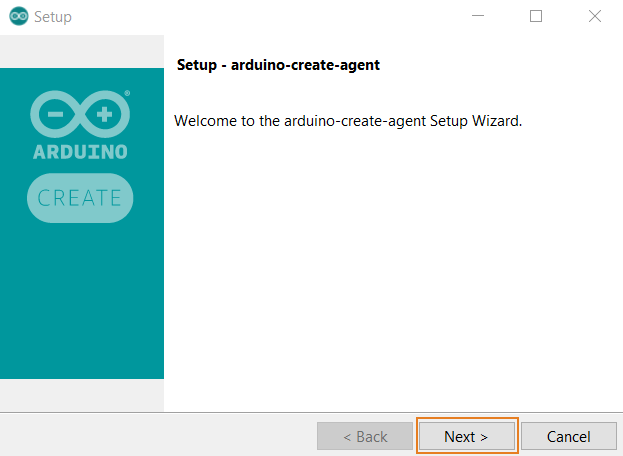
Now the code is finnished. You will need to install arduino agent and now you can connect the opla and upload to it.
Soda Automation and Interaction Step-by-Step
The smart soda dispensing process is designed to be very efficient:
- Initialize Workspace: Correctly set your pumps and relays inside your soda frame and connect them properly to the Arduino pins.
- Setup Cloud Sync: In the Arduino IoT Cloud, create the dashboards and define the voice-controlled properties (e.g., "Dispense") to coordinate the sensing.
- Internal Dialogue Loop: The station constantly performs high-performance temporal checks and updates the pump status in real-time based on your cloud commands and voice triggers.
- Visual and Data Feedback Integration: Watch your phone dashboard automatically become a rhythmic status signal, pulsing and following your beverage settings from a distance.
Alexa
Now we are going to set up Alexa. This will work with the phone version and the echo products. Video :
Now you are ready to enjoy Smart Soda Machine! Explore all the features on cloud and Alexa!
How to use
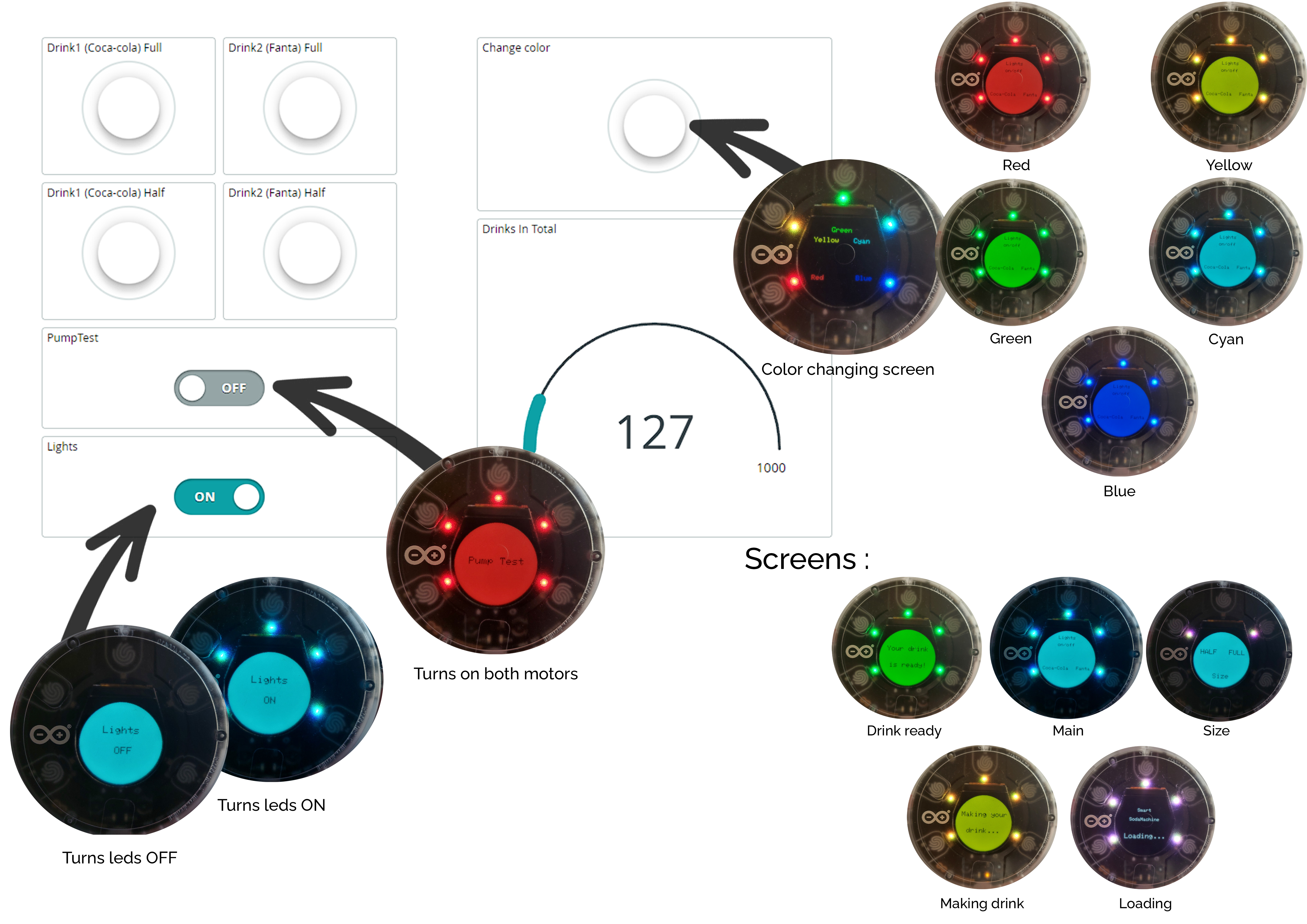
Here's an guide on how to use the cloud :
Cloud games
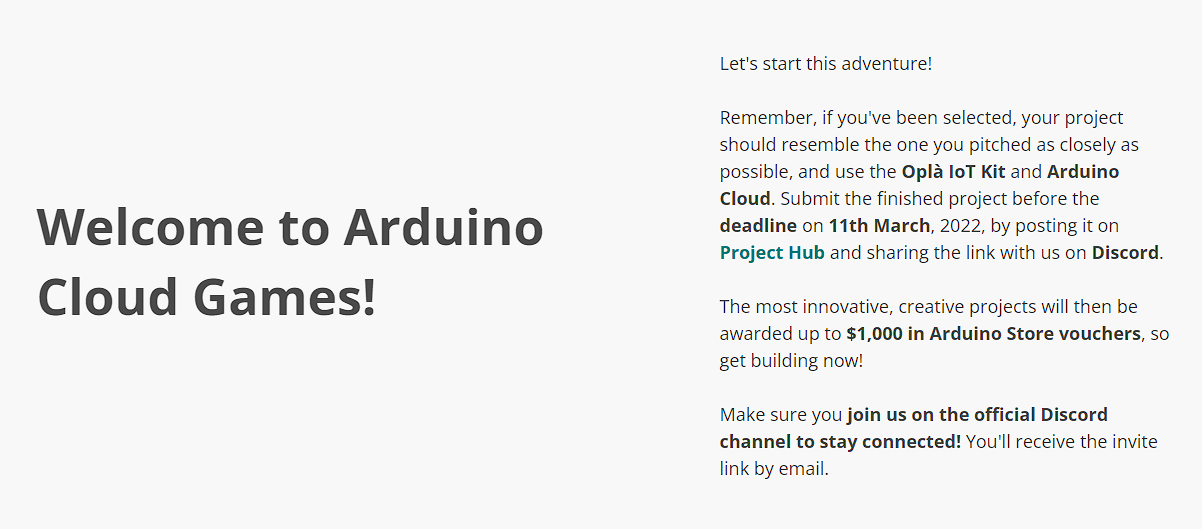
This project was only possible because of Arduino cloud games!
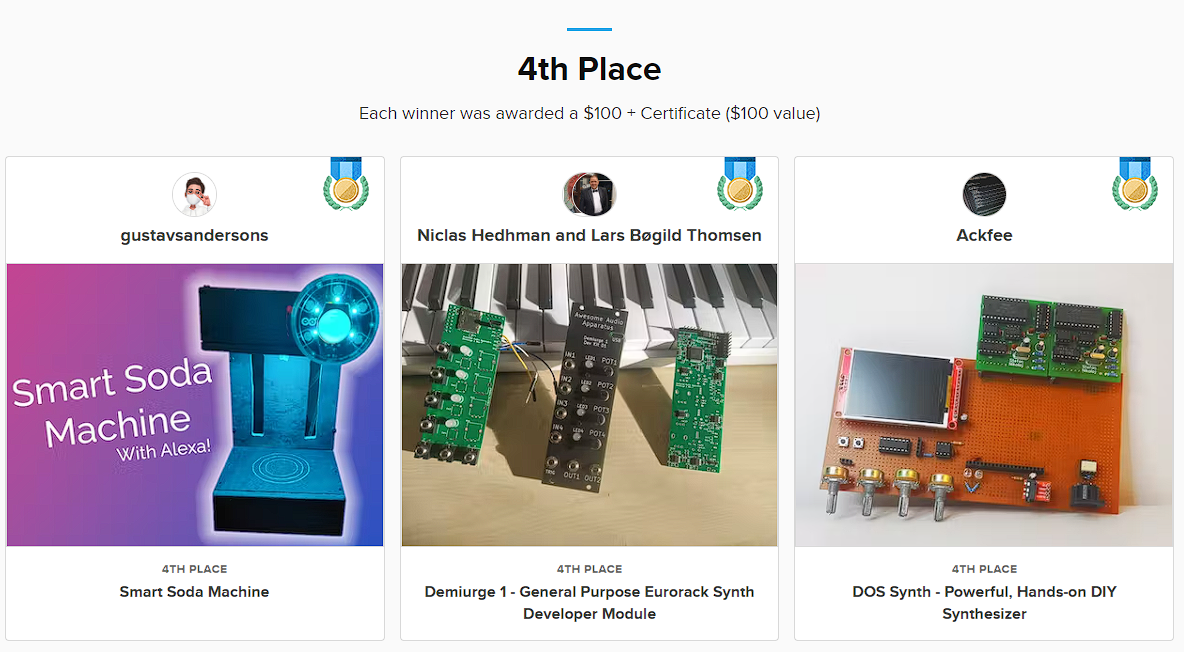
This project also received 4th place on hackster.io RISC-V Design Challenge.
Future Expansion
- OLED Identity Dashboard Integration: Add a small OLED display on the side to show "Current IP" or "WiFi Signal Strength."
- Multi-sensor Climate Sync Synchronization: Connect a specialized "Ultrasonic Fluid Sensor" to perform higher-precision "Level Tracking" wirelessly via the cloud.
- Cloud Interface Registration Support Synchronization: Add a specialized web-dashboard on a smartphone over WiFi/BT to precisely track and log the total beverage history.
- Advanced Velocity Profile Customization Support: Add specialized logic to the code to allow triggers to be changed automatically based on user patterns!
[!IMPORTANT] To avoid overflowing the glass, always use appropriate volumetric timers in the code; always ensure you have an appropriate Fail-Safe flag in the loop if the WiFi drops!
Smart Soda Machine is a perfect project for any science enthusiast looking for a more interactive and engaging robotics tool!