In this tutorial, we will explore how to build and operate a circuit that controls a stepper motor. The process will involve using an application designed in App Inventor, which allows for communication and control via Bluetooth. We will utilize the HC-05 module to establish the wireless connection between the application and an Arduino microcontroller. Throughout the tutorial, we will cover the hardware setup, Arduino programming, and the development of the user interface in App Inventor. Additionally, we will provide details on how to synchronize the HC-05 module with the Arduino and the application, as well as how to calibrate the stepper motor to ensure it functions correctly. This project is ideal for those interested in robotics, programming, and creating interactive mobile applications.
Combining the millimeter precision of a stepper motor with the wireless convenience of a smartphone creates a powerful platform. This project is the first step toward building wireless 3D printers, camera sliders, and motorized telescope mounts.
Multi-Data Parsing
Sending a simple 'A' to turn on a light is easy. But how do you send a command like "Move 400 steps at Speed 50"?
- The Data Packet: The app combines the data into a string, like
<M,400,50>\n. - The Buffer: The Arduino reads serial data into a character array until it sees the newline
\n. - The strtok Function: The C++
strtok()function is used to chop up the string at every comma, extracting the command type (M), the steps (400), and the speed (50) and converting them back into integers.
Hardware Required
Electronic components
Arduino mini pro
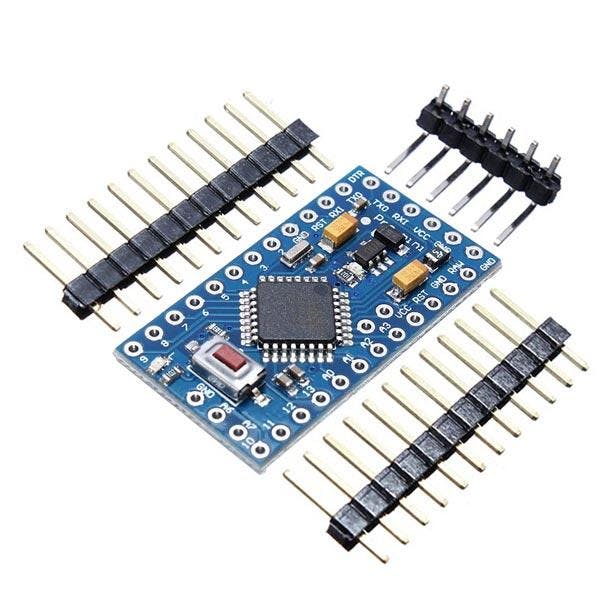
The Arduino Pro Mini is a microcontroller board based on the ATmega328 .
It has 14 digital input/output pins (of which 6 can be used as PWM outputs), 6 analog inputs, an integrated resonator, a reset button, and holes for mounting pin headers. A six-pin header can be connected to an FTDI cable or a Sparkfun breakout board to provide USB power and communication to the board.
The Arduino Pro Mini is designed for semi-permanent installation on objects or exhibits. The board comes without pre-mounted headers, allowing the use of various types of connectors or direct soldering of wires. The pin layout is compatible with the Arduino Mini.
There are two versions of the Pro Mini. One runs at 3.3V and 8 MHz, the other at 5V and 16 MHz.
hc-05 modules
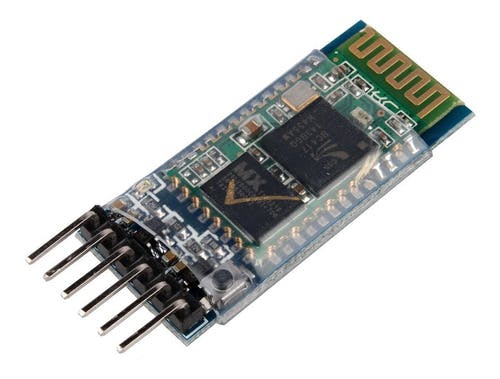
Works as a bluetooth master and slave device Configurable via AT commands Bluetooth V2.0+EDR Operating frequency: 2.4 GHz ISM band Modulation: GFSK (Gaussian Frequency Shift Keying) Transmit power: <=4dBm, Class 2 Sensitivity: <=-84dBm @ 0.1% BER Security: Authentication and encryption Bluetooth profiles: Bluetooth serial port. Distance of up to 10 meters in optimal conditions Operating Voltage: 3.6 VDC to 6 VDC Current Consumption: 30 mA to 50 mA Chip: BC417143 Version or firmware: 3.0-20170609 Default Baud: 38400 Supported baud rates: 1200, 2400, 4800, 9600, 19200, 38400, 57600, 115200. Interface: Serial TTL Antenna: Integrated into the PCB Security: Authentication and encryption (Default password: 0000 or 1234) Working temperature (Max): 75°C Working temperature (Min): -20°C Dimensions: 4.4 x 1.6 x 0.7 cm
Stepper motor 28BYJ-48
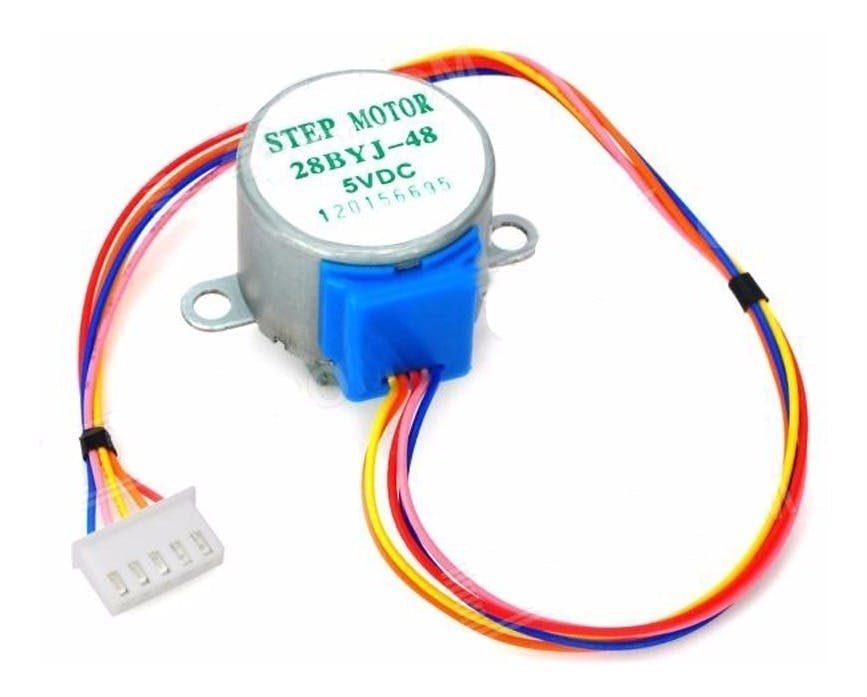
The parameters of this stepper motor are:
Model: 28BYJ-48 – 5V Nominal voltage: 5V (or 12V, value indicated on the back). Number of phases: 4. Speed reducer: 1/64 Step angle: 5.625° / 64 Frequency: 100Hz DC resistance: 50Ω ±7% (25°C) Frequency with traction: > 600Hz Non-traction frequency: > 1000Hz Traction torque: >34.3mN.m (120Hz) Self-positioning torque: >34.3mN.m Torque with friction: 600-1200 gf.cm Torque drag: 300 gf.cm Insulation resistance > 10MΩ (500V) Electrical insulation: 600VAC/1mA/1s Insulation grade: A Temperature rise: < 40K (120Hz) Noise: < 35dB (120Hz, no load, 10cm)
ULN2003APG
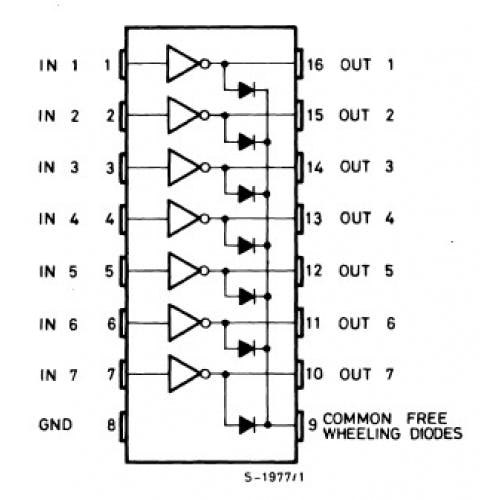
Main specifications:
500 mA nominal collector current (single output) 50V output (there is a version that supports 100V output) Includes output flyback diodes TTL and 5-V CMOS logic compatible inputs
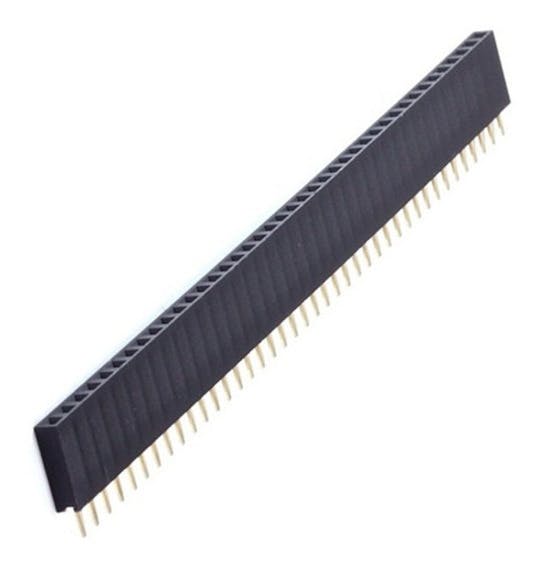
Female pins
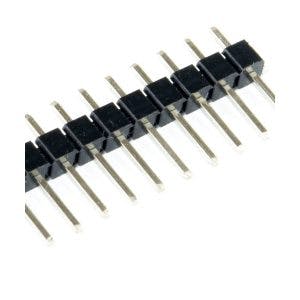
Male pins
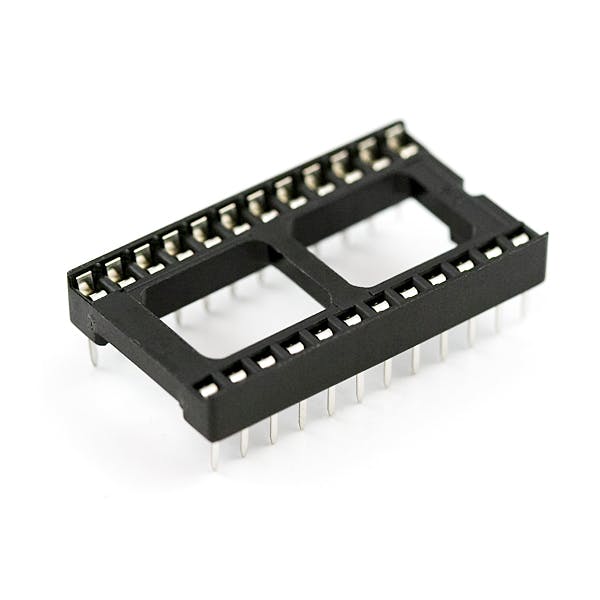
A socket for arduino mini pro
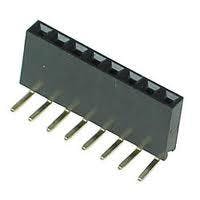
90 degree female pins
PCB
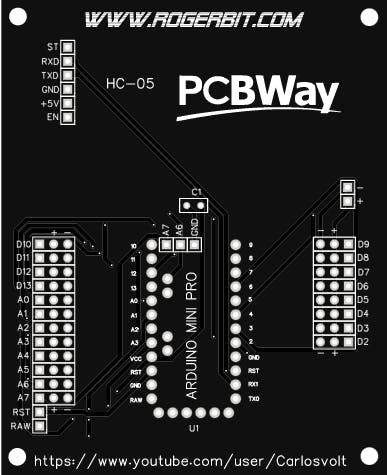
Download gerber file –> https://rogerbit.com/wprb/wp-content/uploads/2022/10/pcb-motor-paso-a-paso-bluetooth.zip
Application
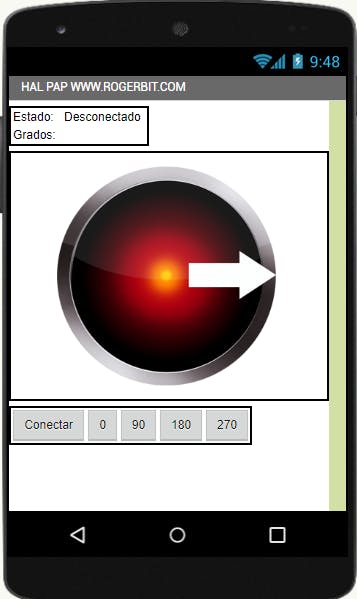
Download app and source file app inventor–> app bluetooth stepper motor
With an app built in MIT App Inventor, you can create a gorgeous interface with sliders to control speed and a rotating dial graphic to set the exact position of the motor!