We live in the block of flats and there is an electronic door to enter the house that we can open from our flat by pushing a button. My daughters usually do not take keys from it when they go outside. So if they return, they ring the bell and we go to open the door for them. The idea of this project was that the door opens itself if they use a specific morse code with the bell at the entrance. This way the door will be not open automaticaly for everybody.
We decided for the morse signal DOT, DASH, DOT that will open the door.
The basic question was how to evaluate a sound - how long the bell rings and how often. Unfortunattely I could not take this information directly from the bell curcuit so I decided to use a microphone to evaluate the sound of the bell.
Technical Implementation: Relays and Actuation
This project reveals the hidden layers of simple door automation. The core logic involves several layers:
- Identification layer: The Doorbell Pushbutton acts as the trigger. When pressed, it sends a signal to the Arduino.
- Actuation layer: A 5V Relay Module acts as the high-power switch. The Arduino cannot directly power a 12V lock, so the relay bridges the gap between the low-voltage logic (5V) and the high-voltage power (12V).
- Execution Logic layer: The Arduino code follows a simple "If-Then" logic: if the correct Morse code sequence is detected, the relay triggers for several seconds to unlock the door.
- Timing Loop layer: The relay is programmed to release after a short delay, ensuring the door lock isn't left open indefinitely.
About the code
The loop() part cares about sounds from the microphone. If a sound starts, it waits for a pause. Any sound has a frequency that consists of many pauses. So the pause must be long enough to consider it as a real pause between sounds and not as a part of a sound. Even the bell has a lot of such short pauses during the sound it makes. If the code catches a real pause after a sound started, it evaluates the time of the sound and records it as a dot or a dash to an array. After 3 records it decides if they match our sample "dot, dash, dot" or not. If the match is succesfull, Arduino turns on a relay that switches on contacts of the button to open the electronic door in the house.
Hardware Infrastructure
- Arduino Uno: The "brain" of the project, managing the microphone input, Morse code decoding, and coordinating the relay activation.
- 5V Relay Module: Effectively handles the power required to drive the electronic door lock while protecting the Arduino.
- Electronic Door Lock: Provides the physical movement and security for user entry.
- Power Supply: Essential for providing the current needed to pull the solenoid in the electronic lock.
- Microphone & Amplification Circuit: To detect the doorbell sound, as shown in the circuit images below.
About the circuit
I wanted to use only basic components I had. I did not need to take the sound from the microphone very precisely, I wanted from it to make only a change on the pin A1 of Arduino. For this reason I used a transistor I had (KC 509), but you can use any with a bigger range.
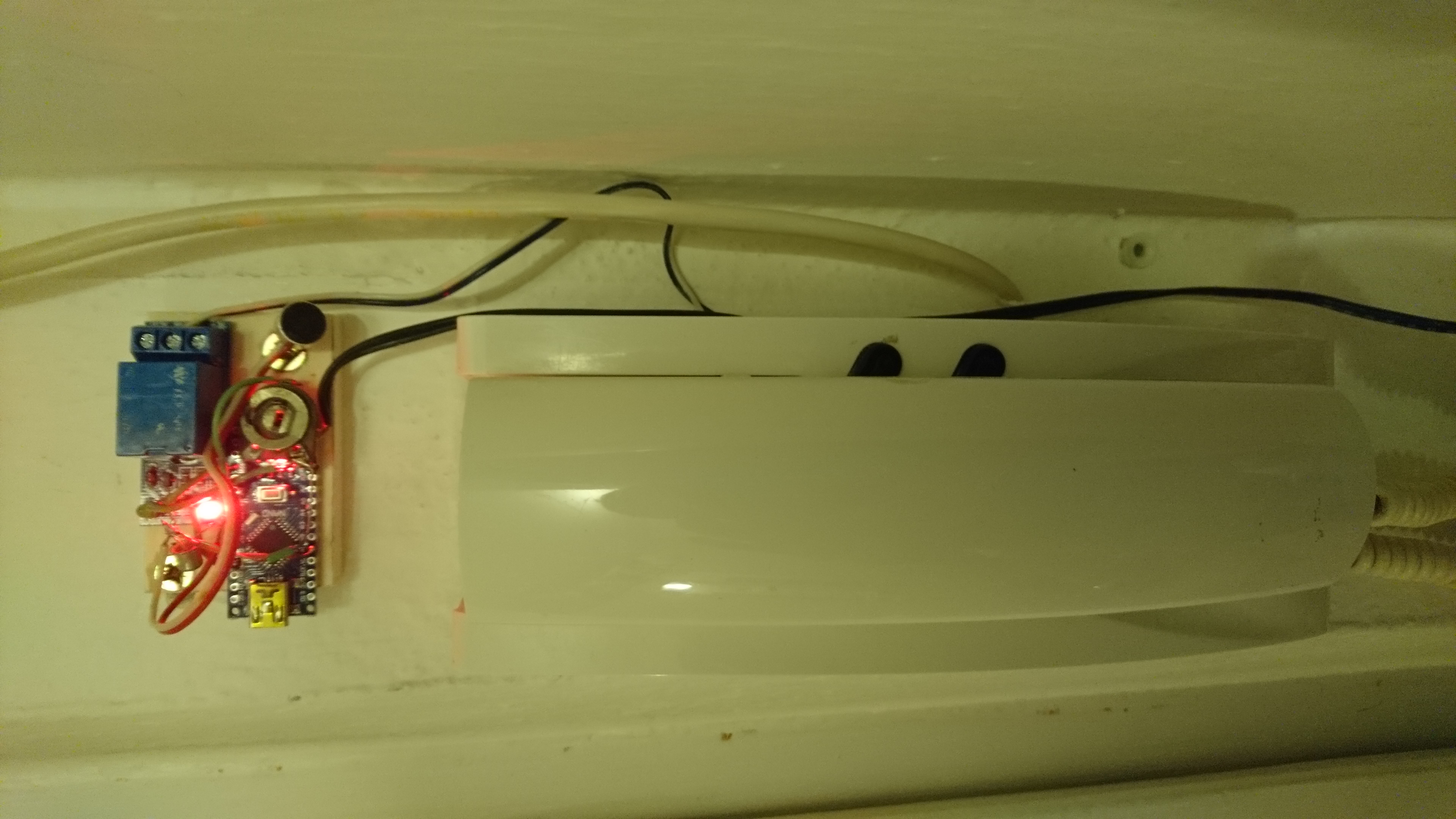
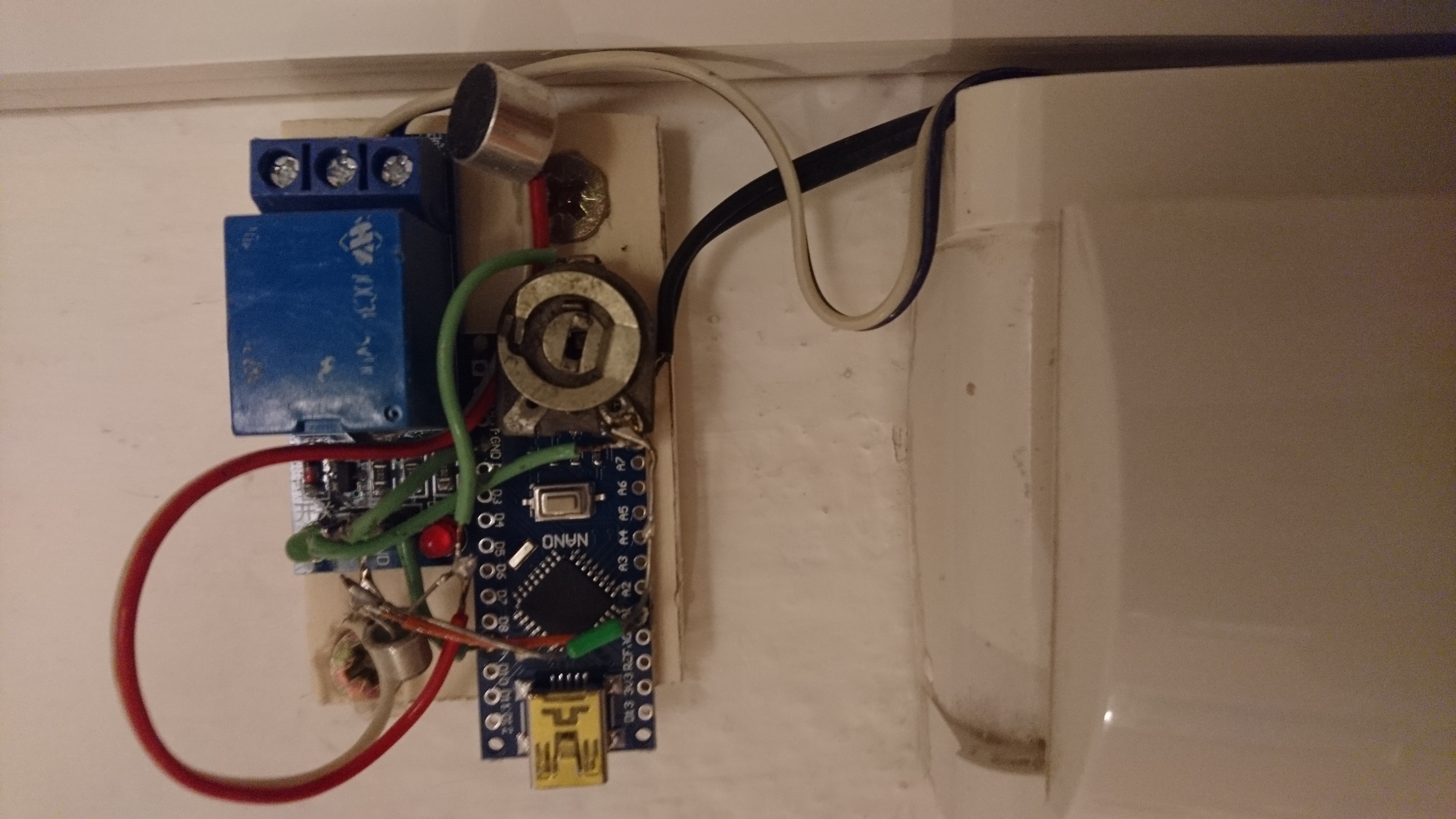
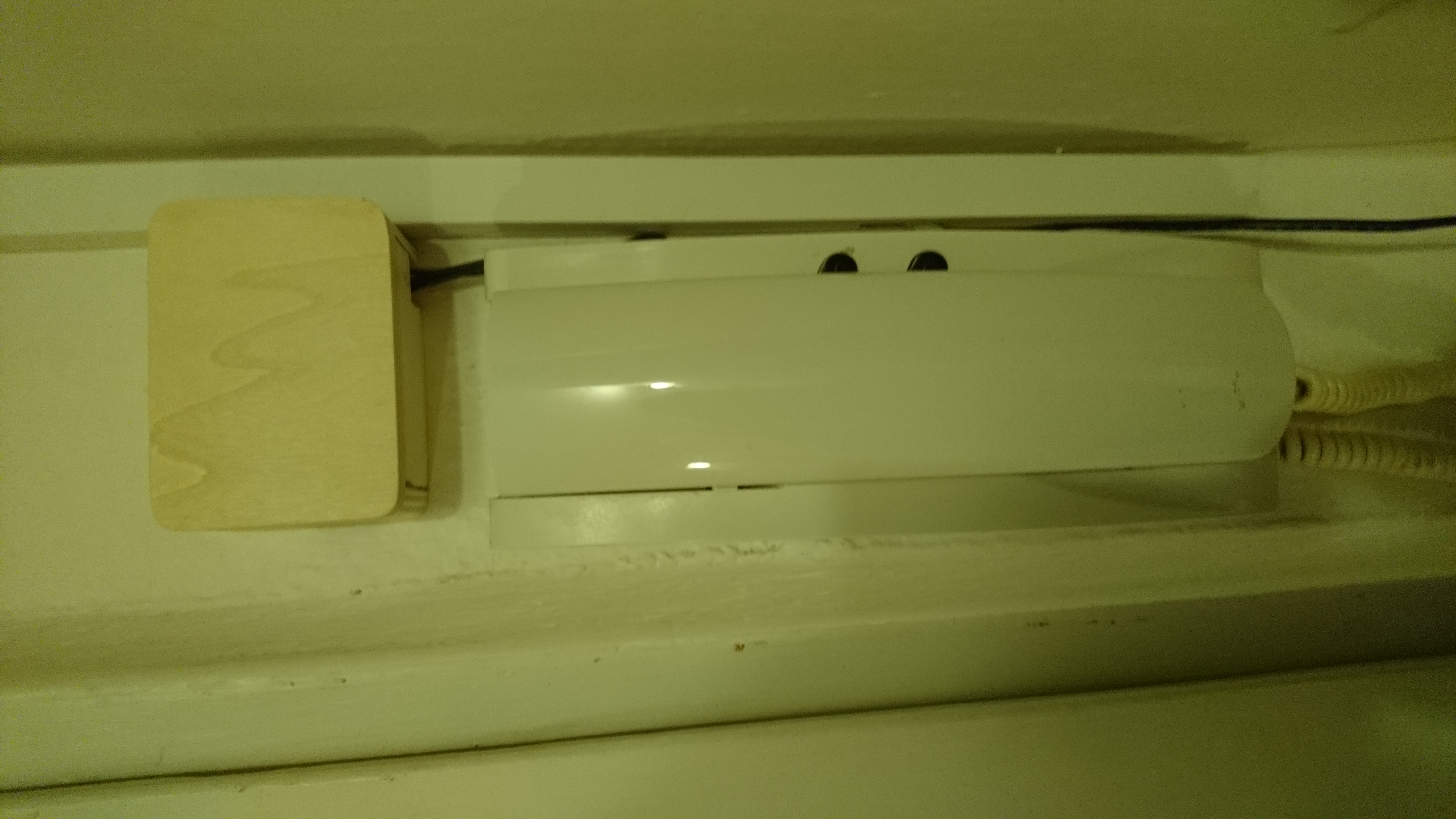
Setting of the installed circuit
After the circuit was installed experiments started. First I had to set the potentiometer to a value when the pin A1 has its value around 500 when the board starts and there is a silence around. The commented part in setup() shows its value on the serial monitor. When the microphone catches a sound, the value of the pin will move up or down so we can evaluate the sound.
In the next step we must set the sensitivity of the microphone. First we should set the constant soundTrigger to 20. The commented part in isSound() shows maximum changes on the pin A1 during a sound. So we need to find out what values we get when the bell rings. Then we set this soundTrigger to an average value minus (for example) 40. This will ensure that the microphone will catch a sound from the bell and will not reacts to other quieter sounds around.
Future Expansion
- OLED Status Dashboard Integration: Add a small OLED display inside your home to show the current "Lock Status" (Locked/Unlocked) and the last entry time.
- Multi-sensor Bio-Security Integration Support: Connect additional sensors (e.g., an RFID reader or keypad) to create a more robust multi-layered access system.
- Cloud Interface Registration Support Synchronization: Add a WiFi module (ESP8266/ESP32) and link to a cloud dashboard to precisely control and track your door access from your smartphone.
- Advanced Velocity Profile Customization Support: Add a small slider or potentiometer to manually adjust the "Unlock Duration" of your electronic door.
The door bell opens an electronic door is a perfect project for any science enthusiast looking for a more interactive and engaging automation tool!