INTRODUCTION:
I decided to build a low-cost thermometer that can measure human body temperature without contact when I knew that people should avoid unnecessary connection and remain at a social distance with others to prevent the infection of coronavirus.
SOFTWARE:
Arduino IDE
MAIN HARDWARE:
LED:
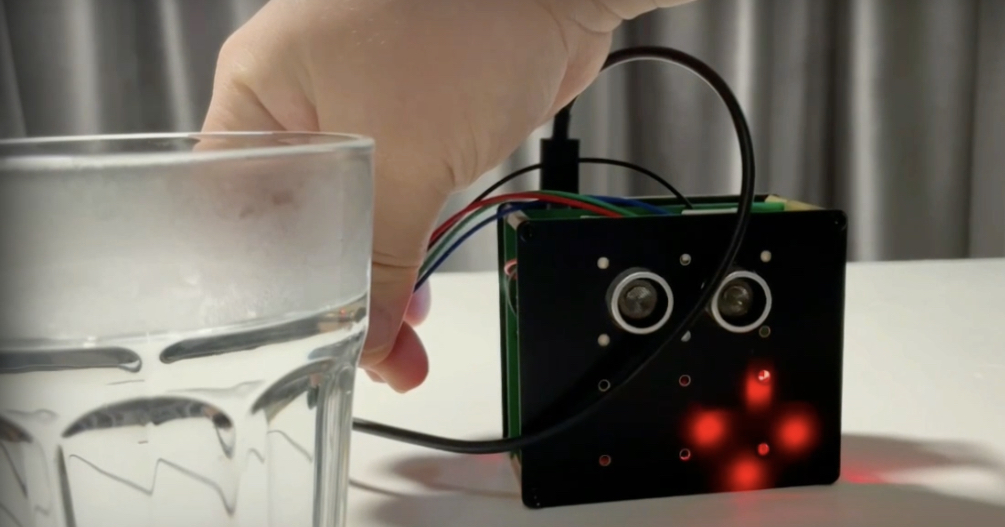
LED lights will glow red, when the machine has measured a temperature that is higher than or equal to the value of the alarming temperature.
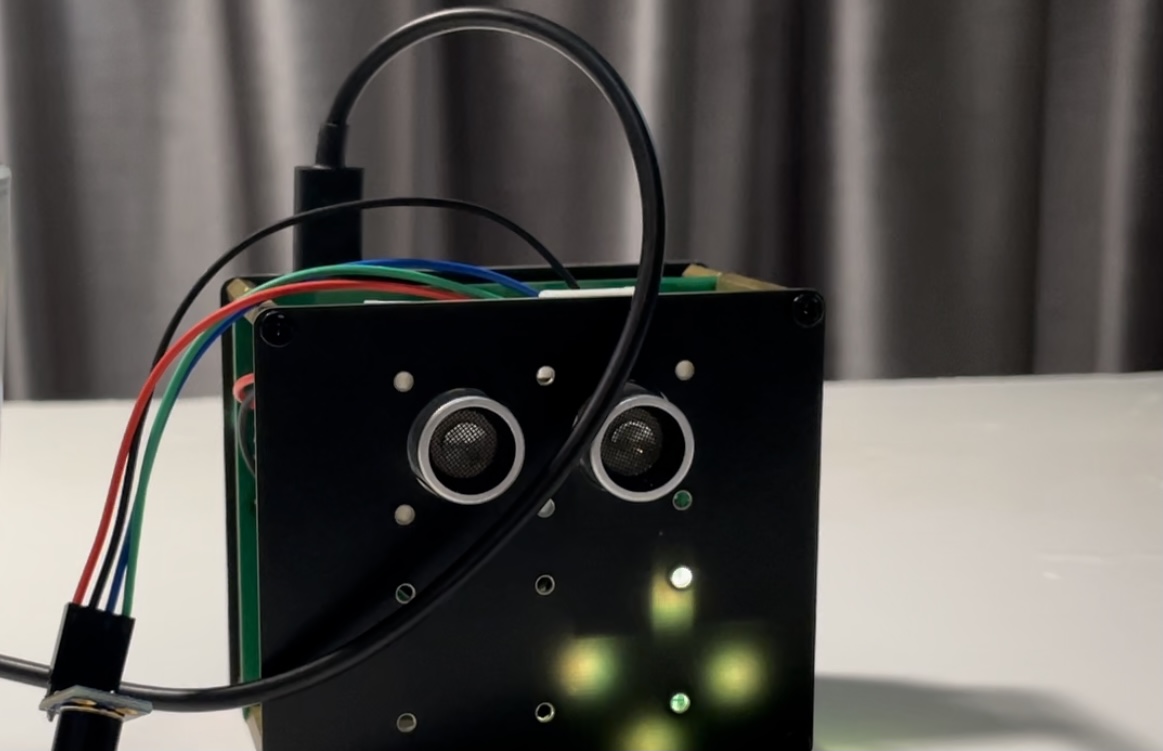
LED lights will glow green, when the machine has measured a temperature that is lower than the alarming temperature.
Buttons:
Adjust the value of the alarming temperature.
LCD screen:
Display the measured temperature and the alarming temperature respectively.
Arduino Nano:
Instruct sensors, LED and button.
Thermal sensor MLX90641:
Measure temperature.
Ultrasonic distance measurement sensor:
The ultrasonic sensor locates at the front of the machine and the sensor can measure the distance between the device and the person. And this machine only starts measuring the body temperature when the distance between the person and the machine is within a certain fixed value.
WORKING PROCESS:
- The CPU instructs the thermal sensor and the ultrasonic sensor to work together to measure the temperature of a object.
- When the machine has measured a temperature that is higher than or equal to the value of the alarming temperature, the Arduino Nano would instruct the LED lights to glow red and the buzzer to beep urgently. And when the machine has measured a temperature that is lower than the alarming temperature, the LED lights glow green, the buzzer beeps once.
- The LCD screen locates at the back of the machine, thus users can read the measured body temperature via the LCD screen easily, in addition, the LCD can display both the alarming temperature and the measured temperature at the same time.
- Users can adjust the value of the alarming temperature by pressing the buttons of the machine.
EXPANDED TECHNICAL DETAILS
Medical-Grade Infrared Sensing
This project builds a professional, non-contact body temperature scanner, essential for health screenings and contactless diagnostics.
- MLX90614 Contactless Interface: Uses a specialized Melexis MLX90614 infrared sensor. The Arduino polls the sensor via the SMBus/I2C protocol, which captures the ambient and object temperature without physical contact.
- Fever Alert Dashboard: Displays the temperature in Celsius or Fahrenheit on an I2C OLED screen. If the temperature exceeds 37.5°C, the Arduino flashes a red LED and sounds a soft warning chime.
Accuracy
- Distance-Compensated Calibration: (Advanced version) Integrates an ultrasonic sensor to ensure the user is within the 2-5cm "sweet spot" before taking a reading, ensuring 0.1°C accuracy.