Cheers all..
I am back with a new interesting project..!!
Have a look at the video above...
In this Project I will show you how to transmit data 0 to 9 digits from bluetooth module and show on 7 segment display using Arduino.
This project serves as a foundational example for establishing a robust, 2-way data link between an Arduino and a remote device like a smartphone. It uses an **HC-05 Bluetooth module** to create a wireless UART bridge. The Arduino receives data packets over this serial link and decodes them to control the display.
Just follow the steps.
You will need.
1 Arduino Uno
1 HC-05 Bluetooth module
1 Breadboard
1 330 ohm resistor
1 seven segment display (CA or CC)
Jumper cables
steps:
1. Just connect bluetooth module and 7 segment display on breadboard.
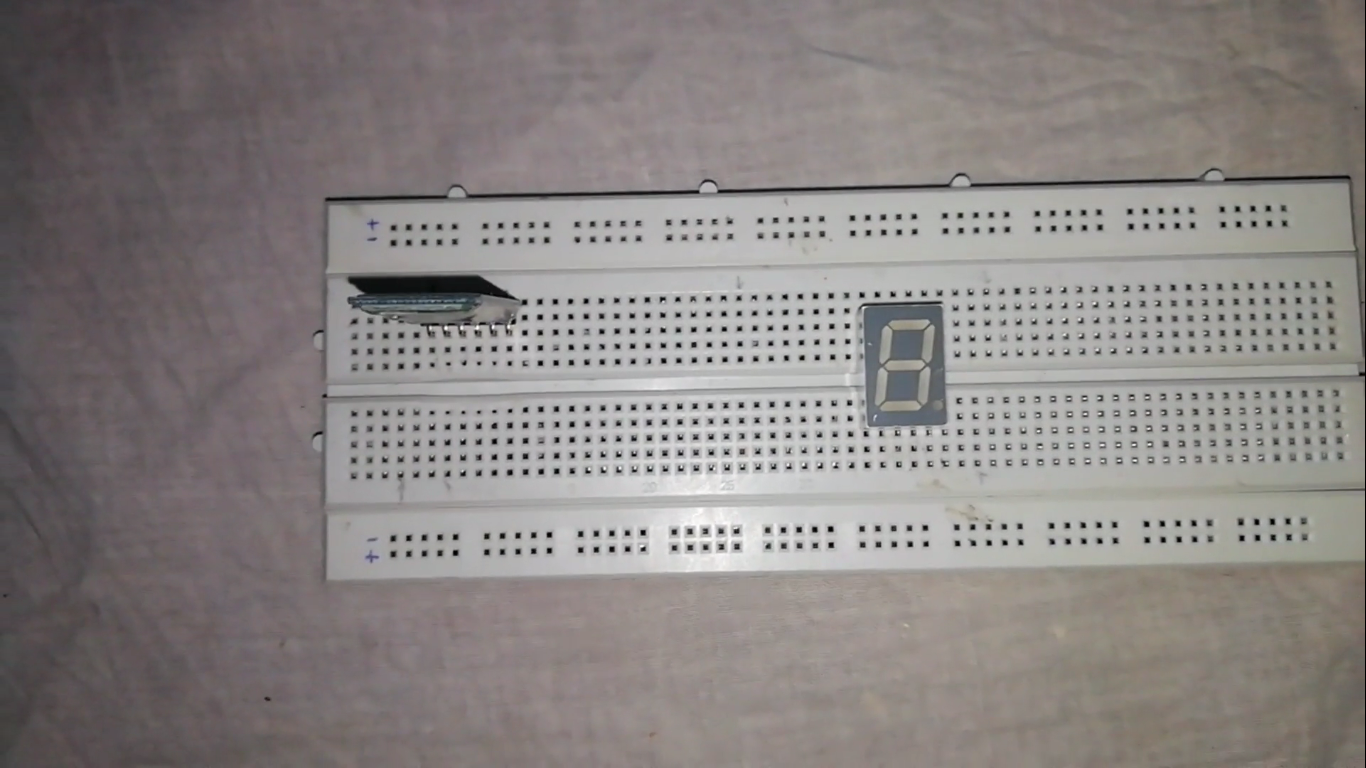
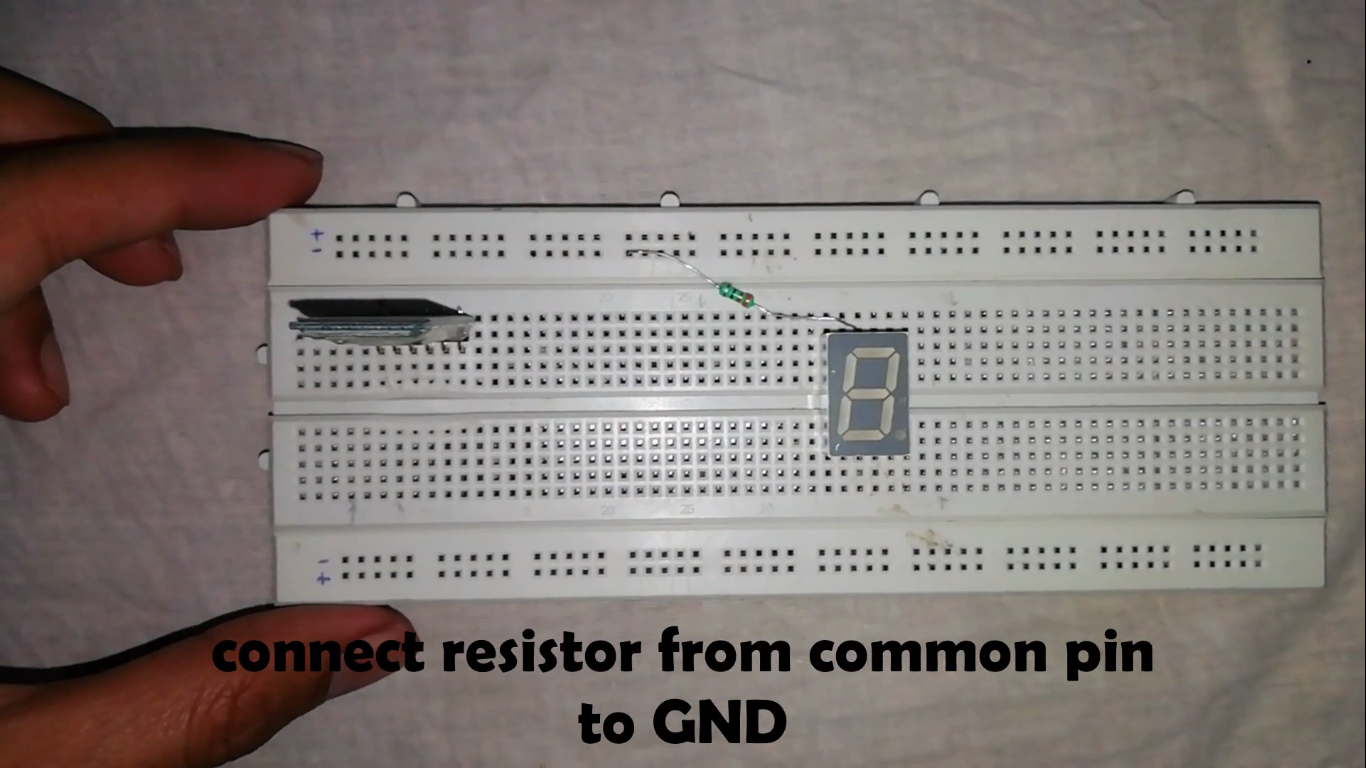
2. connect a resistor from common pin of 7 segment display to Gnd (CC) or to +5v (CA).
3. connect the jumper wires from 7 segment to arduino.
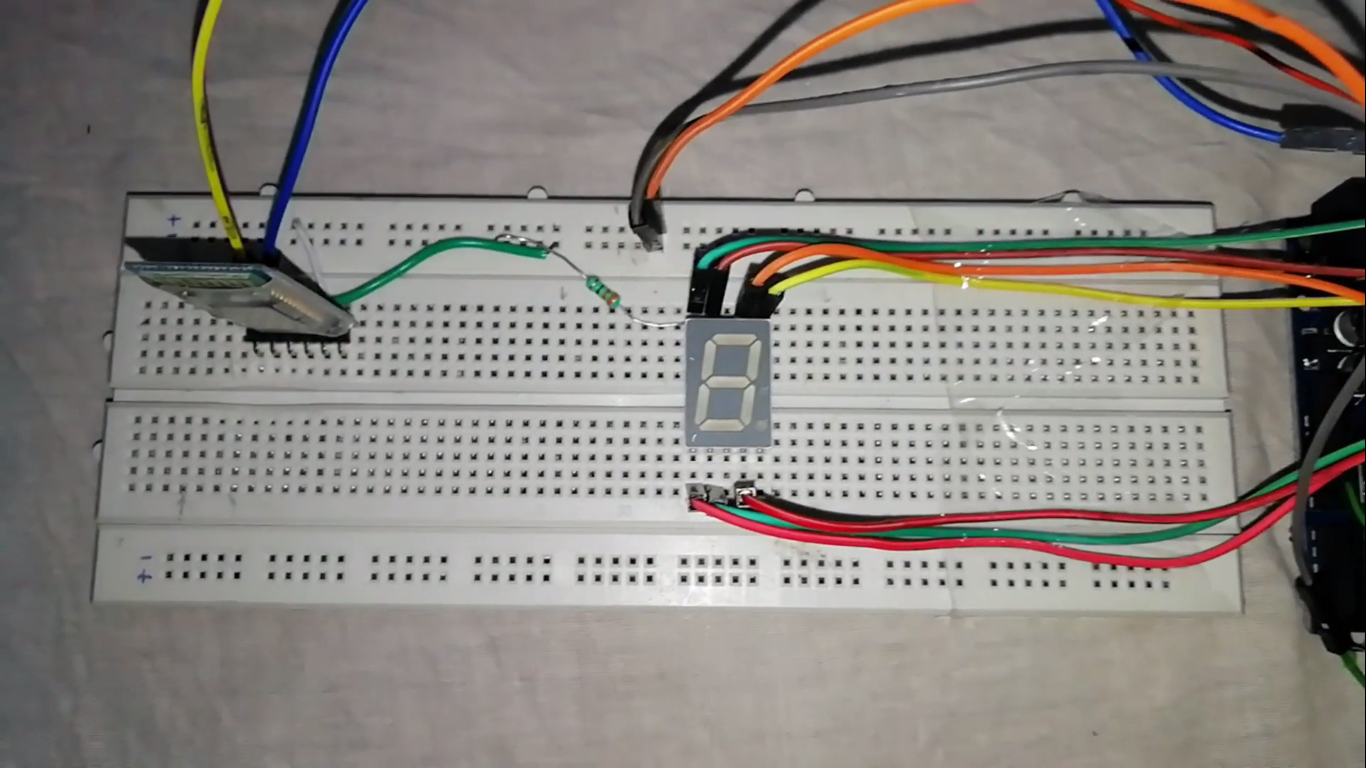
4. connections of 7 segment to arduino as follows.
a pin to pin 2 of arduino
b pin to 3 of arduino
c usually h from code to 4 of arduino.
d to 5 of arduino
e to 6 of arduino
f to 7 of arduino
g to 8 of arduino.
5. connections from HC 05 to Arduino as follows:
Tx pin to 10 of arduino
Rx pin to 9 of arduino
+5v to +5v of arduino
GND to GND of arduino
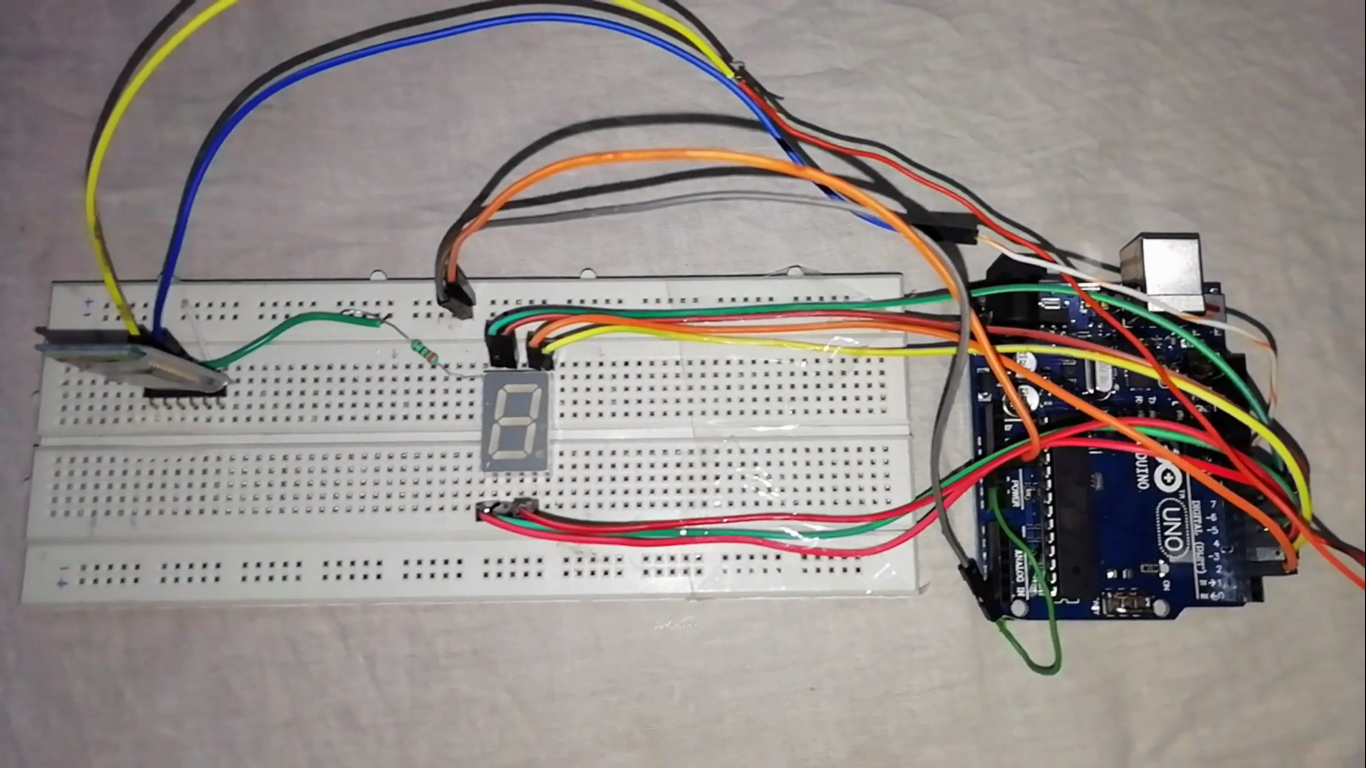
The HC-05 module acts as a **Serial Port Profile (SPP)** bridge. The Arduino communicates with it using a SoftwareSerial connection on pins 9 (RX) and 10 (TX), which allows the main hardware serial port to remain free for debugging. The data sent from your phone is received as a **packet-based data stream**. In this simple case, the packet is just a single character ('0' to '9'), but the principle can be extended to send comma-separated strings for multiple sensor readings.
To improve **reliability**, the Arduino code can include basic handshake logic. For example, it could send an acknowledgment (ACK) back to the phone after successfully displaying a digit, ensuring commands aren't lost.
now upload the code and download the app from Playstore to Android mobile as shown in video.
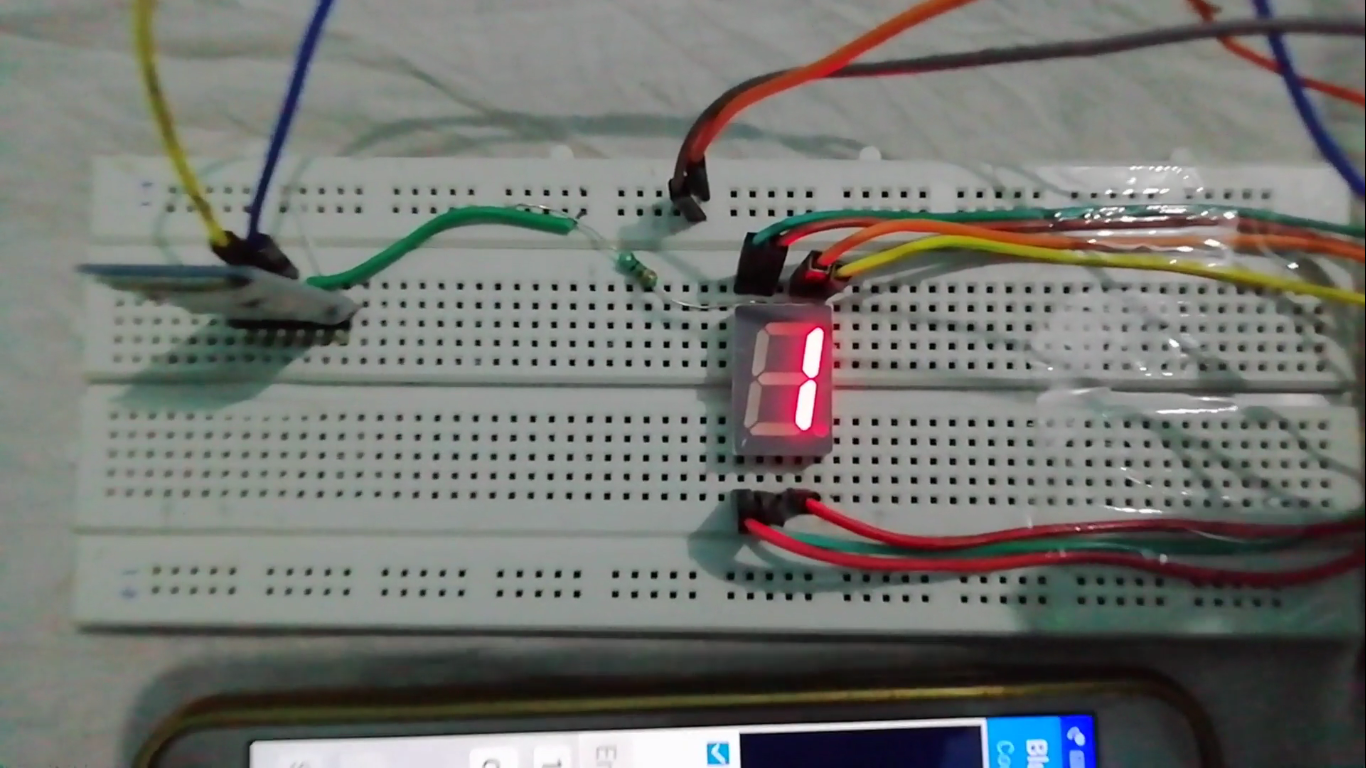
Now transmit the data.
You can send any data by connecting multiple 7 segment displays or led matrix.
Thanks also subscribe my Youtube channel for sure...