Step 1: Prepare Your Working Environment
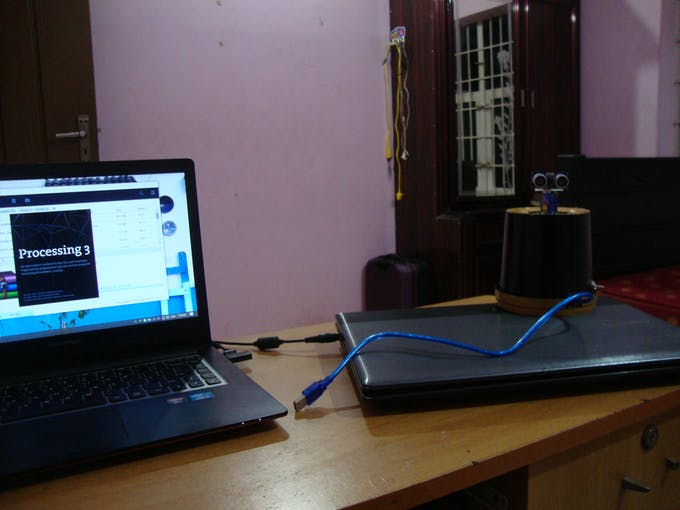
Find a quiet and tidy place where you can work comfortably.
Collect materials:
- Arduino UNO
- Ultrasonic Sensor (HC-SR04)
- Servo Motor 9g
- Breadboard
- Piezo Buzzer (You can add a relay here instead of Piezo buzzer for setting of something.)
- Couple of jumper wires
Step 2: Follow the diagram and firmly connect all the components
- Ul Trigger on D3
- Ul Echo on D2
- Servo pin D9
- Buzzer Toggle D4
Don't forget to mount the sensor on top of the servo motor use glue gun or any type of glues for mounting it firmly (I used Glue Gun).
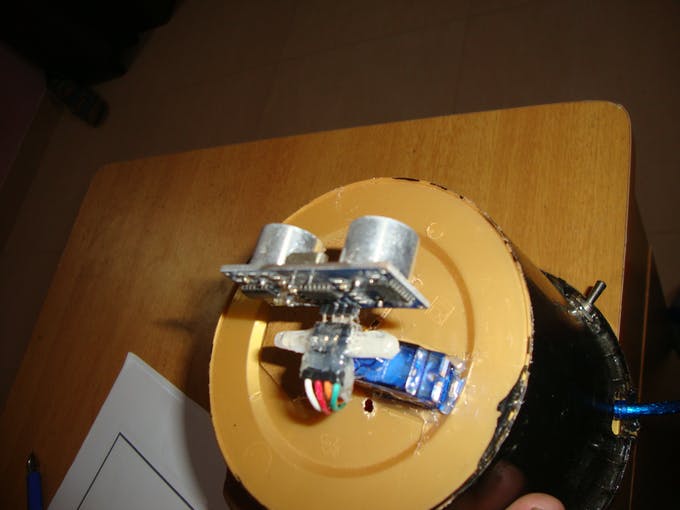
Glueing The Sensor
Step 3: Get it Uploaded
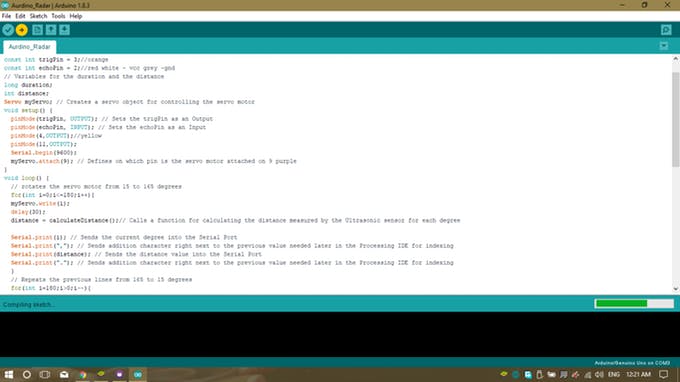
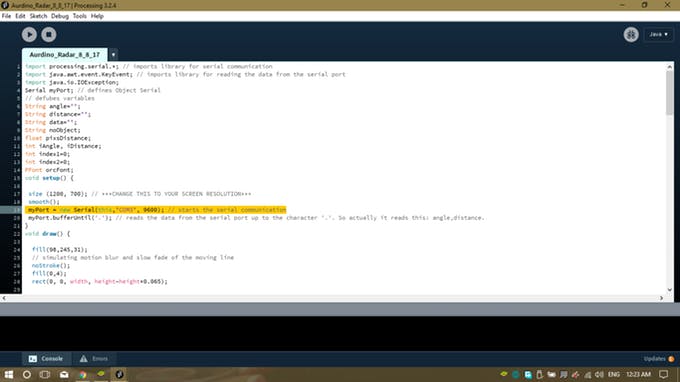
Upload the code to the Arduino board using Arduino IDE, then open processing. Download the code I provided. Don't forget to change the COM port that you use.
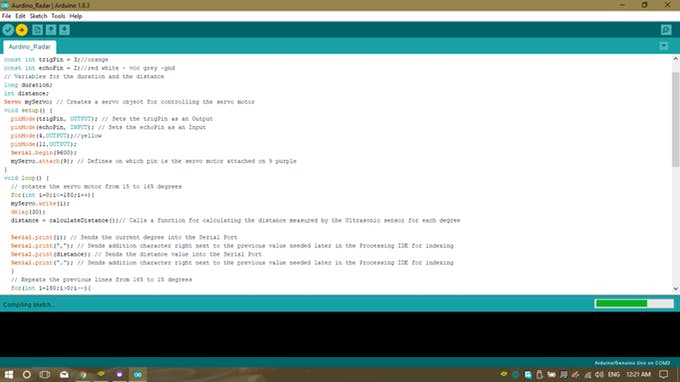
Upload To your aurdino
PREVIOUSNEXT
- 1
- 2
Step 4: Test The Gimmick
Connect the Arduino to your PC open processing run the code you can see the visualised data from the sensor.
If error occurs change the screen resolution in the processing code or change the com port I use Com 3. Fire it and rectify any issues.
Step 5: Neat and Tidy
Enclose your project into some boxes or jar (use creativity/imagination here). I used an ice cream jar and painted with black glued Arduino and breadboard using hot glue gun to inside of it and connected Arduino with external switch and battery.
If you need help, email me a mail at chessmukul@gmailcom or leave a comment below.
EXPANDED TECHNICAL DETAILS
2D Spatial Visualization Hub
This project replicates the behavior of a professional SONAR/RADAR system, displaying object positions on a PC-based graphical interface.
- Synchronized Sweep Logic: The Arduino rotates an ultrasonic sensor on a SG90 servo from 0 to 180 degrees. For every 1-degree step, a distance reading is captured and sent over serial.
- Processing Graphical Engine: A custom Processing script receives the (Angle, Distance) pairs and renders a high-contrast radar sweep, complete with persistence-lighting to show "ghosting" of moving objects.
Accuracy
- Angular-to-Cartesian Translation: The Processing script performs the trigonometry ($X = D imes \cos(A)$, $Y = D imes \sin(A)$) to accurately position objects on the circular radar display.