In this tutorial, we will show you how to connect a BME280 sensor to an ESP32 to read temperature, humidity, and atmospheric pressure data, and upload this data to ThingSpeak in real time. This type of project is ideal for IoT applications such as home weather stations or environmental monitoring systems.
What is BME280?
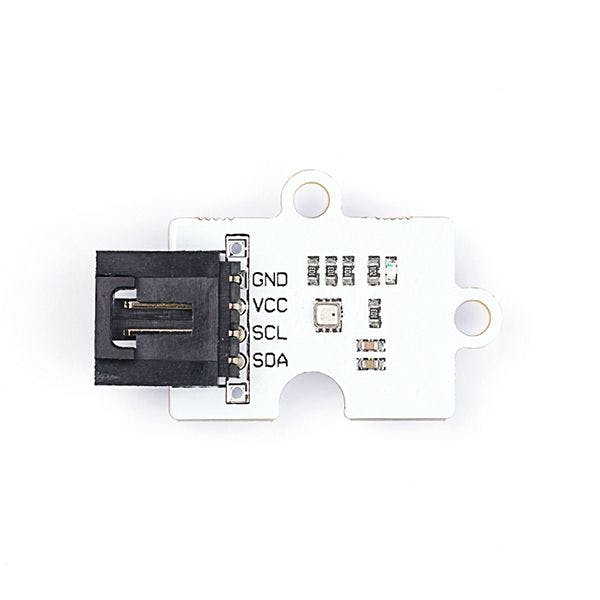
The BME280 is an advanced sensor from Bosch that can measure three environmental variables: temperature , relative humidity and atmospheric pressure . Thanks to its low consumption and compact size, it is widely used in IoT projects.
Main features:
Temperature range: -40 to 85 °C
Humidity range: 0% to 100%
Pressure range: 300 to 1100 hPa
Communication: I2C (used in this tutorial) and SPI
Necessary components
Before you begin, make sure you have the following components:
ESP32
BME280 Sensor (I2C version)
Connection cables
Account on ThingSpeak
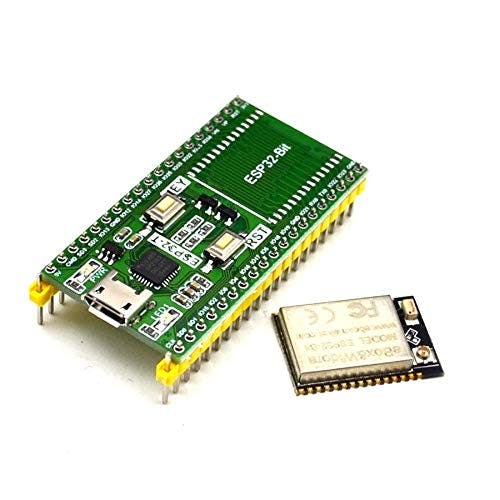
An Esp32
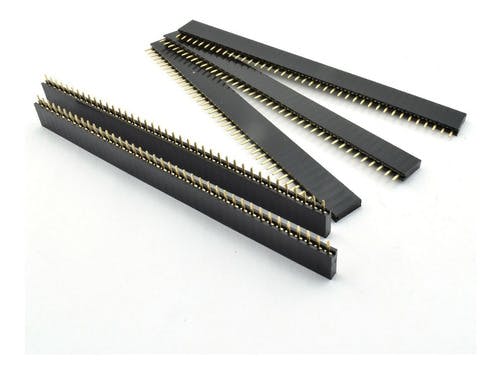
Female pins
Dupont cables female male
PCB
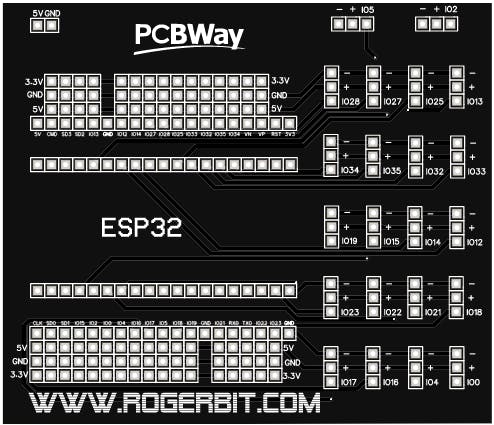
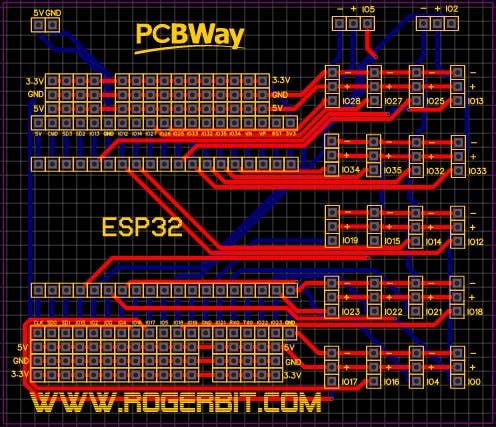
Download gerber file –> Gerber_esp32
Circuit
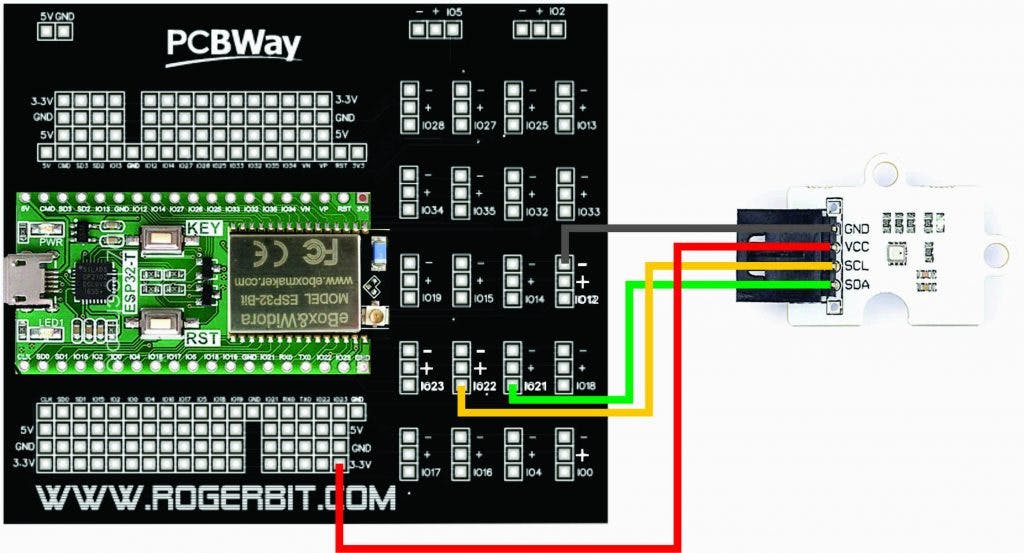
Connecting the BME280 Sensor to the ESP32
We will use the I2C interface to connect the BME280 to the ESP32. Below are the necessary connections:
I2C Connections:
VCC (BME280) → 3.3V (ESP32)
GND (BME280) → GND (ESP32)
SDA (BME280) → GPIO 21 (ESP32)
SCL (BME280) → GPIO 22 (ESP32)
Tip : If your BME280 sensor does not have built-in pull-up resistors on the SDA and SCL lines , add external 4.7kΩ resistors between each line and the 3.3V voltage.
Tip : If your BME280 sensor does not have built-in pull-up resistors on the SDA and SCL lines , add external 4.7kΩ resistors between each line and the 3.3V voltage.
ThingSpeak Setup
Before uploading the data, we need to configure ThingSpeak:
Create a ThingSpeak account if you don't have one.
Create a new channel with the required fields (e.g. “Temperature”, “Humidity” and “Pressure”).
Once created, copy the channel write API key , which we will use in the code to send the data.
Cloud Graphing API (ThingSpeak)
ThingSpeak (created by MathWorks) is an IoT analytics platform that accepts raw numbers from microcontrollers and automatically generates beautiful live charts.
- The Setup: You create a free "Channel" on ThingSpeak and receive a massive alphanumeric Write API Key.
- The I2C Harvesting: The ESP32's
loop()queries the BME280 module on theSDA/SCLpins, loading three floats:Temp, Humidity, Pressure. - The Web Request Construction: You must format a very specific URL string.
String url = "http://api.thingspeak.com/update?api_key=" + MY_API_KEY + "&field1=" + String(Temp) + "&field2=" + String(Humidity);
The HTTP POST Execution
- The code utilizes the
<WiFi.h>and<HTTPClient.h>libraries. - The ESP32 rapidly connects to your home Wi-Fi router.
http.begin(url); int httpCode = http.GET();- It literally "visits" that long URL invisibly. The ThingSpeak servers see the URL visit, extract the
TempandHumiditynumbers hidden within the web address, and add them perfectly to the graph! - The entire massive process takes about 2 seconds. The code then initiates a
delay(60000)(or deep sleep) so that it only posts every 1 minute.
Networking Hardware
- ESP32 Dev Module: Contains the built-in 2.4GHz Wi-Fi antenna and massive SSL-capable RAM.
- Bosch BME280 Breakout Board (Temperature/Humidity/Pressure).
- A reliable USB power supply.