Using incandescent filament (Numitron) displays to an Arduino
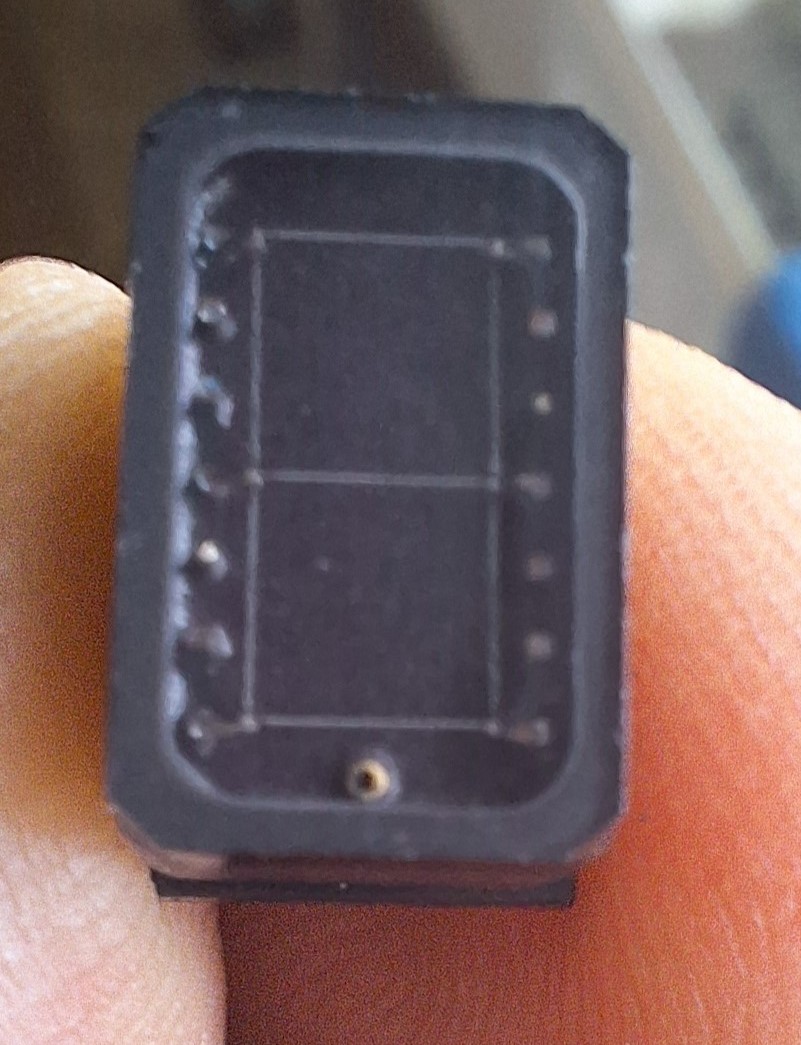
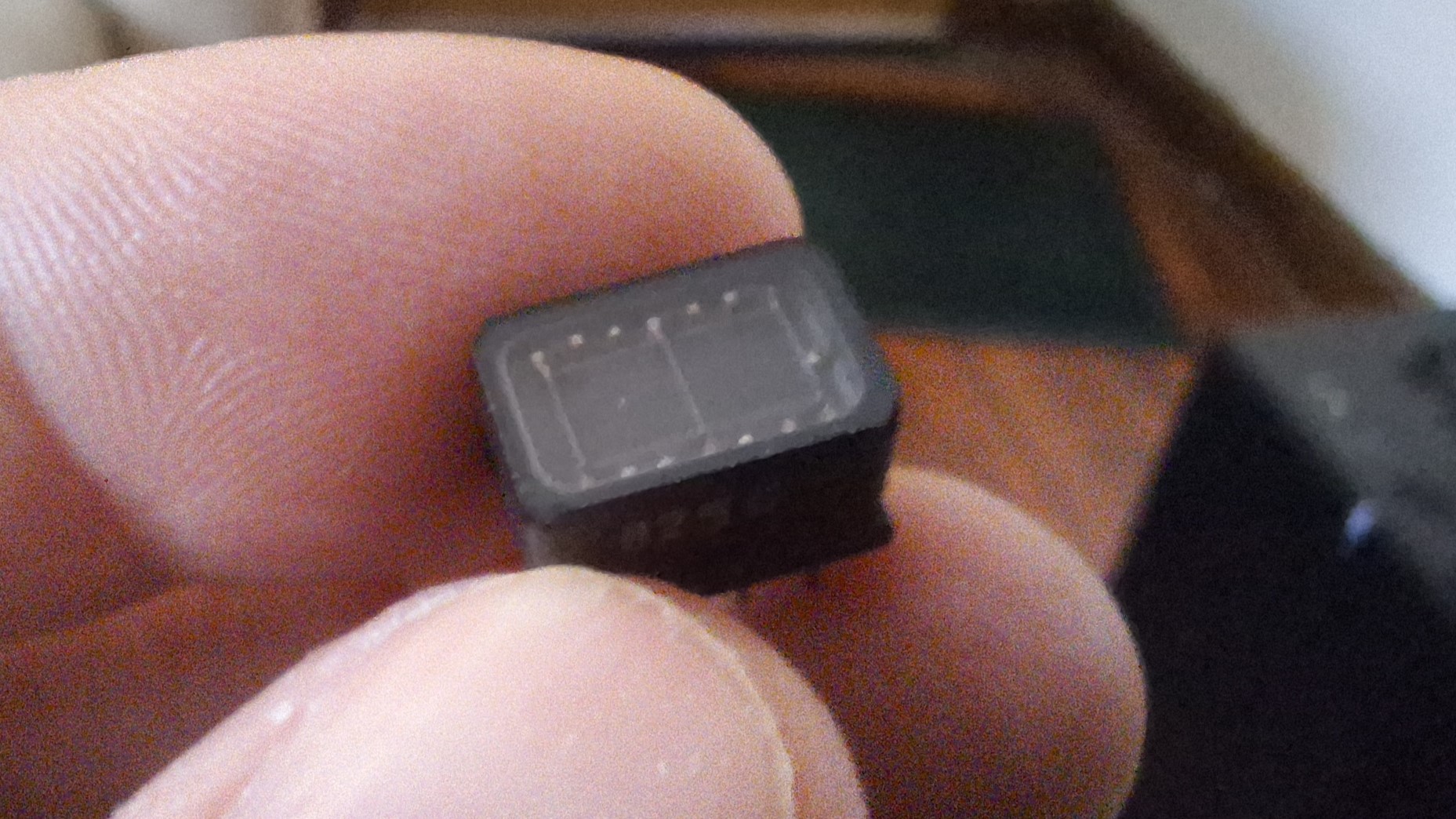
Aside from LED and LCD there are other relatively unknown display types that are usually not seen for hobbyist use and are restricted to specialist use (mainly in aviation) and that is incandescent displays. These are not the old nixie tube displays but they are 7 or 14 segment displays that use filaments - yeah like a light bulb) instead of LED segments. Typically used in aviation these displays are bright, sunlight readable and although considered vintage technology are still used today and indeed are still being manufactured. They are sometimes called Numitron or Digitron displays but Wamco call them direct view technology. The military prefer them as they are readable with night vision goggles. My examples are Wamco KW-104S modules which are 7 segment displays without a decimal point. They have a digit height of 0.3"
Now, depending on the manufacturer the specs vary so check the datasheets for your displays but typically they run off 5V and use around 15mA of current. In my displays the voltage is 4V and a operating current of 15mA. Due to the self current limiting nature of filament displays they do not need current limiting resistors and can be driven directly from a chip such as a transistor array like the ULN2003 or a power shift register like the TPIC6B595 which I am using in my example.
So, to get them working you simply treat them as you would an LED display but without current limiting resistors. Common Anode configuration is recommended as it's easier to drop the voltage to the displays via a regulator or even a couple of diodes in series with the digit commons. They are best driven without multiplexing but according to Wamco they can be multiplexed but care has to be taken with the duty cycle and voltage to prolong display life. It's complicated and requires reading the datasheet so I think it's best to run them non multiplexed.
To buy these displays typically manufacturers don't supply direct to the public or through the usual component suppliers but they do turn up on eBay from time to time and you can also get them from scrap equipment like I did. However used displays can be worn out so check with the seller to make sure they are tested first.
I will include a sample program which counts from 0-9 on up to 4 displays connected to TPIC6B595's daisy chained.
EXPANDED TECHNICAL DETAILS
Retro-Modern Interfacing
Incandescent 7-segment displays (often called "Numitron" tubes) provide a warm, vintage aesthetic that differs significantly from modern LEDs.
- High Power Driving: Unlike LEDs, filament displays pull much higher current (often 20-30mA per segment) and require a steady DC voltage. The Arduino cannot drive them directly without damaging its pins.
- Transistor Buffer Array: This project uses a bank of NPN Transistors (like the PN2222) or a ULN2003 Darlington Array to act as electronic switches. The Arduino sends a low-power signal to the transistors, which in turn switch the higher voltage needed for the filaments.
Display Characteristics
- Visual Warmth: These displays behave like tiny lightbulbs. They have a slight "ramp-up" and "cool-down" time when switching, which the firmware can account for to prevent ghosting.
- Multiplexing Logic: The Arduino rapidly cycles through digits using a high-frequency loop to ensure a steady display while minimizing the number of driver ICs required.