Computer Control: Serial Servo Movement
The Serial Monitor isn't just for reading errors; it is a powerful two-way communication tool. By typing commands into your PC, you can make the Arduino execute complex, precise physical actions.
Parsing the Serial Data
When you type the number 90 into the Serial Monitor and press Enter, the Arduino doesn't see a number—it sees the ASCII characters for '9' and '0' and a newline character (\n).
- The Check: The code uses
if(Serial.available() > 0)to wait for incoming data. - The Extraction: The
Serial.parseInt()function is magic—it strips away the text formatting and extracts the actual integer value (90). - The Action: The Arduino limits the value (ensuring it's between 0 and 180) and sends it directly to the servo:
myServo.write(angle);.
Required Hardware
- Arduino Uno/Nano.
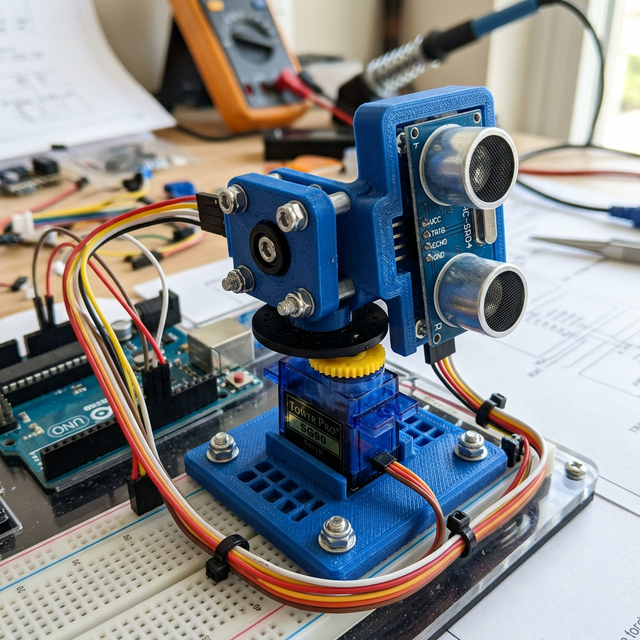
- Micro Servo (SG90 or MG90S).
- USB Cable: This acts as the communication link.
Beyond the Basics
Once this code works, you no longer need the Arduino Serial Monitor. You can use Python (via the pyserial library) or C# to write custom desktop applications with sliders and buttons that talk directly to your robotic arm!