Create an Arduino and Unity3D interactive experience with no latency!
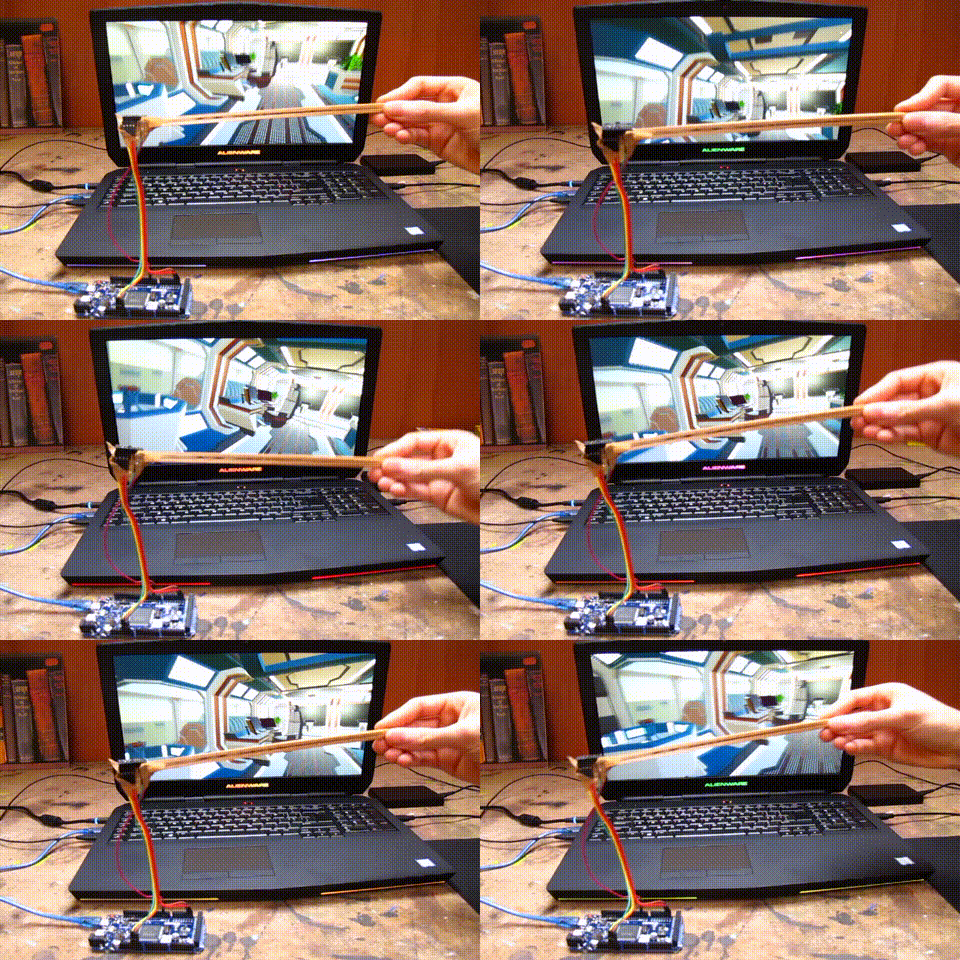
Hi, I’m 16 years old and during the holidays I like to work on little projects. I grew up in a very artistic environment - my father is a painter my brothers and sisters draw, play music, compose … And me, with my best friend we wanted to have fun with our new Arduino and Unity3D, so we started working on interactive artistic experiences. But we got stuck on one big thing. If you’ve ever wanted to transmit data from Arduino to Unity3D, you know the main issue is INSANE LATENCY.
Don’t worry about latency, wrmhl is here! ⚡️
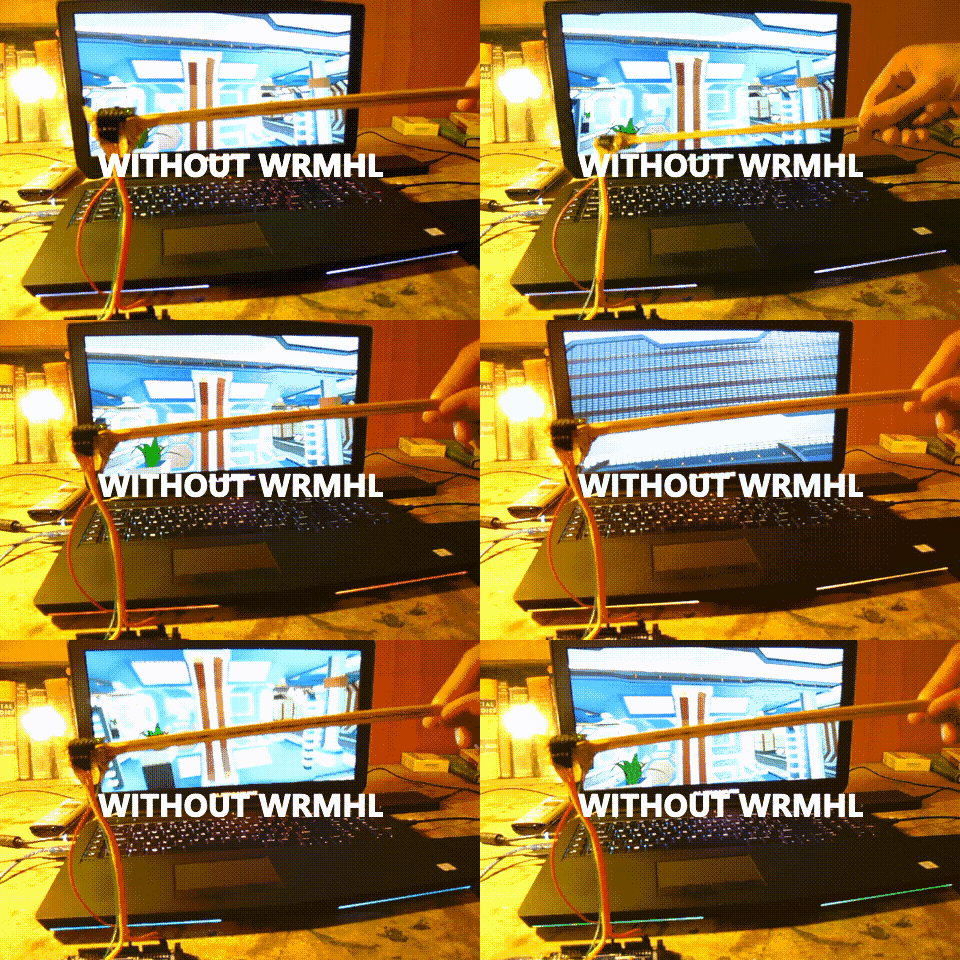
We didn't find any free, optimized, and customizable solutions to tackle this problem. So I built wmrhl. You can now connect any Arduino interface to Unity3D, and it’s completely open source.
- Just write your Arduino code, how about A Touchless 3D Tracking Interface or a Brain-Computer Arduino Interface ?
- Add a Serial print to send data from your interface to Unity3D (see examples)
- Import wrmhl to Unity, and voilà!
You can use the default wrmhl protocol, or implement your own in a minute just by changing: wrmhl/Assets/WRMHL/Scripts/Thread/wrmhlThread_Lines.cs.
How to get started?
Follow the guide by clicking here.
EXPANDED TECHNICAL DETAILS
Seamless Hardware-Software Integration
This project focuses on the low-latency communication between Arduino hardware and the Unity3D game engine, enabling high-performance interactive experiences.
- WRMHL Library Protocol: Unlike standard serial read/write, WRMHL optimizes the data stream to minimize latency, crucial for VR/AR and real-time gaming.
- Bi-Directional Stream: The Arduino can send sensor data (e.g., rotation from an IMU) to control a 3D character, while Unity can send commands back to trigger haptic feedback motors or LEDs on the user's wearable.
Practical Applications
- Interactive Art & Training: Ideal for building physical training simulators or high-end interactive art installations where the physical "feel" of a controller must match the digital visuals exactly.